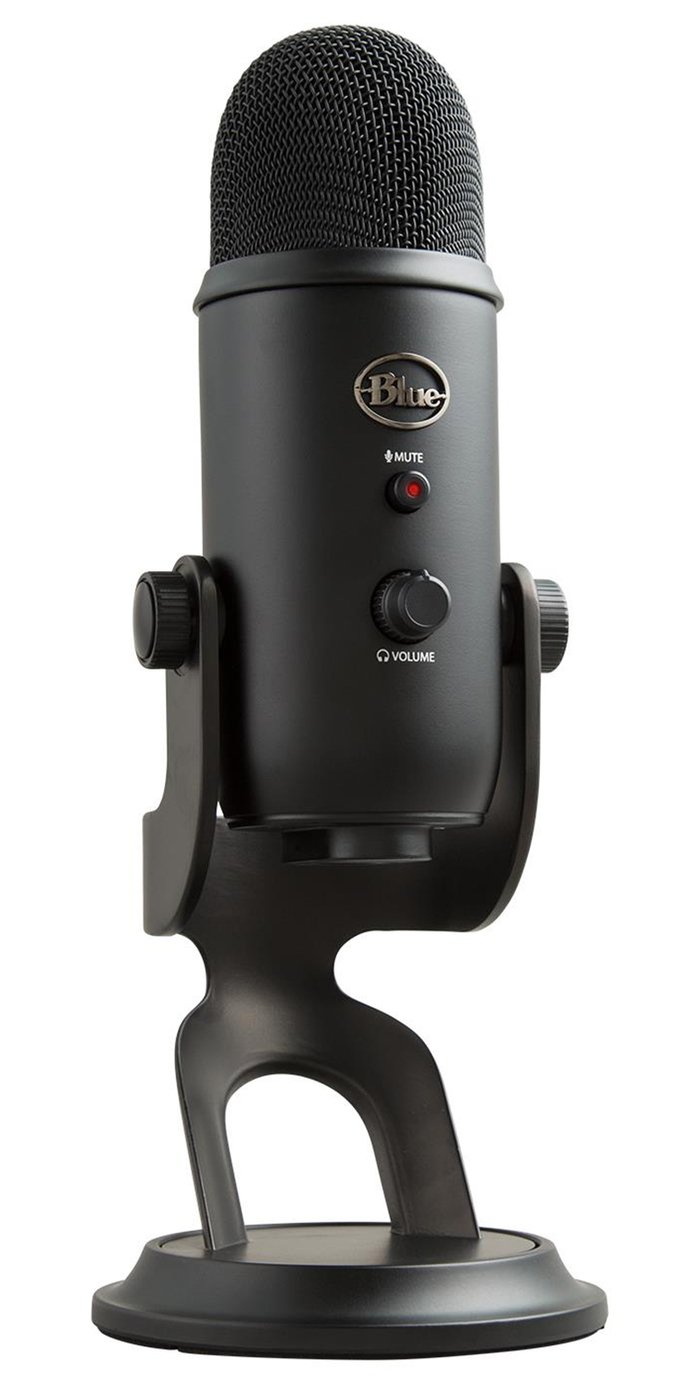
Blue Yeti
Logitech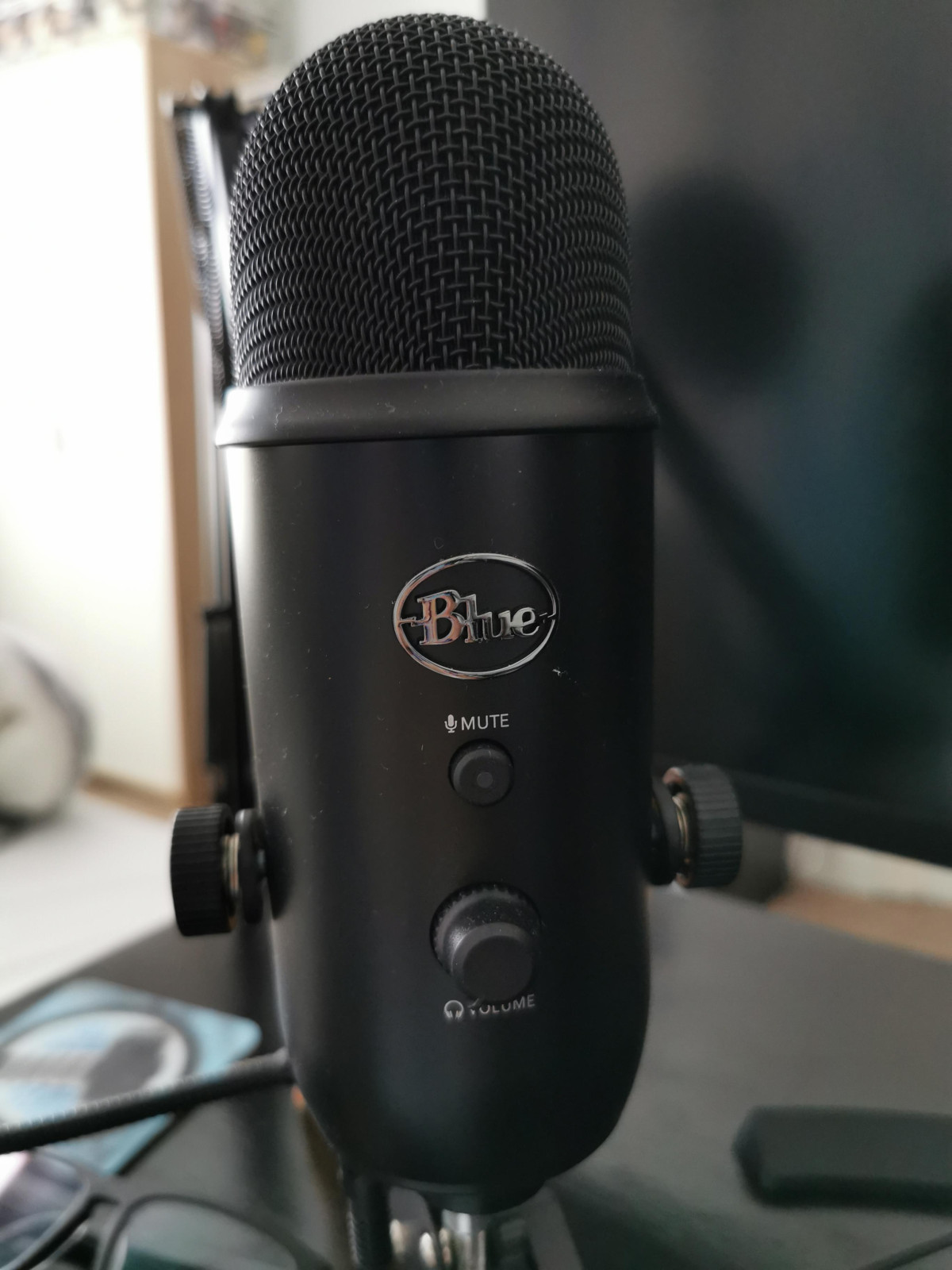
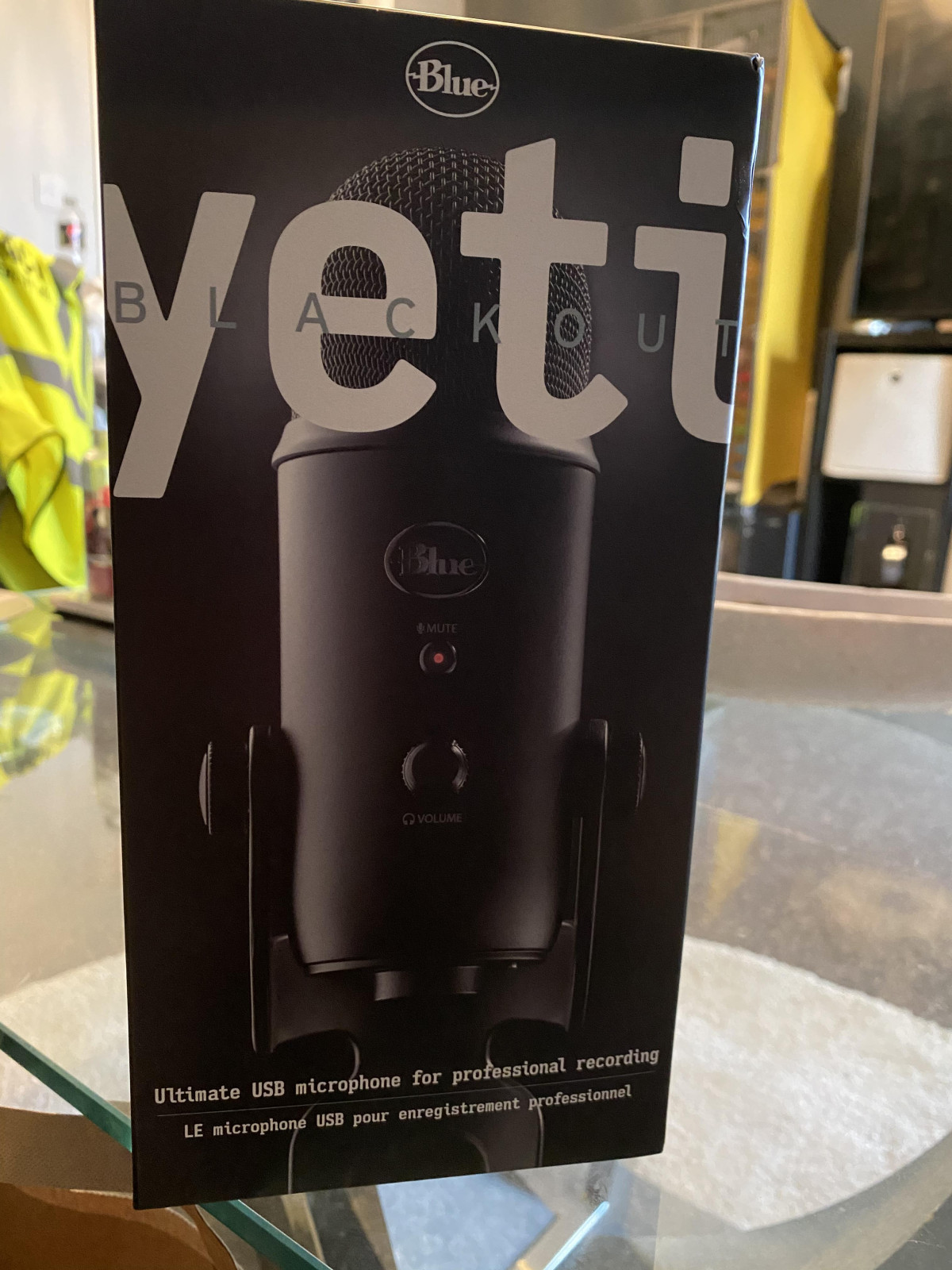
Walk into the frame of almost any popular gaming stream, podcast recording booth, or YouTube tutorial, and there's a good chance you'll spot a rounded, silver-grilled microphone perched on a heavy metal stand. That's usually a Blue Yeti. Few pieces of audio gear have become as instantly recognizable, and that reputation didn't happen by accident — it comes down to a genuinely clever piece of engineering wrapped in a design that doesn't intimidate first-timers.
This particular version, finished in black, is built for exactly the audience its name suggests: streamers, gamers, podcasters, and anyone producing content from a PC or Mac who wants studio-style flexibility without studio-style complexity. Before you commit to it, though, it's worth understanding exactly what that flexibility means in practice, where the mic shines, and where its size and connection type might make it the wrong fit.
Design and Build Quality
The Yeti doesn't try to disappear on your desk — it's meant to be seen, and the design leans into that. The black finish gives it a slightly more understated, professional look than Blue's classic silver model, which matters if you're going to be on camera with it in frame during every stream or video call.
Pick one up for the first time and the first thing you notice is the heft. Between the microphone body and its solid metal desktop stand, this is not a lightweight accessory — it's a substantial, planted piece of hardware. That weight is a deliberate design choice: a heavier base resists vibrations from a bumped desk, a closing door, or a heavy-handed typist, which means fewer thuds and rumbles bleeding into your recording. The trade-off is that the Yeti isn't something you toss in a backpack for a coffee-shop recording session. It's a desktop instrument, and it wants a permanent spot on your setup.
The included stand tilts the microphone on a single axis so you can angle it up or down toward your mouth, and the mounting hardware is simple to detach if you outgrow the stock stand and want to move to a boom arm instead. One practical note worth flagging here: this microphone is heavy enough that it doesn't play well with lightweight desktop boom arms designed for smaller headset-style mics — you'll want a boom arm specifically rated for this heavier condenser mic style if you make that switch.
On the front of the mic body you'll find a cluster of physical controls: a headphone volume dial, a gain (sensitivity) dial, a mute button, and a small dial to switch between pickup patterns. Everything is controlled right on the hardware, with no software required to get sound out of it — a detail that matters enormously for the beginner half of this mic's audience.
What's Actually Inside: The Three-Capsule System
Here's the feature that separates the Yeti from the sea of generic USB mics: instead of one microphone element, it uses three separate condenser capsules arranged inside the housing, each aimed in a slightly different direction. By blending the signal from these capsules electronically, the Yeti can mimic the pickup behavior of several different specialized microphones — all from a single device.
In plain terms, that means you can switch how the microphone "listens" to a room depending on what you're doing, using a dial on the front of the mic:
| Pattern | What It Actually Does | Best Used For |
|---|---|---|
| Cardioid | Focuses almost entirely on sound directly in front of the mic, rejecting noise from behind | Solo streaming, podcasting, voiceover, gaming commentary |
| Omnidirectional | Picks up sound equally from all directions around the mic | Group recordings, roundtable podcasts, capturing room ambience |
| Bidirectional | Captures sound from the front and back while rejecting the sides | Face-to-face interviews, two-person conversations |
| Stereo | Uses the left and right capsules to capture a wide, spatial image | Acoustic instruments, ASMR, field recording, music with a sense of space |
For a beginner, the practical upside is straightforward: you don't need to buy a different microphone for every recording scenario. Hosting a two-person interview this week and recording a solo voiceover next week? Same mic, different dial position. For more experienced users, it's worth knowing that no multi-pattern mic at this size and price fully replicates dedicated single-purpose microphones — the cardioid mode here is very good for voice work, but it isn't going to out-perform a purpose-built vocal condenser in a treated studio. What you're buying is versatility, not a specialized best-in-class capsule for any one pattern.
Recording Quality: What to Expect in Real Conditions
The Yeti records at a resolution matched to how people actually use it — clean enough for professional-sounding speech, streaming commentary, and casual music capture, without pushing into the ultra-high-resolution territory that mastering engineers might want for a commercial album. In practice, this means voices come through full, warm, and detailed enough that listeners on a podcast platform, YouTube video, or Discord call will immediately notice the difference compared to a laptop's built-in microphone or a cheap headset mic.
The frequency range the Yeti is built to capture spans from deep low tones up through crisp high-end detail — wide enough to render a natural-sounding voice without the thin, tinny quality of low-end USB mics, but not engineered as an audiophile instrument for capturing a full orchestra. For spoken word, streaming commentary, and most home-studio music use, that range covers everything a listener would actually notice.
One technical strength worth calling out for the more experienced buyer: this microphone carries THX certification, meaning it's been independently tested to meet a defined standard for audio fidelity — a distinction most USB microphones in this category don't bother pursuing. It's a meaningful signal that Blue engineered this as a serious audio tool rather than a novelty webcam accessory.
The onboard headphone jack also deserves a mention. It lets you monitor exactly what the microphone is hearing in real time, with no perceptible delay — critical for making sure your levels are right and you're not clipping, without having to record first and check afterward.
Key Features That Matter Day to Day
Beyond the headline capsule technology, several smaller design choices make a real difference to daily use:
- Instant mute control: A single tap silences the mic — useful for coughing, taking a call, or handling an interruption mid-stream without fumbling through software menus.
- Onboard gain dial: Lets you adjust how sensitive the mic is to your voice directly on the hardware, so you're not chasing volume sliders in three different apps.
- Zero-latency headphone monitoring: As covered above, you hear yourself in real time through the built-in headphone jack.
- Adjustable stand angle: The mic tilts to match your seating position and desk height without needing extra hardware.
- True plug-and-play USB connection: No drivers, no interface, no phantom power supply — connect the cable and the microphone is recognized by your computer as an audio input device.
Setup, Compatibility, and Power
Because the Yeti draws its power entirely through the USB connection, there's no battery to manage and no charging routine to think about — a genuine advantage over wireless microphones or battery-powered accessories that can die mid-recording. As long as it's plugged in, it's ready.
That said, compatibility has real boundaries worth knowing before you buy, especially if your setup isn't a traditional desktop computer:
- It works with Windows and Mac computers via USB.
- It is not compatible with games consoles such as PlayStation or Xbox.
- It is not designed to work with smartphones or tablets, even with an adapter, since it's built specifically for USB audio input on a full computer operating system.
If your streaming setup runs primarily through a console rather than a PC or Mac, this particular microphone won't plug directly into that workflow — that's a hard limitation rather than a fixable inconvenience, so it's worth confirming your setup matches before buying.
The included cable runs to one meter, which comfortably reaches from a desk-mounted mic to a nearby computer tower or laptop, but is worth factoring in if your recording position is going to be any real distance from where the computer itself sits.
Who This Microphone Is Actually For
This microphone earns its popularity because it sits at a genuinely useful intersection of quality and simplicity. It's the right call if you are:
- A new podcaster or streamer who wants a noticeable jump in audio quality over a headset mic or laptop microphone, without learning audio interface routing or gain-staging theory first.
- Someone who records more than one type of content — solo commentary one day, an interview the next — and wants a single device that adapts rather than buying multiple mics.
- A desktop-based creator working from a fixed spot at a PC or Mac, where the mic's size and weight aren't a portability concern.
- Someone who values being able to see what they're getting through onboard controls, rather than adjusting everything through a mixing app.
Who Should Look Elsewhere
Equally, it's worth being upfront about who this microphone is not built for:
- Console streamers. If your entire setup runs through a PlayStation or Xbox rather than a PC, this microphone simply won't connect to that ecosystem.
- Mobile-first creators. Anyone recording primarily on a phone or tablet needs a different solution built for that connection type.
- Minimalists and travelers. The Yeti's weight and stand footprint make it a poor fit if you need something that packs away easily or moves between locations often.
- Audiophiles chasing the highest possible resolution. Serious home-studio musicians mixing and mastering commercial releases will eventually want a higher-resolution audio path than this consumer-tier recording depth offers.
How It Stacks Up Against the Alternatives
The USB microphone market has grown considerably, and the Yeti now sits alongside several strong competitors, including other members of its own product family. Here's how the landscape breaks down:
| Microphone | Pickup Patterns | Standout Trait | Best For |
|---|---|---|---|
| Blue Yeti (this model) | 4 (cardioid, omni, bidirectional, stereo) | Best pattern versatility at this size and price point | Buyers who want one mic to cover multiple recording scenarios |
| Blue Yeti Nano | 2 (cardioid, omni) | Smaller footprint, lighter weight | Desks with limited space who don't need bidirectional or stereo modes |
| Blue Yeti X | 4 (same as standard Yeti) | Higher recording resolution, onboard LED metering, digital gain control | Users who want the Yeti experience with a more premium finish and higher-fidelity recording |
| Competing streaming-focused USB mics (e.g., other gaming-branded condensers) | Typically 1-4, varies by model | Often lighter and more travel-friendly | Users prioritizing portability or console/mobile compatibility over pattern flexibility |
| Single-pattern broadcast USB mics | Usually cardioid only | Narrower focus, often cleaner cardioid-only performance | Solo podcasters who know they'll never need omni, bidirectional, or stereo modes |
The honest takeaway from this comparison: if you know for certain you'll only ever record solo, cardioid-pattern content, a simpler single-pattern microphone can sometimes edge out the Yeti in that one specific mode while costing less. The Yeti's strength is being genuinely excellent across four different recording scenarios rather than being hyper-specialized in just one.
The Honest Strengths and Weaknesses
Strengths
The strongest argument for this microphone is how little stands between unboxing it and getting professional-sounding results. There's no interface to configure, no drivers to hunt down, and no manual to decode before your first recording — you plug in, choose a pattern, and start talking. For the huge number of people picking up their first "real" microphone, that low barrier to entry is worth more than any single spec on a sheet.
The multi-pattern capsule system is the second major strength, and it's not a gimmick. Being able to genuinely switch between an interview setup and a solo commentary setup using the same hardware saves real money and desk space compared to owning separate microphones for each use case. Layer on THX certification, a sturdy metal build, and onboard controls you can operate by feel, and it's easy to see why this has remained a default recommendation for years.
Weaknesses
The weaknesses are just as real, though, and worth taking seriously before buying. The size and weight that make it stable also make it inconvenient for anyone without a dedicated, permanent desk setup — this is not a mic that plays nicely with a minimalist or mobile workflow. The recording resolution, while entirely appropriate for streaming and podcasting, will eventually feel limiting to anyone moving into serious music production or professional broadcast mixing, where higher-resolution audio paths become the norm.
And the hard compatibility wall around consoles and mobile devices means a meaningful slice of streamers — specifically those on PlayStation or Xbox — need to look at a different product category entirely, regardless of how good this microphone sounds.
The Final Verdict
For a PC or Mac-based streamer, podcaster, or content creator who wants a dramatic, immediately noticeable upgrade in audio quality without wading into professional audio-interface territory, this microphone remains an easy recommendation. The four pickup patterns genuinely cover the range of scenarios most creators encounter, the build quality is reassuringly solid, and the plug-and-play simplicity means you're recording usable audio within minutes of opening the box.
Buy it if your workflow lives on a computer, your desk has room for a permanent, weighty microphone stand, and you want one piece of gear that adapts across solo commentary, interviews, and casual music recording. Skip it if your streaming setup is console-based, you need something portable, or your ambitions are already pointed toward professional, high-resolution studio production — in those specific cases, a different microphone in this category will serve you better.
What People Say
78 commentsAmazing stereo sound quality
I bought this so we could make recordings of our chamber choir. It is every bit as good as we hoped it might be. Everyone was surprised with the quality and the clarity of the recording. You could pick out each singer. I am using it with a Mac and Garage Band. It will create two different tracks at the same time in stereo mode to make true and realistic stereo recordings. The channel separation is excellent. The only thing is that you may need to use an adaptor or to buy a separate cable (which I did) if you don't have a USB A port on your device. The only cable it comes with is USB A (computer end) to Mini USB (mic end), which are a bit old these days. But it does not nead a power supply as it draws its power through the same USB cable. I have also used it for voice in a zoom call and am told the sound was noticeably better than usual. It is a great piece of kit and i am very happy with it.
Great Microphone for streaming and gaming.
The Blue Yeti USB microphone is a popular choice for streaming, gaming, and podcasting. It offers excellent sound quality, a variety of polar patterns to choose from, and easy plug-and-play setup. The build quality is solid and it has a sturdy metal construction. The microphone's controls are simple and easy to use, allowing for quick adjustments to the volume and pattern. Additionally, the included stand is quite stable and keeps the microphone in place. However, some users may find the Blue Yeti to be bulky and may prefer a more compact option. Overall, the Blue Yeti is a great microphone for its price and is a solid choice for anyone looking to improve the audio quality of their streaming, gaming or podcasting.
Good quality USB Microphone
I wanted an affordable microphone for online gaming, work meetings and for singing that I could connect to both my PC and Playstation and this does the job pretty well. I went through a few microphones to get one that picked up singing to any decent quality and I'm pretty happy with this. You can get better quality by going for an audio interface connection rather than USB, which isn't the best, but for ease of connectivity between devices, this ticked the boxes for a reasonable price
Blue Yeti USB Microphone.
This is a Microphone for someone looking to start out in Podcasts, Webcasts, LiveStreams. If you're looking for something Semi-Professional then this is it.
If you want something very high quality then you will pay the price, however with that being said.. It's a very well built unit. Multi-Options with the polar patterns and when used with a big of compression it sounds really nice.
Top Tip: Buy youself a Pop Shield to work alongside this.
Great unit and would recommened.
A superb mic for personal OR professional use
My old mic broke and I decided to invest in this Blue Yeti following reading many positive reviews. I record podcasts professionally but also use the mic for zoom calls etc and the quality is superb. It's 'plug and play' which is handy, and the feature to change modes to, say, stereo, is very useful when interviewing others, too. Beginners might find the price point a little high, but if you regularly use a mic you do get what you pay for - superb sound.
Love this mic!
Love this yeti mic. I spoke to a lot of people before I bought it for advice on which one to get, most people said get this mic.
I'm glad I did, sound ia really clear. You can hear typing etc on the keyboard if you are doing it at the same time but that doesn't bother me as I don't use keyboard for gaming.
My streams have been a lot better since using this rather than the sound in my webcam.
Would definitely recommend.
Easy to set up.
A good quality, solid, reliable mic
After messing around with several cheaper USB mic's I finally lashed out on a Yeti and, I'm not disappointed. It's also worth loading the Logitech GHub software which gives you more granular control over the mic settings.
The supplied desk stand makes a great doorstop (that sounds like it's not good - it is, very good and solid) but, I prefer a boom arm which brings the mic closer and helps to reduce "desk thump".
Solid performer, though quite expensive
The quality of the recordings made from this microphone can't be faulted. It is easy to use (plug and play on Linux; no doubt similar on MS Windows and Mac) and the apparatus feels sturdy and well-made, heavy enough so that there's no chance of knocking it over.
It is rather expensive though. I haven't myself compared against other similar products, but made my purchasing decision based on other reviews.
Brilliant for a usb mic
The yeti has served me brilliantly considering it’s a usb mic. Defo lives up to its name of the best usb mic in the world. Super crisp sound, multiple sound options on the mic and looks cool on my desk. Very sensitive so it pics up every sound, I can even here people downstairs on it. Would defo recommend for someone starting out a podcast or voice over work.
Awesome Mic
I needed to upgrade my Snow Ball which I had had for a little while. I did some research and found that the yeti was a suitable and worthy upgrade. Admittedly it’s a pricer option however; I am really pleased I purchased it. It’s great and covers all the bases I need it for. If you can stretch to spending a little more then I would highly recommend this mic.
Made all the difference
I bought this for my son last year who was forced because of lockdown to complete most of his course of higher education on an inexpensive laptop over Zoom. Can honestly say it made all the difference. The microphone performed brilliantly, never letting him down in webinars, and helped him to complete the course very successfully. Highly recommend.
this mic is awesome!
Been waiting for this mic to be back in stock for a few days and boy howdy am i glad i waited! Sound quality is amazing, price is amazing. Totally worth it! My streams all sound a million times better than they did with a snowball so if you are thinking of getting a snowball, dont. pay the extra to get the Yeti! you wont be disappointed!
Blue Yeti Bonza
So I am not a YouTuber but recently bought this for work purposes (video clips) and virtual calls. You won’t believe the difference in sound quality on recorded content using the Blue Yeti. It’s really good. Get yourself one a pop filter mask shield to stop any unwanted noise going down the microphone. REALLY easy to setup too
Amazing, easy to use, good sounding microphone
The sound quality is pristene, the build quality is amazing (full metal). The different polar patterns make this mic very versatile as well.
I would definitely recommend this microphone if you are interested in a beautiful microphone with amazing sound without needing to purchase any audio interface or special cables.
Exactly what I needed
Needed a good quality mic for home working. This has enabled me to join online meetings with much better sound quality than my laptop mic and without the inconvenience of wearing a headset. This has also been used to create some how to videos to assist other employees within my organisation. I would highly recommend
Great sound quality and super easy to use
I bought this to replace my headset mic and have not looked back since. It just works out of the box plug it in and boom your away. It feels quality from the moment you get your hands on it out of the box it looks great and does the job amazingly well. Definitely a massive improvement on my old audio solution.
Blue YETI You Gotta Getty
Pro's = Solidly built and robust, gives great vocals with a little effort.
Con's = Software not bundled and hard to find the settings in one interface. You will need to visit two websites to download the correct software to make the most from this mic.
Realtek Audio Console, and , Nahimic companion software.
Super clear mic
This mic is super clear, I feel like a secret agent, you can connect a pair of headphones to the mic directly, using the mic gain nob on the back combined with the headphones volume nob on the front, you can almost clearly hear conversations from other dimensions
…. I mean, this mic is unnecessarily clear!!
Blue Yeti Review
I've been usibg this product for over a month now and it's been working great. Being able to plug your headset into the microphone is especially useful if you plan on using it for streaming or podcasting. Only minor flaw is that it's quite large so make sure you have enough space for the microphone.
Very happy with it
Love the flexibility you get with the Yeti - the option to control the gain (how much sound is let in), the different mic settings depending on what you're recording e..g podcast, voiceover, music, the mute button - a great addition. I'm using it to record a podcast and it's serving me brilliantly.