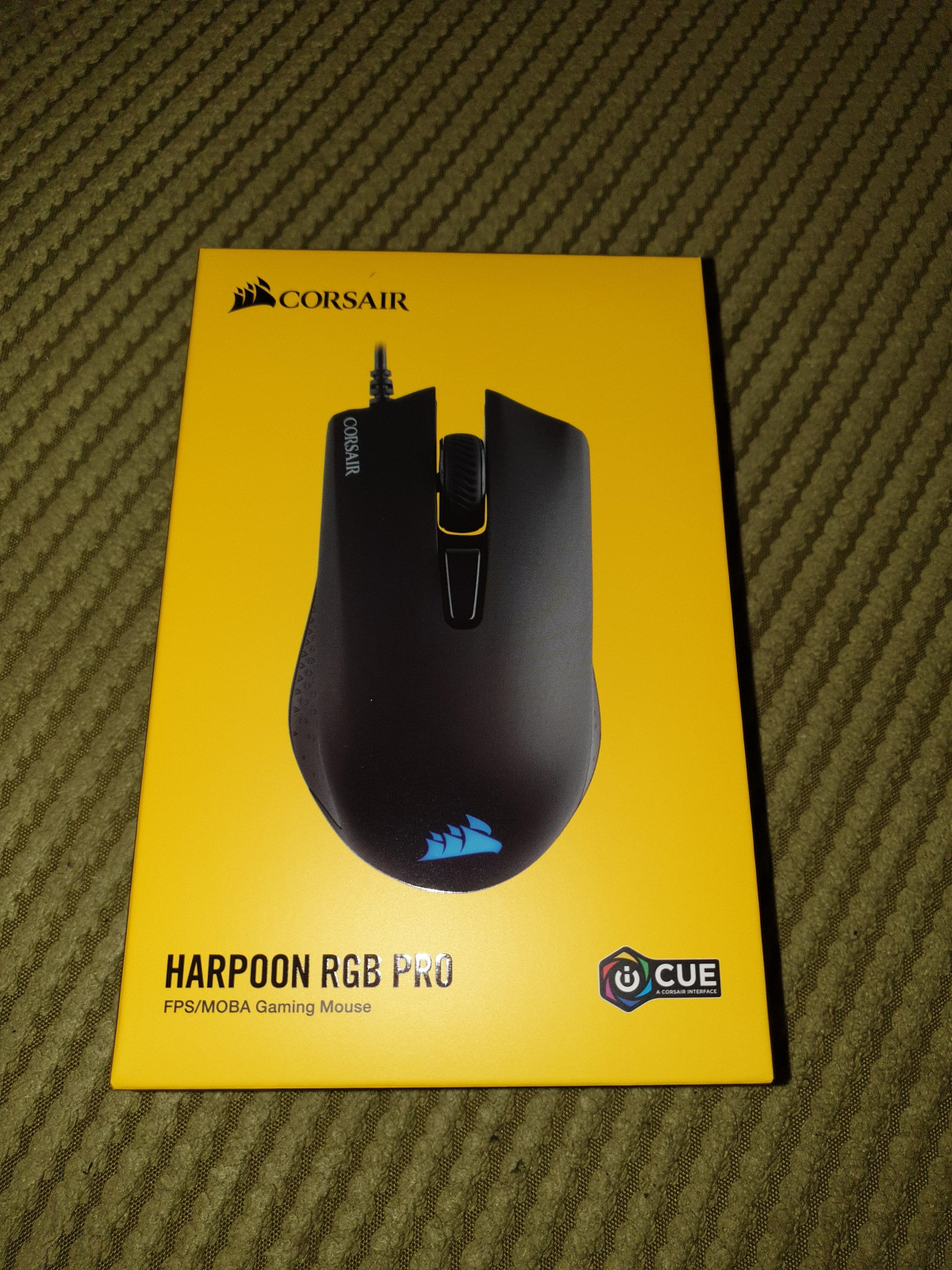
Corsair Harpoon RGB Pro
Corsair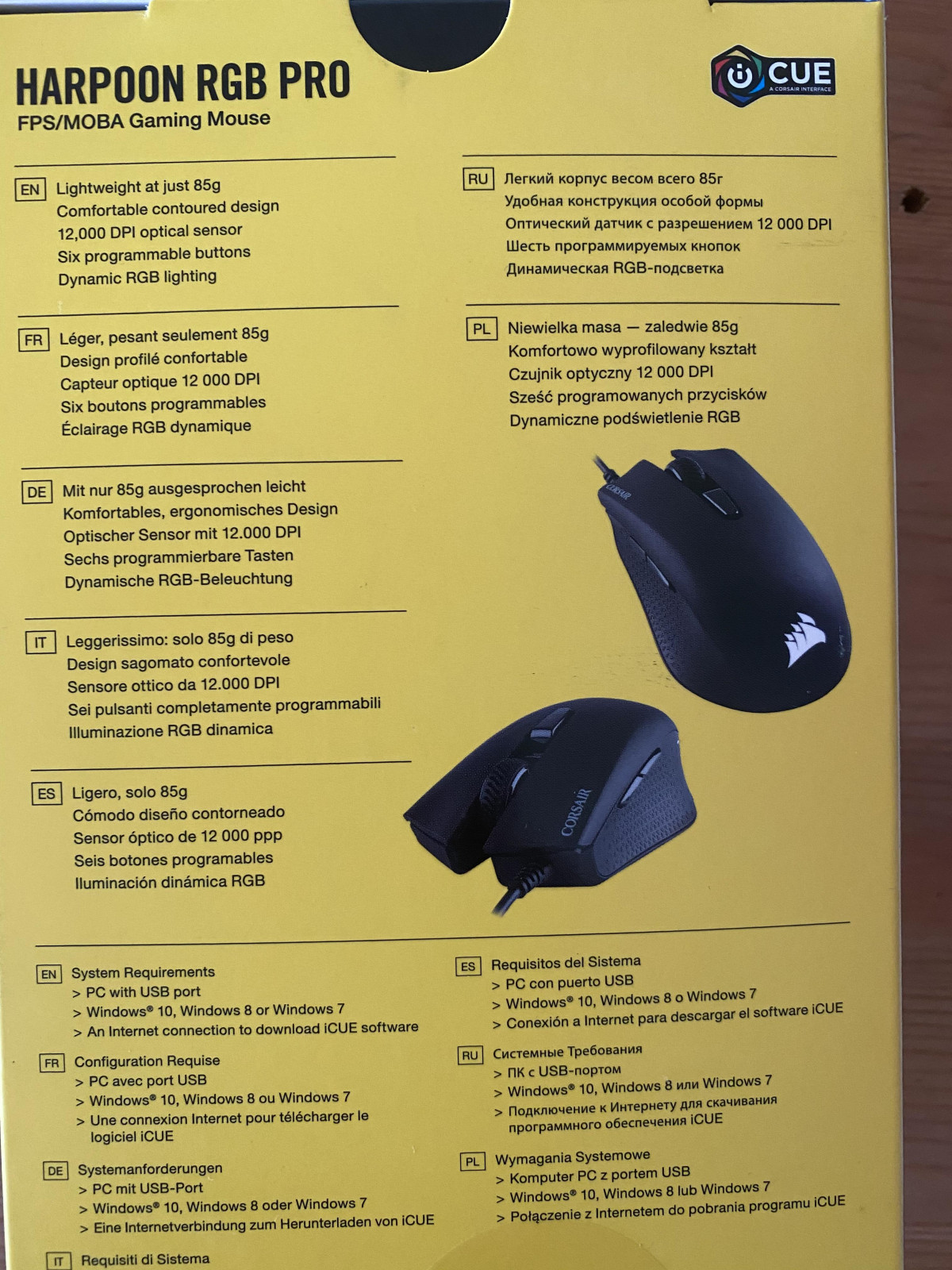
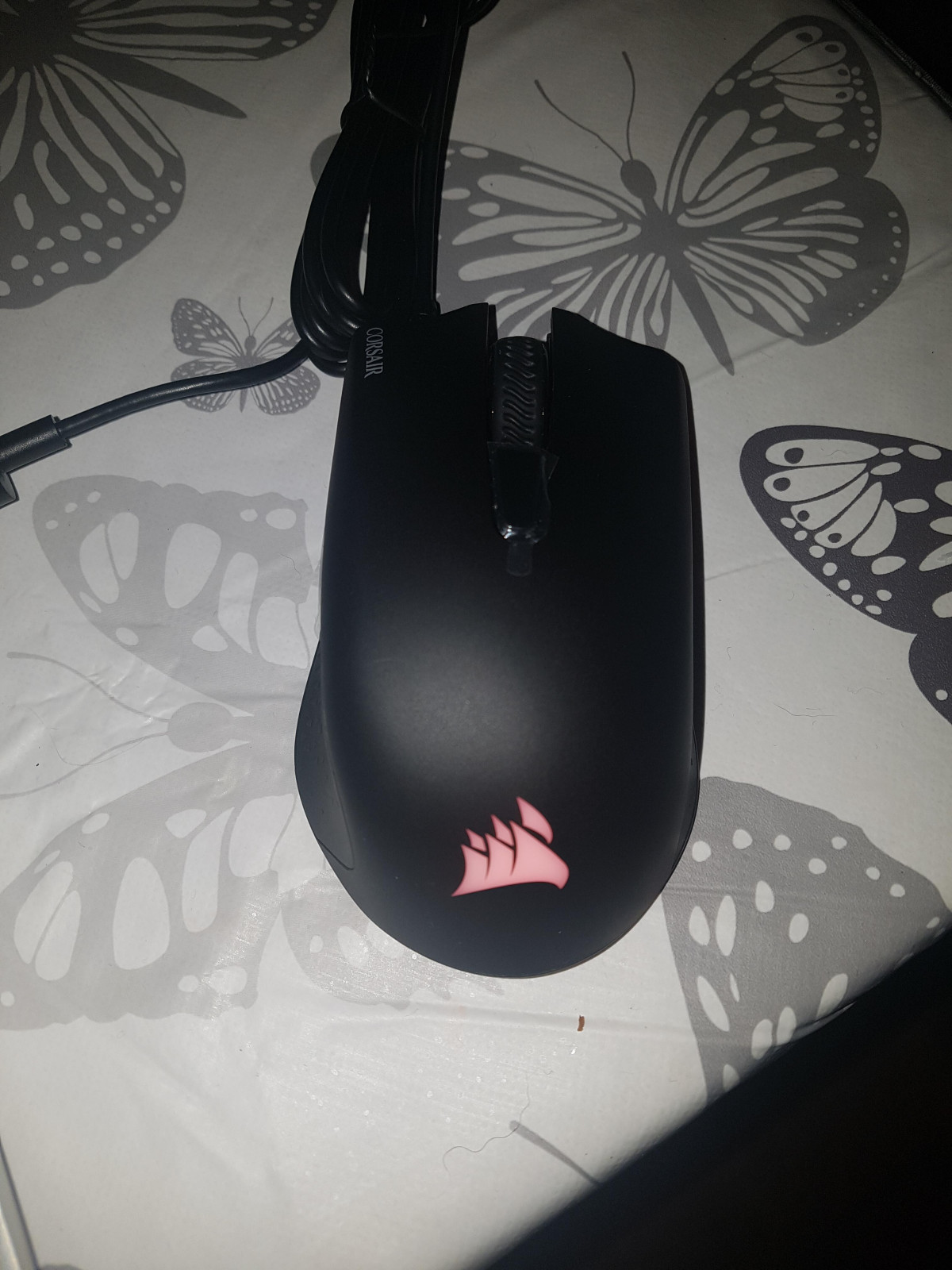
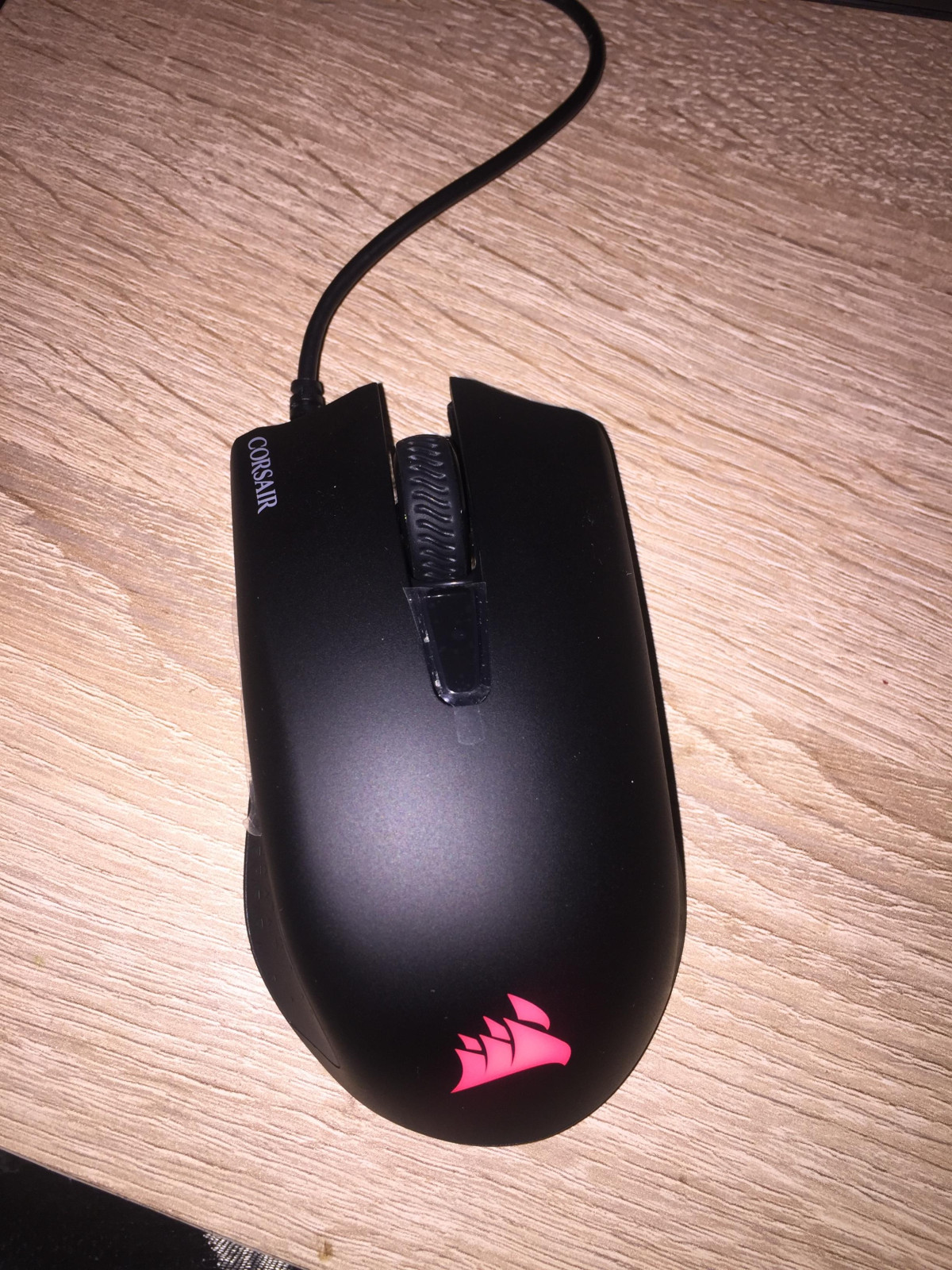
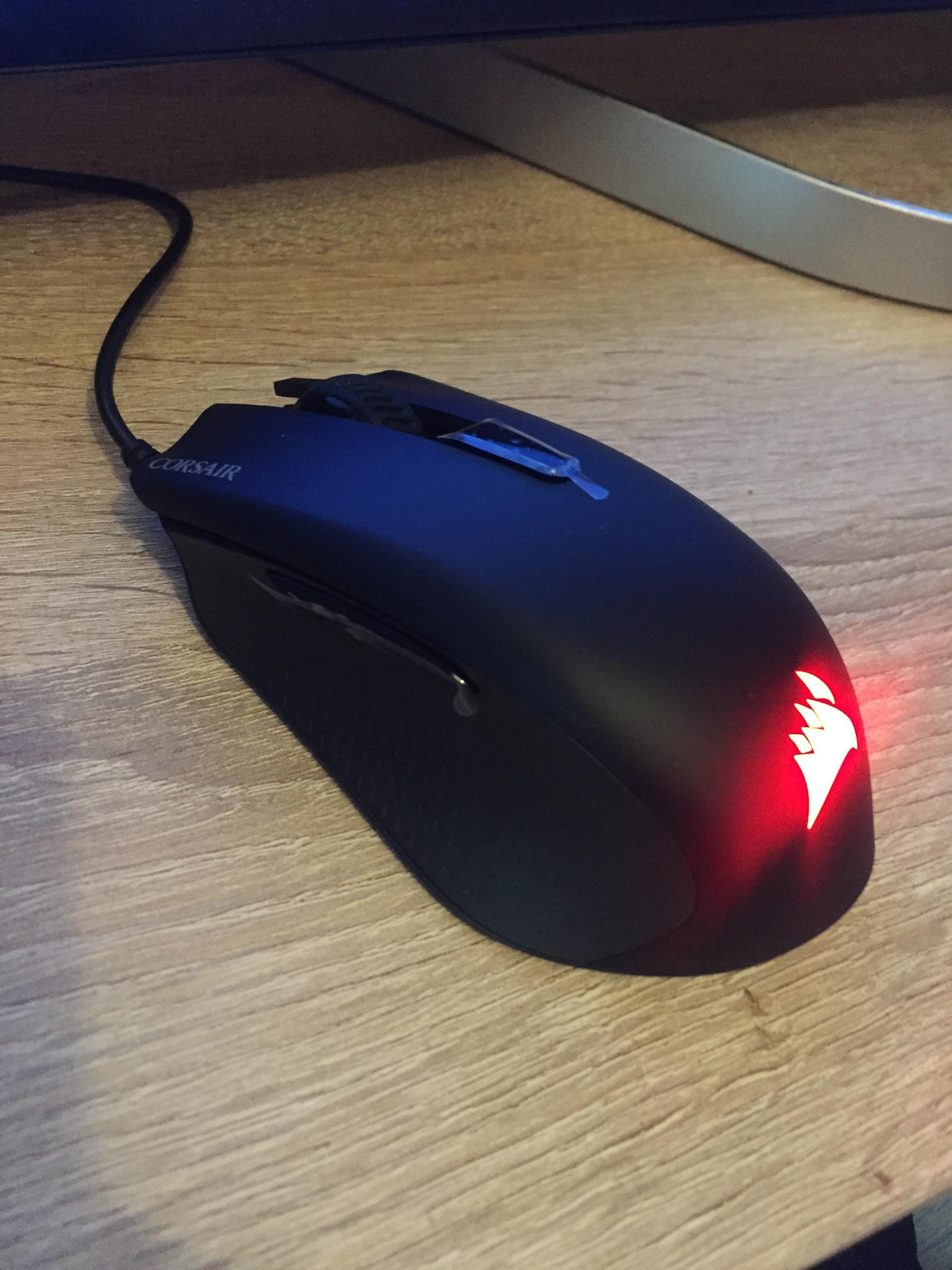
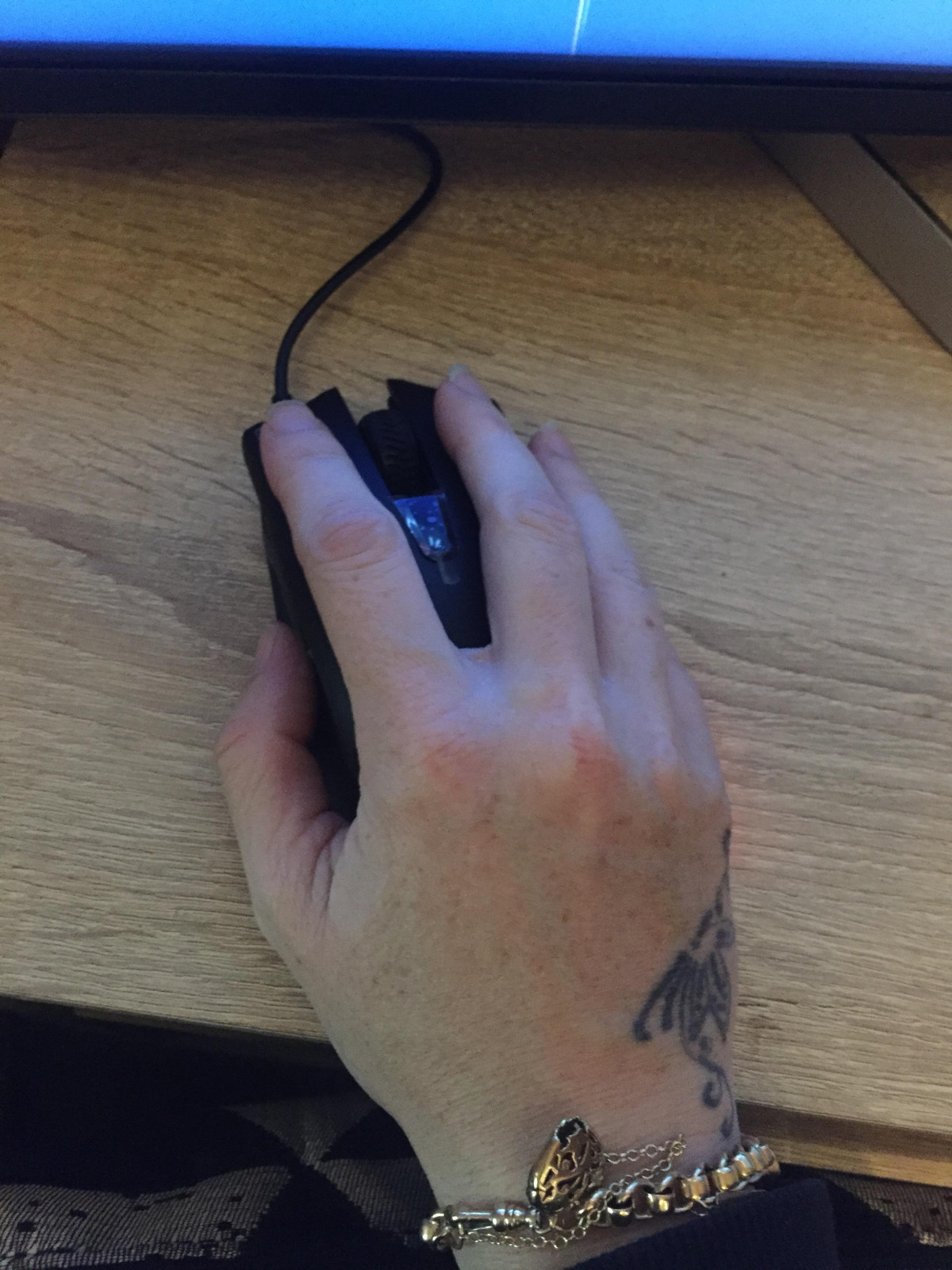
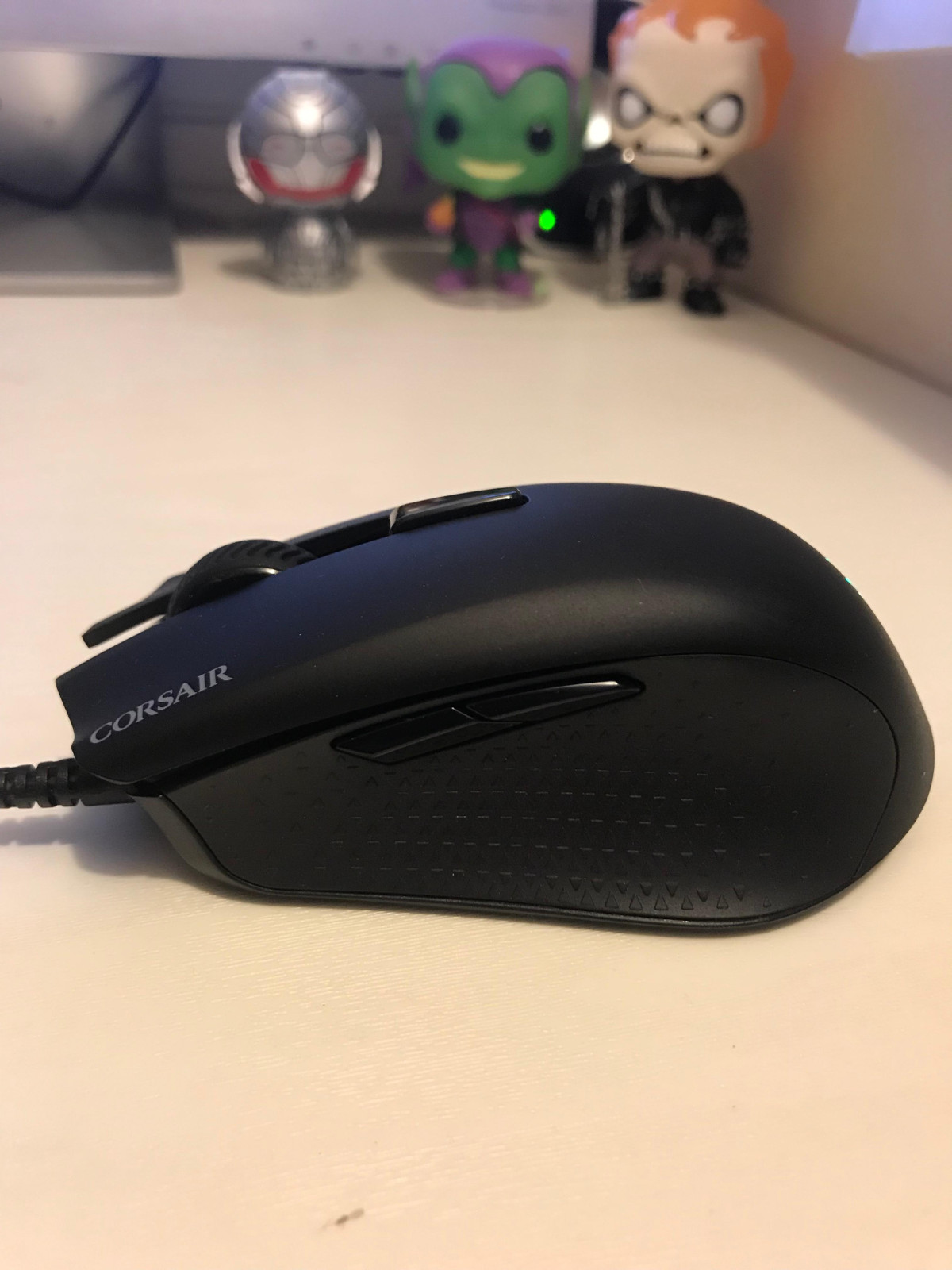
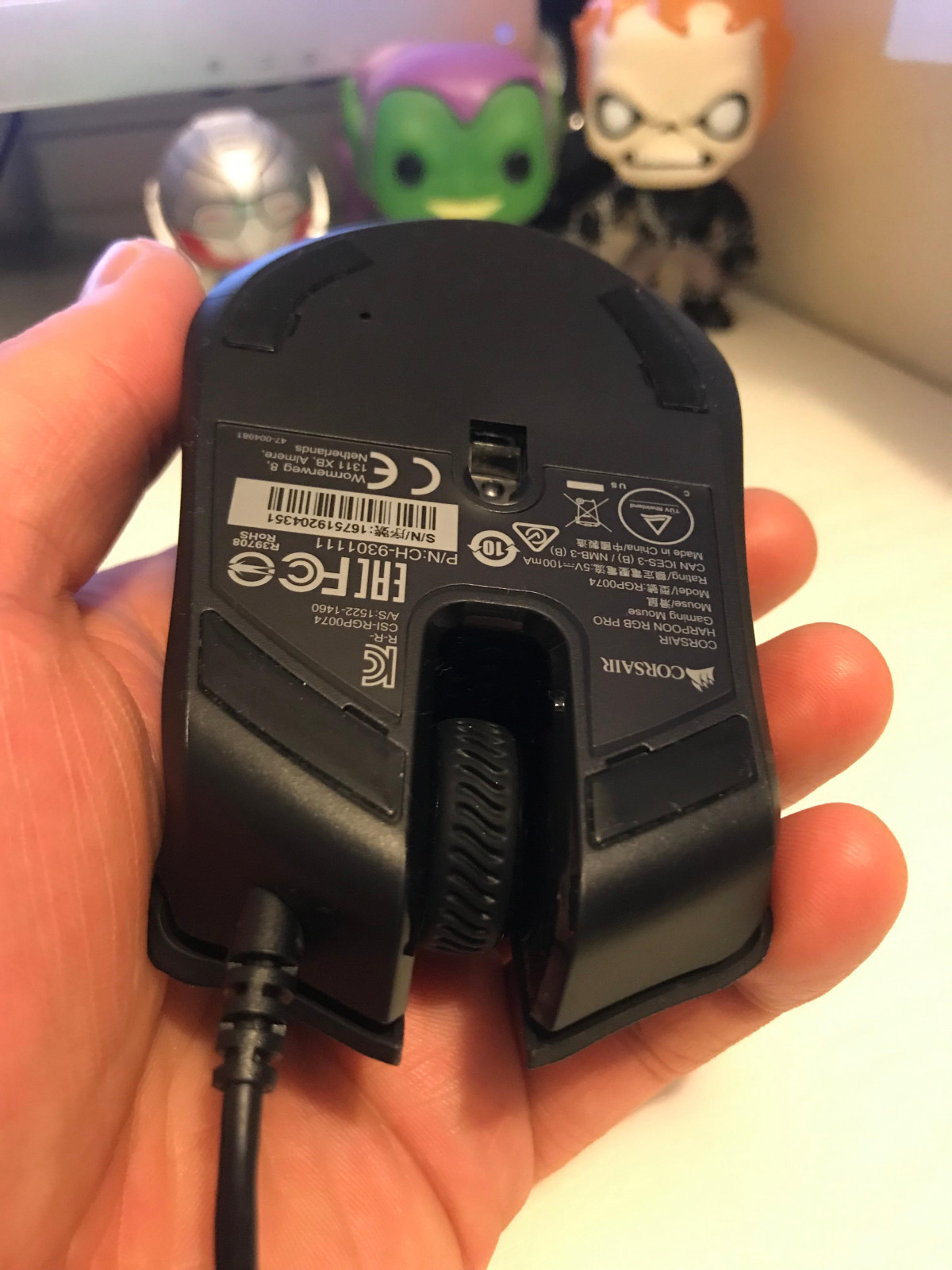
Design, Build Quality, and In-Hand Feel
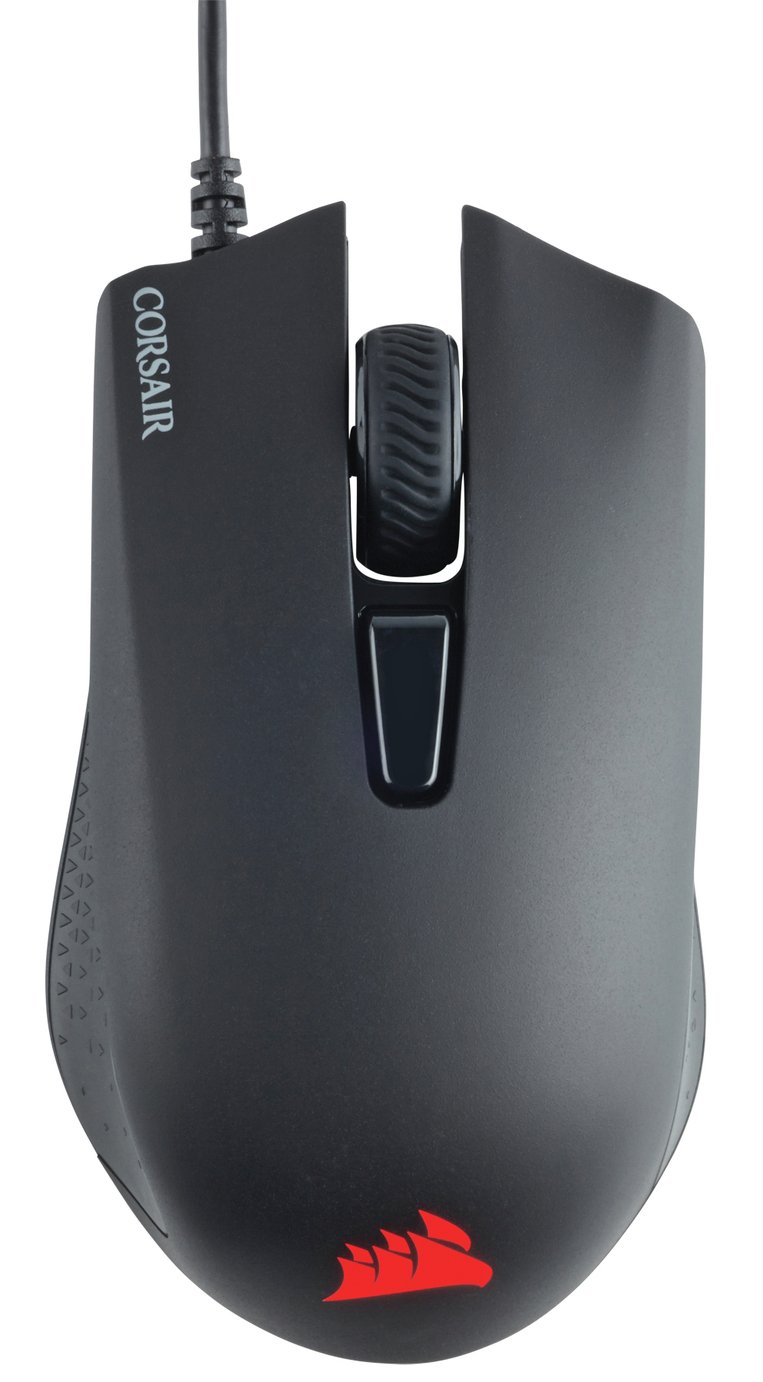
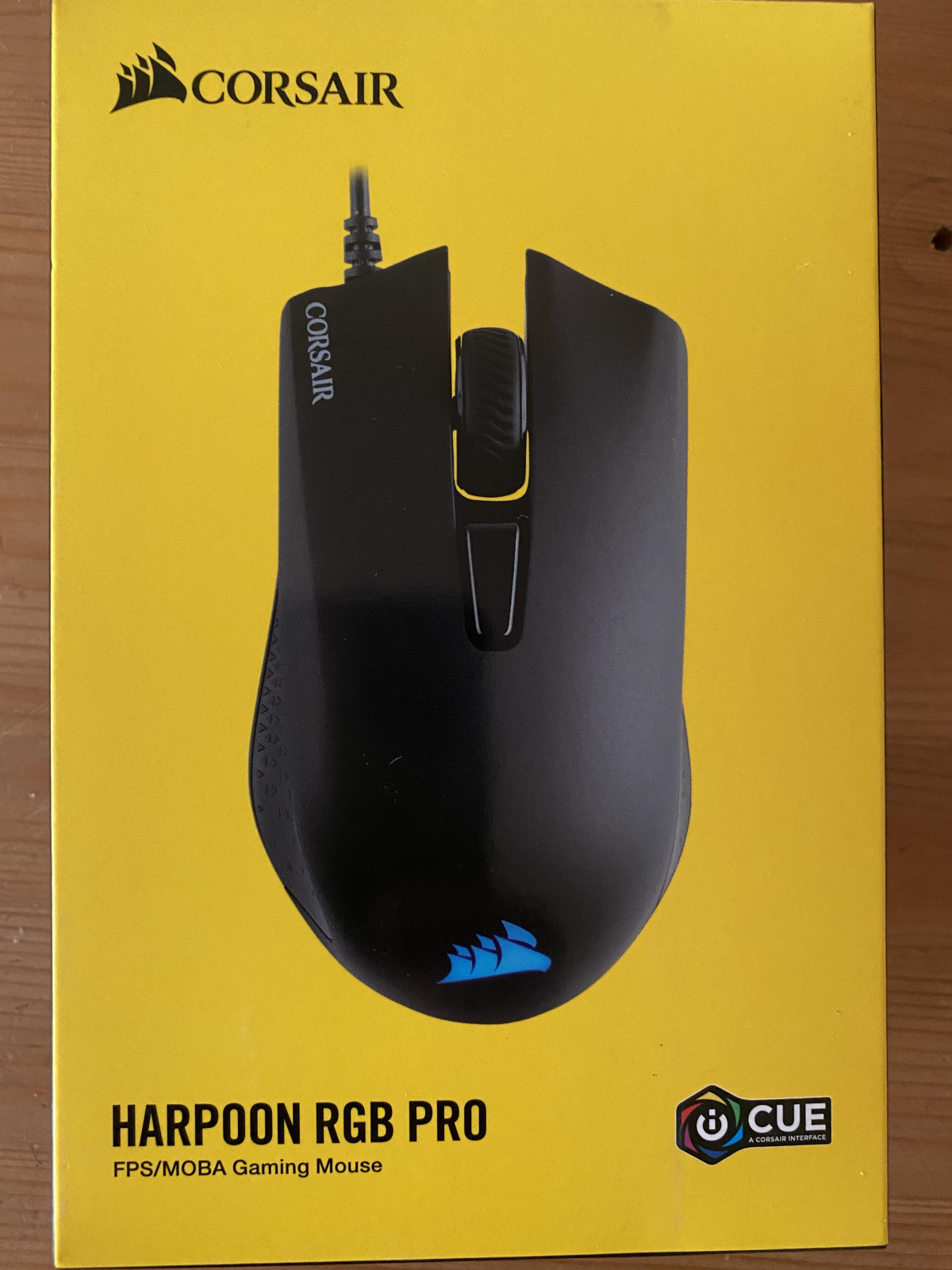
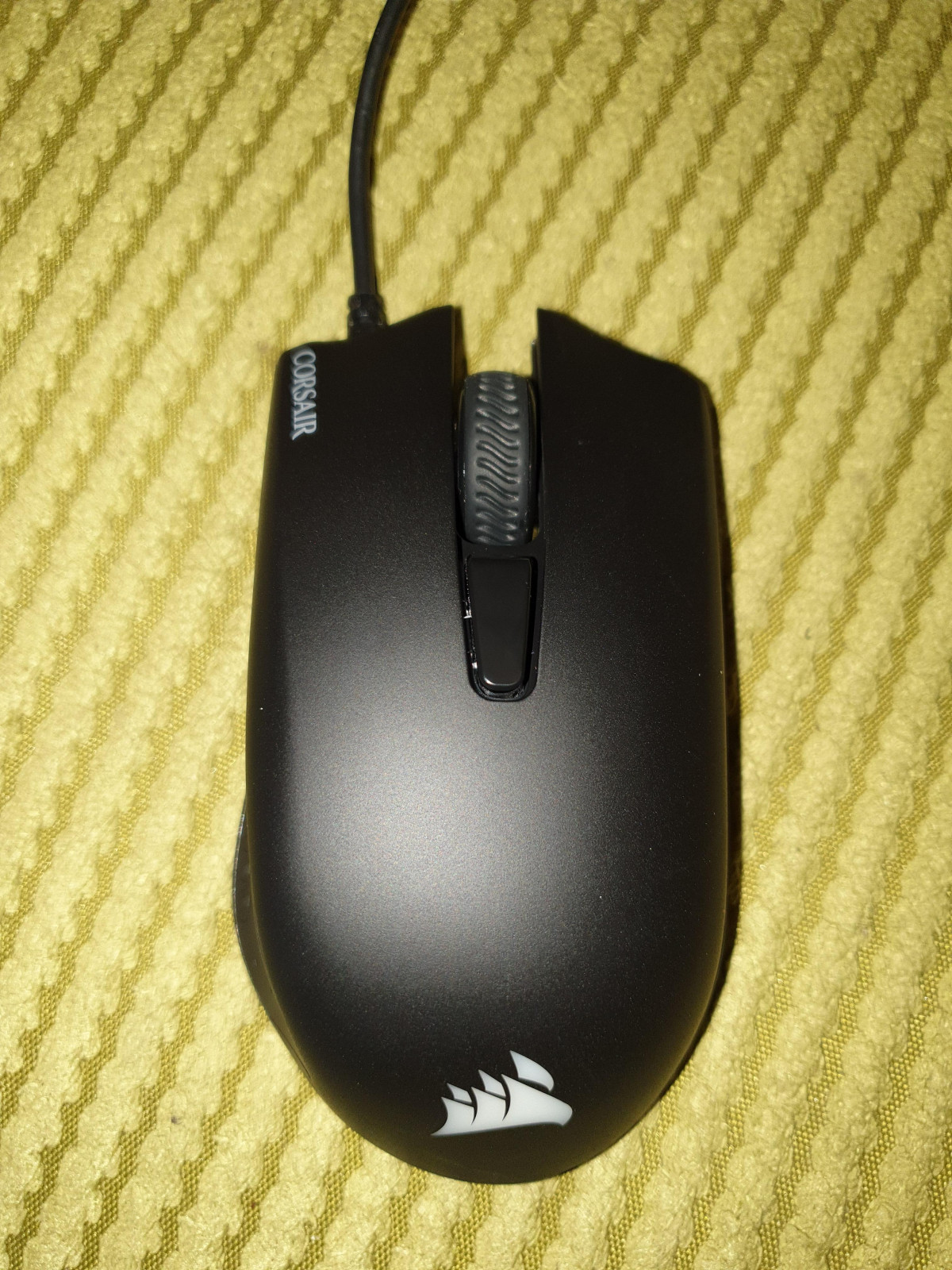
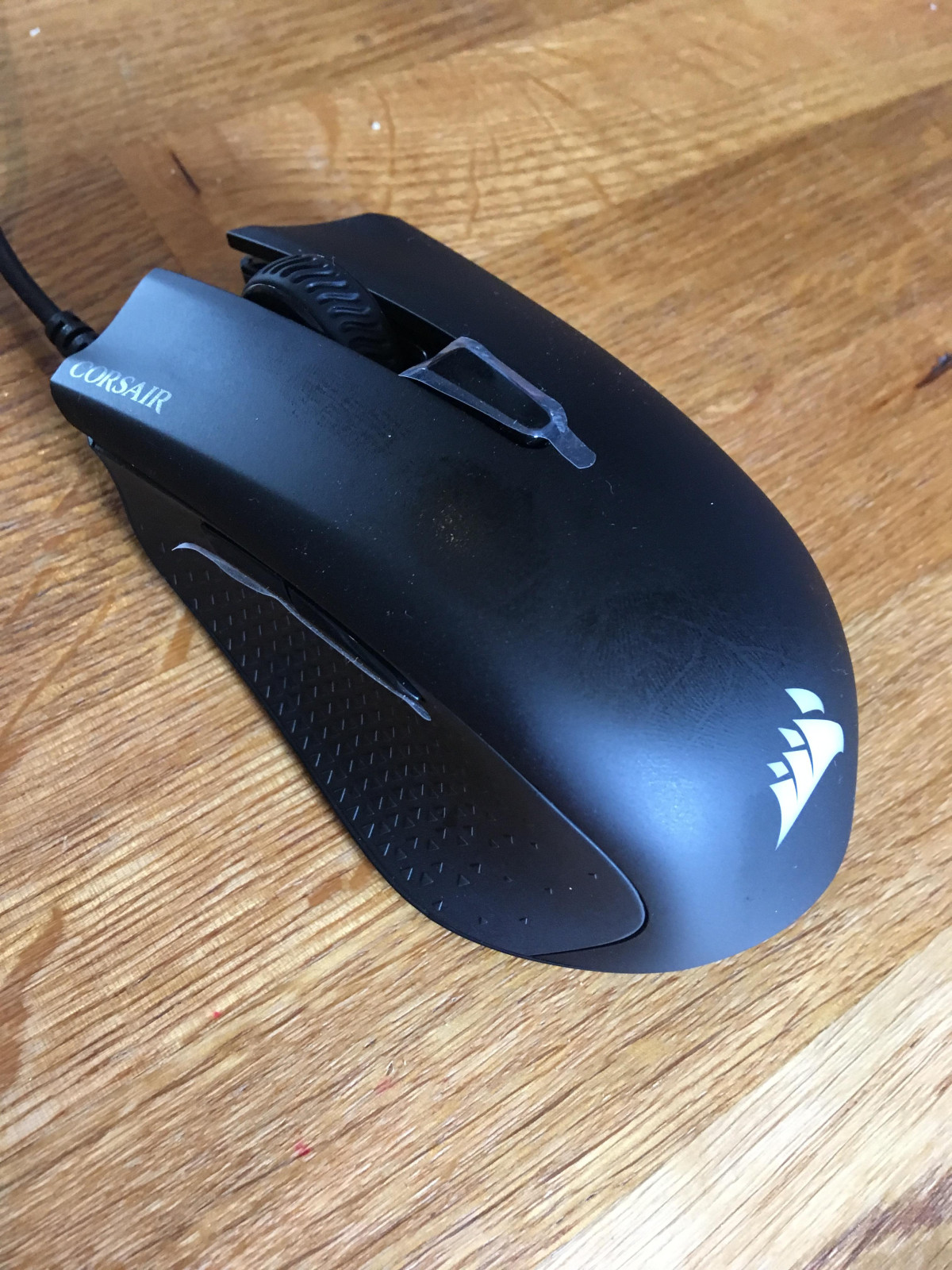
Pick up the Harpoon RGB Pro and the first thing you notice is how little it weighs. At roughly 85 grams, this is a mouse built to disappear in your hand rather than announce itself — there's no chunky battery compartment, no wireless receiver dock, just a compact plastic shell wrapped around an optical sensor and a handful of switches. For anyone coming from an older, heavier office mouse, the difference is immediate: your wrist and forearm simply do less work over a long session.
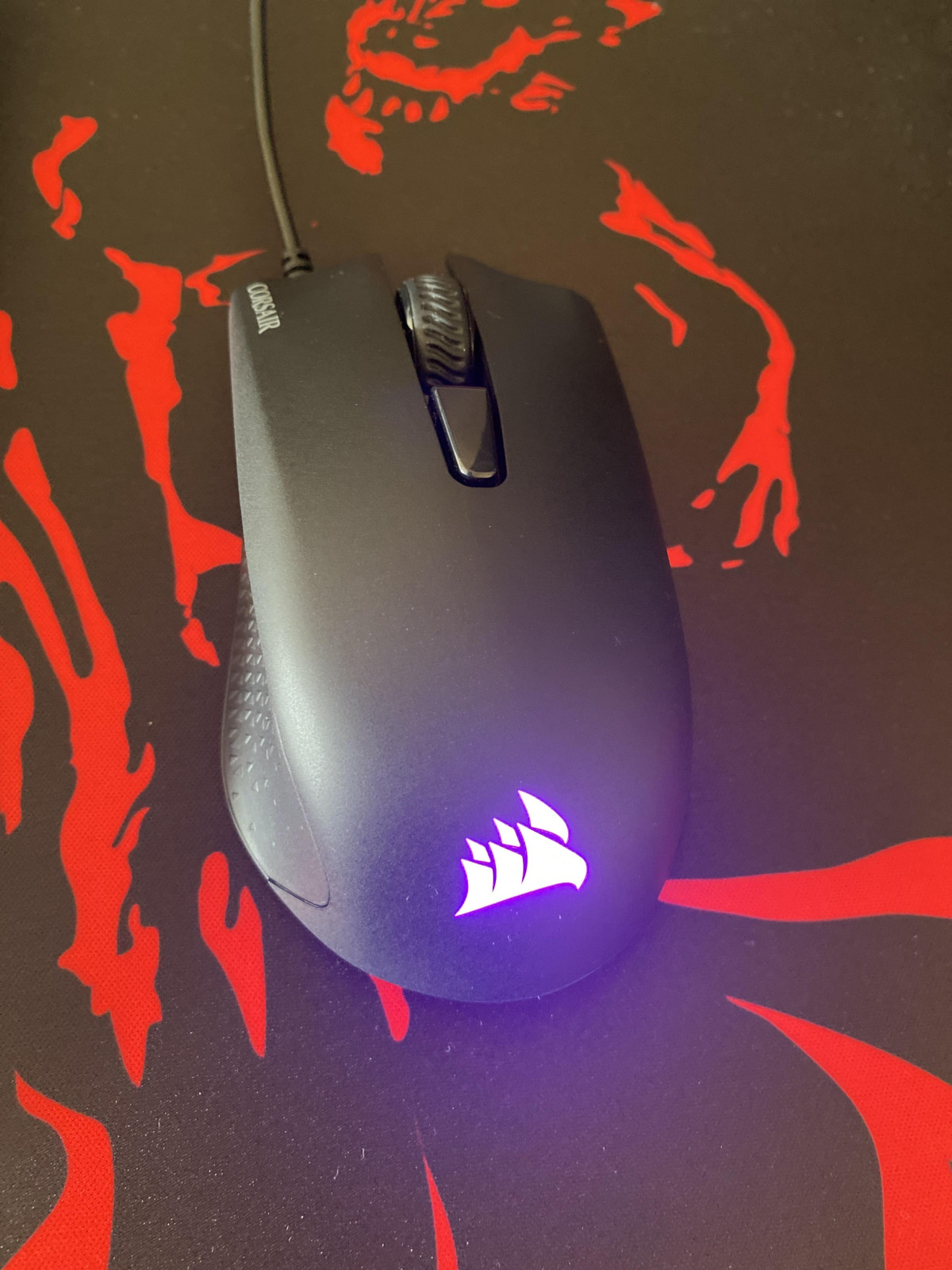
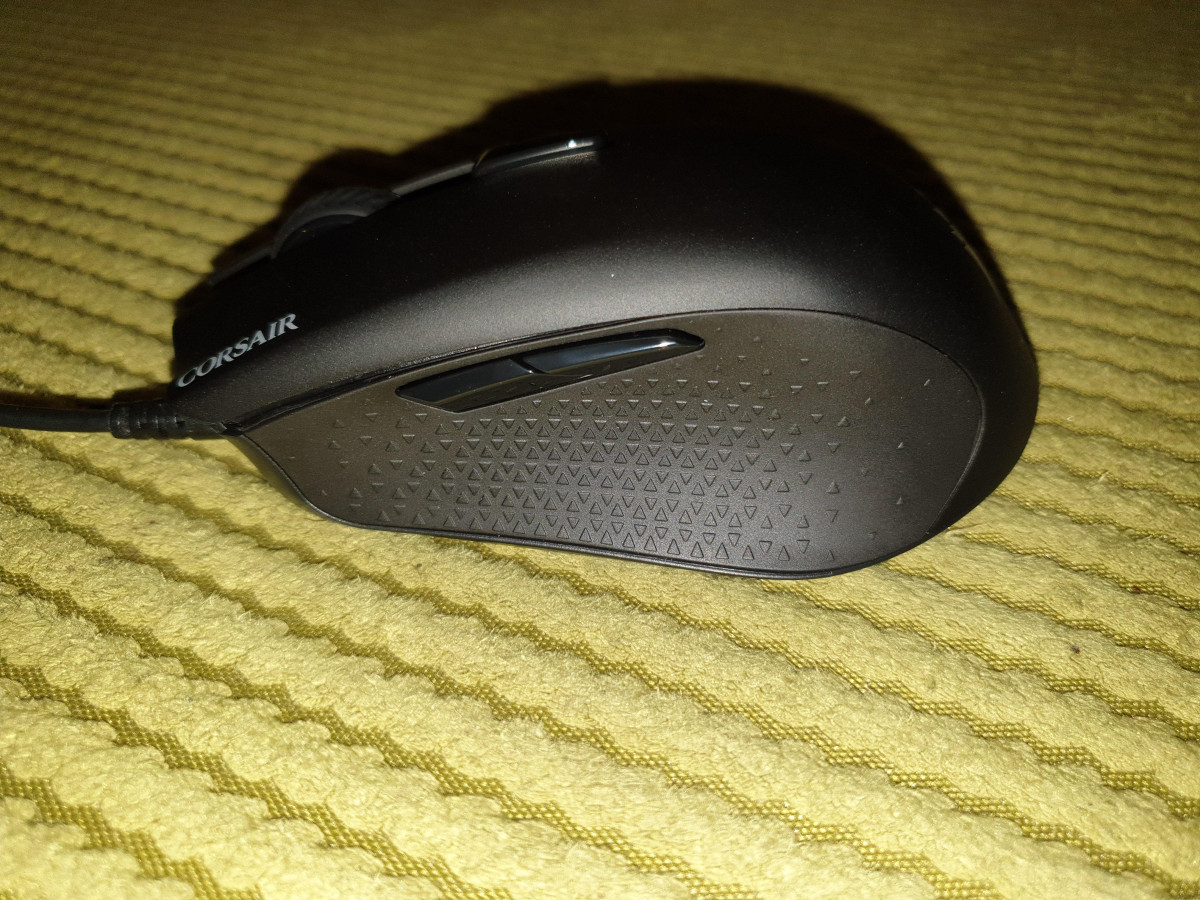
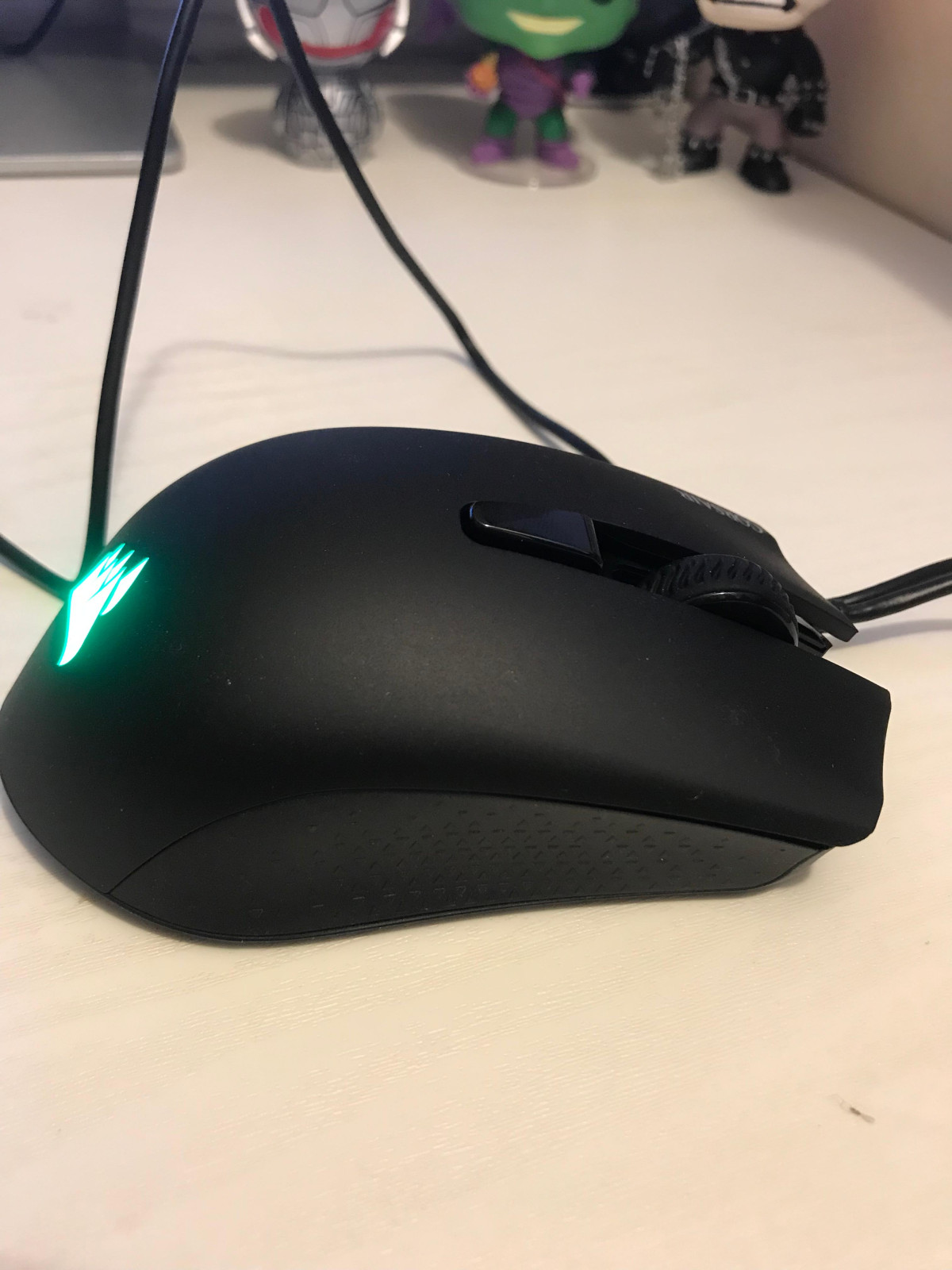
The shape is a right-handed, contoured design with textured rubber panels running down each side. Those rubber inserts aren't just cosmetic — they're what stop your grip from sliding during a tense firefight when your palm inevitably gets a little sweaty. Corsair kept the body compact rather than sculpting a large ergonomic hump, which has a real consequence for who this mouse suits. If you have small-to-medium hands and favor a claw grip (fingertips and palm-heel down, mid-fingers arched), the shape genuinely works with you. Full palm grip is comfortable too, provided your hand isn't oversized — larger-handed users have reported feeling cramped, since the body doesn't stretch out to meet a bigger palm. Fingertip-only grip is technically possible but not the mouse's strong suit, since the rear hump nudges your palm down toward the shell.
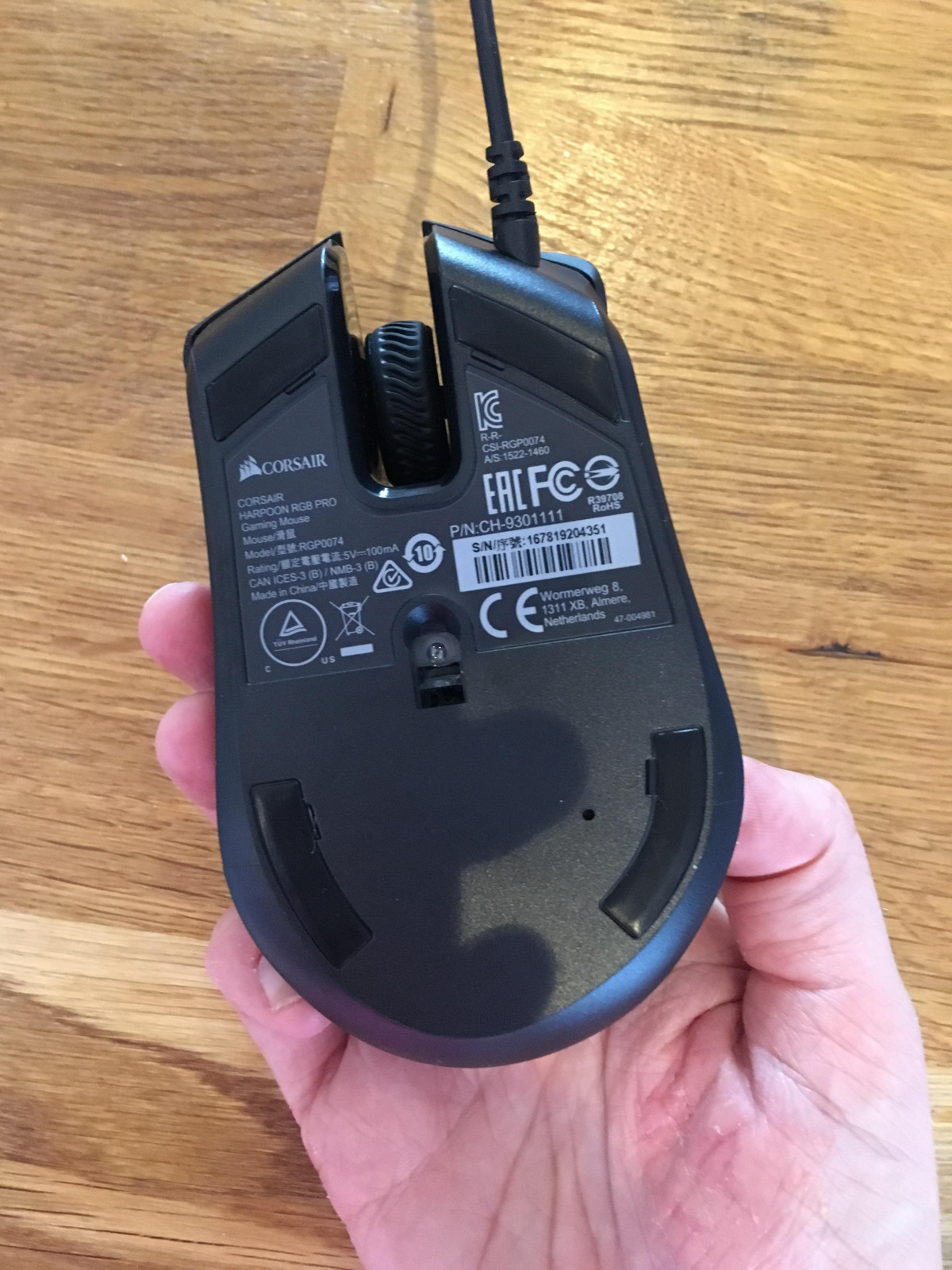
Build quality feels a notch above the asking price. The chassis doesn't creak or flex under pressure, the scroll wheel has a defined, tactile step to each notch rather than a mushy roll, and the matte top coating resists fingerprints better than glossy alternatives. Underneath, the glide feet let the mouse move smoothly across a mat with minimal drag from day one — no lengthy break-in period needed.
It's worth being upfront about one recurring complaint, though: a portion of long-term owners report the primary click buttons developing double-click issues or failing outright after months of use. This isn't universal — plenty of owners report years of trouble-free use — but it's a consistent enough thread in ownership feedback that it deserves mention rather than burial in a footnote.
Core Performance: Sensor and Tracking
At the heart of the Harpoon RGB Pro sits a PixArt optical sensor tuned for up to 12,000 DPI. In plain terms, DPI (dots per inch) measures how far your on-screen cursor travels for a given physical distance your hand moves the mouse — higher numbers mean less hand movement is needed to cover the same distance on screen. For context, most competitive gamers actually play somewhere between 400 and 1,600 DPI, because ultra-high sensitivity sacrifices fine-aim precision for raw speed. The headline 12,000 figure is less about anyone actually gaming at that setting and more about headroom: it means the sensor won't be the bottleneck no matter how you like to configure your sensitivity, and you can dial in exactly the right feel for both slow, precise aiming and fast, sweeping flick shots.
What matters more day-to-day is tracking consistency, and this is where the sensor earns its keep. It reads your hand movements accurately at normal desktop speeds without the jitter or unexpected cursor jumps that plague cheaper unbranded mice, and it holds a clean, predictable path during quick directional changes — the kind of input a first-person shooter or fast-paced strategy game demands. You also get a choice of polling rate (selectable between 125Hz, 250Hz, 500Hz, and 1000Hz), which controls how many times per second the mouse reports its position to your PC. Leaving it at the fastest setting delivers a smoother, more immediate on-screen response with essentially no added strain on a modern PC, so there's little reason to run it any lower unless you're deliberately troubleshooting.
Key Features, Explained
Six programmable buttons
Beyond the standard left-click, right-click, and scroll-wheel-click, you get two thumb buttons and a DPI-cycle button on top. Through Corsair's iCUE software, every one of these can be remapped to a keystroke, a media control, or a full macro sequence — useful for anything from quick-swapping weapons in a shooter to firing off a chained ability combo in an RPG or MOBA without touching your keyboard.
Omron switches rated for 20 million clicks
Omron is a respected name in switch manufacturing precisely because its components are built for sustained, repetitive use rather than casual clicking. A 20-million-click rating translates to years of regular gaming before wear becomes a realistic concern under normal use — though, as noted above, some owners have hit premature failures, so this is a case where the spec represents the switch's designed potential rather than a guarantee every unit will reach it.
Customizable RGB lighting
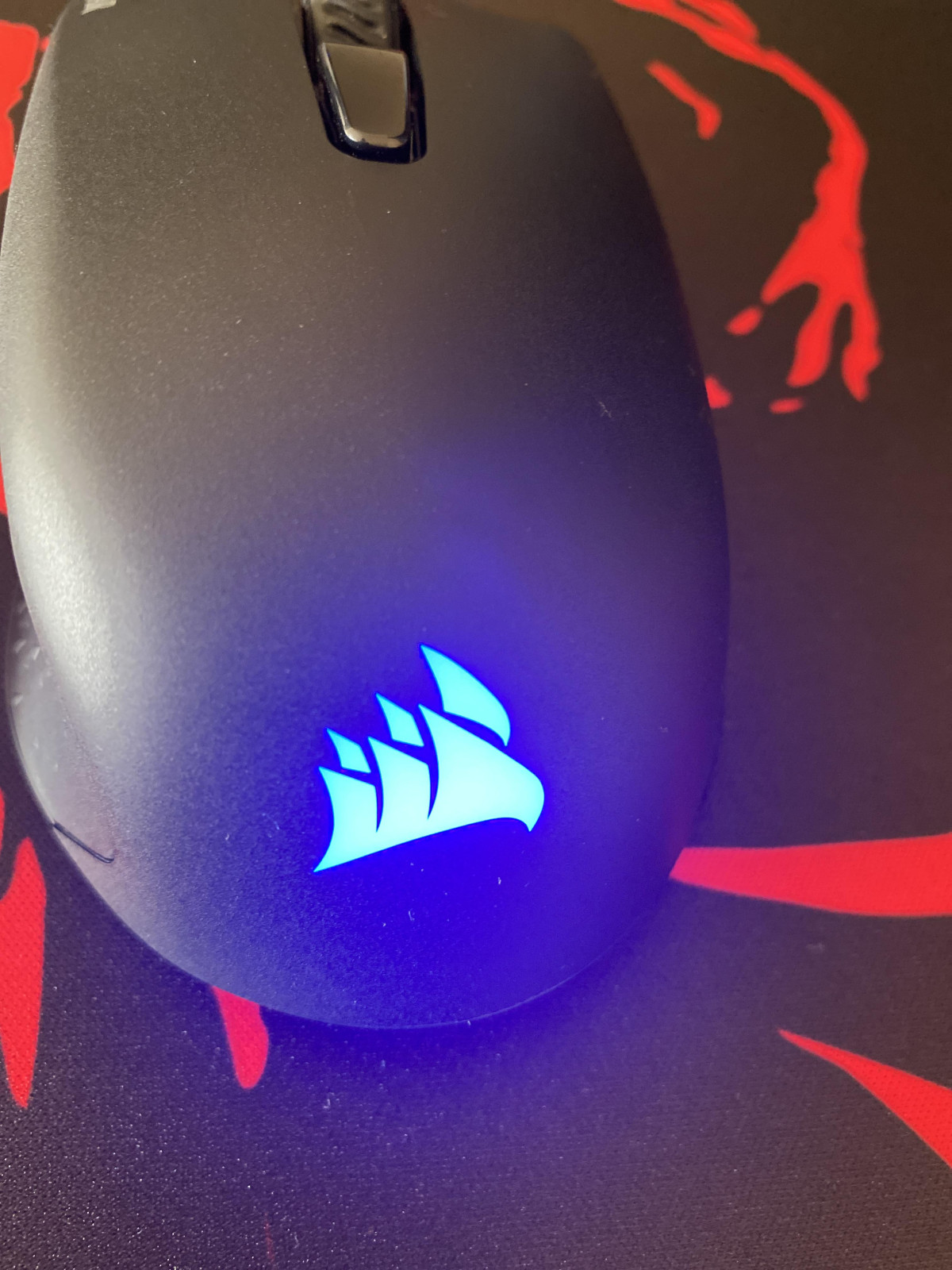
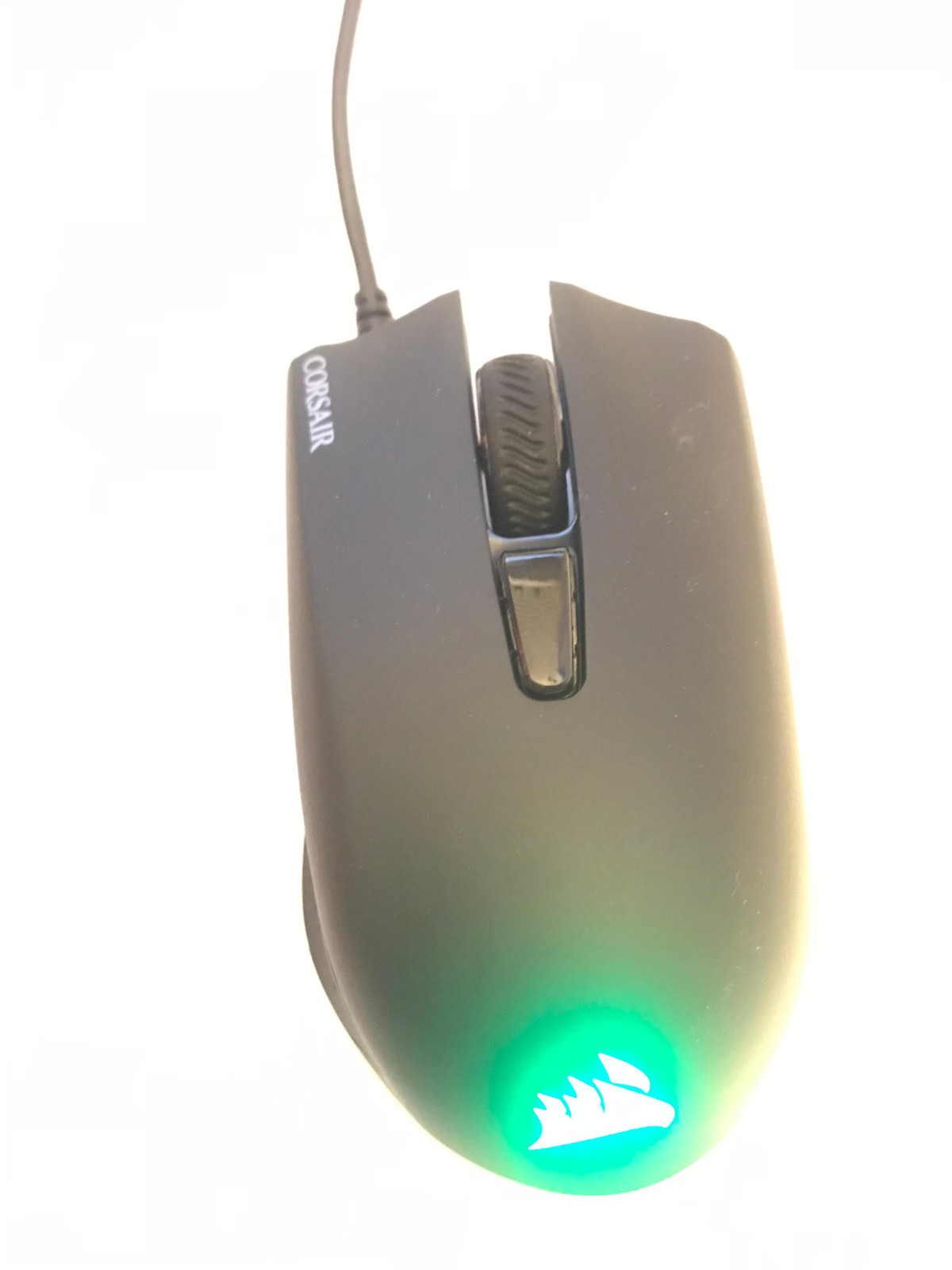
The illuminated Corsair logo can be set to static colors, breathing effects, or reactive patterns, and — if you're already running other Corsair peripherals — synced to match the rest of your setup through iCUE. It's a nice-to-have rather than a functional upgrade; nobody wins a match because their mouse glows, but it does let you match a themed desk setup without extra effort.
Onboard memory
Your DPI stages and lighting preferences save directly to the mouse itself, so settings travel with you if you plug into a different PC without iCUE installed — handy for LAN parties or a friend's setup, though full macro programming still needs the software running.
1.8-meter tangle-resistant rubber cable
Long enough to reach from most desk setups to a tower under the desk, and the rubber jacket resists the kind of stiff kinking that plagues cheaper cables over time.
Wired Reliability: The Case for No Battery
Because this is a wired mouse, there's no battery life to track, no charging schedule to plan around, and no possibility of it dying mid-match. The tradeoff for giving up wireless freedom is one of the most dependable forms of input latency available — your clicks and movements travel down a physical cable with no radio interference to worry about, which matters if you live in an apartment building thick with competing Wi-Fi and Bluetooth signals. For anyone who has been burned by a wireless mouse losing connection at the worst possible moment, that reliability is worth more than it sounds on paper.
Who This Mouse Is For (and Who Should Look Elsewhere)
This is a strong fit if you:
- Have small-to-medium hands and prefer a claw or palm grip
- Play fast-paced competitive titles — shooters, MOBAs, battle royales — where consistent tracking and low latency matter more than luxury materials
- Want RGB lighting and Corsair's ecosystem integration without paying flagship prices
- Don't mind (or actively prefer) a wired connection over managing a rechargeable battery
- Are outfitting a second PC, a family member's setup, or a budget-conscious first gaming mouse
It's a weaker fit if you:
- Have large hands and rely on a full palm grip — you'll likely find the shape too compact for extended comfort
- Need Mac compatibility for anything beyond basic point-and-click — the bundled software and full feature set are built for Windows
- Want console compatibility — this mouse is designed and marketed for PC use, not for plugging into a game console
- Prefer fingertip grip exclusively, since the rear hump works against that style
- Have been burned before by button reliability on budget mice and want the strongest possible guarantee of long-term durability — while most owners report no problems, this is the one area where feedback is genuinely mixed
How It Stacks Up Against the Competition
The budget gaming mouse category is crowded, and the Harpoon RGB Pro competes primarily on the strength of its shape, sensor quality, and Corsair's software ecosystem rather than by out-speccing every rival on paper.
| Factor | Harpoon RGB Pro | Typical Budget Wired Rivals |
|---|---|---|
| Weight | Very light (~85g) | Often heavier, 90-110g range |
| Grip support | Best for claw/palm, small-medium hands | Varies widely by model |
| Software ecosystem | iCUE — deep, and syncs with other Corsair gear | Usually simpler, standalone apps |
| Switch durability rating | 20 million clicks (Omron) | Ranges from unrated to similar Omron specs |
| Connectivity | Wired only | Mostly wired at this price point, some hybrid options |
| RGB lighting | Yes, customizable | Common, but depth of control varies |
The mouse's biggest advantage over cheaper, unbranded alternatives is sensor consistency and the maturity of Corsair's software — iCUE is a genuinely deep tool once you're inside it, and having your mouse settings sync alongside a Corsair keyboard, headset, or cooler is a real convenience if you're already bought into that ecosystem. Against pricier flagship mice from the same or competing brands, the Harpoon RGB Pro obviously gives up some polish — you won't find premium materials, adjustable weights, or the very latest sensor generations here — but it also costs a fraction of the price, which is precisely the trade it's designed around.
Strengths and Weaknesses, Honestly
The Harpoon RGB Pro's biggest strength is how well it executes the fundamentals for its price bracket. The sensor tracks cleanly, the shape is genuinely comfortable for its target hand size and grip style, and the software layer doesn't feel like an afterthought bolted onto a cheap mouse — it feels like a scaled-down version of what you'd get on Corsair's more expensive lineup. The light weight is a tangible, immediate benefit for long gaming sessions, and the tangle-resistant cable is a small but appreciated detail that cheaper mice often skip.
Its most significant weakness is the fit ceiling: this is not a mouse for large hands or committed fingertip-grip players, and no amount of software tuning changes the physical shape underneath. The second weakness is the durability question mark around the primary click switches — while the majority of ownership experiences are positive, a meaningful minority report premature button failure, which is worth factoring into your expectations even at this price. Finally, its platform lock to Windows and PC limits its usefulness if you're hoping for a mouse that moves fluidly between a gaming PC, a Mac, and a console.
The Verdict
If you have small-to-medium hands, favor a claw or palm grip, and want a dependable wired mouse for competitive PC gaming without spending flagship money, the Corsair Harpoon RGB Pro delivers real value — a precise, consistent sensor, genuinely comfortable ergonomics for its intended grip styles, and a software platform that punches above the price point. Buy it if that description matches how you play and what you need from a mouse.
Skip it if you have large hands, need Mac or console compatibility, or if rock-solid long-term click reliability is your single highest priority — in that last case, weigh the ownership feedback carefully before committing, since it's the one area where this mouse doesn't have a spotless track record. For everyone else in its intended audience, it's an easy mouse to recommend.
What People Say
39 commentsGreat mouse for on the go use
I bought this mouse as an on the go use type of deal to go with my laptop. I gotta say, it's perfect for that use. I've used corsair parts for around 5 years now and have never been disappointed. The mouse is very responsive, I've used it to play games such as CSGO, Halo, Fallout 76, C&C, and many others and it has always worked like a charm. A word of warning though, if you have big hands, this might not be for you. I have big hands and am used to a Corsair Scimitar Pro but it's still comfy.
Fits hand nice
Corsair harpoon pro is amazing. Super easy to use and very comfortable specially if you use a mouse quit a bit, the sides have a grip which is fab find it's a nice slime gaming mouse compared to some. I use for general use and my son uses for constant gaming which he loves he said it's very trendy looking,
Has optical sensor and 6 programmable buttons which is fab, also found out you can connect to smart TV USB port and work internet another fab feature
Highly recommend
Mouse is an upgrade to previous one
After using the non pro version of this mouse for over 2 years I ended up getting a double click button issue that prompted an upgrade, After getting home and plugging this in and setting it up, not only am I greeted with a slightly heavier feeling but also chunkier and more solid mouse buttons which feel more satisfying to click, the scroll wheel feels heavier and more robust than previous.
Double click issue but can be fixed
I had this mouse about a week before I started to encounter an issue where it would double click instead of single click. I was about to return until I found out that this can be fixed by downloading the updates from Corsair. I wouldn't recommend this mouse if you're not able to do this, although it was fairly easy. They still shouldn't be selling this if there are issue though.
Does its job well!
A well designed and easy to use mouse. Just plug in and away you go. Does exactly what you need it to and without any difficulty. Perfect for gaming use. I personally prefer a wired mouse for ease and reliability. I love the multi colour lighting and the option to customise the buttons and what they do. Best part about this is the price and its a great budget gaming mouse!
Smart, sleek gaming mouse.
Not only does this mouse work effortlessly it is very responsive. I wasnt expecting much as only ever used a normal mouse for day to day computer work and gaming combined. But this was brilliant. With nice features like the 6 programmable buttons it really can suit most needs. It's also very comfortable to hold and the buttons have a nice placement so easy to just click and go!
Solid gaming mouse
1 month of use. Solid performing gaming mouse. Customisable profiles for different games, so far a responsive first person shooter and a comfortable Marathon Session management Sim have been handled with ease. Completely compatible with Mac, able to create macros and assign button functions. Nice lighting that’s not totally over the top. Very pleased.
Smooth and Sleek
First impressions of this mouse were that it looked different to any I’ve had before. It looks smart with its all black sleek design, it glides effortlessly whilst feeling nice & smooth on the hand. It has good quick response & looks cool when in use as the symbol at the bottom lights up in various colours. Pleased with this gaming mouse so far!
Mouse was faulty
This mouse was faulty from day one, when I left clicked it double clicked so when I press play for a video it would instantly press pause again and double screen and I thought it was my idea, but then it kept happening, until the left click(plastic piece where you place your fingers) started to appear like broken and eventually broke completely
My son is gaming mental
My son loves his xbox and all things to do with gaming, I'm not really up to speed with the tech now days, but this mouse is compatable with the majority of xbox systems and is extremely comfortable to control, precise with movement! Brilliant will be purchasing other items from the corsair range!
Quality is ok, but not quite right for me
Pros
- It's a mouse
- Price was ok
Cons
- Has a really bright LED in the top. I tried covering it with tape but it shines right through.
- Cursor speed is either way too slow or slightly too fast for me. No happy medium.
- It is small in my giant hand
Great lightweight mouse with good responsiveness
It's a great mouse to use without fatigue as it's so lightweight but it does not reduce how responsive it is getting even the narrowest of shots away on shooter games, buttons seem to work well also and the light is a great added feature
Decent mouse
For the price this mouse is brilliant. Using for MMORPGS but can see this being perfect for any gamer.
Seems really robust so if you want to take it places or give it to a younger person it feels like it could take a beating.
Corsair Harpoon Mouse
I bought this for my laptop. It is adequate but I also previously bought the IronClaw (corsair) mouse. The IronClaw is a much better mouse (look & feel) and I wish I had bought another one. However the Harpoon is ok
This mouse is brill!
Don’t buy this if your not prepared for the consequences!! It’s so easy and comfortable to use that gaming will go on for even longer than it did before!
Not much else I can say works exactly as described.
Gaming mouse
Looks nice. Easy to set up and was very responsive to movement. My only negative is that I’m not keen on the shape. If found the shape to be quite square and it my hand did not sit comfortably on it
Glides like a dream
Love this mouse, it glides as you move it along the table didn’t need a mat.
Love how it changes colour to suit my mood. Looks very smart.
It’s nice an responsive is well no double clicking needed
The corsair harpoon rgb mouse is ideal for use when gaming as well as for general use would recommend it especially for gaming although a bit pricey if you need a mouse for general use
Best gaming mouse for the cost.
Bought one for a friend after owning one for awhile and taking into account the low cost, I haven't zero complaints about this mouse. It's a great, minimalistic, gaming mouse.
Good gaming mouse with nice responsiveness
I would recommend this product because it is easy to use and fits nicely in the hand. The responsiveness is very good and the programmable buttons are great for gaming.