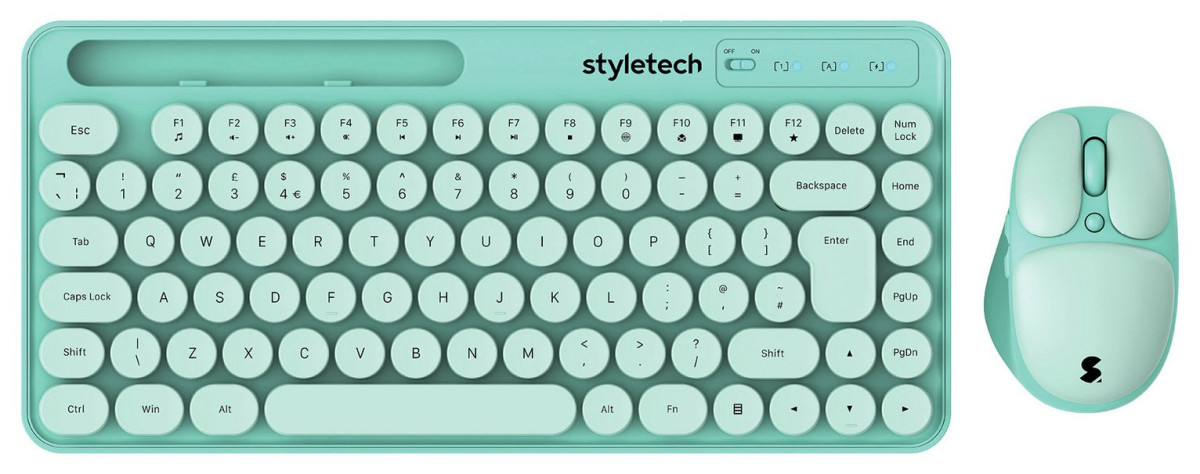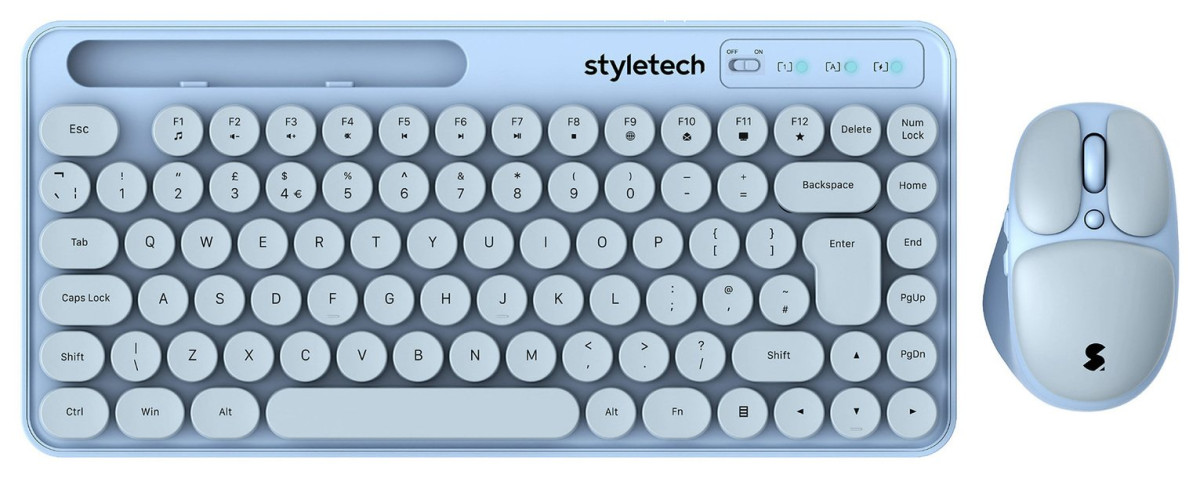
Styletech MK520
Styletech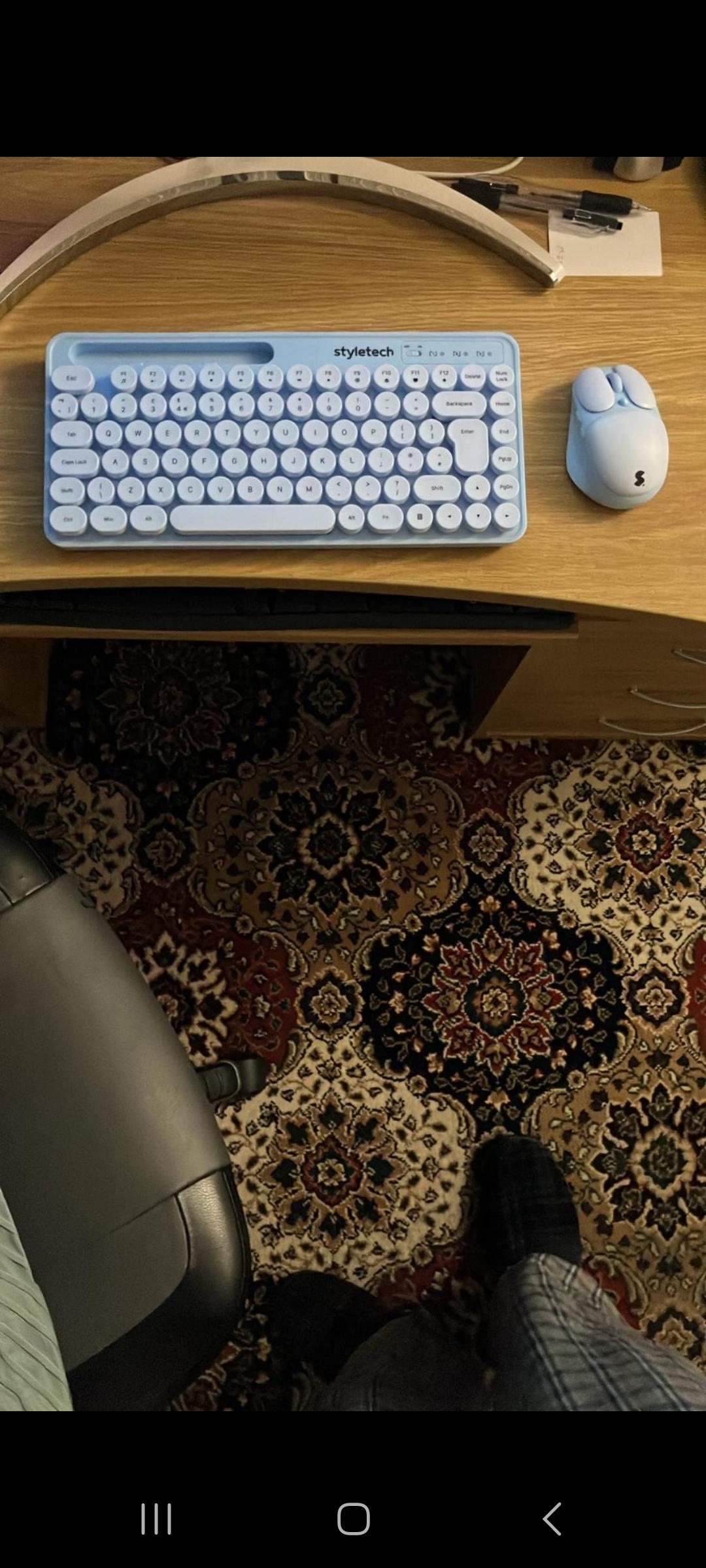
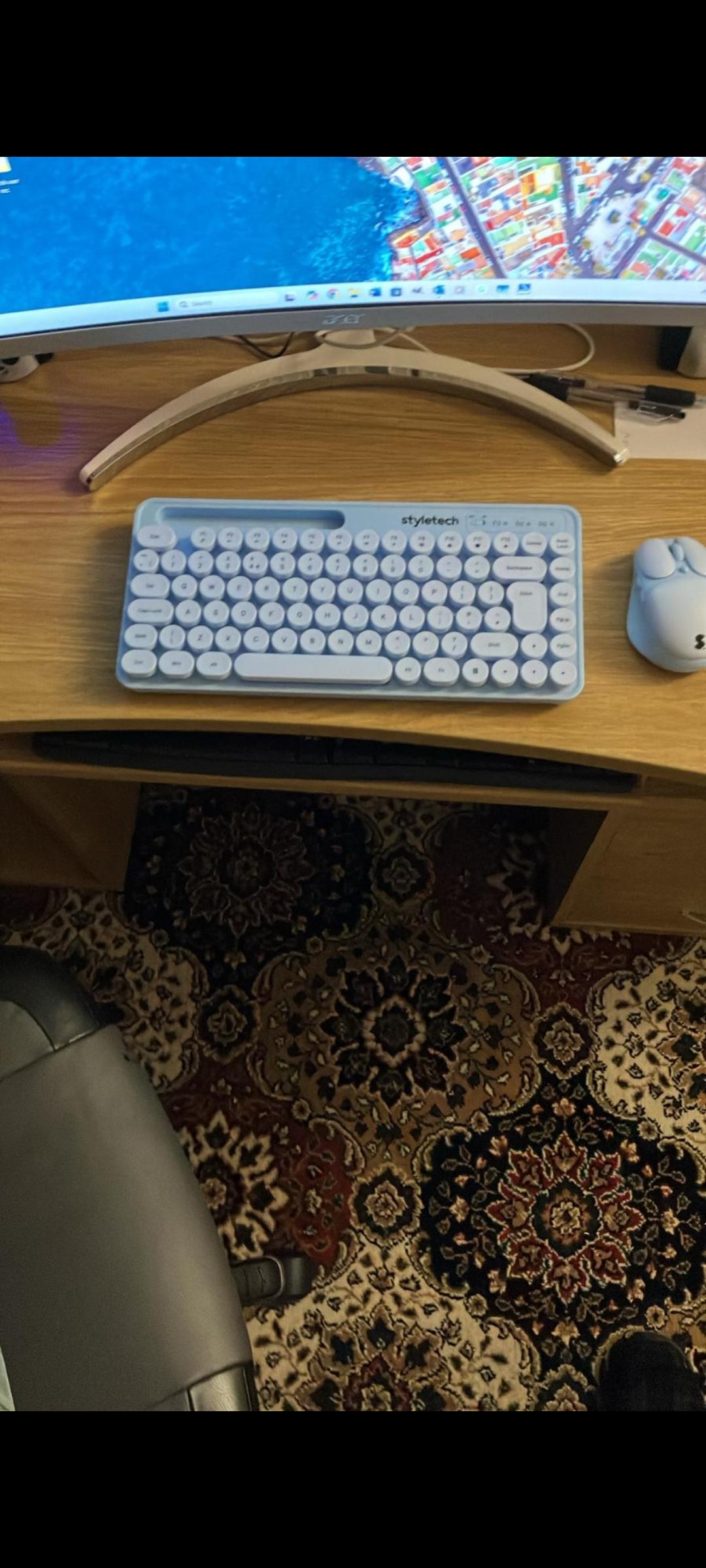
First Impressions: Design and Build Quality
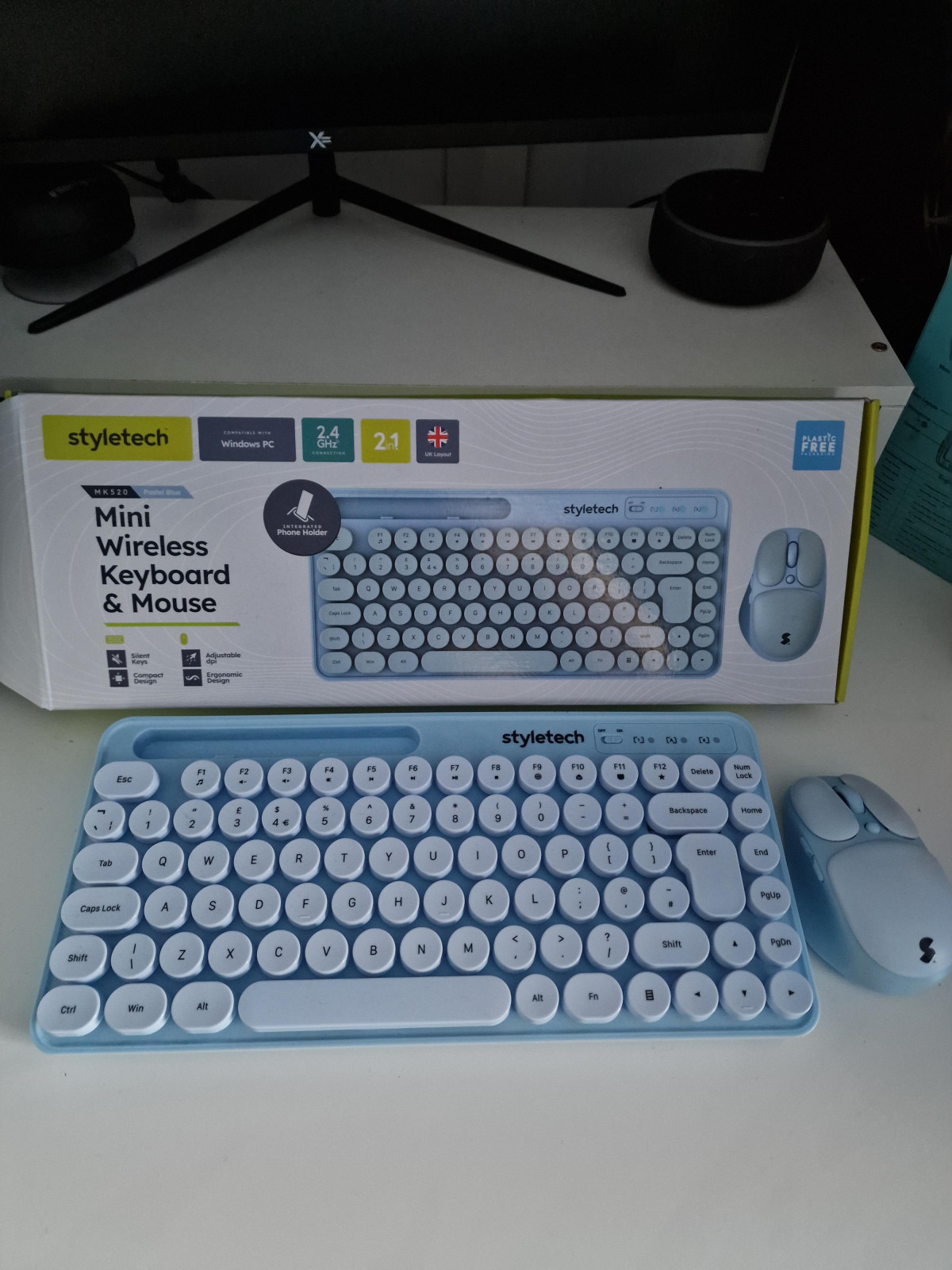
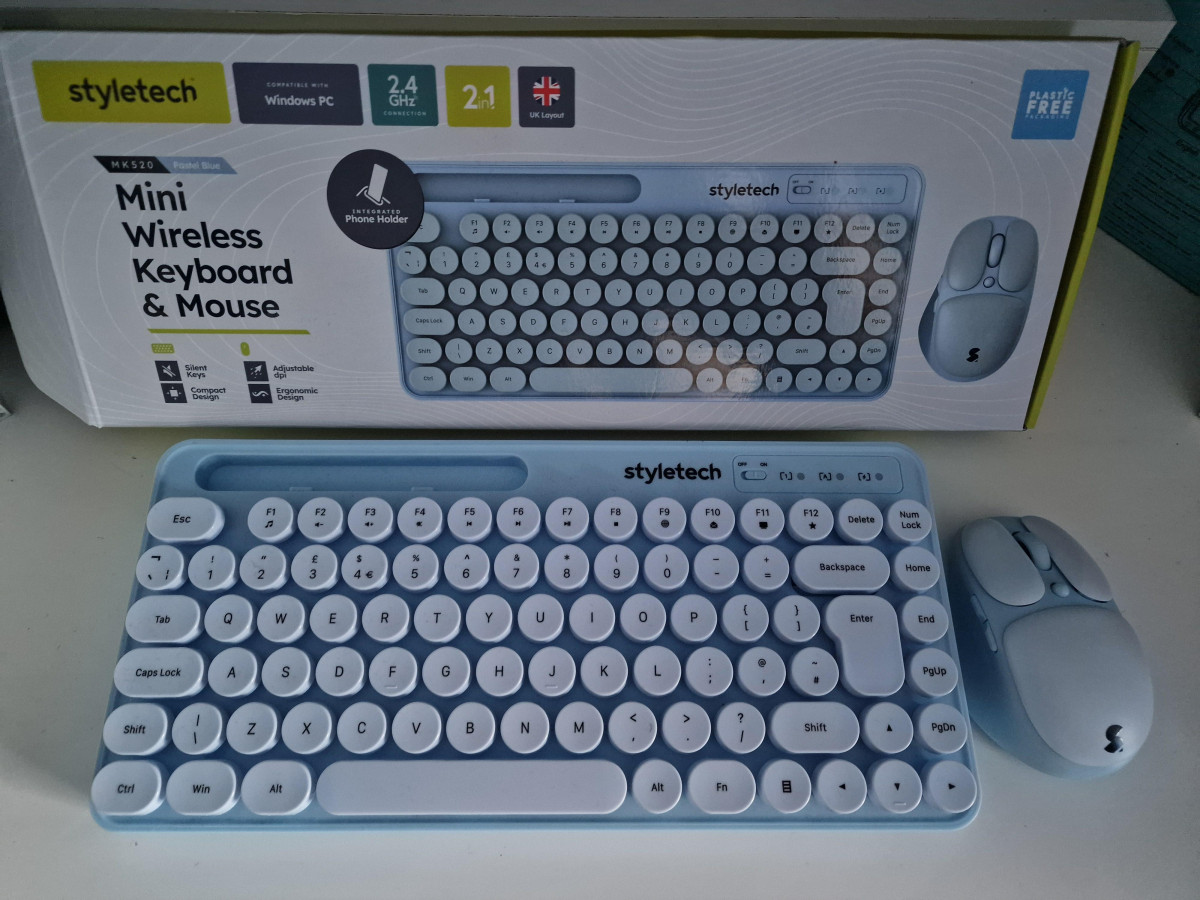
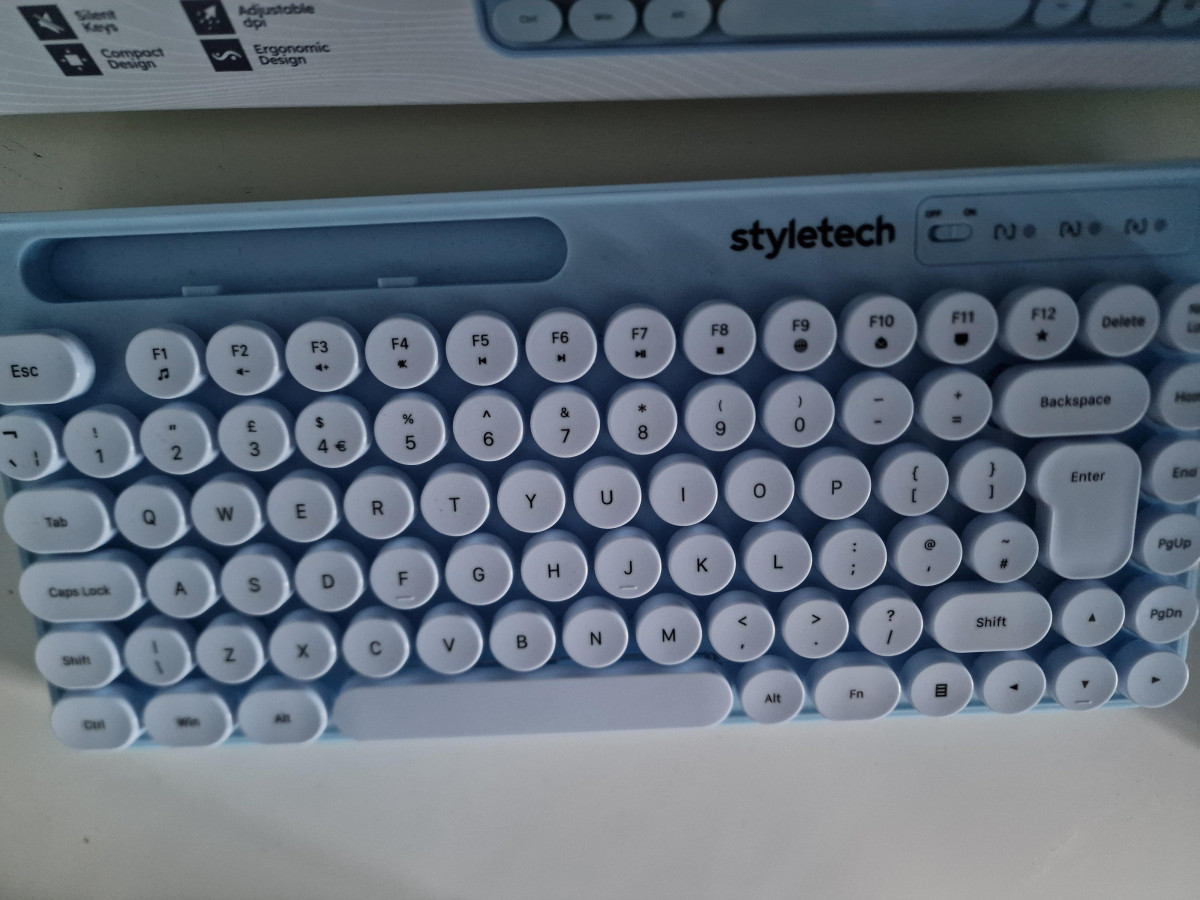
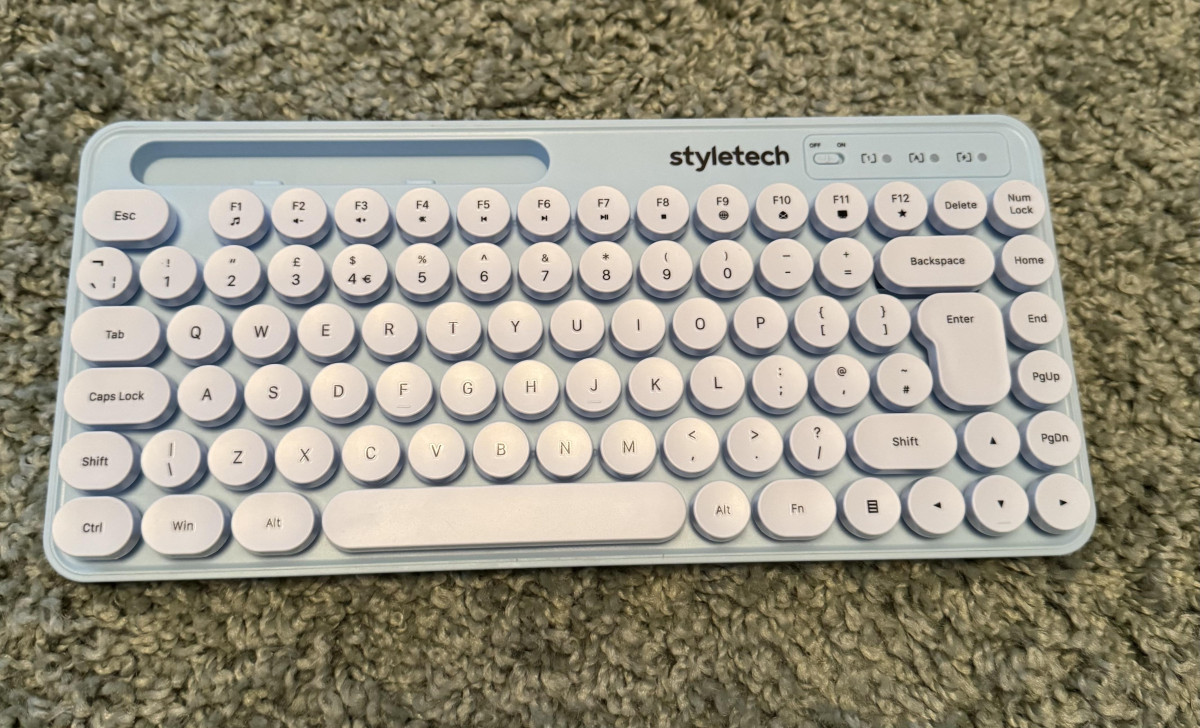
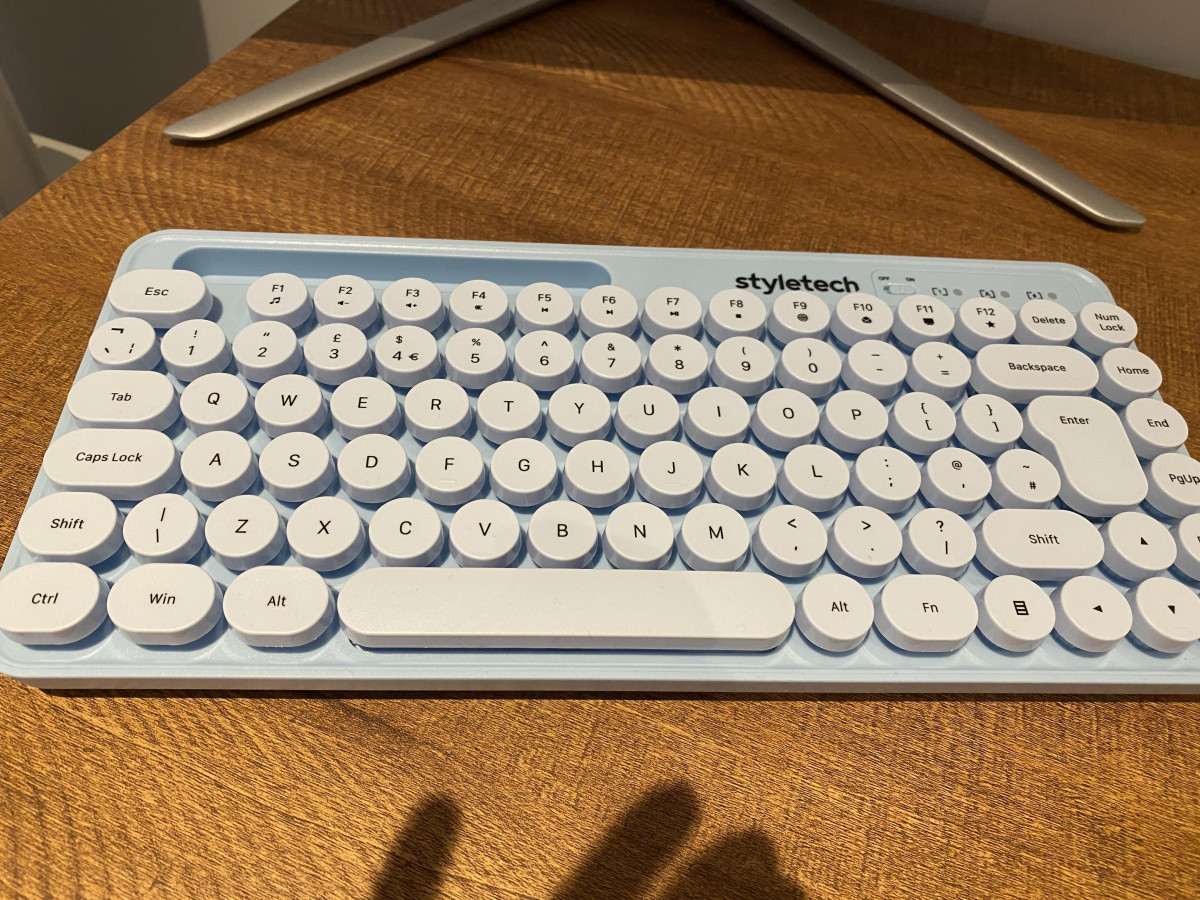
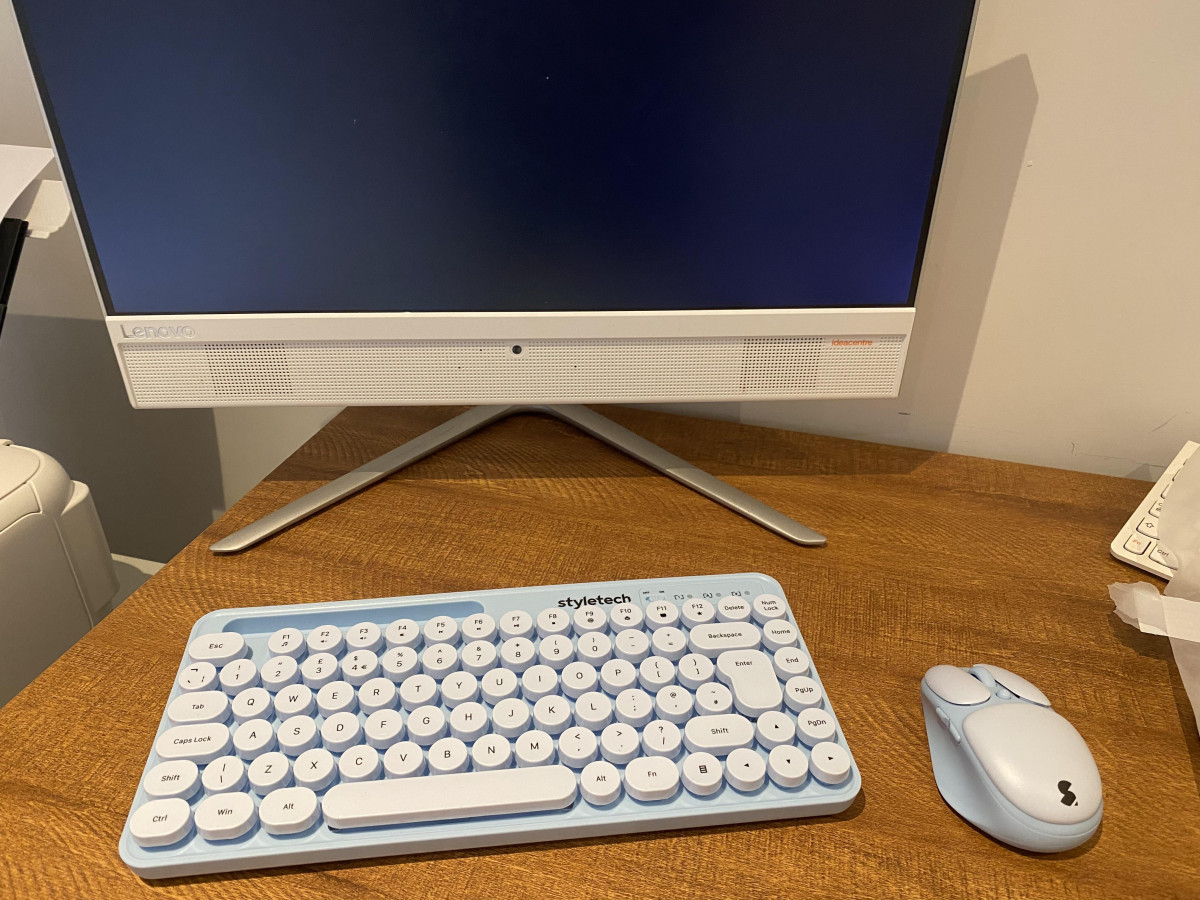
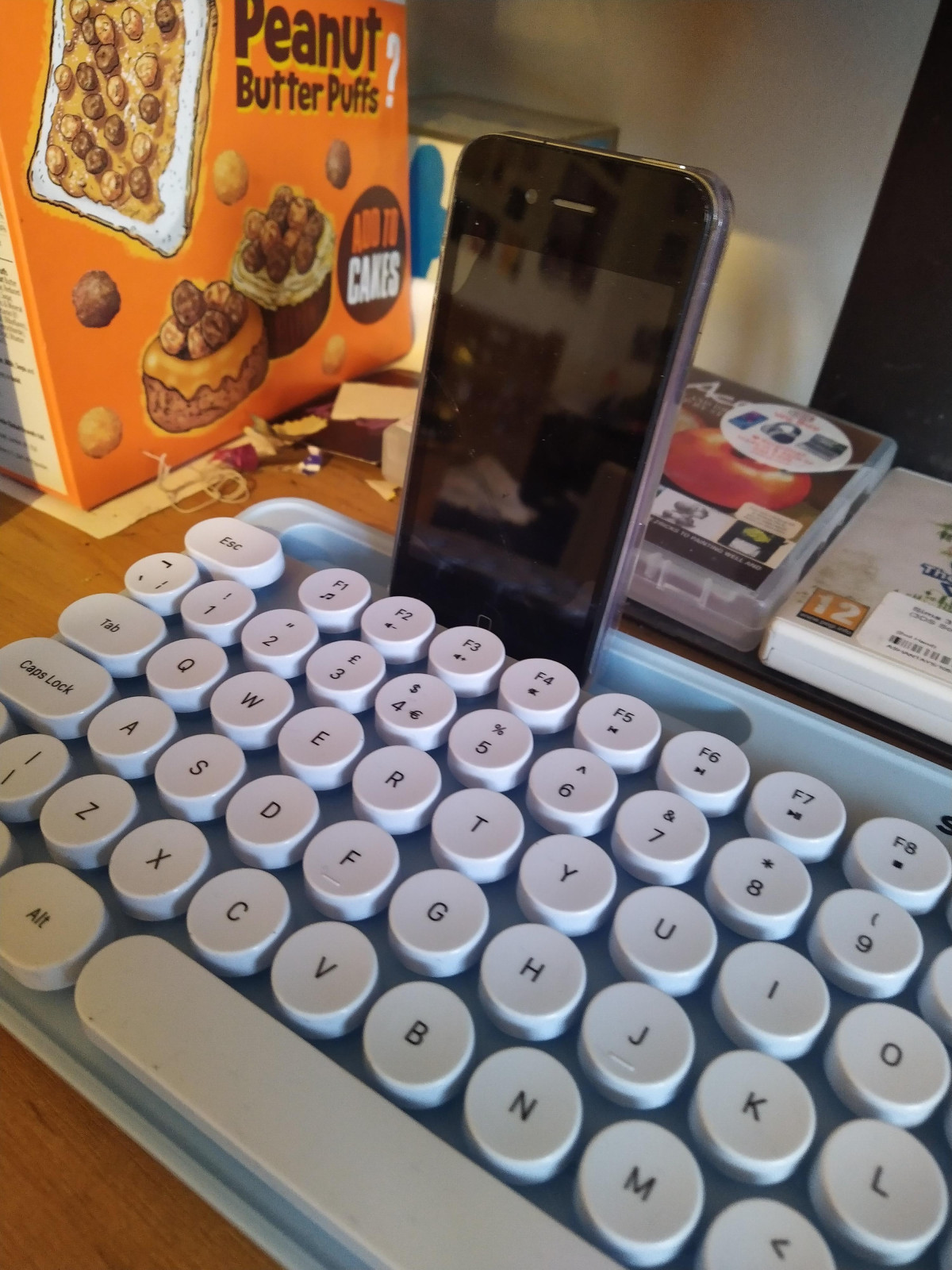
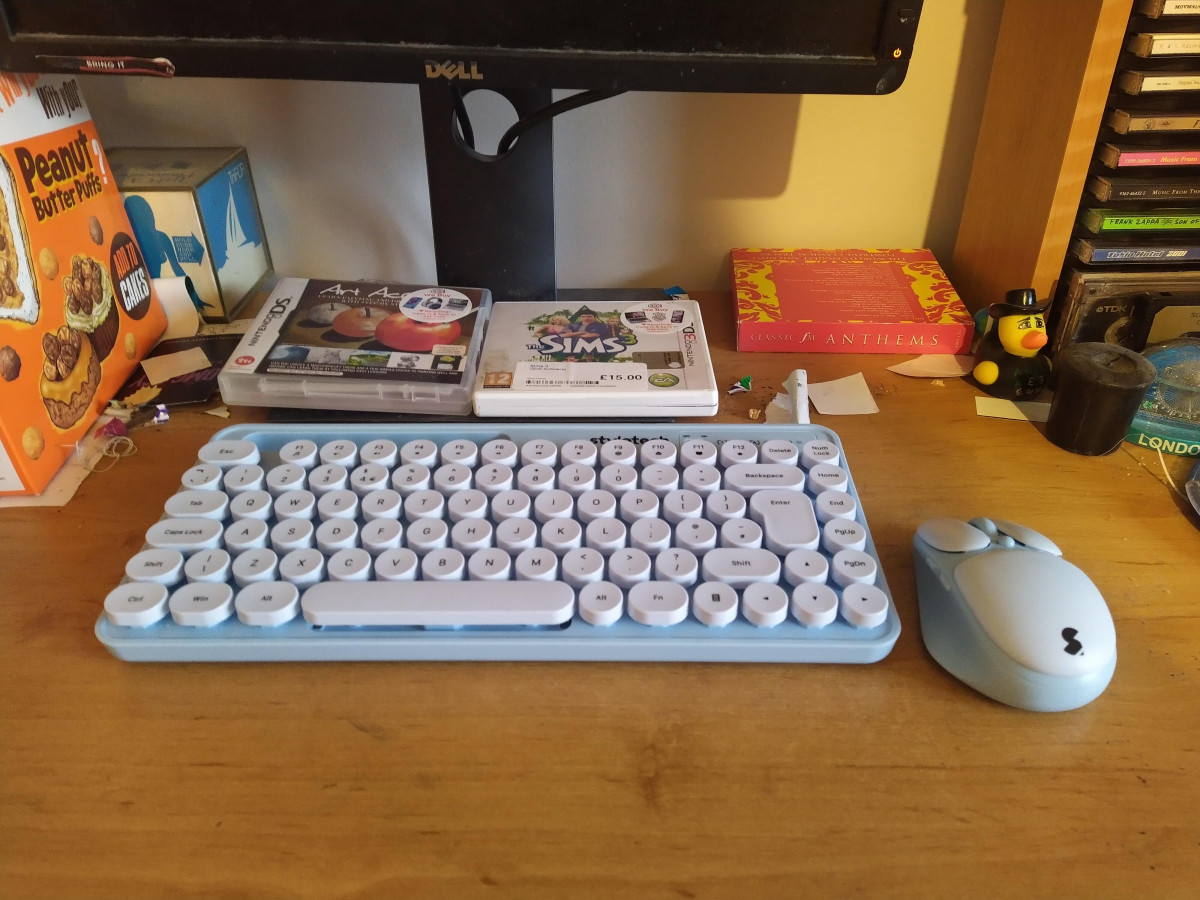
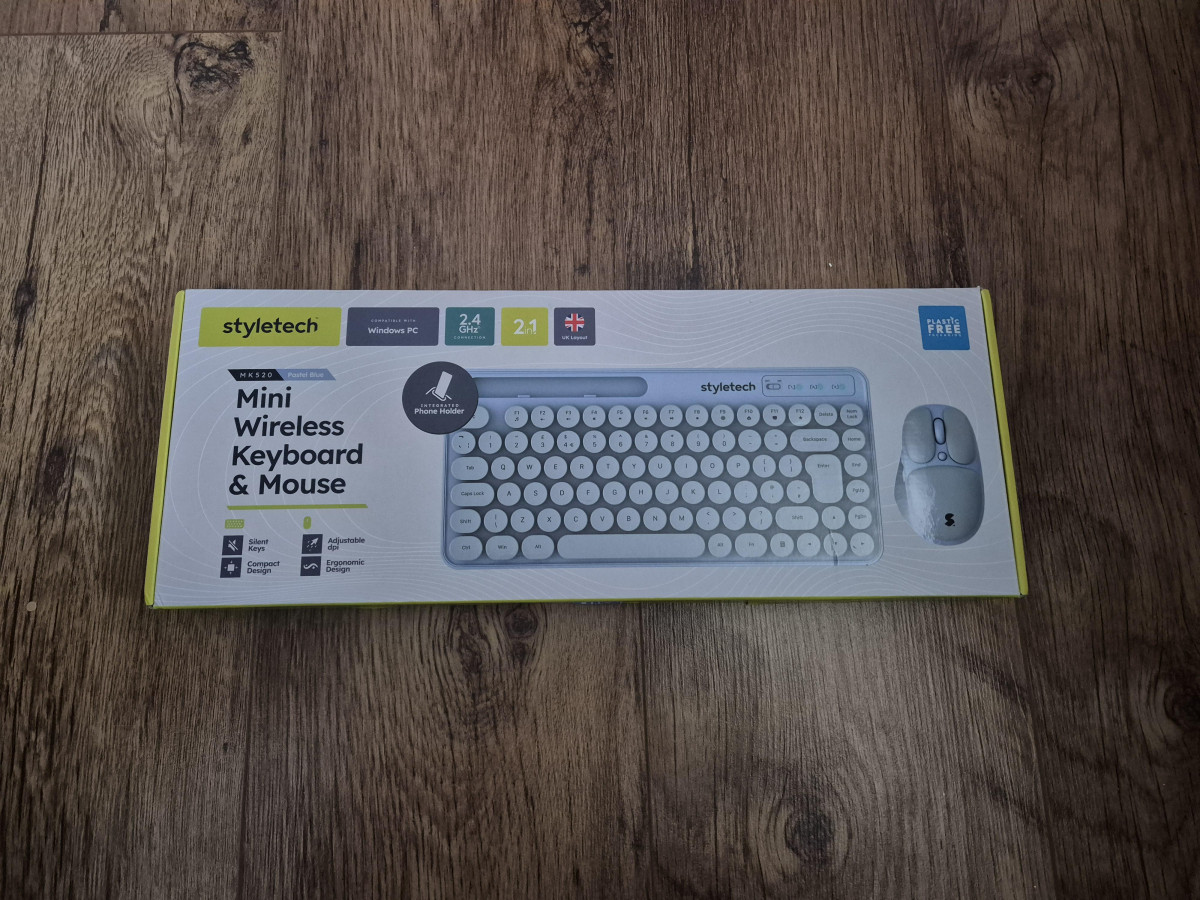
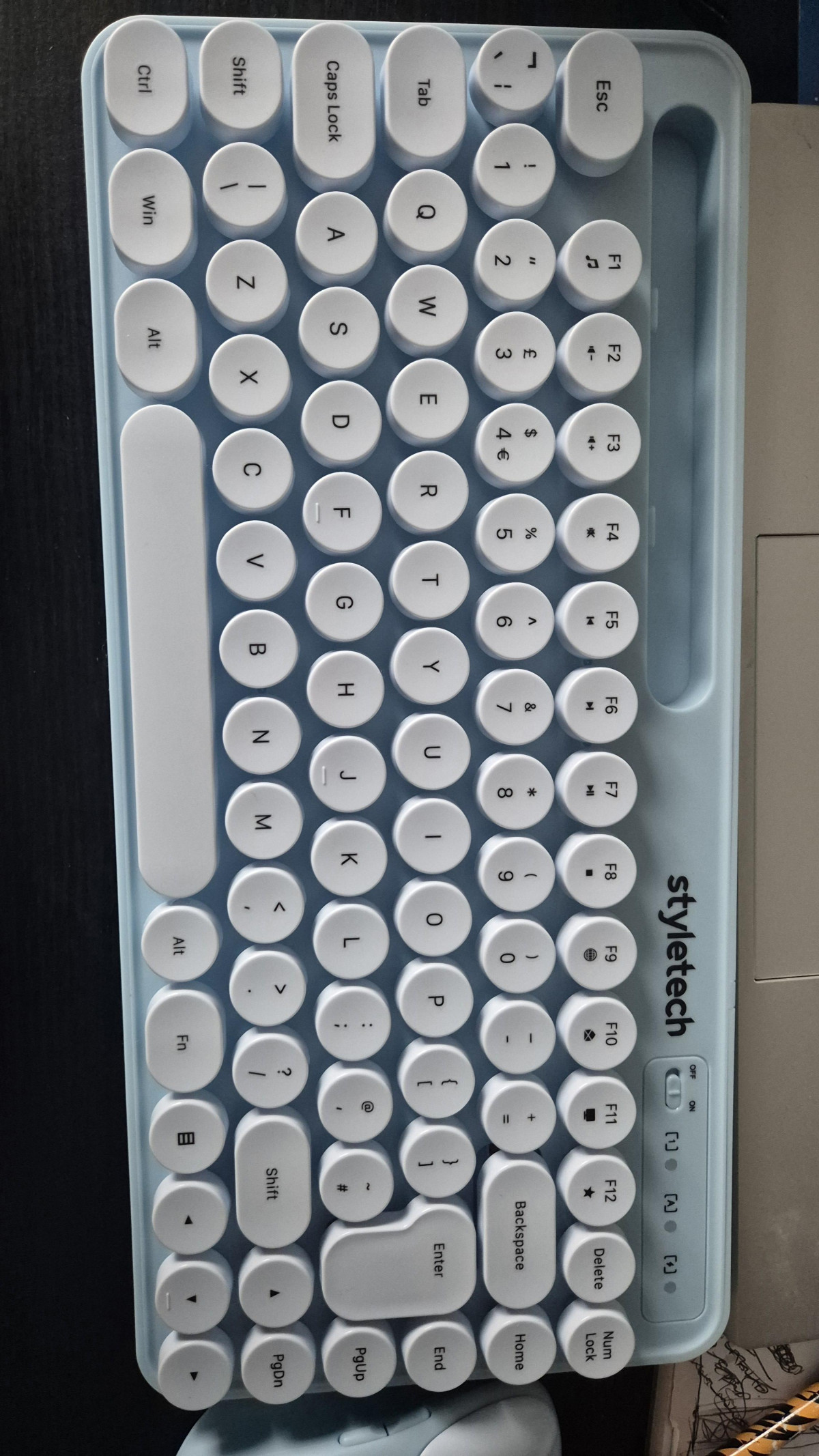
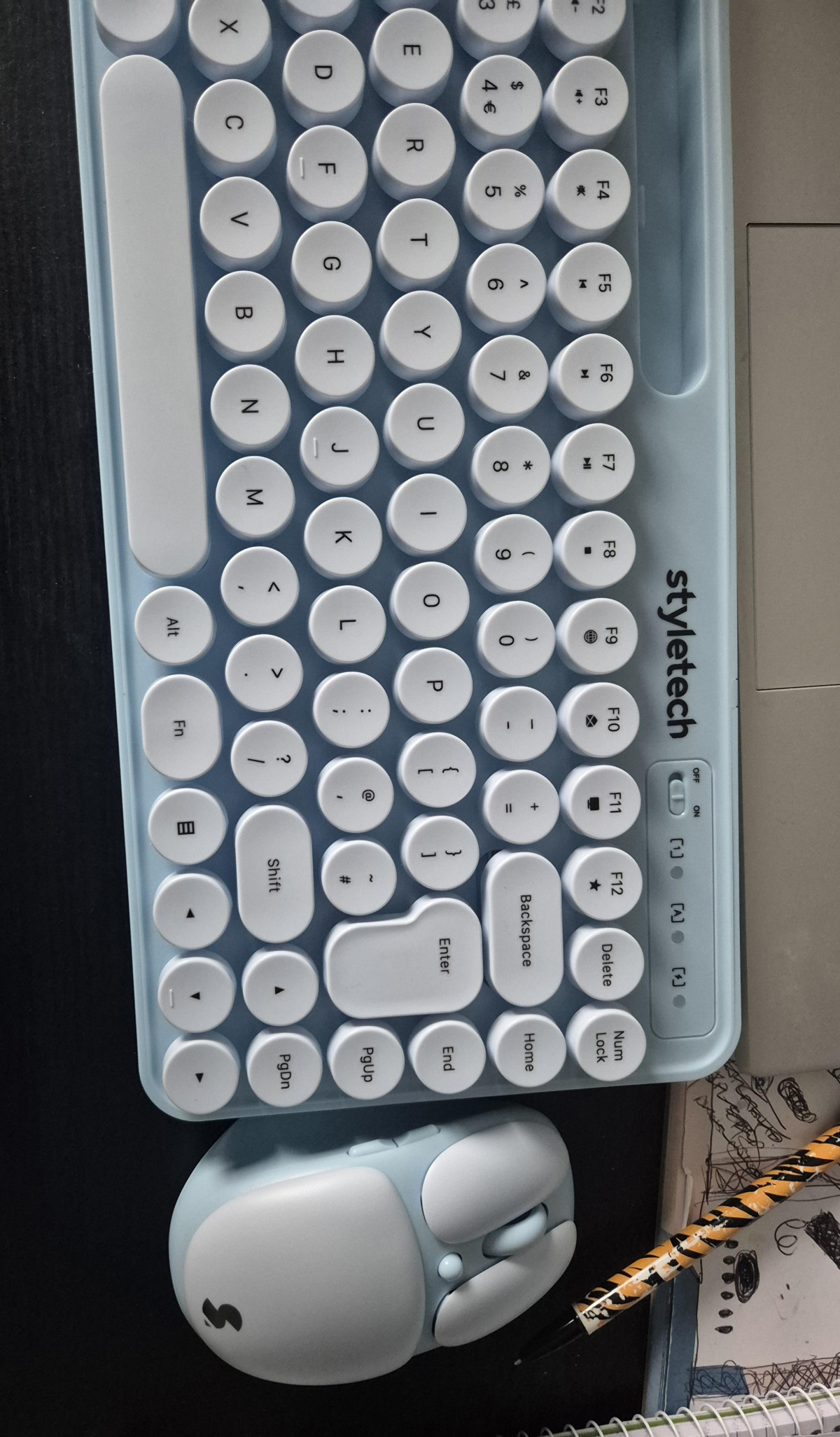
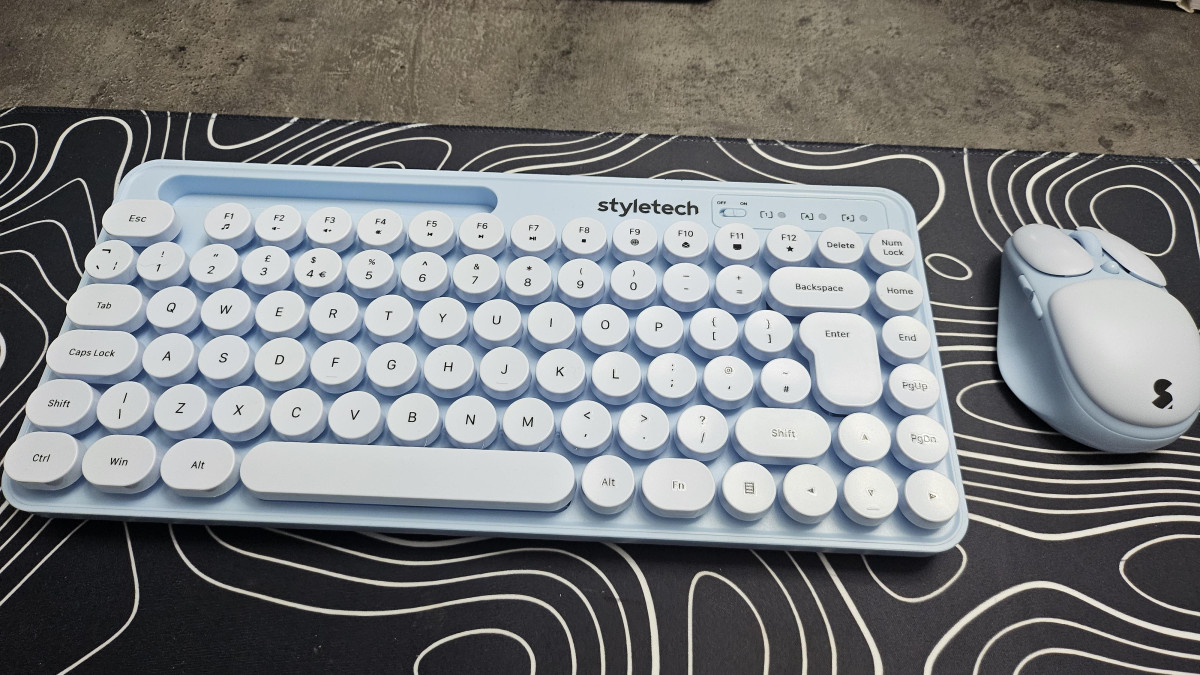
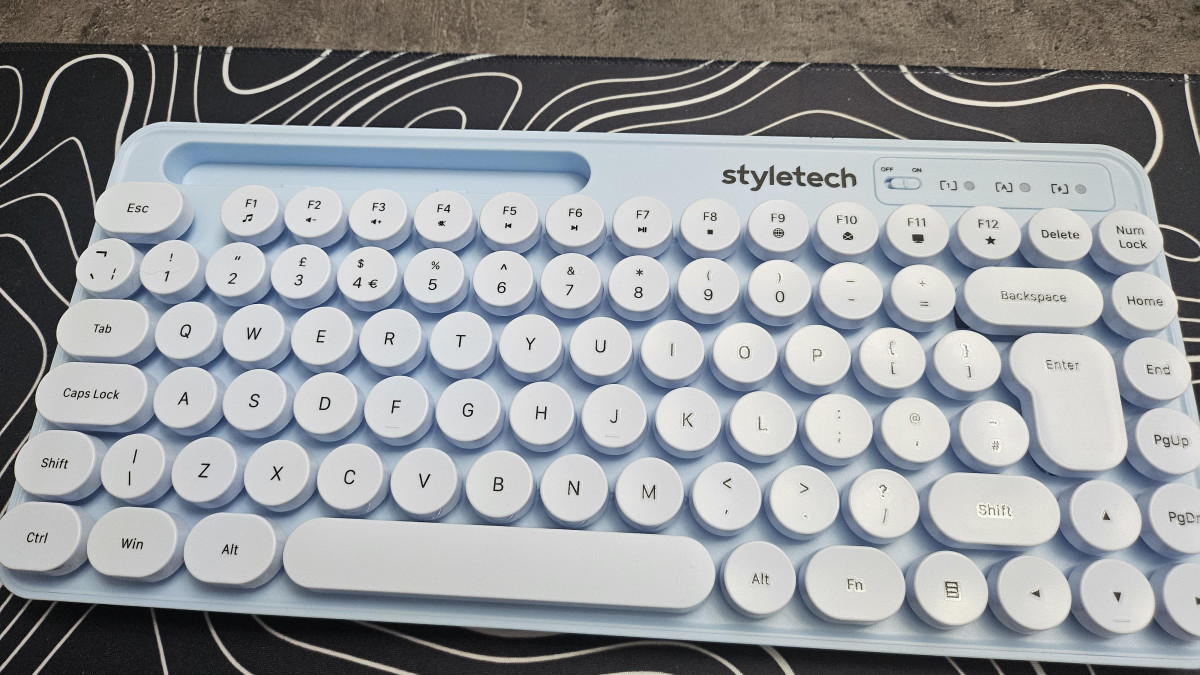
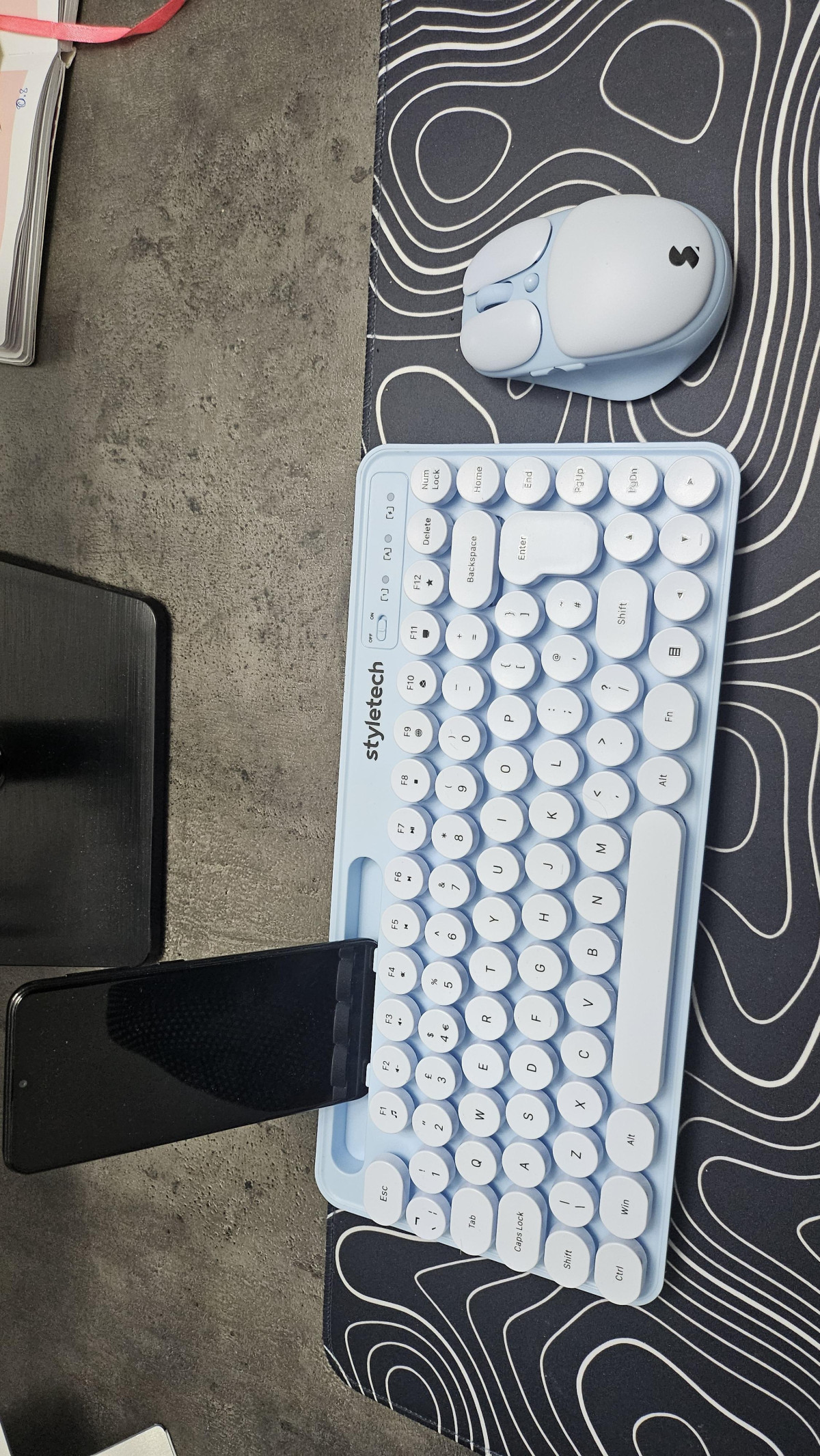
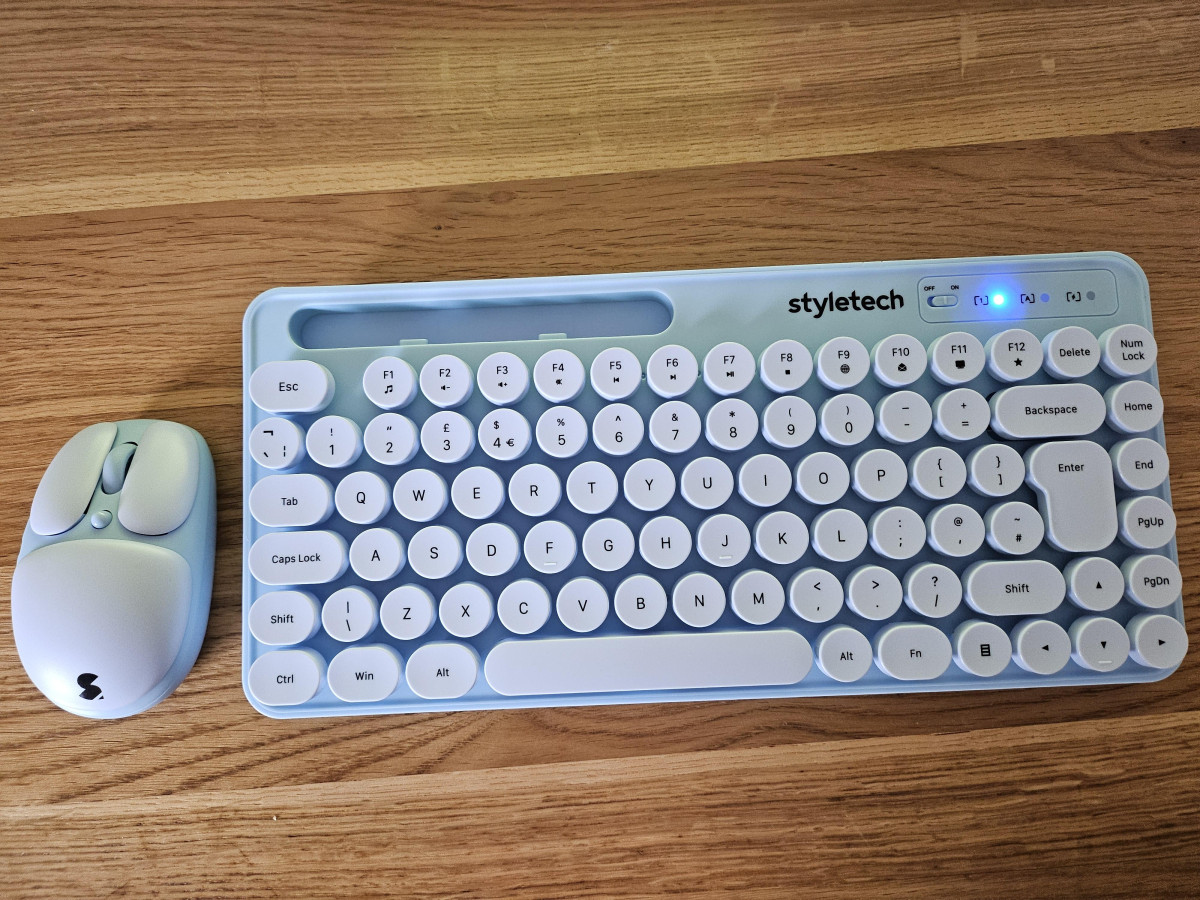
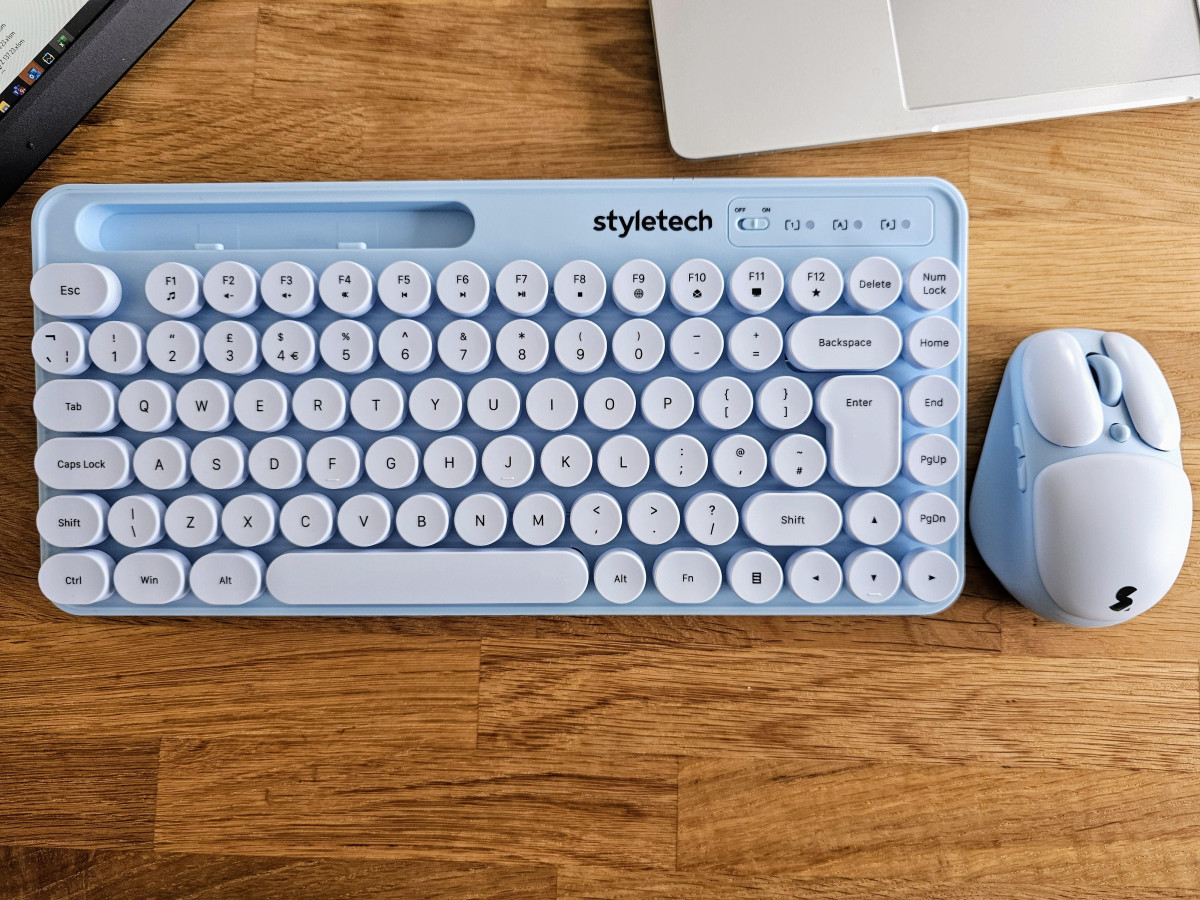
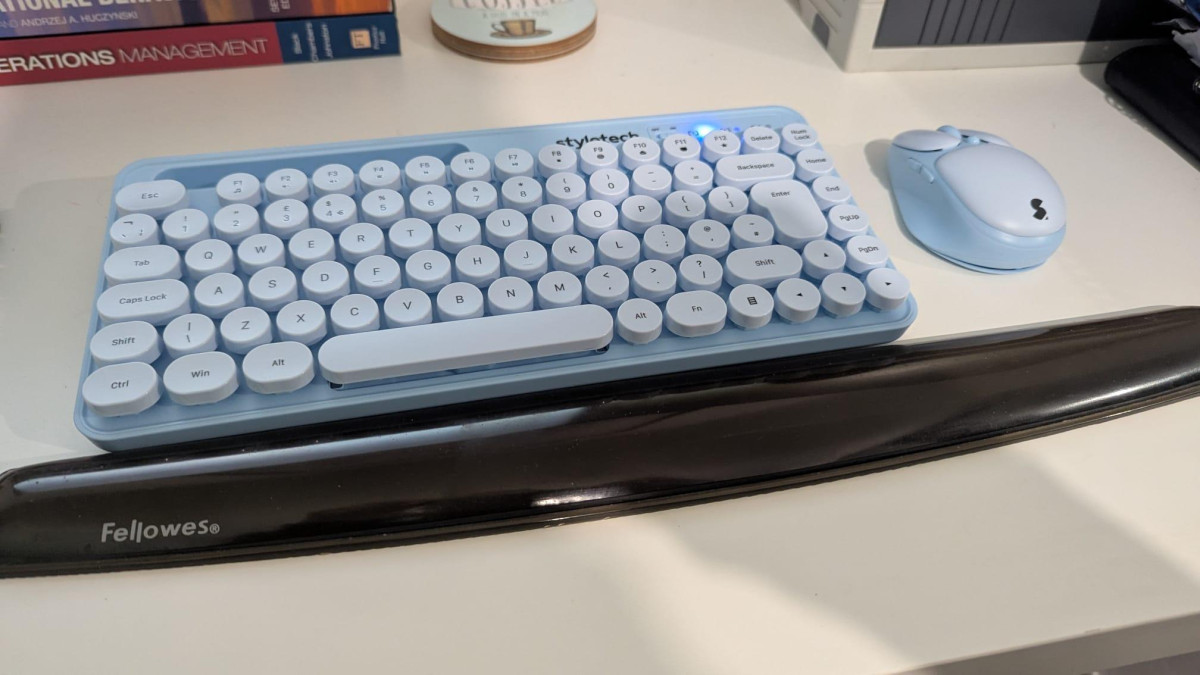
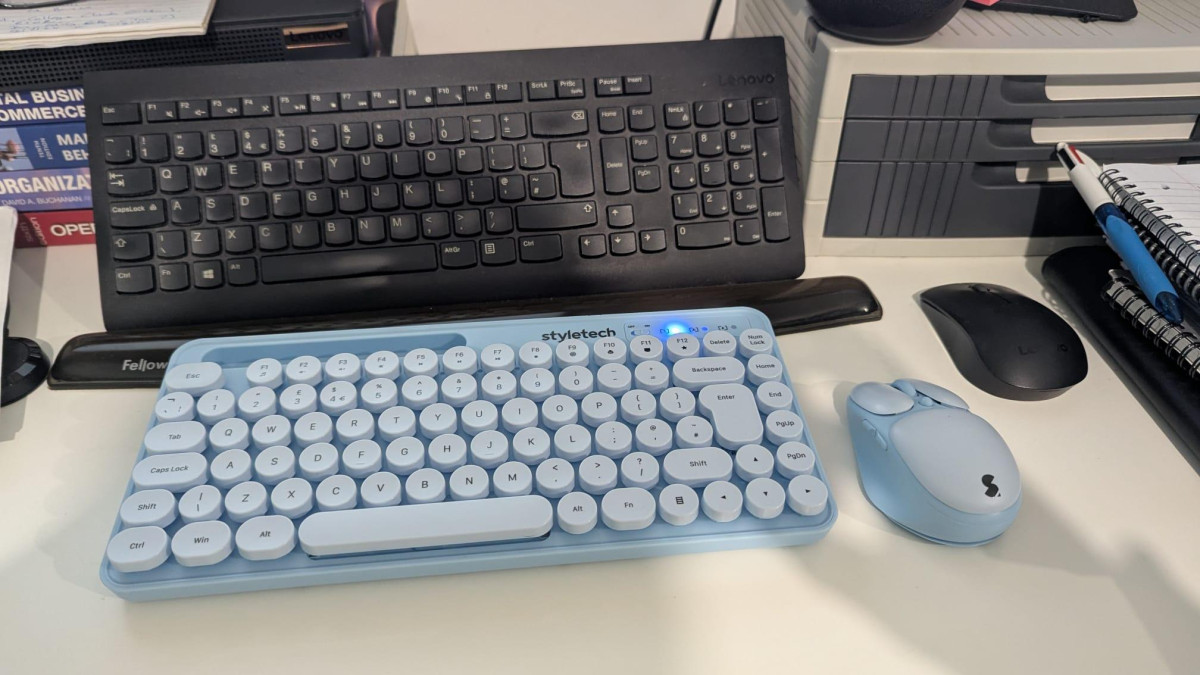
Pull the Styletech MK520 out of its box and the first thing you notice isn't a spec — it's the color. This pastel blue finish is clearly designed to stand out on a desk dominated by black and grey, and it succeeds at that immediately. The keyboard uses circular, raised keycaps rather than the flat, squared-off keys you'll find on most budget boards, giving it a slightly retro, typewriter-inspired look that photographs well and feels distinctive in daily use.
That said, distinctive design doesn't always mean premium construction. Both the keyboard and mouse are built from lightweight plastic, which keeps the set easy to move around and shove in a bag, but it also means the chassis flexes more than you'd find on pricier peripherals. Owners who've lived with the set for a few months describe it as solid enough for everyday tasks, while acknowledging that the character legends on the keycaps look printed on rather than laser-etched or double-shot molded — a detail that matters if you're the kind of person who wears through key labels over years of heavy typing. For a desk accessory, occasional-use keyboard, or a secondary setup, this is a fair trade for the price. For someone typing eight hours a day, five days a week, it's a genuine consideration.
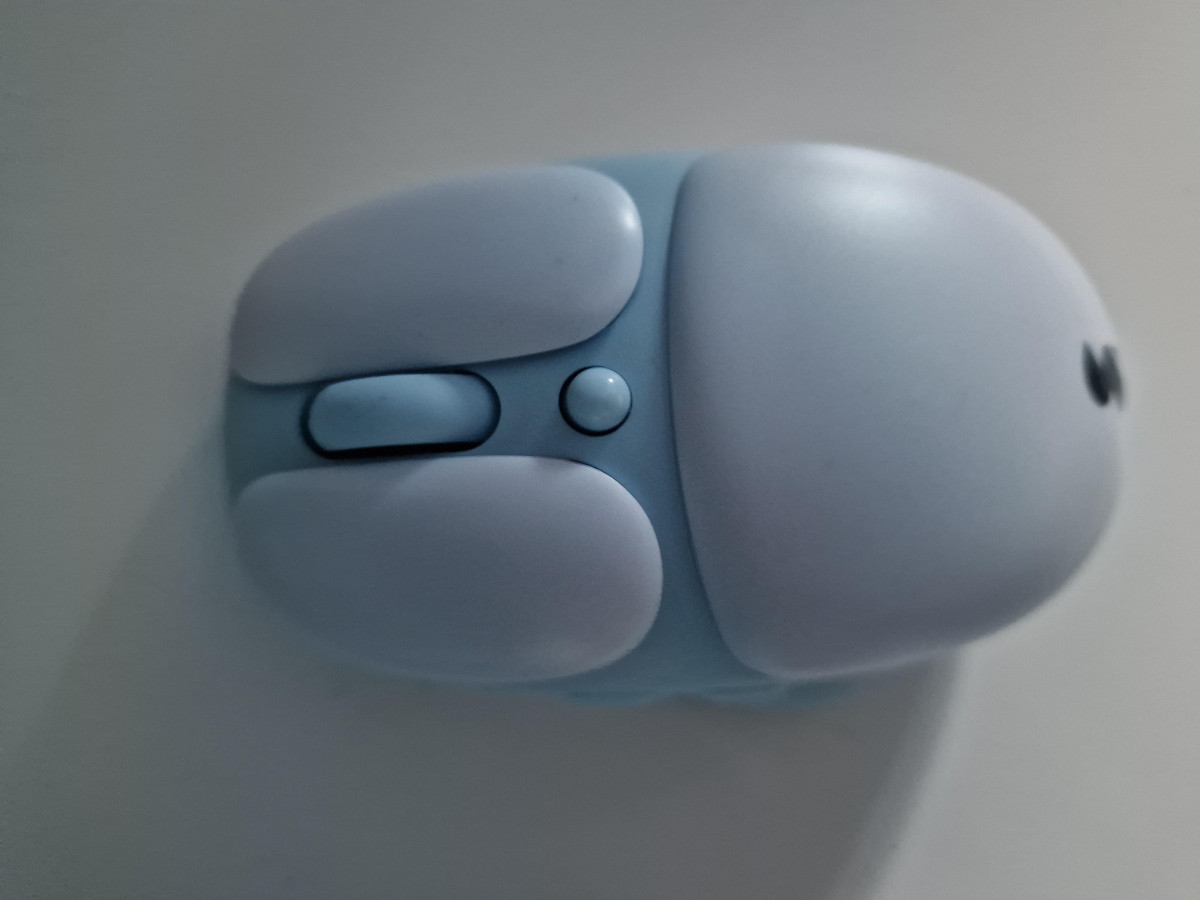
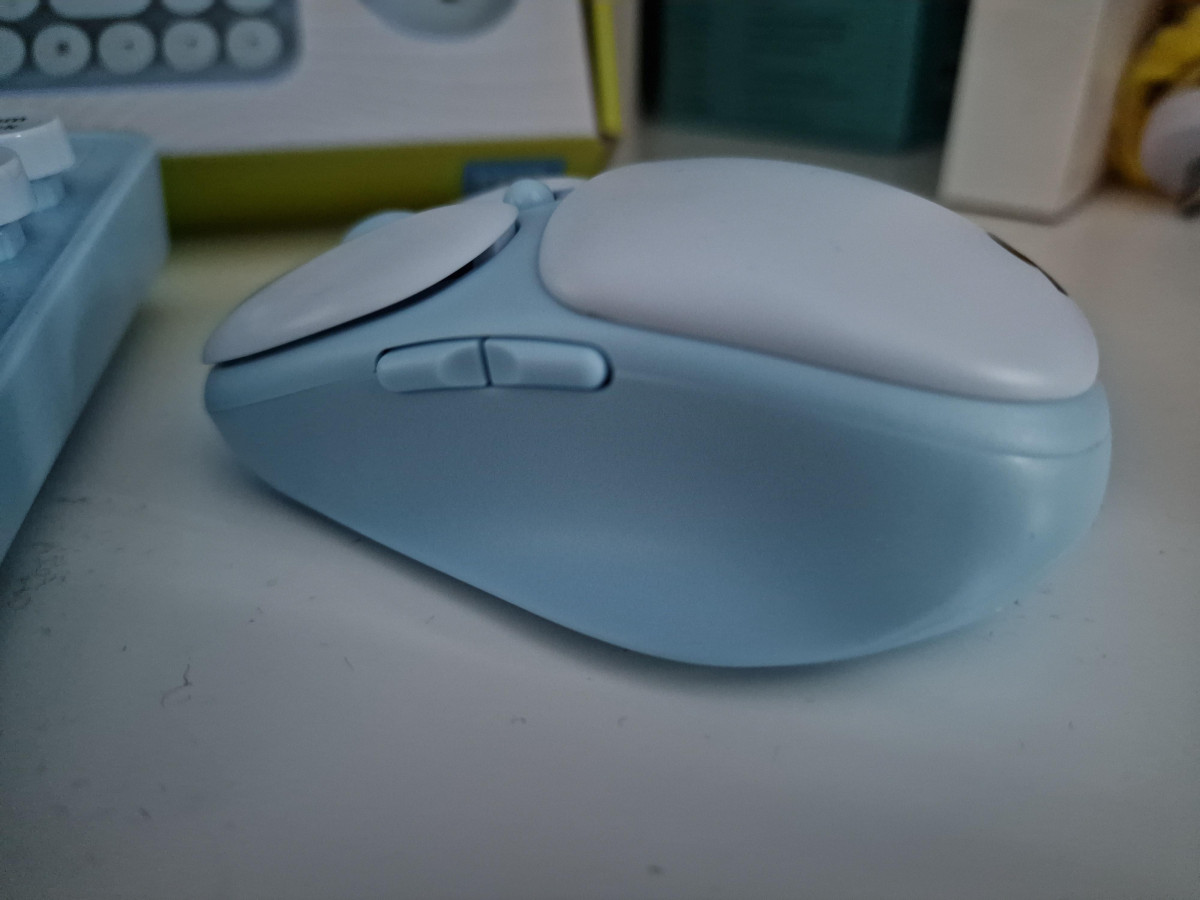
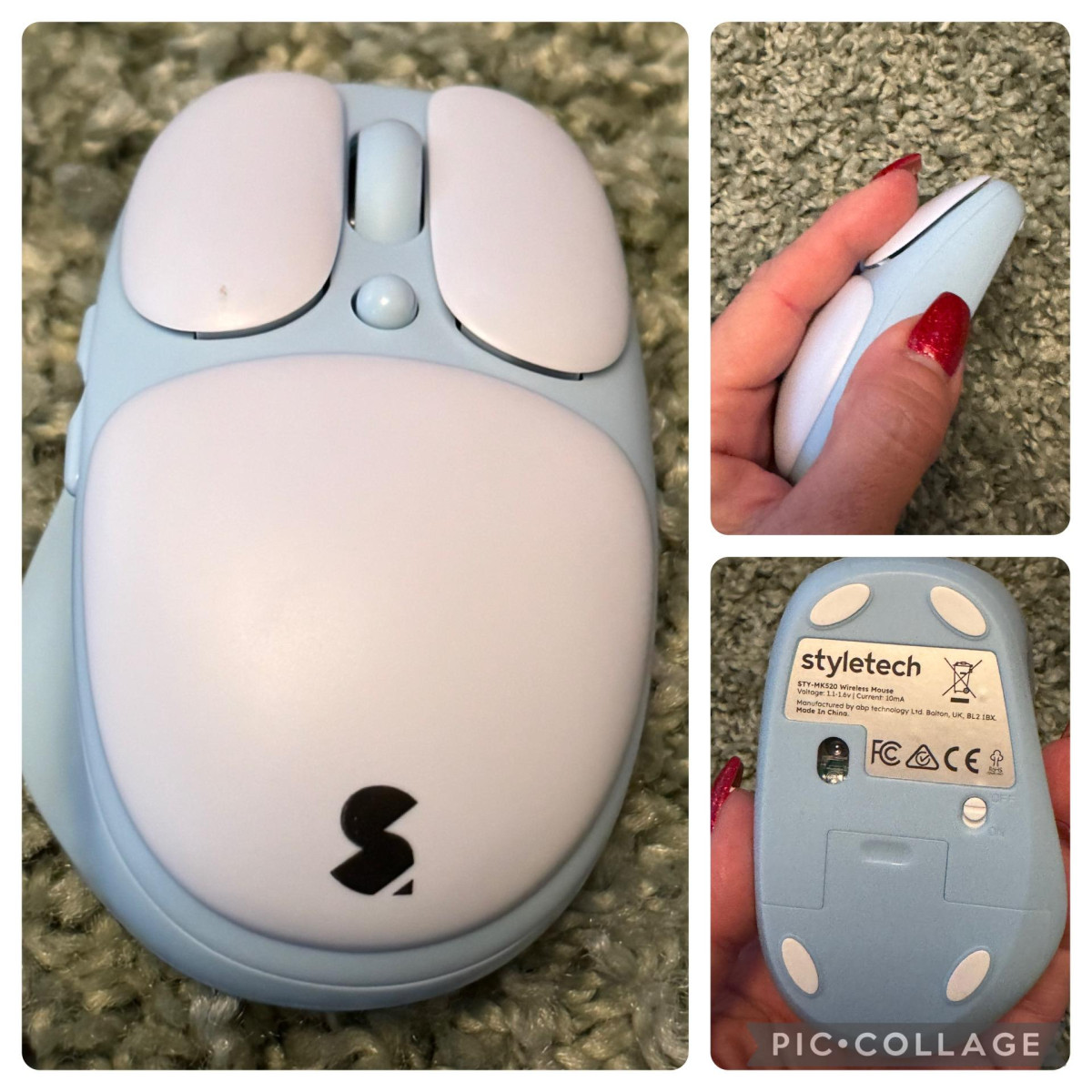
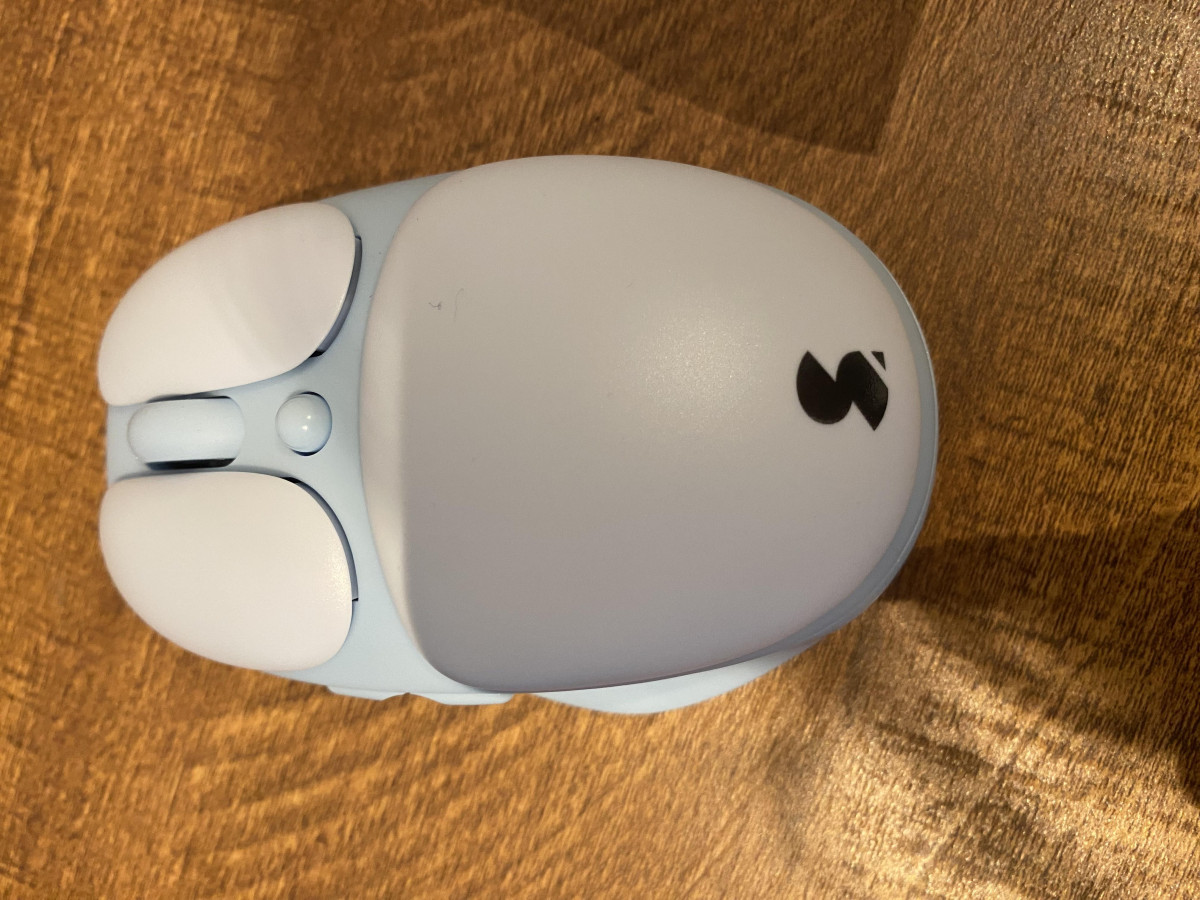
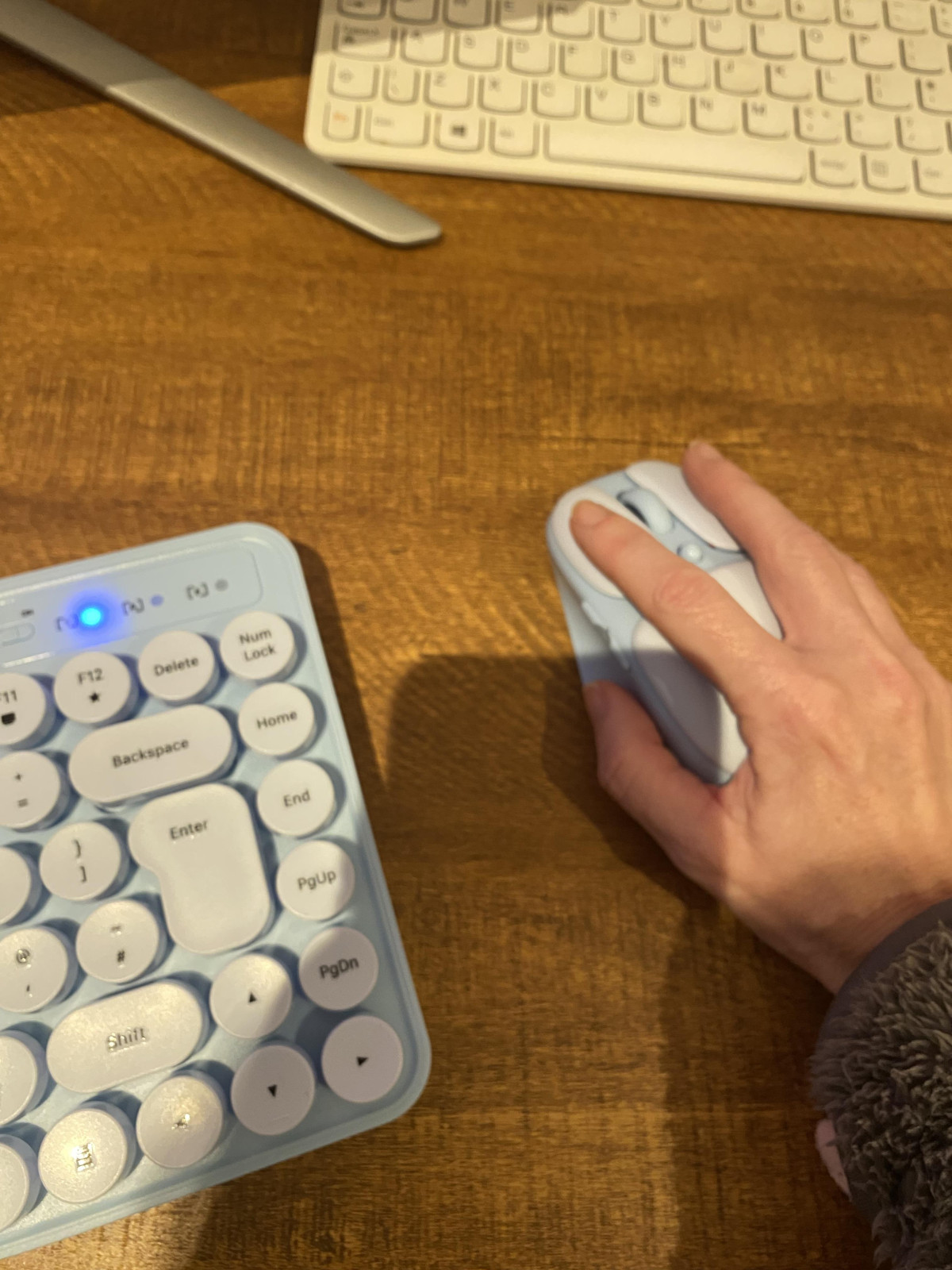
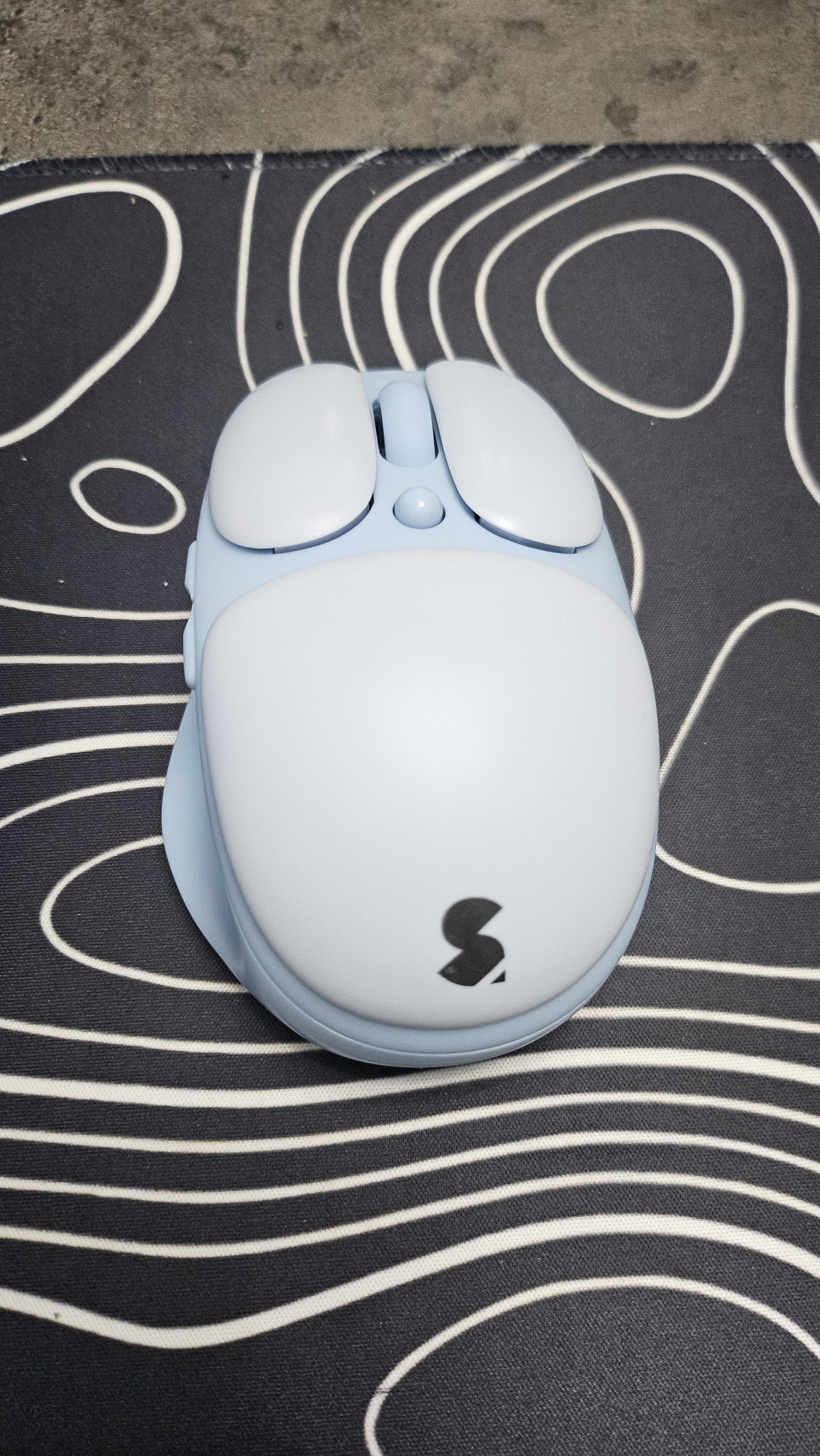
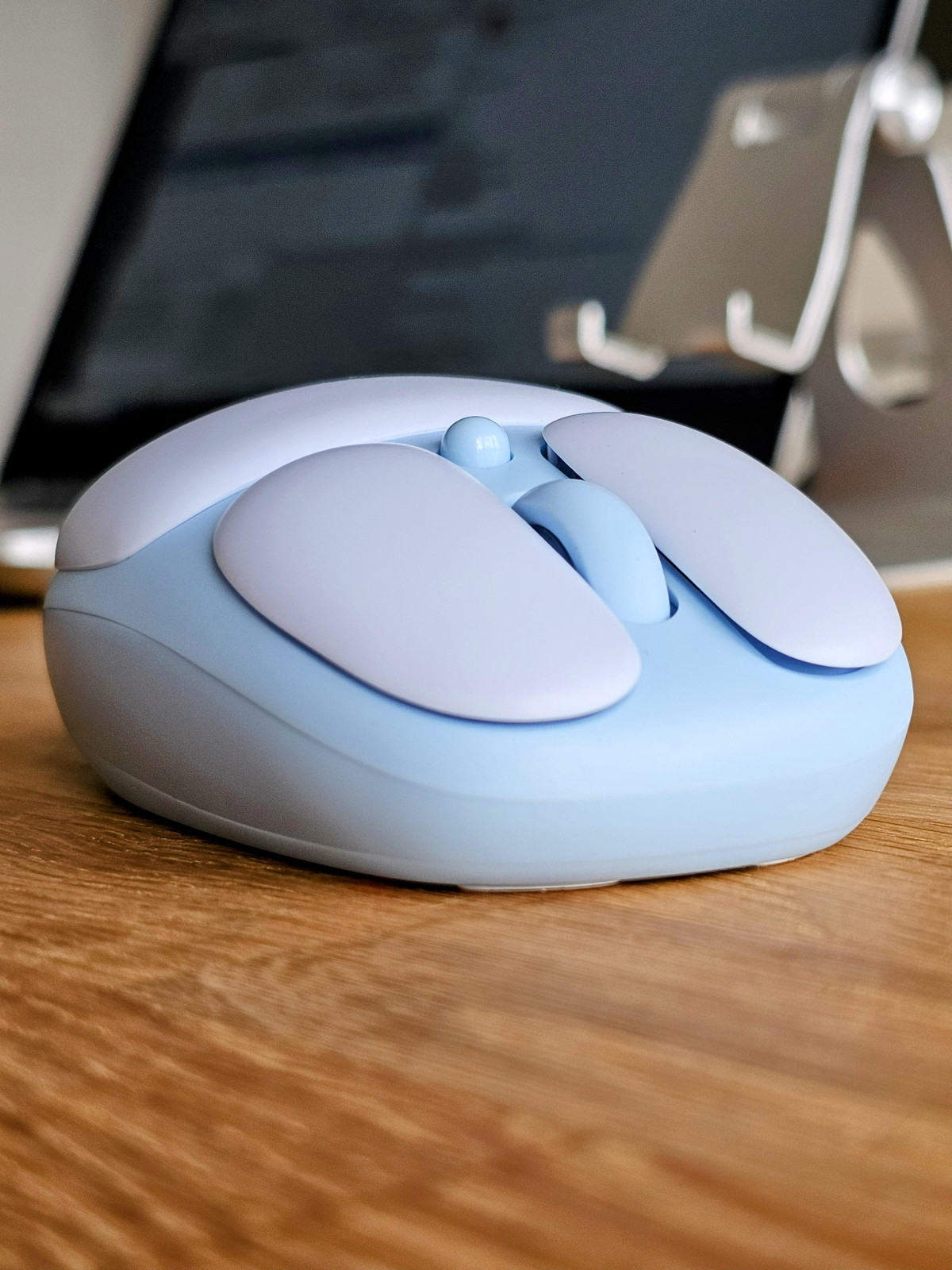
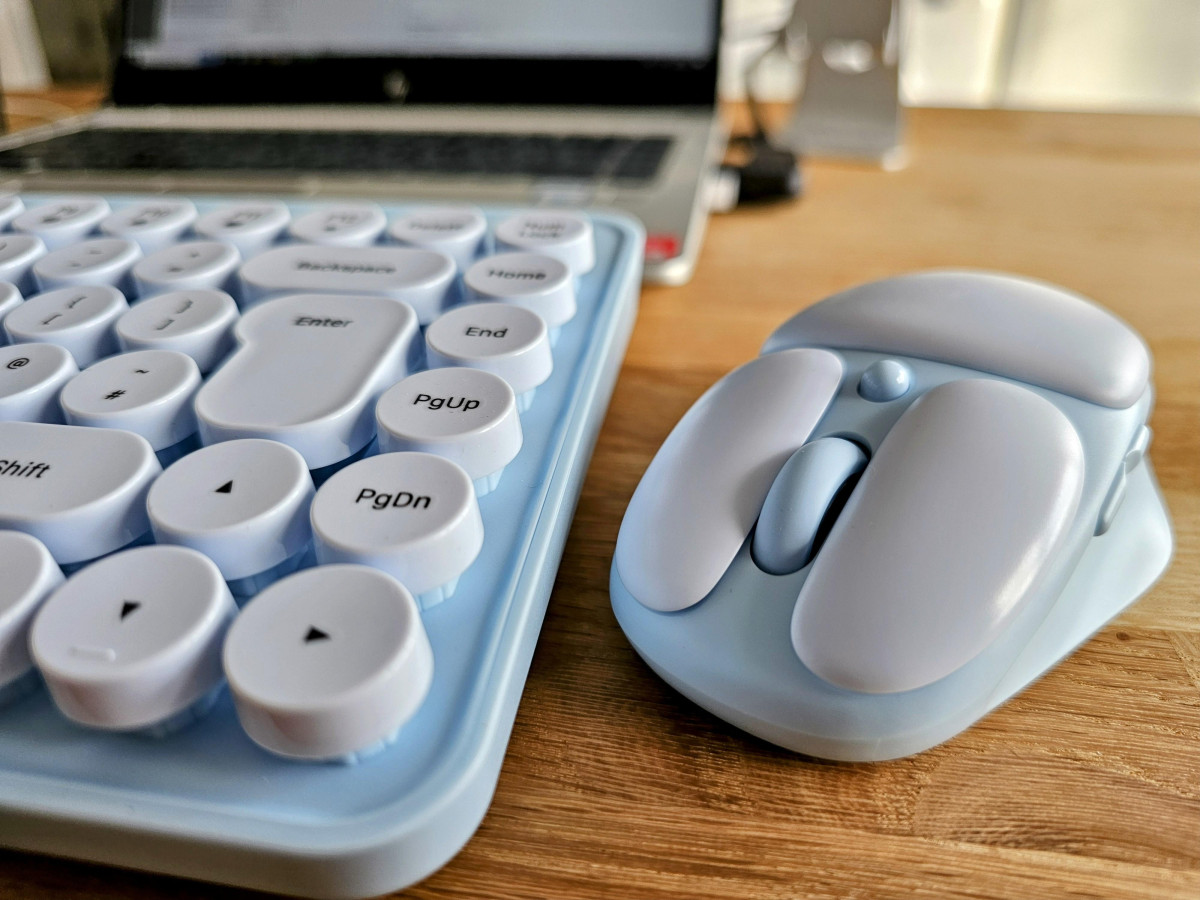
The mouse follows the same design language: rounded, lightweight, and finished with a subtle thumb indent that several users single out as a small but effective ergonomic touch. It's shaped for right-hand use, so left-handed buyers should be aware this isn't an ambidextrous design.
The Keyboard: Typing Feel and Everyday Comfort
The headline feature here is silence. The MK520's keys are engineered to minimize the clack most keyboards produce, which makes a genuine difference if you work in a shared space, take video calls throughout the day, or type late at night next to a sleeping partner. This isn't a marketing claim that falls apart in practice — it's consistently the most-praised aspect of the keyboard across owner feedback.
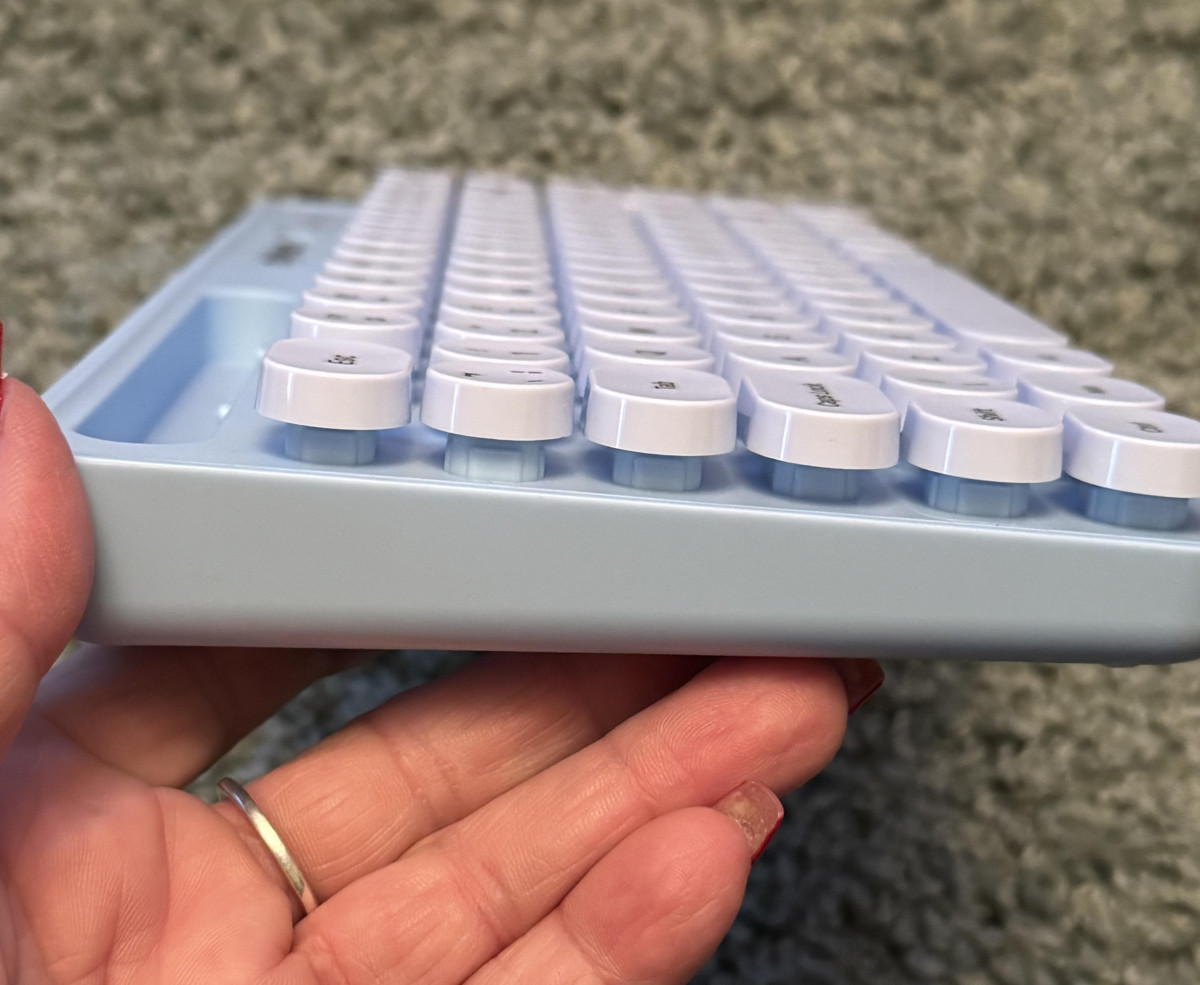
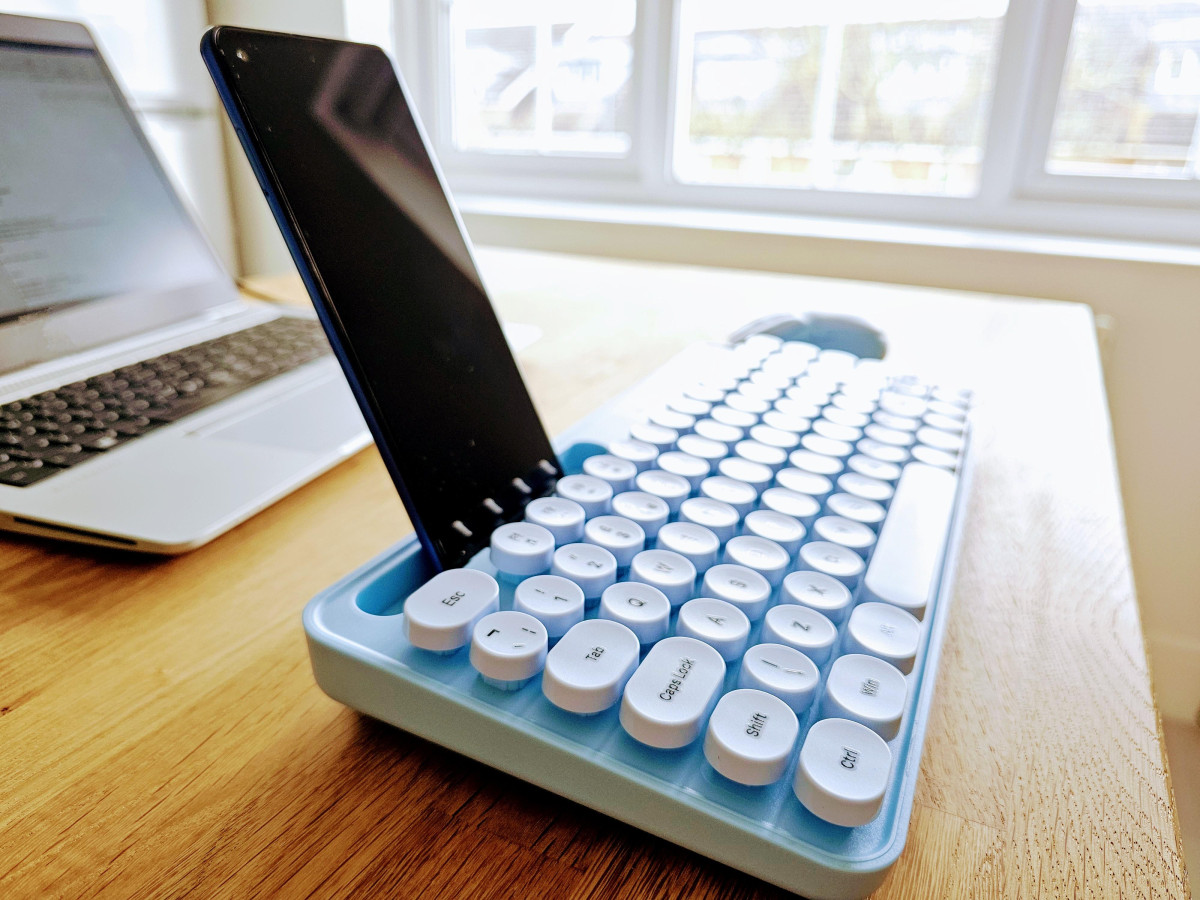
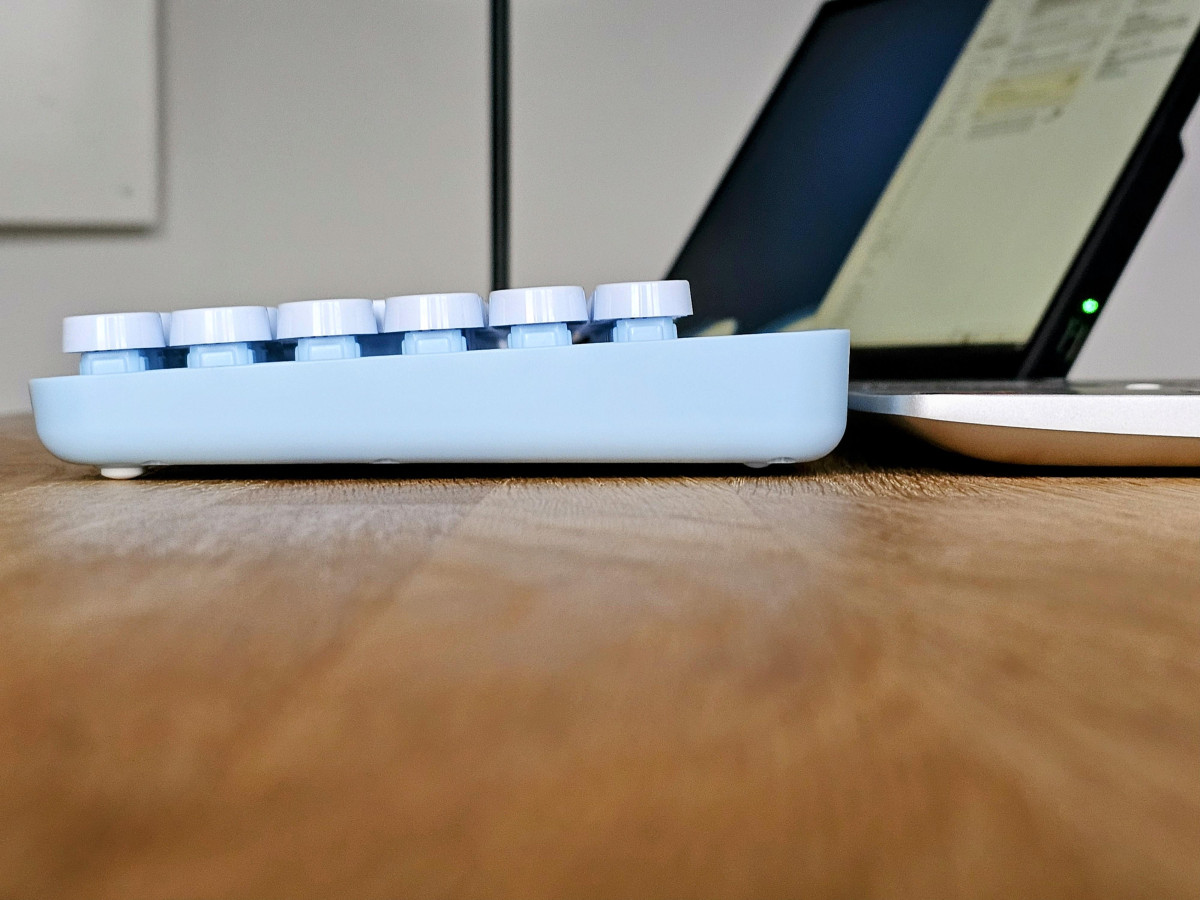
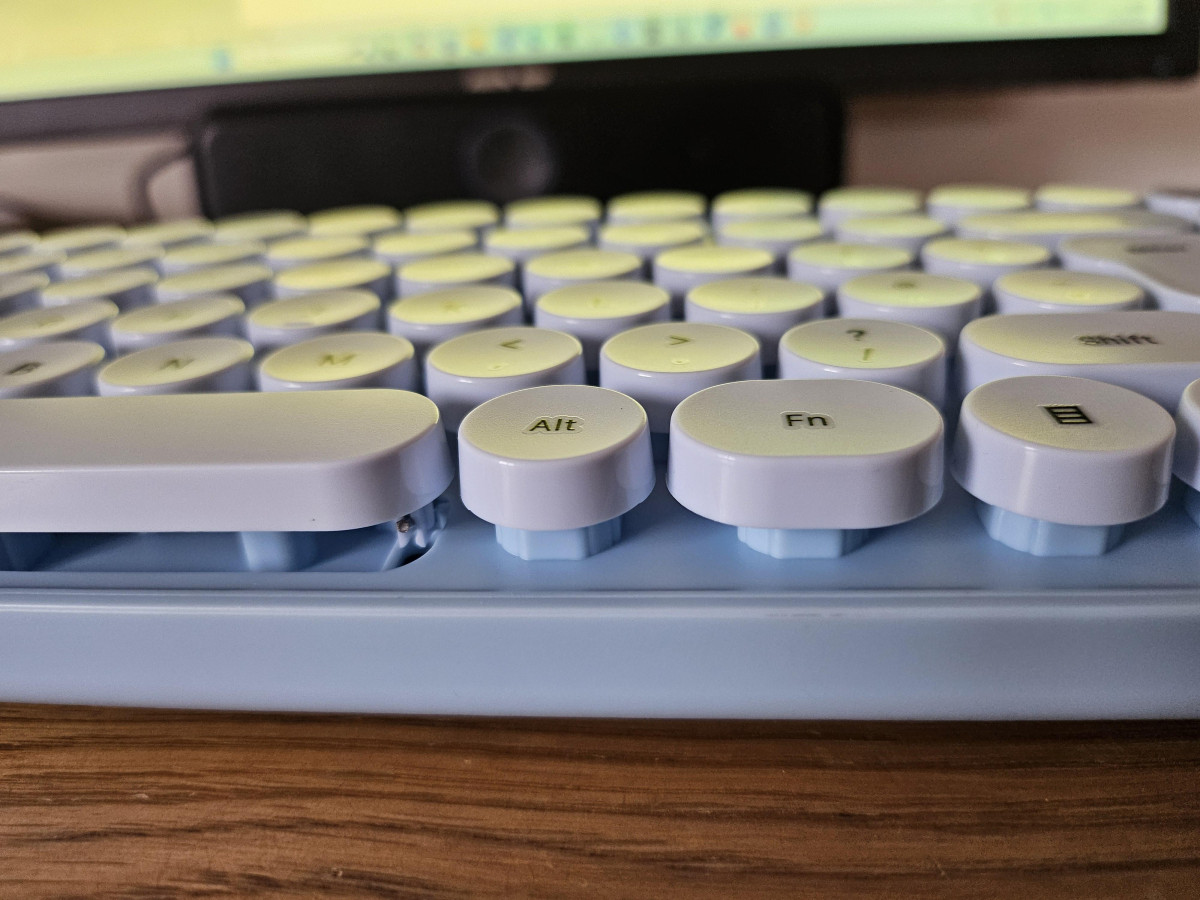
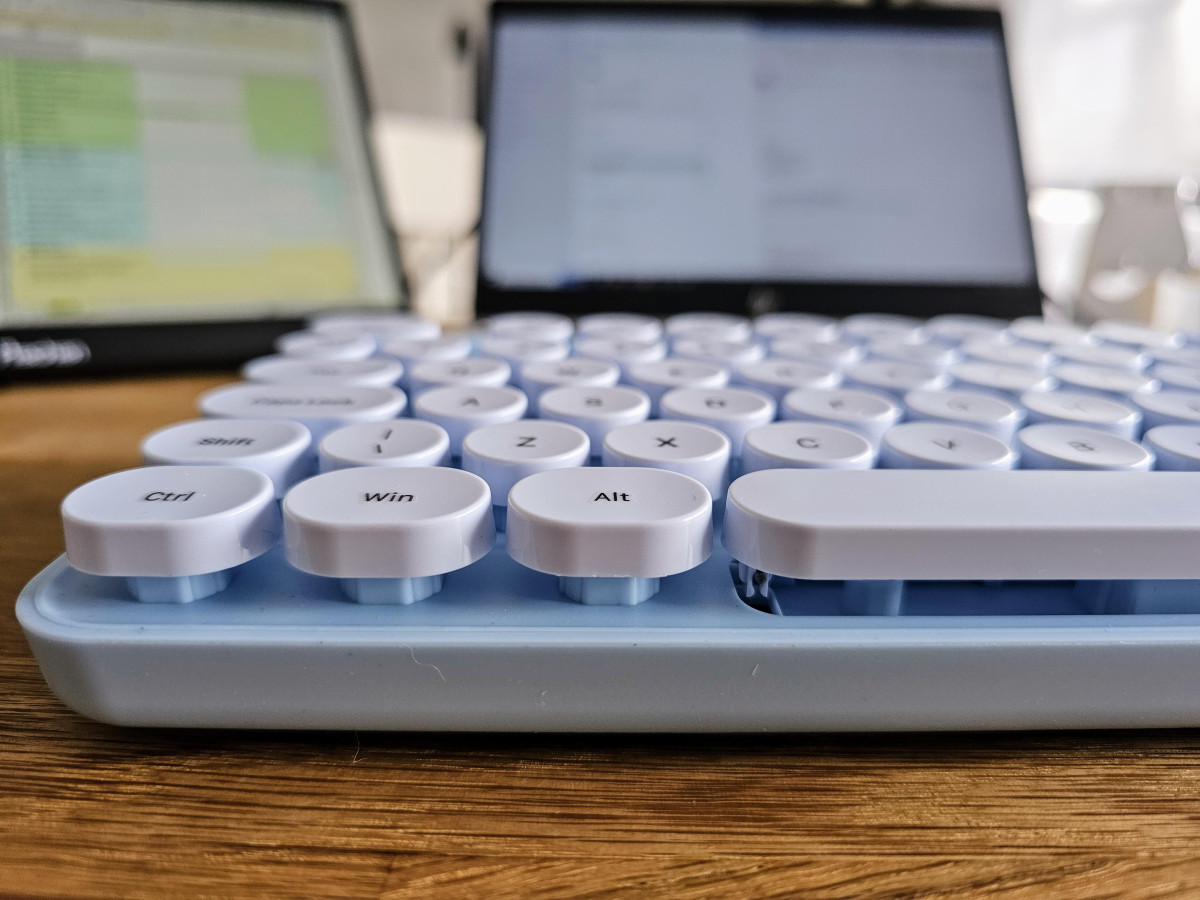
The circular, raised keycap profile is the other defining trait. It gives each key a more pronounced, tactile bump than the flatter chiclet-style keys common on this style of board, and most people adapt to it quickly. A minority of users note the keys sit noticeably taller than they expected and require a slightly firmer, more deliberate press — closer to an old-school typewriter action than a modern low-profile laptop keyboard. If you're coming from a slim scissor-switch board, budget a short adjustment period.
On reliability, feedback is mostly positive but not unanimous: the majority of owners report keys that respond cleanly with no sticking, while a smaller number have experienced individual keys — the Enter key comes up more than once — feeling less consistent. That's worth knowing going in, though it doesn't appear to be the norm.
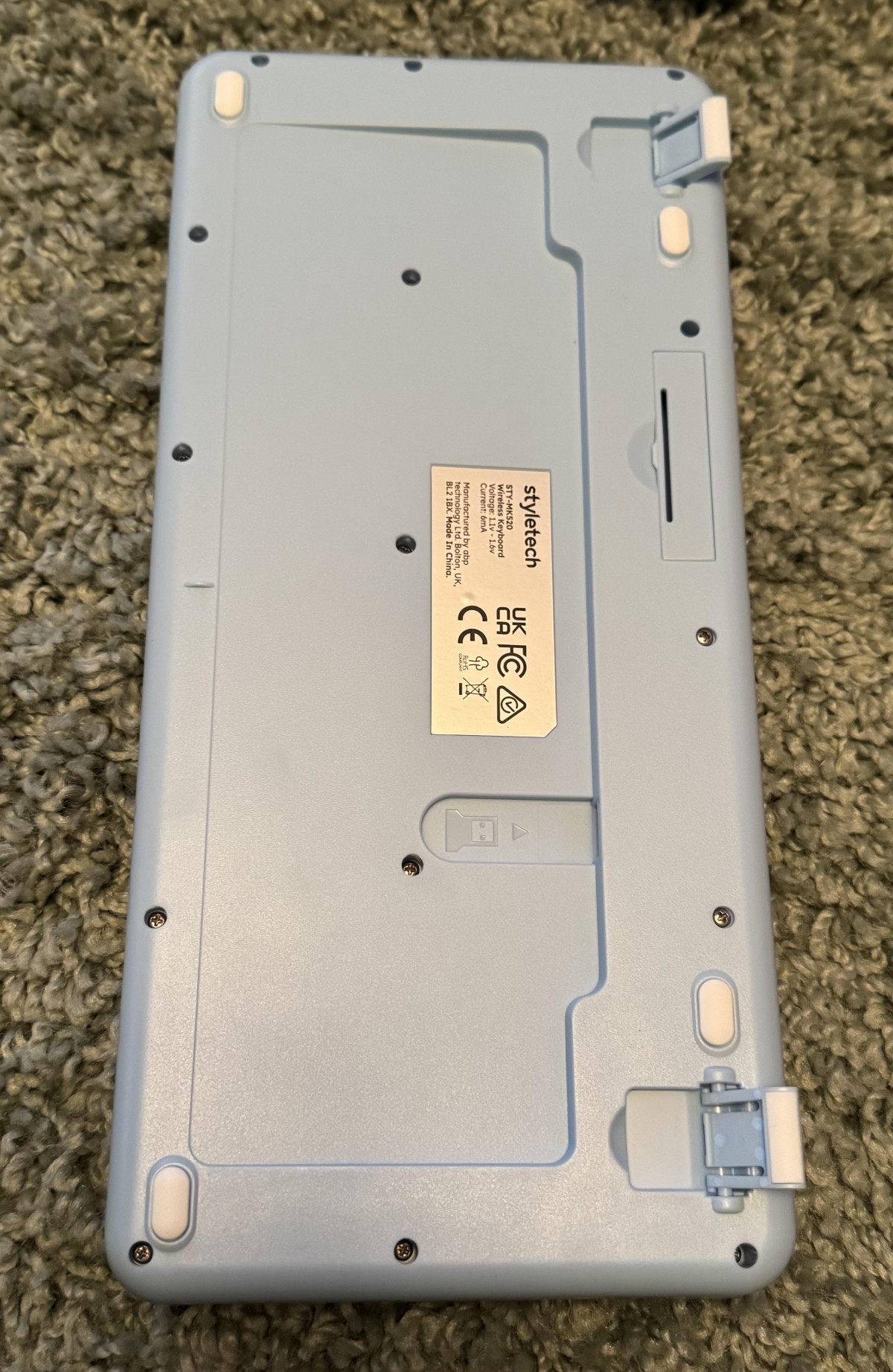
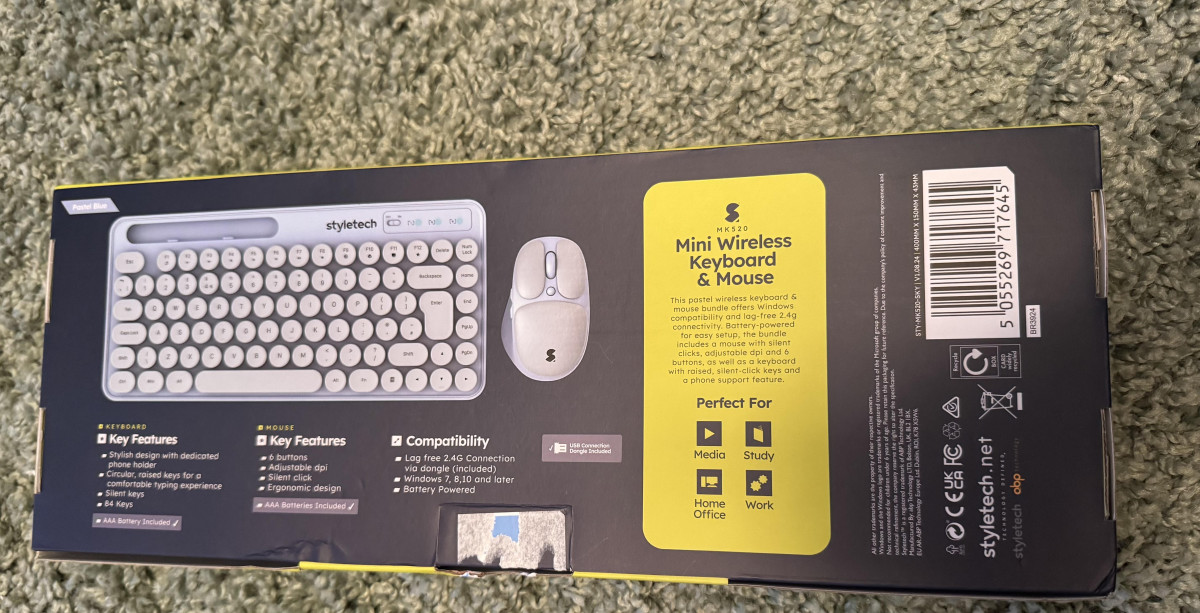
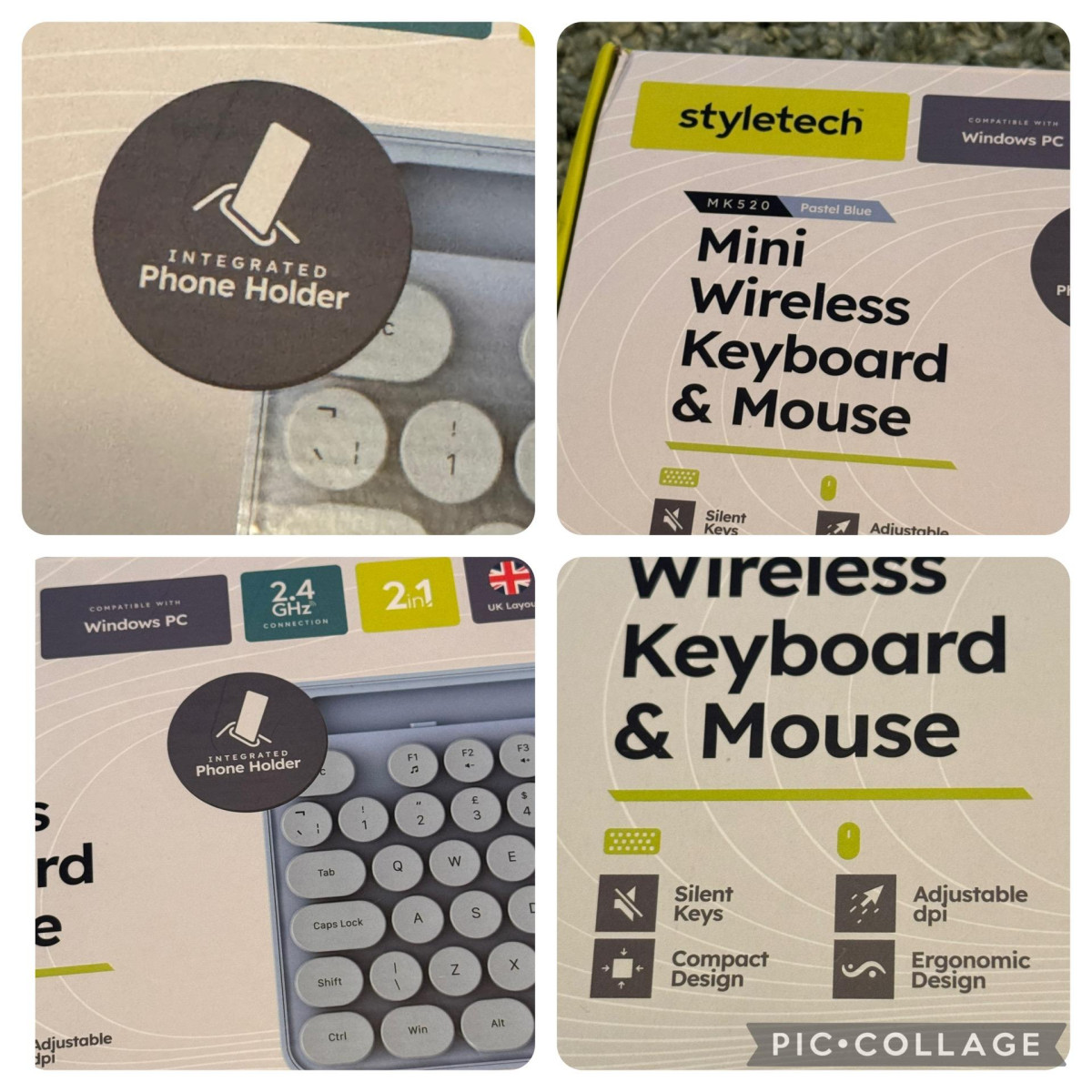
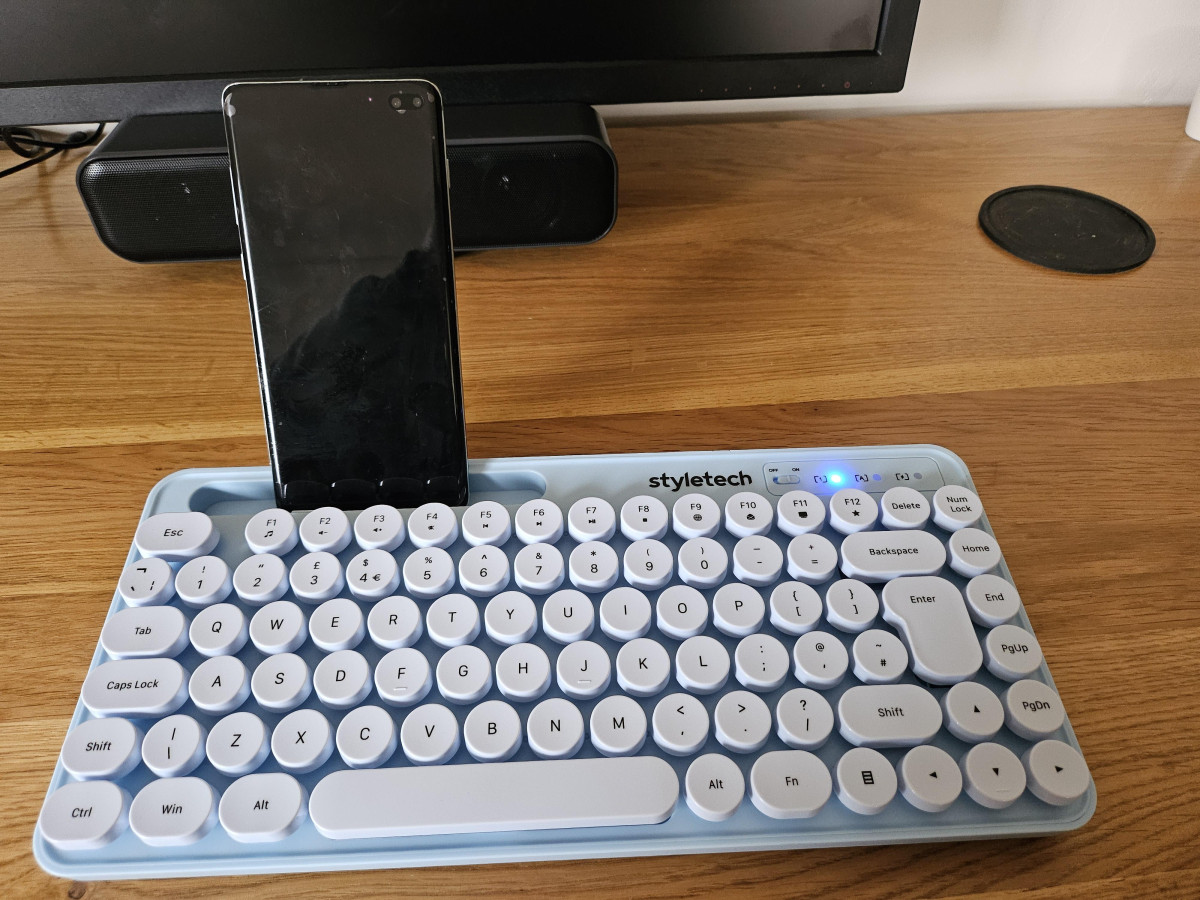
A genuinely useful extra is the built-in phone stand molded into the keyboard's design. It's a small thing, but it solves a real desk-clutter problem: rather than propping your phone against a monitor stand or laptop, you get a dedicated slot that keeps it upright and visible, which is handy for two-factor authentication codes, video calls on a second device, or just keeping notifications in view without picking your phone up and breaking focus.
The Mouse: Precision, Buttons, and Real-World Handling
The mouse pairs a laser sensor with three switchable sensitivity levels, which in practical terms means you can dial in how far the cursor travels per inch of physical mouse movement. The lowest setting suits detail-oriented work like photo editing or spreadsheet navigation, where you want fine, controlled cursor movement. The highest setting is better suited to large or multi-monitor setups where you'd otherwise need to physically drag the mouse a long way to cross the screen. Switching between them is done with a dedicated button on the mouse itself rather than through software — a genuine convenience for plug-and-play simplicity, though it also means there's no driver-based customization or macro programming beyond that basic cycling.
Six buttons total gives you more control than a standard three-button mouse: beyond left-click, right-click, and scroll, you get additional buttons that are commonly mapped to browser forward/back navigation once connected — useful for anyone who does a lot of web research, document review, or file browsing. The clicks themselves are engineered to be quiet, matching the keyboard's silent-operation theme, and reviewers consistently rate the mouse as the stronger half of this bundle: comfortable in hand, precise enough for everyday navigation, and one of the few components in this price bracket to include a battery-level indicator light so you're not caught off guard by a sudden power failure mid-task.
Connectivity and Setup: What "Lag-Free 2.4GHz" Actually Means
Rather than Bluetooth, the MK520 connects through a small USB nano receiver — sometimes called a dongle — that you plug into a spare USB-A port and largely forget about. This has real practical advantages over Bluetooth pairing: there's no menu to dig through, no PIN codes, and typically lower and more consistent input lag, since the connection isn't competing with other Bluetooth traffic on your machine. Setup is close to instant — plug in, power on both devices, and Windows recognizes them automatically.
The trade-off is that the dongle occupies a USB-A port permanently, which is worth noting if you're using a modern slim laptop with only USB-C connections, since you'll need an adapter or hub. The stated range is around 10 meters, which is more than generous for a desk setup where you're sitting within arm's reach — it's more relevant if you want to use the keyboard and mouse from a couch or across a room, for example with a media PC.
On compatibility, the set is officially built and supported for Windows. In practice, because it presents itself as a standard USB input device, it will often work with other systems and devices that accept USB-A peripherals — including some tablets, and reportedly even some game consoles — but this functionality isn't officially guaranteed or supported by the manufacturer. If you're planning to use this outside a Windows PC, treat that as a bonus rather than a promise, and don't buy it specifically expecting guaranteed cross-platform support.
Battery Life: What to Expect Day to Day
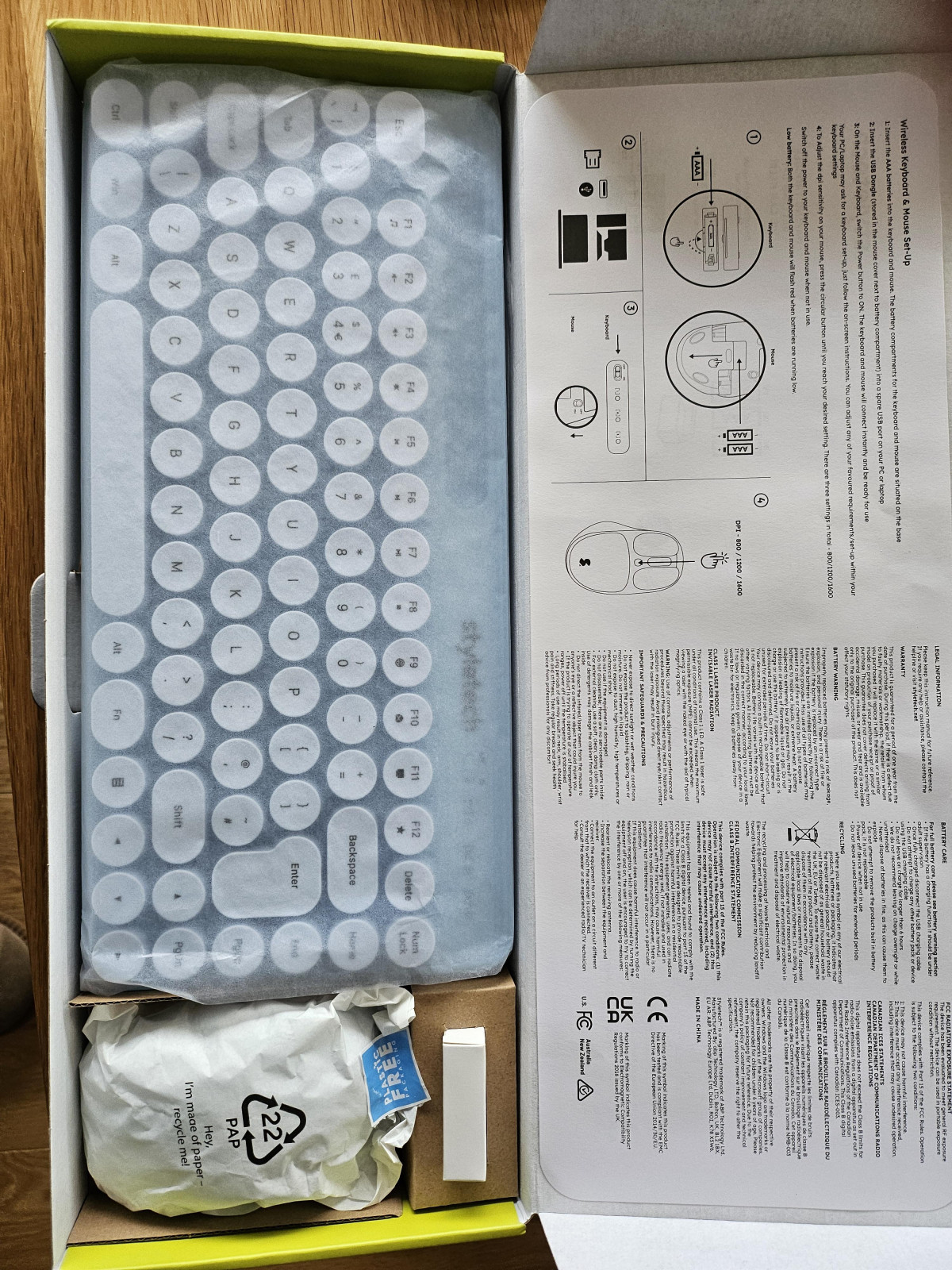
This is a battery-powered set, not a rechargeable one, and there's no charging cable in the box — an important detail if you were expecting to plug it in like a phone accessory. Both the keyboard and mouse run on standard AAA batteries, which are included in the box so you can start using it immediately.
The manufacturer's estimate points to roughly a year of use before you'll need to swap batteries, which lines up with what you'd expect from a low-power 2.4GHz peripheral used for typical office or study hours rather than constant heavy gaming input. In practice, actual battery life will vary depending on how many hours a day you're using it and whether you remember to power the devices off when not in use — a habit worth building, since leaving them on standby will shorten that window. Both the keyboard and mouse will flash to warn you when batteries are getting low, so you're not left guessing.
Because this is a disposable-battery design, there's no fast-charging spec to speak of — the product simply isn't built around a rechargeable battery, so that's a non-factor here rather than a missing feature. If you strongly prefer rechargeable peripherals for environmental or convenience reasons, that's worth weighing against the simplicity of swap-and-go AAA power, which never leaves you stuck mid-task waiting for a charge.
Quick Reference: What Each Feature Means for You
| Feature | What It Actually Means Day to Day |
|---|---|
| 2.4GHz USB receiver connection | Instant plug-and-play setup, no Bluetooth pairing, uses one USB-A port permanently |
| Three-stage adjustable DPI | Switch cursor sensitivity on the fly for detail work vs. large-screen navigation |
| Six mouse buttons | Extra buttons typically handle browser back/forward navigation for faster browsing |
| Silent keys and clicks | Safe to use in shared offices, libraries, late-night sessions, or during calls |
| Circular raised keycaps | Distinct tactile, typewriter-style feel; slightly taller press than flat keyboards |
| Built-in phone stand | Keeps your phone visible and upright without extra desk accessories |
| AAA battery power, no charger included | No charging cable needed, but batteries must be sourced separately when they run out |
| Officially Windows-compatible | Reliable on Windows PCs; other devices may work but aren't officially supported |
| Manufacturer's 1-year guarantee | Standard protection window typical for this price category |
Who This Set Is Actually For
The MK520 is built for a specific kind of buyer: students setting up a dorm desk, remote workers who want their home office to feel less corporate, anyone furnishing a shared or quiet workspace where noise matters, or someone who simply wants their setup to look intentional rather than default-beige. It's also a sensible pick as a backup or secondary set — something to keep in a bag, a second location, or hand to a guest — precisely because it's inexpensive and genuinely functional rather than a compromise.
It's a less convincing choice for a few specific groups. Competitive or fast-paced gamers will find the lack of programmable macros, backlighting, and a gaming-grade polling rate limiting. Professional typists logging heavy daily hours may find the printed key legends and lightweight build less reassuring over a multi-year lifespan than a keyboard built specifically for durability. Left-handed mouse users should note the ergonomic shaping favors right-hand use. And anyone who needs guaranteed, official compatibility beyond Windows — full Mac support, for instance — should look elsewhere, since this set doesn't claim or reliably deliver that.
How It Compares to the Alternatives
Within the budget wireless keyboard-and-mouse category, most competing sets fall into two camps: mainstream basics from established peripheral brands, and other lifestyle-driven pastel or colorful bundles chasing the same aesthetic-first audience.
Against the mainstream basics — typically all-black or grey combos from long-running peripheral makers — the MK520 trades a bit of long-term build confidence and driver-level customization for personality, silent operation, and the phone-stand convenience feature, none of which are standard inclusions at this price point elsewhere. If raw reliability track record and minimal design are what you value most, a mainstream basic combo remains the safer, if blander, choice.
Against premium mechanical or ergonomic-specific keyboards, the comparison isn't really fair to either side — those sets cost multiple times more, are aimed at people who type or game for a living, and offer durability, per-key programmability, and switch-level customization the MK520 was never designed to compete with. The MK520 isn't trying to be that product; it's positioned as an affordable, good-looking everyday combo, and judged on those terms, it delivers on its brief.
Strengths and Weaknesses, Honestly
The clearest strength here is the combination of silent operation and visual identity — very few sets at this price manage both convincingly, and the MK520 does. The mouse in particular punches above its price point, with a genuinely comfortable shape, a useful battery indicator, and precision that holds up for everyday browsing, document work, and casual use. Setup is about as painless as wireless peripherals get, and the phone stand is a small but well-executed piece of practical design that you'll likely use more than you'd expect.
The honest weaknesses center on long-term durability and consistency. The lightweight plastic build and printed keycap legends are acceptable for the price but aren't built for years of heavy daily punishment, and a minority of users have run into individual keys — particularly Enter — feeling less reliable than the rest of the board. The taller, firmer keypress also isn't universally loved; some people adapt instantly, others find it takes real getting used to. And while the battery-powered design keeps things simple, it does mean an ongoing, if infrequent, cost and waste consideration that rechargeable competitors avoid.
Final Verdict
The Styletech MK520 succeeds at exactly what it sets out to do: bring color, quiet operation, and a few genuinely thoughtful extras to a category that's often an afterthought on most desks. It's not trying to be a gaming peripheral or a professional-grade tool for eight-hour typing marathons, and it shouldn't be judged as one. Judged as an affordable, stylish, plug-and-play wireless combo for students, home offices, and shared spaces, it's a confident recommendation — just go in knowing you're buying character and convenience at this price point, not industrial-grade longevity, and you'll likely be glad you did.
What People Say
17 commentsNovelty Keyboard
This Styletech keyboard is somewhat of a novelty. Being a mini keyboard, the keys are very close together which can result in some very inventive words appearing on the screen. Not a keyboard for a typist. The overall feel of the keyboard and mouse is cheap but serviceable as either a temporary or mobile keyboard. I do like the pastel blue colour.
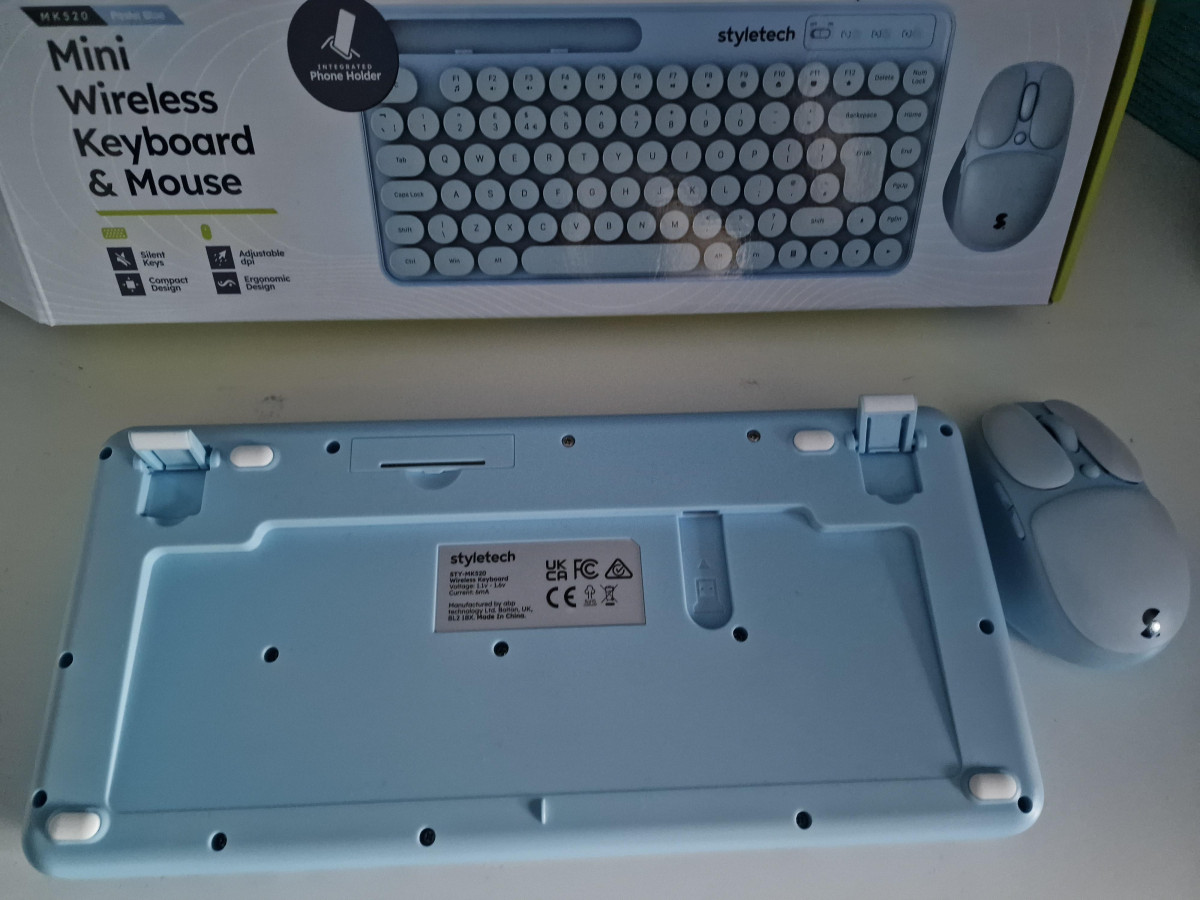
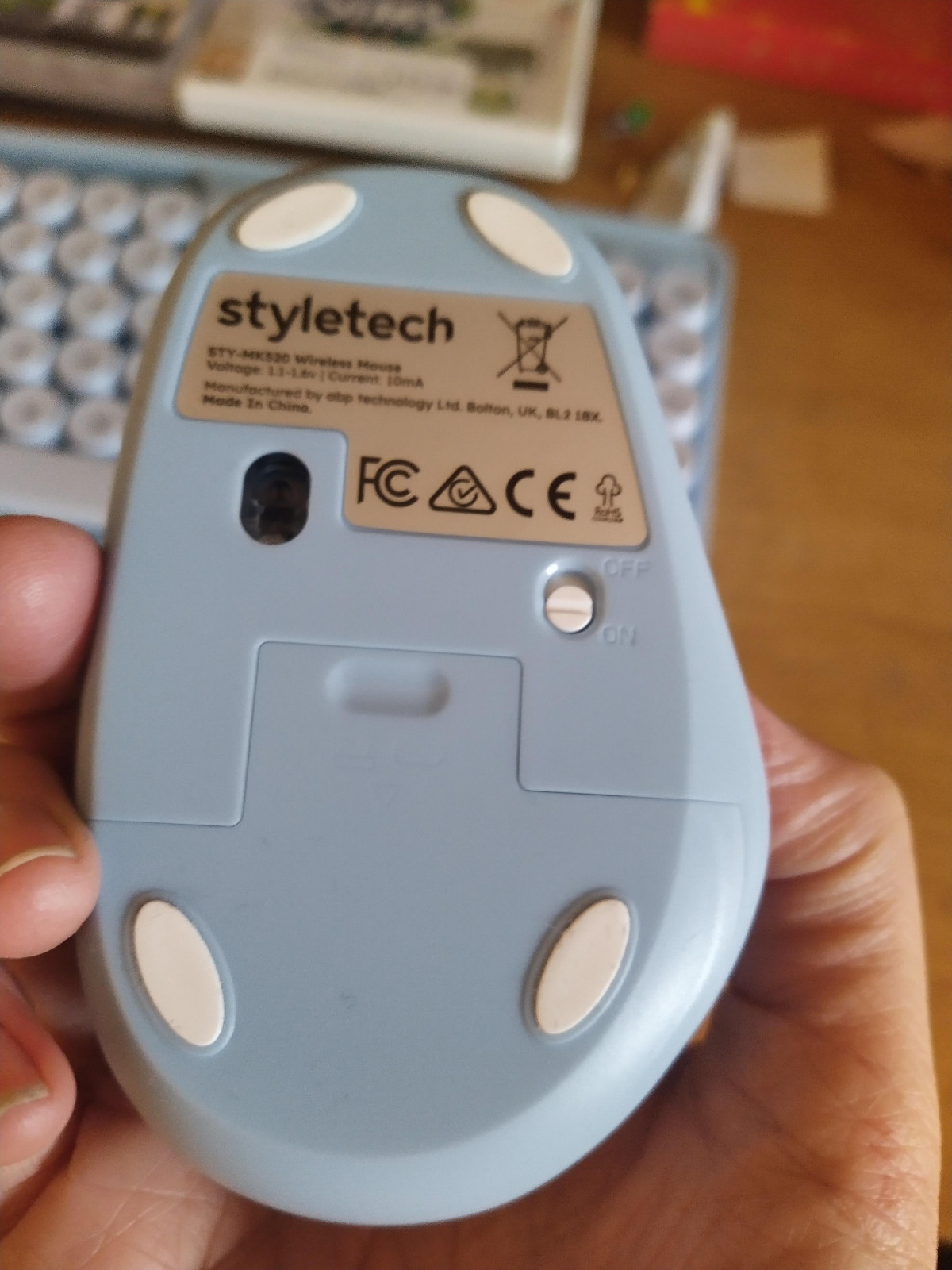
The mouse is designed for a right-handed person as it has an extended piece on the left for the thumb. I am left-handed and find it awkward to use. It would be better without the additional shaping so it was universal. The wireless mini dongle is inside the mouse when new. Something I found out from a previous mouse, as it is not obvious. It does, however, mention this in the instructions. There is also a place on the back of the keyboard where the dongle can be stored.
Being a small keyboard, it doesn’t have a number pad which is annoying. There is a slot at the top of the keyboard to put a mobile phone although I don’t see the point of it. The keys are plastic, not rubber, and are individual keys rather than flat on a membrane. The letters are transfers on the plastic keys which I suspect will rub off fairly quickly. They are quiet to use, not like those on a mechanical keyboard.
Cool to own but has limitations ...
The wireless keyboard and mouse stand out with their attractive pastel colours, adding a touch of vibrancy to any workspace. They are quick to connect, with no observable lag, and the silent mouse clicks and key presses are a delightful feature. However, the keyboard falls short in terms of ergonomic comfort. I find it difficult to rest my forearms on the table, making long typing sessions a challenge. The key presses are deeper than I'm accustomed to, and as shown in one of the photos, the keys are significantly raised compared to those on a laptop. While the wireless design adds portability, the keyboard's bulkier and thicker build may not be ideal for those who need to carry it daily. Its stylish design will undoubtedly appeal to some, but for users who are always on the go, it might be a bit cumbersome. On the positive side, performance is impressive, with every key press and click feeling responsive and reliable.
Stylish keyboard and mouse.
Firstly, I love the pastel blue colour of the keyboard and mouse. It really makes it stand out.
I work at home and the fact that it's much quieter to use than my old keyboard, makes for a more pleasant work time not hearing the tap, tap of my old keyboard.
I have quite small hands and found it so easy to use, I am very pleased.
It's light weight and easy to set up, if I did it on my own then it must be!
On the downside for me, I am left handed so its a shame the mouse isn't universal!
I liked the fact i could tilt it slightly. i felt it helped my wrists.
Handy phone holder, if while you are working you need your phone close by.
I dont know how long the batteries will last as I havent been using it long enough yet.
Overall very pleased and it looks modern.
Pastel Perfection: Style Meets Functionality
I absolutely love the Styletech MK520 Wireless Mouse and Keyboard Bundle! The sky blue color is stunning and adds a lovely pop of personality to my workspace. The keyboard's round, step-like keycaps are both adorable and functional, and they really are silent as advertised.
The mouse is an absolute dream—super responsive, just like the keyboard. The built-in mobile phone holder is such a clever and novel feature; it helps keep my desk tidy and makes multitasking so much easier.
While the pastel color might not be everyone's taste (perhaps not for the lads), it's perfect for me! I'm even tempted to jazz up my grey laptop with a matching sticky-back plastic for a cohesive look.
Overall, this set is stylish, functional, and a joy to use! Highly recommend it.
Stylish keyboard and mouse
I was looking forward to getting this product. The keyboard and mouse are in a soft blue pastel colour which makes a nice change from usual colours available. On opening the product the keyboard is quite deep ( looks bulky) with plastic keys. The keyboard is very quiet when being used and be aware it is a mini key and has no separate number keys. It was really easy to connect once I found the dongle which is secured in the mouse- not to self read the instructions carefully first! The mouse is for right handed people and was ideal for me but I do have very small hands so be aware of that when purchasing. The phone holder on the keyboard is a handy feature. A fab keyboard and mouse for those who don’t use it for work and a handy when travelling.
Quirky and quiet
Keyboard - The keys are silent, which initially feels a little odd as you don't get that feedback to know you've struck the key, but it's also quite nice to have silent typing. The position, style and shape of the keys does take a little getting used to. The keys started off a little stiff, resulting in missed strokes or double letters, but this slowly resolved itself through use. Great addition to have an on/off switch on top of the keyboard.
Mouse - Comfortable and responsive, with all the buttons you could need. Matches the styling of the keyboard well.
Connectivity - Single USB dongle to operate both keyboard and mouse, saving a port. There is storage for the dingle in both the keyboard and mouse, which is handy if you're on the move.
Beautiful set, works well
Lovely looking, with very quiet keys. The keys are close together, which takes a bit of getting used to as I started off by accidentally hitting the nearby ones, but with use it's getting easier. There seems to be a redundant numeral lock key, as there is no numeral keypad. The mouse feels lovely, and is very responsive - it has three responsiveness settings, but I've found it fine on the lowest setting. They both take batteries, you can save on power by switching them off when not in use. Installation was really easy - insert the usb (contained in the mouse) into my tower, and both connected immediately. All in all I'm happy with it, just a bit more space between keys would make it easier to use, but it's size does mean it is compact.
A great keyboard & mouse combo
Smooth, efficient & quiet, I love the retro typewriter key look, I found it easy to use and had me reminiscing of my old typing days. The funky pastel blue colour is trendy & perfect for either sex. Keys are super responsive & quiet. Small feet underneath allow the keyboard to sit flat or at a slight angle. The ergonomic mouse hasnt give me any problems, glides along with no issues. There’s a phone holder too which makes like particularly easy and convenient. Batteries are included and although used daily I haven’t needed to replace them. A great combo all round
Great wireless keyboard and mouse set
Fantastic wireless keyboard and mouse. Silent keys and great colour. Lightweight and space saving. My only down side to the keyboard is i would prefer to have numbers at the side when working. But thats just my preference. The mouse has an indent for your thumb would say its for right handed people. This is a great mouse, sensitivity can be adjusted on it. Easy to operate both and no wires is a bonus. Both battery operated.
Looks and feels like a kids toy
I was desperate for a keyboard, mine had stopped working so bought this. When I opened the box I was surprised how cheap and toy like it looked. The keys need a long depress like old type writers did. No instructions in the box. Like I said I was desperate, used it for 3 days and went and bought a proper keyboard, this Styletech is only good for the bin, or a 5 year old learning computing.
A trendy looking keyboard and mouse set.
A nice compact and lightweight keyboard and mouse set. We are really pleased with this item. It is easy to set up, easy to use and the light blue colour looks great. The keys do feel a tad close to each other, and at first they did feel on the large size, but that did not stop the functionality. The keyboard can be adjusted to tilt slightly for more comfort. Overall a great product.
Very stylish & quiet
Looks really good, functions well, the mouse is very ergonomic. I do find the typing feels a bit strange but I haven’t used a silent keyboard before which may be why - and it is super quiet. One thing to note is that the Bluetooth usb part is quite hard to find (it’s in the mouse battery compartment, not with the batteries in the packaging). Would definitely recommend.
Great design but problematic
Thought I’d give this a go as I liked the design of it. The mouse it excellent and I have no problem with that. The keyboard is quite clunky and a few of the keys stick, unfortunately enter being one of them. So you may get lucky and I may have got unlucky, but it was mediocre for me due to the keyboard issues.
Simple to use wireless keyboard and mouse
Delighted with this, i work from home and needed a new keyboard and mouse, so easy to set up, been using for weeks now and havent had to change the batteries. Keys are very quiet which is a relief! Even a little slot to place my phone, colour looks fab too!
Keyboard
Overall the product is ok, but not for constant use. Plastic feels cheap and would only recommend for younger children as it would not work if you was using this for work or for gaming as I feel it would break if used too much.
Great for my child
The nicely spaced and raised keys work great for my child who is just starting to use a computer. The design is fun too.
Nice feel
This is not an everyday office keyboard and mouse (obviously) but for home occasional use this is a good set.