Brother DCP-J1260W
Brother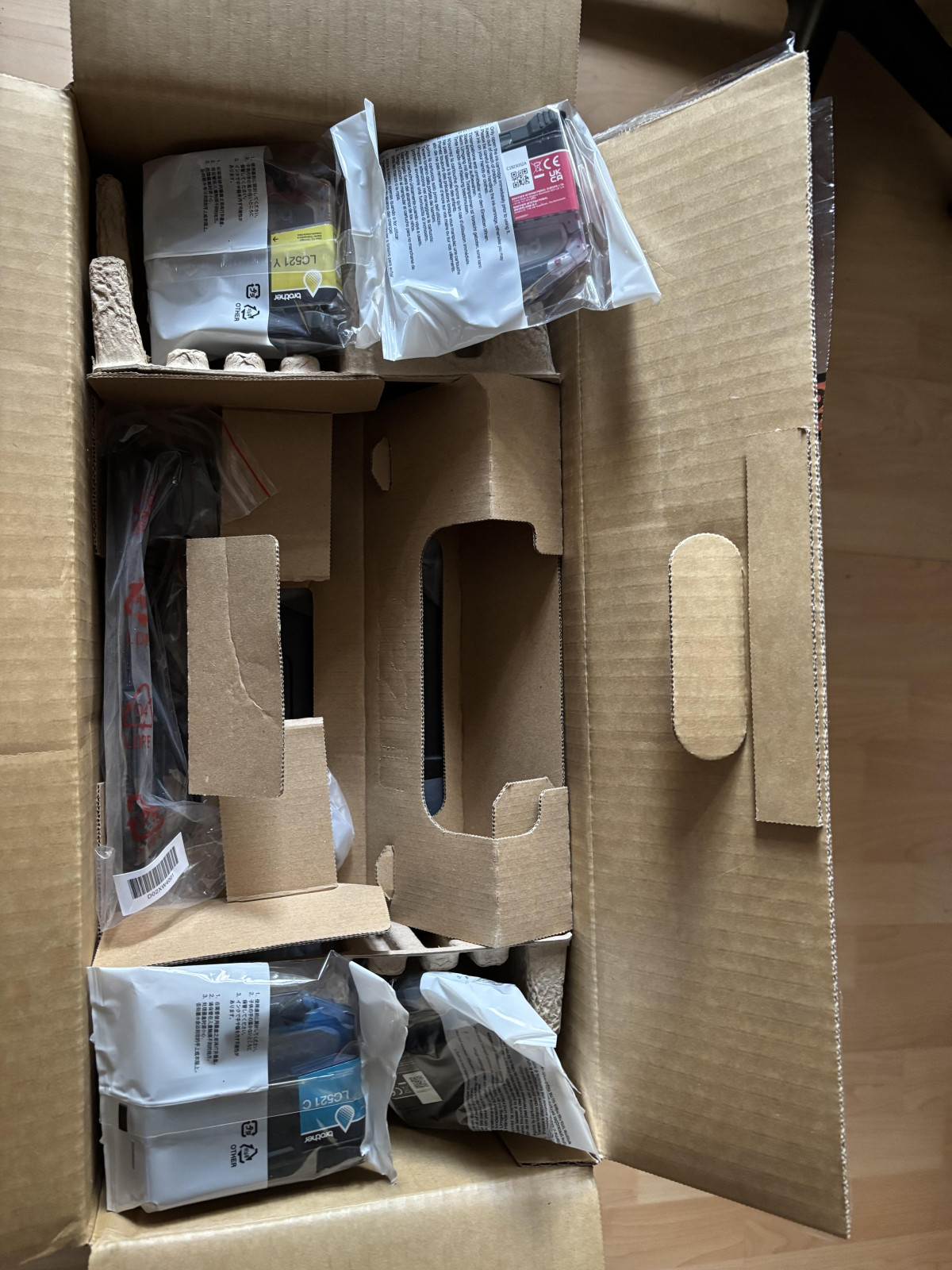
First Impressions: A Printer Built for Rooms Where Space Is Tight
Not every household needs an office-grade printing tower parked in the corner of a spare room. Most people just want something that turns out a decent-looking document, doesn't take up half a desk, and connects to a phone without a fight. The Brother DCP-J1260W is squarely aimed at that reality — a compact wireless inkjet 3-in-1 that handles printing, scanning, and copying without asking for much in return. It won't win any speed contests, and it skips a few conveniences that pricier machines include, but for a household or home-office setup that prints in bursts rather than by the ream, it's built around the right priorities.
This review breaks down exactly what you get for your money, where the compromises show up, and who this machine genuinely suits — so you can decide with confidence rather than guesswork.
Design, Build & Everyday Ergonomics
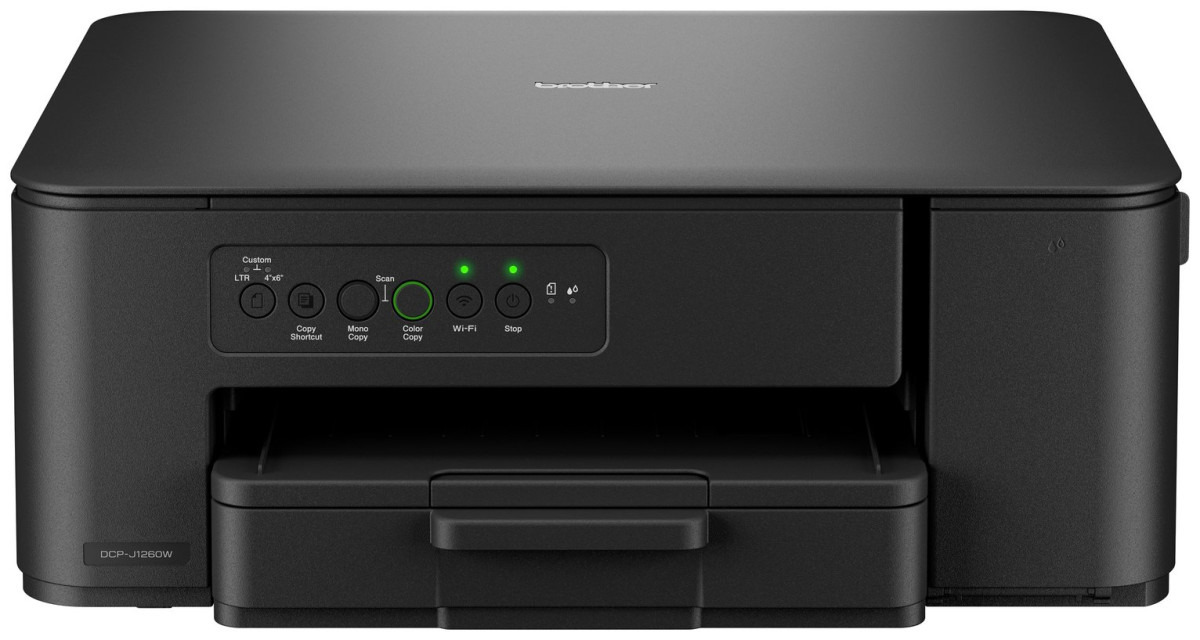
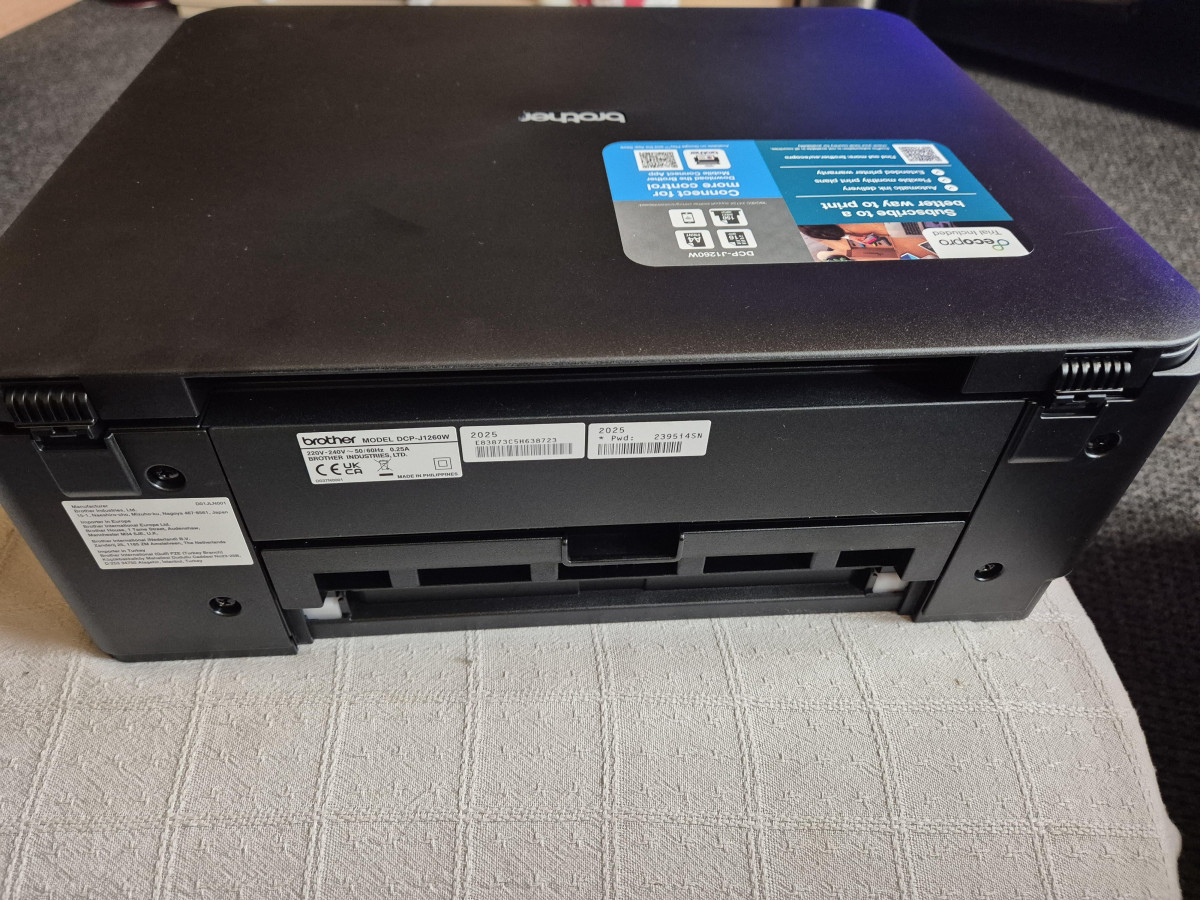
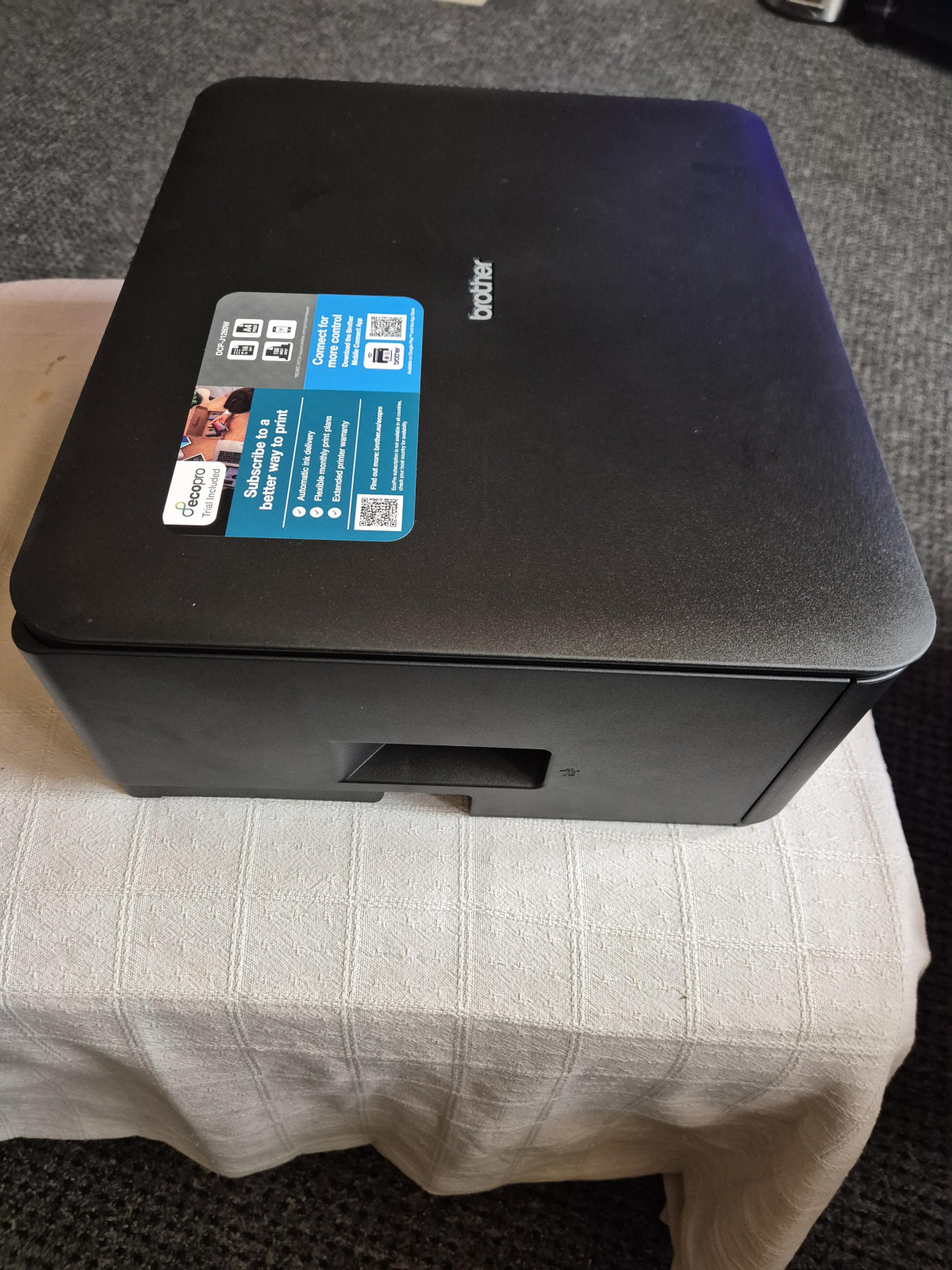
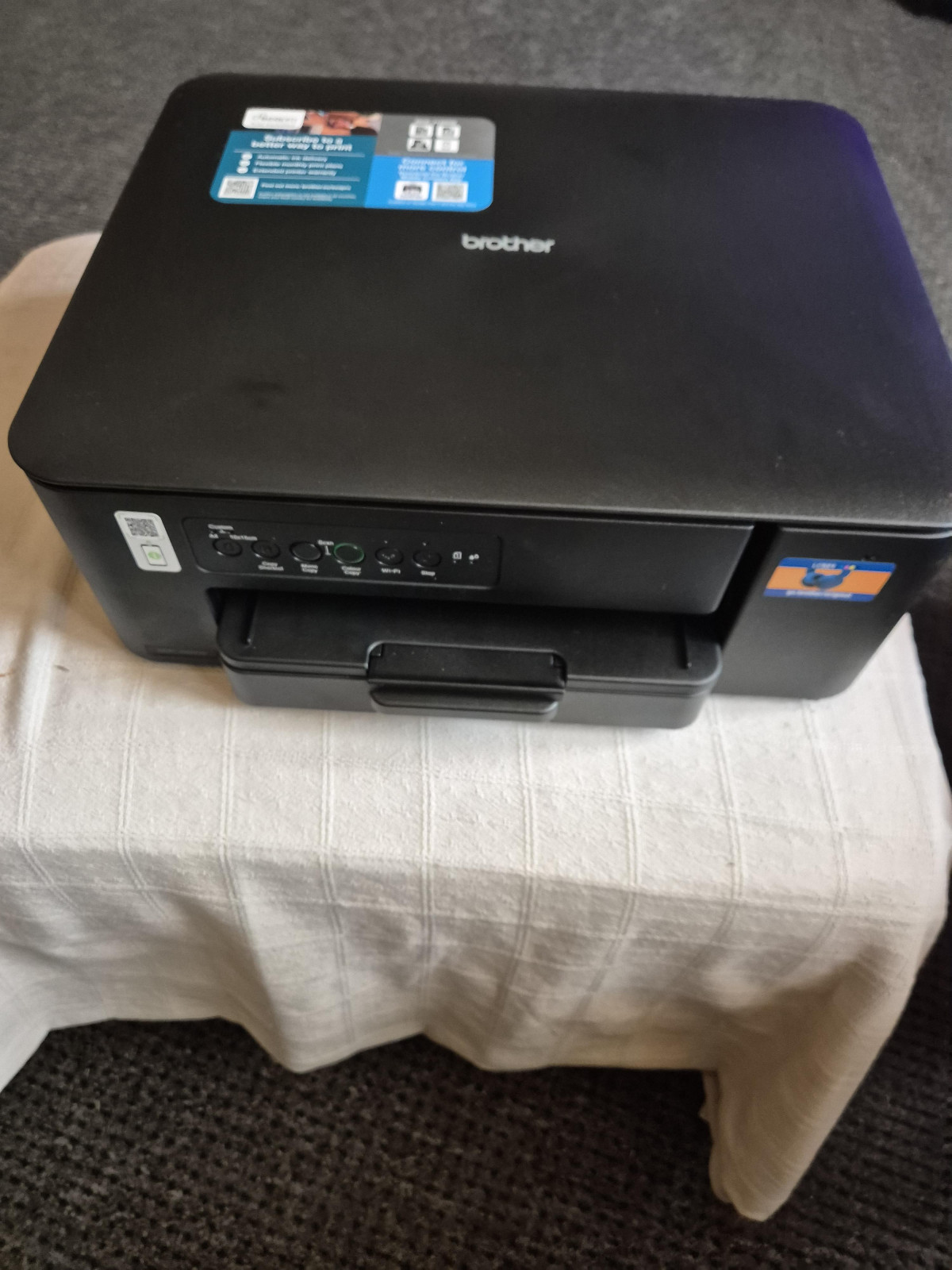
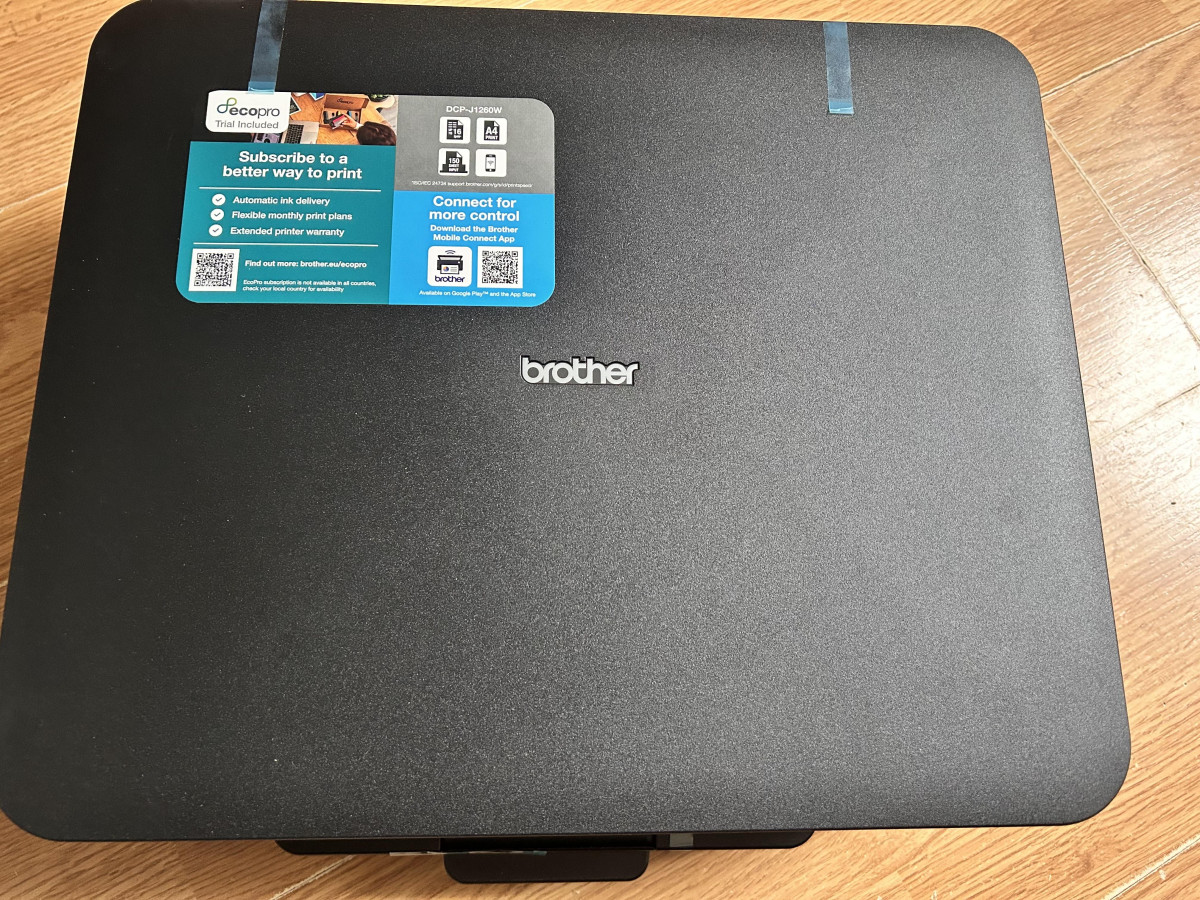
At roughly 39cm wide, 34.3cm deep, and 14.8cm tall, and weighing 6.3kg, the DCP-J1260W is designed to disappear into a bookshelf, a kitchen counter corner, or a small desk without dominating the space. That footprint is genuinely one of the smaller ones you'll find in a 3-in-1 with a flatbed scanner, and the weight is light enough that repositioning it — say, from a home office to a spare room when guests visit — is a one-person job rather than a two-person negotiation.
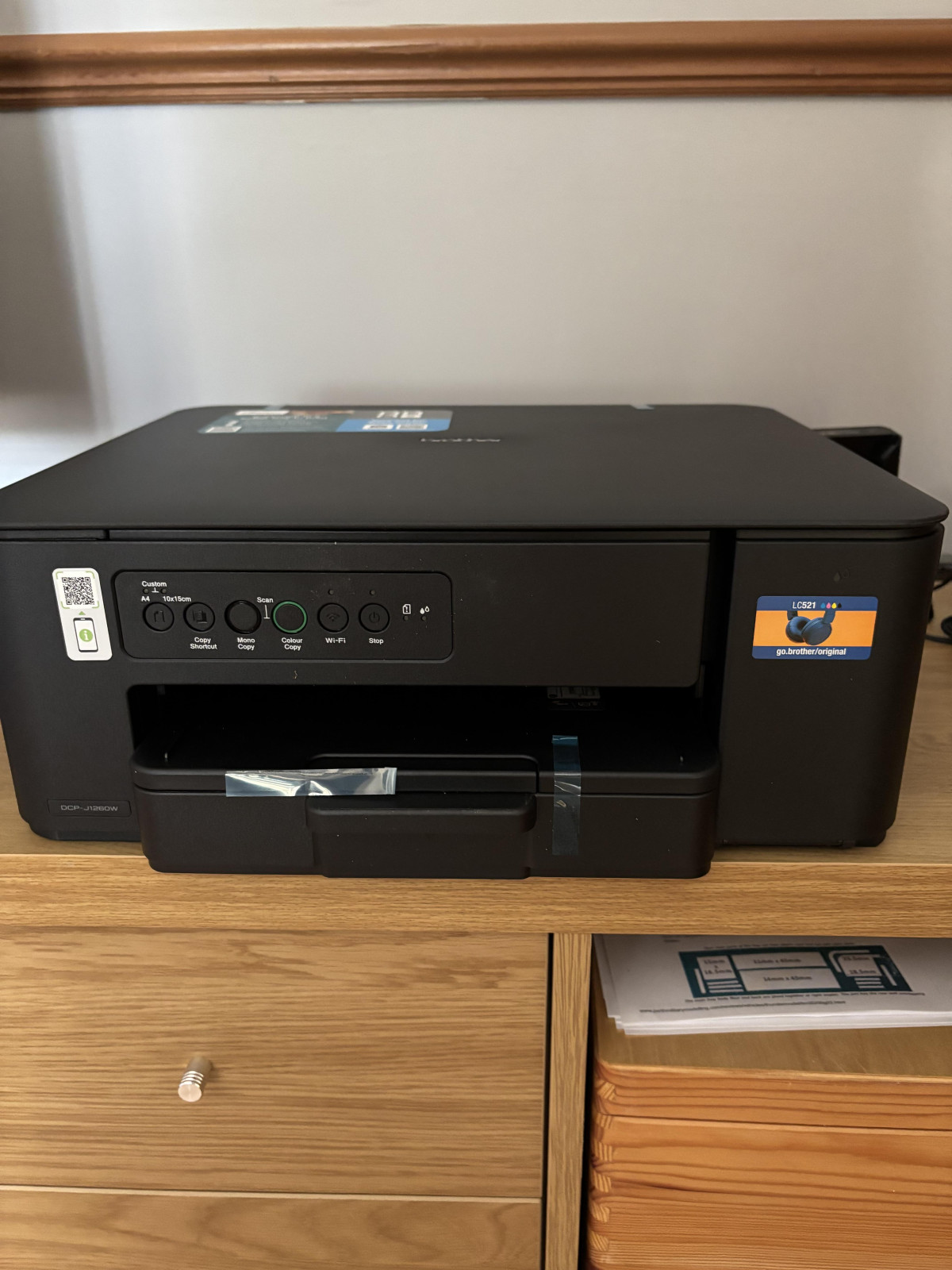
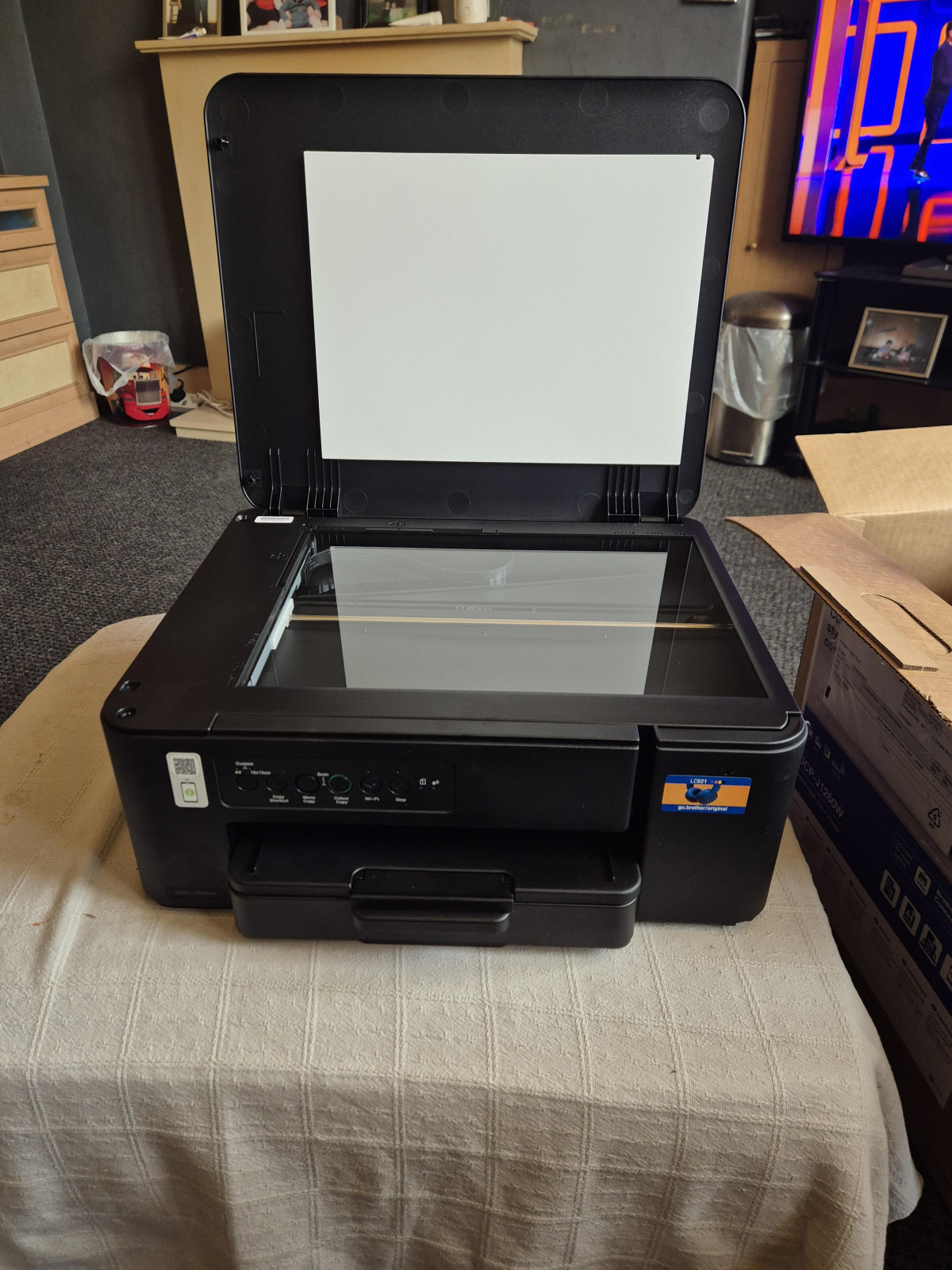
Rather than a full colour touchscreen, the control panel uses a simpler LED display paired with physical buttons. That's a deliberate cost-saving choice: Brother reserves the colour touchscreen for step-up models in the same series, so operating this one involves a bit more button-pressing and a bit less swiping. For anyone who mainly prints from a phone or laptop rather than standing at the machine, this barely matters day to day. For anyone who prefers navigating settings directly on the printer, it's a small but real downgrade in convenience compared to touchscreen rivals.
The overall build feels appropriately budget-conscious rather than premium — plastic housing, a straightforward paper tray, and no frills like a memory card slot for direct photo printing. That's consistent with its price bracket, and it's not trying to be anything else.
At a Glance
- 6.3kg total weight
- 39 x 34.3 x 14.8cm footprint
- LED display with physical buttons
Core Specifications, Translated
Here's what the raw numbers actually mean for how this printer behaves on your desk:
| What Brother Lists | What It Actually Means for You |
|---|---|
| 16ppm black / 9ppm colour print speed | A single-page black-and-white letter prints in a few seconds; a full-colour page takes noticeably longer, so multi-page colour jobs test your patience more than text documents do |
| Up to 6000 x 1200dpi print resolution | Text comes out crisp and clean for everyday documents; photos and detailed graphics look respectable for a budget inkjet, though not up to dedicated photo-printer standards |
| 1200 x 2400dpi scanner resolution | Enough optical detail to digitise contracts, receipts, and family photos for sharing or archiving without visible graininess |
| 150-sheet paper capacity | You can load a substantial stack of A4 and largely forget about refilling for weeks of typical home use |
| Up to 220gsm paper support | Handles card stock, greeting cards, and heavier photo paper, not just standard 80gsm office paper |
| Manual duplex printing | Two-sided documents are possible and save paper, but you have to flip the sheet yourself partway through the job |
| 4 separate ink cartridges | You only ever replace the individual colour that's actually run dry, rather than tossing a combined cartridge with unused ink still in it |
| 6.3kg, 39 x 34.3 x 14.8cm | Compact and light enough to relocate easily; won't dominate a small desk or shelf |
Setup, Connectivity & Everyday Printing from Any Device
Wireless connectivity is the feature that does the most day-to-day heavy lifting here. Once the DCP-J1260W is on your home Wi-Fi network, anyone in the house can send a print job from a laptop, phone, or tablet without ever touching the printer itself — genuinely useful in households where two or three people share one machine and nobody wants to walk across the room with a USB stick. Apple users get native AirPrint support, so iPhones and iPads can print directly without installing anything extra. Android and Windows users get Brother's own Mobile Connect app, which handles printing, scanning to your device, and basic management from a phone. A traditional USB port is also on board for anyone who'd rather cable it directly to a single PC.
This is a wireless-first machine rather than a Bluetooth-first one — it's built around your home network doing the connecting, which in practice is more reliable and doesn't require re-pairing every time you print. Setup itself, based on the general feedback pattern for machines in this class, tends to be one of the smoother parts of ownership: connect it to Wi-Fi once during initial configuration, install the companion software or app, and it stays connected without repeated fuss.
Print Quality and Speed in Real-World Use
The rated speeds — 16 pages per minute in black text, 9 in colour — sit exactly where you'd expect for a budget inkjet: quick enough that a one-page letter or invoice doesn't feel like a wait, but not fast enough to plough through a 40-page report without you finding something else to do in the meantime. Colour jobs slow things down further, which is typical of inkjet technology generally rather than a specific weakness of this model — colour printing simply requires more passes and more precise ink placement than black text does.
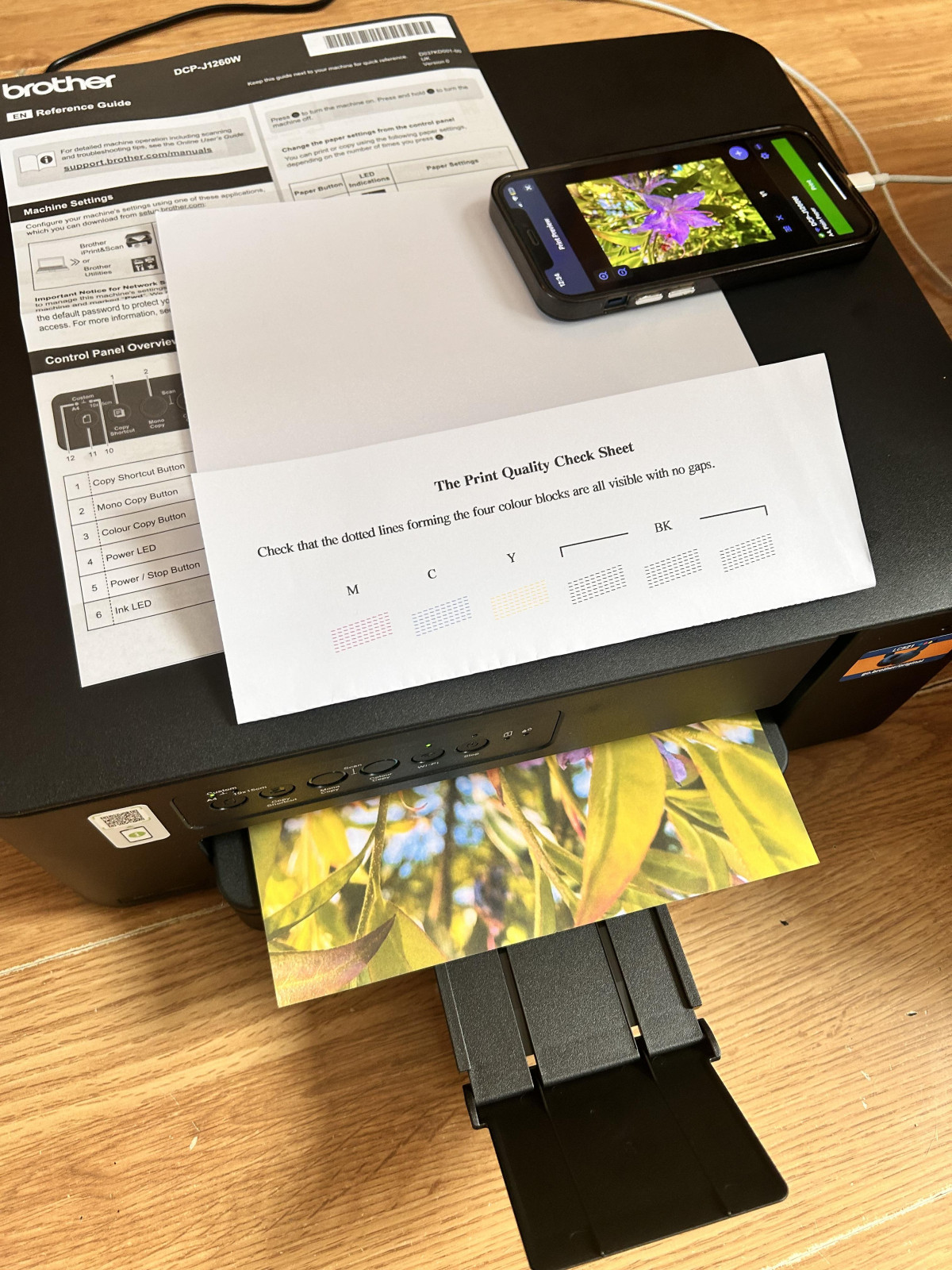
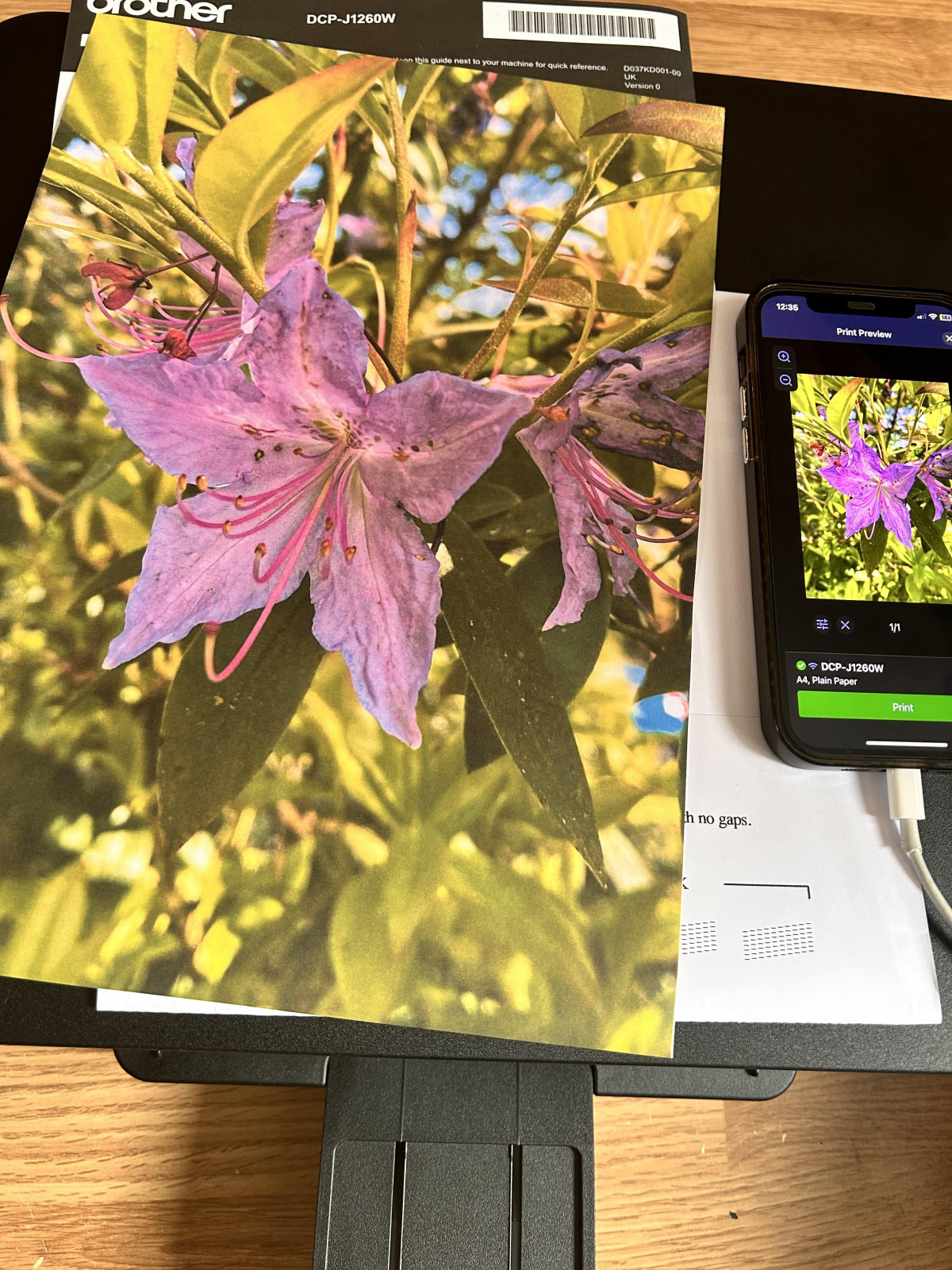
Print quality itself is where this printer earns its keep. The print engine uses a piezoelectric printhead, a technology Brother favours across its inkjet range for its precision and durability compared to some thermal alternatives. In practice, that translates to sharp, well-defined text for everyday documents — letters, forms, school assignments — and colour output that holds up reasonably well for graphs, flyers, and casual photo prints. It's not going to replace a dedicated photo printer for anyone serious about print photography, but for the occasional printed photo or a colourful poster for a kid's project, it does a credible job. Borderless printing is also supported, so photos can be printed edge-to-edge rather than with an awkward white margin — a small feature, but one that matters if you print photos even occasionally.
Scanning and Copying Capabilities
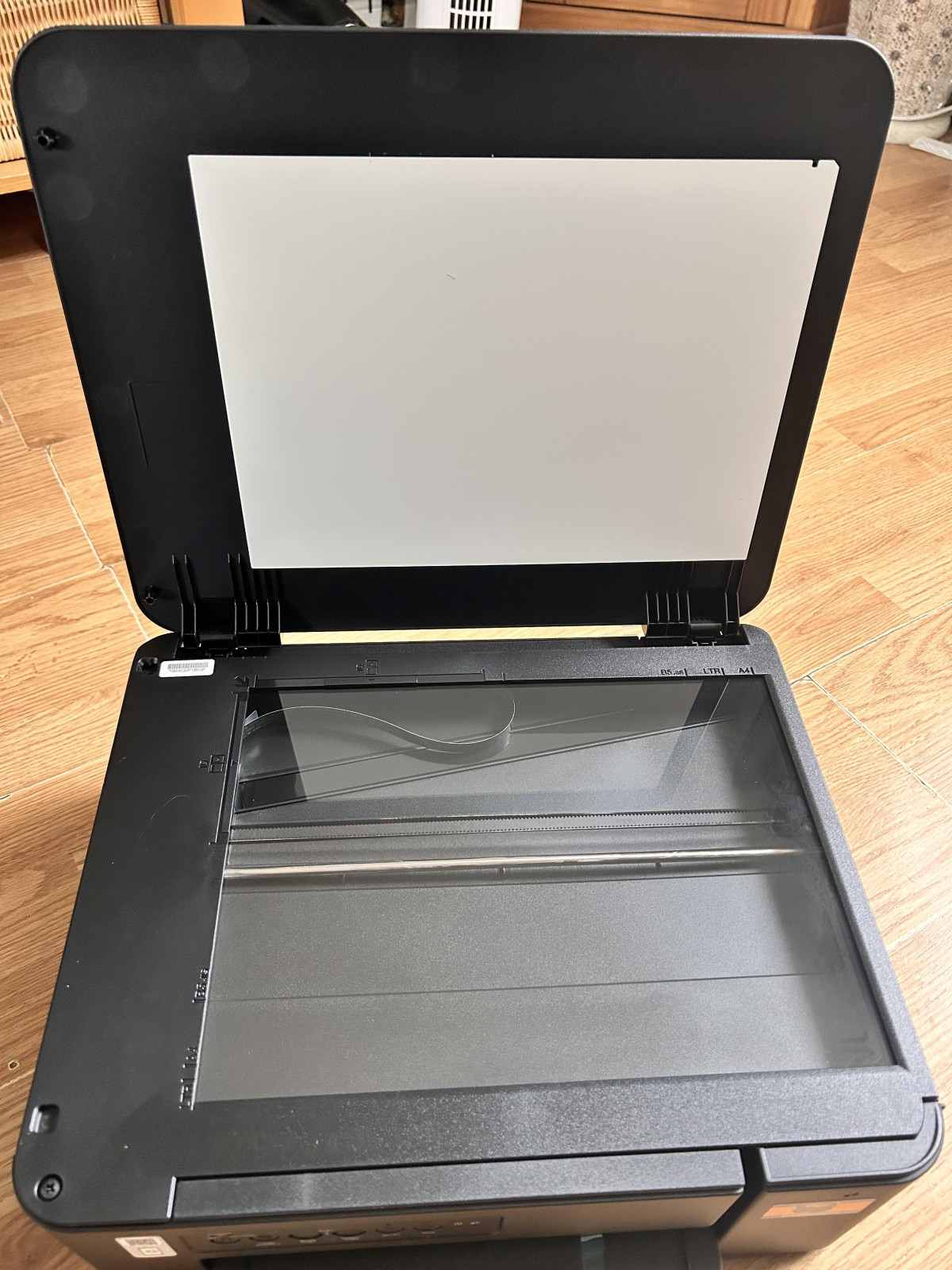
The flatbed scanner offers 1200 x 2400dpi optical resolution, which is genuinely good detail for a printer at this price — sufficient for scanning important documents, ID cards, or old family photographs you want to preserve digitally, without the softness that cheaper scan engines sometimes produce.
The meaningful limitation here is the absence of an automatic document feeder. Every page you want to scan or copy has to be placed on the glass individually and lifted off again for the next one. For scanning a single contract, a receipt, or a photo, this is a non-issue — you'd lift the lid regardless. But if you regularly need to scan or copy multi-page documents — a 15-page report, a stack of receipts for expenses, a bundle of forms — the process becomes noticeably more tedious than it would be on a machine with a feeder tray that handles the stack automatically. This is arguably the single clearest trade-off Brother made to hit this price point and this footprint, and it's worth weighing honestly against your own habits before buying.
Paper Handling, Duplex Printing & Media Flexibility
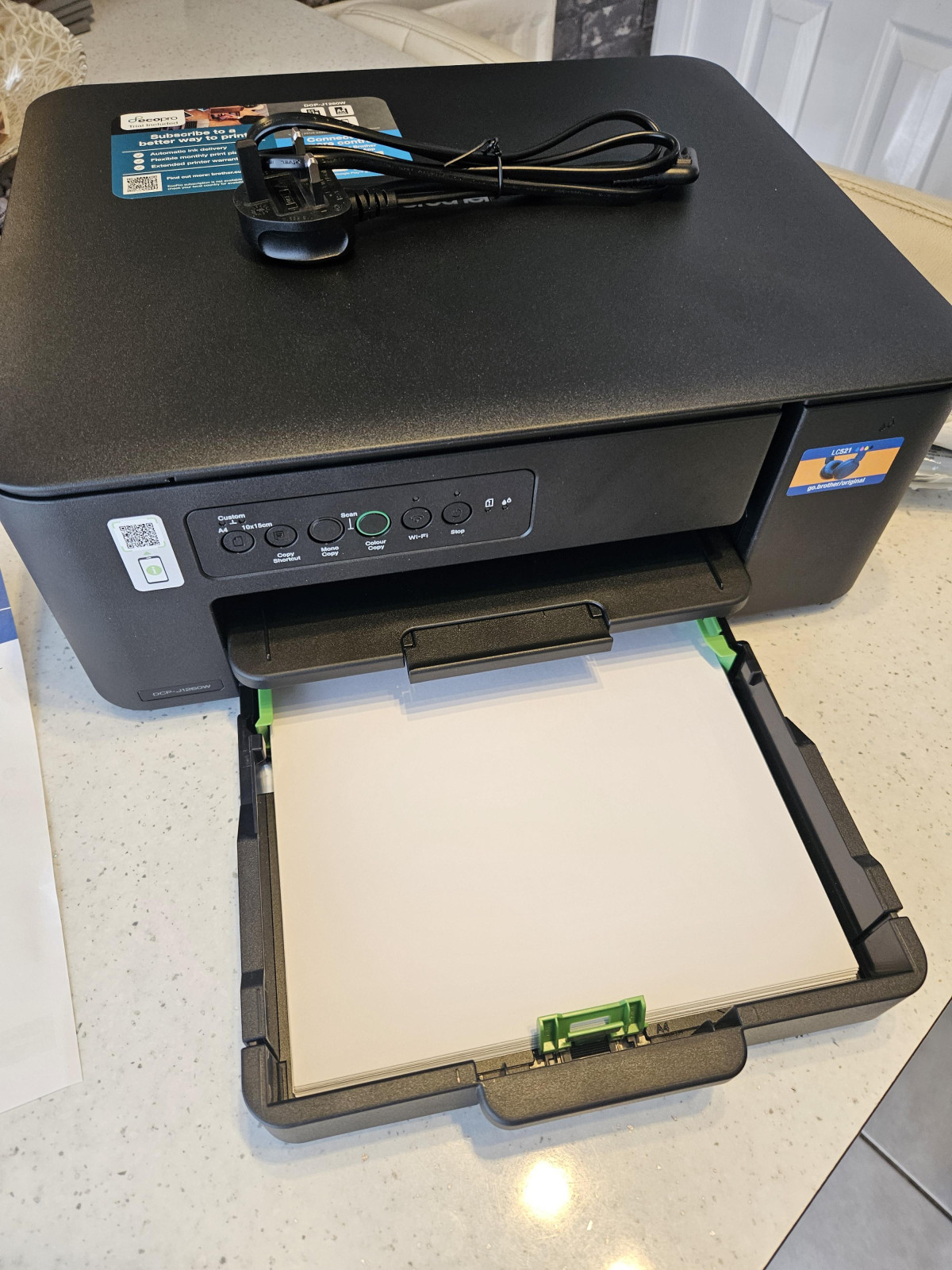
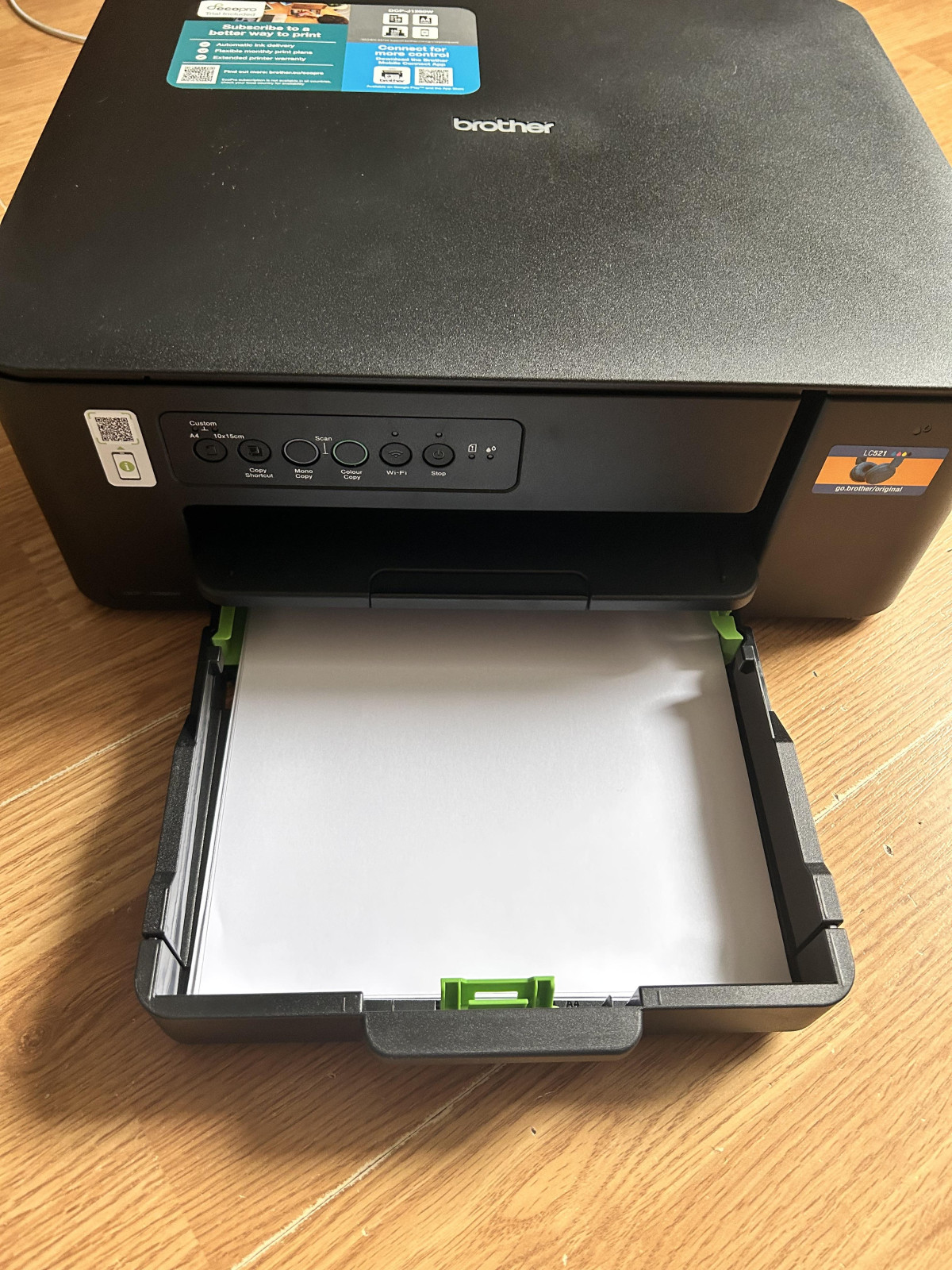
A 150-sheet main tray is a genuinely generous capacity for a printer this size — many compact all-in-ones in this class settle for 100 sheets or fewer, which means more frequent refilling. Being able to load a substantial ream and largely ignore the tray for weeks is a real quality-of-life win for a busy household.
Support for paper up to 220gsm extends usefulness beyond plain printer paper — card stock for invitations, heavier photo paper, and craft materials are all fair game, which matters if you occasionally print more than routine documents.
Duplex printing — printing on both sides of the page — is supported, but manually. The printer prints one side, then prompts you to flip the stack and feed it back through for the reverse side. This saves paper compared to single-sided-only printing, and it's a genuinely useful option to have. But it's slower and more hands-on than the fully automatic duplex units built into pricier machines, which flip the sheet internally with no intervention required. If minimising paper waste on long double-sided documents is a priority for you, factor in that extra manual step.
Ink System and the True Cost of Ownership
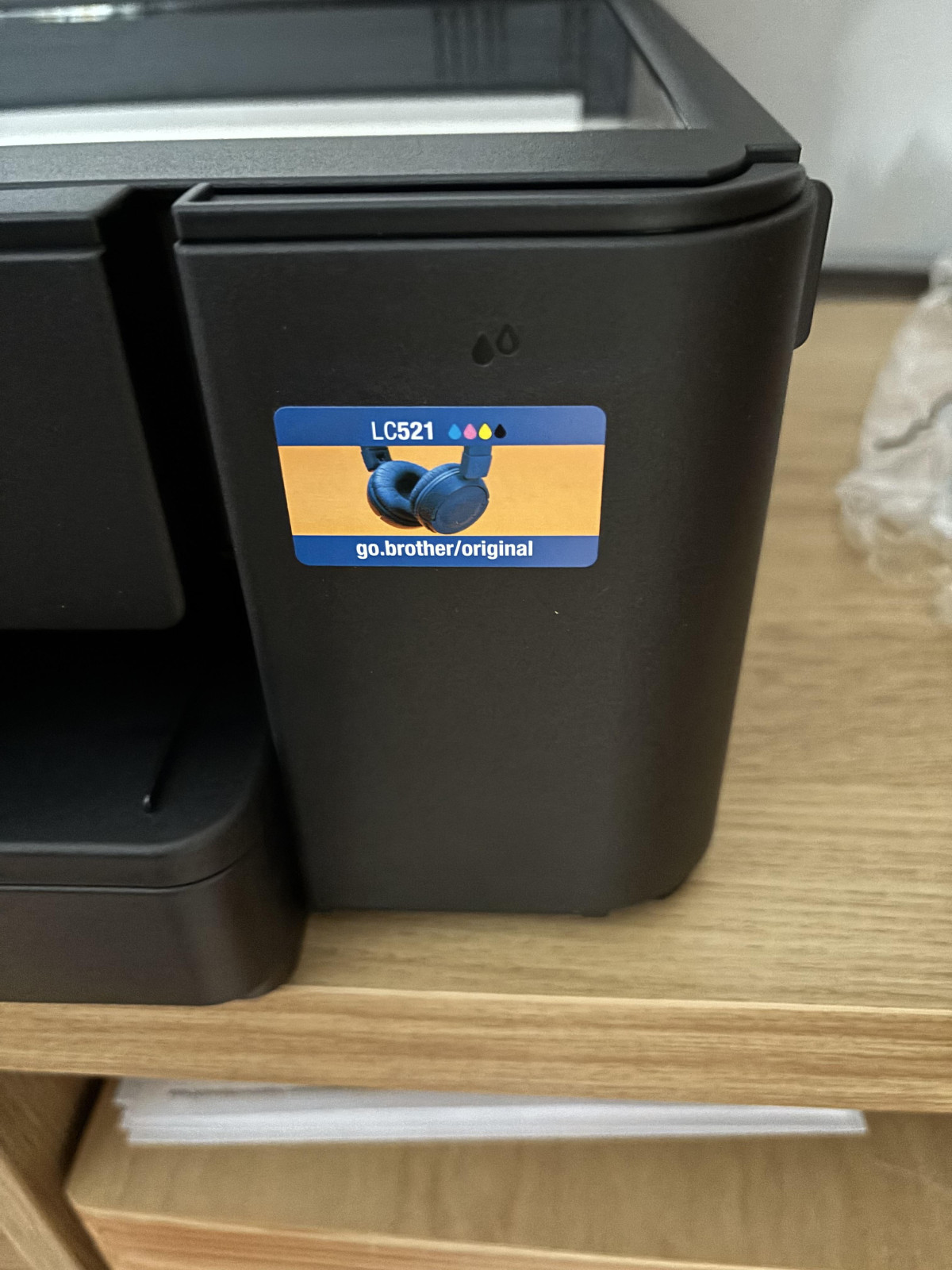
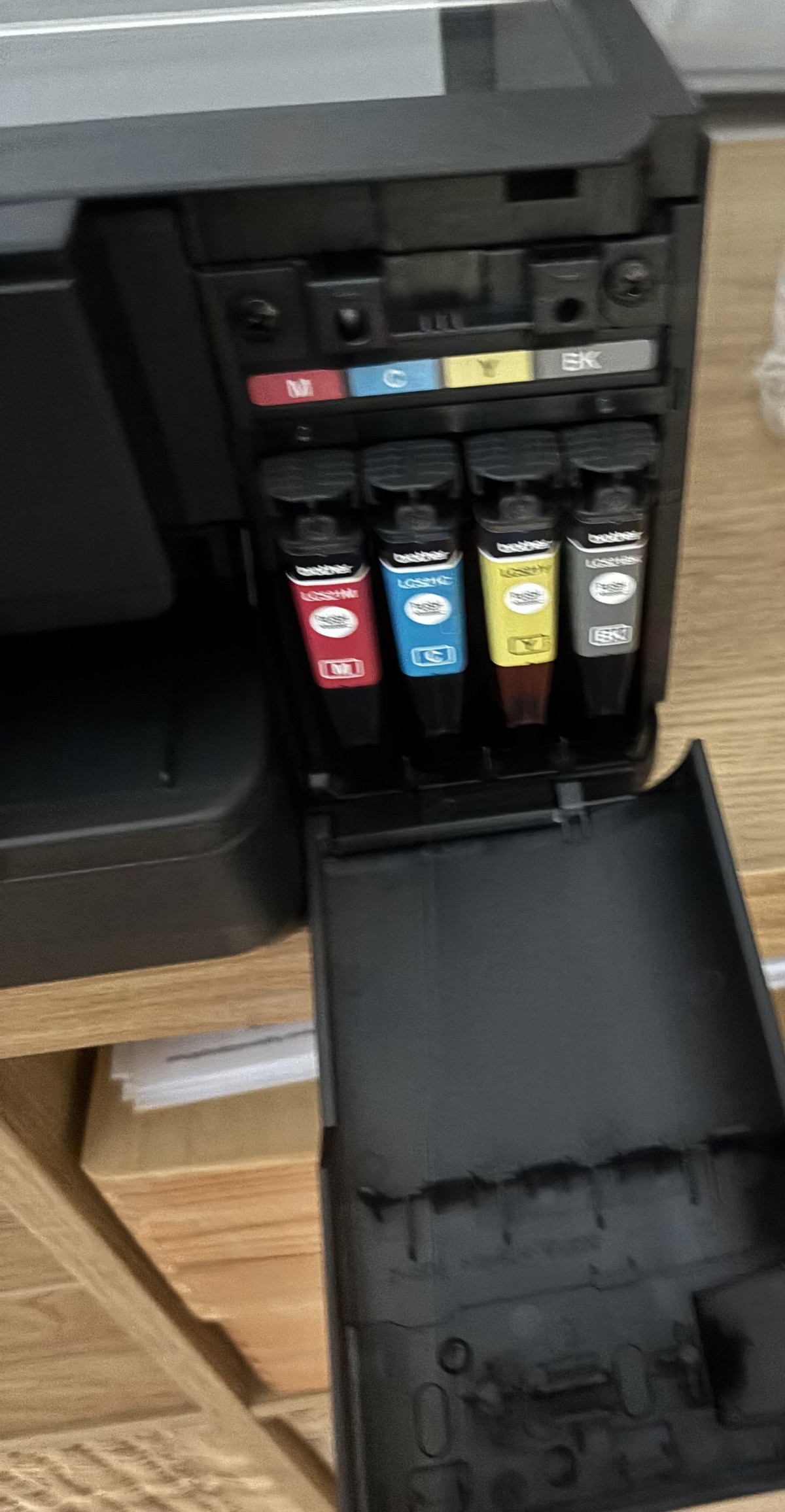
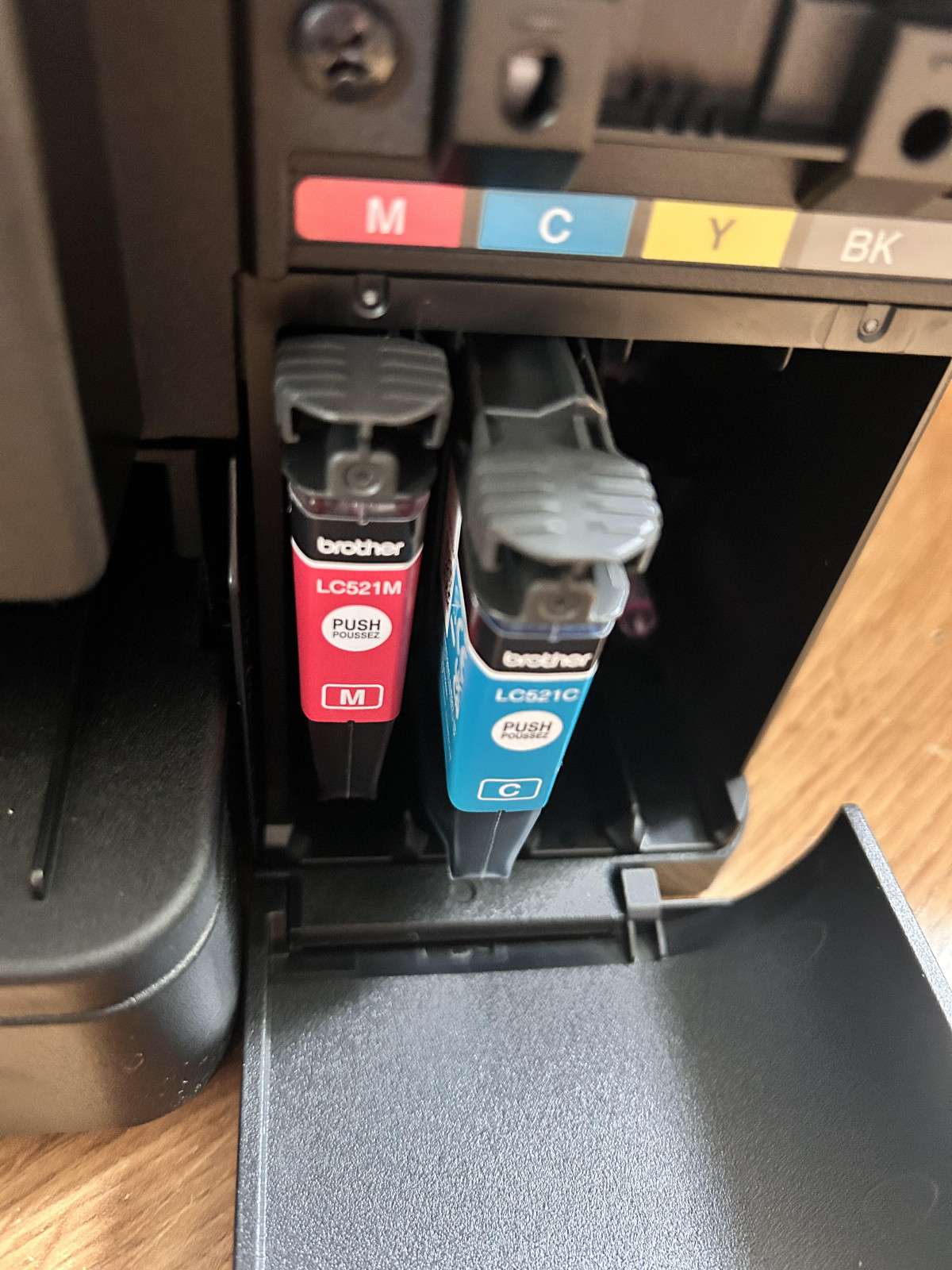
This is where the DCP-J1260W's design philosophy really shows. Rather than combining colours into a single tri-colour cartridge — a common cost-cutting approach on entry-level printers — it uses four fully separate cartridges (LC521BK, LC521C, LC521M, LC521Y). The practical benefit is straightforward: when your prints start looking a bit off because you've run low on magenta, you replace only the magenta cartridge. You're not paying to discard cyan and yellow ink that still had plenty of life left, which is exactly what happens with combined cartridges. Over the life of the printer, that adds up to a real saving for anyone who prints a reasonable volume.
Worth knowing before you buy: the ink cartridges included in the box are typically a lower-yield starter set rather than full-capacity cartridges, intended to get you printing immediately rather than serve as your long-term supply. Full replacement LC521 cartridges are rated for a considerably higher page yield than the box-fill inks, so budget for a first ink purchase sooner than you might expect if you're printing regularly from day one — this is a normal industry practice, not unique to Brother, but it's an easy detail to overlook when comparing sticker prices. No ink subscription is required to use the machine; genuine Brother cartridges (or compatible third-party equivalents) simply need to be fitted when a colour runs dry.
Who This Printer Is Built For (and Who Should Look Elsewhere)
This machine makes the most sense for
- Households that print occasionally rather than constantly — homework, boarding passes, the odd form or letter
- Small home offices or side businesses that need reliable wireless printing without a large capital outlay
- Anyone tight on desk or shelf space who still wants a proper scanner and copier built in
- Multi-person households where several devices need to print wirelessly without complicated setup
- Buyers who value only replacing the ink colour that's actually empty, rather than paying for a full new cartridge set
It's a poorer fit for
- Anyone who scans or copies multi-page documents regularly and would benefit from an automatic document feeder
- High-volume print environments where speed and low per-page running costs matter more than upfront price
- Users who want automatic double-sided printing without manually flipping pages
- Serious photo printing enthusiasts who need colour accuracy and finish beyond what a general-purpose inkjet offers
How It Stacks Up Against the Alternatives
Within Brother's own line-up, the DCP-J1260W sits deliberately at the entry point. Step up to models like the DCP-J1360DW or DCP-J1460DW and you gain a colour display, and in the case of the higher-tier model, a full touchscreen interface — conveniences Brother has clearly reserved for buyers willing to pay more. That positioning tells you a lot about where this printer fits: it's the value-focused option in a family of machines that share the same core printing and scanning DNA, with the J1260W stripping back the interface polish to hit a lower price.
Looking more broadly at the market, buyers comparing this printer against alternatives generally face two other paths. Ink-tank printers, which refill from bottles rather than cartridges, tend to cost more upfront but can work out cheaper per page for genuinely high-volume printing — worth considering if you expect to print hundreds of pages a month rather than dozens. Compact laser printers, meanwhile, are usually faster for black-and-white text and don't suffer from ink drying out during long idle periods, but they typically can't match an inkjet's colour photo quality and cost more for colour output where available at all. If your printing needs are moderate, mixed between text and colour, and you don't want to overspend on capacity you won't use, a cartridge-based inkjet like this one remains a sensible middle ground.
Strengths and Weaknesses: The Honest Take
The Strengths
The clearest strength here is how well the DCP-J1260W matches its intended use case. The compact footprint genuinely suits small spaces, the wireless setup works the way it should for a modern household with multiple devices, the 150-sheet tray means fewer trips to refill paper, and the four-cartridge ink system rewards you for not wasting ink you haven't used. Print quality for everyday text and casual colour work is solid for the price, and the scanner resolution is a pleasant surprise on a machine this affordable.
The Weaknesses
The weaknesses are real but predictable for a printer at this price point. The absence of an automatic document feeder is the one that will bite hardest for anyone who scans or copies stacks of paper regularly rather than single sheets — there's no way around lifting the lid for every page. Manual duplex printing works, but it demands your attention partway through a job rather than running unattended. And the simpler LED control panel, while perfectly functional, is a step down from the touchscreens found on Brother's own pricier siblings and on some rival machines at similar cost. None of these are dealbreakers on their own, but together they define exactly the kind of buyer this printer suits — and the kind it doesn't.
Final Verdict
The Brother DCP-J1260W does what a compact home printer should: it prints cleanly, scans with more detail than its price suggests, connects wirelessly without drama, and keeps running costs sensible thanks to its separate-cartridge ink system. It earns its keep as a dependable, space-conscious 3-in-1 for households and small home offices with light-to-moderate printing needs. If your scanning routine regularly involves multi-page documents, or you need genuinely fast automatic duplex printing for a busy office, you'll want to look further up Brother's range or toward a machine built specifically for higher-volume work. But for straightforward, everyday printing, scanning, and copying in a small space, this is a well-judged, honestly priced choice that doesn't oversell what it delivers.
What People Say
41 comments100% value for money
I purchased this printer after my Canon printer died on me. I have always had Canon printers and been satisfied with them, however my latest one went wrong on me after just over a year, I did swap it with another Canon, total disaster, It would not marry up with my laptop, it would not marry up with my wifi. Eventually I thought that I had won (don't like being a loser), I then realised that there no paper feed, you had to manually insert page by page. It soon went back for a full refund. I then started looking around and this printer seemed just what I needed. Within 30 minutes of me arriving home I was up and running. As always these days there was no manual with it, but they gave a link to download the instructions, it was done following an online tuition, easy and in plain words. The only thing I will say is if you are following the tutorial have a little patience and you will be up and running in no time. I would recommend this printer all day long.
Superb Multi Function Printer
After finally giving up on HP printers as a consequence of the diabolical rubbish that they now are, decided to try a different brand. So far very pleased, the print quality is excellent, the response of the machine to a print command is as you would want it to be, meaning it prints there and then as opposed to the HP which appeared to carry out some kind of ritual dance of the print heads before deciding whether it will or will not print. The long term economy of the larger print cartridges is excellent and the software interface both for printing and scanning functions is practical and simple to use. The only thing I don't like about it is the plastic material of the casing which just seems to be a dust magnet and cannot be cleaned unless wiped with a damp cloth. Excellent service from Argos with reliable next day collection in store at as good a price as you will find anywhere.
Easy and simple to print from any device
This printer looks really well. Its not too big, sits nice and compact on my unit.
It did take a few attempts to connect it to my internet through my phone. But once the initial setup was complete the printing process was simple.
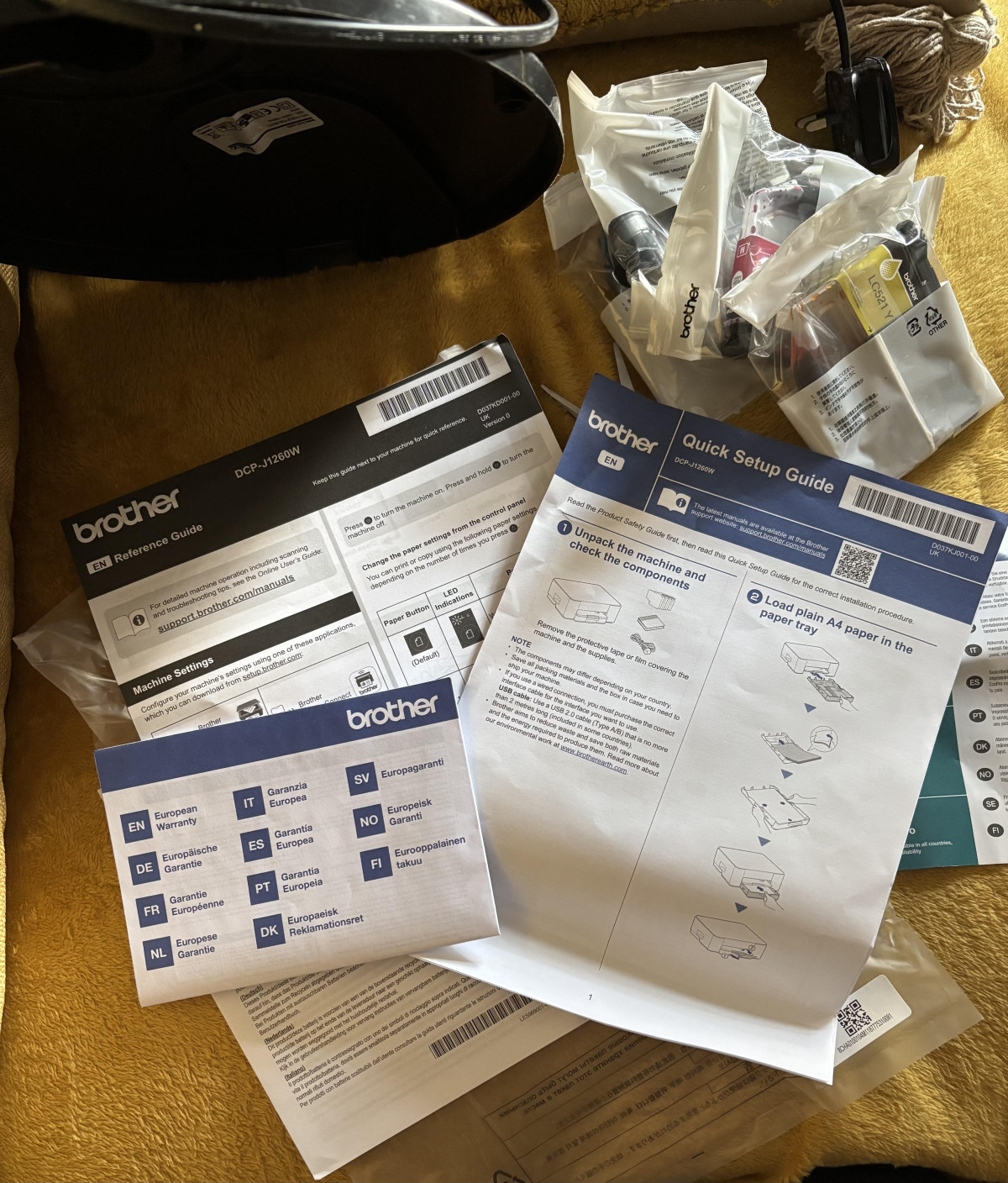
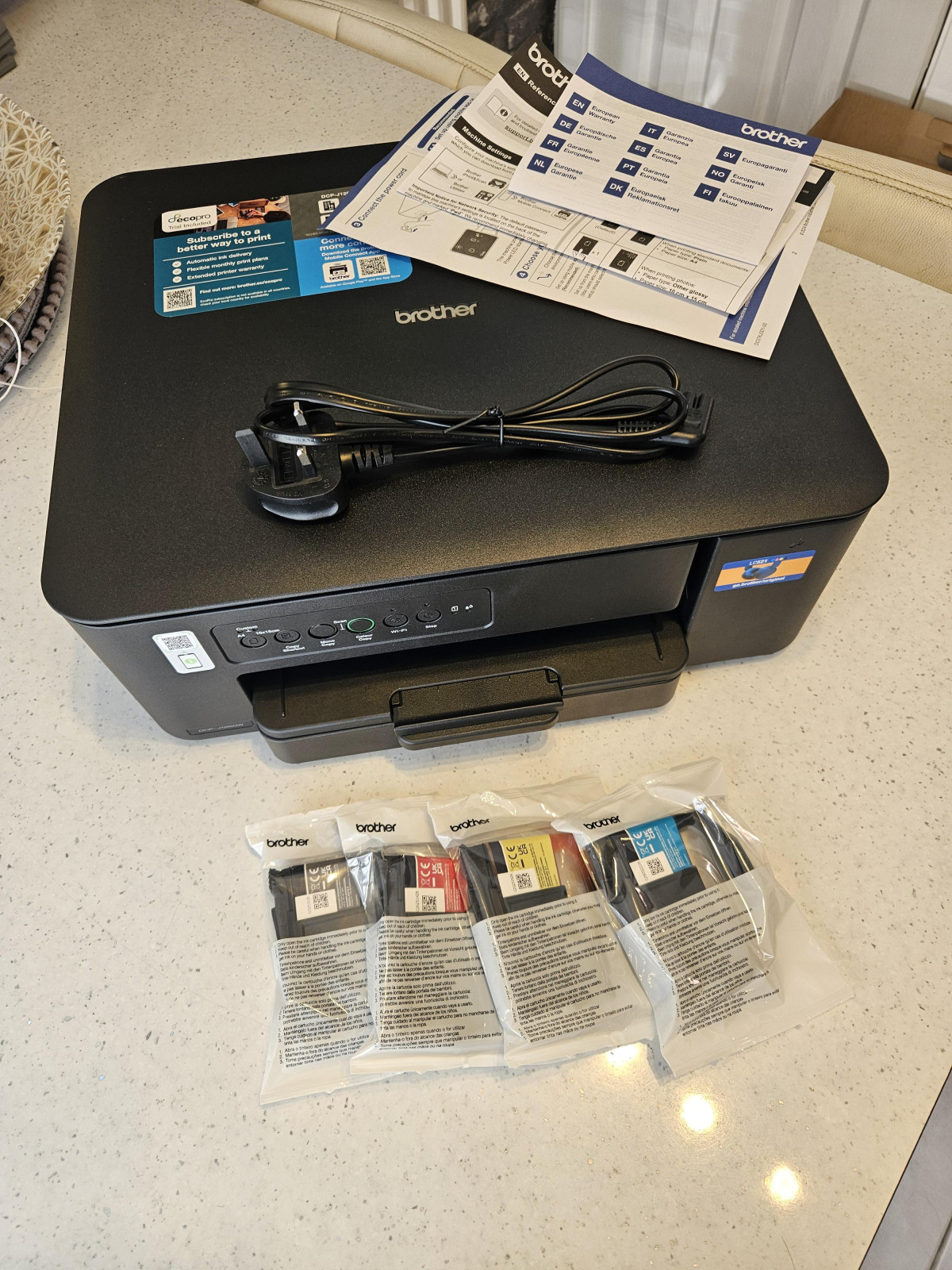
The box contains the printer, all the ink cartridges, setup guides.
I used the setup guides to get going and used the whole process with my phone.
Once I got it to connect with my internet I was away and ready to print.
Pull out the bottom draw to load your paper. Open the flap on the right hand side and insert each provided ink.
Select what you would like to print and via bluetooth select the printer and print as many copies as you like. Either colour or black and white.
You can also scan documents in both colour and black and white.
Nice little printer and a great replacement for my old printer.
Great printer for documents and photos
Amazing printer prints documents fast and with good quality also can be used to pint photos up to A4 borderless doesn't print in a perfect quality tough if you expect to print high resolution photos is not perfect but does the job
Also is great that is compact and can store the paper inside the printer can print straight from the phone iPhone/Android with no problems and can also but doesn't necessarily need to be connected to a pc/mac as everything including updating drivers can be done through the mobile app
Cartridges are not as cheap but they can be easily refilled at home if you know how to
Nice, neat looking addition to my home office
Nice addition to my home computer set up, looks the part, nice and compact and not too many flashing lights! Installation was ok, connecting it to wi-fi and my mobile device took longer than I would have like and frustrated that the troubleshooting guide seemed to have me going around in circles but we got there in the end. I like that the ink cartridges are separate for the different colours and extremely easy to change. The printing is smooth and come out very sharp and clean looking. Worth the money, I’m happy now we are all connected and things print effortlessly at the click of a button.
Nice Printer
This is the second Brother printer I have purchased the last one was purchased in 2009. I bought this printer within the last month due to the other finally suffering mechanical failure. The printer itself is really good but connecting it to my network was a nightmare, hence 4 stars. My first brother was so simple, the setup method Brother use for this printer was so complex and did not work, finally I had to call Brother Help desk to set it up. I personally find the new type paper cassette not as good as my old printer. No screen only LEDs.
Really impressive printer
Lovely compact home printer, so simple to set up especially if you use the accompanying app from your playstore. Love the fact the paper is stored inside the box and not protruding from the back. On first use i printed off some test pictures and the colours were clean,crisp and vibrant. Changing the inks is simple with the layout making the task easier. It's nice to have the options of double side printing and borderless. Really impressed with the printer.
Brother just want your details...
I usually love Brother products as they offer better value for money than other printer brands but with no actual physical instructions on how to open the cartridges unless you sign up I'm disappointed this time. Printer will continue to sit ideal until I figure out how to physically open the ink cartridges without breaking them. Not happy.
At an age where I just want to plug the device in and print without all the bells and whistles.
Great product
This printer is great, it would look good in any office or home setting. I liked the ease of setting it up, the ease of loading the ink cartridges and the front load for the paper is great too. We were able to get online and set up in just a few flawless steps and get printing. The print quality and speed is really good too. I would definitely recommend this product and it’s a welcome addition to our busy work/college lives.
Brother printer
I bought this product to replace my 12 year old Brother printer. Which was still working but needed minor repairs for the first time in the period I have had it. Easy to set up wired or unwired. Not set up mobile printing yet. Would recommend Brother printer every time if I have this one as long as I had my last one I will be happy with my purchase. Thank you Argos for supplying this item.
Easy set up, fast and fairly quiet
Brilliant printer, cost effective considering the quality and speed and reasonably quiet. Ink cartridges simple to change and choice of purchasing when you're ready or on an automated subscription. I'm the least techy person and usually daunted with prospect of setting up new IT, however, the online instructions were straightforward and was connected via my mobile and laptop with ease.
Compatible with Mac
I bought this for my own use and was hoping it was easy to set up and compatible with Mac. It is easy to set up, didn’t have to ask my husband to do it. The ill colours aren’t very bright more like a faded colour but at the moment I’m still using the ones that came with the printer. 4 ink cartridges in total. When printing labels it’s fast and so far had no issues connecting to wi-fi
Poor Software and helpdesk
Bought this a few weeks ago. Got it to work to start with ok, then it just dropped out an it took me days to sort out so the computer saw the printer through the software and USB again. Less than impressed with the brother help chat as well, slow and useless. Finally sorted the issues myself after two nights. The printer itself when I can get it to work though is really good !
Good little printer.
Seems to be a good printer so far. Set up was a bit tricky as my phone refused to connect to it but I completed the set up from my laptop with no issues. It has a large paper tray so you don't have to keep feeding it blank paper. Print quality is good as is speed of printing. Pleased with it so far, it just remains to be seen how long the ink lasts and how expensive it is.
Great printer for home use. Very easy to set up.
This printer is so easy to set up and use. The price is very competitive. It’s nice and light compared to a lot of others. The print is fast on black. It doesn’t do both sides but I’m not bothered with that as I very rarely used it on my last one. I would definitely recommend it for home use if you’re only using it occasionally.
Decent printer, bit tricky to set up
Bought this printer on advice from ChatGPT. Decent price and available from Argos. Setting up was a little tricky. I could do it with my Apple iPad but not from my laptop. Finally realised that it was my VPN that was stopping it linking. Now working fine. Will be interested to see how long before the print refills are required.
Difficult to install but great once it's working
This was a nightmare to set up needing various pieces of software to be installed which were not automatic and yo had to find them yourself on their website. Took me 3 days to get going but once installed and connected it's perfect, so I've given it 4 stars. It doesn't include the cable so you have to connect on WiFi.
Does the job.
Purchased recently, went with reviews the good and bad, personally found setup/wireless good not problems. Quick to print, good quality/resolution. Only really wanting it as a backup printer. Only reason why not 5 stars is because the black ink seems to be going down a bit quick considering havent printed much.
Compact sleek printer
Easy to install connects to your phone with QR code and you’re good to go. Easy to use then with your smart phone.
Quality of printer is really great and it has a handy paper tray which makes it sleek and compact. Was really impressed with how light weight and compact it is but still great quality printing.
Decent affordable printer
Desk jet printers are generally terrible but this one is actually pretty good, it’s robust quality, easy to set up, has good wireless connectivity and actually prints quickly and efficiently. The integral paper tray is a bonus and the Brother ink set up seems more intelligent than others. So far so good.