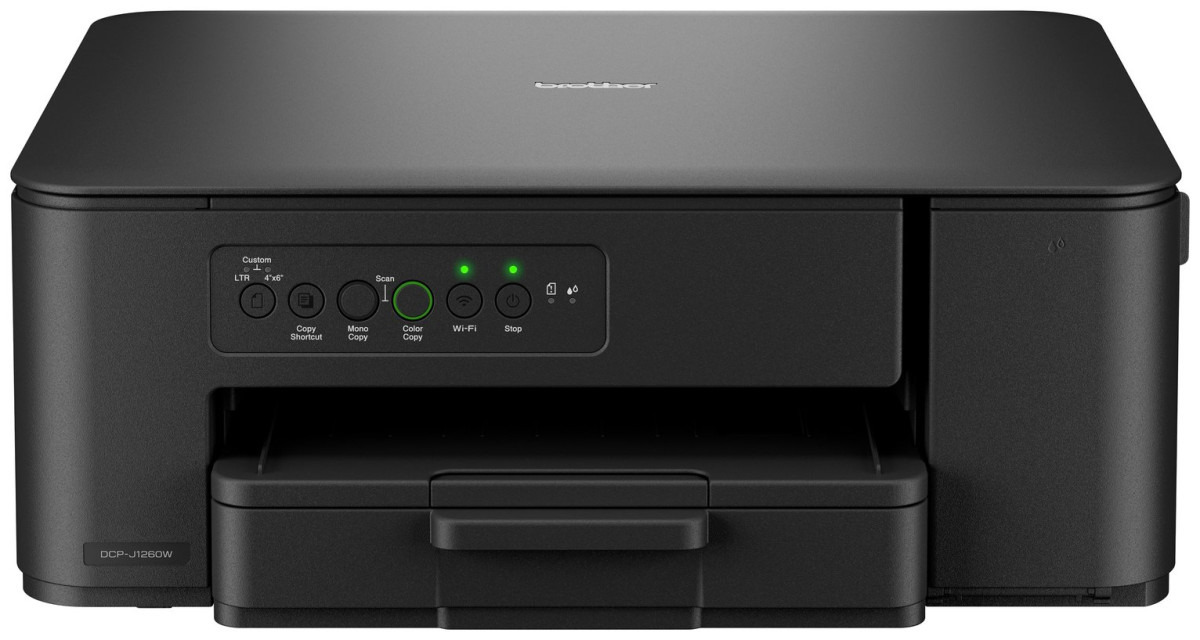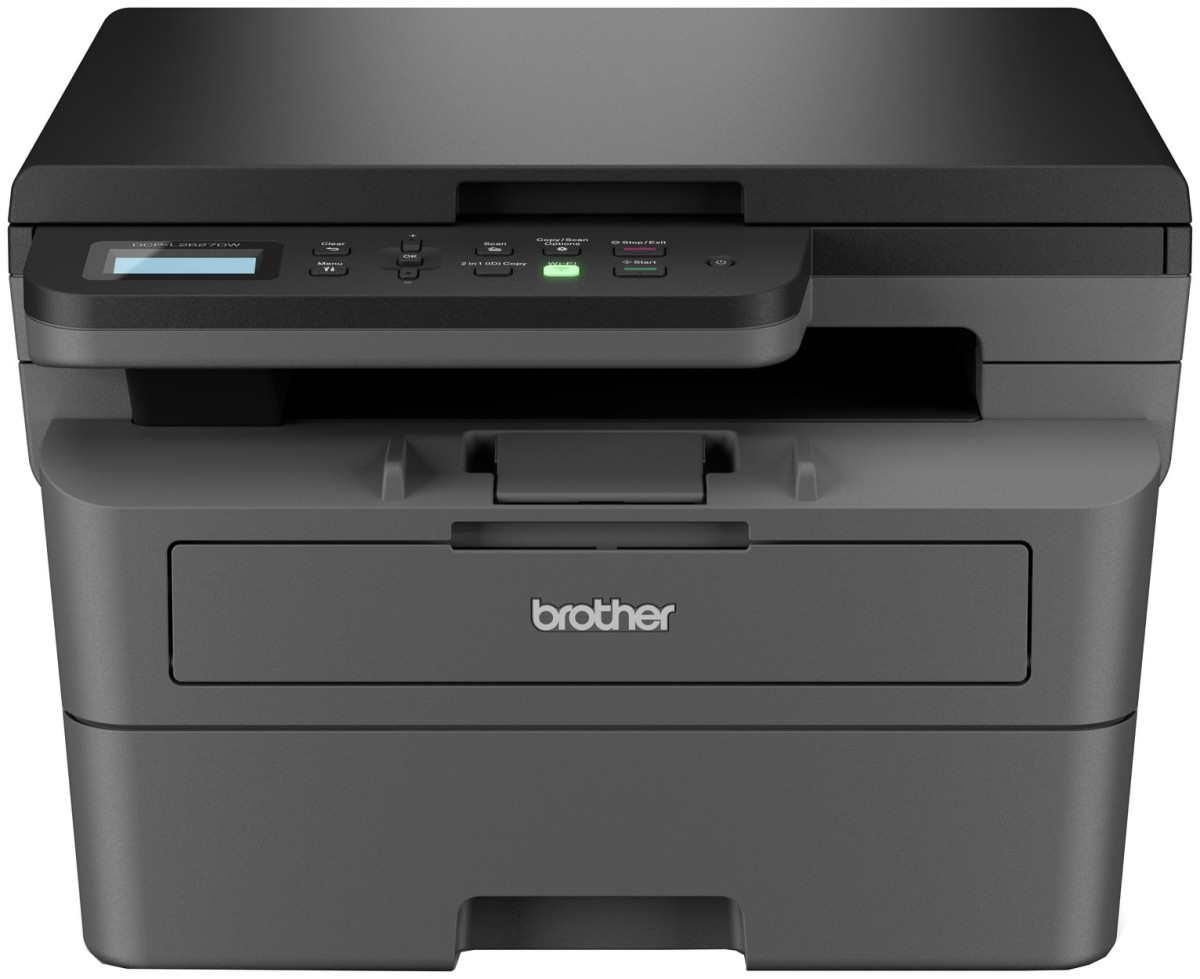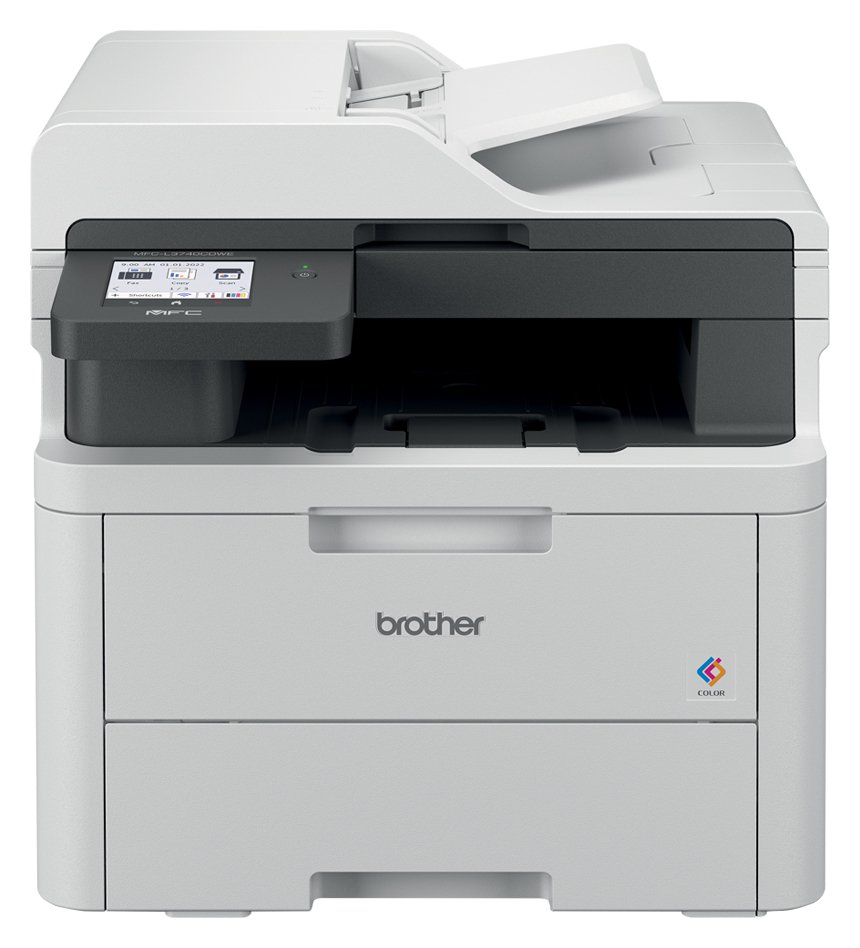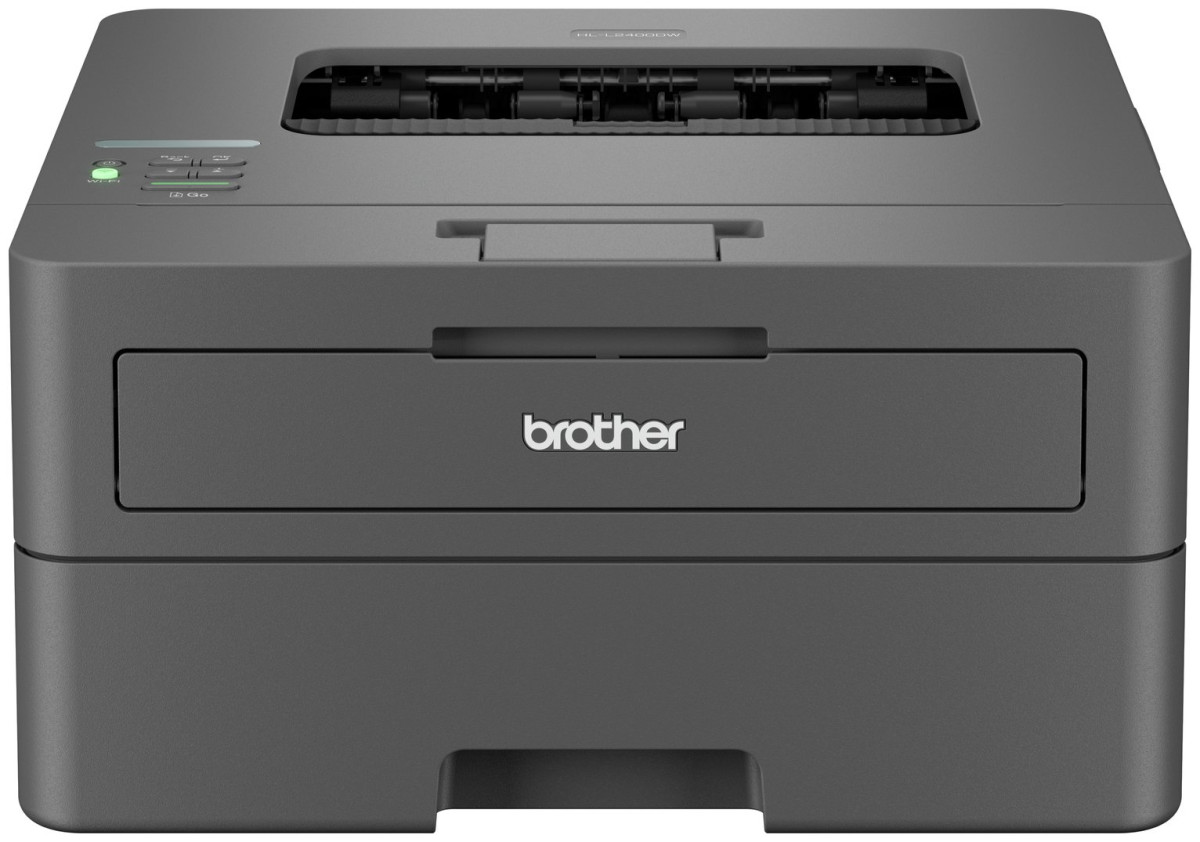
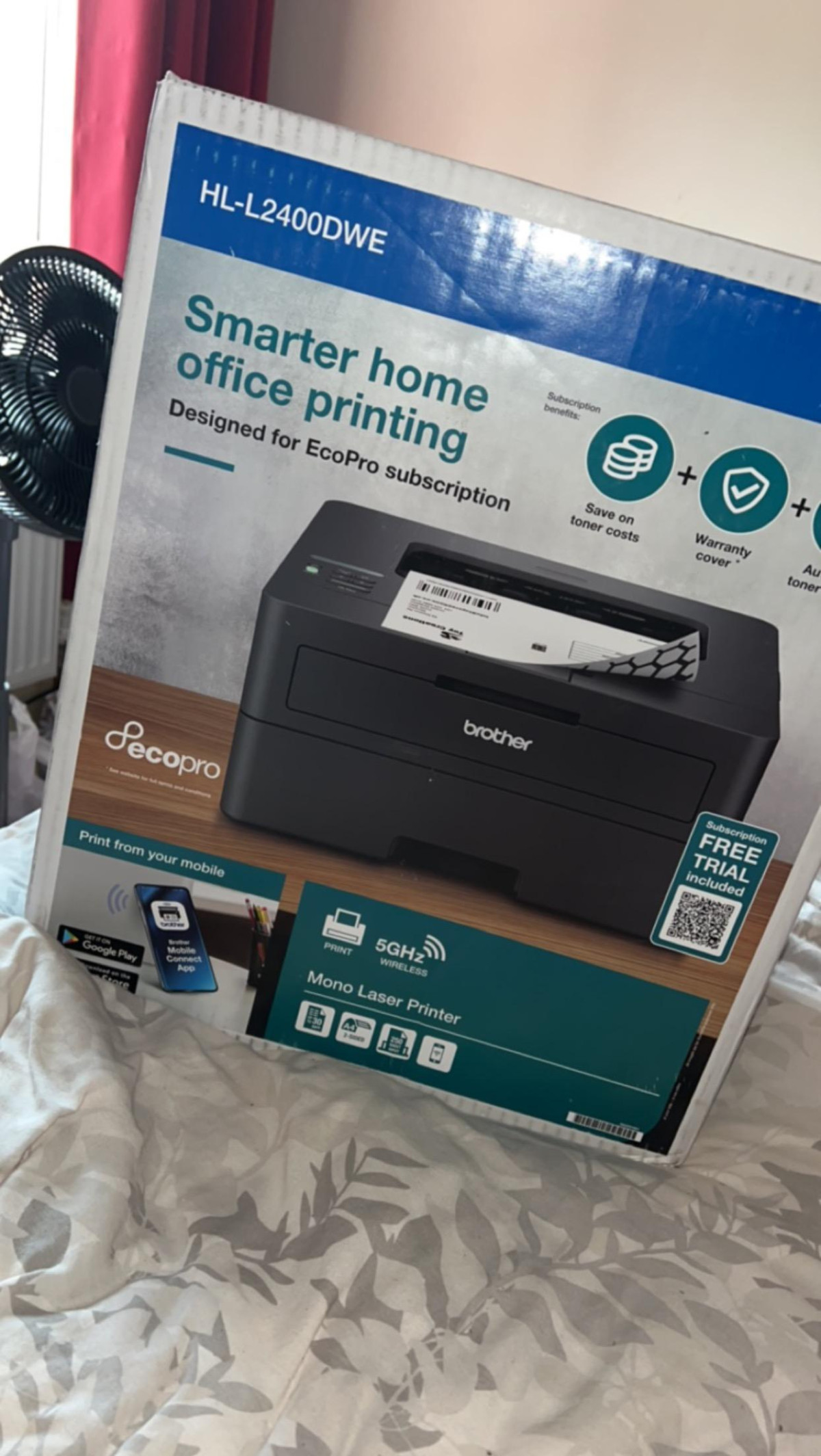
Brother HL-L2400DWE
Brother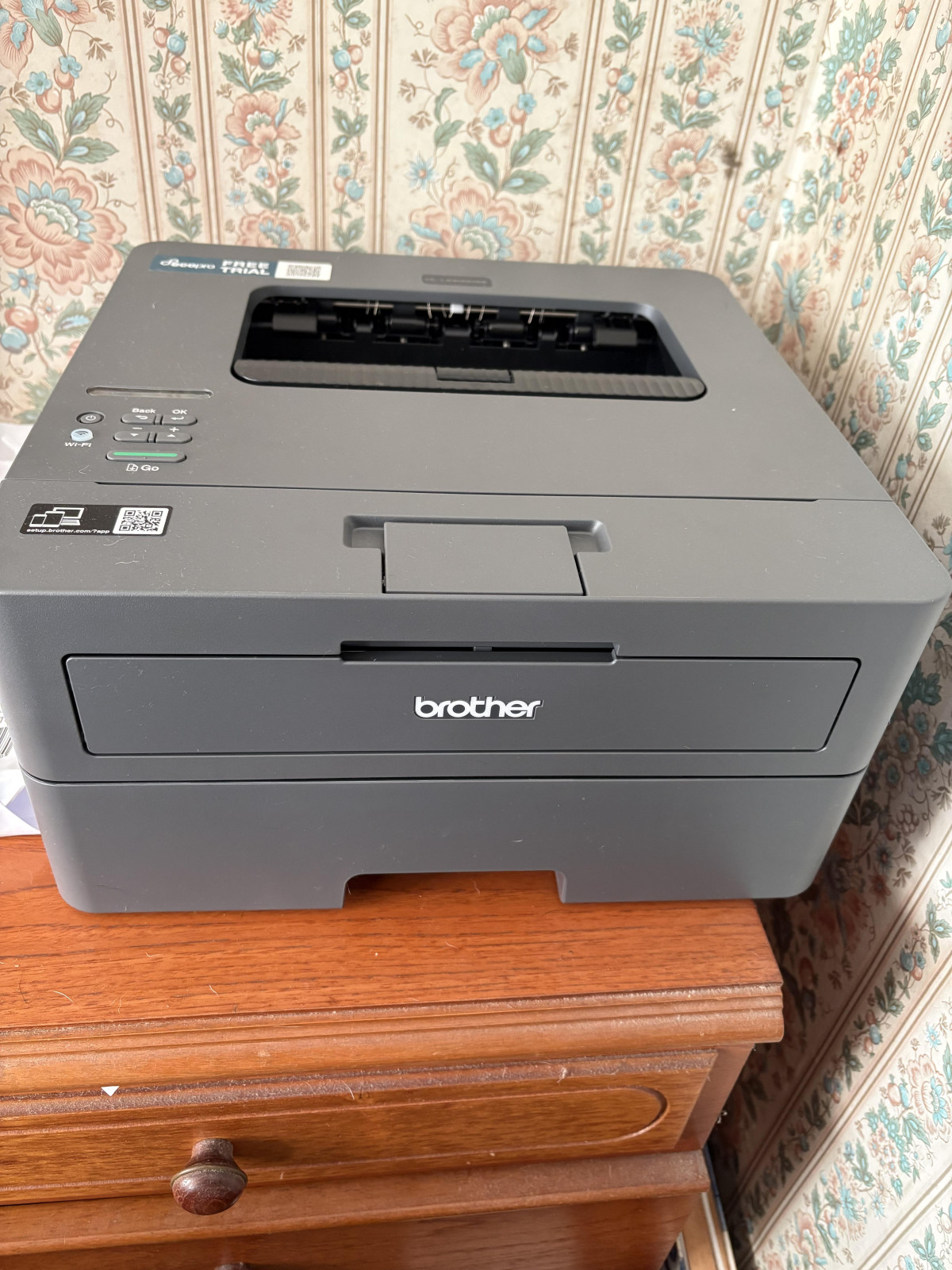
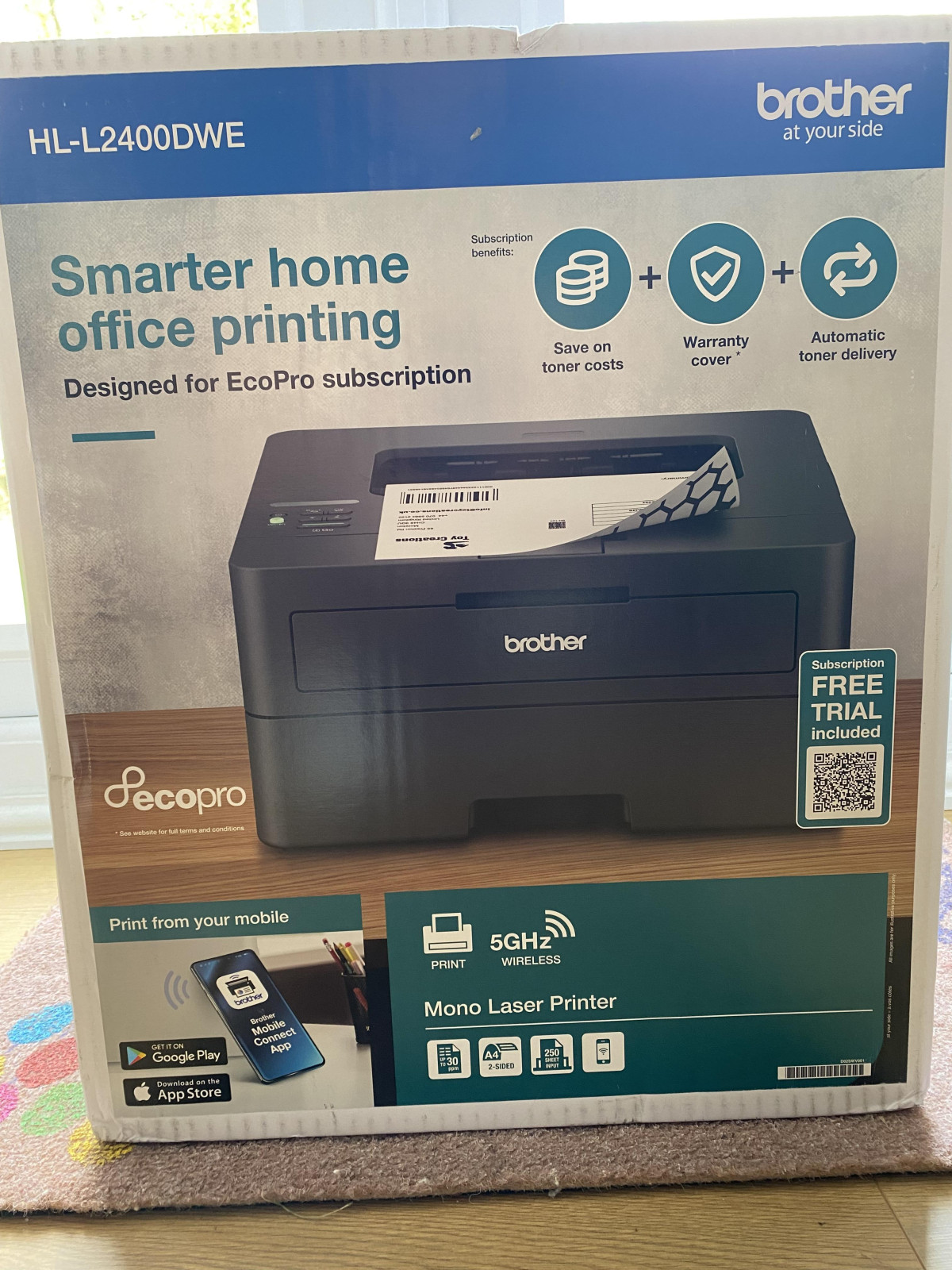
If your printing life is 90% black text — invoices, contracts, school forms, tax paperwork, the odd boarding pass — you don't need a printer that also happens to make copies, scans, and photographs of your cat. You need one thing done reliably, cheaply, and fast. The Brother HL-L2400DWE EcoPro Ready is built around that exact premise: a single-purpose mono laser printer that skips the extras and puts its engineering budget entirely into speed, sharpness, and running costs. That narrow focus is either exactly what you're after or a dealbreaker, depending on how you work — and this review is designed to tell you which camp you're in before you spend a penny.
Design and Build: A Desk Appliance, Not a Statement Piece
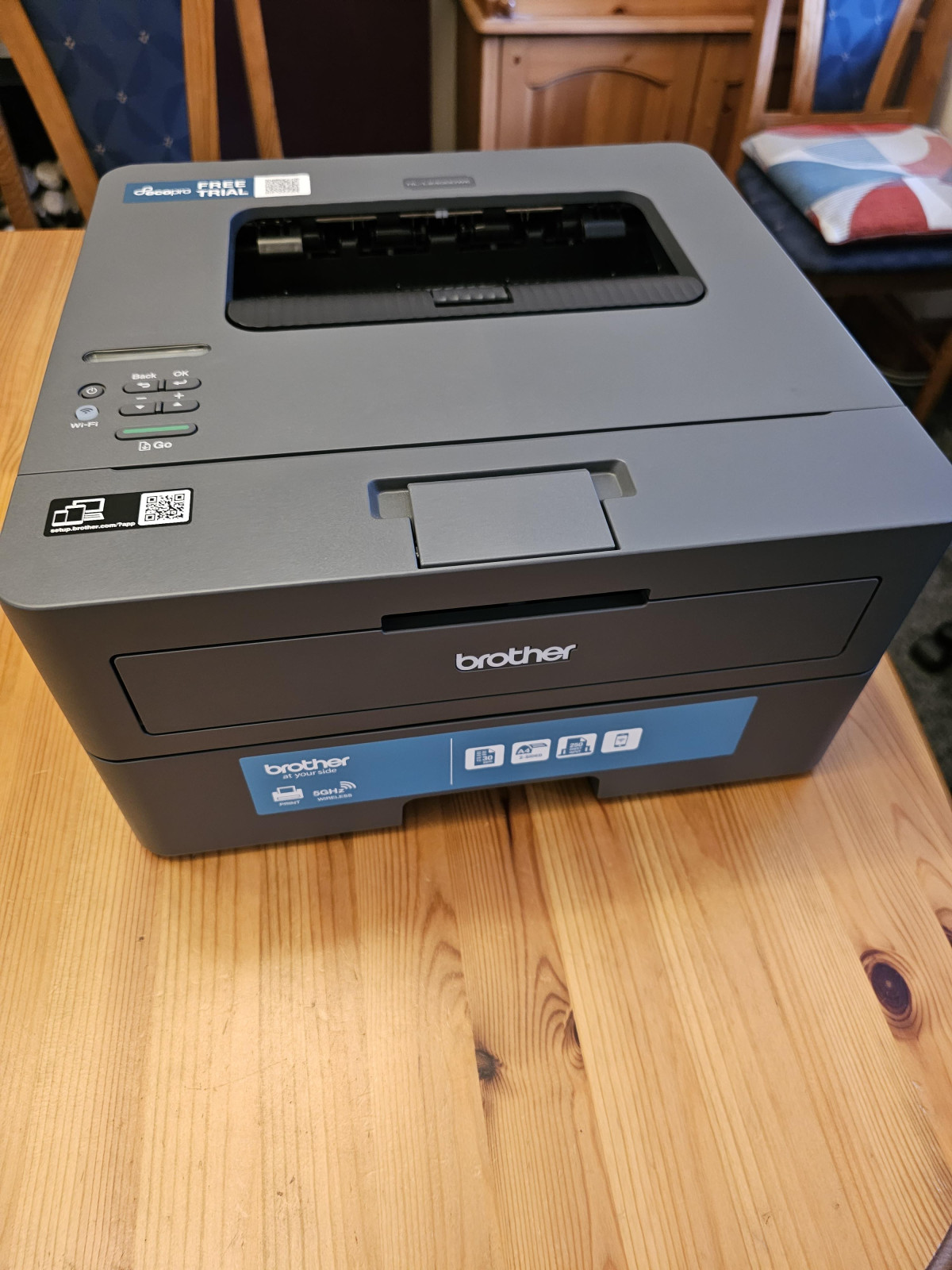
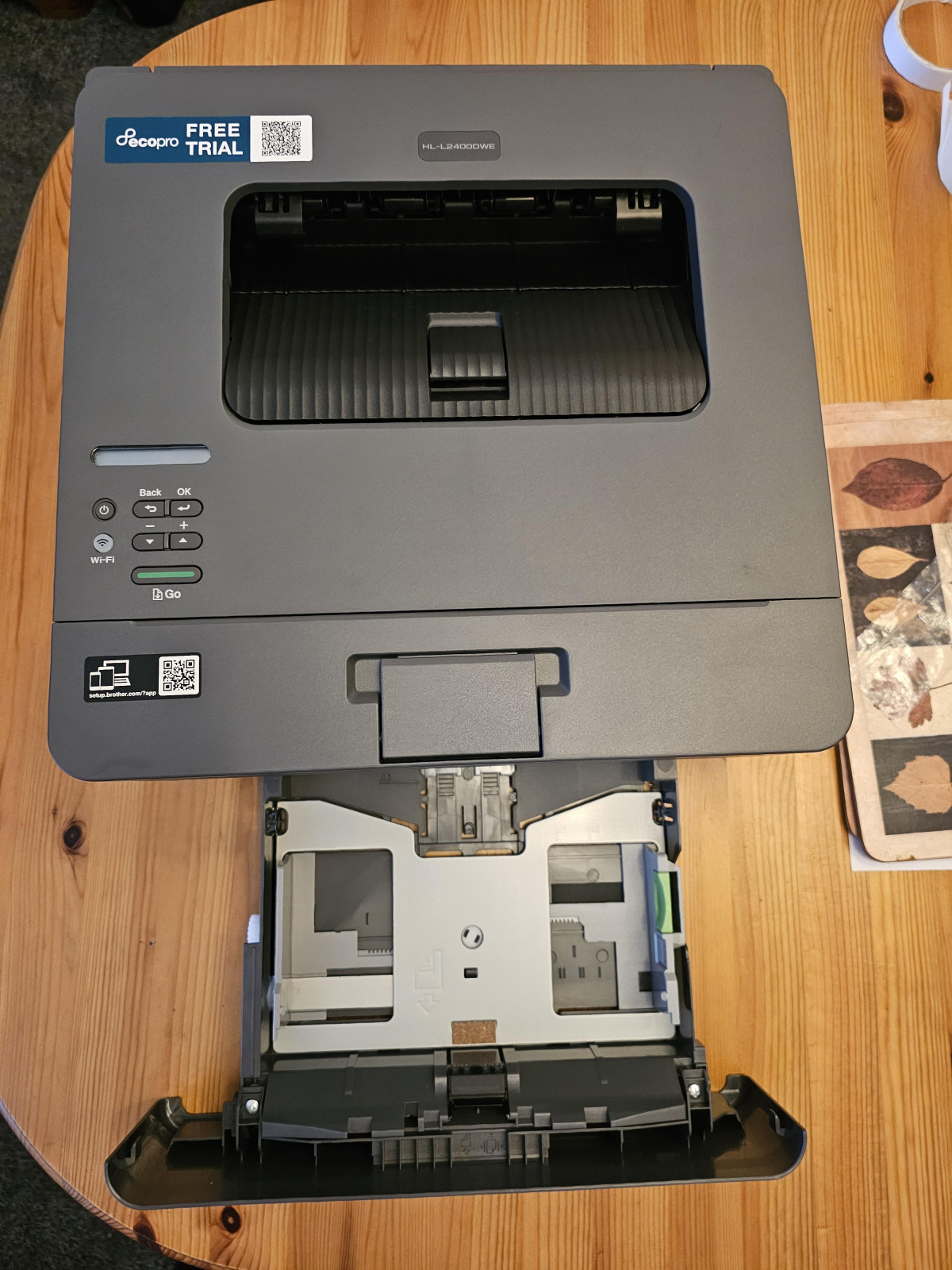
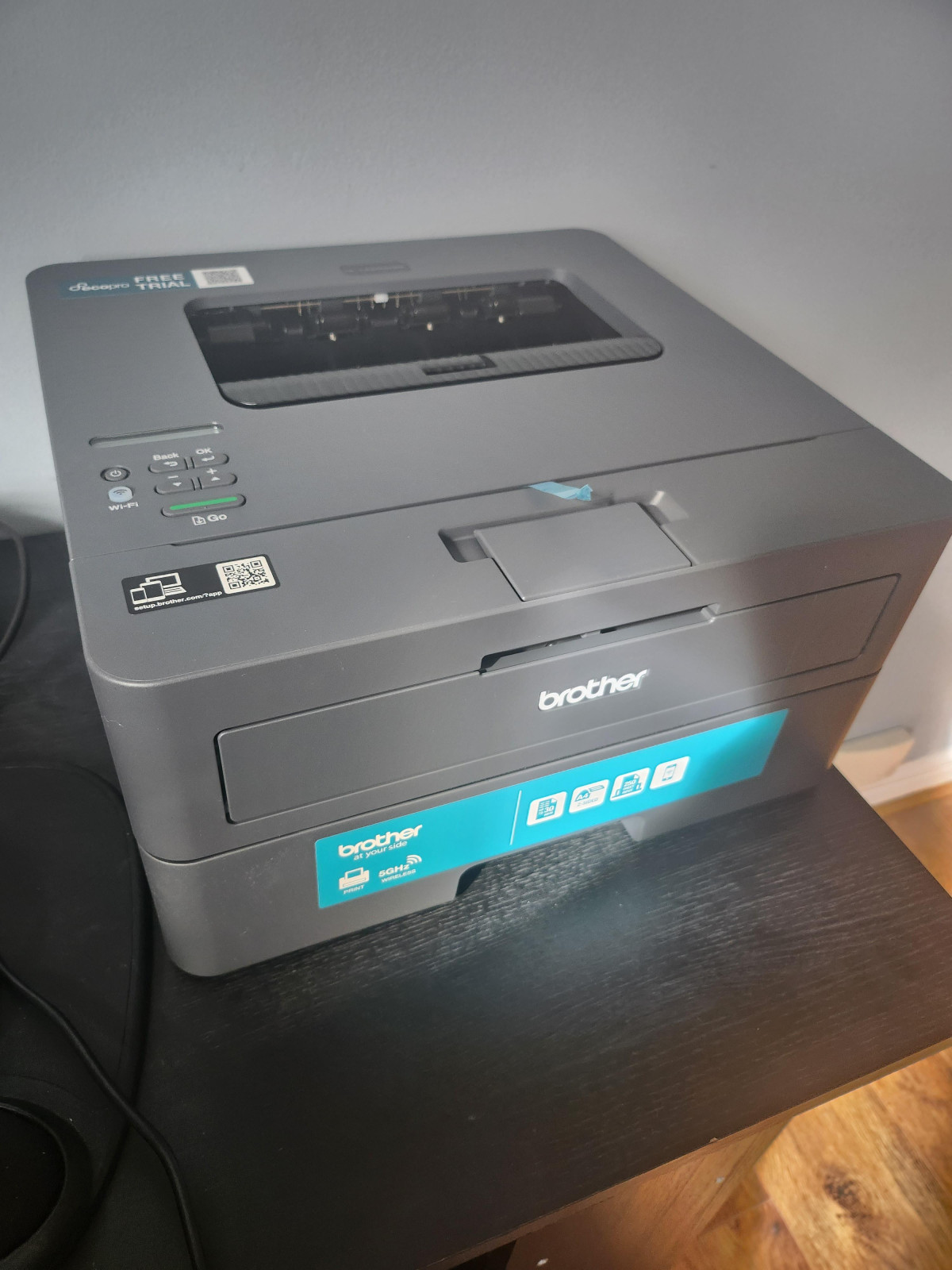
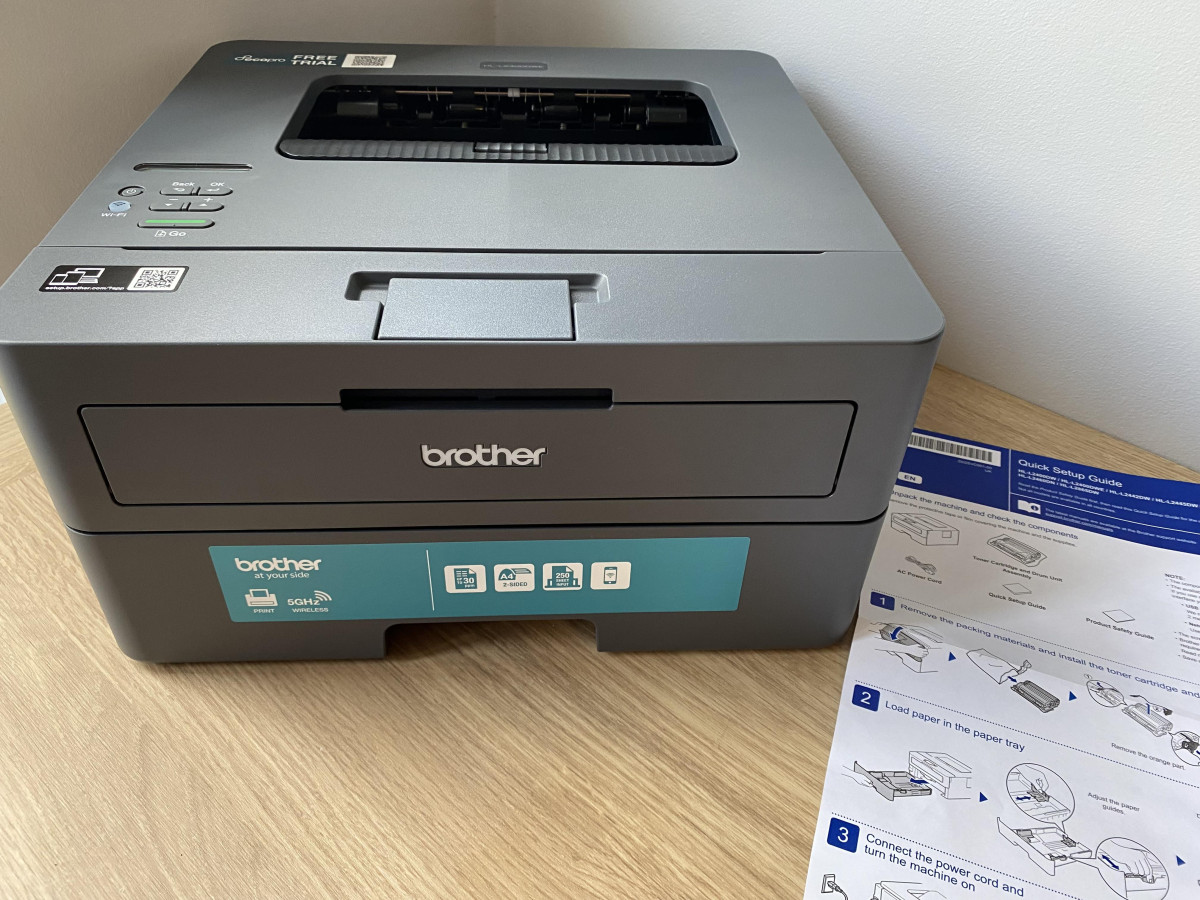
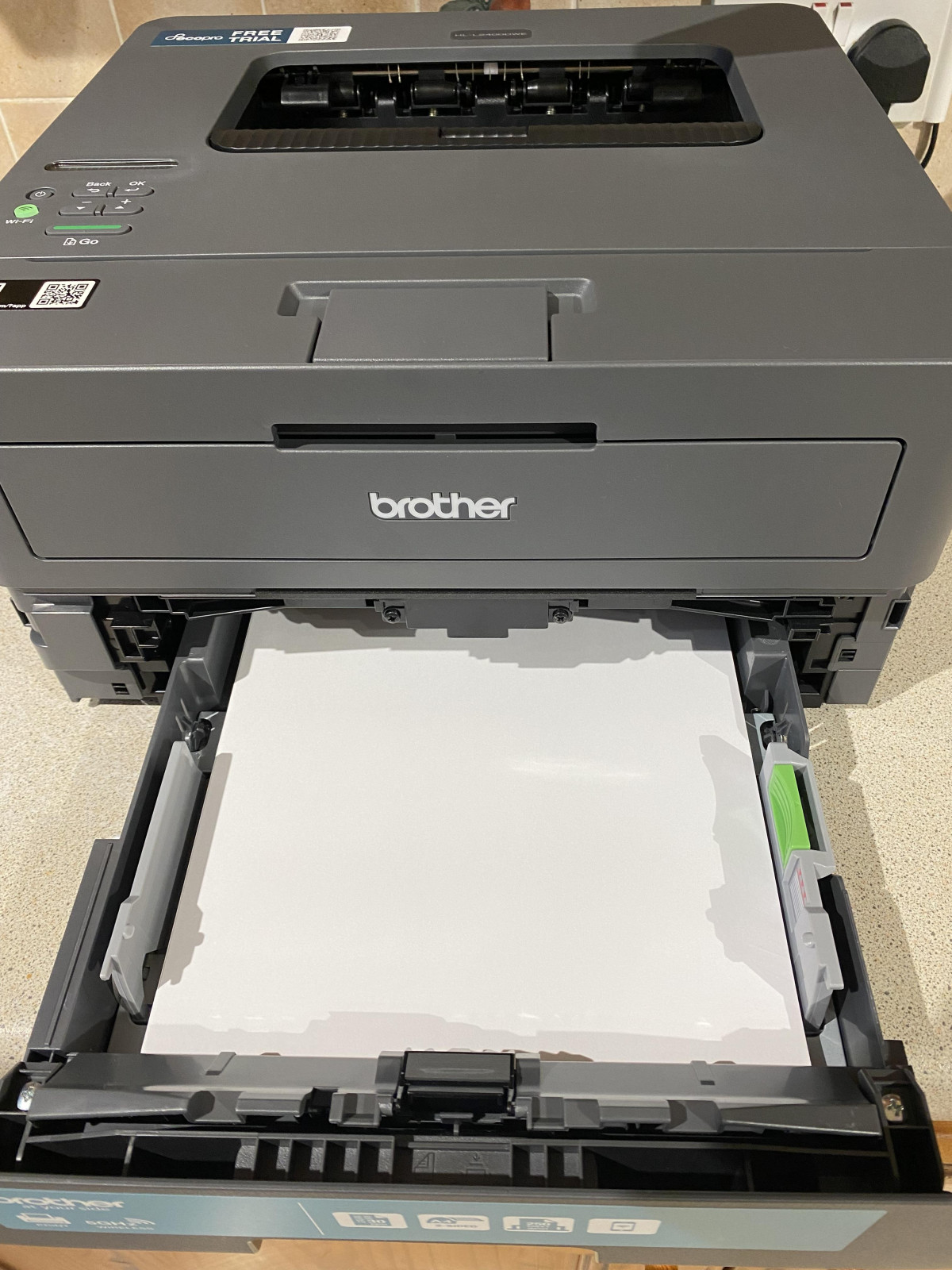
Brother hasn't tried to make the HL-L2400DWE beautiful. It's finished in the same understated slate-grey plastic that's defined this product line for years, styled entirely around function: a top-loading output tray, a front-loading paper cassette, and a slim control strip with a small LCD readout instead of a full colour touchscreen. If you're expecting the glossy, tablet-like interface of a modern all-in-one, recalibrate — this is a workhorse panel with a handful of buttons for menu navigation, status checks, and cancelling jobs, not a media hub.
At roughly 8.2kg, it's light enough that one person can reposition it on a desk or shelf without a second pair of hands, and its footprint is deliberately compact — sized to sit in a home office corner, on top of a filing cabinet, or squeezed onto a shared desk without dominating the space. Brother rates its operating noise at around 49 decibels, which in practical terms sits somewhere between a quiet conversation and a running refrigerator — noticeable if you're on a call two feet away, but not the mechanical clatter you'd get from older laser units.
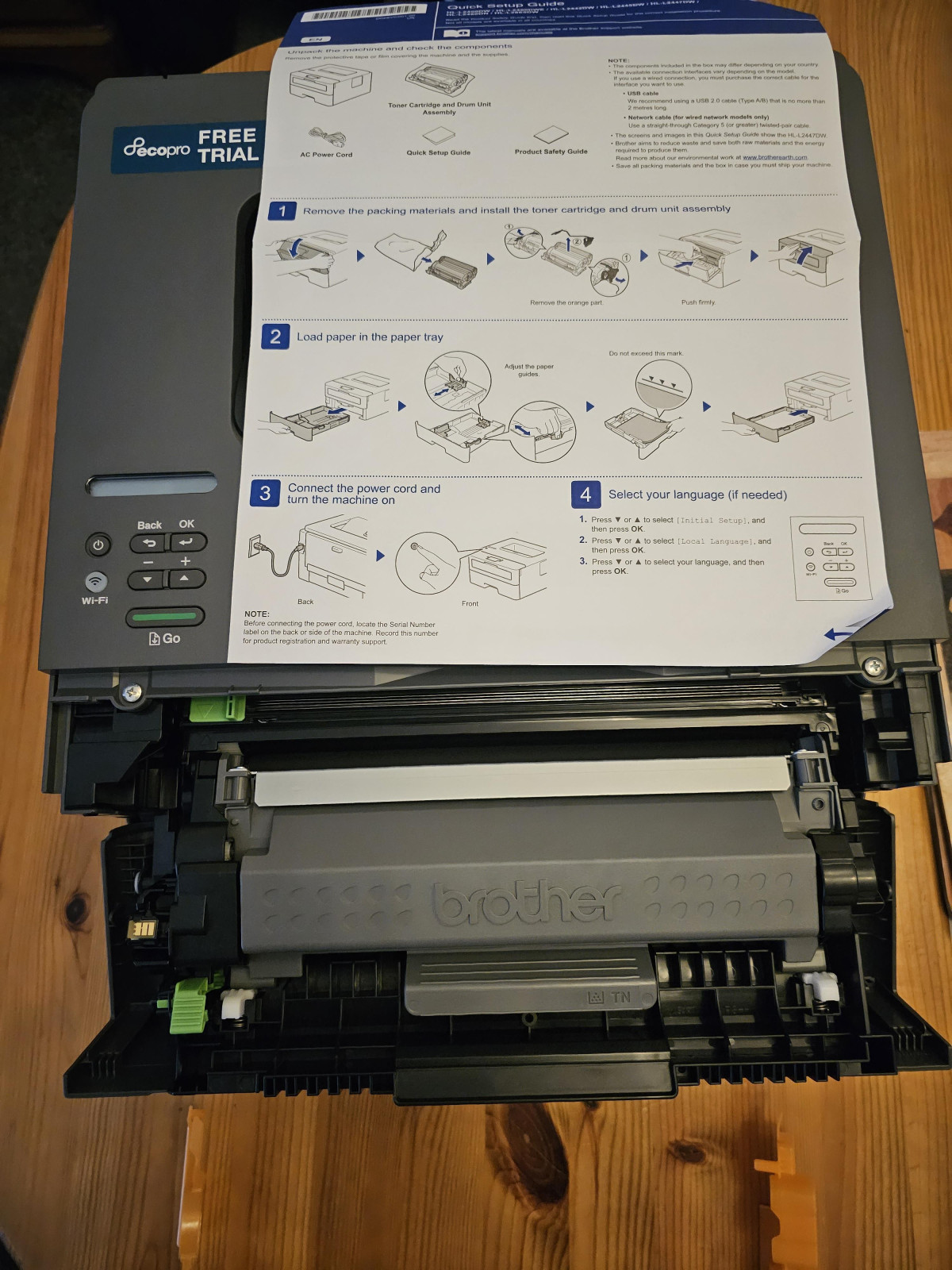
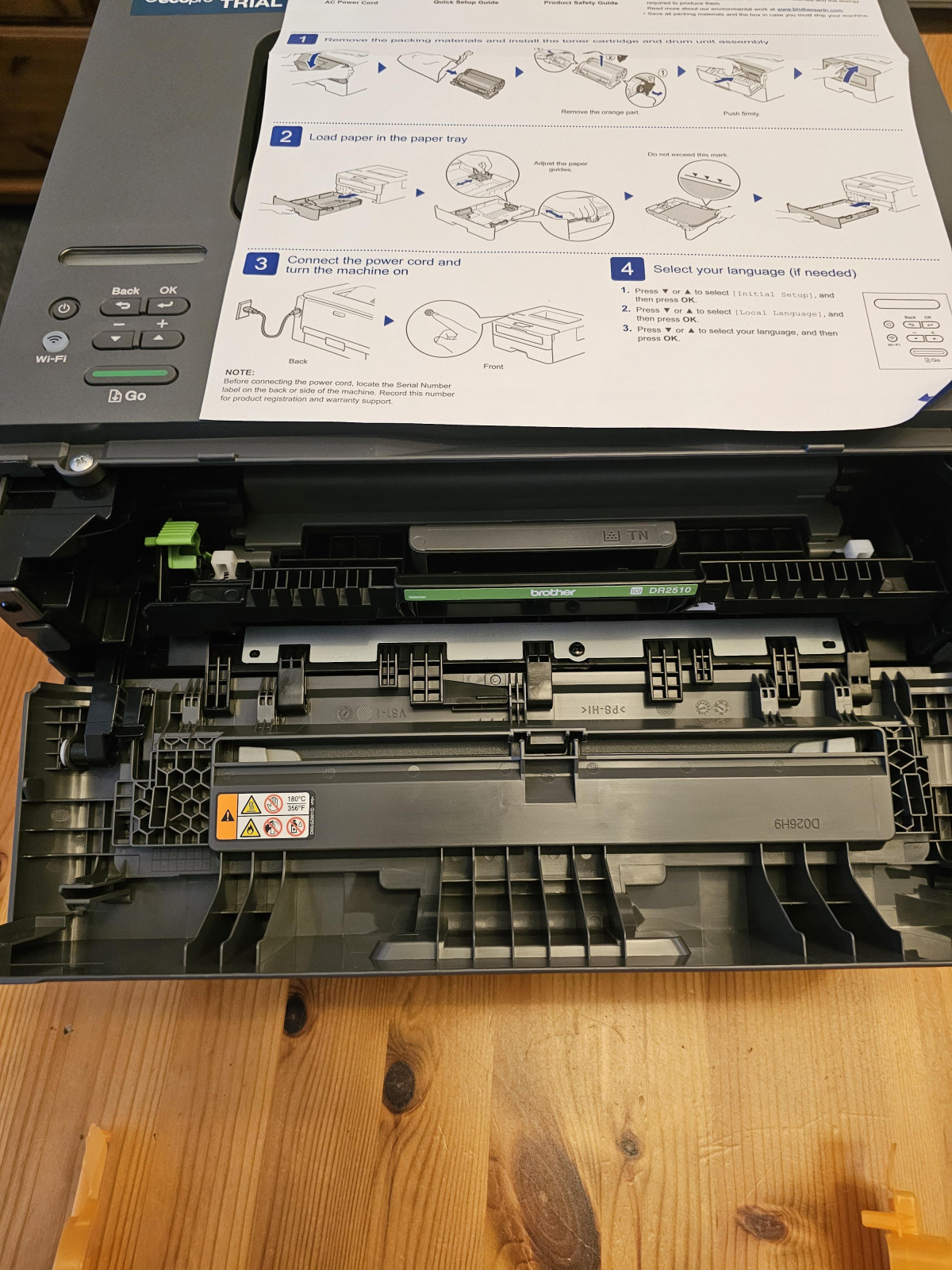
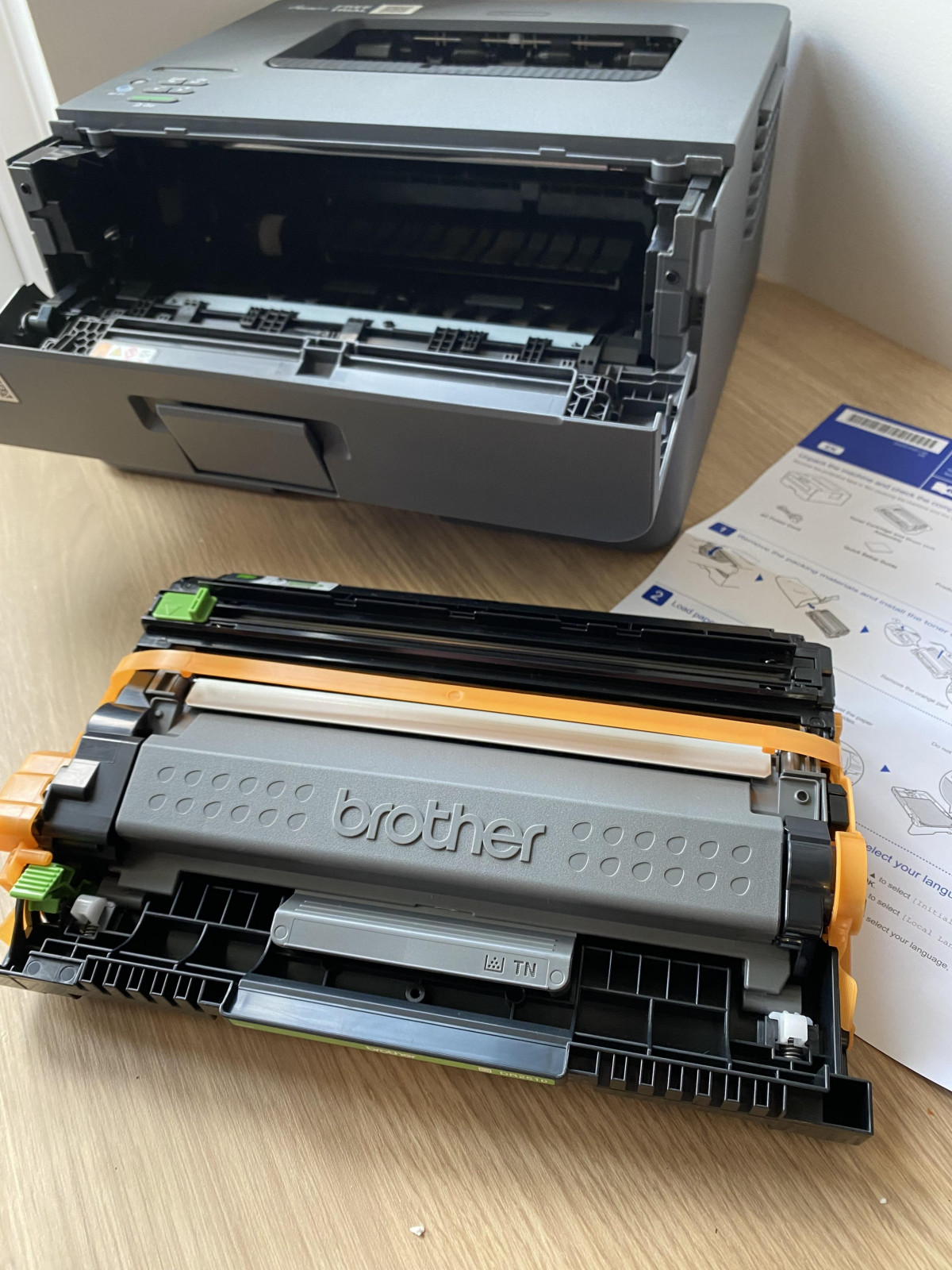
Where the build genuinely pays off is in the toner and drum arrangement. Unlike printers that bundle toner and drum into one disposable unit, the HL-L2400DWE separates them. The drum — the component that transfers toner onto paper — is designed to last far longer than any single cartridge, so you're only ever replacing the consumable that actually runs out, rather than paying to replace precision optics every time the ink does.
Core Performance: What 30ppm and 1200dpi Actually Mean for You
Spec sheets love throwing numbers at you, so let's translate them into what you'll actually notice at your desk.
Print Speed
The HL-L2400DWE is rated at 30 pages per minute for single-sided black text. In real terms, that means a 10-page contract lands in your tray in around 20 seconds from the moment it starts feeding — fast enough that you're not standing around waiting, and fast enough to handle a batch print job (say, 40 invoices) in under two minutes rather than the five-to-ten-minute slog you'd get from a budget inkjet. Two-sided documents print automatically at roughly half that speed, since the mechanism has to flip and refeed each sheet — still comfortably quicker than manually turning pages over yourself.
Print Resolution
At 1200 x 1200 dpi, this printer is aimed squarely at text and line-art clarity rather than photographic reproduction. That resolution is more than sufficient to render small font sizes, dense tables, and fine invoice line-items without the fuzzy edges or "fill-in" you sometimes get from lower-resolution lasers or ageing inkjet nozzles. If you're printing legal documents, spreadsheets with tiny numbers, or anything with a company letterhead, this is the resolution tier where text starts looking genuinely professional rather than merely "readable."
What it won't do well
this is a monochrome-only engine. There's no colour toner path at all, so photographs, marketing collateral with brand colours, or anything requiring visual nuance is simply off the table. If any part of your printing life needs colour, this printer isn't a compromise — it's the wrong tool entirely.
Paper Handling: Built for Volume, Not Variety
The 250-sheet input tray is the detail that quietly saves you the most day-to-day annoyance. Most home inkjets hold 50–100 sheets, which means constant refilling if you print in batches. A 250-sheet capacity means you can load up once and forget about it through a typical week of home-office or small-business use — invoices, forms, printouts for meetings — without the printer running dry mid-job.
Paper weight tolerance up to 163gsm covers standard copier paper comfortably and stretches into lighter cardstock territory, useful for things like certificates, simple flyers, or slightly heavier letterhead stock. It won't handle true heavyweight cardstock or specialty craft paper — Brother's own guidance caps this model at that 163gsm ceiling on the standard tray, so if you're printing greeting cards or presentation covers on thick stock, you'll want a printer (or a manual feed slot on a different Brother model) rated higher.
Automatic two-sided printing is included as standard, which matters more than it sounds. Manually flipping pages to print double-sided is fiddly and easy to get wrong (upside-down page two, anyone?) — having the mechanism handle it removes a genuine point of friction for anyone regularly producing multi-page reports or trying to cut paper consumption.
Toner Economics: The Part That Actually Determines Your Running Cost
This is where mono laser printers earn their keep over inkjets, and Brother gives you two paths depending on how much you print.
| Toner Option | Rated Page Yield | Best Suited For |
|---|---|---|
| Standard toner (TN2510) | Up to roughly 1,200 pages | Light, occasional home printing |
| High-yield toner (TN2510XL) | Up to roughly 3,000 pages | Regular home-office or small-business volume |
To put that in perspective: someone printing around 50–75 pages a week would burn through the standard cartridge in three to four months, but could stretch the high-yield cartridge out to the better part of a year before needing a replacement. That's a meaningfully different cost-per-page rhythm than an inkjet, where colour cartridges often run dry from evaporation alone even if you barely print, and replacements arrive far more often relative to page count.
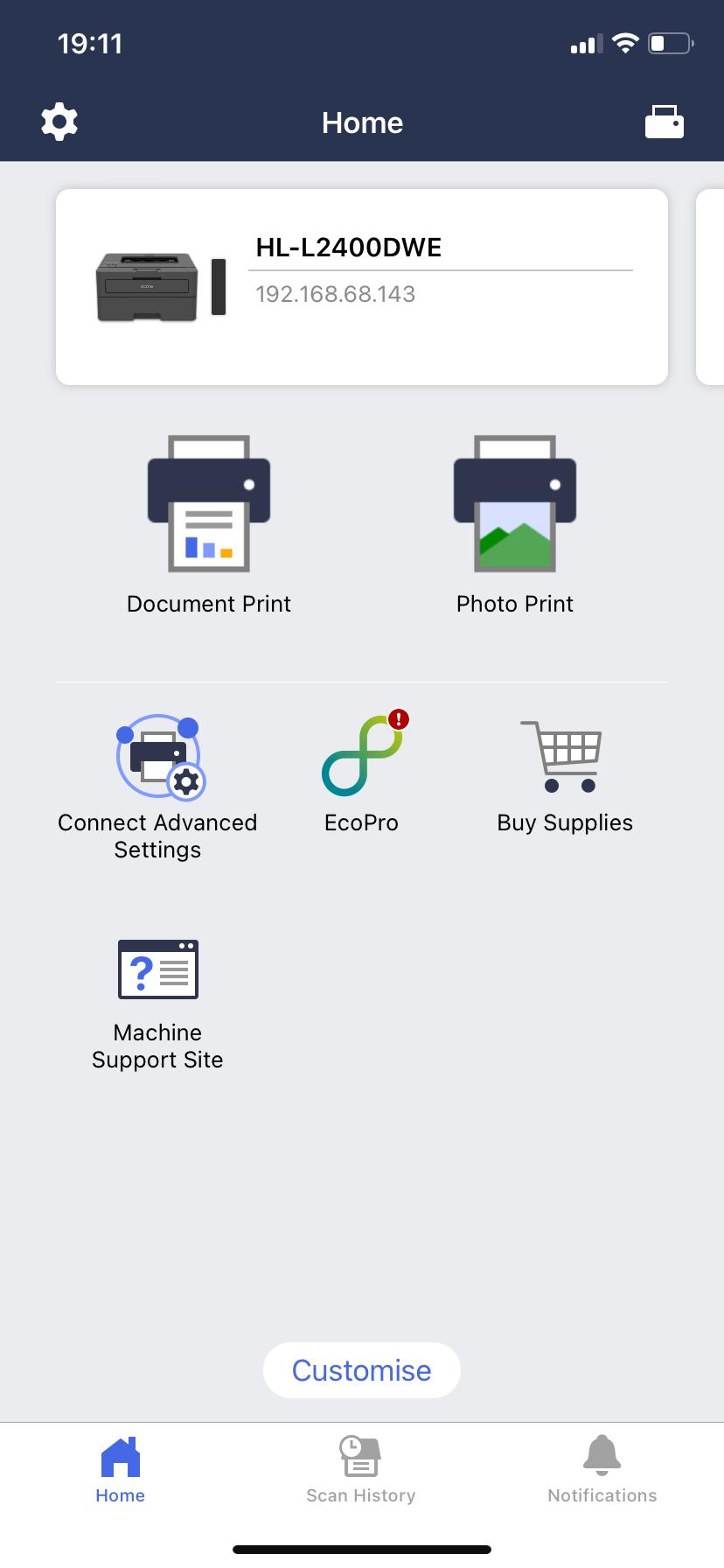
Brother also layers an optional subscription service on top of this hardware, branded EcoPro. Rather than manually tracking toner levels and remembering to reorder, the printer can report its own consumption and trigger an automatic supply delivery before you run out — for a modest monthly fee. It's entirely optional: the printer ships with in-box toner and a drum unit, so you can print from day one without ever signing up, and switch to manual toner-buying at any point if the subscription model isn't for you.
Connectivity: Wireless-First, With a USB Safety Net
Setup flexibility is one of this printer's stronger suits on paper. It connects over 5GHz Wi-Fi for faster, less congested wireless transfer than the older 2.4GHz band many budget printers are still stuck on, and it supports direct wireless printing from phones and tablets without needing a router in the mix. Apple devices get native AirPrint support, and Android users can print through Mopria-compatible apps or Brother's own Mobile Connect app, which also lets you manage settings and reorder supplies from your phone.
There's no Ethernet port, so if you need to hard-wire it into an office network rather than relying on Wi-Fi, this isn't the model for that setup. USB 2.0 is included as a fallback, and it's a meaningfully useful one — a wired connection sidesteps wireless configuration entirely, which matters given how consistently this comes up in real owner feedback.
That feedback is worth taking seriously: a recurring theme among people who've actually set this printer up is that the hardware performs well from the first print, but the wireless setup and firmware update process is the one place where things can get fiddly — particularly on Mac systems, where some owners report needing to hunt down drivers and push through a firmware update before Wi-Fi settles into a reliable connection. Budget 20–30 minutes for setup rather than expecting a two-minute plug-and-play experience, and keep the USB cable handy as a fallback if wireless pairing stalls.
The machine also includes layered security features spanning the device, the network connection, and printed documents themselves — a detail that matters more if this printer will sit on a shared or small-business network than if it's tucked into a spare room at home, but it's a reassuring inclusion either way.
Who This Printer Is Actually For
A strong fit if you:
- Print mostly black-and-white text — invoices, reports, forms, school or admin paperwork
- Print in batches rather than one page at a time, and want to load paper once and forget about it
- Want low running costs per page without babysitting toner levels
- Already have a phone, tablet, or laptop you'd rather print from wirelessly than fuss with cables
- Value speed and page-after-page consistency over having every function in one box
Not the right choice if you:
- Need scanning, copying, or fax capability — this is a print-only device, and Brother's own guidance points anyone needing those functions toward its DCP or MFC multifunction ranges instead
- Print photographs or colour graphics with any regularity
- Need to hard-wire into an Ethernet network rather than relying on Wi-Fi or USB
- Print on heavy cardstock, specialty media, or anything beyond the 163gsm ceiling
How It Stacks Up Against the Alternatives
| HL-L2400DWE (this printer) | Budget colour inkjet AIO | Brother multifunction laser (DCP/MFC range) | |
|---|---|---|---|
| Print quality (text) | Sharp, laser-crisp | Good, can smudge when wet | Sharp, laser-crisp |
| Colour printing | Not supported | Yes | Depends on model |
| Scan / copy / fax | Not supported | Usually included | Included |
| Cost per page (mono) | Low | Higher, especially with frequent cartridge changes | Low |
| Speed (mono text) | Fast (30ppm) | Noticeably slower | Comparable |
| Best for | High-volume text printing only | Mixed home use, occasional photos | Home office needing print + scan/copy |
The pattern here is simple: every alternative buys you something this printer deliberately leaves out, but pays for it in speed, running cost, or both. If your printing genuinely is print-only and text-only, the HL-L2400DWE beats both alternatives on the metrics that matter for that job. The moment scanning or colour enters the picture, though, it's worth stepping up to a multifunction model rather than trying to make this one stretch further than it's built for.
Where It Genuinely Excels — And Where It Falls Short
The strongest case for this printer is consistency: it does one job, and it does that job quickly, cheaply, and without drama once it's set up. Text comes out sharp at a resolution that makes even dense, small-print documents easy to read, the 250-sheet tray means you're not constantly topping up paper, and the toner economics genuinely do work out cheaper over time than most inkjet alternatives — especially if you opt for the high-yield cartridge and print in regular batches rather than sporadic single pages.
The honest weak points cluster around two things. First, setup friction: while the printer itself performs reliably once connected, getting there — particularly over Wi-Fi, particularly on Mac — is more involved than the "quick and easy" framing you'll see in marketing copy, and a wired USB connection is the more dependable route if you want to skip the wireless troubleshooting entirely. Second, toner monitoring can occasionally flag a cartridge as depleted before it's genuinely empty, since the printer relies on an internal page-count estimate rather than a physical toner-level sensor — a minor but real annoyance if you're trying to squeeze every last page out of a cartridge.
Neither of these undermines the core proposition, but they're worth knowing before you unbox it rather than discovering them mid-setup.
The Verdict
If your printing needs are genuinely limited to black-and-white text — and a lot of home and small-office printing is exactly that — the Brother HL-L2400DWE EcoPro Ready is a sensible, well-targeted purchase. It's fast enough that batch printing never feels like a bottleneck, sharp enough that even fine print looks professional, and cheap enough to run that the toner cost stops being something you think about week to week. Budget a proper setup session rather than expecting instant plug-and-play, keep a USB cable within reach as a backup, and don't expect it to do anything beyond printing — because it was never designed to. Buy it for what it is: a fast, reliable, low-drama text printer, and it will quietly do that job for years.
What People Say
143 commentsGood value, but a nightmare to install
This is my second Brother laser printer, bought to replace my old one which didn't have WI-FI. And to be perfectly honest, I wish I hadn't bothered. I am a very competent IT user, having worked with a wide variety of computer systems for over 40 years. But this printer was SO annoying. I went through the usual process of downloading the drivers from the interweb without a hitch and so I attached a USB cable between the printer and my laptop as that is usually the most reliable option.
But when I tried printing, and despite the printer showing up in DEVICES on my Windows 11 laptop, all that happened was that prints were sent to the queue and just sat there. I tried purging the print queue and reprinting, but the same problem occurred. I tried troubleshooting, but to no avail.
I tried uninstalling the software, but that didn’t help.
So, I decided to try installing via WI-FI. This was SO cumbersome. The "PUSH" function on my BT router didn't work (even though it works perfectly with everything else.) This meant having to use very fiddly buttons on the printer to key in each character of the Network key individually, reminiscent of how things used to be do be done for connecting devices to the Internet in the 1990s!
This failed twice, despite my having checked and rechecked each entry three times. On the third attempt I finally achieved connectivity. And the printer still wouldn't print. I then tried thinking laterally and tried to install it as as a second printer. Still nothing. I then uninstalled both versions of the printer and started again. Eventually, after repeating the installation process three times, and having manually copied the drivers into ALL the Windows system folders, it finally started working. A nightmare of an evening.
So, if you've got several hours to waste you might want to buy this I printer which, once installed, does actually print quite well and has good value refills. But if you want a printer than connects to your computer straight out of the box I suggest you look elsewhere.
Easy does it
Simple setup and easy printing makes using this mono Brother printer a far cry from the pain of printers-past, where connectivity and quality issues used to drive me mad!
This unit feels quality and built to last from a reliable brand in printing.
You can be up and running in a few steps; Load the toner/drum unit, pop in some paper, attach the power cable, then scan the QR code on the printer to download a smartphone app for completing setup. Once connected to WiFi and with the default admin password changed, you are up and running. I was able to print from devices on the same network or via the app, it’s all very intuitive and not something to take for granted in my experience.
Printing from the app or via a native smartphone print feature is straight forward with automatic detection for multiple pages to be printed in duplex (2-sided). Print quality is good and the ‘EcoPro’ print subscription is a great idea if you are regularly printing in a home office for example, there’s even a free trial included.
My only criticism is that the lcd display can be hard to see in low light, however most of the settings can be viewed/changed via an app on a smartphone more conveniently. Apart from this there really isn’t much to fault with this printer and it should fulfil most small office/home mono printing needs without getting on your nerves. Which is exactly what a printer should do! Excellent.
Perfect compact printer
Overall, I am very pleased with this. For the price, and in particular, small size. It's my first laser printer and I chose it specifically because my printing needs tend to be sporadic - in the past, ink jet printers have often dried up on me, and I understand that laser printers are a bit more forgiving because they use toner powder. Setting up with my Windows 11 PC was easy. However getting my Android phone hooked up was a twenty minute ordeal. Lots of attempts to painstakingly enter the wi-fi code using the up and down buttons on the printer which I tried twice. In the end, I did just switch everything off, re-install the Brother app on my phone and low and behold, second time round everything connected with one click. Frustrating, but a relief! I think the price is very fair and it feels well built. Have only printed 10 pages or so to date, but no issues, the quality and speed of prints is great. Would definitely recommend to anyone with a small space. It fits perfectly onto a rotating book shelf I have. I was also impressed at the length of the power cord, which I feel will give people a good amount of options for placement in reach of plugs. Fitting the toner cartridge and paper in were straightforward.
Excellent Basc Duplex Mono Printer
This printer is extremely well designed, compact and stylish. The original set-up was very straight forward, I’d suggest not signing up for the Brother toner subscription (unless you are a high volume user). I was surprised how heavy the printer actually is, print quality is sharp and crisp for both text and graphics when set at 1200 dpi, at lower dpi settings I found the printing quality was in fact a dark shade of grey (absolutely fine for draft printing). The tiny LCD panel has no back lighting so can be difficult to read in some lighting conditions and has only one line of text which means it’s both fiddle to use and read. The wireless set-up was straightforward, personally I prefer using this method to having a fixed cables. What I also like is the fact that being laser the toner cartridge is dry powder, so unlike inkjets this means not having to replace the drum so frequently if only used infrequently. You certainly get a great deal of useful optional software and I also opted to downloaded the mobile connect app which again was very easy to set-up and use. I think all things being considered and for the money this is a great basic duplex mono printer.
🖨️ Printer Game: Survival Edition
Forget Squid Game. Printer Game is the new one in town. Setting up the Brother HL-L2400DWE felt like level one of this epic challenge. WiFi connected fine, but entering the password was an endurance test, pressing and holding one button to scroll through every letter, number, and symbol like a 1990s Nokia phone. Then came the software download via WiFi — failure. Retry, failure. By the fourth attempt, I was sweating buckets, and the cat was pacing nervously like a referee. Finally, I grabbed a cable, plugged it in, and magically it worked.
The printer had already claimed two pages printed, and stopping automatic updates is not an option on the printer panel, laptop nor the Brother app. It comes with a reasonable amount of toner, so the countdown begins: will it indeed print 695 more pages? (Settings tweaked to allow this, and I’ve printed three so far.) Once it’s running, it prints beautifully, reasonably quietly, and I could even print from my phone without needing to use the Brother app. The cat jumped on the bed with a triumphant paw as if she’d won the grand prize. Survival of the fittest was real, and I survived Printer Game: Level One.
Easy to set up and use
Probably the easiest printer I've had to set up and use wirelessly.
Time will tell how I get on with it with regards to maintenance and if it breaks etc, but so far so good.
I made things more difficult for myself by entering my wifi password manually with the up/down buttons, I could have instead downloaded the app to do it that way. The app itself is pretty good to show ink levels etc that you can also see via the printer.
After wifi setup, all of my computers (both mac and pc) could see it to start printing ASAP.
Quick prints, nice sharp quality, a little noisier than perhaps my regular inkjet, but the speed at which prints comes out... I'm not surprised it needs a fan.
I still think £100 is a bit steep for a printer, maybe £70 would be better price, especially when they make their money on the toner ink. The technology hasn't exactly advanced significantly in the last 10 years - Its the same with microwaves, there must be a conspiracy to keep the prices inflated.
Easy to set up and compact
My old 20 year old laser printer had finally given up the ghost. It had been on its way out for a long time. Sadly it broke just before Christmas whilst I was attempting to print something important.
I have limited space for a printer on my desk so had to Make sure any printer purchased would fit. Click and collect was so easy with Argos too.
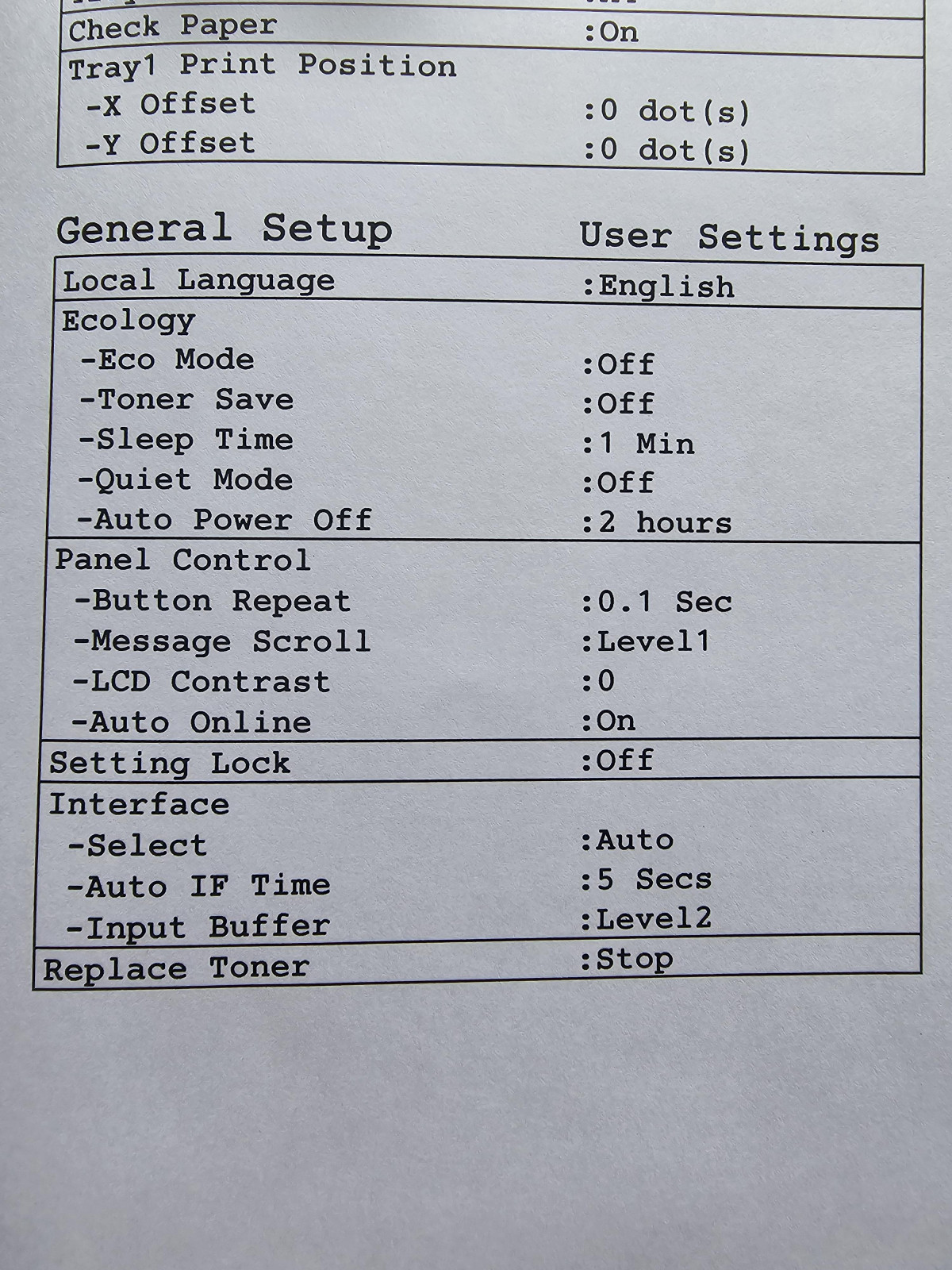
The printer itself is honestly like light and say compared to my old one. It was super quick to set up and I had it printing within 10mins of bringing the box inside. The sleep mode is an amazing setting as it saves power and hopefully prolongs its life. All the things such as adding the paper to the tray and the toner were super easy.
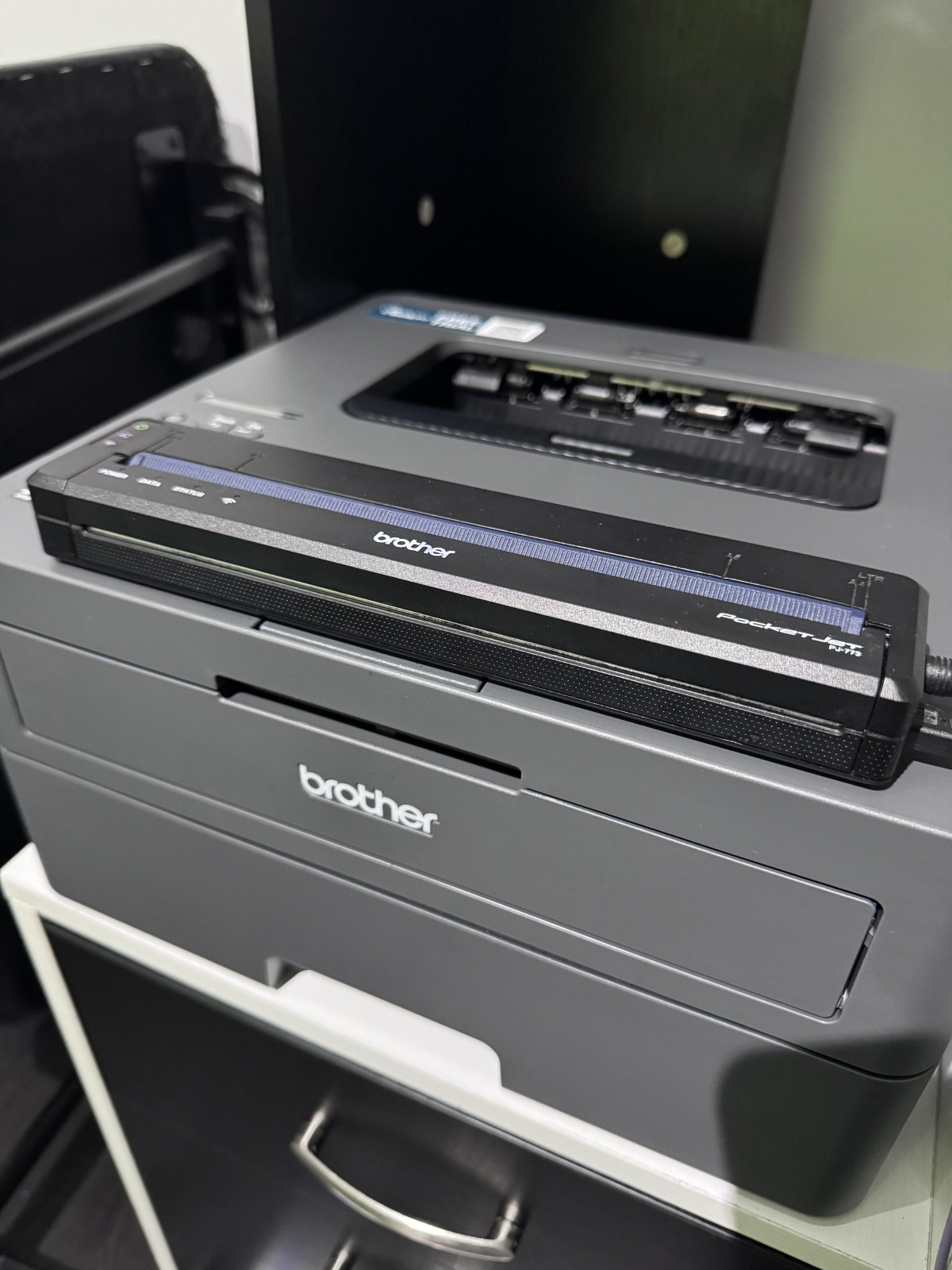
I love where brother have been going so was more than happy to buy a brother laser printer. I already have a pocket jet from them.
Over all. I would definitely recommend this as it’s easy to set up, does the job and also looks nice. Plus it’s nice and compact.
BROTHER LASER PRINTED EXCEEDED MY EXPECTATIONS
This is the first Brother laser printer I have ever bought, having been a stalwart of Epson ink-jets for many years. However, buying cheap does not always lead to a happy experience, and recently Epson's quality and ease of set-up has been rapidly deteriorating. Whilst setting up the wireless connectivity on the Brother was not totally straightforward, everything else has worked like a dream. I supposed if I had connected by cable it would have been quicker but as the printer is quite bulky I needed to locate it off my desk for once. I thoroughly recommend this device, but would suggest looking for compatible replacement toner cartridges as originals are expensive. Also, do not be duped into signing up for the toner subscription model - this is just not worthwhile from a cost point of view.
Quick Printer
Bought as a back up to our colour printer that decided to pack up unexpectedly! Its very easy to set up and prints quickly. We tend to use it for documents rather than pictures, and the print quality is fine for our purposes. It is a bit noisier than our bigger colour printer, but at least its working! The manual feed paper tray is a bit imprecise, so I have found it easier to just pull the ordinary tray out and put the special papers in there when needed. No idea on longevity, but Brother has a good reputation, so hopefully this will serve for a few years. If the prints per toner cartridge figures quoted are correct then it should be fairly economical to run, and a lot less hassle than an inkjet printer needing head cleans every few days!
a game changer if you can get it to work
My 2024 Apple Macbook wouldnt work with my 2011 printer, so I was forced to upgrade to something more modern. This printer was the obvious choice and works great when you get it going. But here is the problem, the printer wont work with older computers as Brother wont release printers so we have a silly situation where I have to maintain two printers. Use this one for any operating system a few years old, but keep my older printers for my older computers. Set up was easy until you have to put in the network key one character at a time, which takes forever. However the best bit is now all i have to do is press print and off comes the document. In theory anyway, as I had to reboot the printer the other day. Recommended with reservations
Brilliant printer
This printer is fantastic. Very easy to set up of you follow the simple instructions and download the app. Within 5 minutes I was up and running. I can now print wirelessly from my phone, chromebook, ipad and desktop. The packaging box is much bigger than the printer itself. It worried me when I picked the printer up from Argos as the box is massive. Rest assured the printer is much smaller. You can scan and print, however the scanning part needs to be done via your phone. In this day and age everything is done via your phone anyway. I would definitely recommend this printer especially the WiFi feature.
Prints well although not great at shades
This is a very fast and efficient printer.
The only downside I would say is if you print something with shades or pictures it is very "dotty" and needs to print at a higher double to print it at a half decent quality.
Though for the price, it is a good document printer
One annoying downside is that it asks for a password every time, just to do a firmware update. I understand that they want to be secure to protect from attacks, but I can say that me (and probably a lot of people) are just going to not bother to update the firmware, meaning it could be left open for attack anyway
Great printer for printing documents
I'm really happy with this printer, it's great for printing lots of documents at a good speed and in good quality too. The ink seems to last well and it can hold quite a lot of paper, about 250 sheets. Setup of the printer was nice and easy, with clear instructions on how to install the toner cartridge, connect to wifi, etc. The wireless printing also works very well, I had no issue picking up the printer on various devices like mobile phones, a desktop computers and a laptop.
Overall, if you just need a mono printer for printing documents out, this will likely serve you well.
Misleading item. Poor service from Argos
I've had some of the worst customer service from Argos for this item. I didn't realise this item only printed in black and white and wrongly assumed it printed in colour. It says Mono which I took to mean it only printed rather than saying Monochrome which is more descriptive to mean it only prints black and white. It also isn't the easiest to connect to home wifi. Very very poor. Argos refused a refund as I opened it saying I should have researched more. Well I'll definitely do my research when buying in future from other retailers as I'll not be shopping with Argos again.
Good B/W Laser printer for home/small office
Had this a couple of weeks now, so far its been great. It has all the features I really need.
Have connected vis USB to laptop and over wifi. I setup wifi using WPS so that was easy too
Print quality, Resolution and Speed more than enough for my needs
The tray capacity is a good size and
I havent refilled yet
This was great value from Argos at £80, I would normally use Amazon Prime but that was £30 more!
So my only remaining concern is "what if something goes wrong?", which is where Amazon Prime is so good.
I have downloaded the Brother print app but haven't tried it yet
Mostly happy
I bought this model because I'd reached the end of my tether paying £25 a pop for ink jet cartridges for my previous printer (which only printed a couple of hundred pages). So this model has a toner cartridge, which is much better value.
The printing/scanning is fine (only B/W by the way) but I have wasted a couple of hours trying to connect the printer to my wifi (and therefore print from my mobile or wirelessly). I have also had problems accessing Brother's on-line customer support. I'm sure it's all do-able in the end, but it's not been made easy.
Fit for purpose
I brought this as I only print now and again in black so this is ideal for my needs.
Subscribed to Ecoprint for £1.99 pm (50 pages pm) and a ink cartridge arrived the next day.
I didn't realise that was what happened as I had already installed the ink that came in the box, but it's not a problem as I removed it and will keep stored until I decide if the subscription is working out.
That said, the printer seems to function well and was easy to set up,it is neat and compact in appearance and I like the fact that the paper drawer is easily accessible.
Perfect for my needs
I was wary of investing in another printer as I’ve bought several ink printers over the years, all to be later discarded in disgust as they stop working or just lock you out for one reason or another. I took the plunge with this one and could not be more glad that I did. It’s so quick and so simple to print from my phone. The set up took a little bit longer than I thought, but now it’s in situ it’s the easiest thing in the world. I don’t expect to print lots and lots of pages and colour isn’t a necessity for me, so this printer suits my needs perfectly.
My Brother
My introduction to the Brother Laser printer started when my existing laser ceased to work, I have never use a Brother before but I was pleasantly surprised by its shape, ease of use when putting in paper or replacing Toner. It was quieter than I expected, it did extra things my last Laser printer didn't, and I found its WIFI very handy (no more trailing out long leads across the floor). Price was favourable to me as was replacement Toners, would definitely recommend this to anyone considering getting one
Okay
If every single printer I’ve ever had has been a Nightmare trying to set up trying to sync to my phone and that is over quite a few years. I purchased this because it was a different make to what I’ve ever purchased before. As usual took me at least an hour to be able to get the two things connected but once it was connected, I was happy that it printed well from my phone. I am just worried now about where you actually purchased the replacement ink cartridges