Brother MFC-L3740CDWE
Brother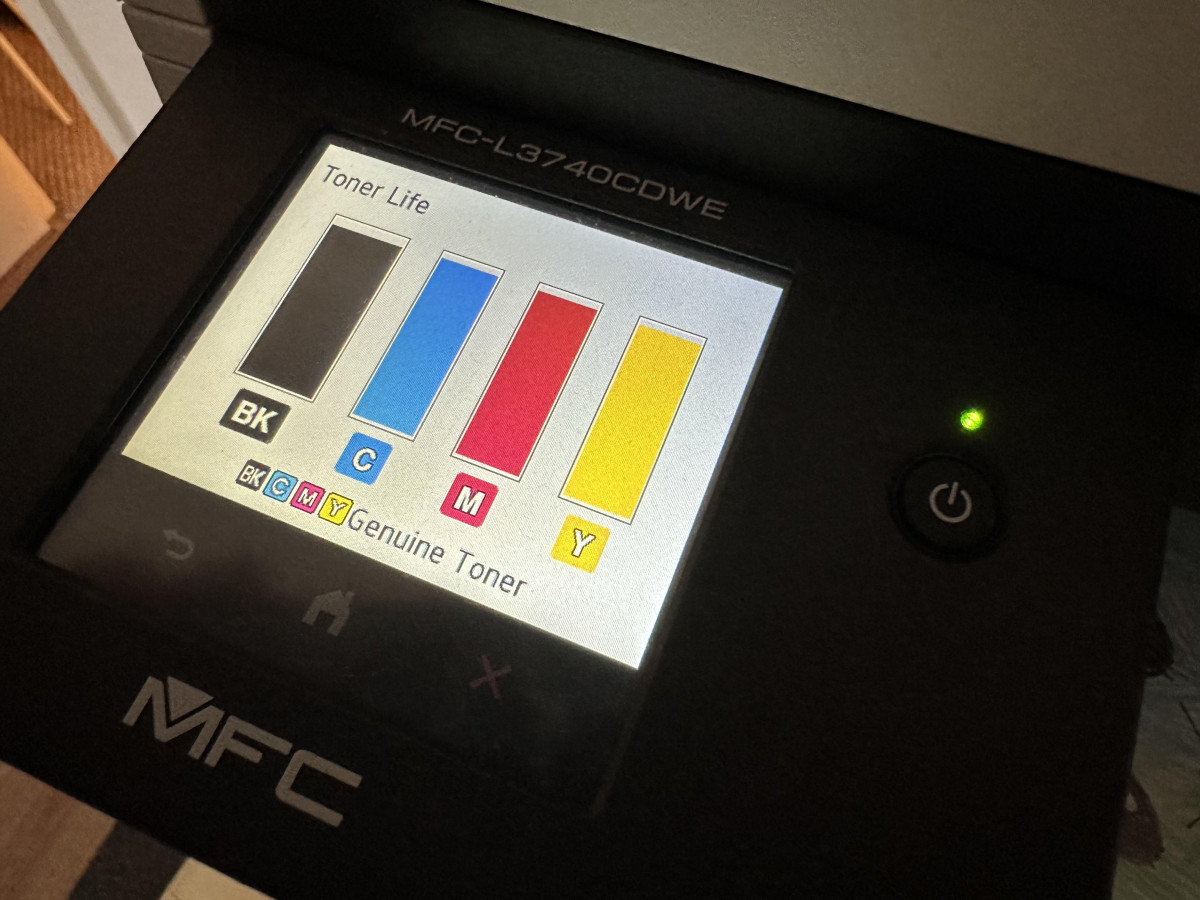
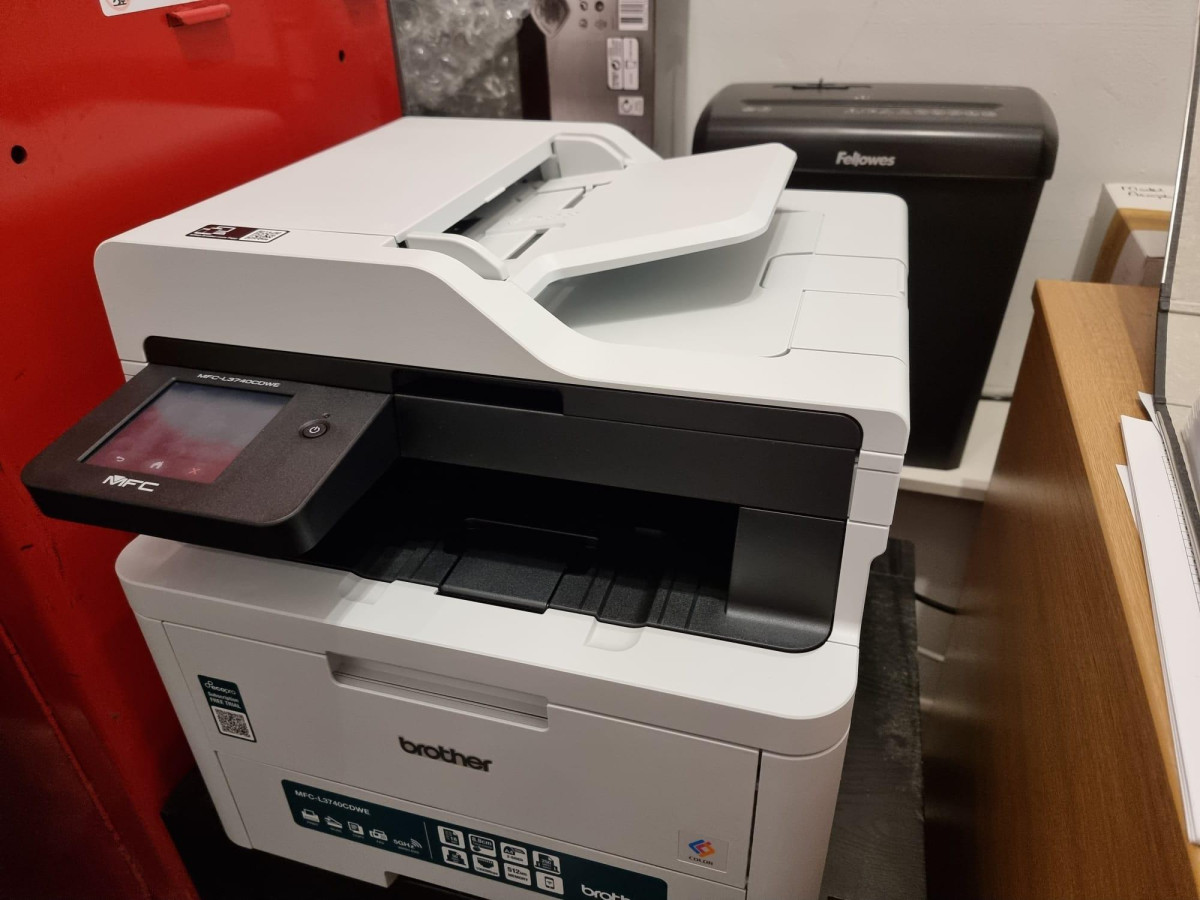
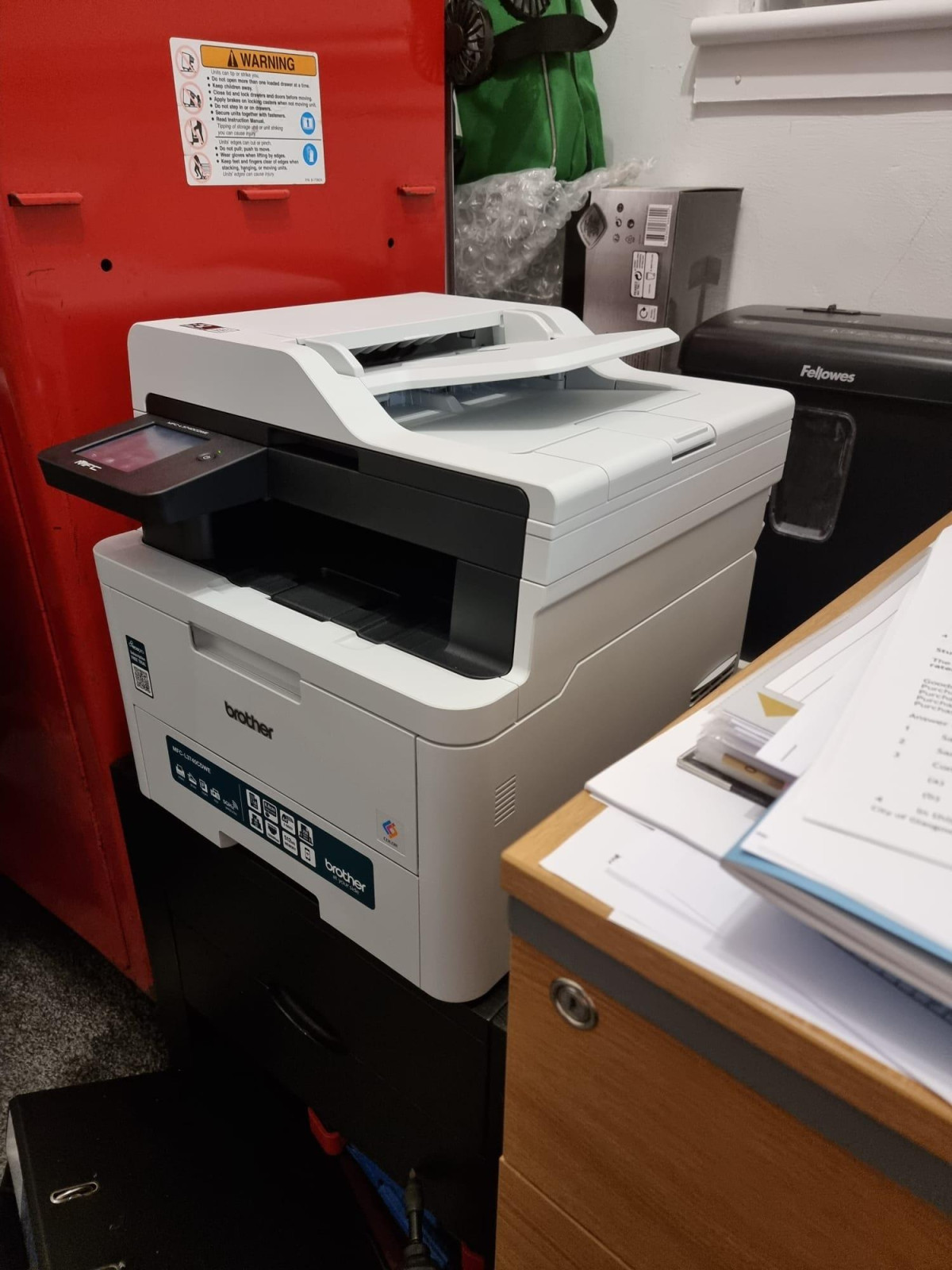
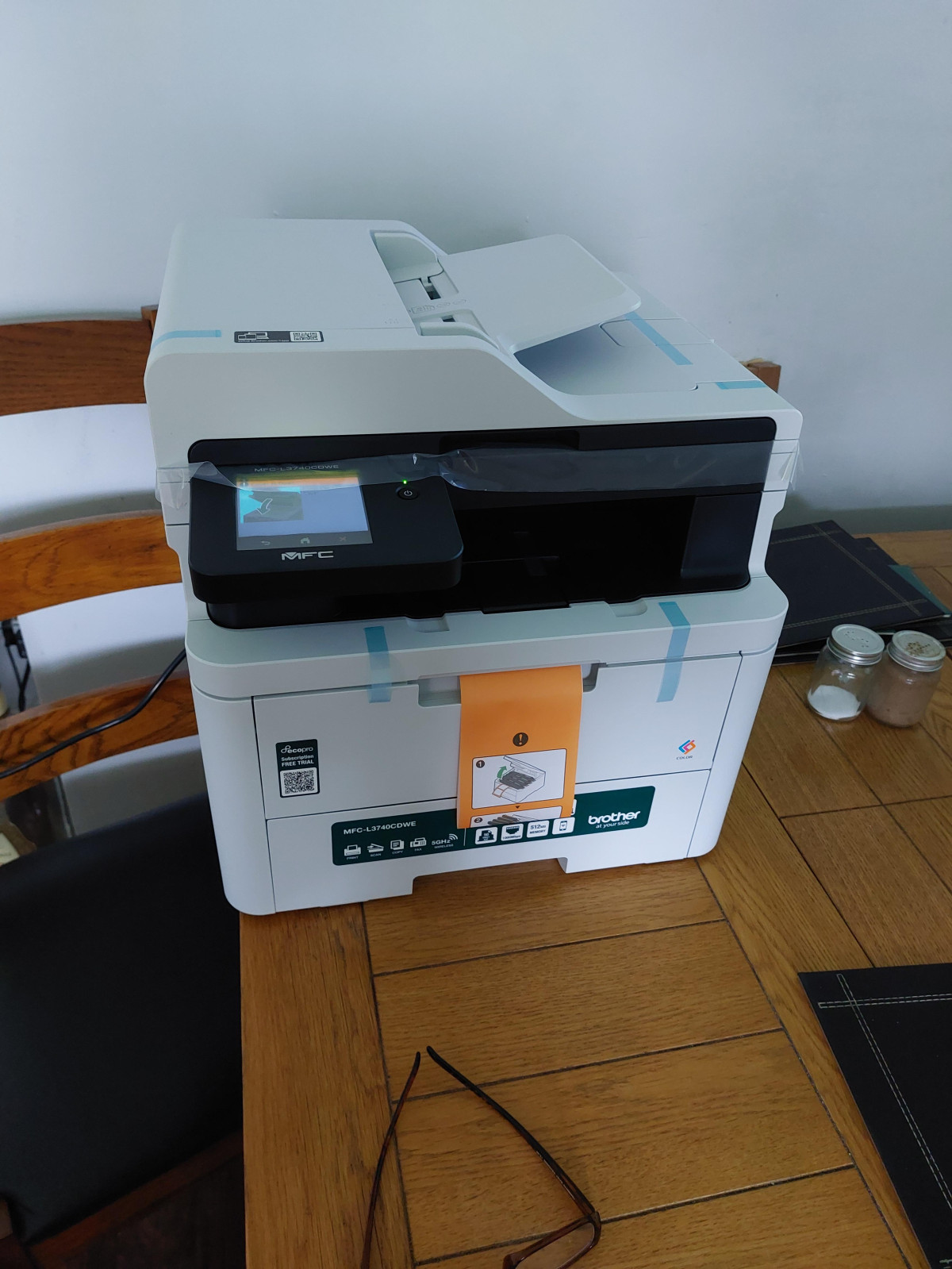
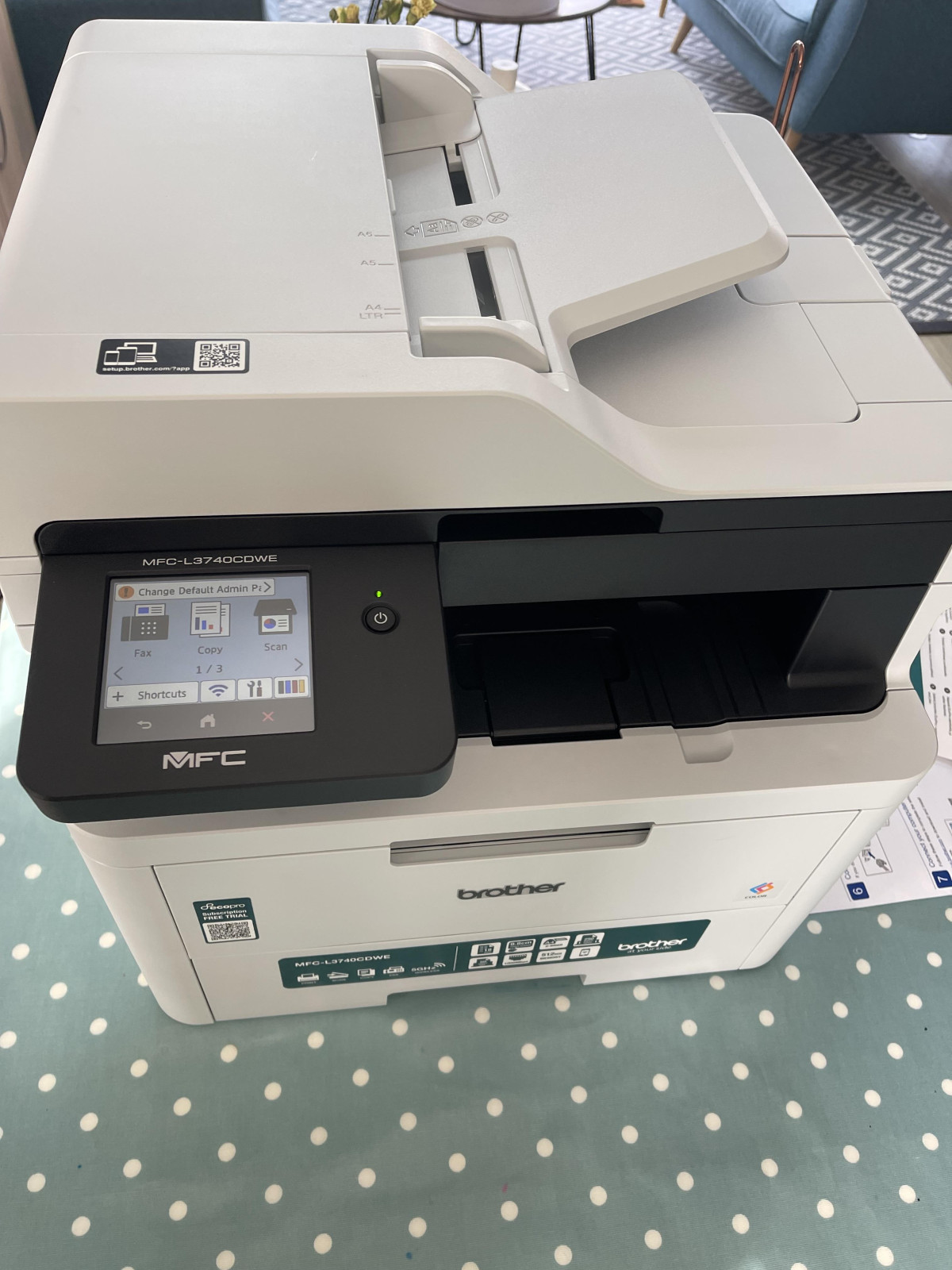
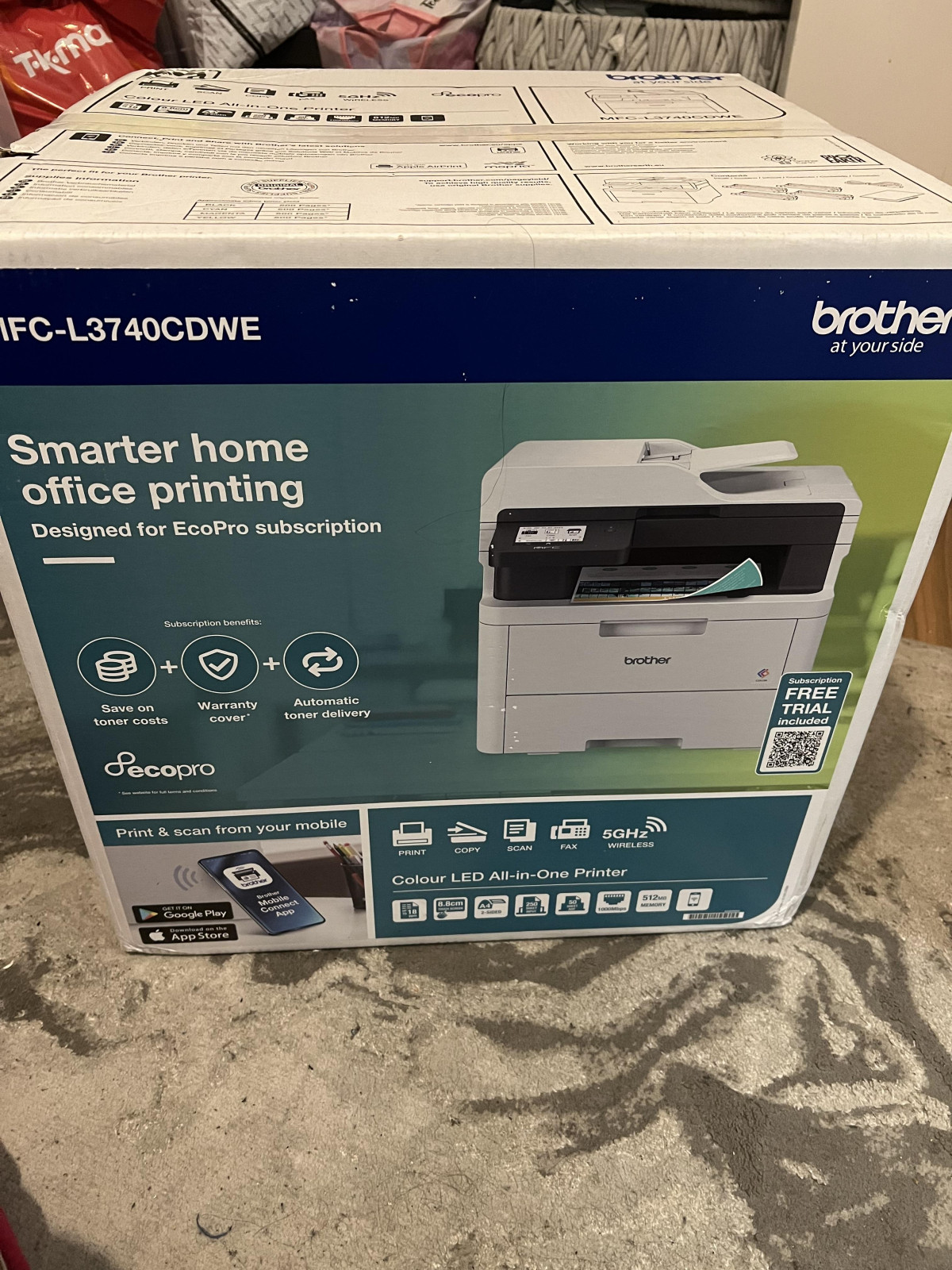
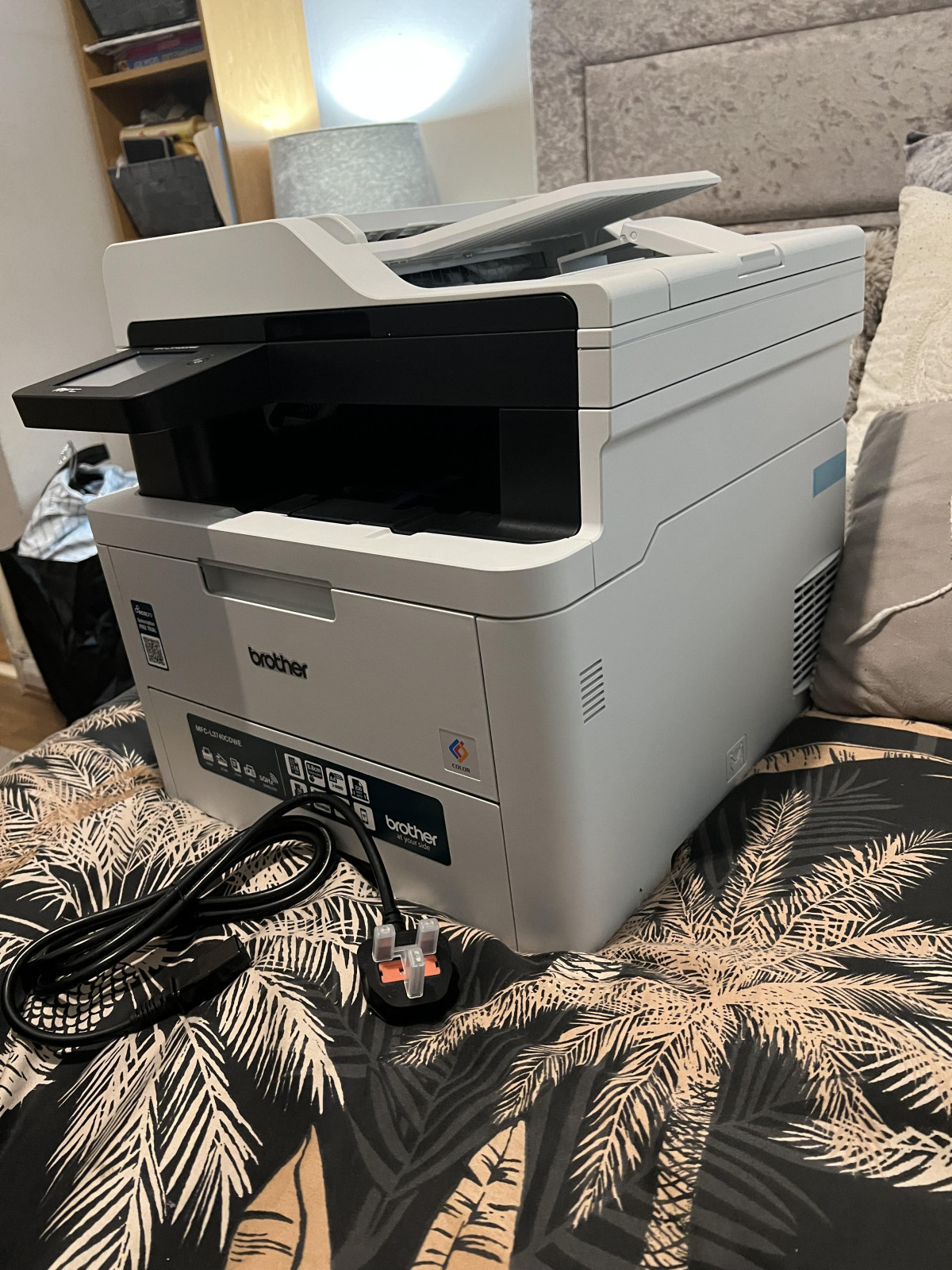
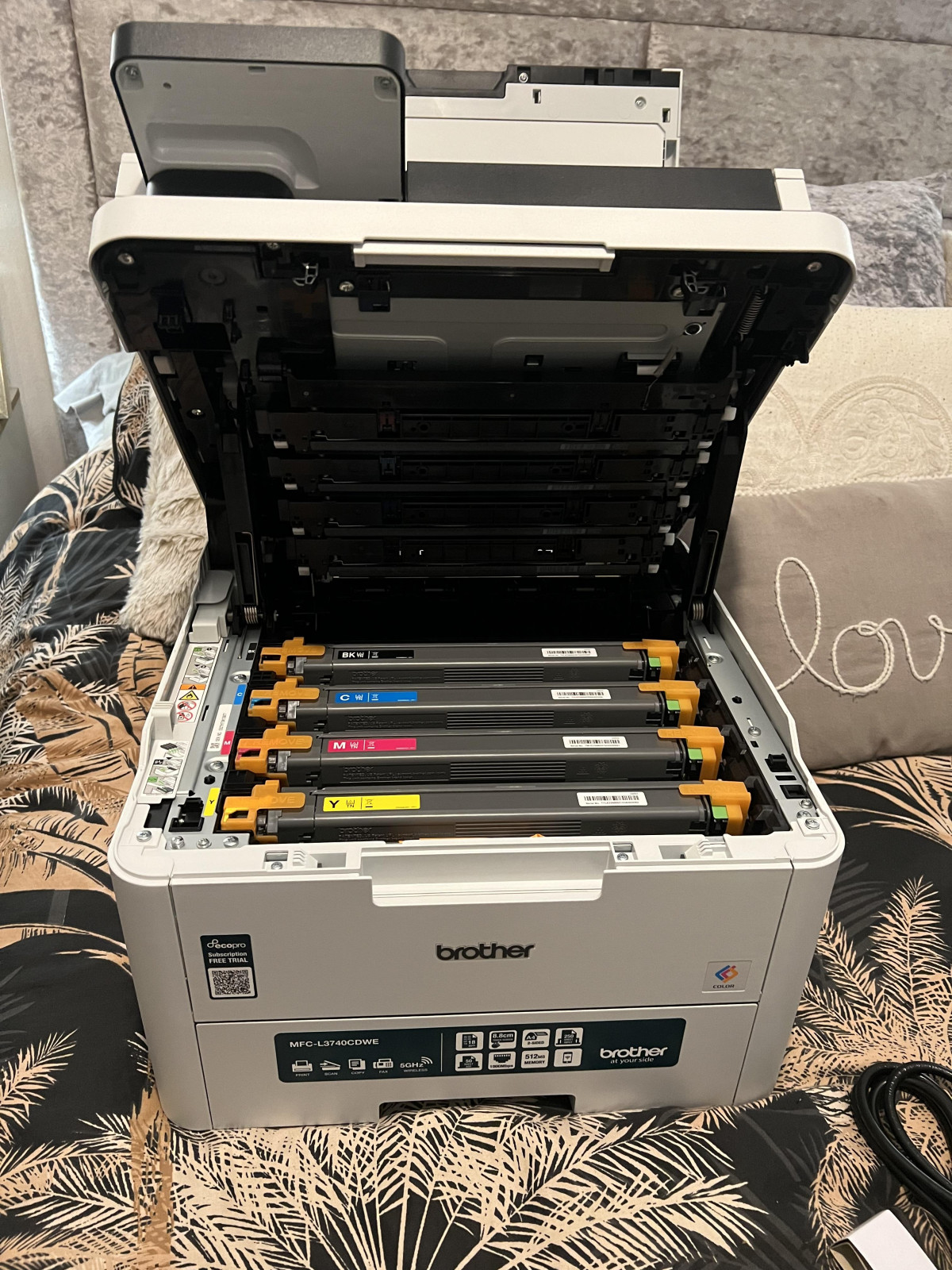
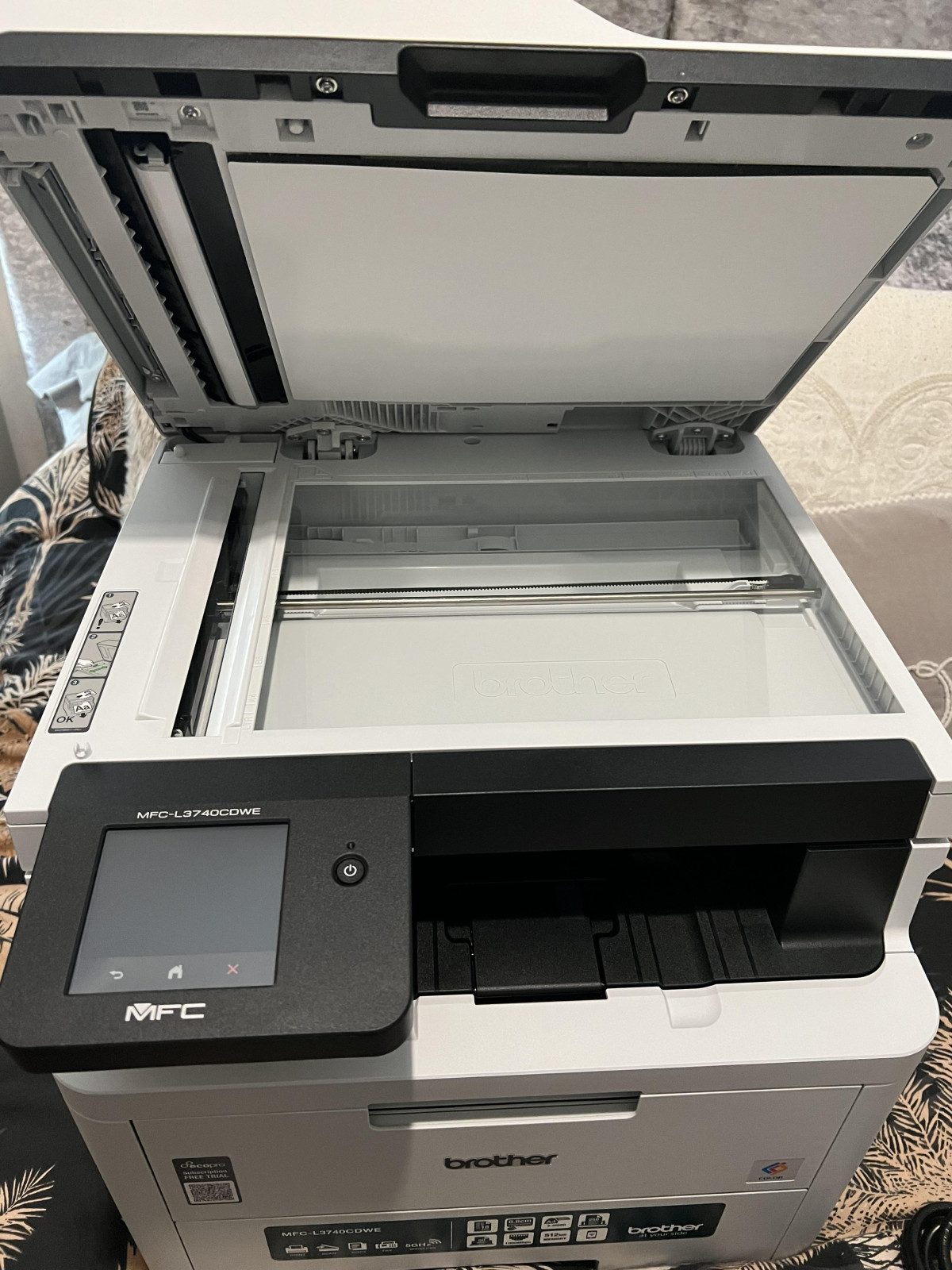
Printers rarely get much thought until the moment one fails halfway through a client proposal or refuses to scan a stack of invoices before a deadline. The Brother MFC-L3740CDWE Wireless Colour Laser Printer is aimed squarely at preventing that scenario. It's a four-in-one machine — print, scan, copy, and fax — built for small offices, home workers, and teams who need colour output without the running-cost headaches of inkjet cartridges. This isn't a device chasing flashy extras; it's a workhorse that wants to disappear into your daily routine and just keep producing pages. Whether it earns that trust is what the rest of this review digs into.
Design and Build: A Machine That Means Business
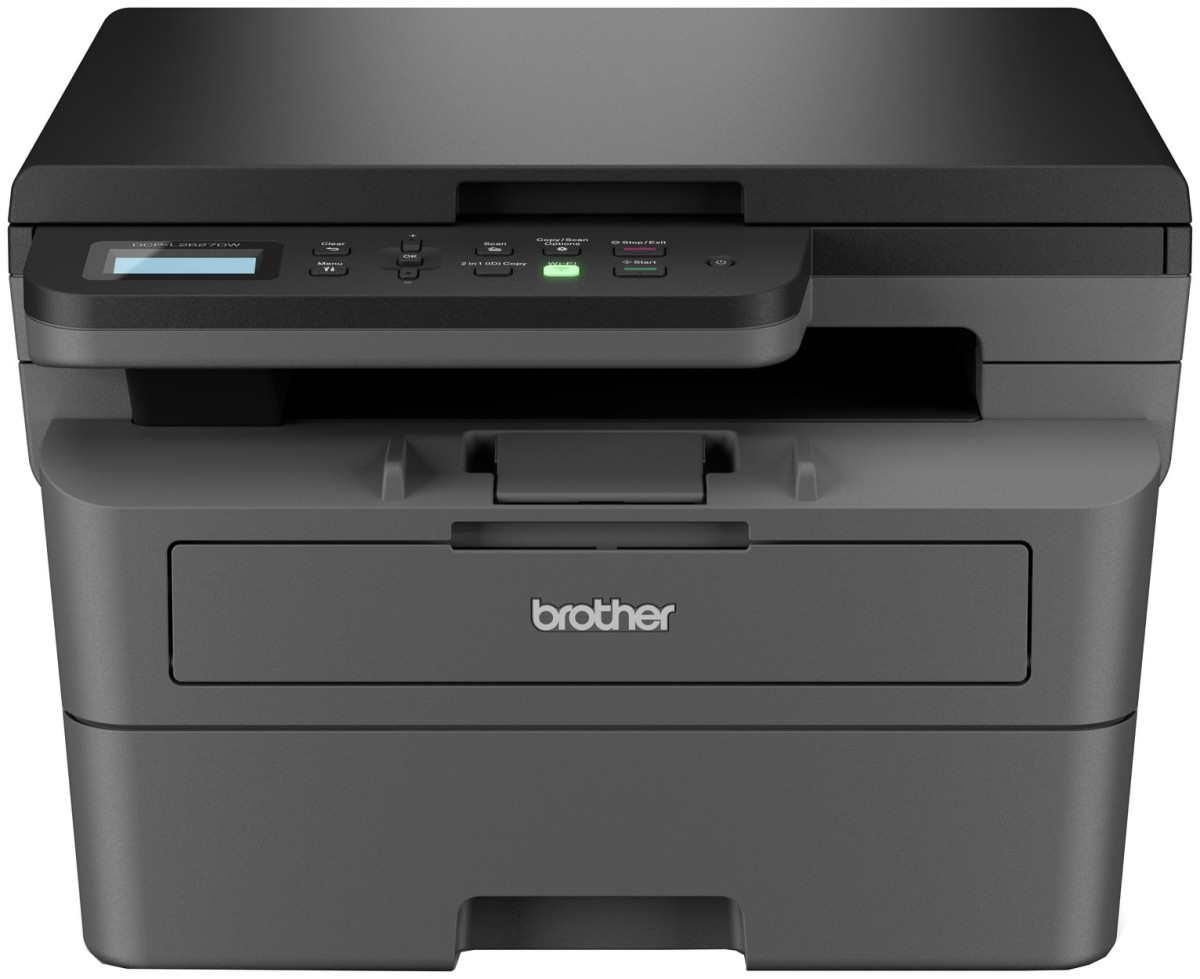
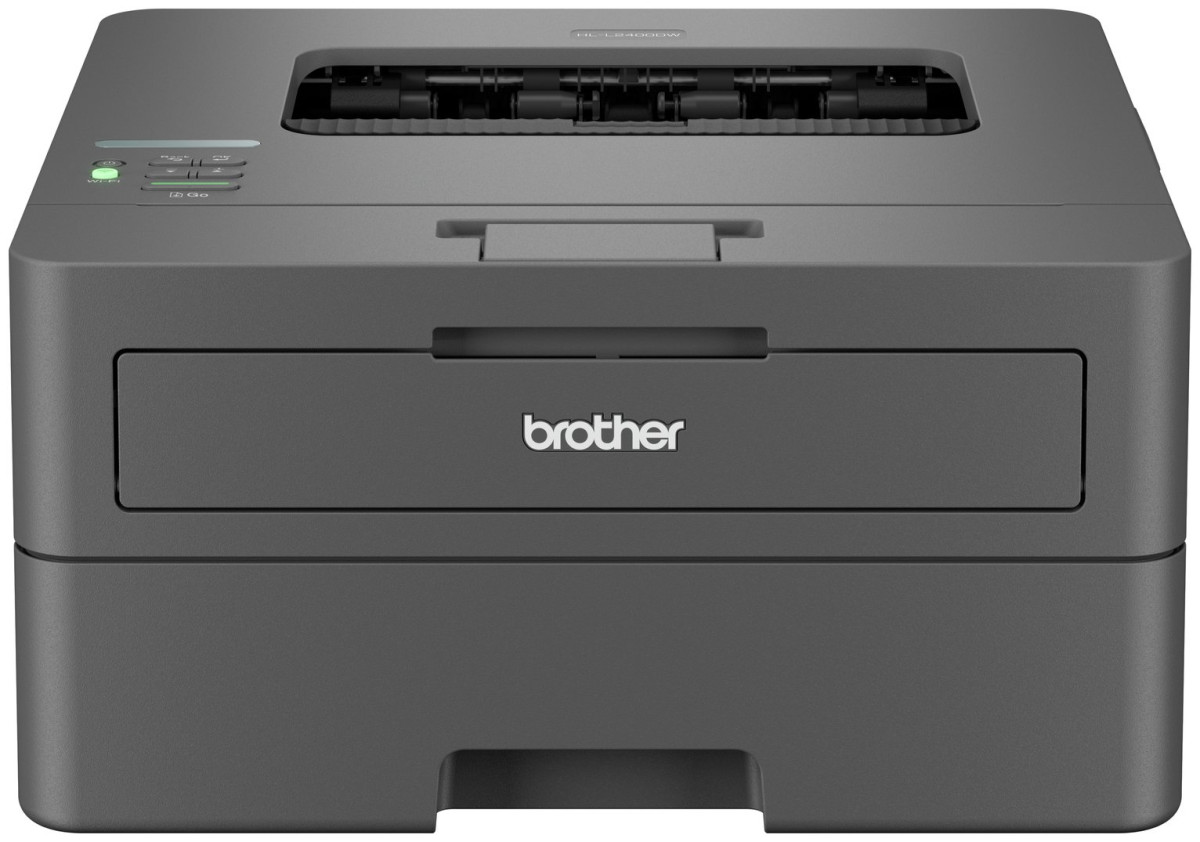
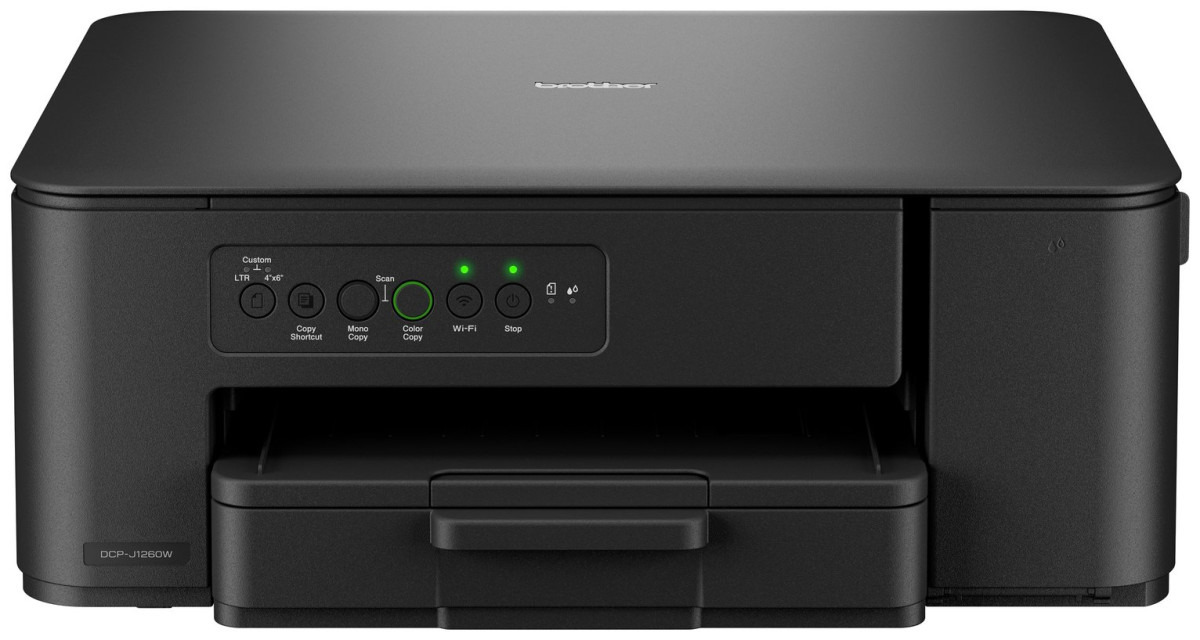
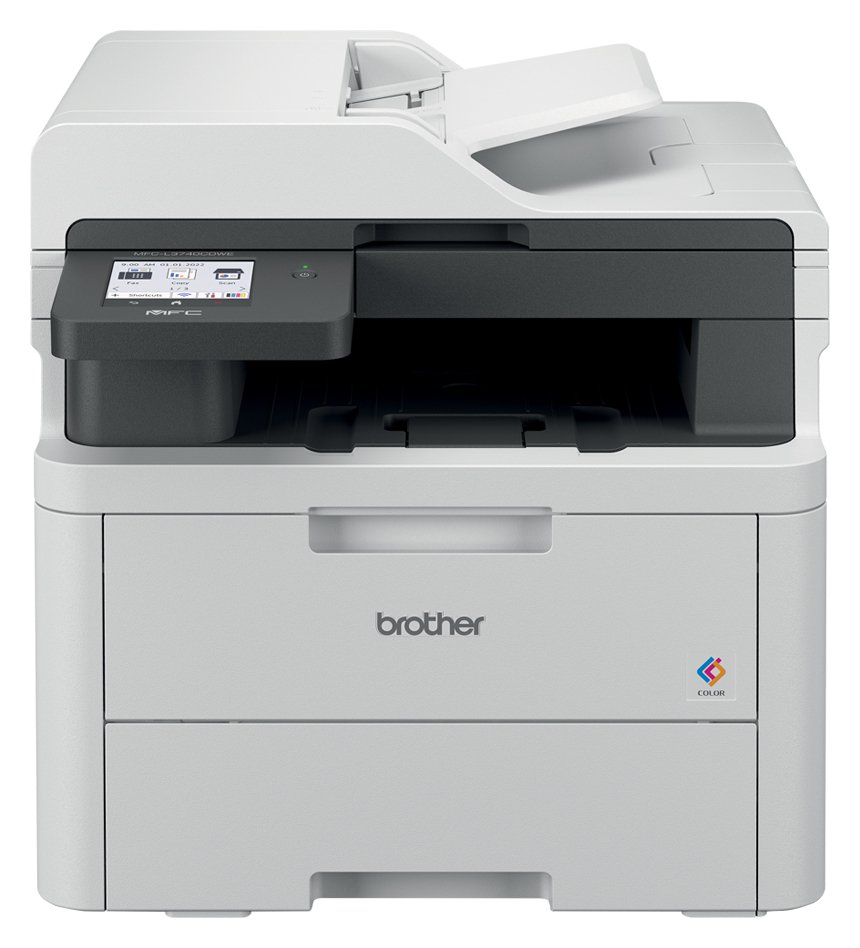
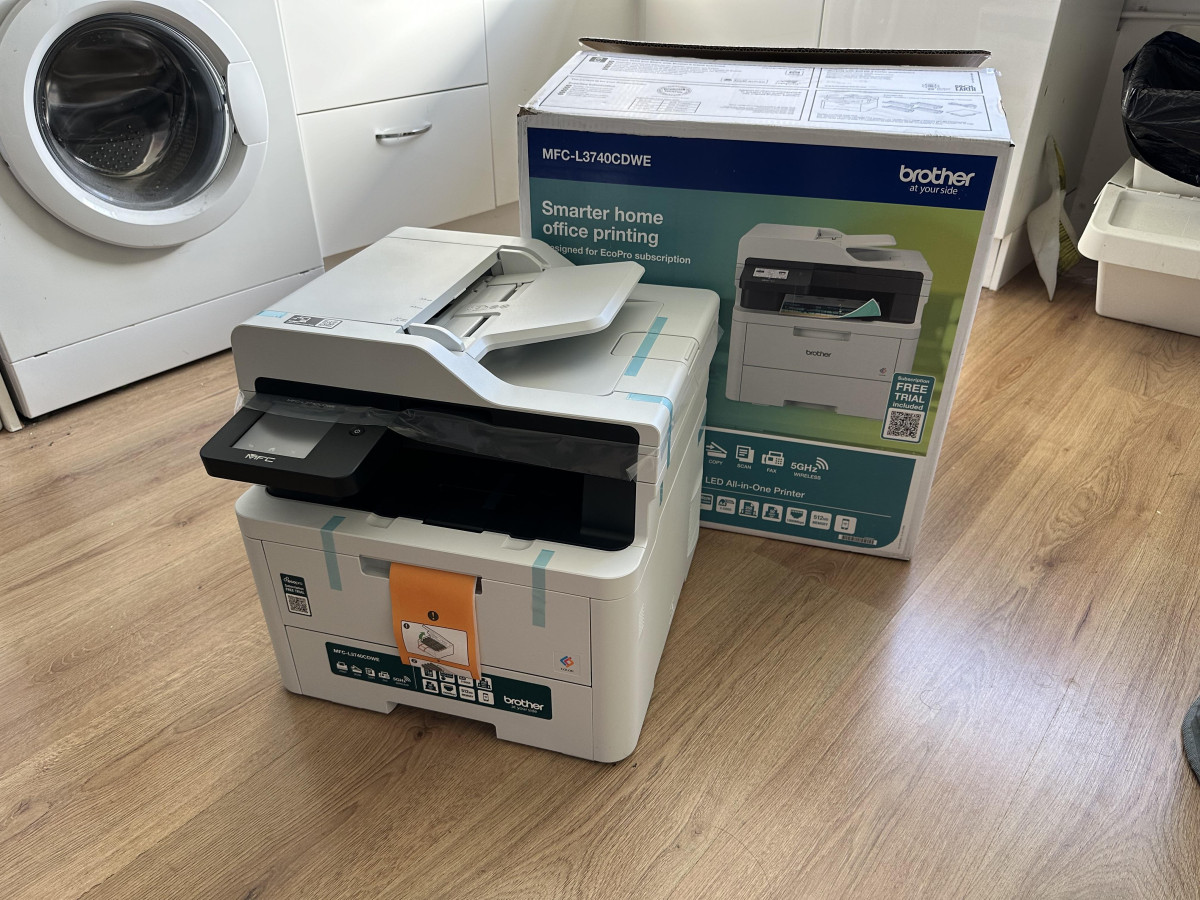
The first thing you'll notice when this printer arrives is that it doesn't feel like a piece of consumer electronics — it feels like office equipment. At roughly 20kg and measuring about 40cm tall, 41cm wide, and 44cm deep, it's a substantial box that needs a proper spot on a desk, credenza, or dedicated printer stand rather than a shelf or a cramped corner. Several owners who've lived with it day to day describe it as heavier than expected, with more than one buyer picking up a small rolling printer table just to give it a permanent home. If you're working with limited desk real estate, measure twice before you order.
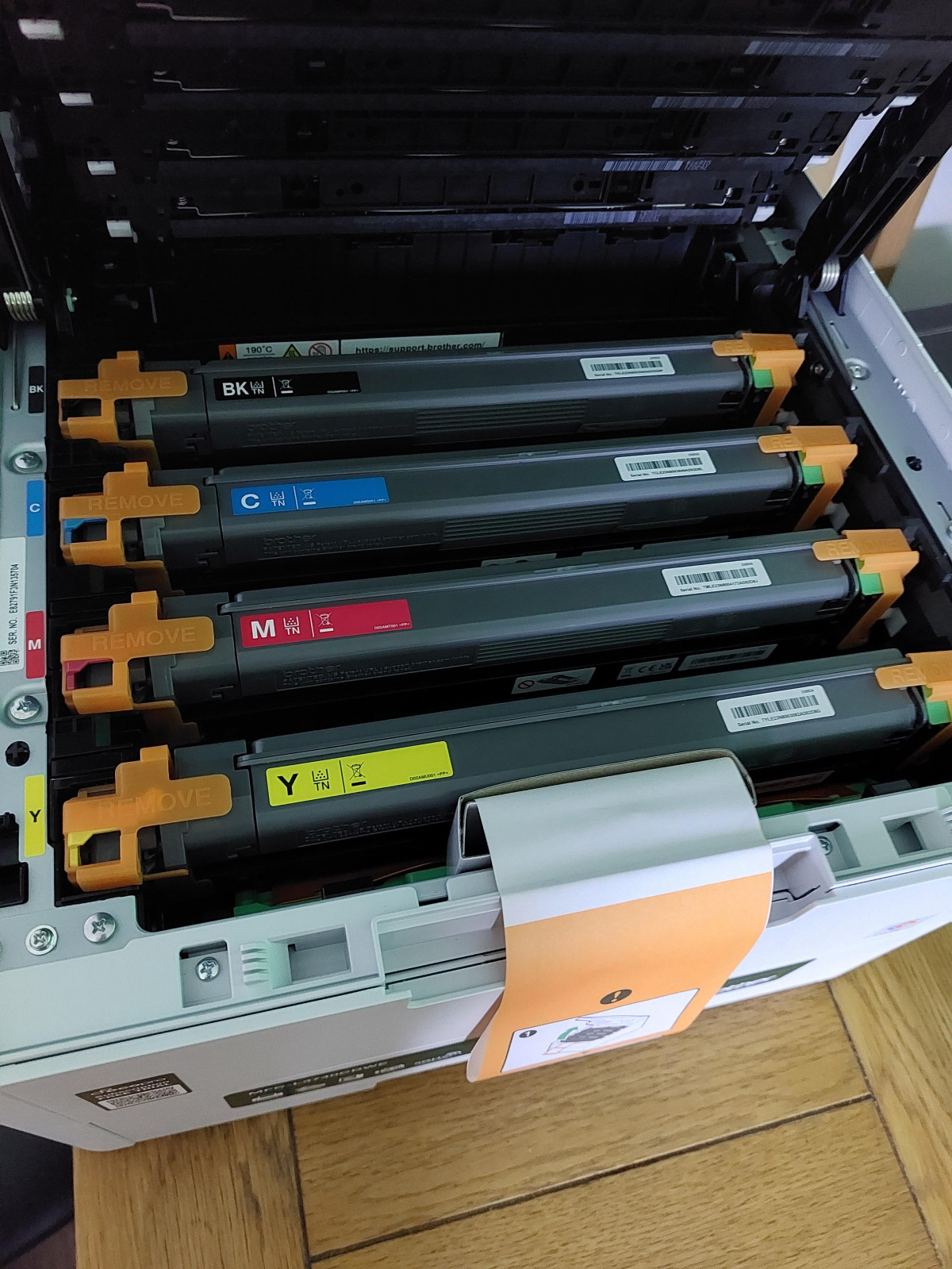
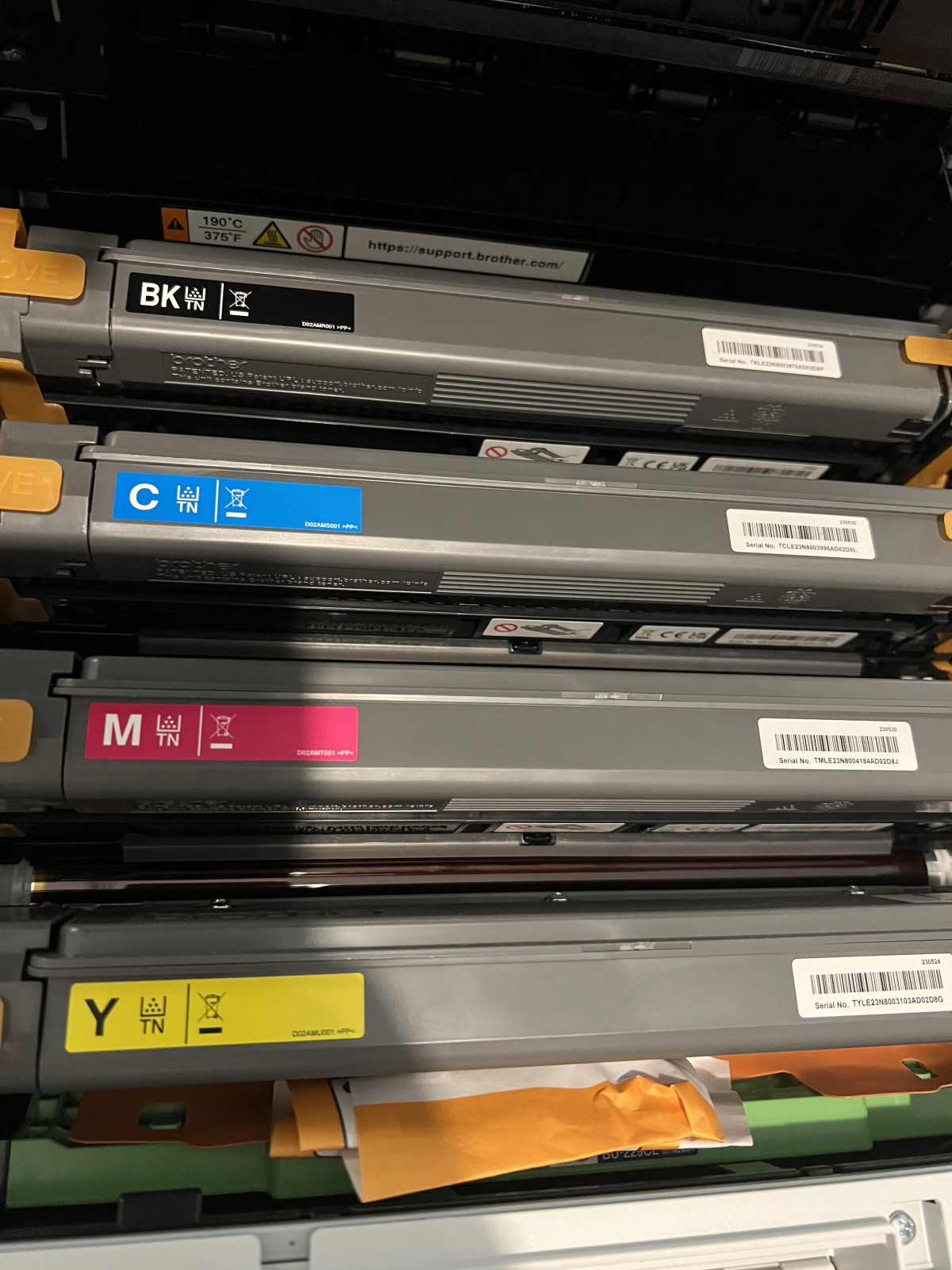
That bulk isn't wasted, though. Everything you need to get started is included in the box: the printer itself, a full set of starter toner cartridges, the drum unit, the belt unit, the waste toner unit, a power cable, and setup documentation. There's no separate purchase required just to get your first page out. Build quality feels dense and settled rather than flimsy — once it's positioned, it isn't a machine you'll be picking up and moving around casually, and that's by design.
Laser or LED? Understanding What's Actually Inside
Brother calls this a laser printer in its branding, but the engine underneath is technically LED-based — an array of light-emitting diodes charges the imaging drum instead of a single laser beam bouncing off a rotating mirror. In practical terms, this distinction barely matters to your printed output; the mechanics of toner transfer and fusing work the same way, and the result is the same crisp, durable, water-resistant page you'd expect from any laser-class device. What LED engines typically offer over their laser counterparts is a smaller, simpler internal design, which is part of why this unit manages a relatively compact footprint despite packing print, scan, copy, and fax into one chassis. If you see it described both ways online, that's why — it's not a contradiction, just two names for closely related technology.
Print Performance: Steady, Not Spectacular, and That's the Point
Print speed sits at up to 18 pages per minute for both black text and colour output — notably, colour isn't throttled down the way it is on many rival machines, so colour reports and mono memos move through at the same pace. That consistency matters more than the raw number for most office workflows, where documents rarely stay purely black-and-white.
Resolution tops out at 2400 x 600dpi, which is plenty for sharp text, clean line art, and vibrant presentation graphics. It won't replace a dedicated photo printer for anyone chasing gallery-quality prints, but for reports, invoices, charts, and marketing collateral, output looks genuinely professional straight out of the tray.
Automatic duplex (double-sided) printing is built in, and Brother's own figures put two-sided output at up to 10 sides per minute. That's naturally slower than single-sided printing, since the mechanism has to flip each sheet mid-cycle, but it's a meaningful paper-saving feature for any office trying to cut consumption, and it works without any manual re-feeding.
Paper handling is generous for the category: a 250-sheet main tray means you're not topping it up every day, plus a manual single-sheet slot for envelopes, labels, or heavier stock — the printer accepts paper up to 163gsm, comfortably covering card stock for things like place cards or certificates. Its ceiling is A4, so if your work regularly demands A3 posters or spreadsheets, this isn't your machine.
Scanning and Copying: Fast, With One Real Catch
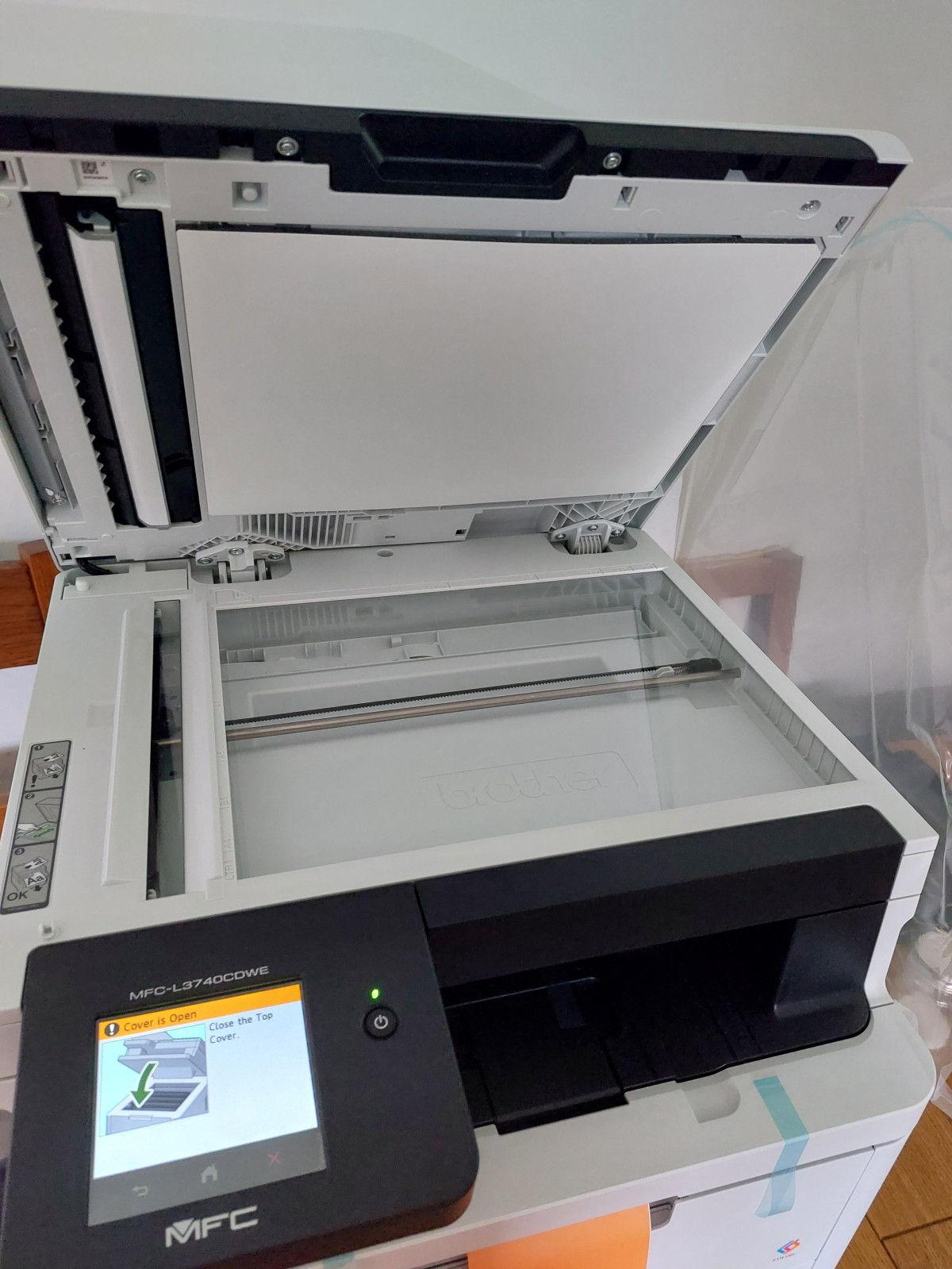
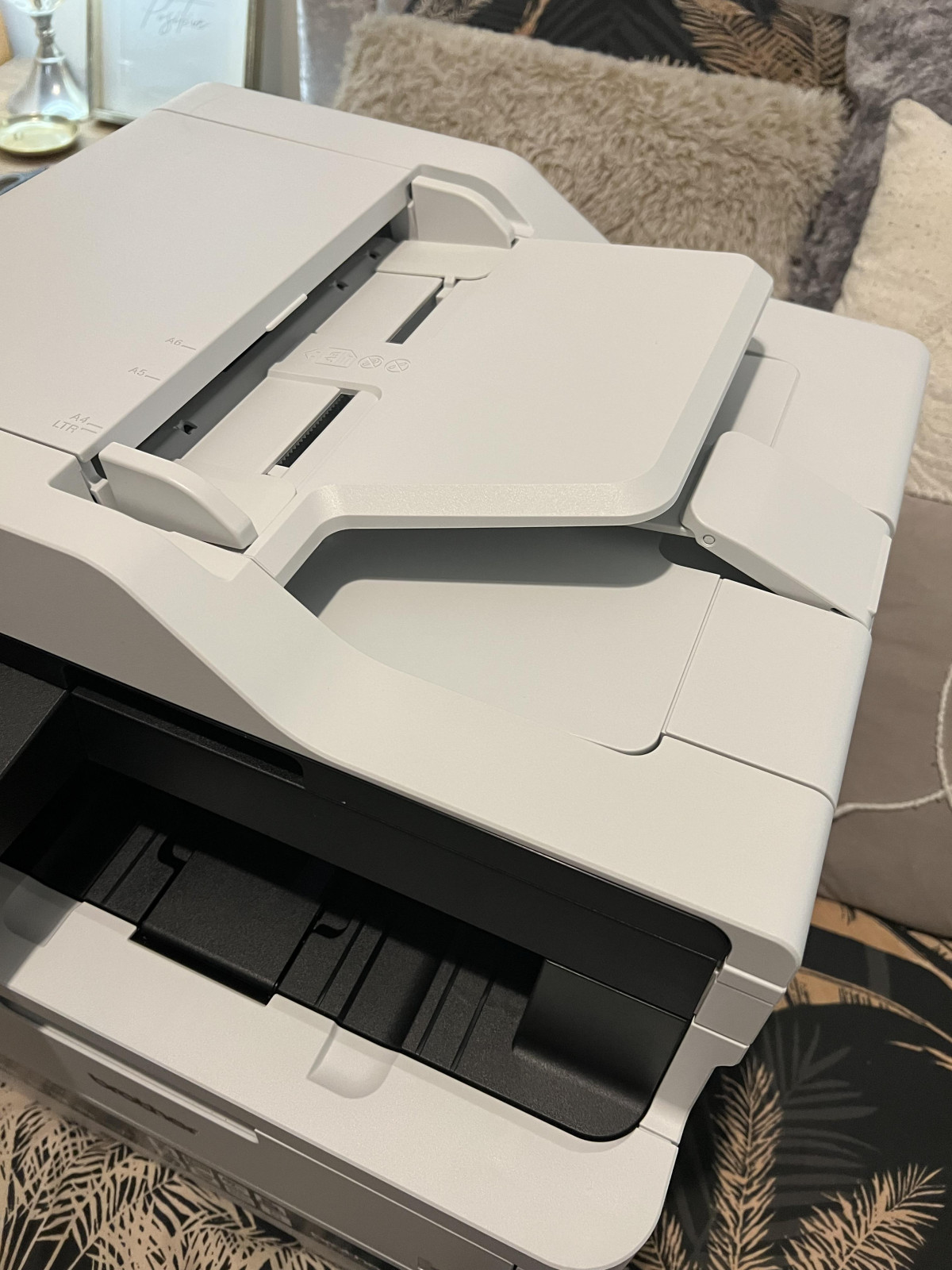
The flatbed scanner captures at up to 1200 x 1200dpi optical resolution, which is sharp enough for archiving documents, ID cards, or detailed line drawings. For volume work, the automatic document feeder is where the real time savings show up — it can pull through a stack of pages and scan them at a genuinely brisk clip without you standing over it feeding one sheet at a time.
Here's the catch worth knowing before you buy: the document feeder scans one side at a time. There's no automatic duplex scanning. If you regularly need to digitise double-sided originals — contracts, reports printed back-to-back — you'll need to either flip the stack manually and run it through twice, or scan via the flatbed page by page. For a business handling a steady stream of two-sided paperwork, this is a genuine workflow limitation, not a minor footnote.
Copying performance mirrors the scan speed and quality, so multi-page copy jobs move quickly, provided you're not relying on it to handle double-sided originals unattended.
Fax: Old Technology, Still Present for Those Who Need It
Fax has faded from most people's daily lives, but it hasn't disappeared from healthcare, legal, and government workflows where it remains a required communication method. This printer includes a fax function with 500-page memory, so incoming faxes can queue up and print later rather than being lost if the tray runs dry or the machine is busy. For the majority of buyers this feature will sit unused, but for the specific professions that still rely on it, having it built-in rather than needing a separate fax machine is a genuine convenience.
Connectivity and Mobile Printing
This is one of the printer's stronger suits. You get three ways to connect — USB for a direct single-computer setup, Ethernet for a stable wired office network, and Wi-Fi for wireless flexibility — so it adapts to whatever infrastructure your space already has rather than forcing a particular setup. For printing from phones and tablets, Brother's own Mobile Connect app handles the job, and Apple users also have AirPrint support for quick, driver-free printing from iPhones and iPads. Setup is compatible with both Windows and Mac, so mixed-device offices aren't left out.
The Touchscreen: Small, But Genuinely Easy to Use
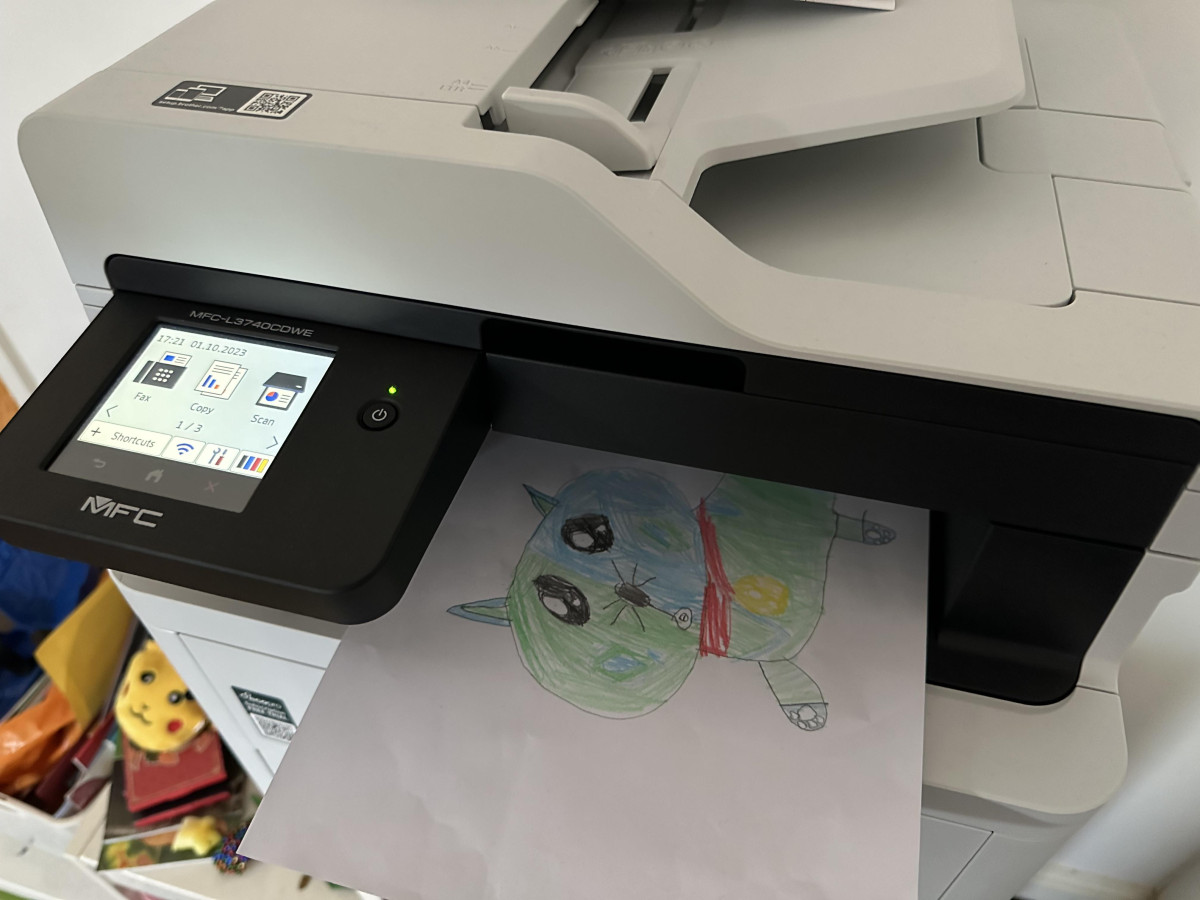
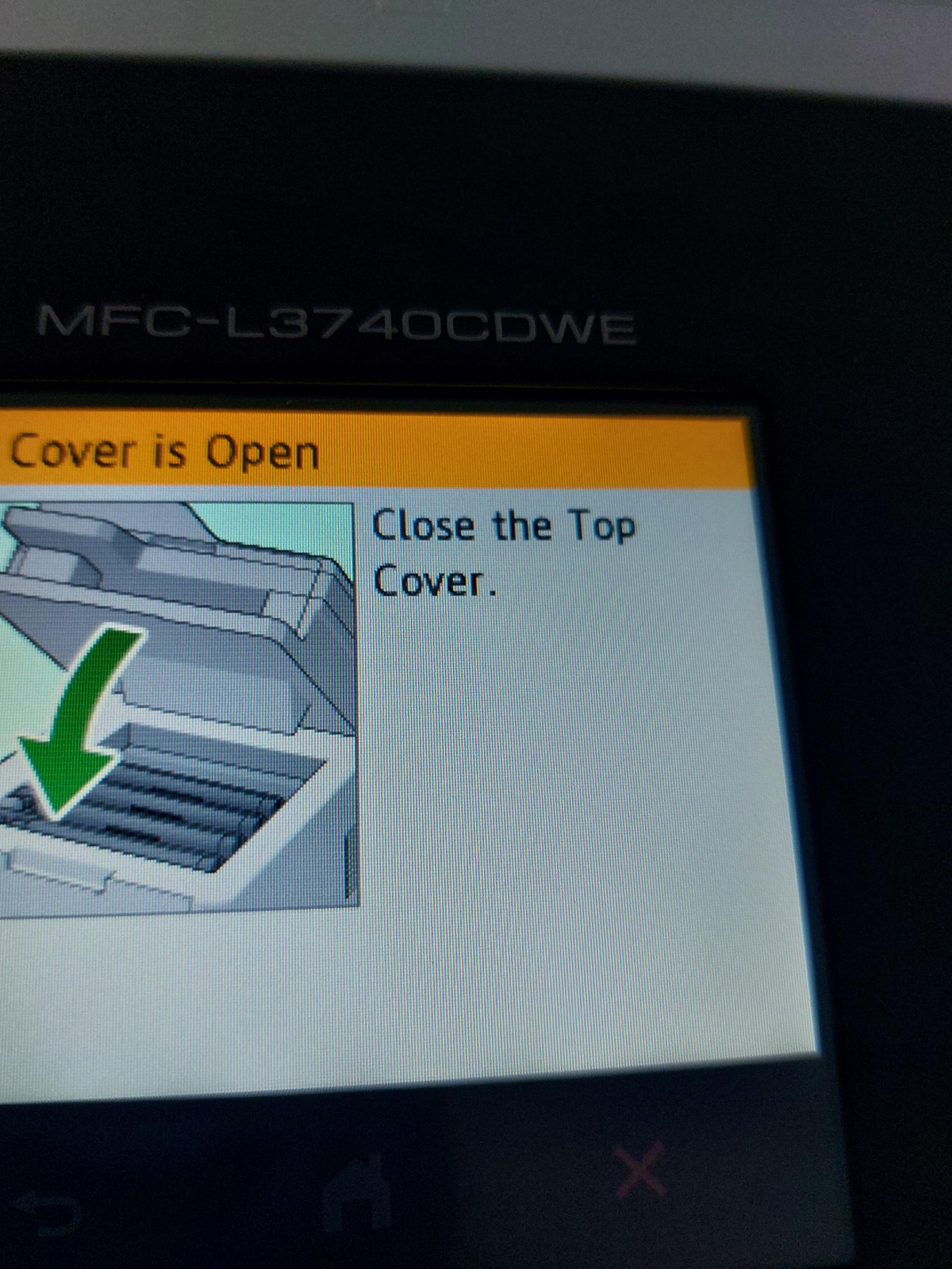
An 8.8cm colour touchscreen handles all the on-device navigation — selecting scan destinations, adjusting print settings, checking toner status, and so on. It's not a large display by tablet standards, but the menu structure is straightforward enough that people without much printer experience find their way around it quickly. Multiple owners specifically called out how uncomplicated the initial setup and everyday navigation felt, which matters a lot for a shared office device where not everyone using it wants to become an IT expert first.
Running Costs: The Part That Deserves Your Full Attention
This is the area where buyers most often get caught off guard, and it's worth being blunt about it. The toner cartridges that ship in the box are starter units, rated for a comparatively modest page count before they need replacing — noticeably lower than the high-yield versions sold separately. Once those run dry, you have the option to step up to Brother's higher-capacity TN248XL cartridges, which last substantially longer per cartridge (multiple times the page count of the standard units) and bring the cost-per-page down considerably for anyone printing in real volume.
The practical takeaway: budget for a set of high-yield cartridges fairly early in ownership rather than assuming the box contents will carry you for months. Several owners specifically flagged toner cost as the one downside of an otherwise trouble-free machine — a fair trade if your volume justifies buying in the high-yield tier, less fair if you were expecting inkjet-level upfront costs with laser-level page counts from day one.
Who This Printer Is Actually For
Great Fit
- Small offices and teams that need one dependable networked device handling print, scan, copy, and occasionally fax, without babysitting ink levels weekly.
- Home workers replacing an unreliable inkjet, especially anyone tired of dried-up cartridges after periods of inactivity — laser and LED toner doesn't suffer that problem.
- Mixed Windows/Mac households or offices that need one printer everyone can connect to without compatibility headaches.
- Anyone printing double-sided documents regularly who wants automatic duplex printing built in rather than manually flipping every sheet.
- Buyers who value simple setup over deep customisation — this is a genuinely approachable machine for non-technical users.
Poor Match
- Anyone needing automatic double-sided scanning for high-volume digitisation of two-sided originals — the manual-flip requirement will get old fast at scale.
- Photo-focused users wanting gallery-quality colour output; this excels at documents and graphics, not portrait or landscape photography.
- Extremely space-constrained desks, given the machine's weight and footprint.
- A3 users — everything here tops out at A4.
- Buyers expecting inkjet-level upfront running costs without accounting for a high-yield toner purchase down the line.
How It Stacks Up Against the Alternatives
Within Brother's own line-up, the closest comparison is the company's mono-only equivalents, such as the MFC-L2740DW family — machines that share the same all-in-one philosophy (print, scan, copy, fax) and similarly approachable touchscreen interfaces, but drop colour output entirely in exchange for a lower purchase price and simpler running costs. If your printing is genuinely 90%+ black text — contracts, internal memos, plain reports — a mono sibling will save you money on both the initial buy and every toner refill afterward, since you're not maintaining three extra colour cartridges you rarely deplete.
This same core hardware platform also turns up under closely related model names in other regions, and independent testing of that near-identical machine echoes the same personality: quick, quiet single-sided printing; solid build quality; slower duplex output; and the same manual-flip limitation on double-sided scanning. That consistency across markets is reassuring — it suggests the strengths and quirks documented here aren't a one-off, but a known characteristic of the platform.
Compared with inkjet all-in-ones in a similar price bracket, the appeal of this Brother comes down to running cost stability and reliability over time. Inkjets can undercut it on upfront price and often print photos better, but they're prone to clogged or dried-out cartridges after gaps in use — a frustration several reviewers here specifically say pushed them toward laser and LED technology in the first place.
Strengths and Weaknesses, Honestly
What stands out most in daily use is how little drama this printer creates. Setup goes smoothly even for people with no networking background, print quality on both text and colour graphics looks sharp and professional, and the combination of Wi-Fi, Ethernet, and USB means it slots into almost any office network without a fight. The touchscreen, while modestly sized, genuinely simplifies day-to-day operation rather than burying features in menus. Noise levels stay low enough that it won't dominate a shared workspace — quieter than a typical office conversation during normal printing.
Set against that, the weight and footprint are real considerations if your space is tight, and the manual-only duplex scanning is a legitimate limitation for anyone digitising two-sided paperwork at volume — it's the kind of thing that only becomes obvious once you're mid-task and realise you have to flip every page by hand. Running costs also need honest framing: the box toners get you started, but real economy only arrives once you invest in the high-yield cartridges, and that's an extra purchase to plan for rather than a surprise to discover later. None of these are dealbreakers, but they're the details that separate an informed purchase from a frustrated one.
The Verdict
The Brother MFC-L3740CDWE earns its keep as a dependable, no-nonsense colour all-in-one for small offices and home workers who want print, scan, copy, and fax handled by a single networked machine that won't demand constant attention. It's the right call if you value consistent colour and mono print speed, straightforward setup, flexible connectivity, and the toner-based reliability that inkjet users often go looking for after one too many dried-out cartridges. Buy it planning to pick up a set of high-yield toner cartridges once the starter set runs low, and treat the double-sided scanning limitation as a workflow adjustment rather than a surprise. For that buyer, this is a genuinely solid, low-drama investment. If your priority is automatic duplex scanning at scale, A3 support, or the lowest possible upfront running cost with only occasional light use, it's worth weighing the alternatives outlined above before committing.
What People Say
22 commentsBest printer by far!
Since receiving this printer life has become so much easier. I had a much smaller printer previously and it wasn’t really up to the task. However, it got me by. Since installing the Brother MFCL3740CDW ECO Multifunction Printer, my home office has become so much more efficient.
Capable of printing 18 sheets per minute, I’m able to do my accounting so much faster. Photocopying is a God send, It has the photocopy tray on top meaning you can stack feed what you require copied into the tray rather that individually and manually photocopy each individual sheet by laying it on the glass. Although this is also an option of the Brother MFCL3740CDW.
Scanning can be done in the same way either to my phone or my desktop or both. It has a fax machine too which I have very little need for but all you do is plug it into your phone line and off you go. So simple and easy to use.
The printer also offers a manual feed tray for printing envelopes or labels meaning you don’t have to always remove the paper from the tray and readjust the margins. It really is so easy and simple to use.
You also have the added bonus of signing up to Brother EcoPro. This service monitors your toner levels and when you are about to run out of toner, they send more straight to your door via DPD.
Subscription prices vary depending on how much you require to print each month. But this service is easy to sign up to and presently you are getting the first 2 months free.
This is the best printer I have owned, you have the advantage of a home printer which acts like an industrial office printer for a fraction of the price. It truly is a great piece of equipment.
Professional printer with loads of functions
For the functionality it provides, this printer has a relatively small footprint.
Setting the printer up was surprisingly simple. Access to the cartridges is straight forward and the steps made very clear in the quick setup guide.
The touch screen guides you through the initial setup process which amounts to connecting to your WiFi (there is an Ethernet option too) via a handy app.
Once connected to WiFi, the printer can be found easily by devices on the same network and functions like Apple AirPrint work seamlessly.
The subscription model for toner cartridges is optional and the printer comes with a free 4 months trial of this to get you started if you wish to use it.
The print quality is great, fast and the printer isn’t too noisy so it’s perfect for a home or small office.
The printer can also copy, scan and fax so covers all admin needs and saves buying those devices separately.
Lovely printer just the right size for my office
Amazing printer, very large in size.. very useful for my office as I run 3 businesses with my family. The ink comes already in their compartments inside the hood of the printer, there is a special deal which comes in with the printer that is a free trial for ink cartridges so you never go empty and you get them at a good price. The printer works very well and is so efficient. I have it connected manually via plug and also have my phone connected via Wi-Fi which makes things so easy especially if I’m not on my laptop or computer. The copier is great and the fax works well too. The only downfall is that it’s very heavy and bulky but I suppose it’s very good for a decent sized office as you would have plenty of space for this item.
great for any home or office
settings up is quite easy you can either scan the barcode on the printer and download or you can use the booklet provided
Also the information on the display talks you through most of it
This is perfect for a busy office with fax scan and print in top quality
you can subscribe to ECO PRO this gives you pice of mind that the empty cartridges are not going to landfill
A large paper tray that can esaly takt over 100 sheets and fits upto A4 paper
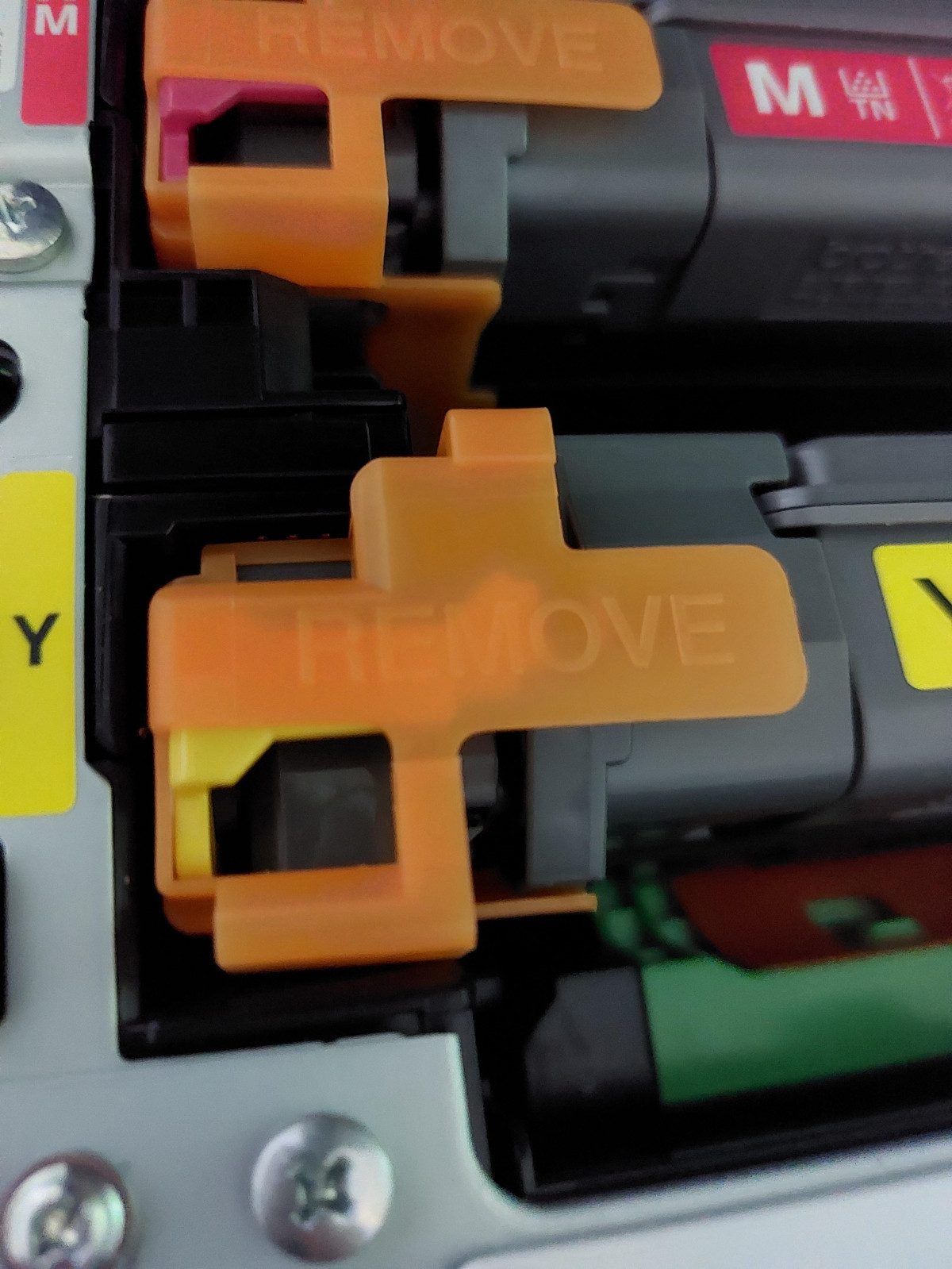
To get started printing you just remove the orange clips on the cartridges all your all ready to go
This to me is a fantastic printer for both home with a small business or in the offices of any large company
I would recommend this to all
Superb value for money
I bought this printer as a replacement for an inkjet MFD. Firstly, it's not a laser printer - it's an LED printer. That's not a bad thing, but just wanted to flag it! A quick online search can brief you on the differences between the two. The item is sturdy and well packaged, even down the bag with handles to get it out of the box. The printer is easy to set up and you can download an app for your Android or iOS device as well as your laptop / desktop machines. The printer is quiet as you'd expect and the printing itself is flawless. If you need an LED or laser printer, then you need look no further than this, it's a beauty.
5-Star Review: Reliable,Vibrant, and Built to last
I’ve been using my Brother Color Laser Printer for few months now, and I couldn’t be happier with the performance. From the moment I set it up, the experience has been smooth and frustration-free. Setup was quick and intuitive — the printer connected to my Wi-Fi network within minutes, and all my devices (laptop, phone, and tablet) recognized it
instantly. Overall, this printer is a perfect blend of quality, reliability, and value. If you’re looking for a color laser printer that delivers professional-grade prints without the hassle, the Brother Color Laser Printer is a fantastic choice.
Excellent color printer for the value
I bought this a few weeks ago as a (mostly) replacement for my ancient HP mono laser printer, and I'm pleased with it so far. I had it unboxed and working within a few minutes of plugging it in, and the hardest part of the entire process was carrying it upstairs.
The wifi access is a great feature--my mono HP printer has a Raspberry Pi wireless print server in front of it, but it's less than ideal. With the Brother printer, I just log it into my local network, and I'm ready to install drivers and print.
Absolutely fantastic printer.
I bought this a few weeks ago, and i am super happy with this laser printer. The print quality is superb. I am not a technical person, but managed to set up it myself. I followed the steps as described in the set up instruction, therefore I can say it was easier than expected. No regrets spending so much money for quality I received. I just hope this investment will life long. I love printing, scanning and copy features all in one decent printer.
What a Game Changer
Can’t fault this printer so far, prints are fantastic, easy set up , up and running in less than 15 minutes. Yes it is more expensive than an inkjet but no more clogged heads and wasting ink, nothing more frustrating than that. Works every time and you get more prints out of the cartridges.
It is quite heavy 25 kg so you may need assistance to put in position
Brother MFC-L3740CDWE Wireless Colour Laser Printe
Easy to set up. Print quality is good and the speed of prints is good too. Scanner feed works well, saves lifting the top cover everytime you need to scan something. Has USB, ethernet and wireless connectivity, agin all easy to set up. Paper tray has plenty of room for a ream of paper, also has a front load sheet feed. Prints duplex as well so saves paper.
Brilliant no-hassle printer
I bought this a few weeks ago and after an initial issue with the paper tearing as it went through (it did this about half a dozen times) it is printing in both colour and black and white like a dream. I really like the way the printer does the sizing for you when you send things to print from your phone. A great piece of kits!
Great printouts, cumbersome setup.
Bought this last month. Registered product with Brother and received £60 cash back (via Brother website).
Quality of prints good, but dependent on paper quality (obviously).
You need to go to the website and download their app for your Mac/PC in order to scan wirelessly. A bit cumbersome to setup. Printing is easy though
The perfect home printer
I didn’t know how much I needed a printer till now from printing lists and return labels, pictures for the kid to colour in. Copy home work and scan kids photos to save an share with family. The wireless feature if printer changing. It is on the bigger size for a home printer so check you have room for it first.
Brother MFC-L3740CDWE
Much easier than I anticipated to set up. It really was a few seconds download, remove a few bits of transit packaging, plug in set to use with lead. Push a button and it's set for WiFi job done. Print quality very good even for photographs.
Great printer, loads of options
Great printer with loads of set up options, personally I dont need the fax ( not sure to set it up without a phoneline connected to the house). Great for printing from a mobile device even when away from the house
Brother Wireless Colour Laser Printer
Easy to use, a bit awkward trying to find the drivers on the Brother web site. Brilliant quality. Not tried double sided printing yet. The screen is Very easy to use while setting up your printer. Very happy.
Perfect for what i want
I brought this a month ago to replace an elderly HP a
Inkjet all in one. It is perfect for general photocopying and printing at home and i dont need to worry about inkjet blockages!
Great multi-function laser printer
Very easy setp up including connecting to my home network so that I can print from my phone.
Print quality is good as is the scan quality.
No complaints from me.
Mix up all colours
I bought this about three months ago. I’m not happy with this at all. It doesn’t print good makes the colour basically I don’t recommend
Brother printer
Bought this printer and it's excellent would recommend 👌 but beware the ink they offer on same page is not compatible with this printer