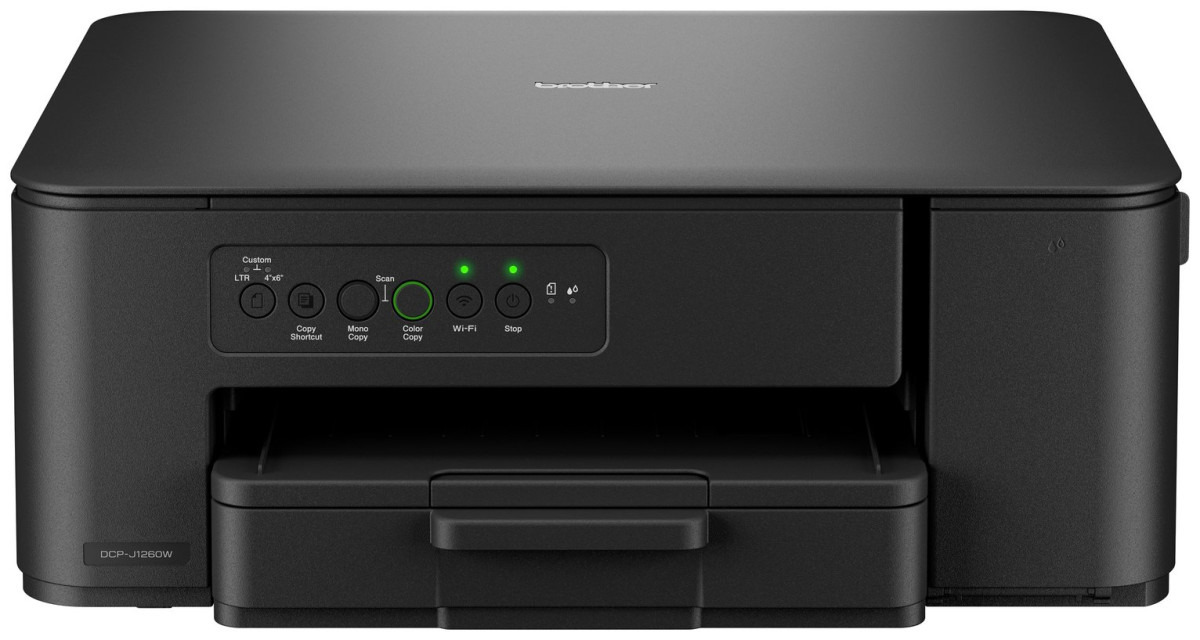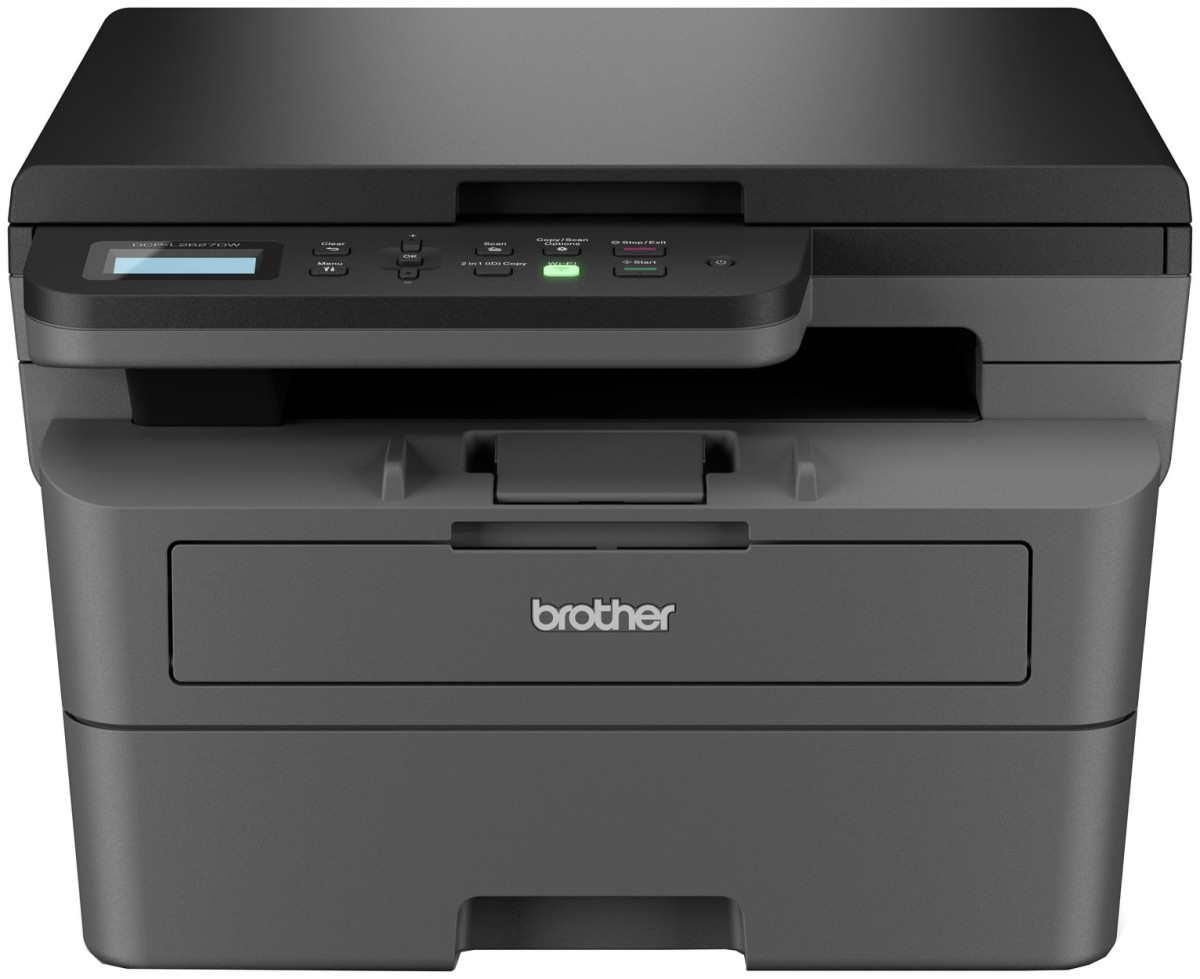
Brother DCP-L2627DWE
Brother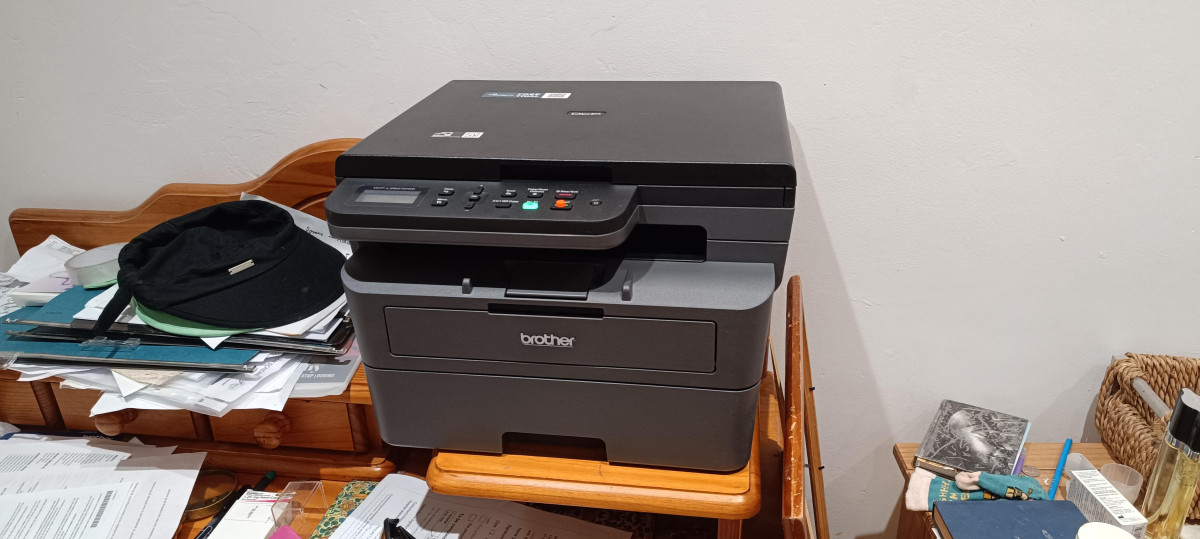
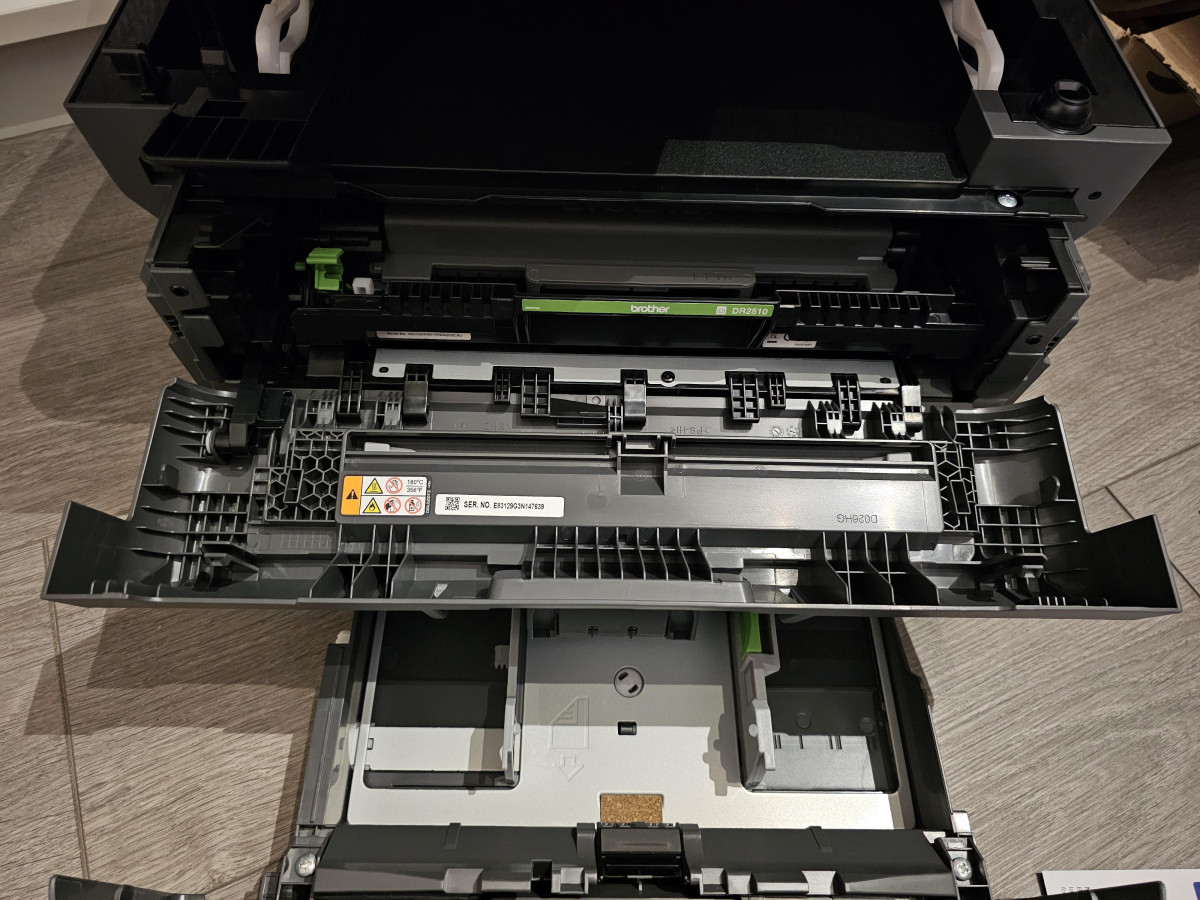


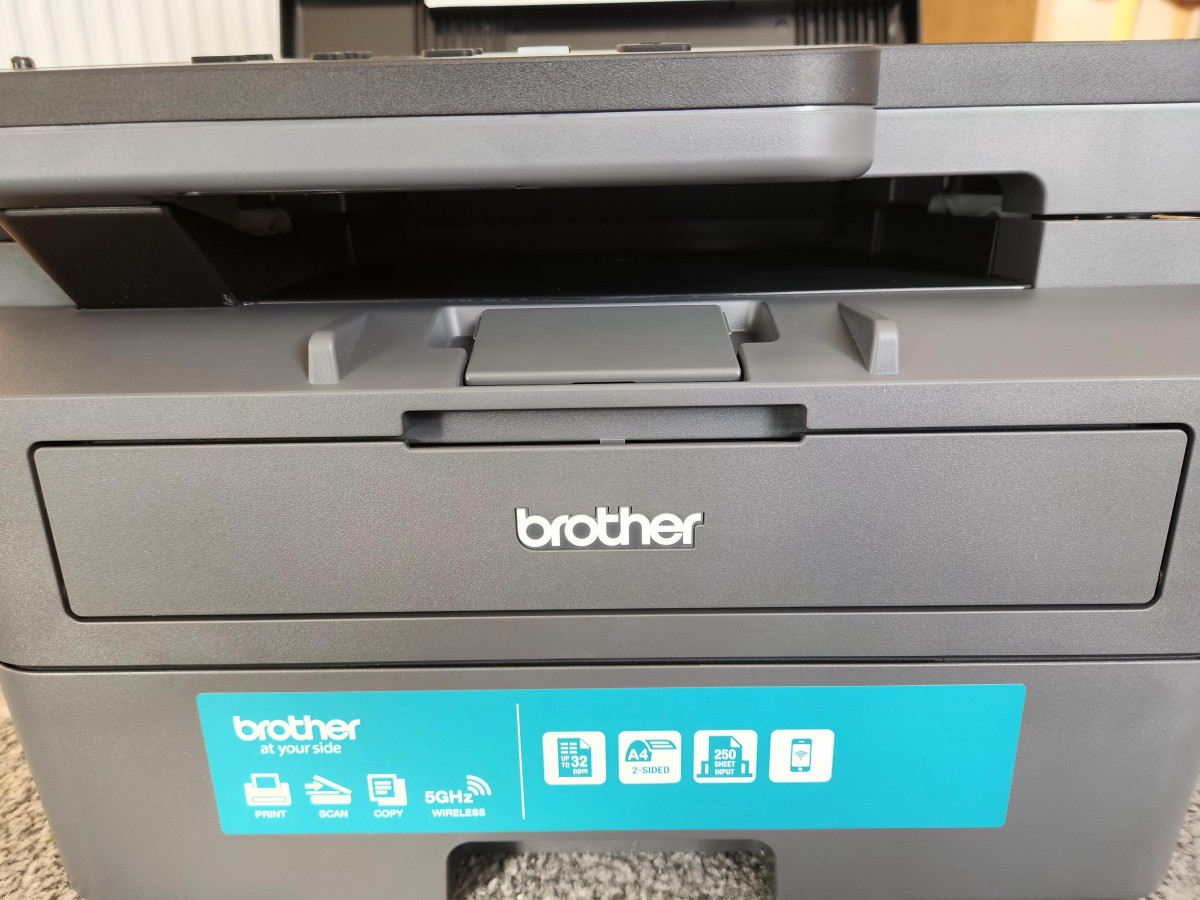
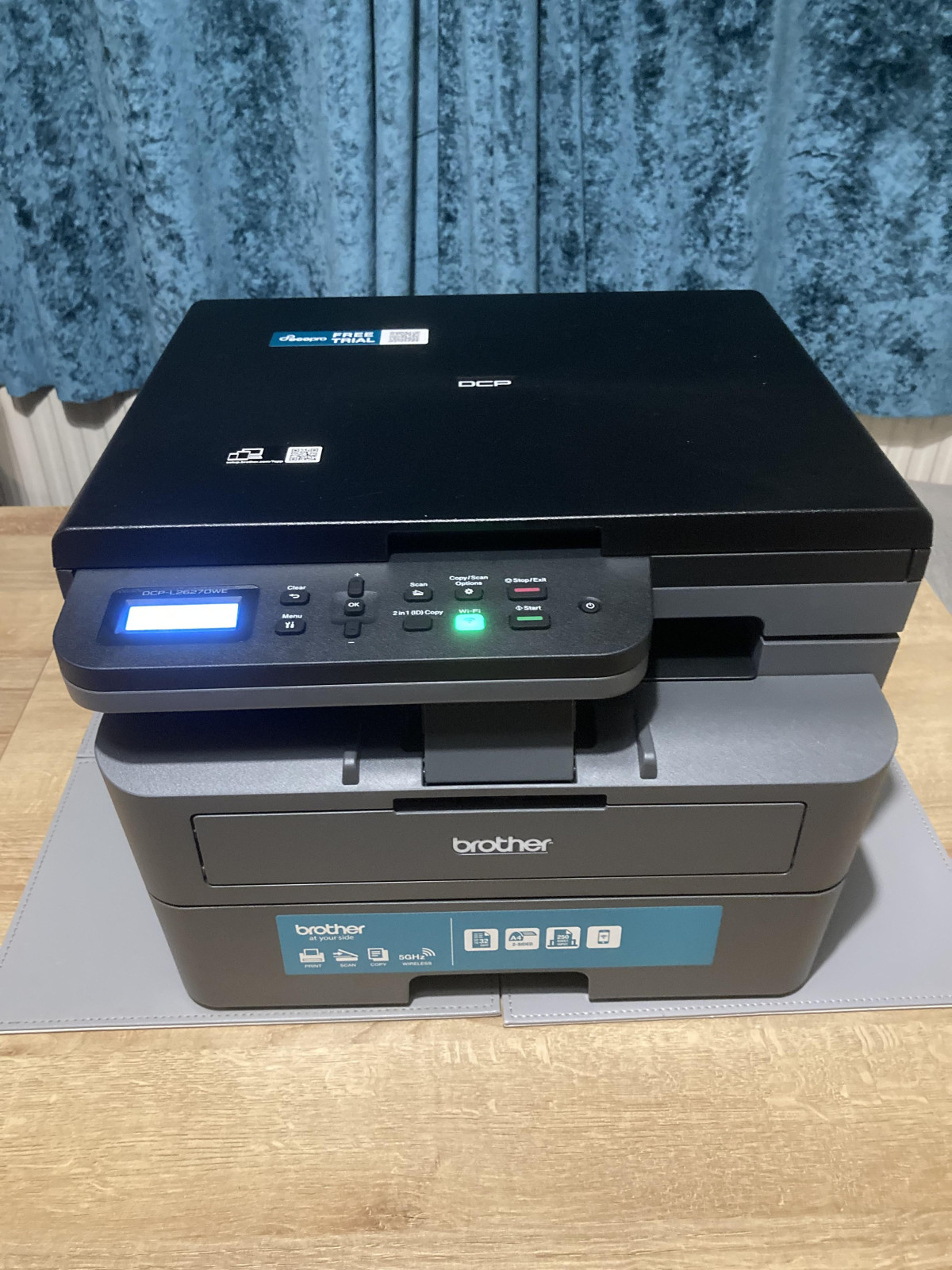
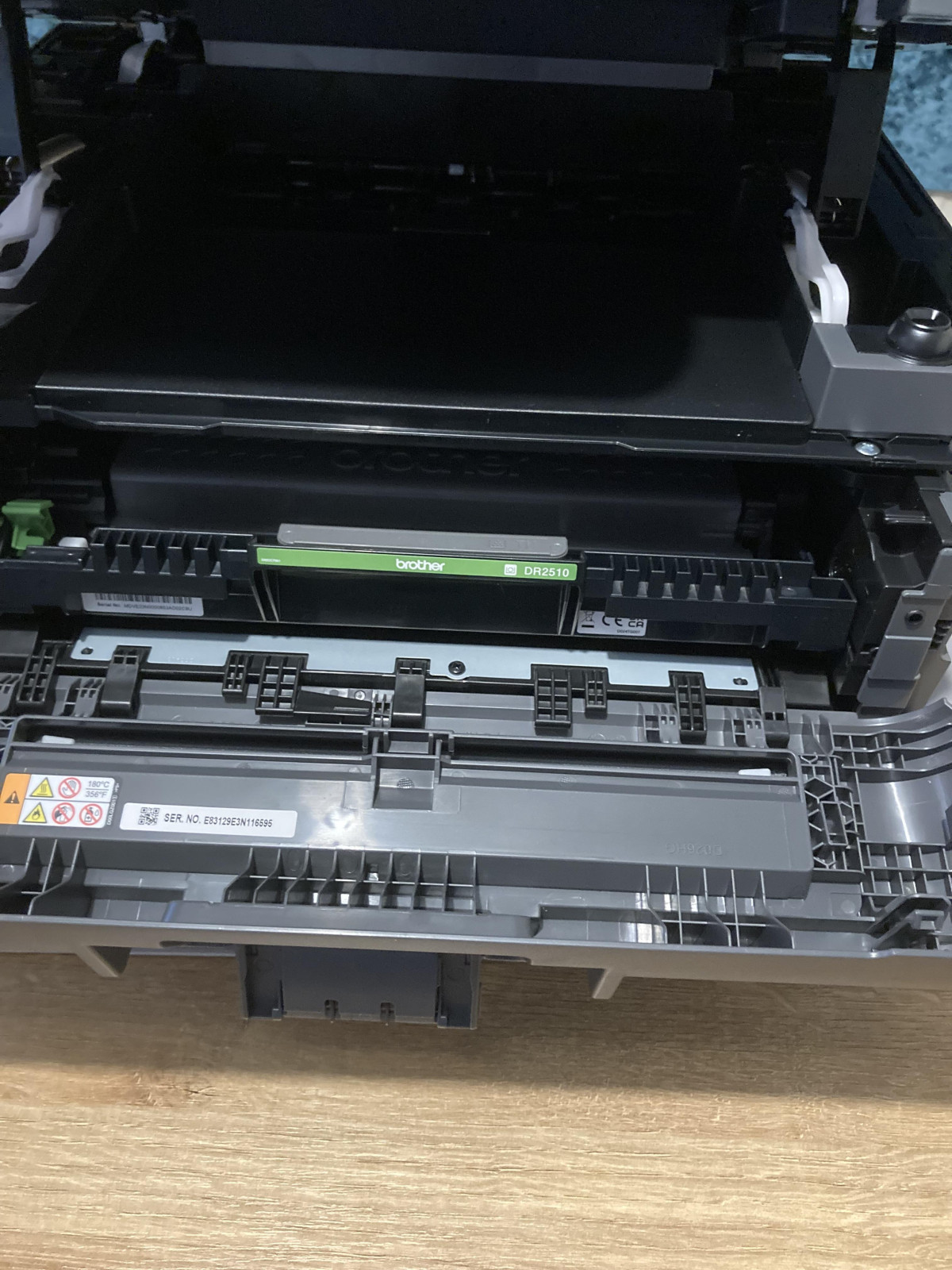
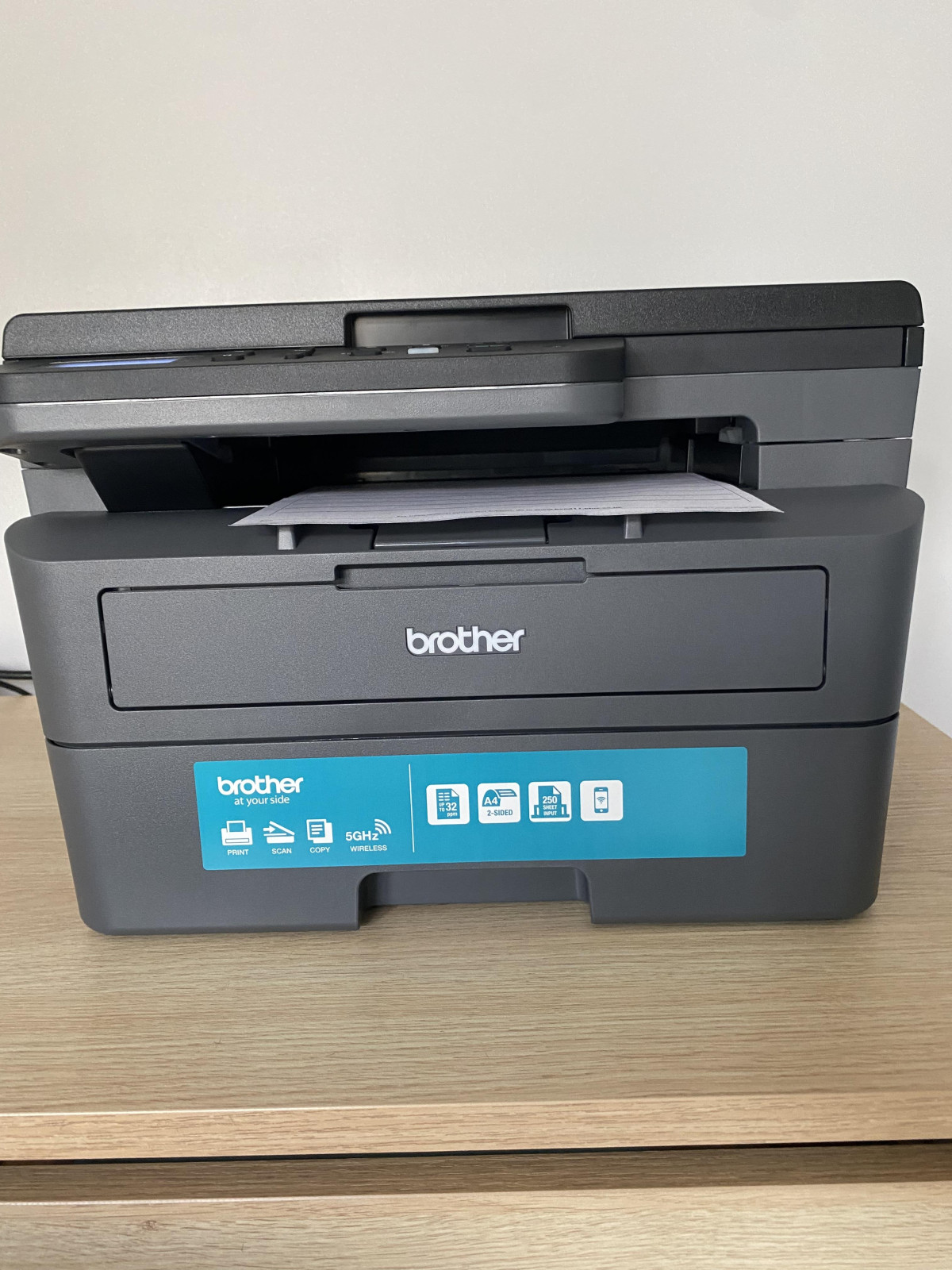
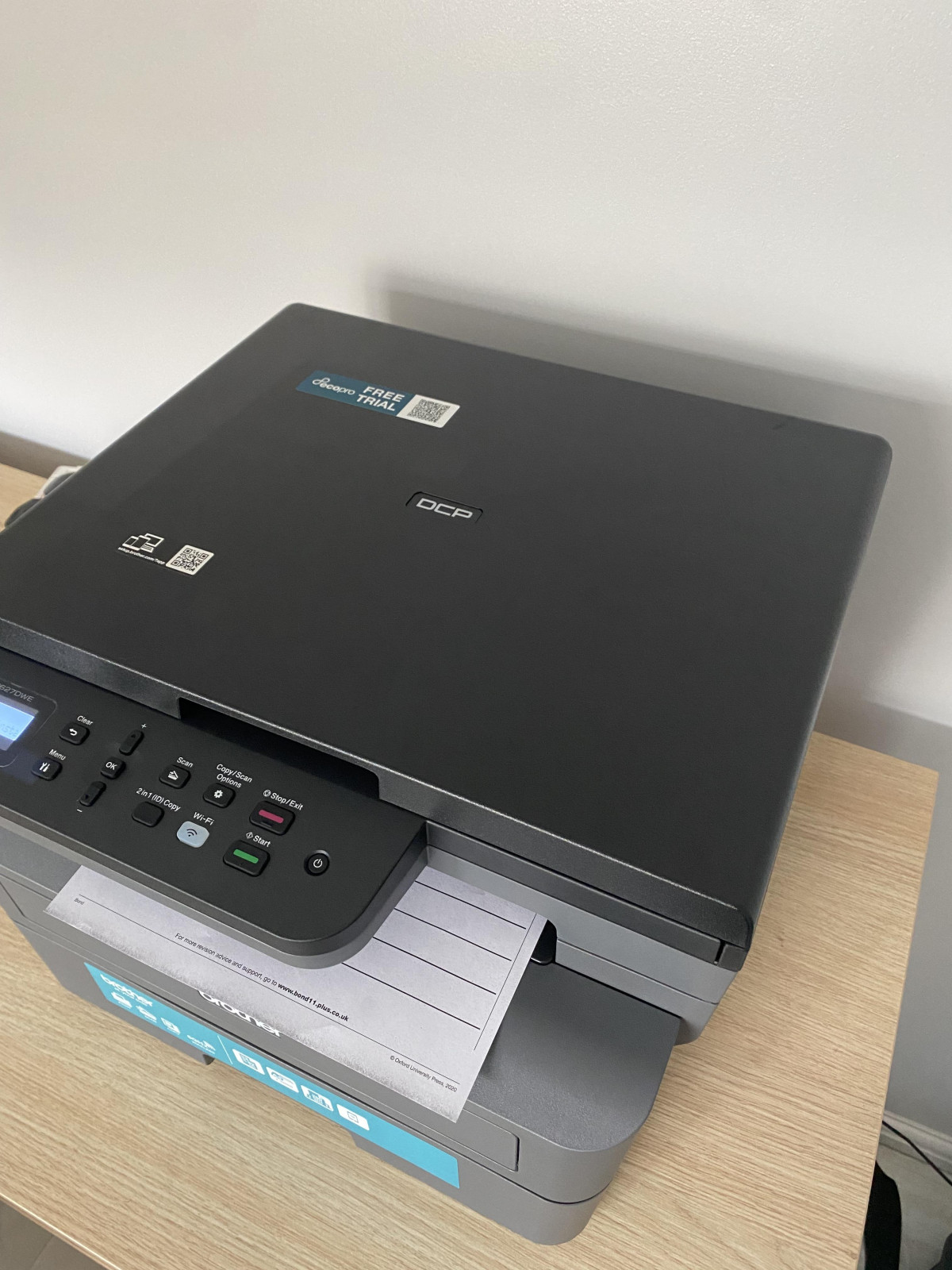
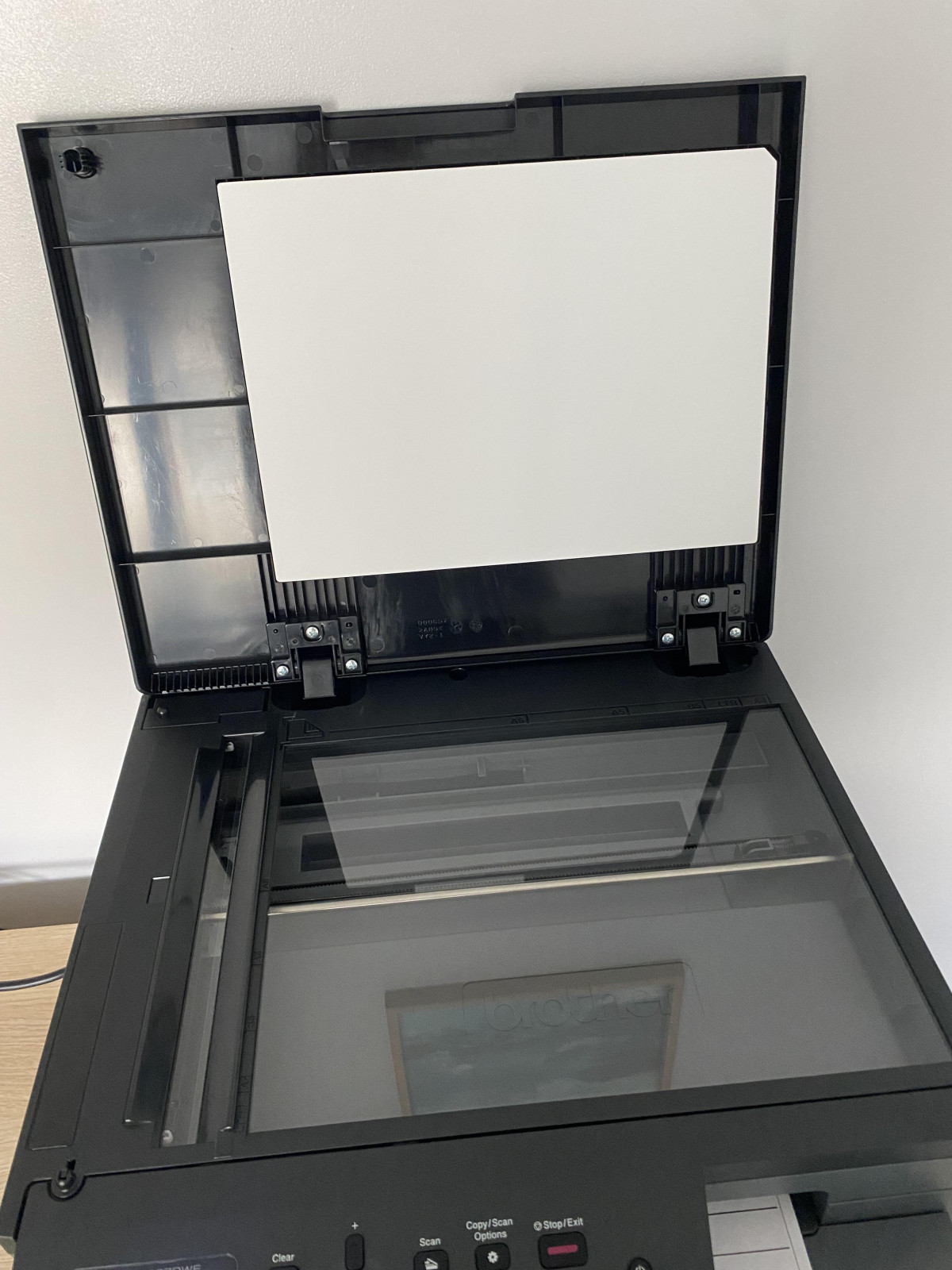
Built for the Desk, Not the Server Room: Design and Build Quality
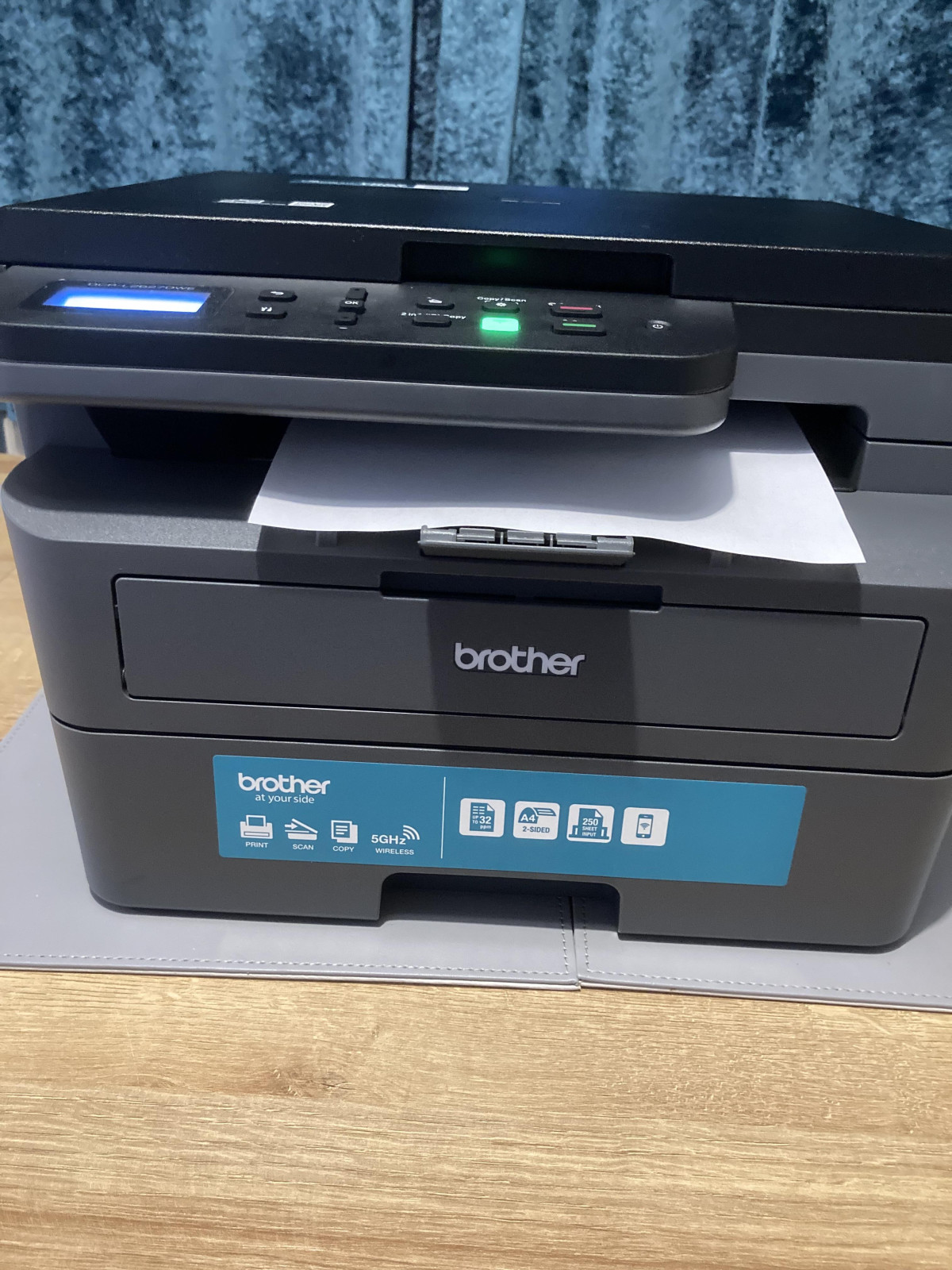
Open the box and the first thing you'll notice is that this isn't trying to be decorative. The Brother DCP-L2627DWE is a slab of matte dark grey plastic with a footprint that says "workhorse," not "lifestyle accessory." At roughly 58cm wide, 51.7cm deep, and 43.4cm tall, it needs a proper stretch of desk or a dedicated shelf — this is not a machine you tuck into a gap between the monitor and a stack of books. Measure your space before you buy; the depth in particular catches people out, since it extends noticeably further back than most inkjet all-in-ones.
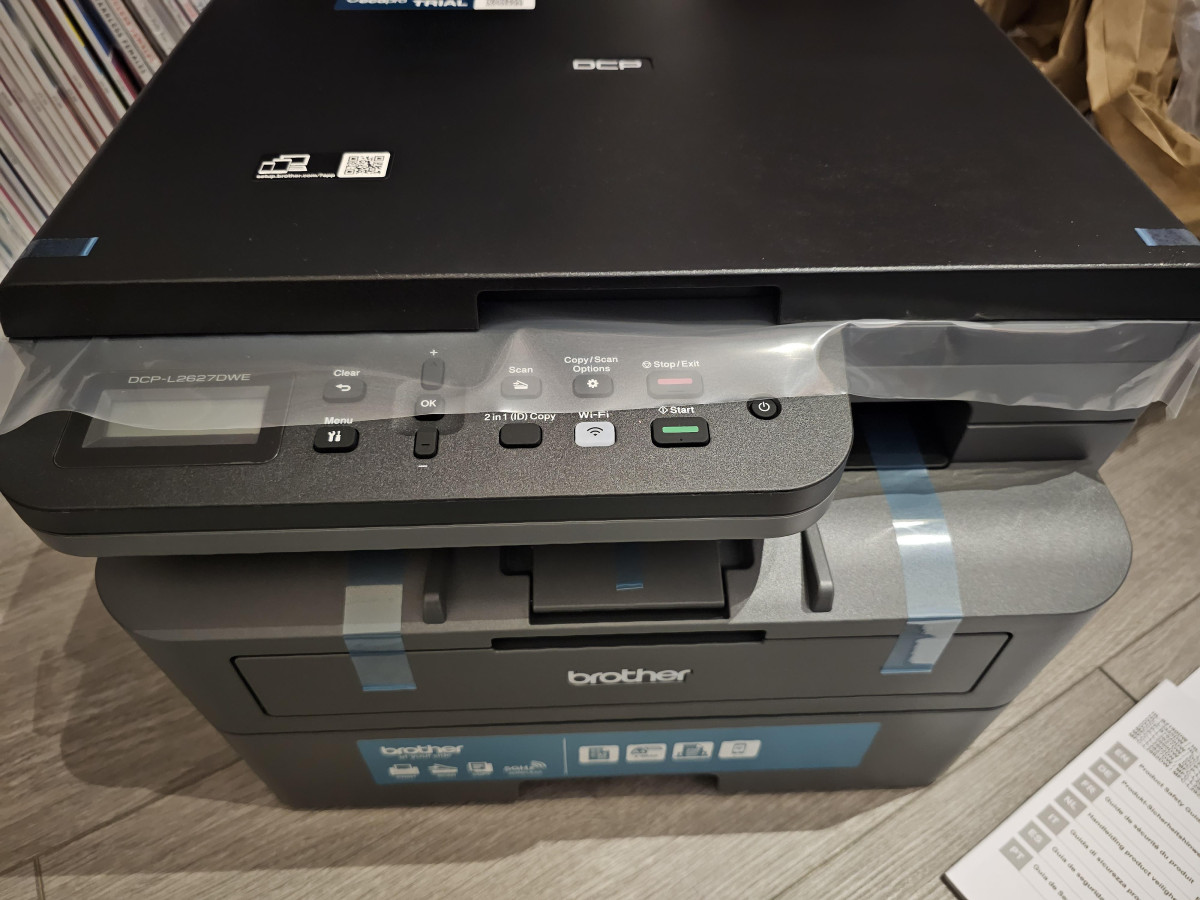
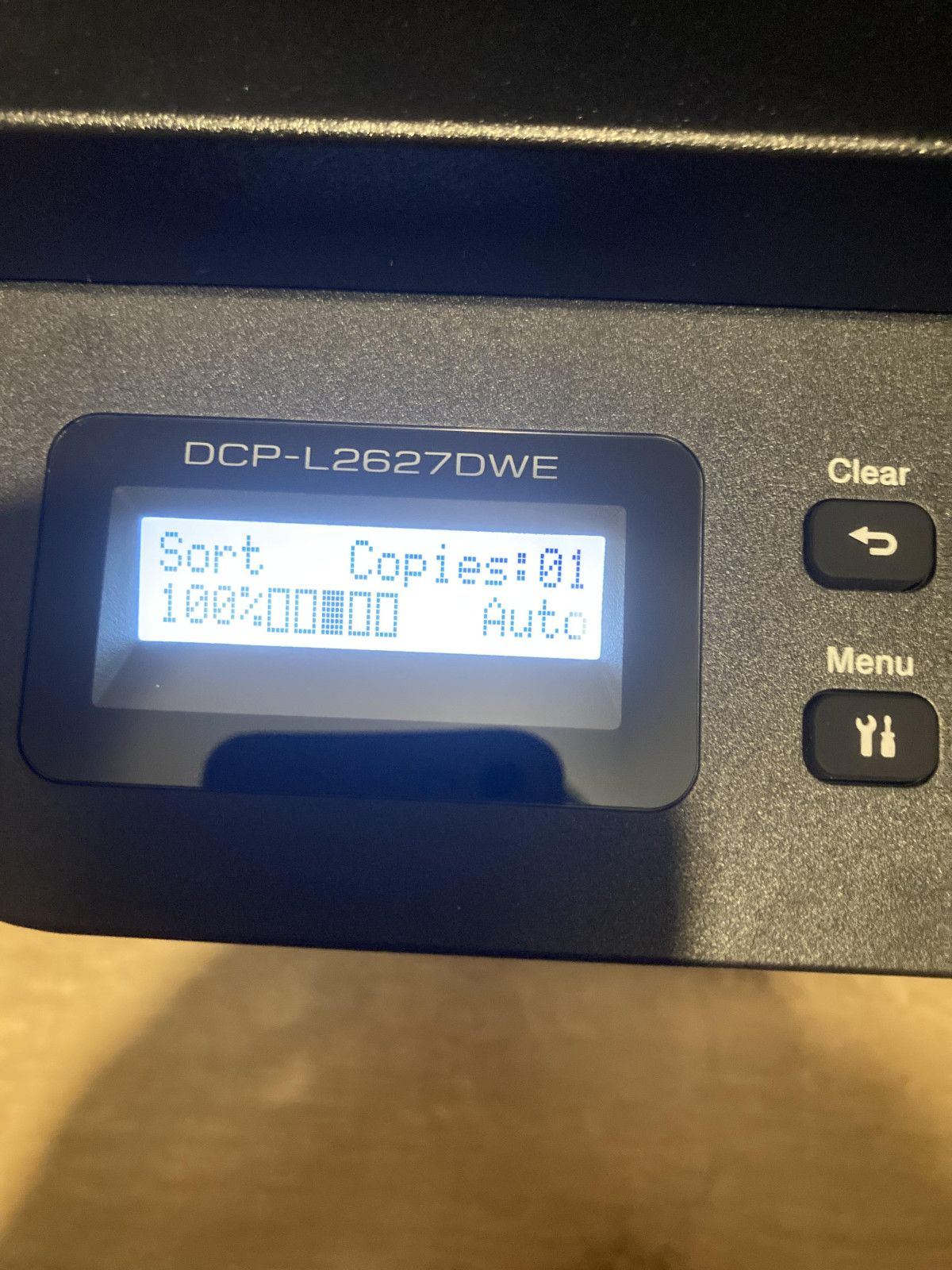
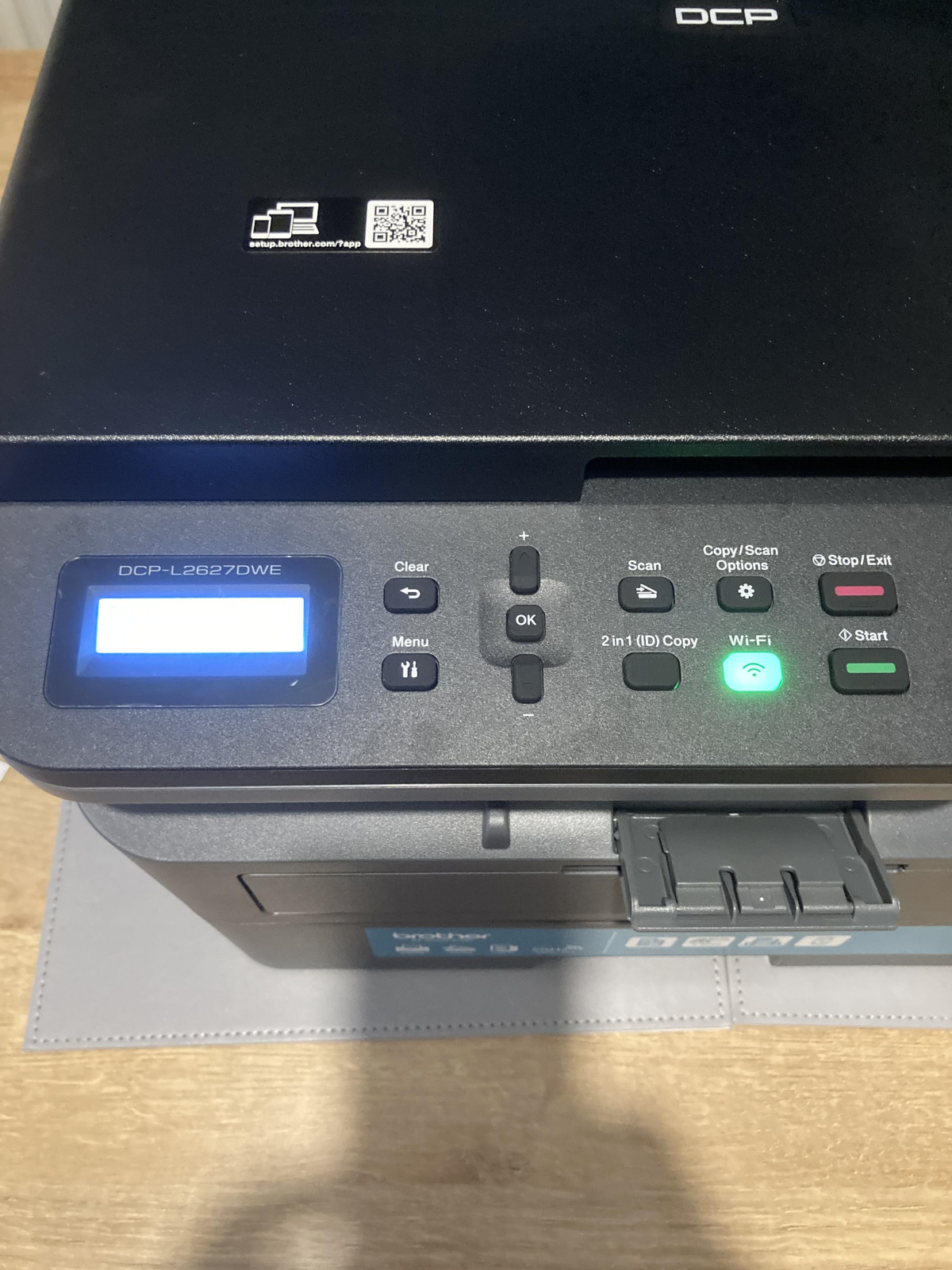
At around 12.6kg boxed (closer to 10kg once you strip away the packaging), it has enough heft to feel solid without being awkward to lift into position on your own. There's no touchscreen here — instead you get a simple two-line LCD display and physical buttons, which is a deliberate trade-off. It means less to go wrong, fewer glossy fingerprints, and a control panel that a first-time laser printer owner can understand in seconds. If you're coming from a printer with a colour touch panel, expect a step down in visual polish, but also fewer software hiccups, since there's simply less onboard software to misbehave.
The overall impression is a machine designed by people thinking about five years of daily use rather than five minutes of unboxing delight — and for a document printer that lives on a desk, that's exactly the right priority.
Print Performance: What 32ppm and 1200 x 1200dpi Actually Mean for You
Rated print speed numbers are almost meaningless until you translate them into your actual workday, so let's do that. A black-text output rate of 32 pages per minute means a 20-page report clears the tray in well under a minute once the engine is warmed up, and the printer is quoted with a time-to-first-page of around 8.5 seconds — so you're not stood there waiting for the first sheet to crawl out the way you might with some inkjets.
The 1200 x 1200dpi print resolution is the figure that determines how your text actually looks on paper. At this resolution, standard fonts render with genuinely sharp, solid edges — no fuzzy anti-aliasing, no "is that a serif or is my printer struggling" moments. For invoices, contracts, school assignments, or anything text-dense, this is comfortably into the territory where print quality stops being something you think about at all, which is the entire point of a laser engine over an inkjet.
Where this printer earns its keep is consistency. Laser printing uses toner powder fused to the page with heat, not liquid ink absorbed into paper fibres, so print quality doesn't drift depending on humidity, doesn't smudge if you touch a fresh page, and doesn't degrade if the machine sits idle for weeks between jobs — a common inkjet failure mode. If your printing needs are 90% black text with the occasional table or diagram, this is precisely the technology profile you want.
Paper Handling and Automatic Duplex Printing
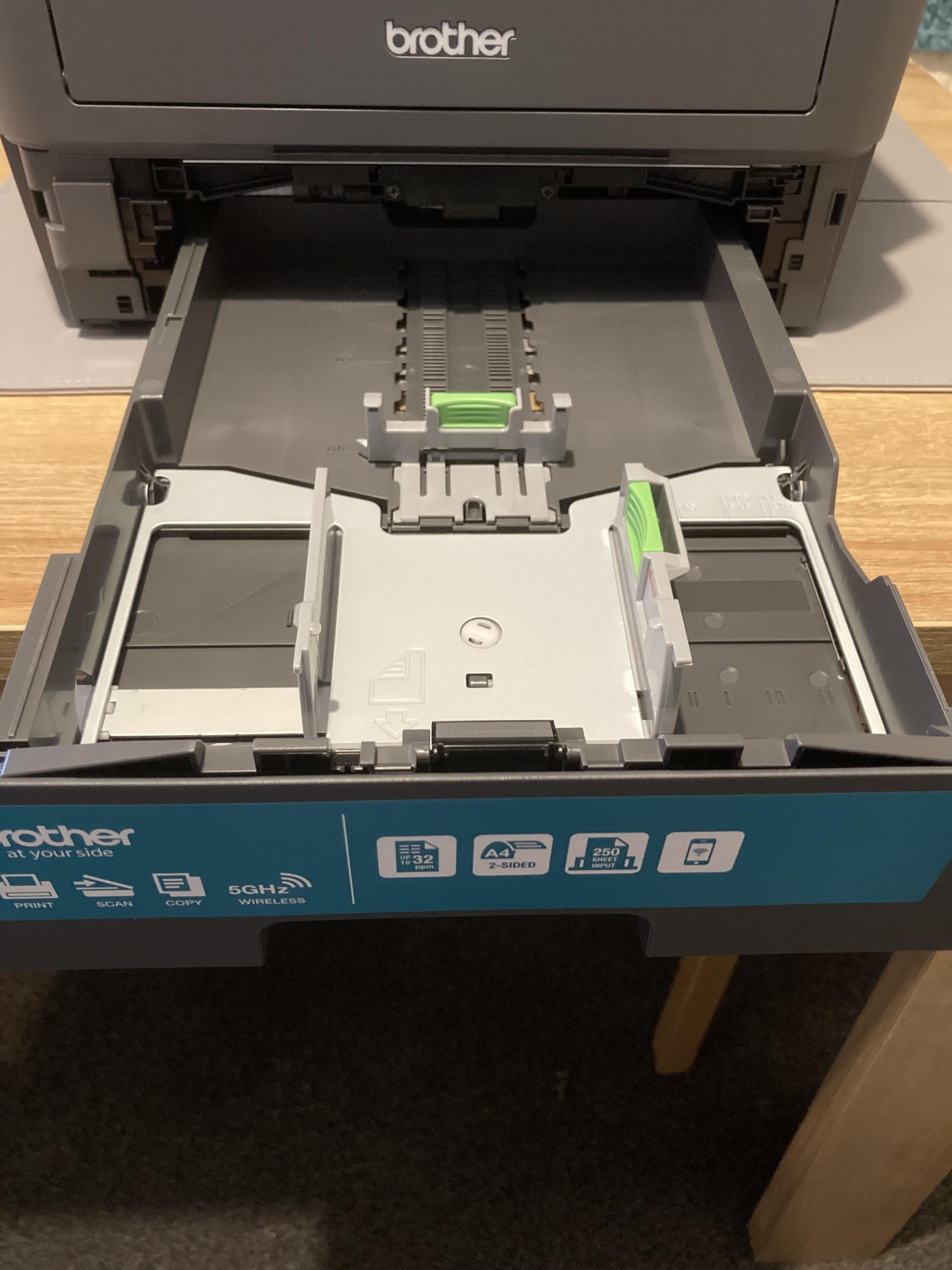
The 250-sheet paper tray is generous for this class of printer. In practical terms, that's enough capacity to load once and forget about it for a typical week of home-office printing — invoices, forms, the odd multi-page document — without the mid-job "out of paper" interruption that smaller trays force on you.
Automatic duplex printing is arguably the feature that pays for itself fastest. The printer flips each sheet mechanically to print both sides without you touching a settings menu twice or manually re-feeding paper, which does two things: it roughly halves your paper consumption on multi-page documents, and it gives double-sided reports a professional, bound-document look straight off the printer. Worth knowing: automatic duplexing does slow the effective throughput to around half the single-sided speed, since every sheet has to pass through the engine twice — a normal and expected trade-off, not a defect.
On paper stock, the machine is rated to handle sheets up to 163gsm through its main path, which comfortably covers everyday copy paper and slightly heavier stock for things like certificates or cover pages. If your plans involve genuinely heavy cardstock — think 300gsm-plus for craft projects or premium business cards — this isn't the right tool; that weight of stock sits outside what the manual feed path is built to handle reliably, and pushing it risks jams rather than just poor results.
Scanning and Copying: The Flatbed Reality
The scanner shares the same 1200 x 1200dpi optical resolution as the printer, which is plenty for scanning contracts, ID documents, receipts, or photos for digital archiving — text stays crisp and legible, and photos hold enough detail for general use, though a flatbed scanner won't chase professional photo-scanning quality.
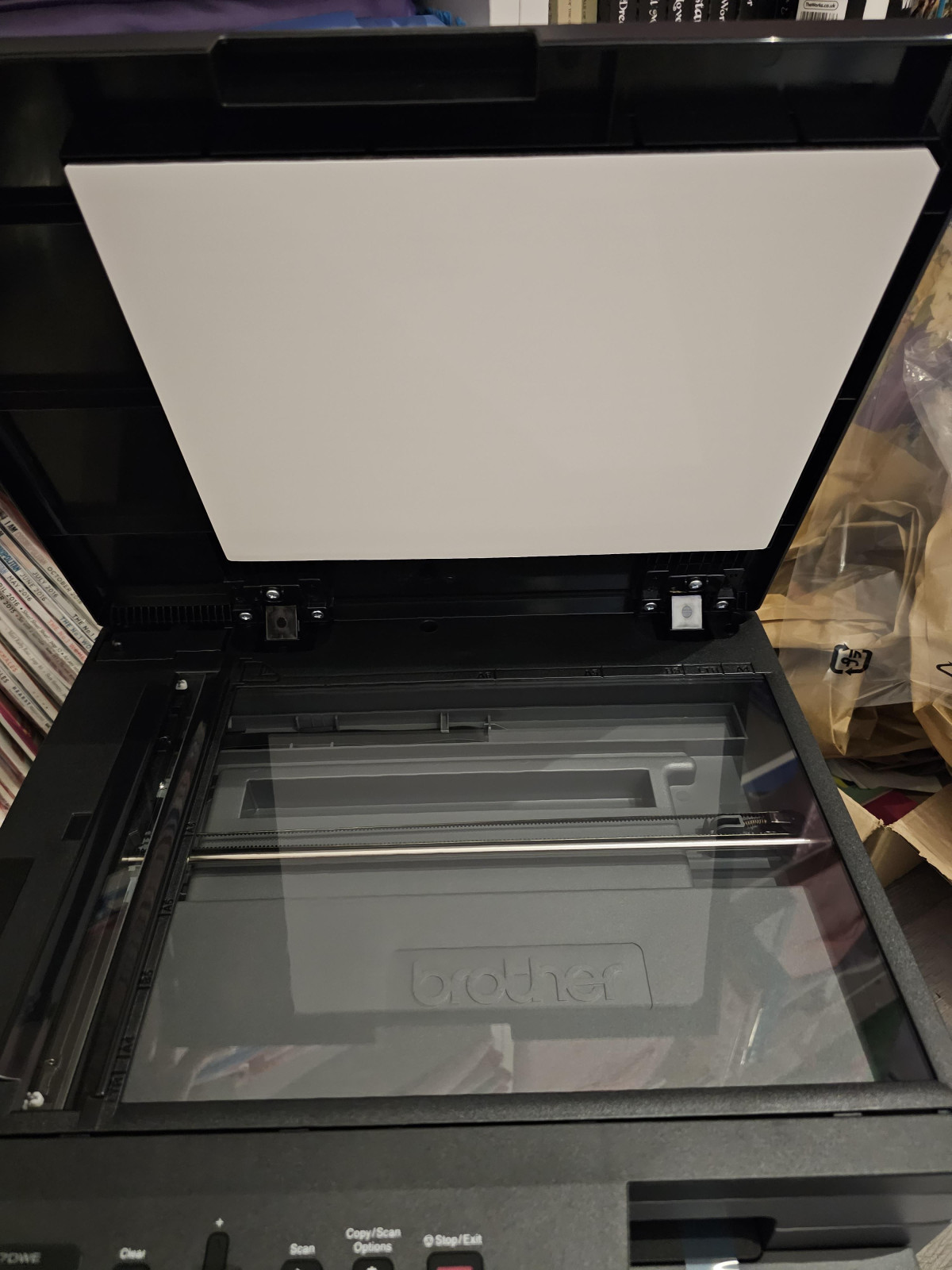
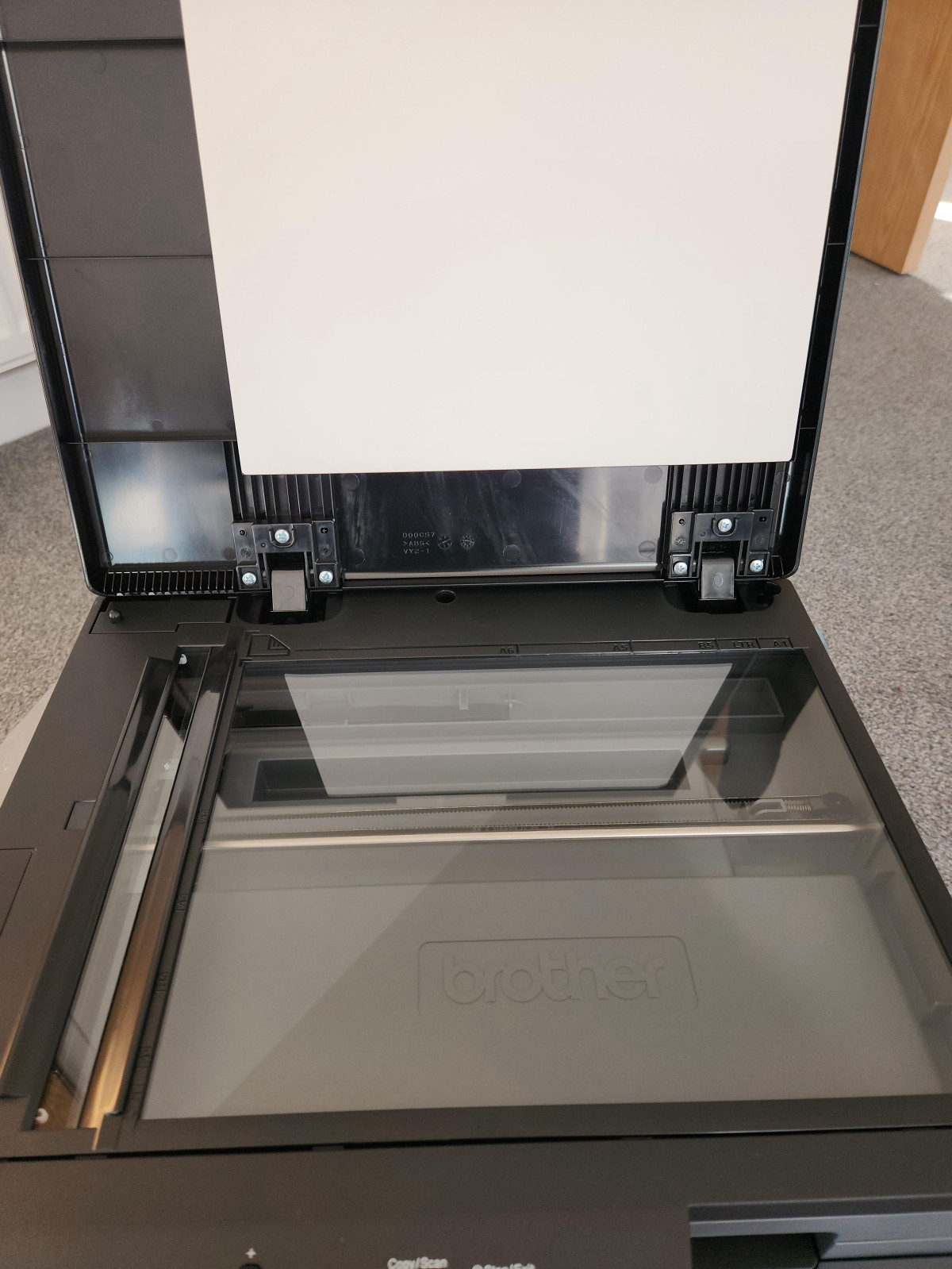
The important detail for buyers to understand, because it's easy to overlook on a spec sheet: this is a flatbed-only scanner, with no automatic document feeder. That means scanning or copying a single page is effortless, but working through a 20-page stack means lifting the lid and repositioning each sheet by hand, one at a time. For occasional single-document scanning — the kind most home workers and small offices actually do — this is a non-issue. If your job involves regularly digitising thick stacks of paperwork, though, factor in that manual handling time, because there's no batch-feed shortcut here.
Copying works the same way: lay the original on the glass, and the printer's own laser engine handles reproduction without needing a connected computer, which is handy for quick single-copy jobs at the desk.
Wireless Setup and Everyday Connectivity
Wireless connectivity is genuinely flexible here. Beyond the standard Wi-Fi connection to your home or office router, the printer also supports Wi-Fi Direct — a mode that lets a phone, tablet, or laptop connect straight to the printer's own signal without going through a router at all. That's a real convenience if you ever want to print from a device on a guest network, or in a space where the printer sits just out of reach of your main Wi-Fi.
For mobile printing, Brother's own Mobile Connect app handles most day-to-day needs — sending print jobs, scanning to a phone, and managing supply orders from one place — while Apple AirPrint gives iPhone and iPad users a driver-free option built into iOS itself. Android users should look for Mopria Print Service support, which this model is built to work with, giving a similarly driver-free experience without needing Brother's app installed.
One honest flag for anyone reading the spec sheet closely: Google Cloud Print is listed as a supported service, but that Google service was discontinued industry-wide some time ago and is no longer functional on any printer, this one included. Don't buy this machine expecting to use that feature — treat AirPrint, Mopria, and the Brother app as your real wireless printing toolkit, and you'll have no issues.
A standard USB connection remains available too, for anyone who'd rather skip wireless entirely.
Running Costs: Toner, Drum Life, and the EcoPro Subscription
This is where a laser printer either justifies its higher upfront price or doesn't, so it's worth being precise. The toner cartridge included in the box is a starter unit rated for around 700 pages — enough to get you through the first weeks of ownership, but expect to buy a replacement sooner than you would with a full-size cartridge. From there, you have a genuine choice: the standard TN2510 cartridge is rated around 1,200 pages, while the higher-yield TN2510XL stretches to roughly 3,000 pages before replacement.
That XL option is the one worth planning around if you print regularly, because cost-per-page drops meaningfully as cartridge yield goes up — a pattern true of laser printing generally, and one of the core reasons people switch away from inkjets in the first place. The drum unit, which is the separate component responsible for image quality over the long term, is rated for around 15,000 pages before it needs replacing, so it's very much a background cost rather than something you'll think about often.
For anyone who'd rather not track toner levels manually, Brother's EcoPro subscription automates the whole thing: cartridges ship to your door before you run out, empty ones get returned for recycling, and the service typically comes with an introductory free-trial period before a modest monthly fee kicks in. This isn't required to use the printer — the machine works identically on pay-as-you-go cartridges — but it removes one small recurring chore from your week if that appeals.
Noise, Power Draw, and Standby Efficiency
Two things matter for a printer that lives on or near your desk: how much noise it makes, and how much electricity it quietly burns when you're not using it. On noise, this machine sits in genuinely acceptable territory — printing sound pressure lands around 49dB(A), which is roughly the volume of a quiet conversation or background office chatter, and a quiet mode brings that down further to around 44dB(A) at some cost to speed. Neither will disturb a video call in the next room, though you will notice it if the printer sits directly beside you during a long print run.
Standby efficiency is where laser printers of this generation have genuinely improved. The rated typical energy consumption comes in at roughly 0.39 kWh per week, and in its deepest sleep state the machine draws a near-negligible fraction of a watt — meaning you can safely leave it powered on permanently without meaningfully affecting your electricity bill, which is exactly what you want from a device meant to be ready the instant you need it rather than something you have to remember to switch on first.
Who the DCP-L2627DWE Is Built For (and Who Should Look Elsewhere)
This printer is built for a specific, common reader:
Great Fit
- Home workers and remote employees who need reliable, fast, professional-looking text output for reports, invoices, and contracts without thinking about ink levels every week.
- Small offices with moderate volume, printing comfortably within a monthly range of a couple thousand pages, where a shared, dependable mono printer beats several individual inkjets.
- Students and households doing occasional but regular document printing, scanning IDs or forms, and wanting duplex printing to save on paper.
- Anyone tired of inkjet maintenance — clogged nozzles, drying cartridges, and the false economy of "cheap" printers that cost a fortune in replacement ink.
Poor Match
It's a poor match, however, for:
- Anyone needing colour output. This is a mono-only machine; photos, colour charts, and marketing materials are outside its scope entirely.
- High-volume offices. The recommended monthly duty cycle sits at roughly 2,500 pages — comfortably enough for most home and small-office use, but a busy multi-person office pushing well beyond that regularly will wear the machine harder than it's designed for.
- Frequent multi-page scanning workflows. Without an automatic document feeder, digitising thick stacks by hand gets old fast.
- Specialty media printing. Heavy cardstock, photo paper, or anything beyond standard office-weight stock isn't what this machine is built to handle.
How It Stacks Up Against the Alternatives
Buyers in this price and category bracket are usually weighing this machine against two broad alternatives: a colour inkjet all-in-one, or a rival mono laser multifunction printer. Here's how the trade-offs generally shake out:
| Factor | This mono laser MFP | Typical colour inkjet AIO | Typical rival mono laser AIO |
|---|---|---|---|
| Best for | Text-heavy documents, duplex reports | Occasional photos, mixed colour/text | Similar text-first workloads |
| Running cost per page | Low once past initial toner | High — ink dries out even when unused | Comparable, varies by cartridge yield |
| Colour capability | None | Yes | None |
| Speed on text | Fast, consistent | Slower, and slows further at high quality | Broadly similar |
| Scanning | Flatbed only, no ADF | Often flatbed only at this price point | Varies — some rivals add ADF at a premium |
| Idle reliability | Excellent — toner doesn't dry out | Weak — nozzles clog if unused for weeks | Excellent, same underlying technology |
| Ongoing maintenance | Minimal | Regular — cleaning cycles, ink alignment | Minimal |
The honest takeaway: if you need colour even occasionally, no mono laser printer — this one included — is the right single device, and you'll want to weigh a colour laser or a well-maintained inkjet instead. But if your printing life is genuinely dominated by black text, this machine's advantages over inkjet rivals — cost per page, idle reliability, and print speed — are structural rather than marginal, and they compound the longer you own it. Against other mono laser AIOs in the same bracket, the differentiators tend to be smaller: paper tray size, whether a rival includes an ADF, and toner yield options, all worth checking against your specific rival before deciding.
Where It Shines and Where It Falls Short
The strongest case for this printer is one of quiet competence. It starts fast, prints crisp text at a genuinely useful speed, handles double-sided documents without any manual intervention, and — thanks to sensible standby power draw — can simply sit there ready to go without becoming a line item on your electricity bill. The generous 250-sheet tray means it fits naturally into a busy week without constant refilling, and the toner yield options mean you can tune running costs to match how much you actually print, rather than being locked into whatever cartridge came in the box.
The honest weaknesses are just as clear. The lack of an automatic document feeder is the single biggest limitation for anyone doing regular multi-page scanning — it's a deliberate cost-saving omission at this price point, not an oversight, but it will frustrate anyone who assumed "3-in-1" meant feed-and-forget scanning. The basic two-line display, while reliable, feels dated next to touchscreen rivals, and won't appeal to anyone who wants a more modern control experience. And the presence of a defunct Google Cloud Print listing on the spec sheet is a minor but real reminder to verify which wireless features you'll actually use before assuming a box-ticked feature list translates to real-world function.
None of these are dealbreakers for the audience this machine is built for — but they're the details that separate a fully informed purchase from a surprised one three weeks in.
The Verdict: Should You Buy the Brother DCP-L2627DWE?
If your printing life revolves around black-and-white documents — reports, forms, contracts, school papers — and you want a machine that starts fast, prints cleanly, handles double-sided output automatically, and won't nickel-and-dime you on ink every few weeks, this printer is a genuinely strong buy. It's built for exactly the home-office and small-office workload it targets, and it does that job with very few compromises.
Skip it if you need colour printing in the same device, or if your scanning workload regularly involves multi-page documents where a lack of automatic feeding will slow you down. For everyone else printing mostly text and wanting a laser printer that simply works without becoming a recurring chore, this is a confident, low-drama recommendation.
What People Say
67 commentsVery fast, good tones and depth to prints
This printer is well made and pretty solid but it is of a rather large size and looks a little draughting to begin with due to it's size and complexity. But once the steps are broken down it's of easy use. It comes in a well packaged box with tape securing all the important areas shut to avoid damage when moving, the cable is very thick so is unlikely to get damaged when bent and moved. At first the paperwork it comes with is a little overwhelming but the quick start guide is very useful with pictures and written instructions and is easy to follow and understand. On both sides of the machine there are handles to allow it to be easily lifted and carried due to it's large size. The cartridge is large but very easy to install as is the paper. So initial set up is very easy. It's a little loud when it first turns on but after that it's fine and is on the quieter side when printing compared to other printers I've experienced. Now a downside the screen is small so can be hard to see/read and it was quite a struggle to set up the Wi-Fi. It wouldn't connect through my phone so I had to connect through the internet router and printer (this happened to work out simpler) but it did take a while to get it connected due to the time the printer was taking to connect and the errors/timing out whilst trying to connect. But once it's connected I was very impressed with the rest of it's performance. The scanning to phone quality is amazing, it does colour aswell as mono and it's crystal clear perfection on the photos, it has a very good scanning ability. It copy's and prints so fast, it's almost instant. When copying though watch out as the contrast will need altering in the settings if copying a photo/picture instead of text. I'll attach both images before and after adjusting these settings. It can be a bit streaky in places on the print but overall it has good tones and levels and gives very good depth to the images. So overall it's a little tricky initially with the Wi-Fi but once it's all set up and ready to go it's great and performs really well. I'm very impressed, I would definitely recommend.
Excellent
This is a good quality, sturdy printer. It comes with clear instructions and is quick and easy to set up and use. There is a clear, easy to read display on the top of the printer.
The toner cartridge is very easy to install- you simply release a flap at the front and slot the cartridge in.
The printing is quick and the print is of good, clear quality. Many pages can be printed, due to the large capacity paper tray, which can be adjusted to different sizes of paper, up to A4.
I love the fact that I can print wirelessly from my laptop or phone, making it so much more convenient than a wired printer.
The optional eco pro subscription is a really useful feature, as it automatically orders more toner when it is running low, and it is then delivered to your door, free of charge. There are various monthly packages available for this, at different prices, according to how much printing you do, and you can change the package from month to month if you wish. I like the fact that you can start with a free trial.
All round, I think this is a very good printer and I highly recommend it.
Brother - Longevity guaranteed
My previous Brother laser printer (still going strong) was bought 14 year ago for my Masters degree, which involved A LOT of printing. It has served me well through to the present day.
However, we needed to upgrade to wireless and scanner options and for my wife and I to be able to print from our respective PC's and tablets etc;
The build print quality is top notch.
There have been comments elsewhere about the software installation being overly complex and long winded. However, with wireless operation comes the necessity for security so the software installation goes beyond mere printer drivers and involves installation for security measures to. Don't skip these and be patient to go through the installation process as it really is all in your best interests of your home/business network security.
All in all, satisfied and confident we have again made the right choice in Brother.
Not happy at all
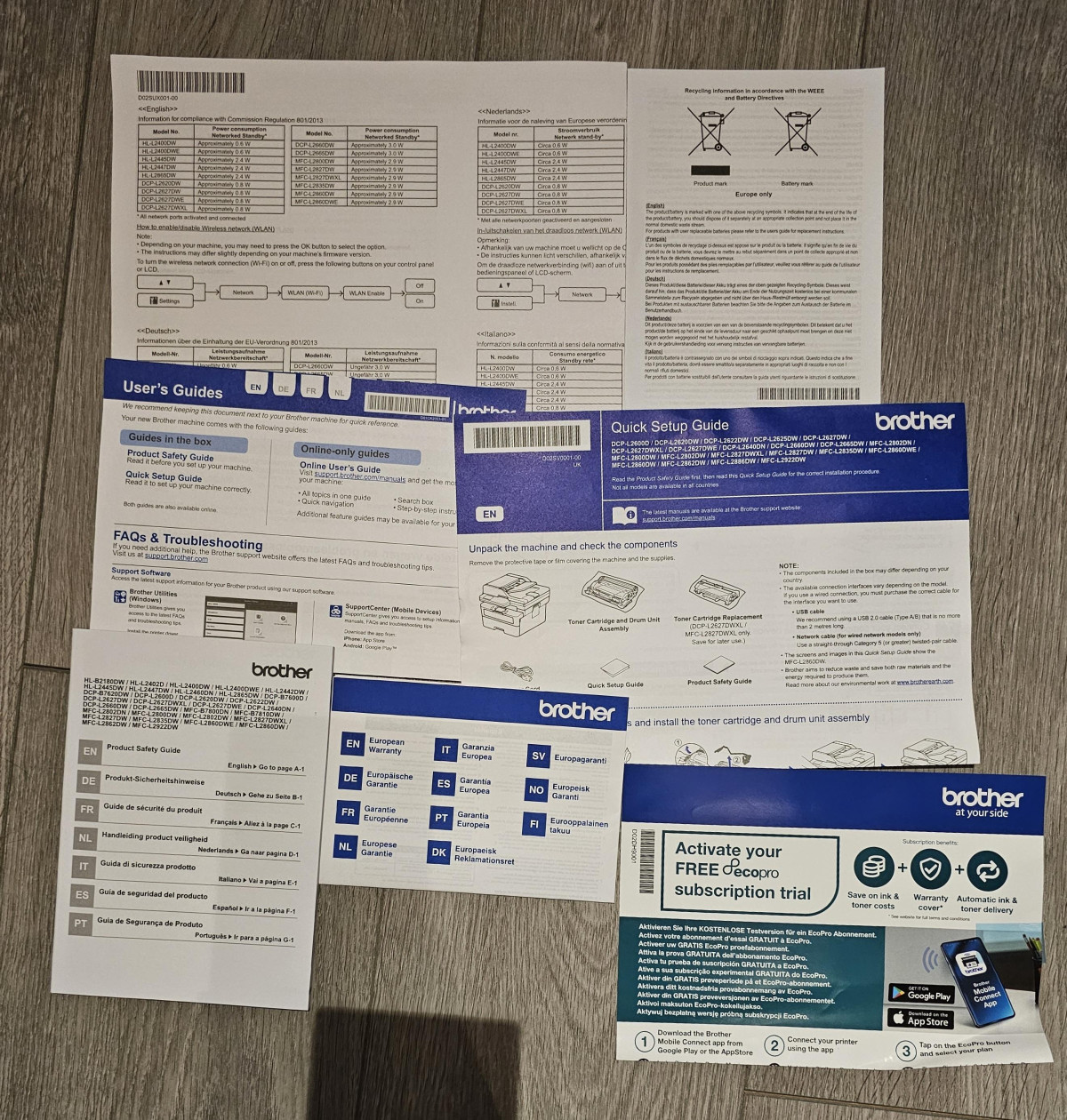
I brought this a couple of weeks back. I am totally disappointed. The installation was very confusing. It came with a couple of leaflets and some booklets. None of them had clear instructions. Yes what was clear was fire safety n health safety.
The rest of it was GO FIGURE.
THERE WAAS SOMETHING ABOUT AN APP. followed every instruction to the word but got no where.
Nothing was straightforward ... like connection to wifi.
I still havent figured how to scan or copy.
Why do I have to search the internet . You web site has no proper answers to simple stuff like how to connect to the wifi.
In order to scan one has to look for CD ( which was not provided) or go to website.
It's a vicious unending circle which gets you no where.
Instead of providing the customer with all those trashy leaflets n booklets give them proper instructions which would help them to run the printer/ machine
Good All-Round Kit for Home or small Office
Fairly bulky and heavy but quick, relatively easy set-up either with WiFi or Cable (not supplied - that's mean). Print quality is good and Copy and Scan features work well. Who uses Fax these days?? Yet to try a non Brother replacement ink so have no idea as to compatibility, but the replacement Brother tanks are expensive although print life is claimed to be extensive. Obviously it's only Black & White and there are other comparable models out there that will also print in A3. Double sided print feature is very useful to me. Good if you use a fair amount of Printing or for a small Office. Star deducted for no cable and cost of replacement ink.
Great 3-in-1 printer but needs instruction manual
I needed a printer that could sit idle for weeks/months without the ink drying up. I opted for this Brother Laser Jet printer based on online reviews. It took me 5 mins to set up connecting to my wi-fi so I could print and copy, but to scan documents was a different matter. No instructions are in the box, so I had to Google how to set up scanning documents to my PC. Turns out you need to download the specific Brother drivers! They don't tell you that! Took me 1.5hrs to find the right download online and set it up so be warned. Now that it's set up, I am very happy with its efficiency, quality and speed.
Great Product, no customer service
Printer is great value. Problem is I stopped shopping at Argos as a while back their hairdryer broke instantly and it ruined my Barbour coat as was waxing it. I complained and didn't get a response even today around a year later. I then requested a paper receipt which wasn't available at store and heard nothing back again. I will avoid Argos going forward. Great value but ultimately no after sale service or complaints process. Awful, if you can get the same price or even pay a slight premium to get information from let's say Currys then go elsewhere, avoid Argos unless it's for small purchases and convenient.
excellent for home users who print rarely
Great printer, fast and good quality prints. Good resolution, holds plenty of paper in the loading tray. Plus the ink will never dry up, no more blocked nozzles, I can print a few pages then turn it off for months. There is an optional toner subscription but I skipped that. Connectivity? well I've owned over 30 printers since the 1990's and this one was the trickiest but not too tricky. Initially it was not seen when connected by cable but I connected by wifi and it then saw it connected by cable as well. Only issue was I had a voucher and a RED20 discount but nowhere in the online purchase to use either.
Simple compatibility
It was easy to set up on our home router except for entering the password one character at a time by moving through the entire character set, one up-arrow at a time, but that seems common to most printers. Simple to print from mackbook, pc, android and iphone. The optional Brother app allows you to scan to your phone, which is really useful if you want to take a quick copy of something with you, without having to carry another piece of paper. Fast clean printing. Absolutely silent during sleepmode, but it wakes quickly from being switched on at the wall, so I leave it turned off until I need it.
Easier than most to set up and operate!
Printing is fast and easy and print quality is very good. One of the main reasons I bought this is because I searched for a printer that was hassle free setting up and using, as I am sick of printers being stupidly complex. Apart from one little glitch at set up, it all went smoothly and is very easy to connect to wi-fi and print from my iPad and iPhone. I am very pleased with this printer and it was worth the extra expense over an inkjet. I would definitely recommend this machine, particularly if your priority is ease of installation and operation. ⭐️⭐️⭐️⭐️⭐️
Great Basic Printer but Software is a pain
I bought this printer a month ago and it is great at basic printing. The speed is great too and as I don't print often, I don't need to worry about the ink drying out.
The software has not been easy to install. I have installed the drivers and it prints even though the iscan and print says the printer is missing the printer driver. In addition I have neve been able to sign up for EcoPro as it says I require a firmware update even though this has been done. Whilst everything works fine this has been one the most painful printers to get the software working.
Laser printer or inkjet
Could have been easier to set up initially a link to a video would have been useful . The instruction leaflet was very basic and not very clear. Have to scroll through entire alphabet and numbers to enter each digit of password for wifi was a bit awkward but got there eventually. Eero 6 router does not have was button which would have been easier to connect.
Bought the laser printer due to inkjet printer drying up through lack of use hopefully this printer will be ready to print the occasional documents i require
Useful machine - with limitations
A decent machine that was relatively straightforward to set up, and that has worked well thus far. I am a low level user with the occasional need ( once a month on average) to print higher volumes ( only up to 50 copies) but I like laser.
The limitation comes with scanning: despite assurances, there is a disconnect somewhere when using Windows 11. A bit or internet research shows this is well documented; I’ve ended up controlling scanning from the phone app. It isn’t that big an issue to be fair.
Good value for money fast quality prints
I bought this because I was sick and tired of dealing with Ink cartridges that lasted a few weeks before drying up or needing cleaned and replaced etc and so far I am very happy. The machine was a little tricky to set up but once it's installed and connected to your network (or USB) it prints quickly and to a high standard, while it's only monochrome it is perfect for my documents and no longer have the hassle of stocking and juggling multiple ink cartiridges.
Excellent Printer
Excellent little printer for the folks that want a printer for occasional printing/scanning of labels, documents etc. Laser printers are excellent for sporadic use as the ink will not dry up like inkjet and the cost of laser cartridges per page is so much better. Whatever you do don’t buy a cheap HP printer with there ridiculous ink subscription the inability to use aftermarket cartridges and unable to use the printer unless it has an internet connection.
Great Purchase!!
I bought this printer as i was sick n tired of the inks drying up in my inkjet printer. I don't do much printing so this is ideal for my needs as it just sits there waiting and i know the toner won't dry up like the inks did.
It was really easy to set up wirelessly and does everything that i want of it. I can scan direct to my PC if needs be (in colour too)
Im really happy with the printer/scanner/copier.
So many functions
Printers, are the hardest things for me to choose . It has to have so many different functions in order to be right for me . This printer presses all my buttons . Quick and easy start up , quick connection to wifi , easy to use and looks fantastic . This laserjet printer gives me fantastic clear documents in the blink of an eye . And you can sign up to a subscription so you never run out of ink again !
Great duplex printer / scanner without the hassle.
No nonsense, easy to install and configure. Brother quality. Does duplex printing too. Had a Samsung before and the drivers were a complete pain. It kept losing connection over WiFi, jamming and flimsy bits broke. This new one connected straight away, it's solid and has a large internal paper store. It's a bulkier size, but that's worth it for the build quality. User is blind, but controls are simple.
Perfect for home office
Very easy to set up and to operate which for me is absolutely crucial.
Printing directly from other devices like a smart phone is also simple.
As it contains printing, scanning and photocopying features it is perfect for home office.
Quality of print is really good
It is larger than my previous printer so make sure you check the dimensions.
Overall a very good product and pleased with it.
Fast, clean, and surprisingly efficient
Very pleased with this Brother 3-in-1 mono laser printer. Setup was quick and straightforward, and the print quality is sharp and consistent. It handles scanning and copying smoothly, without fuss. The EcoPro readiness is a nice touch — feels modern and cost-effective. Quiet operation, fast output, and reliable performance make it a great choice for both home and small office use.