Canon SELPHY CP1500
Canon
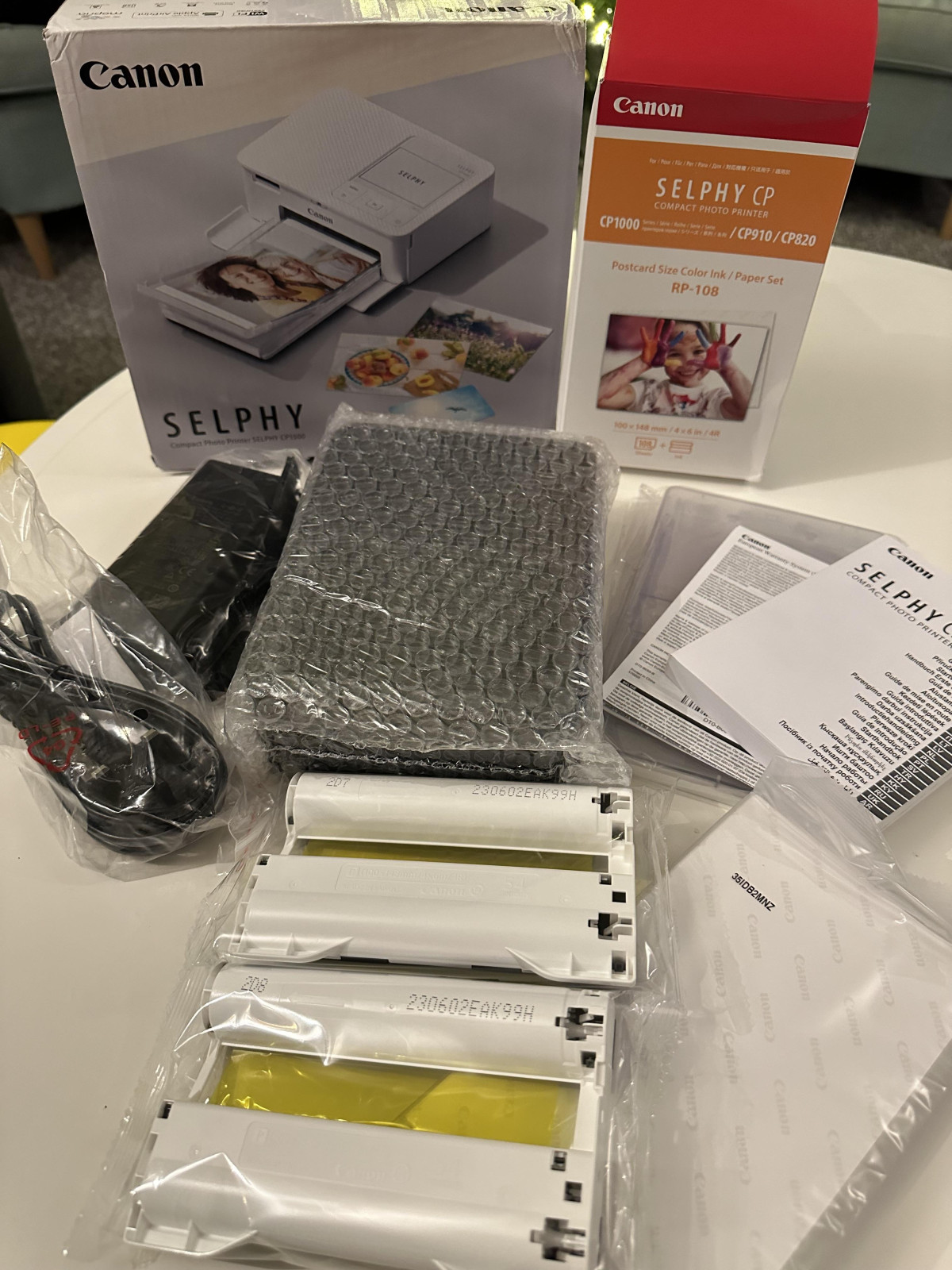
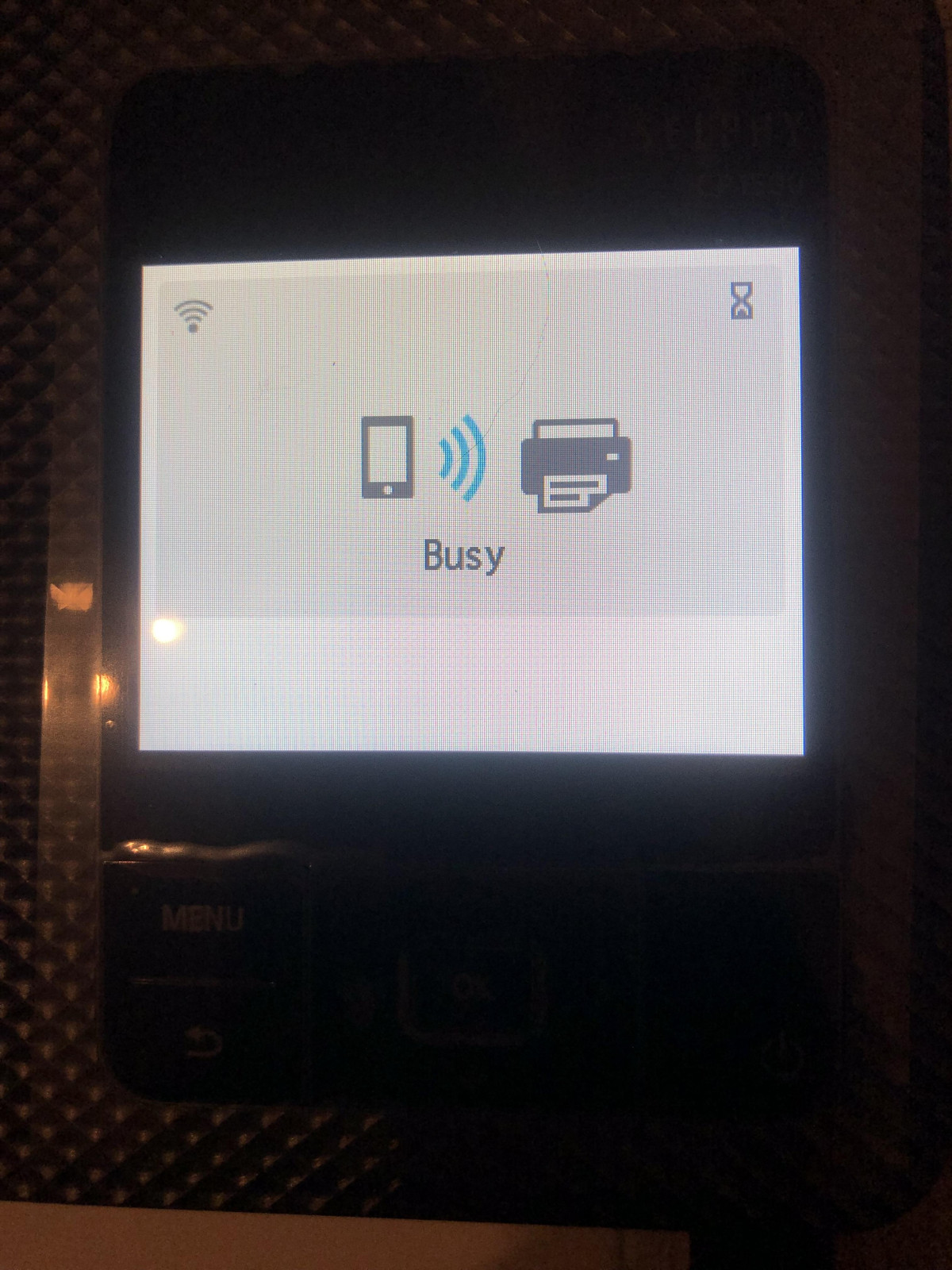
First Impressions
Setting the scene before the specs matter: a lot of people buy a "portable photo printer" expecting a phone-sized gadget that slips into a coat pocket. The Canon SELPHY CP1500 isn't that. It's something more useful for most people who actually want to hold a physical photograph in their hands — a genuinely capable little lab that happens to be small enough to carry to a party rather than a phone accessory that happens to print. Understanding that distinction early will save you from buying the wrong tool for the job, so it's the first thing worth getting straight before anything else.
What This Printer Is Actually Trying to Do
There are two very different categories hiding under the umbrella term "portable photo printer." One group uses ZINK (zero-ink) paper — small, sticker-backed prints that come out of pocket-sized devices connected over Bluetooth. The other uses dye-sublimation, a heat-transfer process that produces genuinely photographic prints at a proper 4×6-inch postcard size. The CP1500 belongs firmly in the second camp, and that single decision shapes almost everything else about how it looks, feels, and performs.
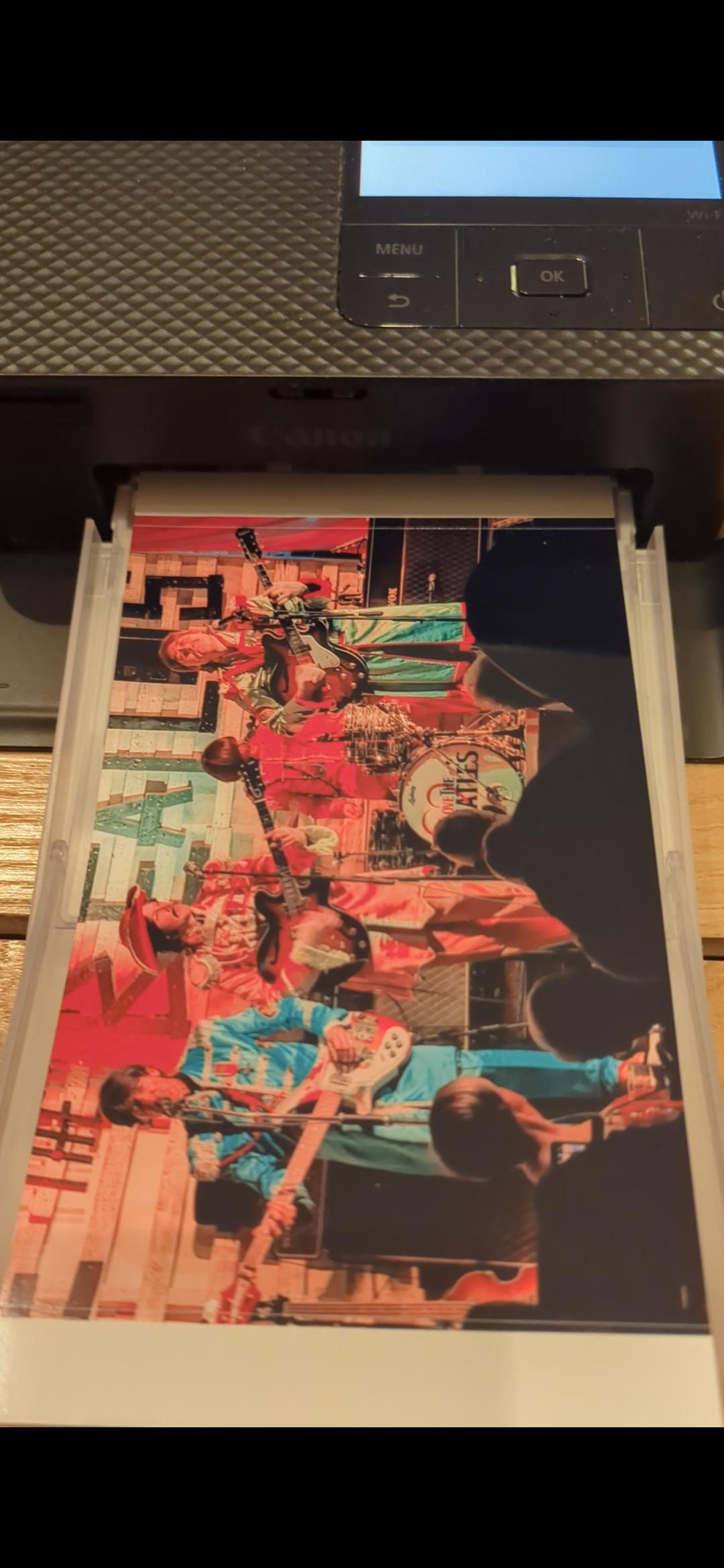
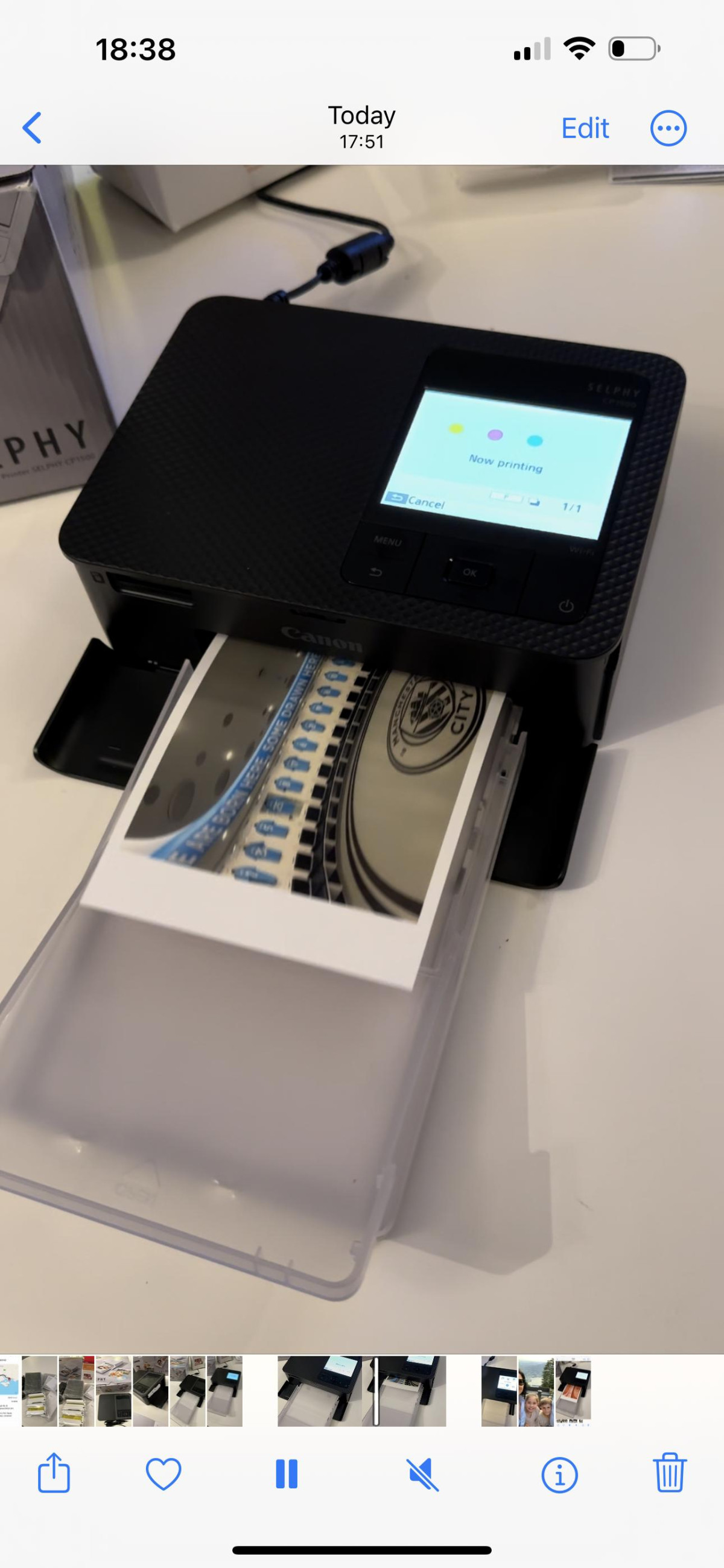
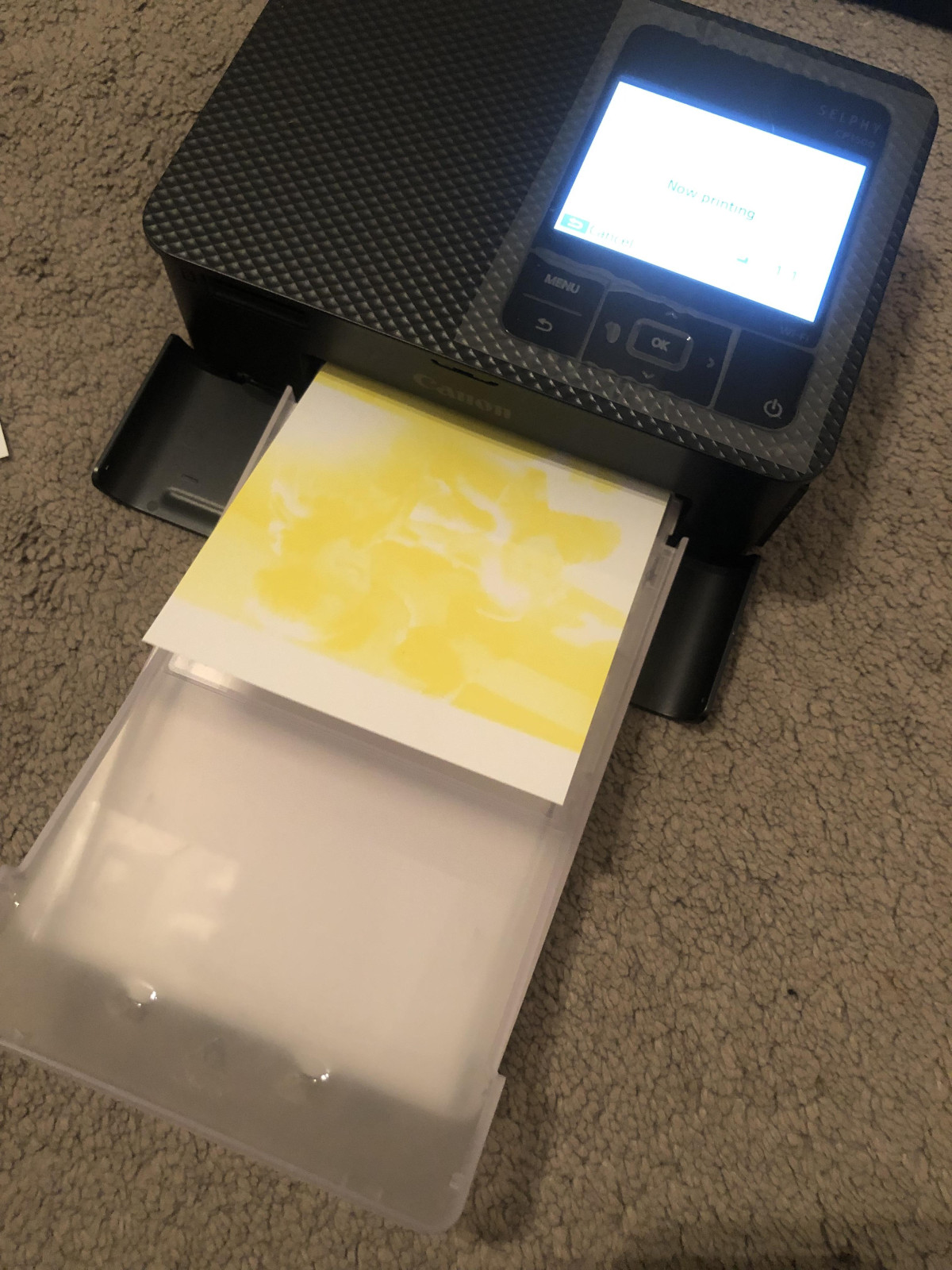
Dye-sublimation works by feeding a single sheet of paper through the printer four separate times. On each pass, the machine lays down one layer of colour — first yellow, then magenta, then cyan — before a final pass applies a clear protective coating. Because the colours are stacked directly on top of each other rather than sprayed as separate ink dots side by side (as an inkjet does), the finished photo has smooth, continuous tone rather than visible dot patterns. That's the technical reason a 300 x 300dpi rating here looks and feels far more detailed than the same number would on an inkjet spec sheet — it's simply a different kind of print entirely.
Design and Build Quality
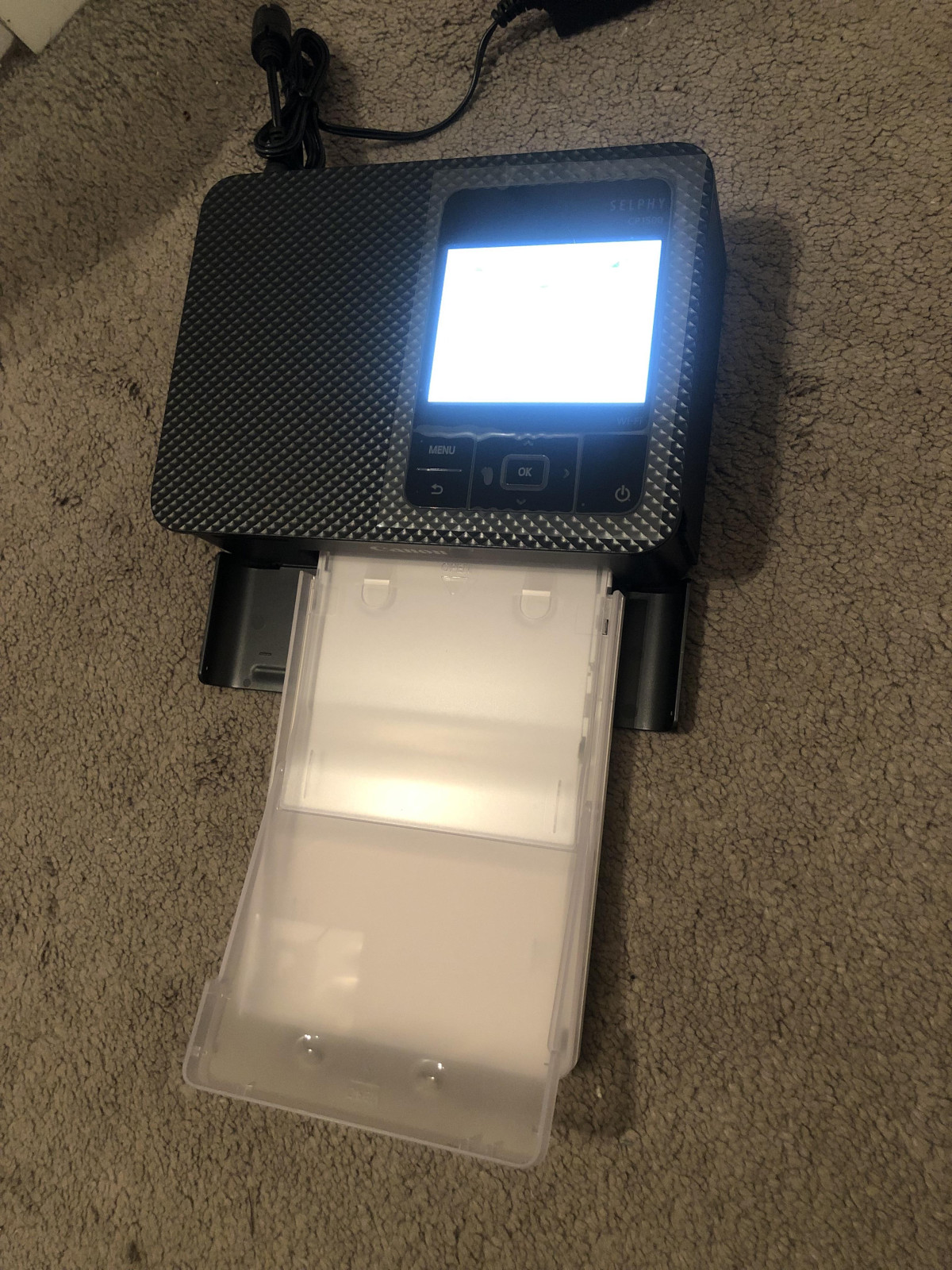
Pick the CP1500 up and the first thing you notice is that it's denser than it looks. At roughly 18cm wide, 13cm tall and under 6cm deep, it's about the footprint of a stack of two smartphones, and it weighs close to a bag of sugar — enough heft to feel solid on a table, but not something you'd casually toss into a jacket pocket the way you might a phone-sized ZINK printer.
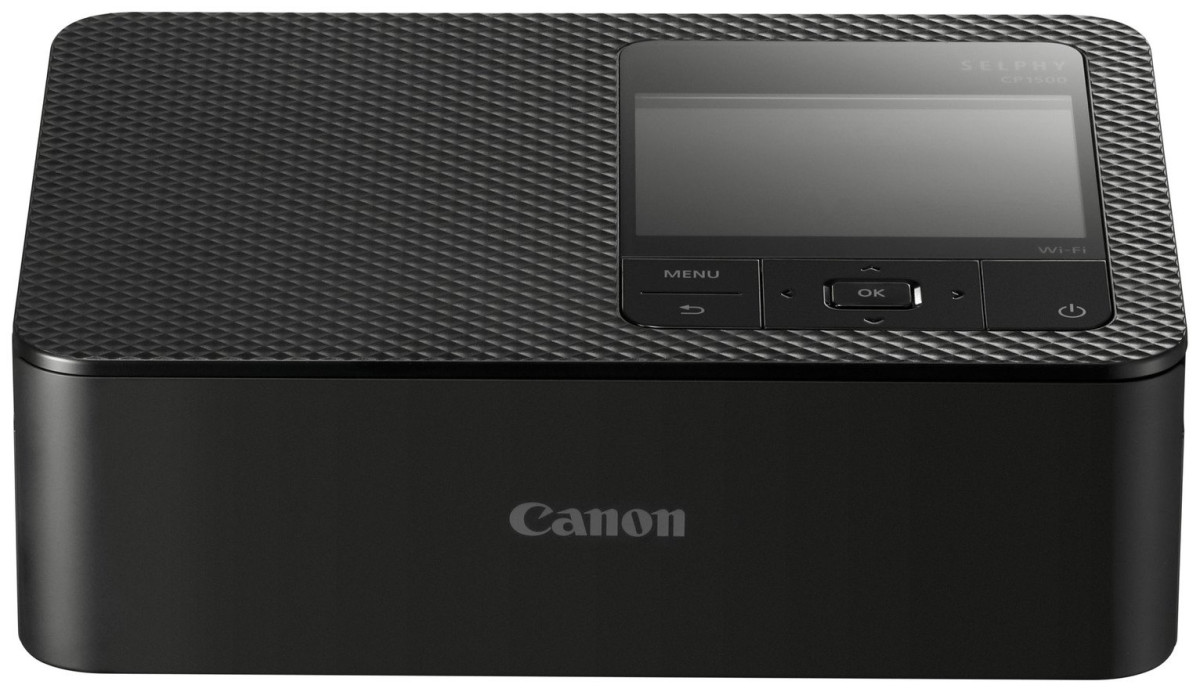
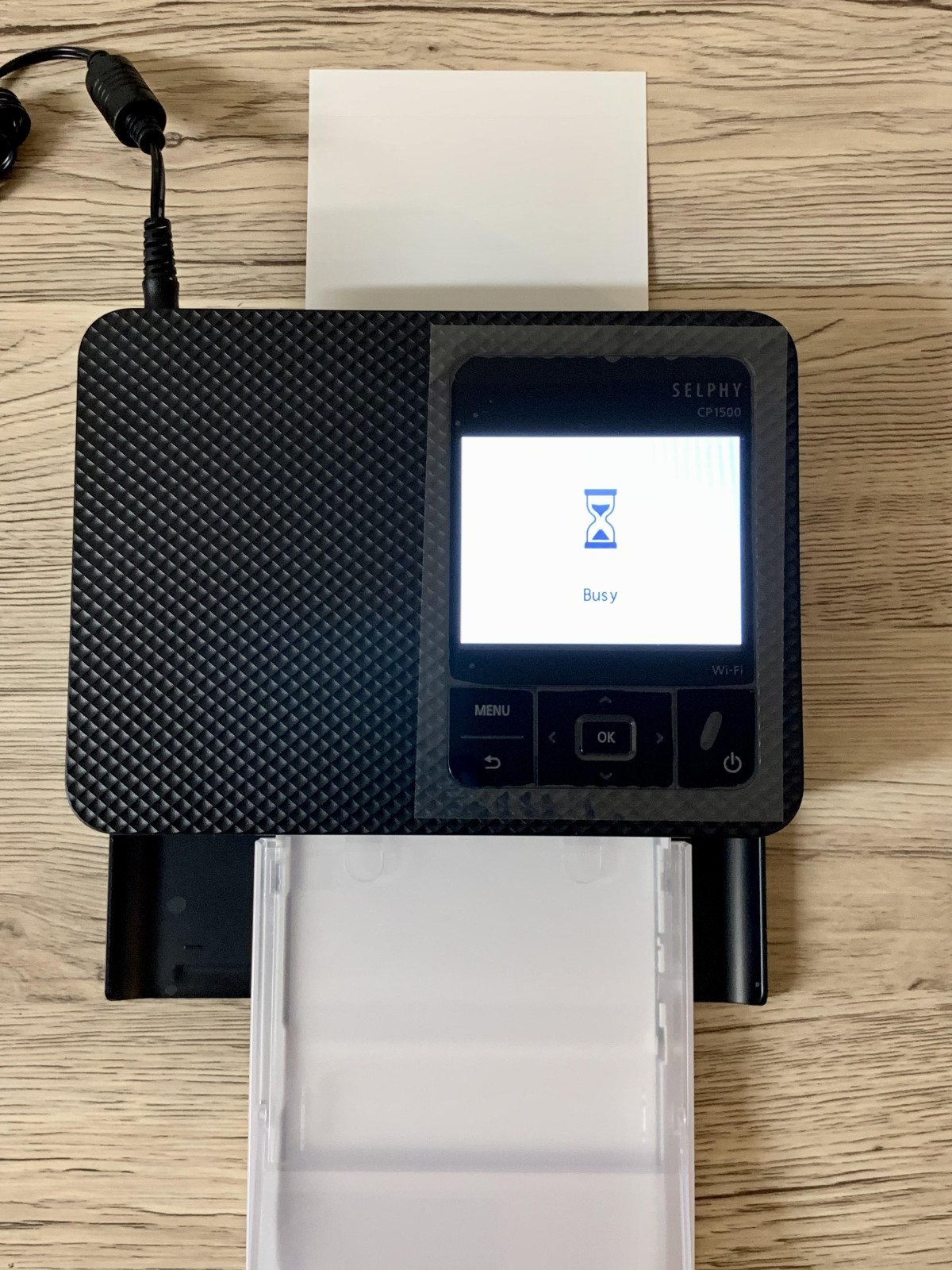
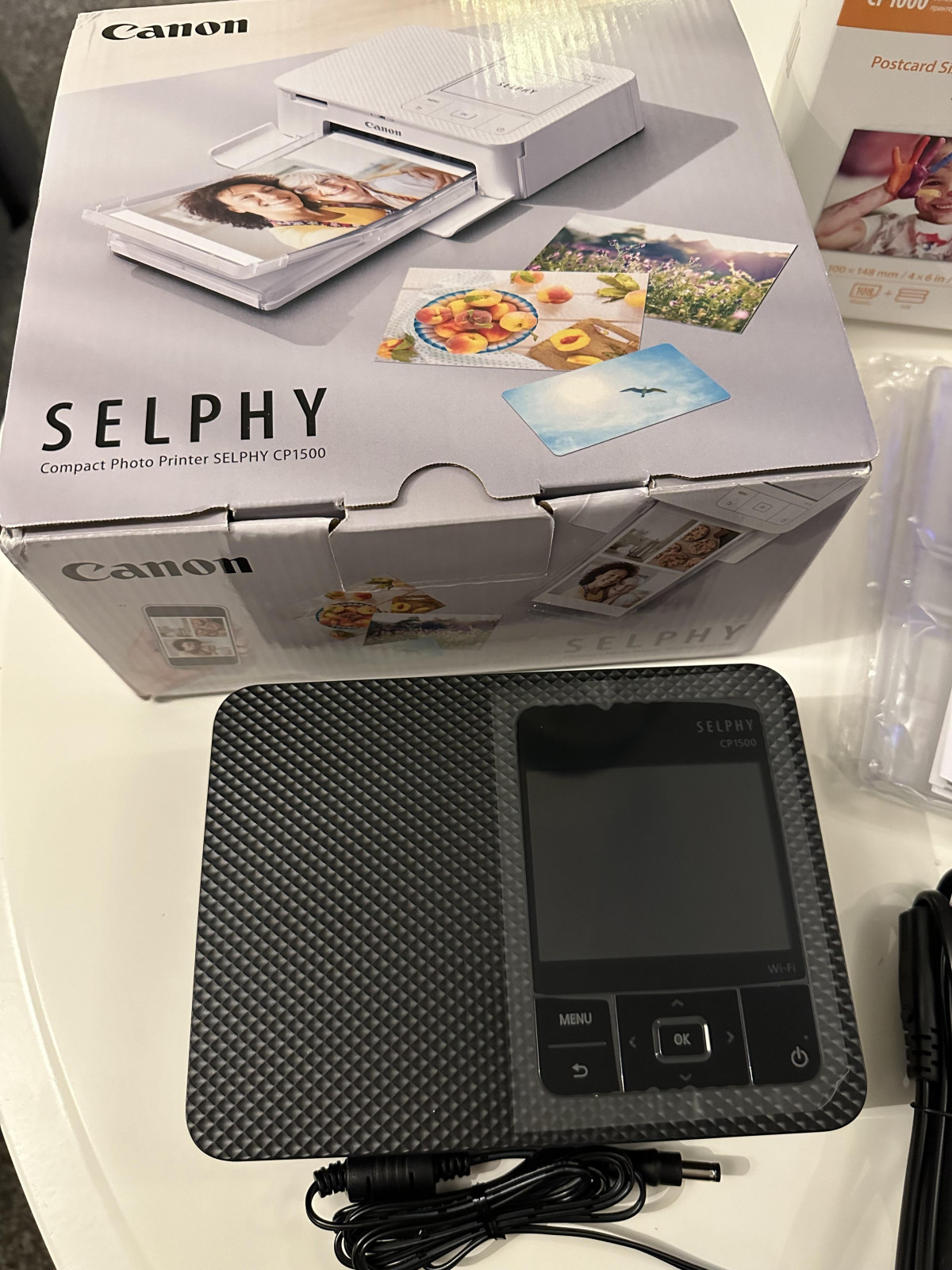
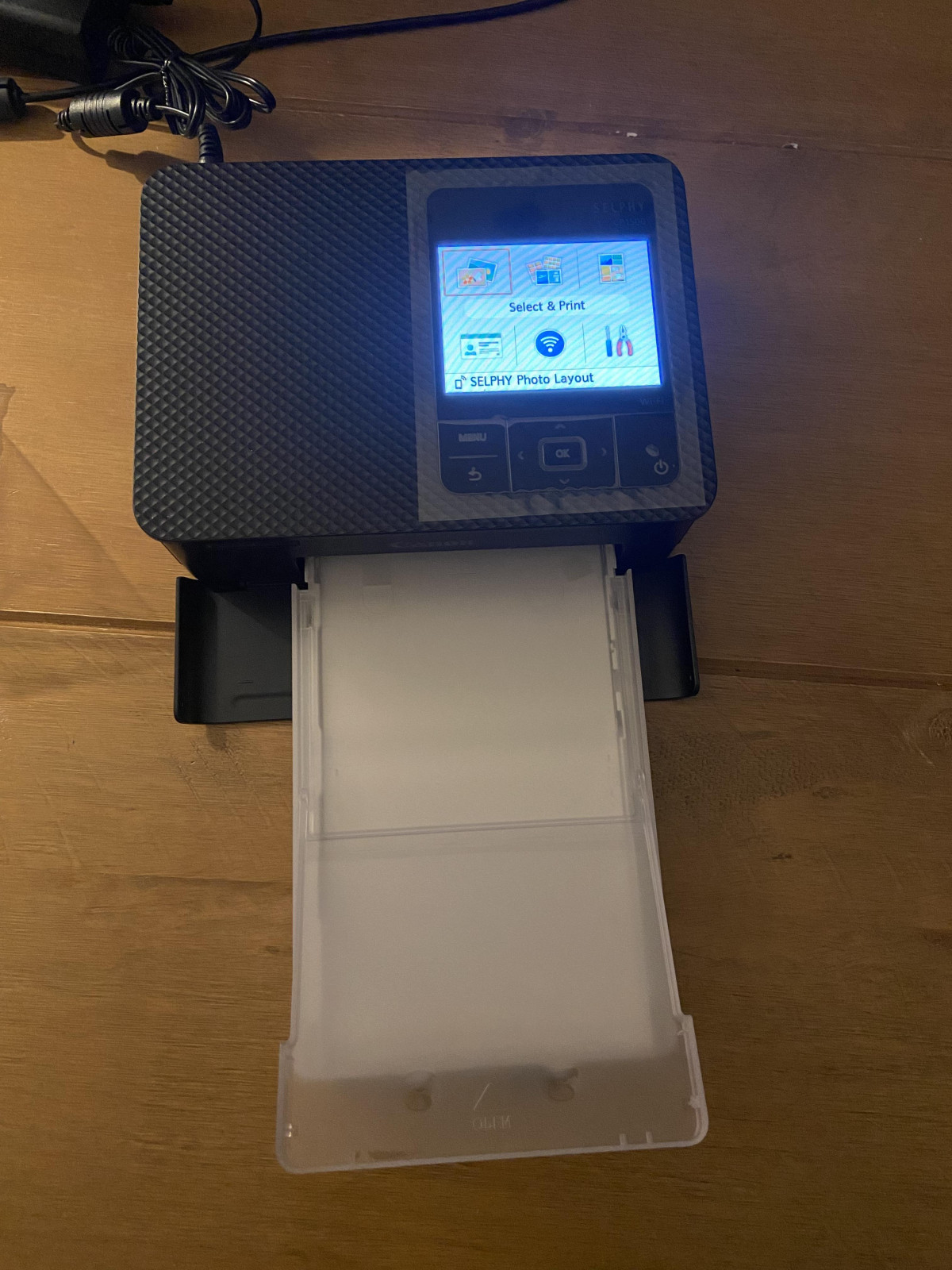
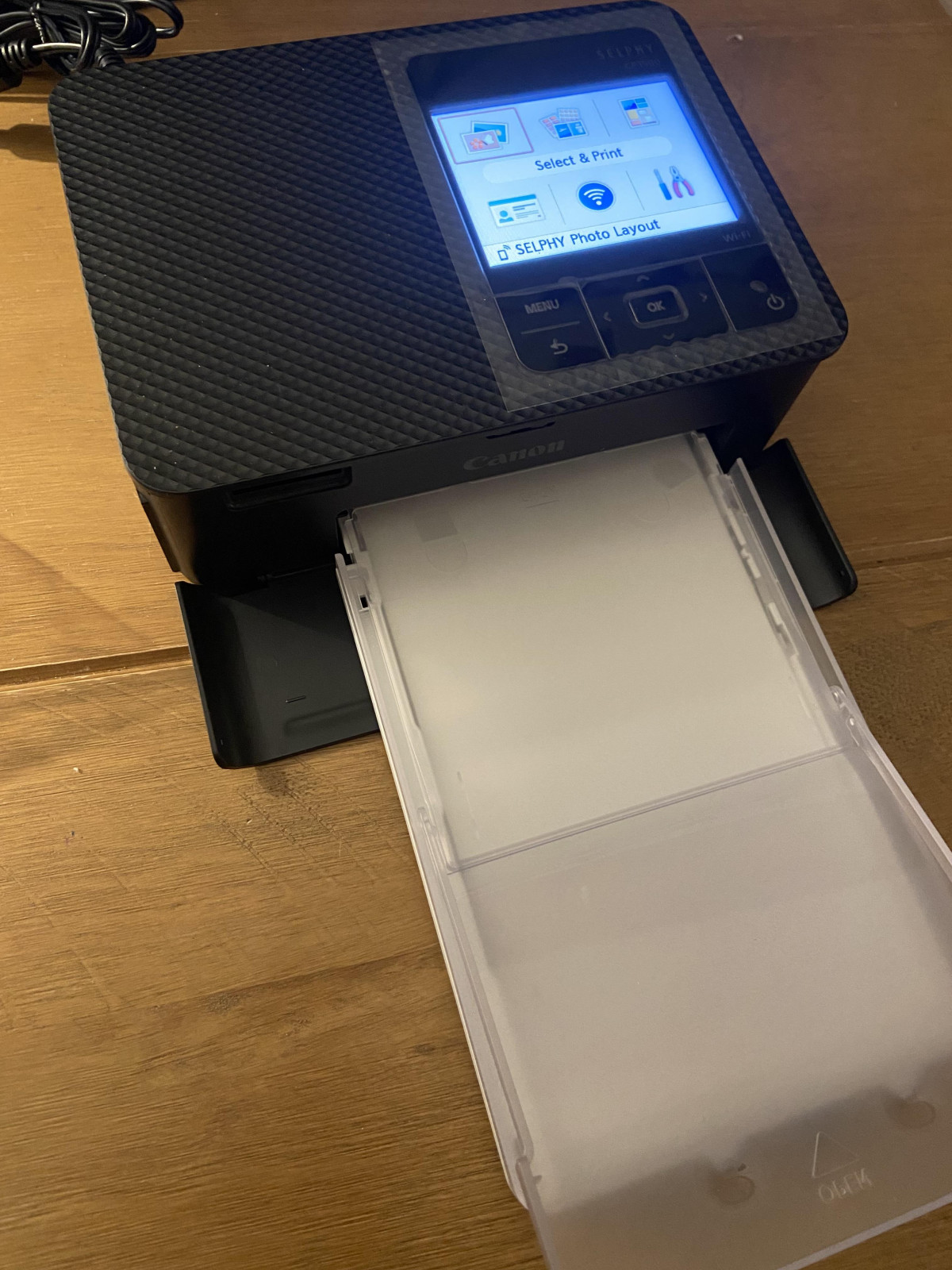
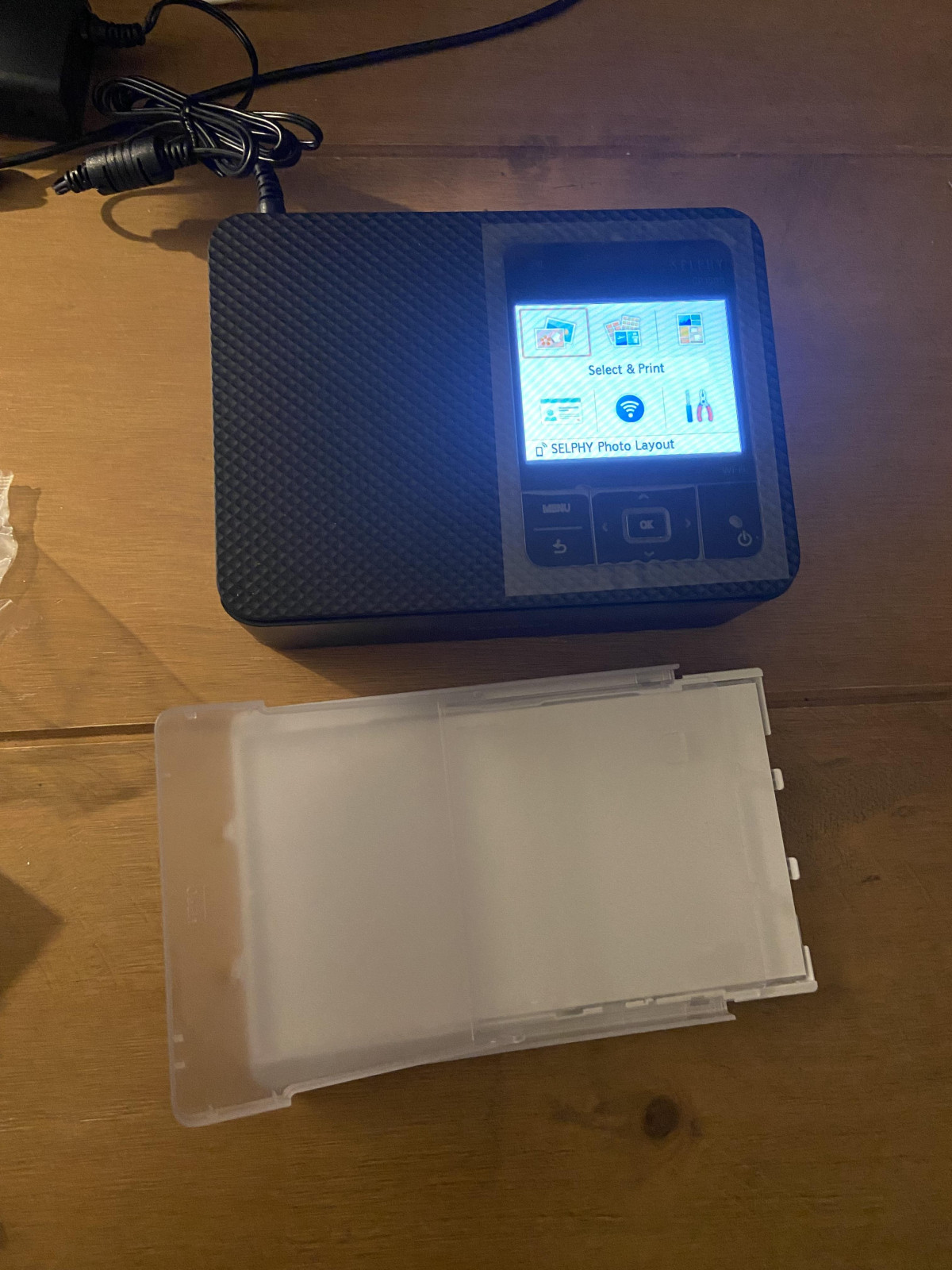
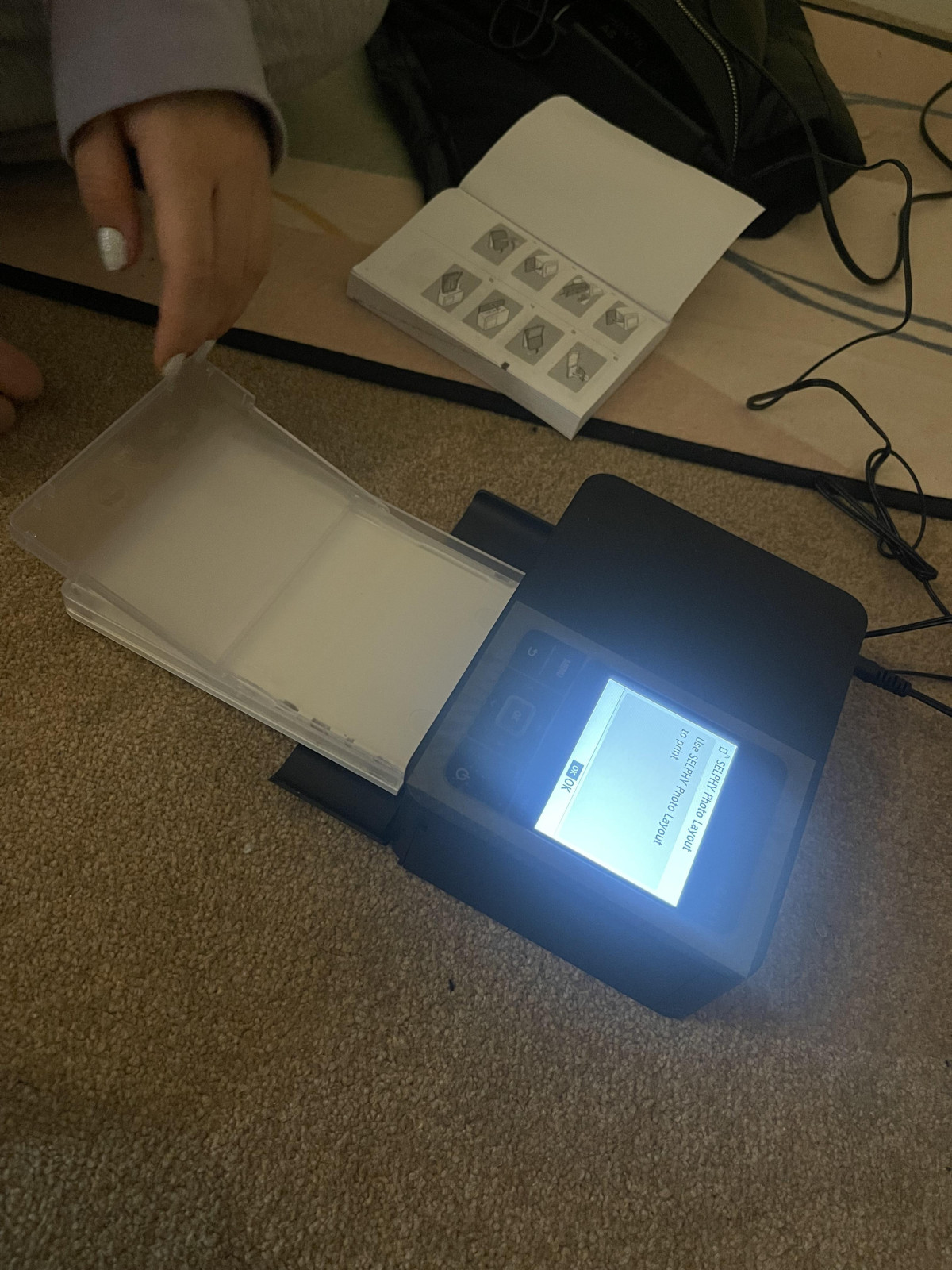
The black finish on this model is understated rather than flashy: a simple matte-and-gloss combination with rounded edges that reads more "home appliance" than "gadget." A 3.5-inch colour LCD dominates the front face, flanked by a small cluster of physical buttons rather than a touchscreen. It's a sensible trade-off — physical buttons are easier to operate by feel at a busy party table, even if navigating menus takes a couple more presses than swiping would. The paper cassette loads from the side and the printer itself has no exposed ink reservoirs or cartridges to spill or smudge, which matters more than it sounds for something meant to travel to gatherings where drinks and small children are usually nearby.
Setting Up and Connecting
Out of the box, there are three ways to get a photo from your device onto paper: Wi-Fi (including a direct connection that skips your home router entirely), a USB-C cable, and a built-in card reader that accepts SD, SDHC and SDXC memory cards straight from a camera. That last option deserves more credit than it usually gets — if you shoot with a dedicated camera rather than a phone, you can go from memory card to finished print without a computer or an app anywhere in the chain.
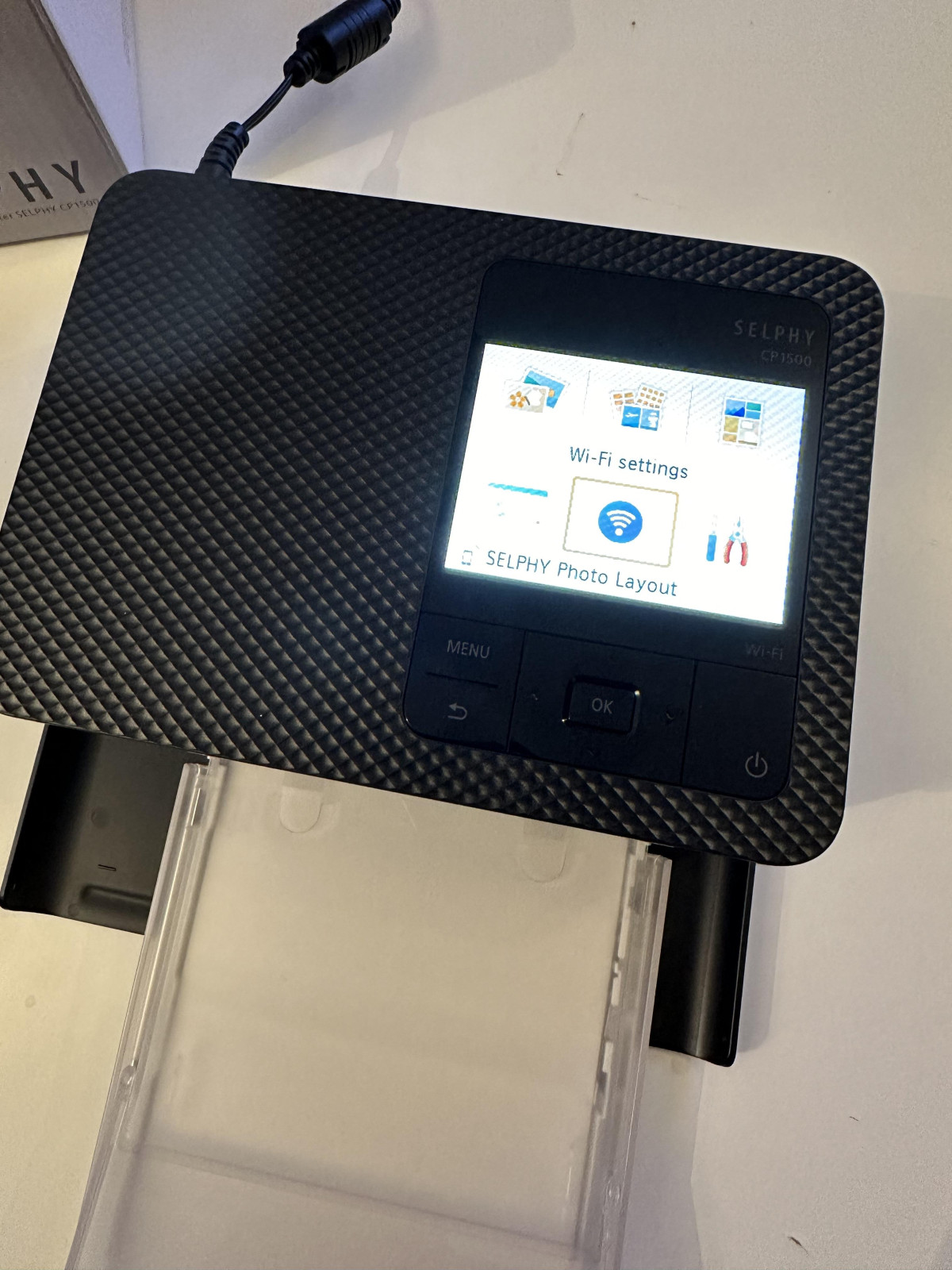
For everyone else, the free SELPHY Photo Layout companion app is where almost all of the day-to-day interaction happens. Pairing over Wi-Fi Direct takes a minute or so the first time, and it can occasionally feel like it's finding its feet on a fresh connection — a minor patience tax rather than a real obstacle. One thing worth flagging clearly: there's no Bluetooth on this printer. If your mental model of a "wireless photo printer" is built around Bluetooth pairing the way phone accessories usually work, that's not how this one connects, and it's worth knowing before you buy rather than after.
How the Prints Actually Look
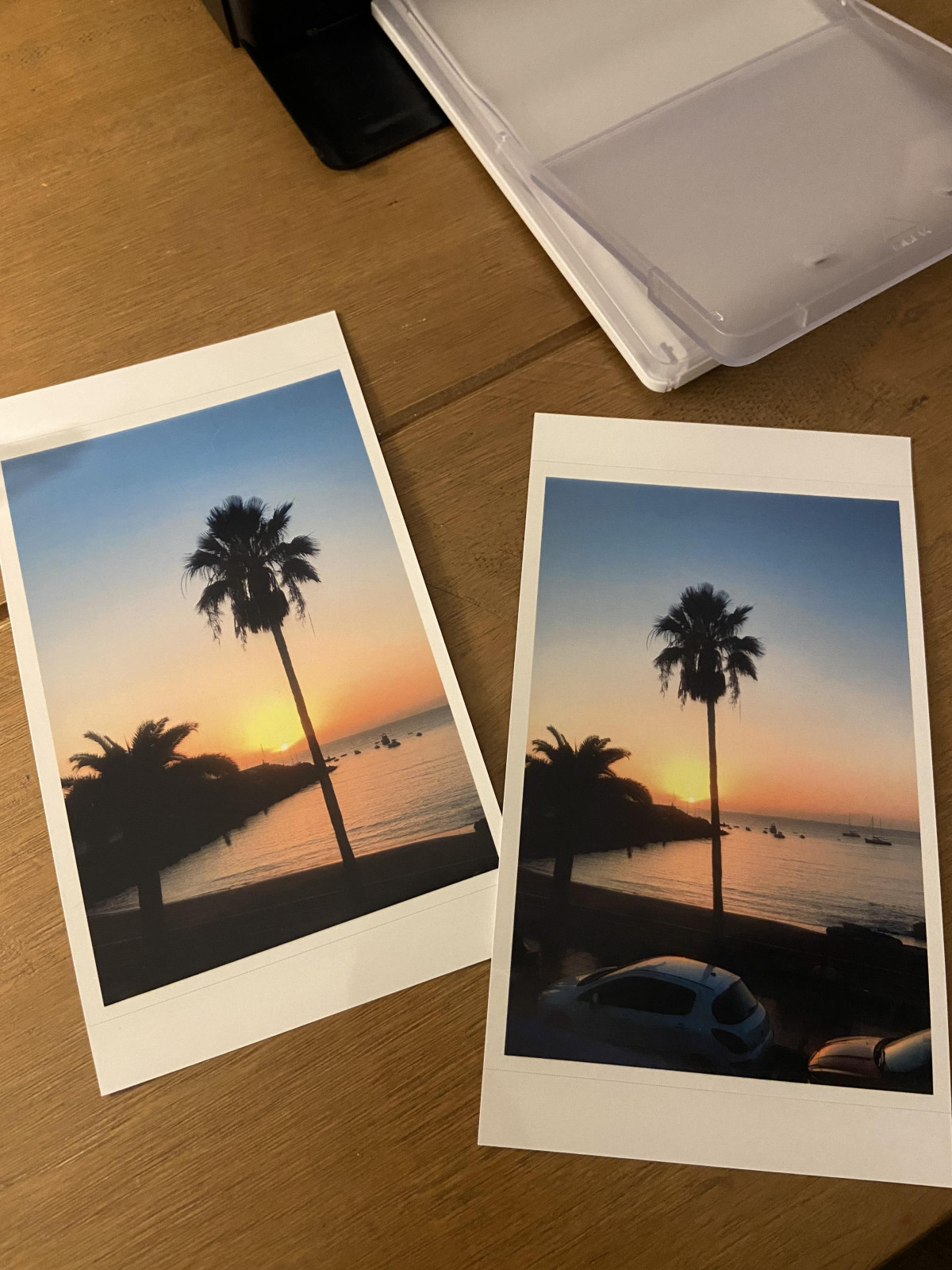
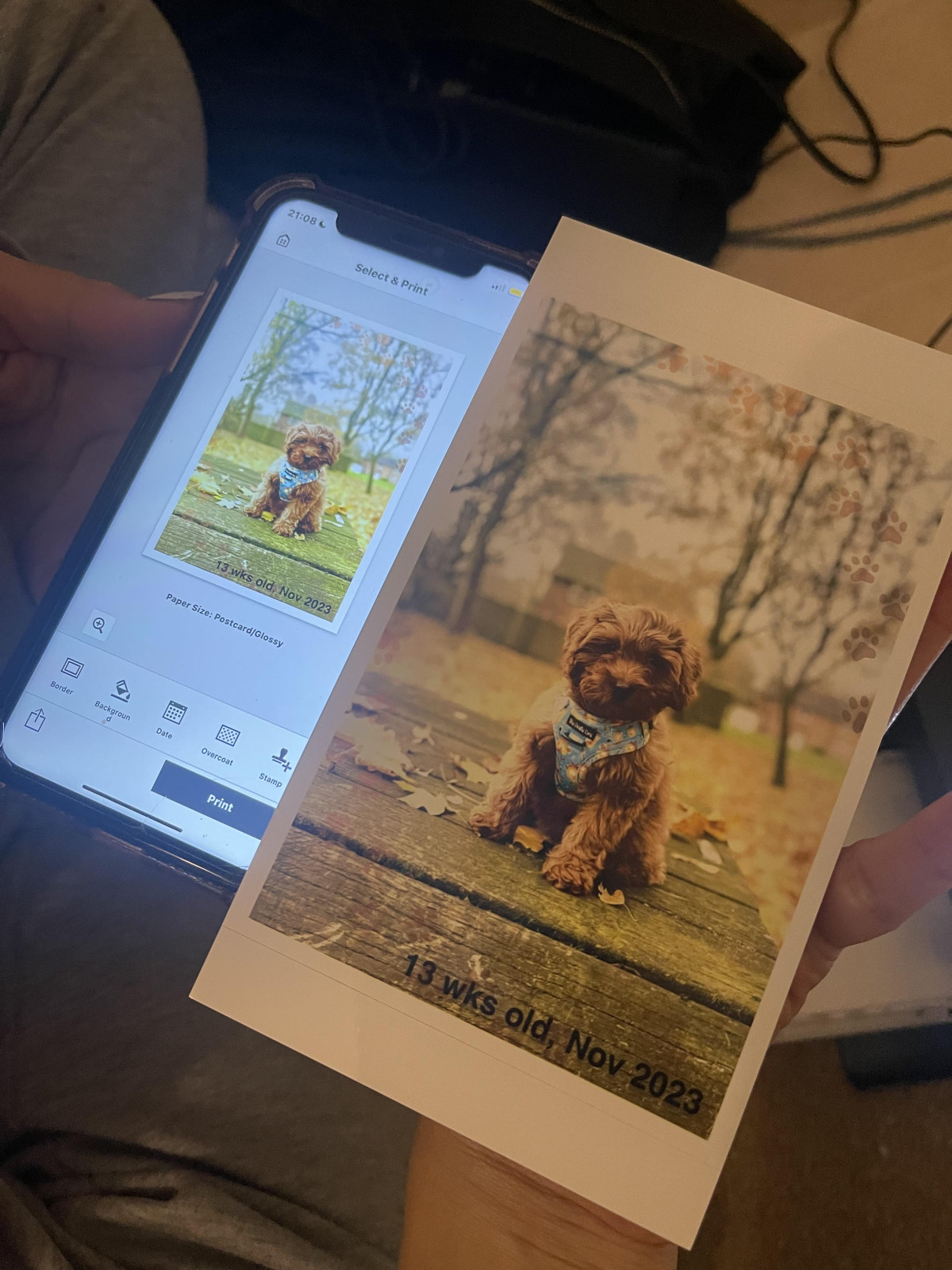
This is the part that matters most, and the honest answer is: very good for the money, without quite reaching the ceiling of what dye-sublimation can do. Independent lab testing of the CP1500 found colour reproduction that was pleasant and crisp but slightly muted rather than punchy, with blacks that lean more charcoal-grey than true black in shadow areas — a limitation of the process at this price tier rather than a flaw unique to this unit. Skin tones, which are the thing most people actually care about in a family photo printer, come out natural and warm rather than oversaturated, and black-and-white prints hold a smooth, believable tonal range from highlight to shadow.
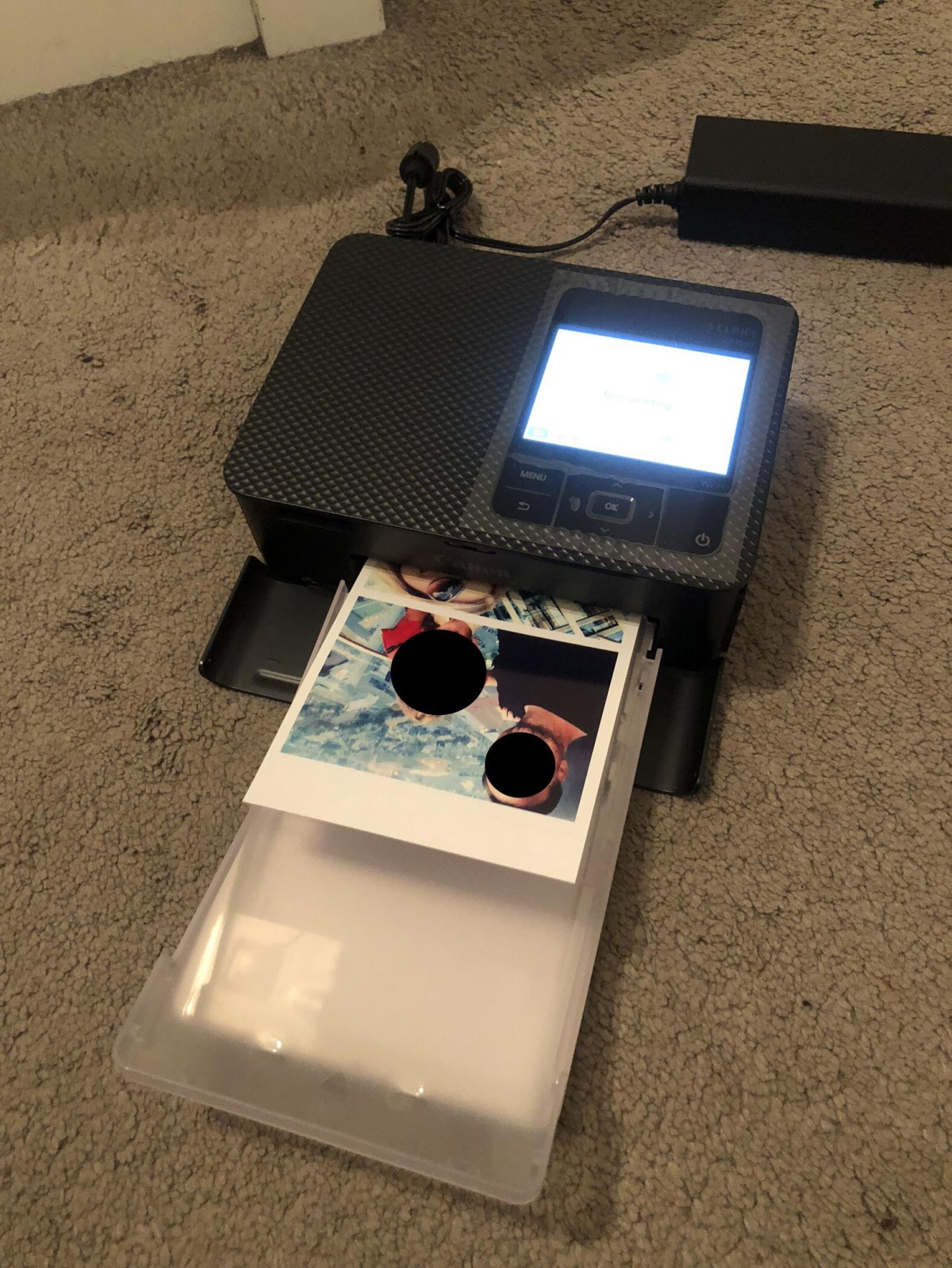
Where the CP1500 clearly earns its reputation is consistency. Because there's no ink to run low unevenly or nozzles to clog, print quality doesn't drift the way it can on an inkjet that's been sitting idle for a few weeks. The finished print also comes out completely dry and immediately handleable — no waiting for ink to set, no smudging if a curious toddler grabs it off the table thirty seconds after it lands in the tray.
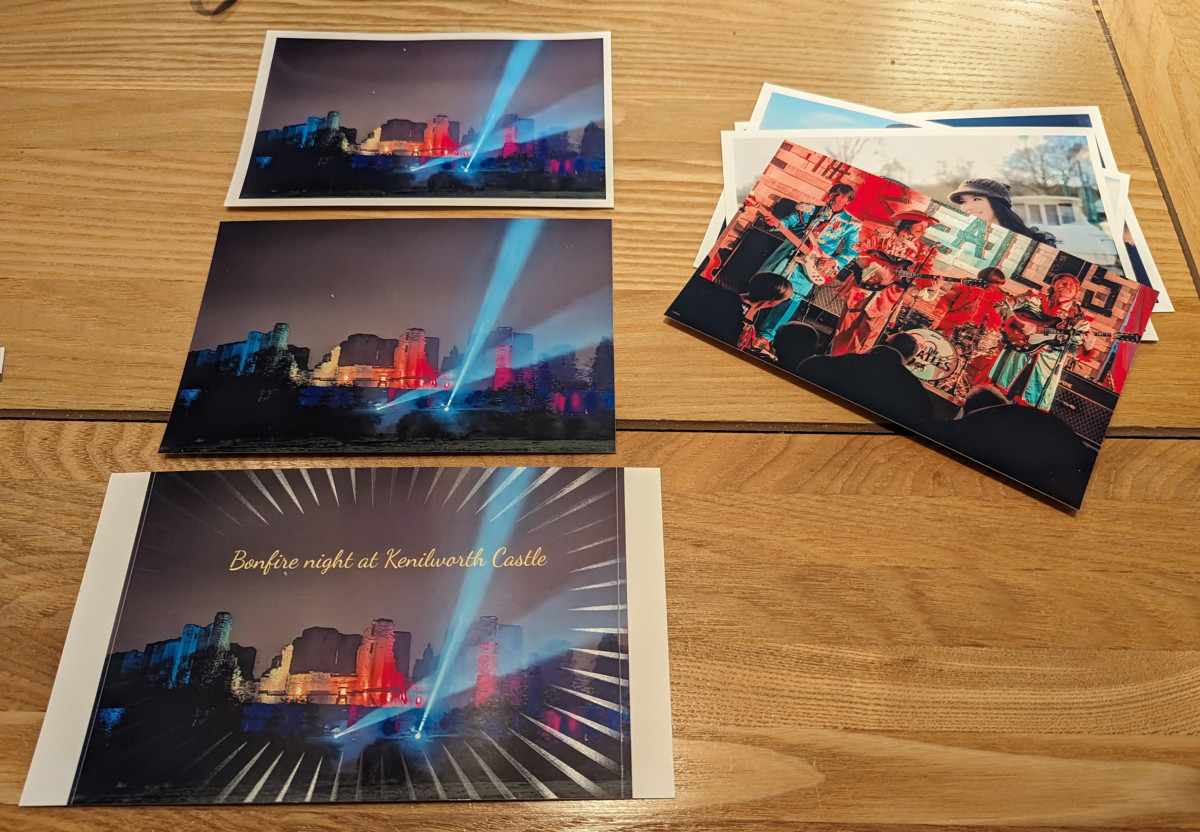
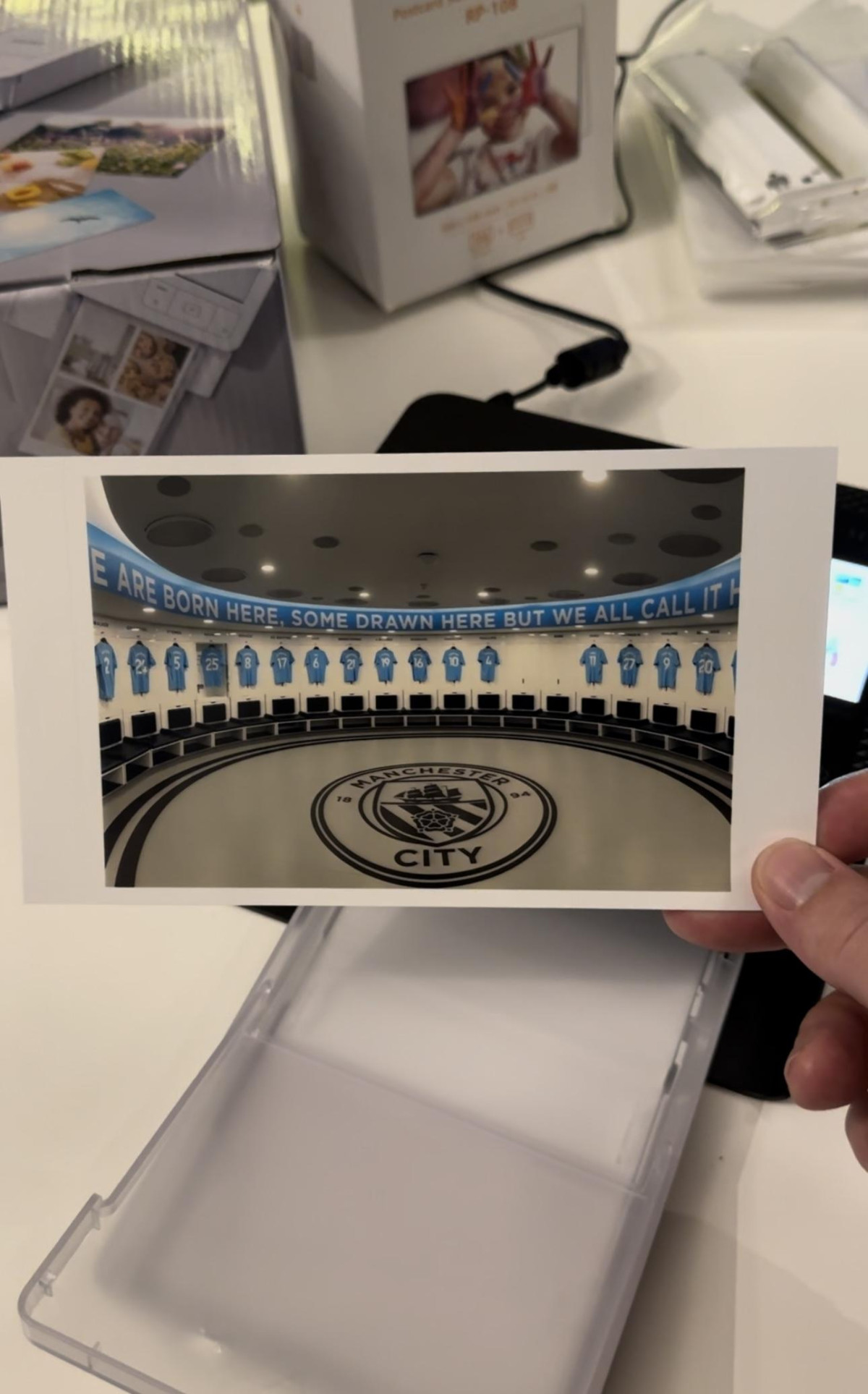
One practical note worth setting expectations on: the printer only produces borderless prints at its native aspect ratio. If you feed it a very wide or letterboxed image, it will crop to fill the frame rather than shrink the whole picture to fit — a completely normal behaviour for fixed-size photo paper, but one that catches new owners off guard the first time it happens. Cropping your shot to a standard rectangle before sending it across avoids any surprises.
Print Speed and What "Fast" Actually Means
Officially, a full postcard-sized photo takes about 41 seconds from the moment printing starts, and the smaller credit-card-sized format takes roughly 23 seconds. In real-world terms, that means budgeting close to a minute per finished 6×4 photo once you include the file transfer and the printer warming through its four passes — quick enough that a small queue of guests at an event won't be left standing around, but not instant in the way a ZINK printer or a chemical instant-film camera is. If your priority is handing someone a photo within seconds of pressing print, it's worth calibrating your expectations around a minute rather than a snap.
Key Features That Matter Day to Day
-
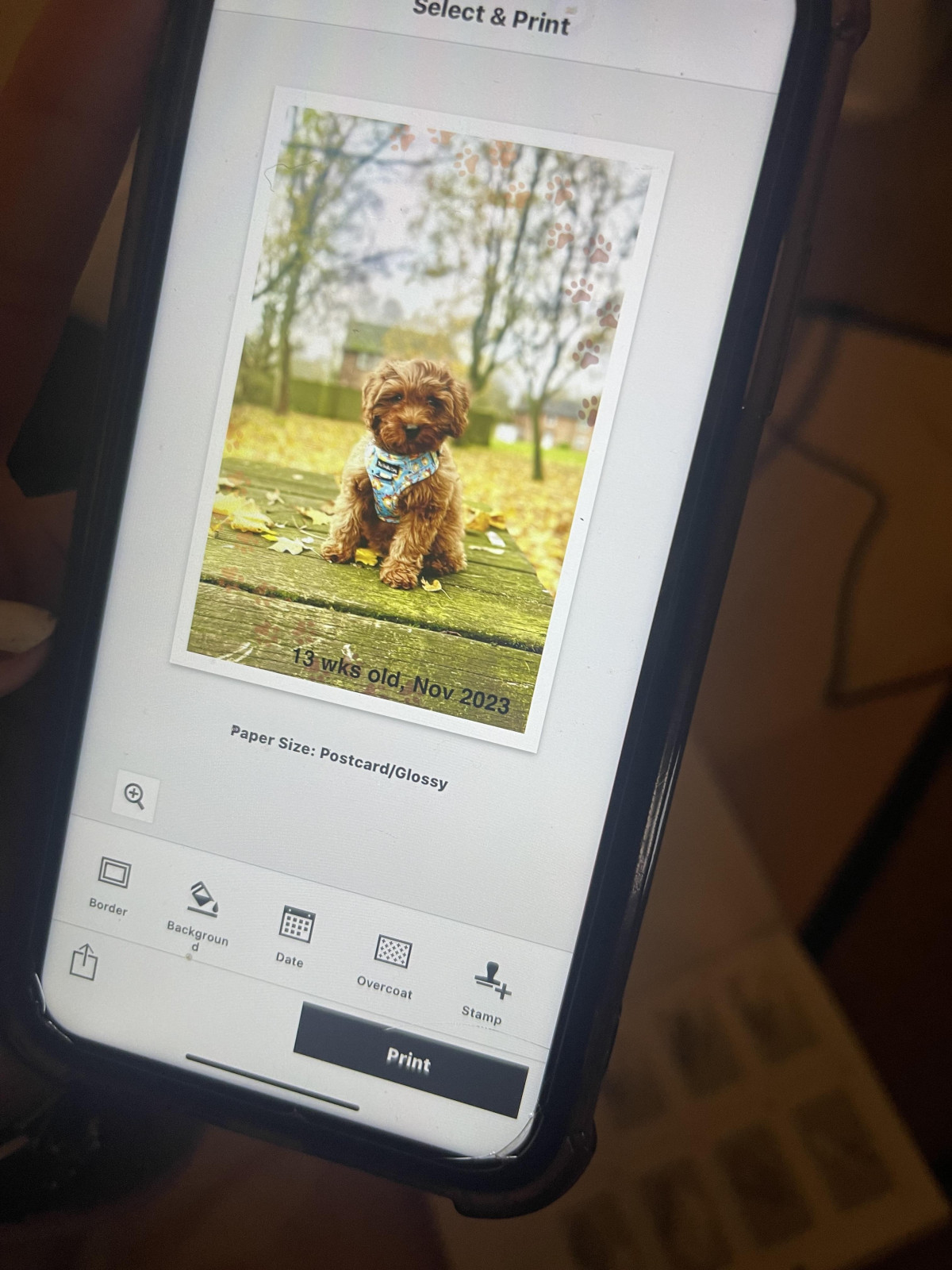
SELPHY Photo Layout app — this is where the printer's personality really shows. Beyond simply sending a photo to print, it lets you build multi-image layouts (several small photos combined onto a single postcard sheet), add text captions, apply decorative pattern overcoats to the protective finish, and even embed a scannable QR code onto the print itself — handy for linking a physical photo back to a video or online album.
-
Finish choice — glossy or satin, selected per print rather than fixed to the hardware, so you can match the finish to the occasion (satin resists fingerprints and glare a little better; glossy leans punchier and more vibrant).
-
Colour and black-and-white — both are supported natively without needing separate paper or cartridges, so a mixed batch of colour shots and black-and-white portraits can run through the same cassette.
-
Direct camera printing — the card reader and USB-C port mean a photographer can print straight from a camera's memory card or a connected computer, bypassing phones and apps entirely if preferred.
Power, Portability, and the Battery Question
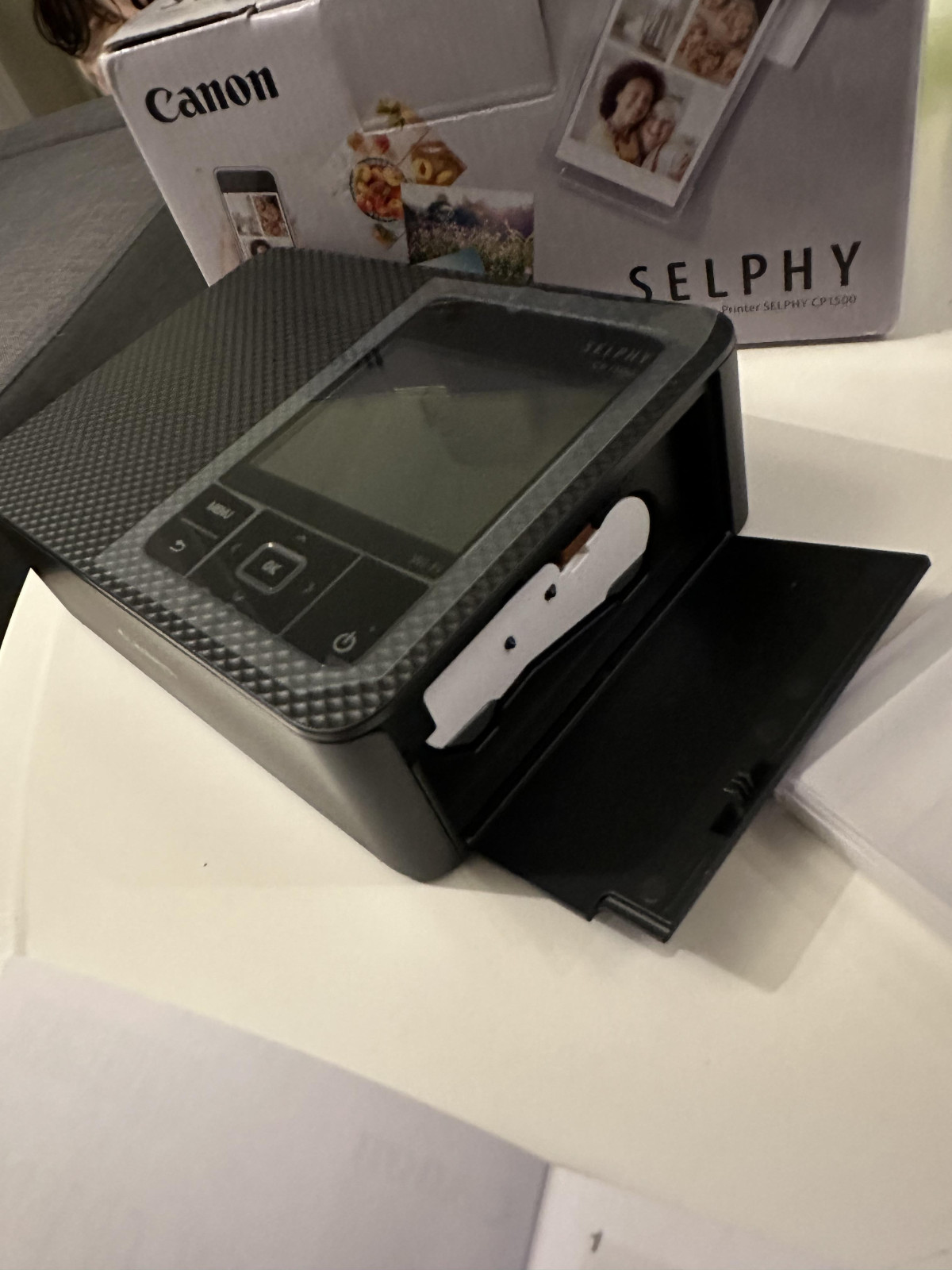
Here's the detail that trips up more buyers than any other spec on this printer: while the CP1500 is designed to run on either mains power or a rechargeable battery, the battery pack is not included in the box.
Out of the package, this is a mains-powered printer, full stop. The optional battery (a lithium-ion pack that clips into a compartment on the underside) is sold as a separate accessory, and depending on which version you buy, a full charge is good for somewhere in the region of 70 to 100 postcard-sized prints — plenty for a full day of shooting at a wedding or festival, but it is an extra purchase you'll need to plan for if "truly portable, no socket needed" is the reason you're buying this printer in the first place.
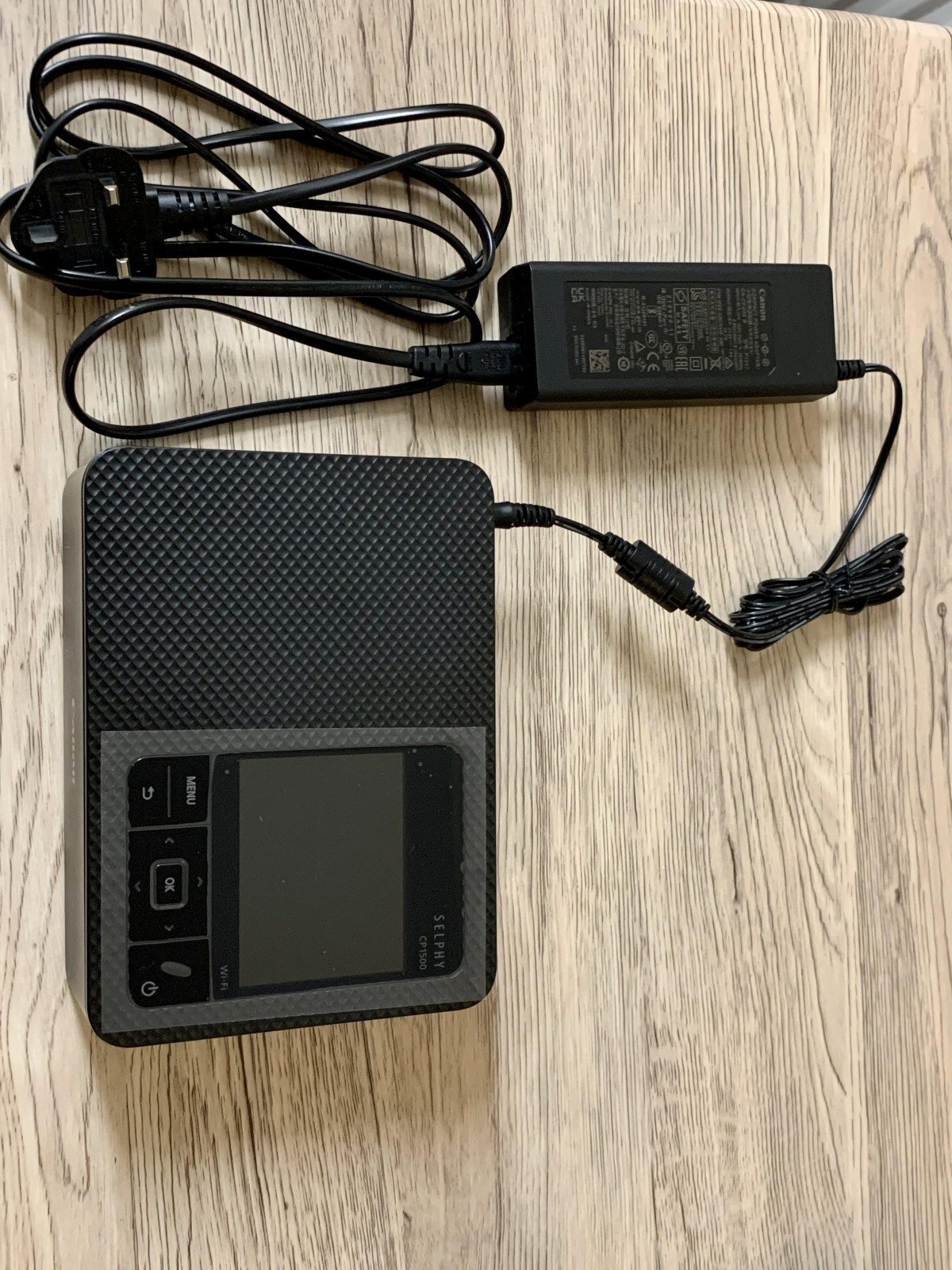
If most of your printing will happen at home, in a hotel room, or anywhere with a plug socket within reach, this is a non-issue — the supplied mains adapter is all you'll ever need. If the plan is genuinely off-grid printing at a campsite or a beach, budget for the battery pack as part of the true cost of ownership.
Running Costs: What Each Photo Actually Costs You
The CP1500 uses a cassette system where the dye-sub ink cartridge and the exact number of paper sheets it's designed to print are sold together as a matched set — you don't run out of one before the other, which removes a small but real source of printer frustration. Based on the standard multi-pack bundles, each finished 6×4 postcard photo works out to somewhere in the region of 30-45 pence (or a broadly comparable figure in US cents), putting it solidly in "affordable enough for regular use" territory rather than "special occasion only." It's not the cheapest per-print cost among photo printers generally, but it's very reasonable for dye-sublimation output at this print quality and durability.
Who This Printer Is Built For
-
Families who want physical photos without a full home printer setup. If your goal is turning phone photos into keepsakes for albums, fridges, or grandparents, this hits the sweet spot of quality versus fuss.
-
Anyone hosting parties, reunions, or events. The ability to hand someone a finished, dry, smudge-proof photo within about a minute of taking it is genuinely fun in a group setting, and it's the printer's strongest real-world use case.
-
Camera owners who want a printing companion, not a computer accessory. The direct SD card and USB-C support make this a natural fit for anyone shooting with a dedicated camera rather than exclusively a phone.
-
Scrapbookers and memory-keepers. The layout app's collage and text tools genuinely reward people who like to design a page rather than just print a single image.
Who Should Look Elsewhere
-
Anyone who wants pocket-sized, grab-and-go printing. This is a tabletop device you carry in a bag, not a printer that lives in your pocket.
-
Buyers who specifically want Bluetooth pairing. If your other smart-home or phone accessories are all Bluetooth and you want one consistent connection method, the Wi-Fi-only approach here will feel like friction.
-
Anyone who wants a completely wireless printer out of the box. Unless you're happy to immediately buy the separate battery pack, this ships as a mains-powered device.
-
Windows-heavy households leaning on desktop software. The experience is built and polished primarily around the mobile app; printing from a Windows PC is supported but feels like the secondary path rather than the main one, and a small number of owners have reported extra setup friction here compared with printing straight from a phone.
-
Photographers who need print sizes larger than 6×4 inches. The postcard format is the ceiling — there's no route to anything bigger.
How It Compares to Other Portable Photo Printers
The portable photo printer market splits into three genuinely different technologies, and it's worth understanding where the CP1500 sits before comparing prices directly.
| Category | Example Products | Print Technology | Typical Print Size | Best For |
|---|---|---|---|---|
| Dye-sublimation (this printer's category) | Canon SELPHY CP1500 | Heat-transferred dye layers, no visible dots | 4×6 inch (postcard) | Photo-realistic quality, long-term print durability |
| ZINK (zero-ink) pocket printers | HP Sprocket, Kodak Step | Heat-activated dye crystals embedded in the paper | Roughly 2×3 inch, often sticker-backed | True pocket portability, fun stickers, casual snapshots |
| Instant film printers | Fujifilm Instax Mini Link | Digital image exposed onto chemical instant film | Small format, distinctive film look | Nostalgic, retro aesthetic rather than accurate colour |
Against the ZINK competitors, the CP1500 wins comfortably on image quality and archival durability — dye-sublimation with a protective overcoat simply outlasts and outperforms sticker-paper prints for anything you actually intend to keep in an album for years. What it gives up in exchange is pocketability and per-unit purchase price; ZINK printers are smaller, cheaper to buy, and print faster for casual, throwaway fun.
Against Instax-style instant film printers, the comparison comes down to taste rather than a clear winner. Instax prints have a deliberate retro, slightly imperfect film character that people buy specifically for that aesthetic. The CP1500 is the opposite philosophy — it's trying to reproduce your photo as accurately and cleanly as possible, not add character to it. If you want your prints to look like the photo you took, dye-sublimation is the right call; if you want them to look like a vintage Polaroid, it isn't.
Being Honest About the Weak Points
No printer in this category is perfect, and the CP1500's shortcomings are worth stating plainly rather than glossing over. The optional battery not being included catches people out, and it's a real added cost if portability off the grid is your main use case. Colour reproduction, while good, isn't the punchiest or most contrasty output you can get from a dye-sub printer — critical eyes comparing side-by-side prints against pricier photo printers will notice slightly softer blacks. There's no Bluetooth, no support for print sizes beyond postcard, and the printer itself, while genuinely portable in the "carry it in a bag" sense, isn't pocket-sized in the way some competing gadgets are. Desktop printing from Windows machines also isn't quite as polished an experience as the phone app.
None of these are surprising or hidden flaws — they're the predictable trade-offs of choosing dye-sublimation quality and durability over pocket-sized convenience, and Canon has been transparent about most of them in how the product is positioned.
The Verdict
The Canon SELPHY CP1500 does one job — turning digital photos into physical, lasting prints — and does it well enough that most buyers in this category won't need to look further. It rewards people who actually want the tactile experience of a finished photograph: parents wanting fridge-worthy prints of their kids, hosts who want party guests to walk away with a keepsake, and camera owners who want a printing companion that doesn't involve a laptop. Just go in with clear eyes about two things before you buy: the battery pack that makes it genuinely cordless is sold separately, and this is a "carry it in a bag" portable printer rather than a "fits in your pocket" one. Match those expectations to your actual use case, and this is a printer that's very easy to recommend.
What People Say
41 commentsPerfect Little Printer & Portable Too
The Canon SELPHY compact printer brings pro level printing into your home. When you get your SELPHY and after unboxing and before set up, grab the user guide. Set up is simple just follow the diagrams, diagram 5 isn’t very clear without getting closer but you must put the photo paper logo side down into the paper cassette, very important. Tbf after the 1st print you’ll know if you have the paper in the wrong way.
The next set of diagrams quickly shows how to print from a standard SD card, to print using smaller SD cards you will need the SD adapter.
You’re gonna wanna get the Canon SELPHY app from your app store and there’s a QR code for that on the next page also one for the advanced user guide. Couple pages later you’ll get to initial preparations and just follow the steps and you’ll be printing in no time.
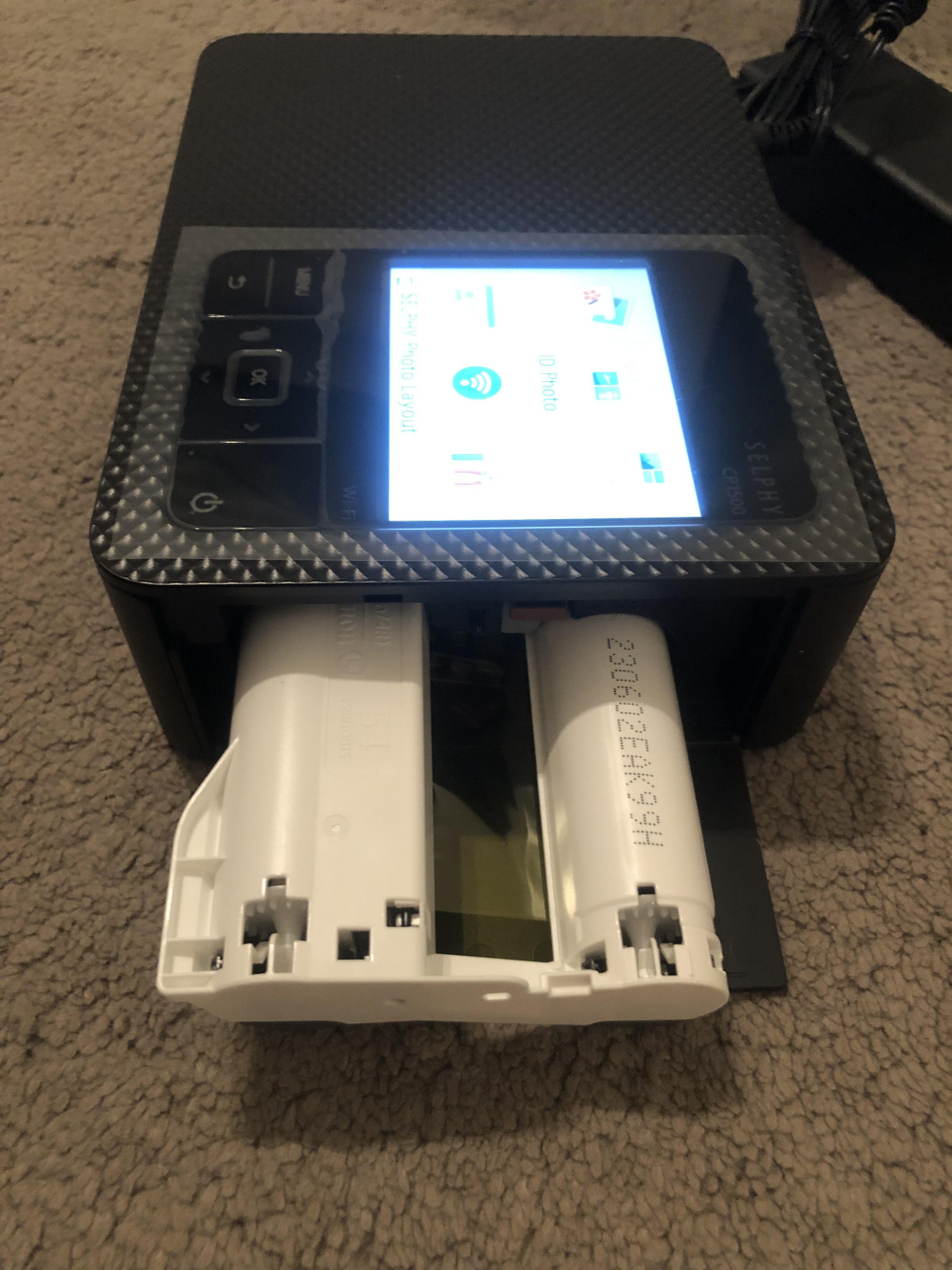
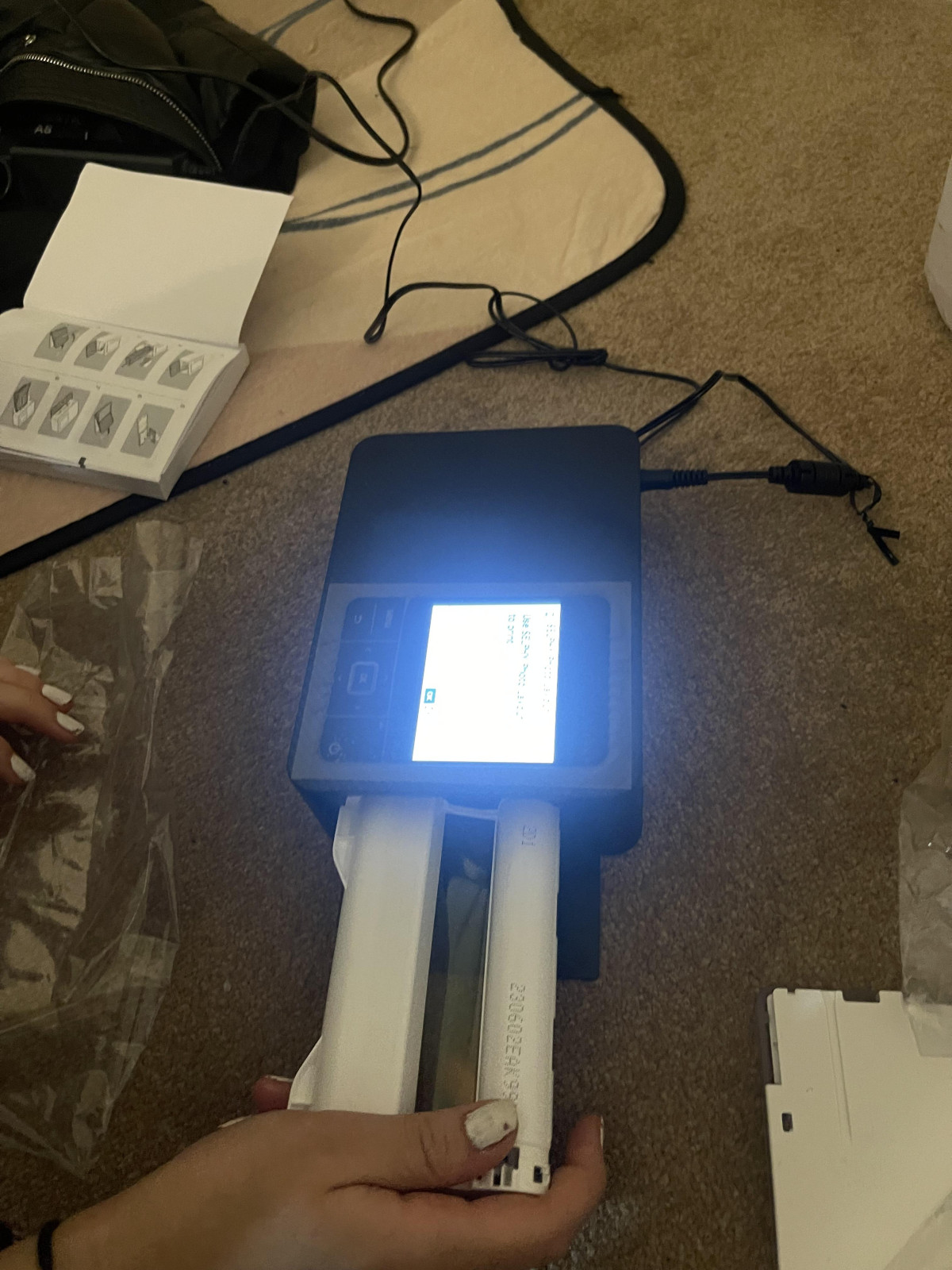
When printing you can use the app, SD card, USB-C and AirPrint, the quickest way of printing would be to use the SELPHY app, the others are limited to the device editor but printing via the app allows you to device edit your photo then using the app you can further edit just before printing using the apps vast customisation options and photo layouts. The ink cassette and paper size will determine what photos you can print. Each different size of photo will require a corresponding ink cassette and photo paper and can be change without consequence, it will show a message on the printers lcd screen prompting you to change ink cassette and paper size in the paper cassette.
Just remember to always check the “Fit or Fill” option in print preview via the SELPHY app and remember to adjust the borders of your photo.
My favourite is the shuffle layout, you’ll see why:)
Wonderful little printer; so versatile
This is an amazing little printer! I was surprised at how much you can do with your photos with this.
It's very easy to set up and use. I only used it to print photos directly from my phone, but you can also print from a memory card. You just install the app, connect your printer, and off you go!
The app has so many features to help you get perfect photos. You can add a border, the date the photo was taken, some text, a cute stamp like a speech bubble, some pretty effects such as snow, stars or hearts... All great features to make photos particularly good for display boards or scrap books.
It's fairly quiet and quick to print your photos. It's fascinating to watch as it prints the yellow tones first, then magenta, then cyan, and finally it adds a protective layer, so you see it get passed through the printer four times. The photo comes out dry, so completely smudge-proof.
It's very small and compact, so great to take away on holiday. You could make beautiful postcards to send to your loved ones!
I love this and will be using it a lot. So many fun options of things to make with it thanks to the app... Postcards, photos, party invitations, announcement cards, etc.
I'd definitely recommend this to anyone!
Absolutely blown away. It’s amazing 🤩
Do you want a super simple and quick way to print photos from your phone? Buy this product. I’m amazed at how easy it is to use. The instructions weren’t the clearest however but I still managed to get the printer all set up pretty easily. The printer doesn’t take up much room either as it’s so small. I downloaded the app for my iPhone and was able to print photos straight from my phone. You can edit photos in the app and add text etc before you print. I was amazed with how quickly the photos print too, a fraction of the time of a normal printer printing on photo paper. The only negative I would say Is that you can only use the one size of paper you can’t print images bigger. That’s the only drawback. I’m not sure how long the inks last but I’ve printed a fair few photos and it’s still going strong at the moment. I’m still amazed by this printer and would definitely recommend.
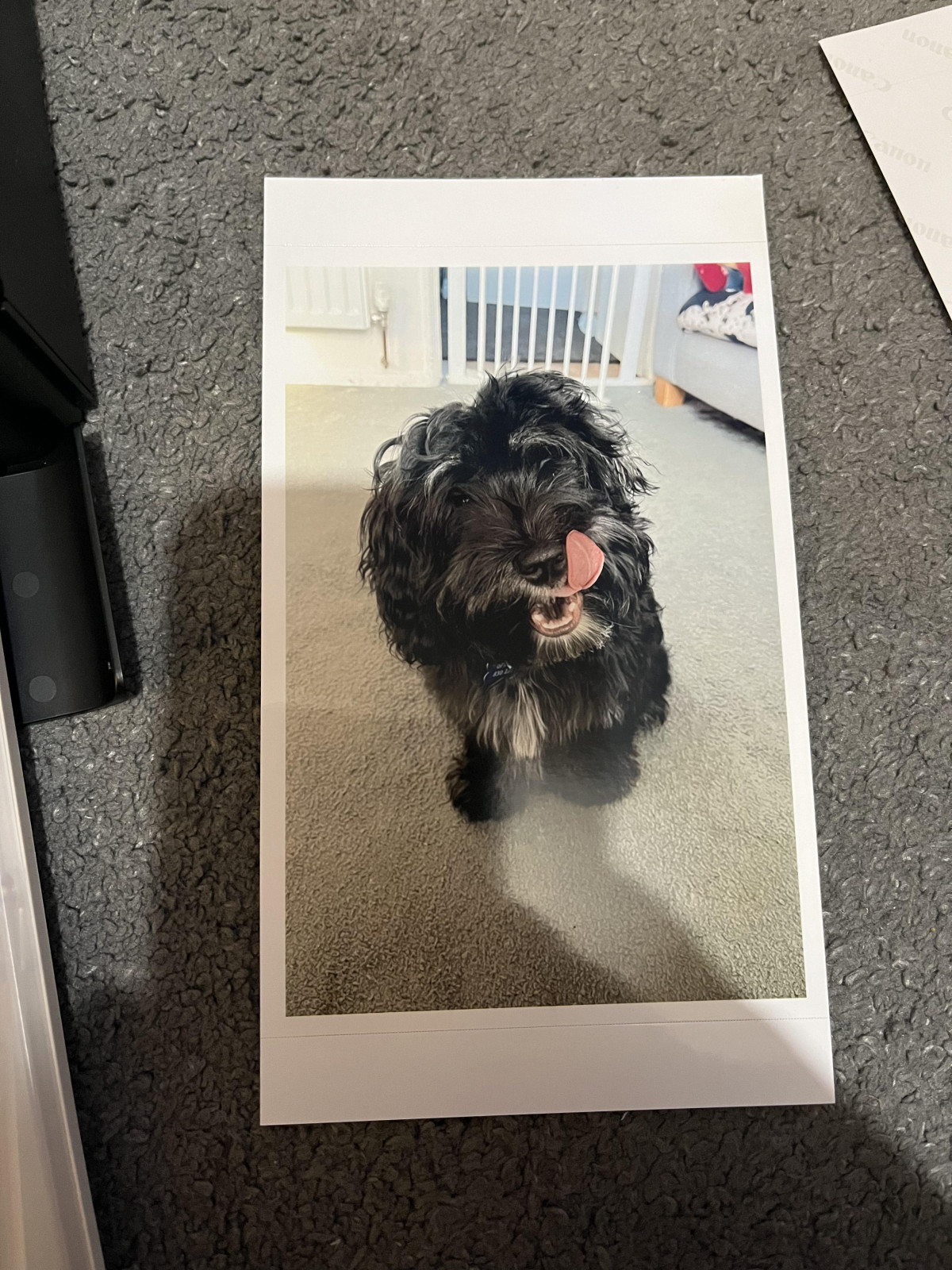
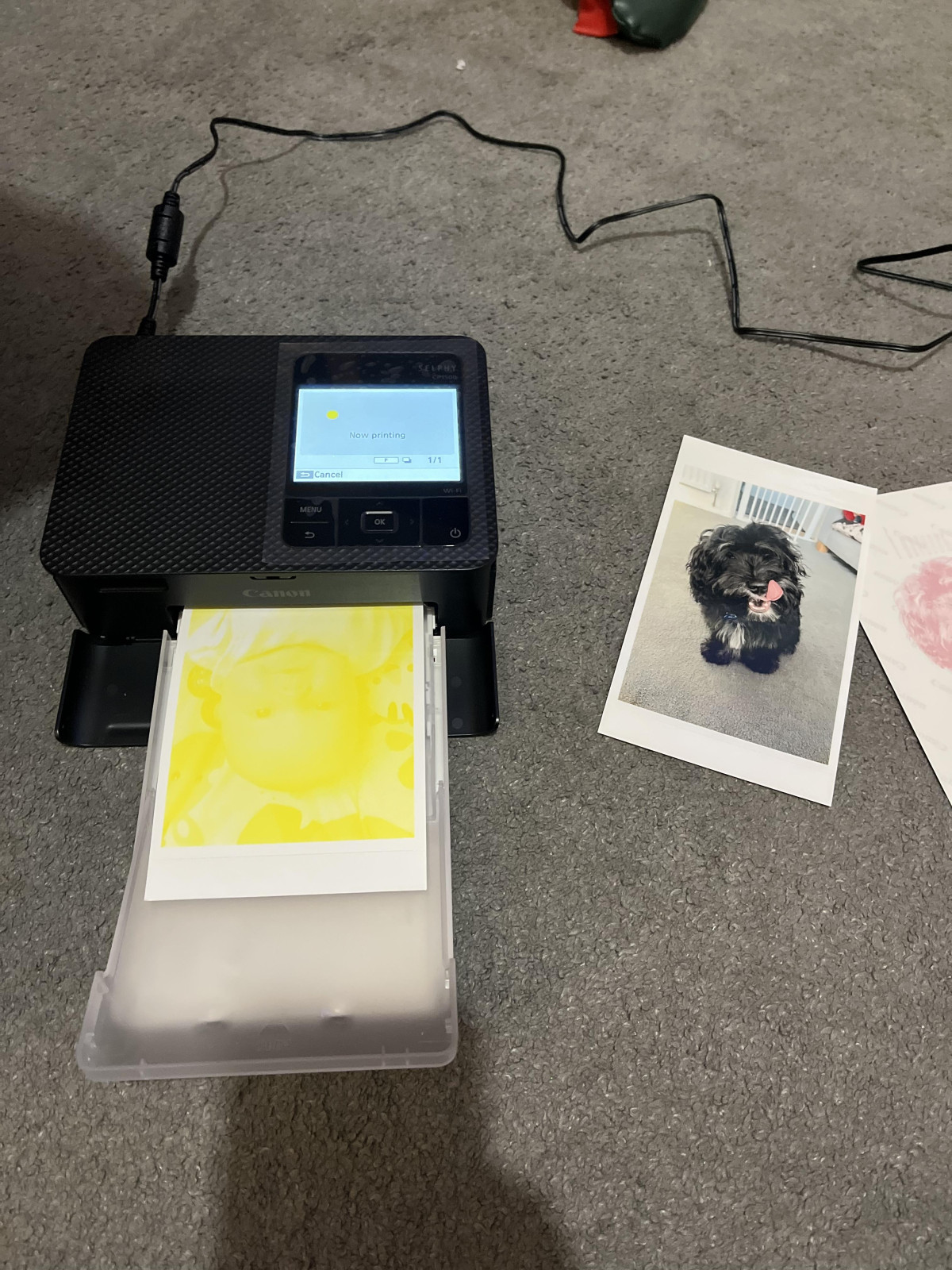
Great Compact Portable Photo Printer
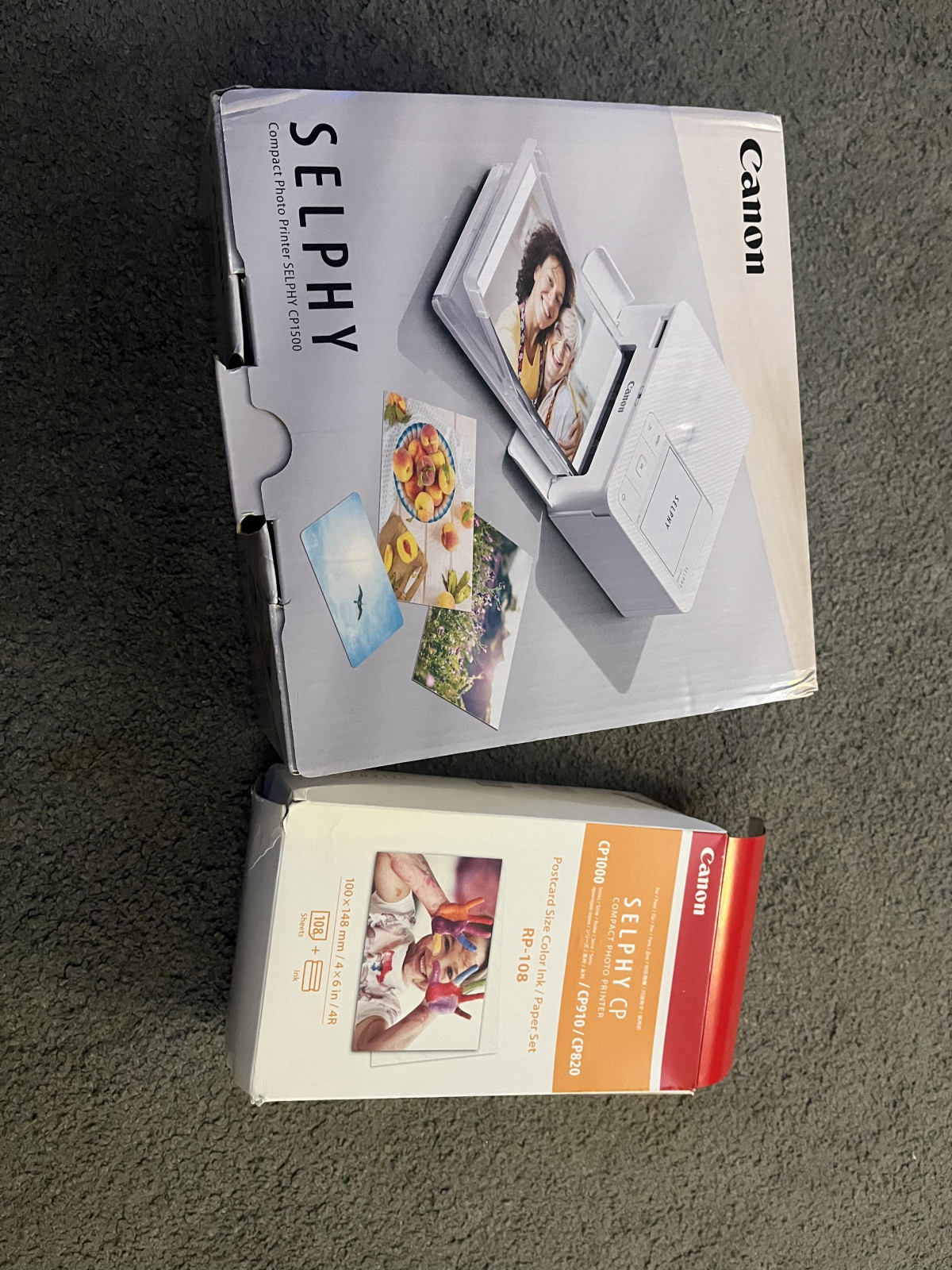
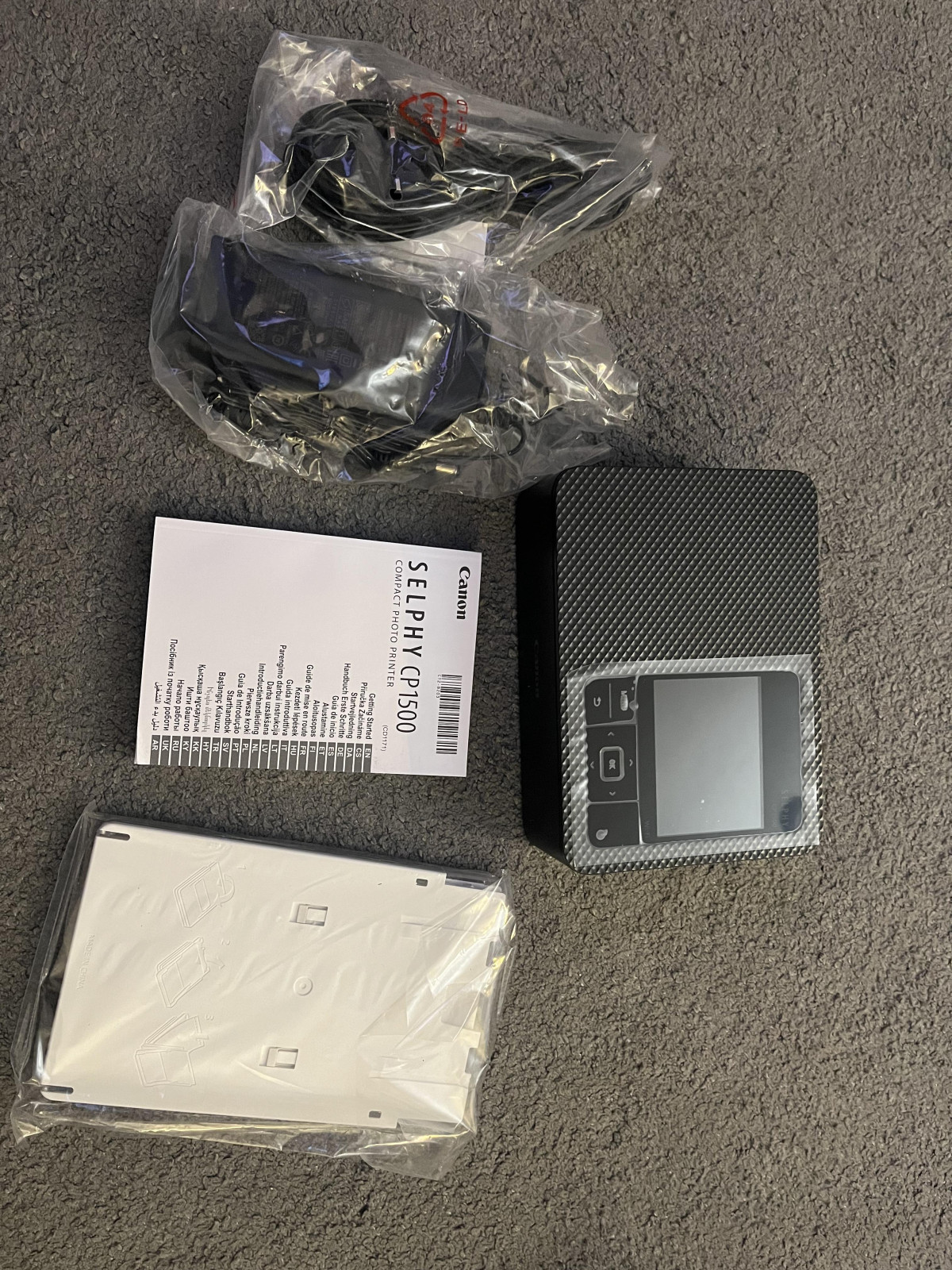
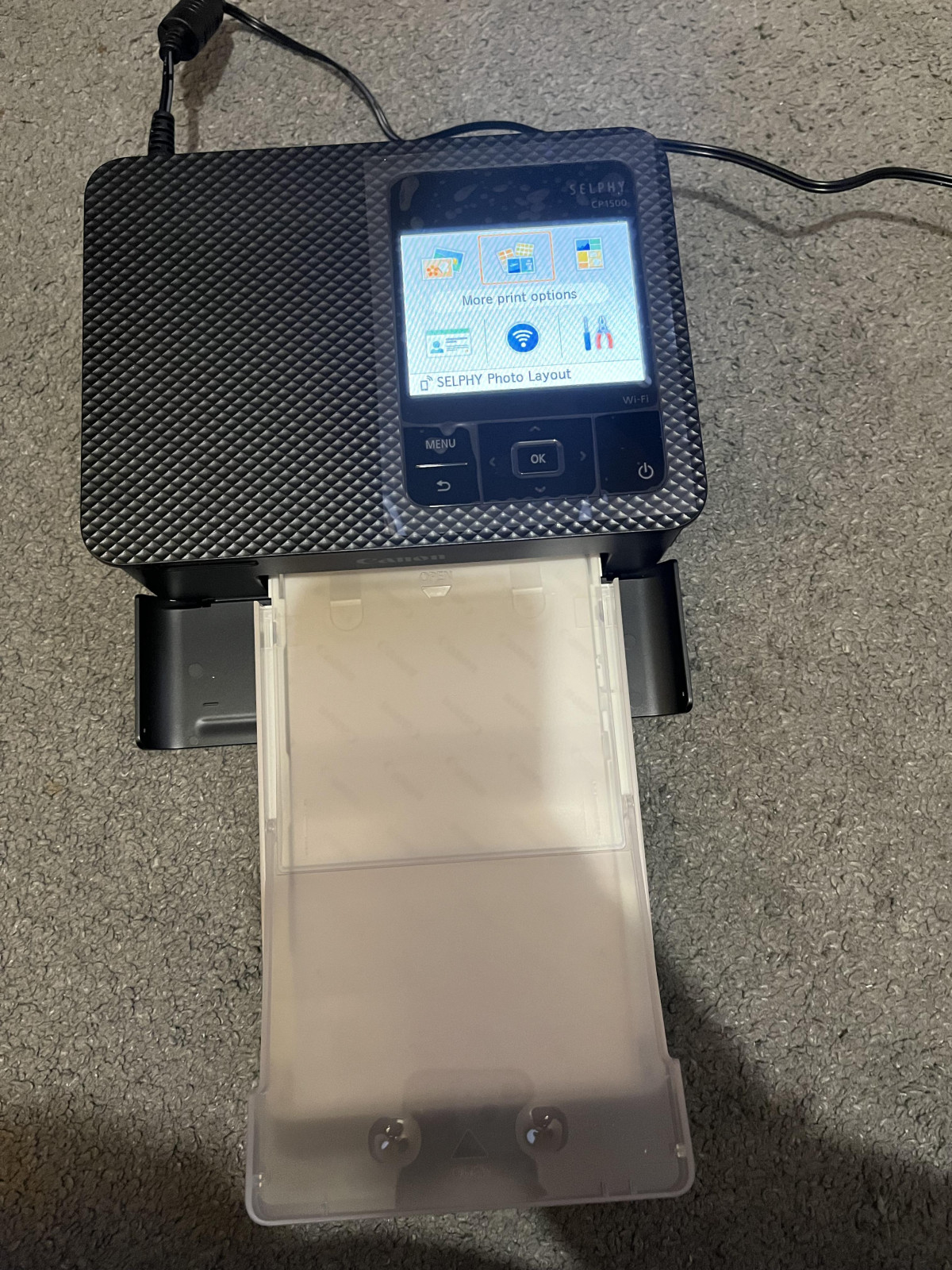
Absolutely love this compact printer. It’s one of those little things that you never knew you needed it until you have one. Extremely easy to use and set up. Basically it’s plug in and play. You can use it alongside the Canon Selphy app which makes it so easy to print directly from your smartphone. There is also the option to print from memory card or USB flash drive. Lots of different print options, filters, graphic overcoats to use within the prints. I think the print quality is superb and really quick! The ink cartridge is also very simple to insert and remove. I also like the fact it’s really compact, you could probably take this on holiday with you in your suitcase as it’s that small, to use for your holiday snaps. An excellent piece of equipment, highly recommended.
Absolutely amazing
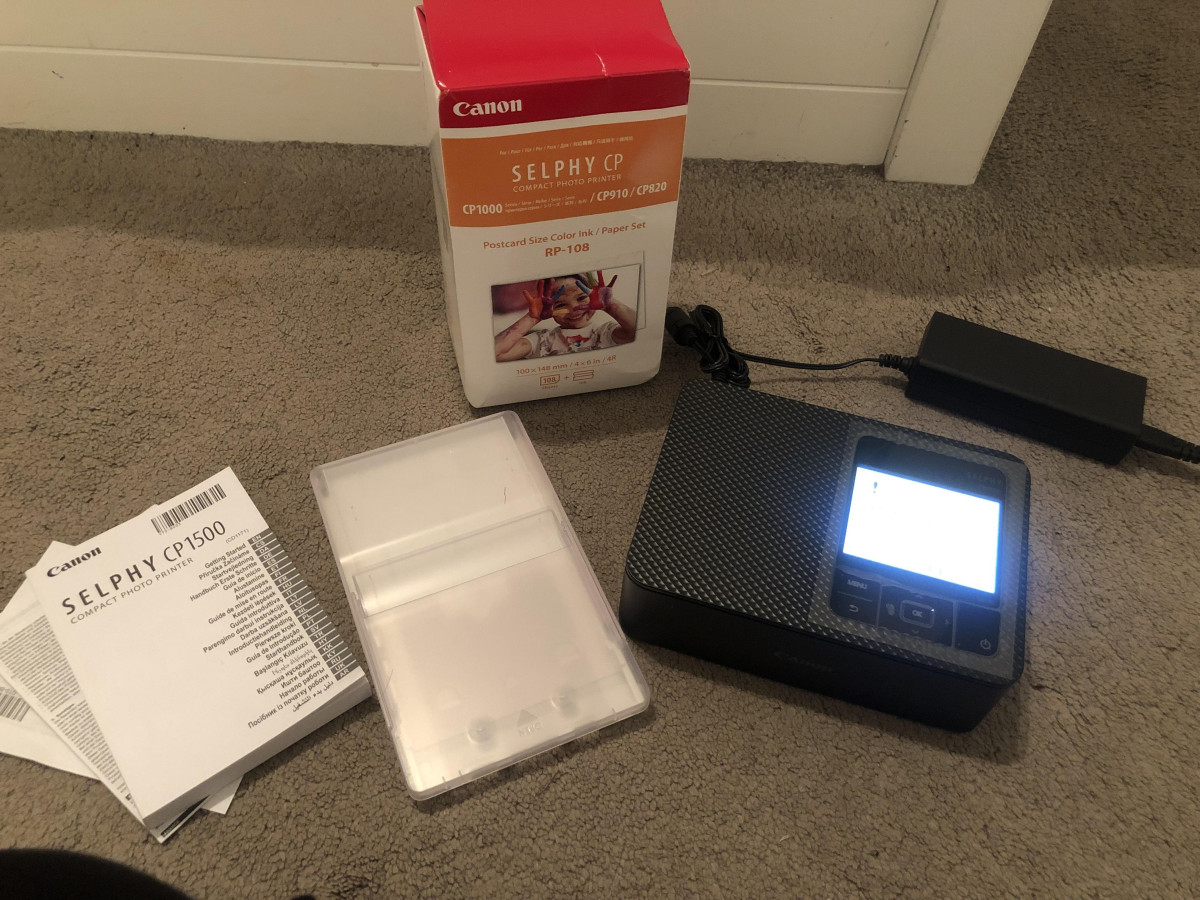
I wish I could have found this printer long time ago. It’s absolutely amazing. The quality of the print is 10 stars out of 10. It takes about 50 sec to print a picture . It’s very easy to connect via the Canon Selphy App which can be downloaded from App Store or Google Play, you can also connect to the printer with a SD card or data transfer cable. You must fit the paper into the paper tray and insert the cartridge, just follow the instructions in the user manual. In the box you have the printer, power adapter, paper tray and user manual. It must be plugged in all the time to use it but there is a battery slot as well, I will buy a battery and see how long will last.
Ingenious, user friendly and fantastic quality!
What a fantastic product, I was dubious about the quality of the photos that would come out, but wow 🤩 So crisp and vibrant! So incredibly easy to set up and use, anyone can do it! Great size as well, usually printers are big and bulky but this is a lovely little thing which is why I was so surprised with the quality of the print. Never seen anything like it regarding the printing, it prints colour by colour to leave you with a lovely, clear and bright photo and seeing the process is really interesting. The app you download alongside it is really user friendly, allows you to create collages and add effects, really gives you so many options to personalise any photo!
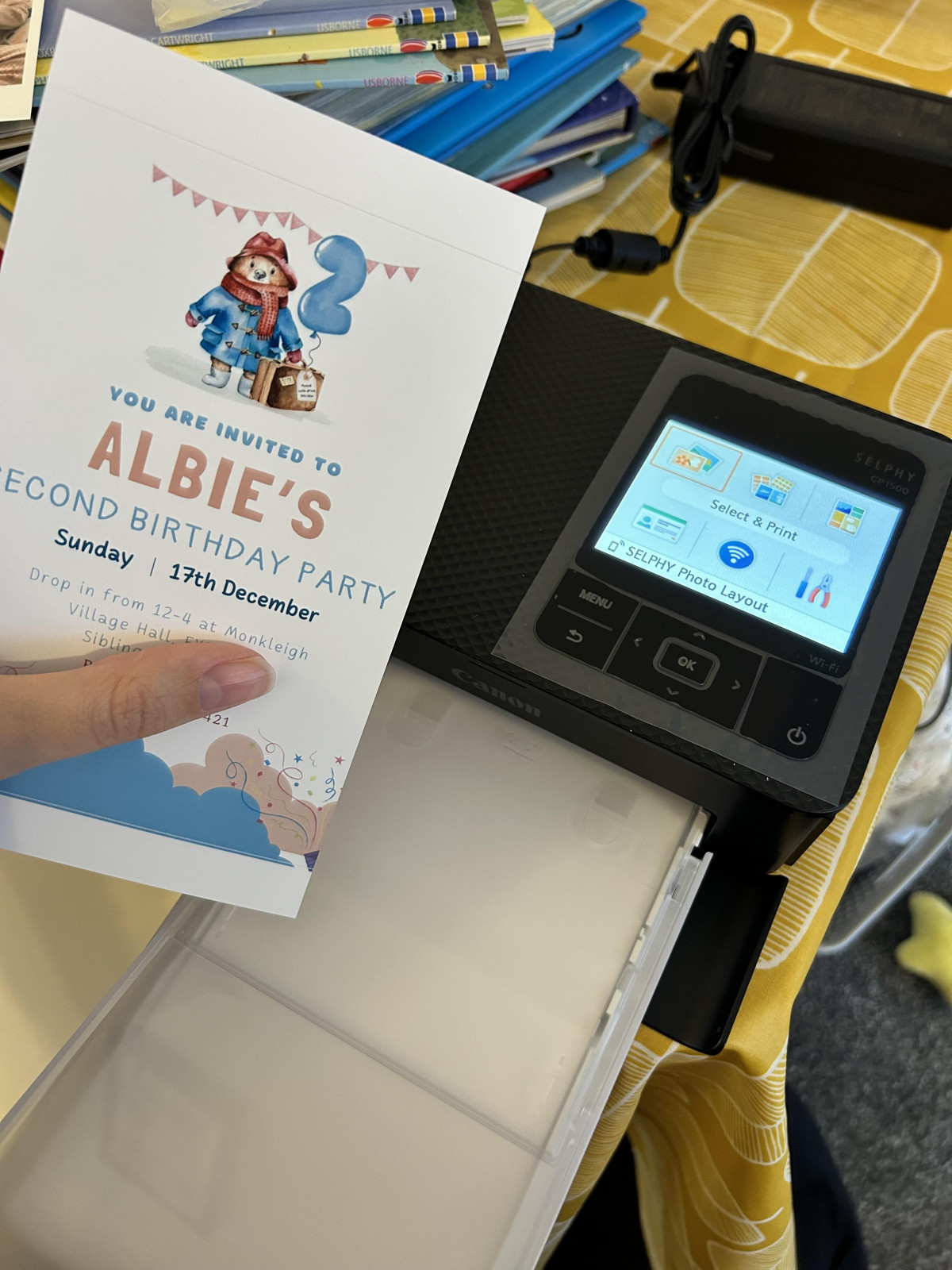
Absolutely great item
Great printer perfect quality absolutely love this my daughter is having it and has used it so many times already abit tricky to work out how to use it to begin with some time they make the instructions harder than they need to be or in the wrong order but we got there it’s the perfect Christmas present for any person that loves photography ect but I think it’s absolutely brilliant the replacement packs can be quite expensive but will save you going out to have them printed out or ordering offline and waiting 5 star review from me
Portable small printer for lifetime memory
Easy to set up by the app on my iPhone. Took less than 5 mins and it was ready to print my first picture. Small in size and easy to carry around to a party hall to get lifetime memory for all. I love that I can enhance picture, filter it, put extra decoration on the photo, put text through the phone app. Also has the option of usb and memory card option to print pictures. Printing was quick which took less than a minute.
Highly recommended and the quality of printing was excellent and had the option of gloss or Matt.
Great quality printer
This printer has a fine way of printing with the CMYK colours being layered on top of each other which I am very happy with. Though the app is a little limited when it comes to filters, you still have the choice of choosing the borders to be white, black or borderless. I am happy with the item! The only thing I will warn of is that sometimes the pictures are auto corrected to a brighter filter which can lighten the colours, which requires unticking a box on the app to remove this effect.
Neat compact photo printer
Really impressed with this printer. It’s really compact so can be stored easily. Prints the photos really clear and you can select from satin, semi gloss or glossy finish all using the same photo paper which was quite impressive. You have to download the app on your phone to use it wirelessly. I haven’t used the lead option function yet. There’s also other options within the app where you can add borders, text or write over photos.
Canon Selphy Printer
Bought this to replace a previous model of the Canon Selphy. It is a good Printer for the price point but be aware that it does not come with the battery to make it portable, and at Argos it is not supplied with any cartridges or paper. Also, what is annoying is that the LCD screen does not tilt like previous models. However, if you want to print your own photos it is useful.
Instant photo's at home
Bought in May 2025 to create instant photos at a baby shower. Worked amazingly, the quality is amazing. Since then used to send pictures to family members of the older generation who struggle with technology. Says portable and it is small but requires plug socket. For true portability it needs a battery pack which is separate.
WiFi connection generally good and strong.
Great photos via computer
Excellent item, really great photos created. The app doesn’t print as well as straight from the Laptop though. If you want perfect photos use your computer as there is something about the app that drops the quality slightly over speed of printing the photos. From the Laptop though, excellent photos. Haven’t used via the SD car, probably as good quality though.
Excellent printer for this price range
I purchased this printer along with the largest box of paper and ‘ink’ and I’m impressed, the speed and quality is amazing. Rich, vibrant colours which will last due to the final coating applied in the printing process. If you want a small compact printer for family photos, contact sheets or whatever you can think of the Selphi is definitely worth a look
A good replacement
I bought this printer to replace my old Canon Selphy CP 780 which I’d had for many years. I’m pleased the CP 1500 is similar to use, with extra functions including the Canon Selphy photo layout app. I just print occasional photos from my laptop and with the cable I already have, I’m able to continue to do that (cable for printer to laptop not included).
Smashing printer
Smashing little photo printer. The Quality is as good as photo processing shops. Its good to know you don't have to keep an eye on ink/paper as they come as one. The software is really good also. The power is supplied with a brick, this is the only fault. Internal power adapter would be better. Overall very happy with this printer.
Great printer for 6x4 photos
I've was toying with buying one of these for family photos. I wish I bought one sooner as I am really impressed with it.
The print quality is good and the app is really easy to use. The paper which you purchase separately, come with the ink cartridge and it's really easy to set up. I would definitely recommend.
Ideal to let your pictures be part of real life
A super portable device which breaks the cycle of having your pics only reside in the cloud. Images are available within 20 seconds of sending to the device with great quality.
You will need to buy a paper pack that comes with the print cartridges. The app can be a little fiddly but I’m really happy with it.
Great small printer
Very good colours and simple to use.
Note you can only use their selphy layout app if connecting to the printers own network or print from a memory card. . However printing direct from windows or mobile OS works fine. It just means you don’t get the app features such as a timestamp.
Excellent photo printer!
Very please with the photo printer. Easy to use, the app is great! The quality of the photos is superb - I prefer the Canon paper to others because it’s of better quality and the edges of the photos snap so easily and do not leave any residue. I am seriously impressed by this printer!