Epson EcoTank ET-2860
Epson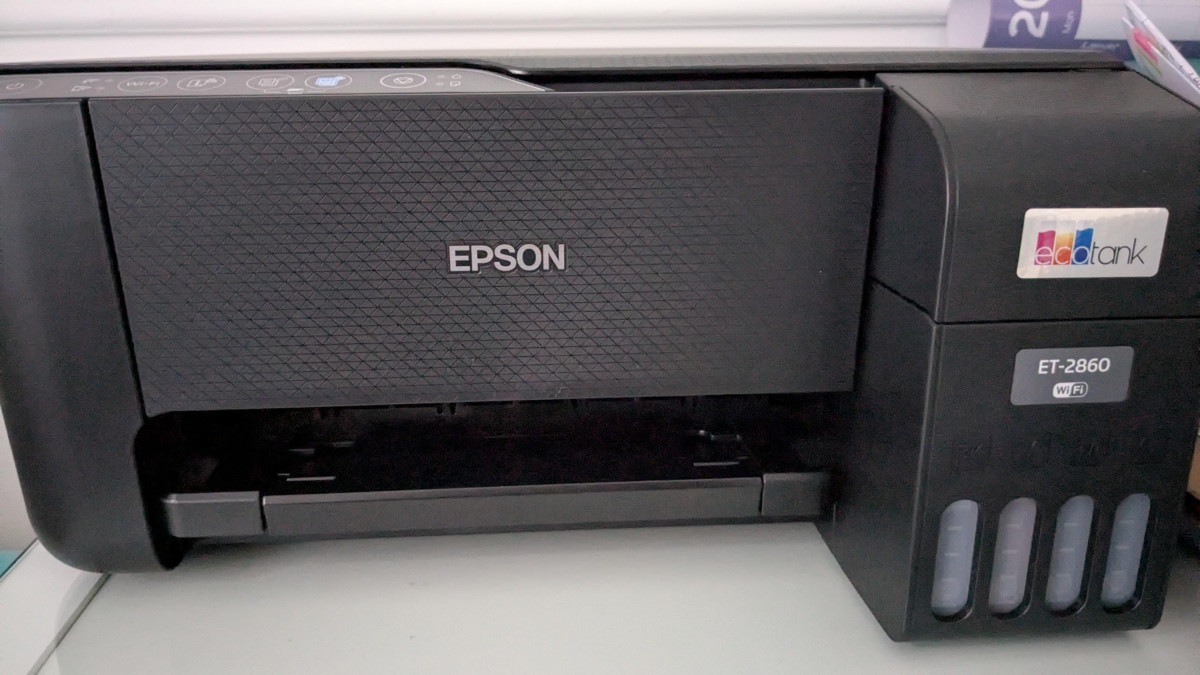
A Printer Built Around One Simple Promise: Stop Buying Ink
If you've ever opened a printer drawer to find a single cartridge that costs almost as much as the printer itself, the Epson EcoTank ET-2860 exists specifically to end that cycle. Instead of slotting in disposable cartridges every few weeks, you pour ink from a bottle into a see-through tank, and that one fill-up is designed to carry you through years of normal home printing rather than months. That single change in how ink is delivered reshapes almost everything else about how this machine looks, feels, and behaves day to day — and it's worth understanding exactly what you're trading to get there before you commit counter space to it.
Design and Everyday Handling
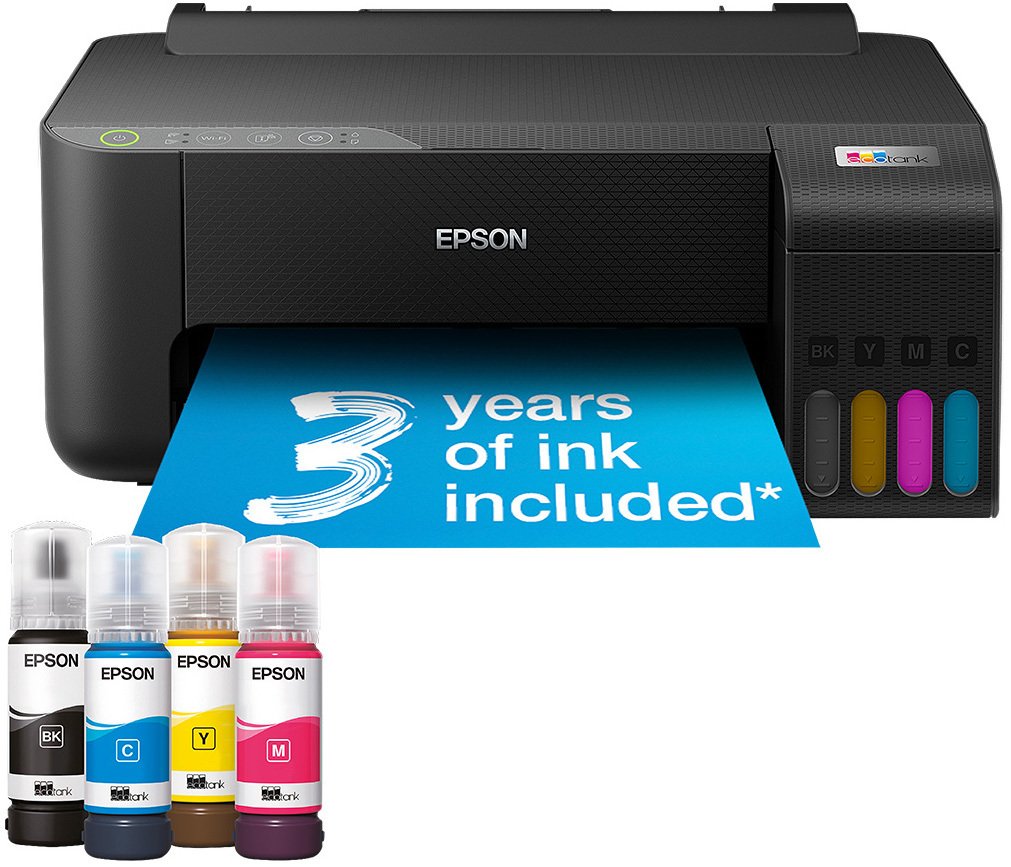
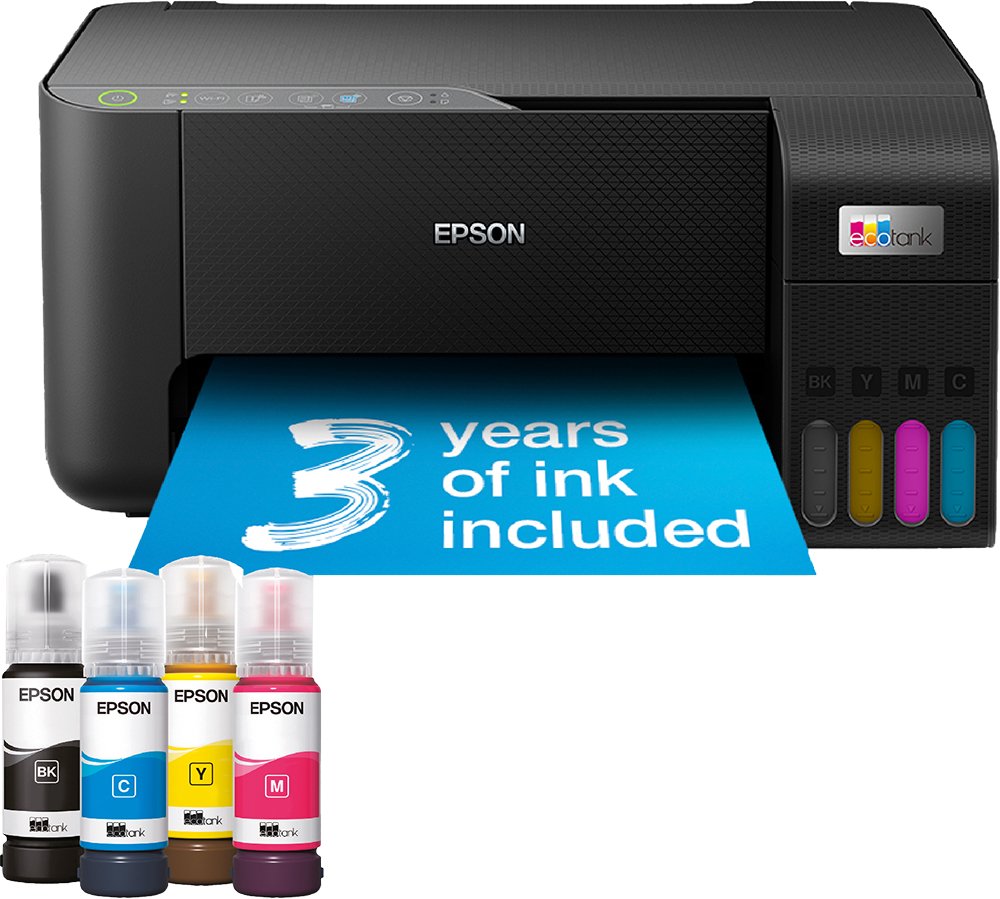
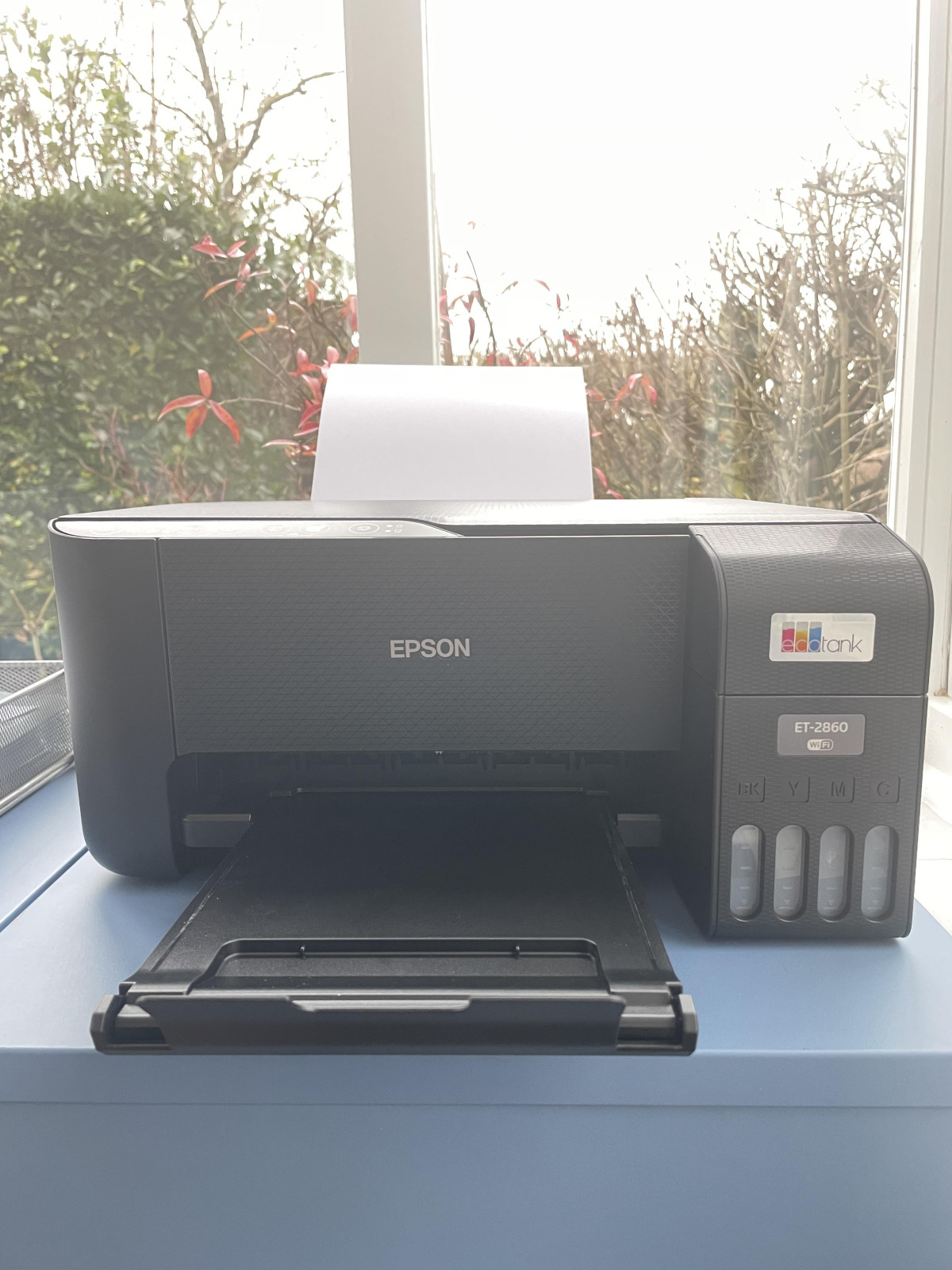
The ET-2860 is a compact, boxy little workhorse rather than a design statement. At roughly 37.5cm wide, 34.7cm deep, and 17.9cm tall, and weighing under four kilograms, it's light enough to relocate between a desk and a cupboard without help, and small enough to slot onto a shelf that a bulkier all-in-one wouldn't fit. The front of the unit houses the real party piece: a row of four clear ink tanks, each visibly marked with fill lines so you can see remaining ink at a glance instead of guessing based on a blinking warning light.
Rather than a colour touchscreen, the ET-2860 keeps things deliberately simple, with a small set of physical buttons and status lights guiding you through printing, copying, and scanning. That's a sensible cost-saving decision for an entry-level model, though it does mean the on-device experience is more "point and press" than "browse and tap" — anyone wanting a menu-driven touch interface will find that further up Epson's own EcoTank range, not here. The flatbed scanner lid lifts to reveal a single-sheet glass bed rather than an automatic document feeder, so multi-page scanning means lifting the lid and repositioning paper for every sheet — fine for the odd form or photo, tedious for a stack of receipts.
Refilling is where the design earns its keep. Epson's bottles use a keyed nozzle system matched to each tank's colour, which physically prevents you from pouring cyan into the tank meant for black. Combined with a wide fill spout, this is the kind of detail that turns "refilling ink" from a phrase that sounds messy into a genuinely five-minute task most people manage on the first attempt.
How Fast Does It Actually Print?
On paper, the ET-2860 is rated for up to 33 pages per minute in black and 15 pages per minute in colour. Those numbers describe the printer's fastest draft-quality output — the equivalent of flooring the accelerator — rather than the pace you'll see printing a normal-quality homework sheet or a colour flyer, which will run noticeably slower as the print head lays down more ink for sharper detail. That gap between headline speed and everyday speed is standard across the entire inkjet category, so treat the 33ppm figure as a ceiling rather than a promise: it tells you this printer isn't sluggish by design, not that every job will fly out at that rate.
For the tasks this printer is actually bought for — letters, school projects, boarding passes, the odd colour worksheet — that performance ceiling is more than adequate. Where you'll feel the difference is in genuinely demanding print runs: a 40-page report or a batch of full-colour photos will ask more of a printer built around low running costs than raw throughput, and patience will serve you better than a stopwatch in those moments.
Print and Scan Quality
The print engine tops out at 5760 x 1440 dots per inch, a resolution figure that translates into genuinely crisp text edges and smooth colour gradients rather than the slightly grainy photo output budget inkjets were once known for. On standard paper, black text prints cleanly enough for professional-looking documents, and the borderless printing mode lets you produce edge-to-edge photos on compatible paper stock up to 300gsm — thick enough to include proper photo paper and light cardstock, not just standard copier sheets.
The flatbed scanner captures at up to 1200 x 2400 dpi optical resolution, which is comfortably enough detail for digitising documents, old photographs, or anything you need to enlarge slightly without it turning blurry. It won't match a dedicated photo scanner for archival-quality restoration work, but for the household task of getting paper into digital form, it's more resolution than most people will ever need to use.
The Ink System: Where the Real Value Lives
This is the feature the entire printer is built around, so it's worth translating the numbers into something tangible. The four included 65ml bottles — one each of black, cyan, magenta, and yellow — are rated to produce roughly 4,500 black-and-white pages and 7,500 colour pages before you need to refill. For a typical household printing habit, that's described as around three years of ink in the box on day one, which reframes the printer's higher upfront price: you're not just buying a machine, you're buying several years of consumables bundled in.
Compare that mentally to a cartridge-based inkjet, where a single replacement cartridge pack often needs restocking every few hundred pages, and the maths becomes obvious for anyone who prints regularly. If your household barely prints a handful of pages a month, the payback period stretches out and a simpler, cheaper cartridge printer might genuinely serve you just as well — the EcoTank system rewards volume, not occasional use.
Everyday Features That Matter More Than They Sound
-
Wireless printing from phones and laptops — the ET-2860 connects over Wi-Fi and works with the Epson Smart Panel app or Epson Connect, so you can send a print job from a phone or tablet without ever plugging in a cable. A USB port is also included for a direct wired connection when you'd rather skip the network entirely.
-
Manual double-sided printing — the printer will prompt you to flip the stack and reinsert it to print the reverse side, which saves paper but adds a manual step compared with printers that duplex automatically without any intervention. Worth knowing before you assume "duplex" means fully hands-off.
-
Borderless printing — useful specifically for photo printing, letting images run to the very edge of the page rather than leaving a white margin.
-
A 100-sheet paper tray — enough capacity that you're not reloading paper every few jobs, though it's a single tray rather than the dual-tray setup you'd find on a higher-tier or office-focused machine.
-
Compatibility with both PC and Mac — so it fits into mixed-device households without needing separate driver hunts.
None of these individually is groundbreaking, but together they describe a printer built for the way most homes actually use one: intermittently, wirelessly, and without much patience for fiddly setup.
Who Should Buy This, and Who Should Look Elsewhere
The ET-2860 is aimed squarely at households and small home offices that print often enough to feel cartridge costs as real pain, but don't need the speed or paper-handling capacity of a business-grade machine. If you print school assignments, the odd photo, tax documents, or work-from-home paperwork on a semi-regular basis, this is exactly the profile of user the EcoTank system was designed to serve — the running-cost savings compound with every page.
It's less suited to two kinds of buyer. First, anyone who prints only occasionally — a handful of boarding passes a year — won't print enough pages to offset the higher upfront cost against a basic cartridge printer, and ink sitting unused for long stretches isn't ideal for any inkjet. Second, small businesses or heavy home users who need automatic duplexing, a document feeder for multi-page scanning, or faster real-world colour output should look further up Epson's own EcoTank range or toward business-oriented all-in-ones, since the ET-2860 sits deliberately at the accessible, entry-level end of the tank-printer category.
How It Stacks Up Against the Alternatives
| Epson EcoTank ET-2860 | Traditional cartridge inkjet | Rival tank-based all-in-ones (e.g. Canon's MegaTank range) | |
|---|---|---|---|
| Ink format | Refillable bottles, included in box | Disposable cartridges, sold separately | Refillable bottles, included in box |
| Upfront cost | Higher | Lower | Similar to Epson |
| Cost per page | Very low once filled | High, especially for colour | Very low, often marginally cheaper on colour |
| Duplex printing | Manual | Varies by model | Varies; some rivals also manual-only at entry level |
| Document scanning | Flatbed only, no auto-feeder | Varies by model | Often flatbed-only at this price point |
| Ink chemistry | Dye-based across all colours | Dye or pigment, varies | Often pigment-based black for sharper, smudge-resistant text |
| App and wireless experience | Epson Smart Panel, generally straightforward | Varies widely | Competitive, though app polish varies by brand |
The pattern that emerges is fairly consistent across the tank-printer category: Epson and its rivals both solve the same cartridge-cost problem, and the real differences show up in details like ink chemistry and paper handling rather than in the core value proposition, which is nearly identical. If a rival happens to be discounted below this model, it's worth checking specifically whether it offers pigment black ink or an automatic document feeder, since those are the two features most likely to sway a decision between otherwise similar machines.
The Honest Trade-Offs
The strongest case for the ET-2860 is financial, and it's a genuinely compelling one: a household that prints regularly will spend a fraction of what cartridge-based printing costs, and the bundled ink supply means you're unlikely to think about buying more for a long stretch after setup. Print and scan quality both comfortably exceed what the price suggests, and the refill process is about as mess-free as ink-in-a-bottle can realistically be.
Set against that, the compromises are the ones you'd expect from an entry-level machine wearing a premium ink system. The lack of an automatic document feeder turns multi-page scanning into a repetitive manual task. Duplex printing works, but asks you to physically intervene rather than running hands-off. And several real owners have reported that the initial Wi-Fi pairing process can be more fiddly than it should be, even though most describe the rest of the ownership experience — day-to-day printing, refilling, connecting from a phone — as straightforward once that first hurdle is cleared. None of these are dealbreakers, but they're the honest cost of buying at this end of the EcoTank lineup rather than a step up.
The Verdict
For a household or small home office that prints often enough to feel the sting of cartridge prices, the Epson EcoTank ET-2860 earns its keep quickly and keeps paying off for years afterward — the ink economics alone justify the purchase for anyone printing more than the occasional page. It's a sound buy for that audience, and a poor fit for anyone who prints too rarely to need bottled ink at all, or who needs automatic duplexing and document-feeder scanning for heavier office use. Buy it for the running costs and the print quality; go in expecting a manual duplex step, a one-sheet-at-a-time scanner, and a Wi-Fi setup that's worth doing patiently rather than rushing through.
What People Say
187 commentsRusty start but it prints well on 90gsm paper
This is a bit of a mixed review. Things started off with frustration. The instructions to set-up wifi printing were complex and when I pressed the buttons it was saying, they still weren't working. Thankfully I had a printer cable and I had to figure out how to set it up the old fashioned way (installing drivers) as it's not clear in the instructions. I am not a stranger to technology and I work in a digital job, so I don't think it was user error. The instructions say to follow the app for WiFi connecting and the app would see the printer for a few seconds now and again, when I clicked to select the printer, the app would say "no devices found" and would go through the whole process again with no luck. This is why I connected it to my PC via cable in the end.
The printing is high quality and the process of refilling the tank is easy. I don't use a printer daily, so I have no idea if the ink, unused dries up so can not comment. The one thing I did notice was when I was printing several of the same document on 160gsm paper, the bottom right corner of the page would have excess black ink as if the paper got caught on something towards the end of printing. It was a bit frustrating as I was using the printout to demonstrate a new product we will roll out in the business.
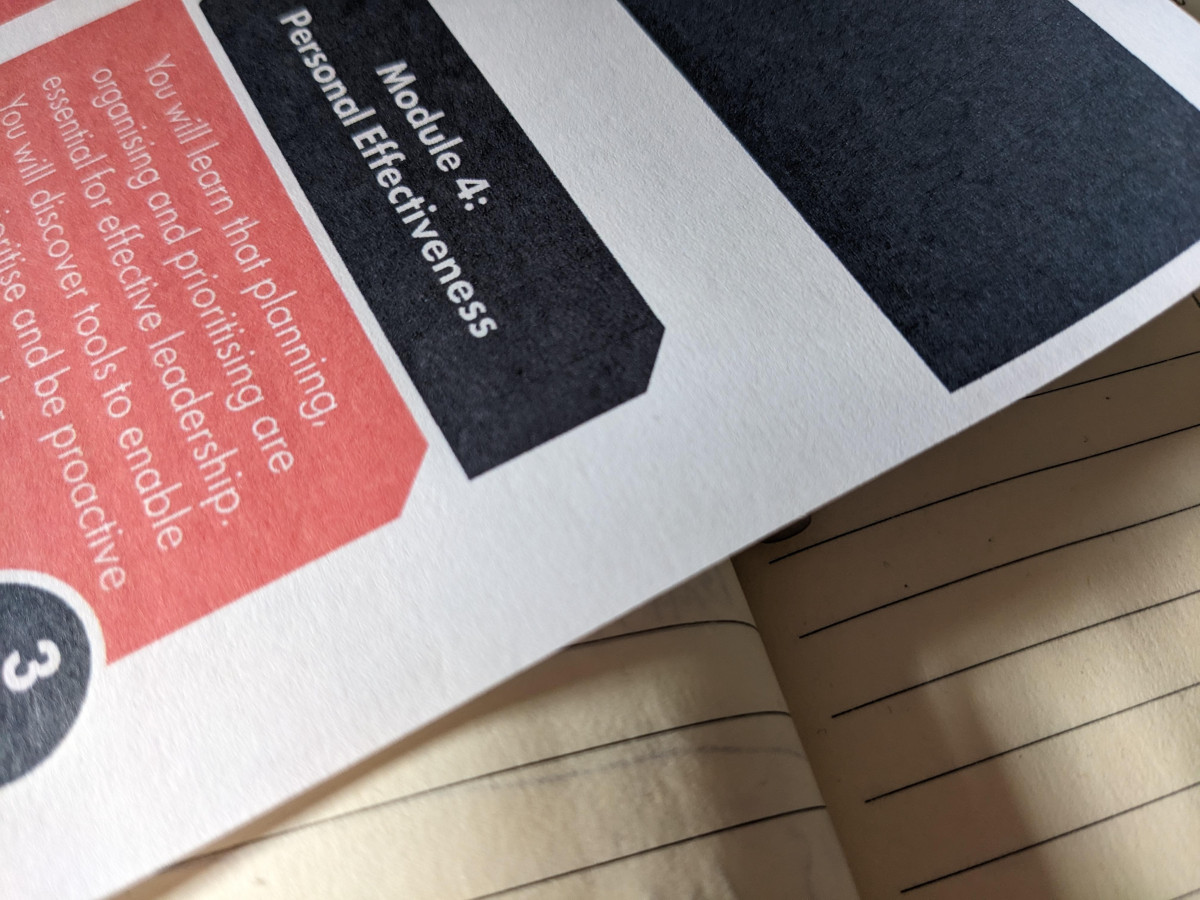
I'm sure I read somewhere that it will take up to 300gsm paper. This is not true as when I tried with 300gsm, the printer kept jamming or wouldn't feed the paper through. It printed on 90gsm absolutely fine (see image). When I printed on 160gsm for work documents, that's when I was getting black ink absorption in the bottom corner.
I think if Epson sort out their instruction guide and make the process of connecting to WiFi easier, then this could be a good printer. Also, they should not over-egg what gsm paper it can print on as some who require it may be disappointed.
Just simple to set up
I recently bought the Epson EcoTank ET-2860 Wireless Inkjet Printer from Argos online, and overall I’m really happy with my purchase.
From the moment I unboxed it, the setup felt straightforward. Filling the ink tanks was much easier (and cleaner) than I expected, and it was a relief not having to deal with traditional cartridges. Once everything was set up, connecting it to Wi-Fi was simple, and I was printing from my phone and laptop within minutes.
Print quality has been very good for everyday use. Documents come out sharp and clear, and colour prints look bright enough for home projects and schoolwork. It’s not a professional photo printer, but for what I need, it does the job well. I also like how quiet it is compared to printers I’ve owned in the past.
The biggest plus for me is the ink system. Knowing I won’t be constantly buying expensive cartridges is a huge bonus, and it feels much more economical in the long run. The ink levels are easy to see, which gives me peace of mind.
That said, the printer isn’t the fastest in the world, especially for colour prints, and it feels very much like a home printer rather than something designed for heavy office use. But for day-to-day printing, scanning, and copying, it’s more than adequate.
Overall, I think the ET-2860 is a solid, reliable printer that offers great value for money. Buying it online from Argos was easy, delivery was quick, and the printer itself has met my expectations so far. I’d definitely recommend it to anyone looking for an affordable, low-running-cost printer for home use.
Total waste of money
I normally buy the cheap £40-60 printers but decided it was worth getting a better one, or so I thought.
Set up took almost 4hrs because it kept saying it was connected to the network but the epson app would say it wasn't so i couldnt print anything. When it does print the quality is really good but when it takes 2hrs of messing around with the settings to get the printer to work it becomes pointless. The app is useless with little to no help when having issues. I've tried finding a epson support page for a live chat or a phone number to get advice but this seems almost impossible. If I can't figure it out within the next few days the printer is going back. There are no instructions with the printer that tell you what to do with a paper jam or troubleshooting advice or what it means if certain lights are flashing red. If you clear a paper jam you have to power off the printer, or at least that's what I've had to do to clear the lights.
Such a shame as I had high hopes due to the cost.
Whatever happened to simply connecting a printer and actually printing, it's constant updates, apps etc that cause more issues than they fix.
No ink for 3 years ! Whats not to like !
I needed to purchase a new printer for the office as my current canon had failed and needed to be replaced. Looking on line the Epsom looked to be greta option for the price. while being double the price, the ink included was a big selling point, stating 3 years of use minimum before requiring top up's. When I was paying £60 every 6 months for the replacement canon ink, it did not make good business sense to ignore this. Epsom were also offering £40 cash back via simple on line form, so taking this into account it reduced the cost to £140.00. Being able to claim this and the VAT element as business expense, its been a great purchase financially. Its easy to install via a new app, and using the online printer drivers from the Epsom, ensure it works on my desktop straight away. All good to go. I would highly recommend. I small issue I cannot ge the air printer feature from I phone to work, and need to use the app which is a minor inconvenience for the odd time I need to print in this way.
keep the paperwork in order!
BE AWARE You need VAT invoice or paper store receipt with store and VAT details in order to register Your new Epson printer for warranty as Epson DOES NOT accept email receipt that Argos sends as your receipt and proof of purchase. As for the product itself, for now, I had it for 2 weeks, I'm happy with it . Its a bit chunky and take space. Its not heavy. Inks were easy to fill and not messy at all. Haven't tried the scan or copy option yet but I'm sure it will be just as easy as any other printer. Quality of photos printed is quite good. Set up was easy and once connected to my Wi-Fi I can print from laptop, tablet and mobiles no problem. Argos customer service was very helpful with helping me get the physical receipt. It arrived via post within 3 days of asking for it. Bought it when on £30 cashback offer and that is already back in my account. What I don't like about this printer is the way Epson customer service was. Fingers crossed I wont have to contact them again!
Unfortunately I had to return the item as the prin
I had previously had an Epson ET printer and was looking forward to receiving this lower model as a replacement. Unfortunately after following all the instructions and spending a few days on getting the internet to allow it to join my network. Eventually although the printer was in the same room as my home hub I connected it by putting a wi fi extender in the room. After this I ran into another problem and could not get the machine to print. I tried to contact Epson but none of the numbers I found on the internet were pertinent I then joined chat with their robot on line and found this to be a sheer waste of time. So.In the end I gave up and returned it to Argos. I would rate my dealings with Argos as 5 star but the review is about my experience with Epson and I would never buy another Epson printer. I have now received an HP Eco Tank printer from Argos which was no problem to set up (without needing a booster in the room) and I am very pleased with it.
Could be better
I bought this as a Xmas gift to myself and regretted it when it came to setting up. I can’t believe such an expensive printer is not fully compatible with apple products, I eventually found out that I can print from my phone or iPad via the Epson app, my MacBook was an entirely different case as I couldn’t connect it as this Epson printer is not compatible with a MacBook. I was going to return it to Argos but found through google that I can search for drivers on the Epson helpline so I did finally get it connected to my MacBook.
The other thing is that with an expensive printer I’d have expected a usb slot for plugging in memory stick but it doesn’t have that even though much cheaper models do.
I like the ink option rather than cartridges but other than that I’d say it’s an overpriced printer for the lack of functions.
High quality, efficient and eco-friendly.
I bought this a month ago and I am very happy with my purchase.
The Epson EcoTank printer is an excellent choice for quality, efficiency, and value. Its refillable ink tank system is a game-changer, offering thousands of pages of printing at a fraction of the cost of traditional cartridges. Print quality is exceptional, delivering sharp text and vibrant colors ideal for both documents and photos. It’s user-friendly, with easy setup, wireless printing, and mobile app compatibility. Built for durability, it handles high-volume tasks with speed and reliability. Additionally, its eco-friendly design reduces cartridge waste, making it a sustainable choice. For affordability, performance, and convenience, the Epson EcoTank is a standout investment. Highly recommended!
Epson A4 Printer - Stunning
Bought this as a replacement for our printer that recently failed after many years of service.
I needed an A4 printer, with copy and scan functionality.
I am a professional photo printer and obviously own an LFP.
Set this up easily. Ran a few test prints to compare to our pro printer, which employs 10 inks, this one is just 4 inks.
Blimey, I wanted something able to prints cards, invites etc but this is simply a amazing.
I printed a few test prints and a calibration test strip and my goodness, they match almost to the full size pro prints. Never thought in my wildest dreams a sub £200 printer would compare to a £4000 printer, but it does.
Just amazed at the quality, colour, contrast etc. Might have to go buy another one it is that good.
Cheers Epson.
Excellent quality, difficult setting wifi (for me)
Bought 2 weeks ago, happy with printer and it's eco and cost benefits if all prove correct over time.
As it has no screen you need to set up throught the Epson Smart Panel app. I personally had difficulty connecting to my wifi system as mistakenly I connected via Epson direct which allows printing from anywhere, it therefore said I was connected to a wifi net. Unfortunately, this was not my own. After a week I removed the app, re-set the printer and started again. Having reselected the app this time I answered the questions correctly (my fault first time) ans so was able to select my home network and enter my wifi password. Hey presto. I have read of others having difficulty connecting to wifi.
Print quality, excellant for price.
Home Printing and Eco Tank
I bought the Epson ET-2860 printer to replace my Epson P50 after having problems with print quality. The 2860 was relatively easy to set up with one problem. There is a password printed on the printer which took me an hour to find, it was located under a lid that I didn't know was there. The eco tank filling procedure is simple and automated, place the ink containers in the appropriate colour tank and it empties itself.
The printer is reasonably well made but the paper feed is a little flimsy as is the outlet tray. Print quality is excellent for text and the scanner is very good too, B&W or colour. As far as photo printing is concerned it is ok but can't compete with my previous 6 colour set-up.
Good value for money but.....
I recently bought this Epson printer mainly to cut down on buying expensive ink cartridges for my last HP printer. Set-up was Ok, helped by installing the recommended App on my phone. It works well but sometimes loses connection to my wi-fi. However, if the printer runs out of paper, it wants me to cancel printing and start again. Frustrating - why not instruct me to load more paper then continue its job!
I also find that I have to be sitting beside it whilst it prints as it has chewed up a page then stops printing.
With these faults in mind, I shall learn how to address them. For the money spent and my cashback just confirmed, it will do what I want it to do and at an affordable price.
Nightmare to print from
Let me start by saying I’m tech savvy. I have apple / windows products and I’m a teacher.
This printer is awful, there is no AirPrint (my fault for not double checking this) I have to convert and save everything as a pdf and send to and from my phone or iPad to get it to print. I bought a new MacBook downloaded all the apps and drivers and I just get blank pages. The actual print quality is great but the app is very basic and the printer will not diction without using it. The email print just printed the email without the attachment (just showed the icon).
If you only want to print from windows 2010 it’s fine, anything later it doesn’t support.
If I could return it I would!
Far better than any HP printer
So far, I am very pleased with this Epson printer. Setting it up was quite long winded (needing to use Epson's Smart Panel App to do so) but this was actually logical and quite clever. What I like most about this printer is that IT WORKS. That might sound an odd thing to say, but if you've ever had an HP printer you would understand the statement. My former HP printer died a sudden death after I smashed my fist into it repeatedly, before taking it to the tip and giving it a further beating before dumping it into a big skip!
I also love the supposed 3-years worth of ink that comes with the printer and the £30 cash back offer = I wholeheartedly recommend this printer.
Great printer - have high hopes for it.
Bought this printer to replace an inkjet that kept having blocked nozzles. It took a while to get the printer & PC's setup as I had to download software onto the phones, Pc's & tablets to get them to work on the printer. Quality of print is amazing from the first page. There is enough ink in the bottles to top up a small amount, & it is good the ink levels are visible rather than having to use software to see how much is left.
Registering the printer for warranty was a pain as Epson wouldn't accept the receipt email from Argos as proof of purchase as it didn't have a vat number on it, so had to contact Argos support to get them to send me a proper vat invoice.
Shotgun purchase
I needed to get a replacement printer pronto after my Canon gave up the ghost literally during a nozzle check after I had cleaned the print head. This replacement is much more flimsy but probably only half the weight. Biit of a faff to set up but seems ok otherwise. Haven't used it for scanning yet. The big pro is that it uses ink in tanks as opposed to cartridges and that should save money. I also managed to but clone replacements from a new firm to me at half the price of the usual supplier and delivered first class - not cheap these days!
Have not explored using the app either to use my smartphone to control it but am using USB as opposed to wifi
Fantastic value for ink printer
I previous had a hp printer which seemed to print 10 pages before requiring ink replacement cartridges. Worse printer ever. Having been so tired of the scam that is ink cartridge and print yield, I paid for a dearer printer that takes larger ink capacity and prints more. The Epson eco tank is BRILLIANT! Large bottles to refill the tank, and the price is reasonable too.
Printer is fast! Super fast at printing.
I haven’t tried colour or photos yet. But so far, I am super pleased with this printer and the manufacturer gives you £40/£50 cashback.
I would recommend this printer. It was super easy to set up, simple to use and fast.
did not include USB
Following viewing the different printer. I decided on Epson ET-2860. (To replace my old HP one. I read through the review’s some said easy to set up. I decided to purchase.
1 I found it very difficult to set-up. Had to use You Tube.
2 (this is my main concern) I had to go online again Argos to order USB to attachment to my desk-top computer. There was nowhere on the web site to say I would need to purchase separately. Apart from frequently purchased with item? This should be amended to say (if attaching to desk top computer you will need X).
An extra 5 miles to achieve the purchase. And time to finally get what I needed
Replacement printer
We brought this printer to replace an Epson printer which was on it's last legs, or so we thought, after a few months it's seems to have a new lease of life!!! However, once it's used up all the ink we have a replacement ready to go. One of the reasons we went for this model is that it uses bottles of ink rather than cartridges which are ridiculously priced. Also the reviews were good and the fact you get more printing for your money with bottle ink rather than cartridges. Although we have not used it yet we are not expecting any problems having had an Epson before.
Easy to set up up, reliable printer
Review:
I found this printer very easy to set up straight out of the box, with clear instructions and a straightforward process to get connected to WiFi. The ink tank system is simple to fill and feels much less messy than traditional cartridges.
The print quality is good for everyday use – documents come out clear and sharp, and colour prints are perfectly fine for general home use, though not photo-lab quality. It’s also reasonably quick and runs quietly.
Overall, a great option if you want something hassle-free and economical for regular printing at home.