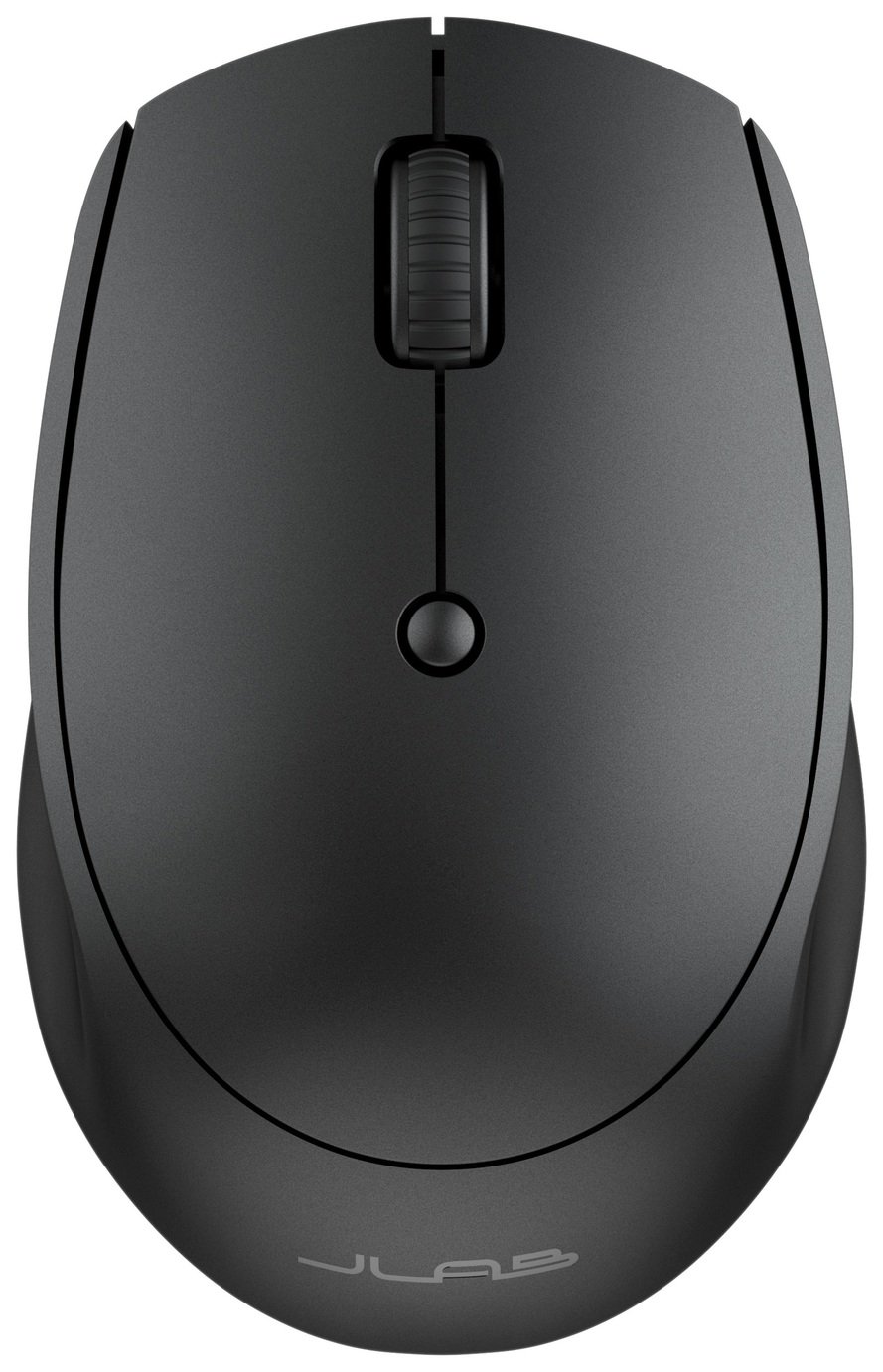
JLab GO
Jlab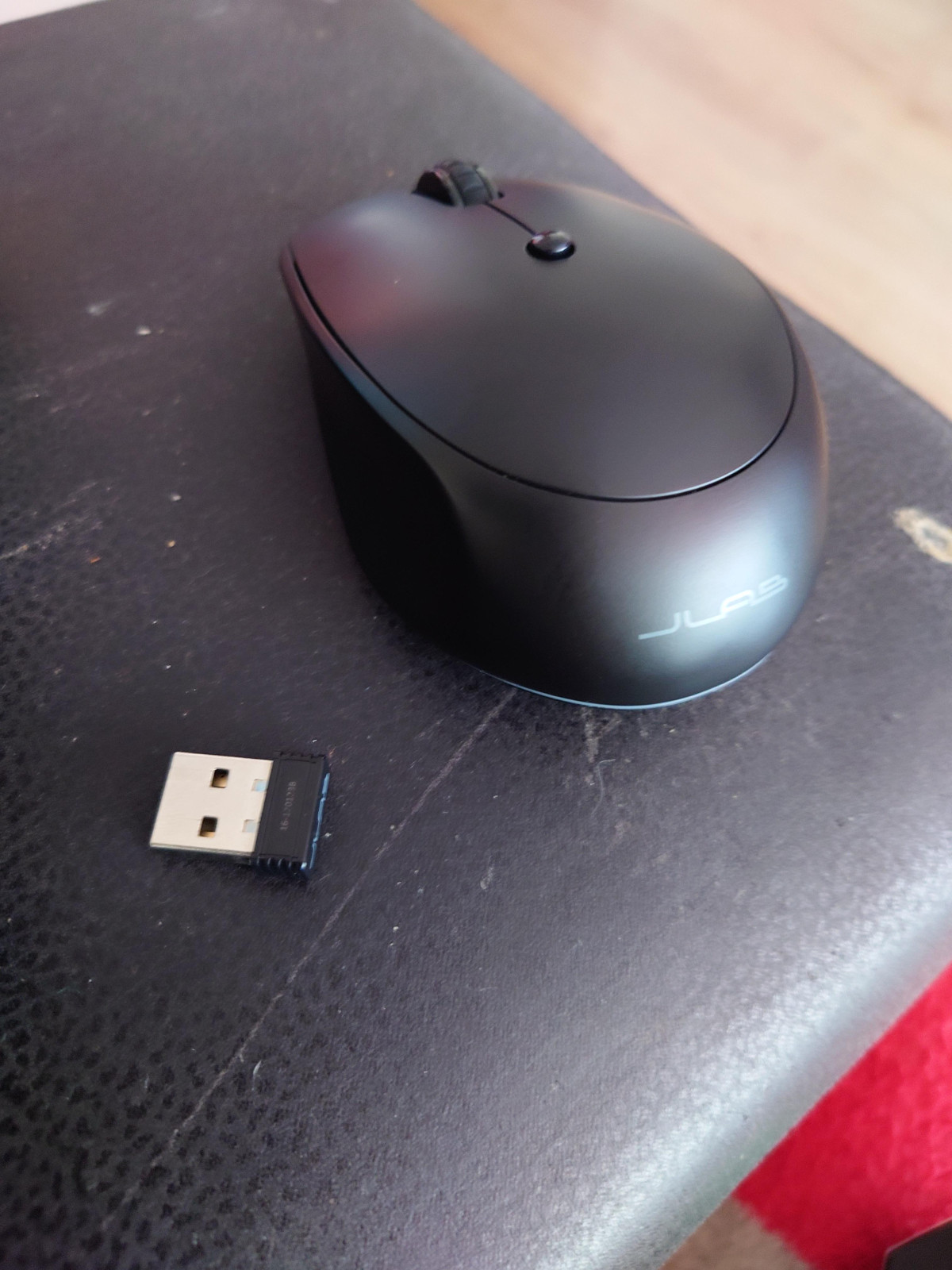
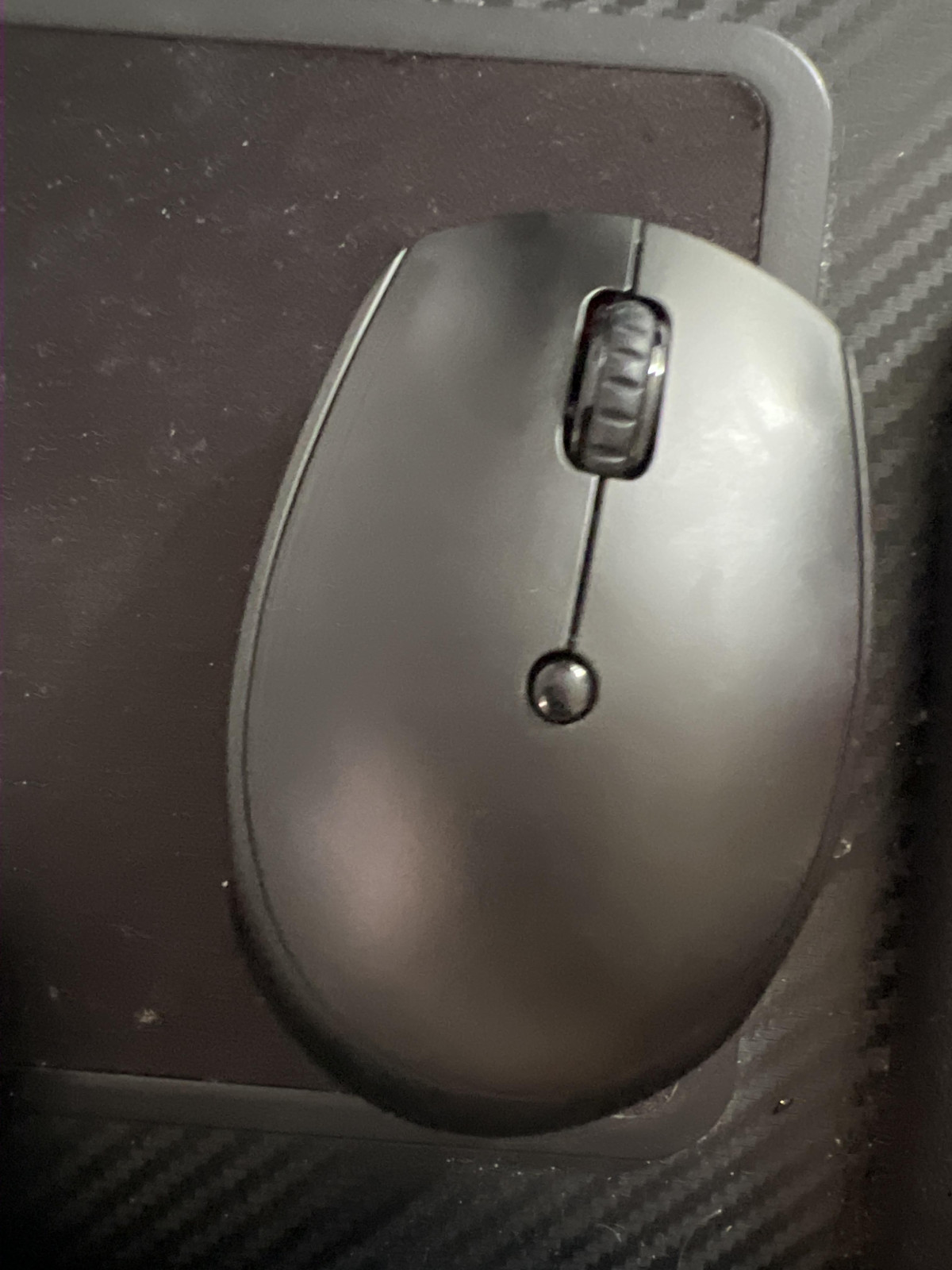
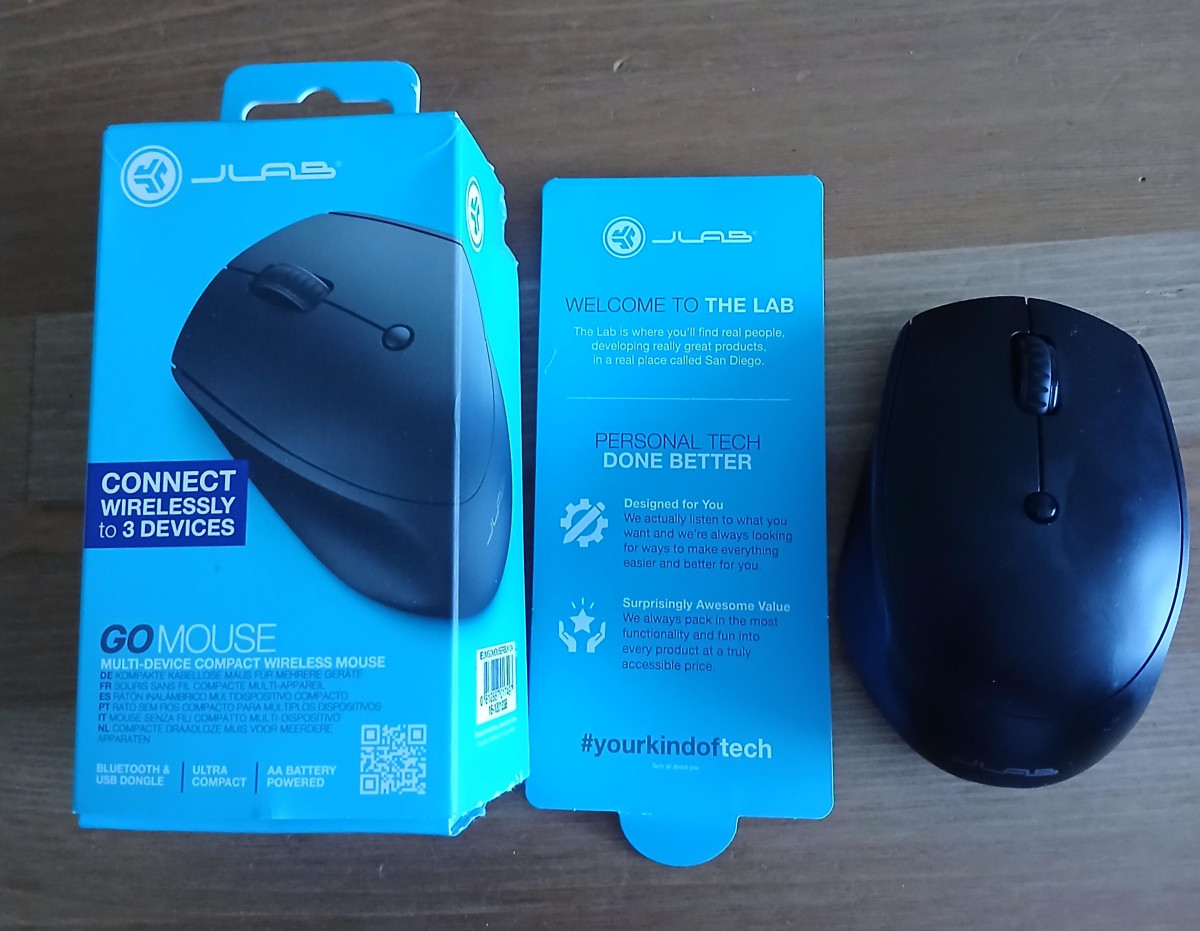
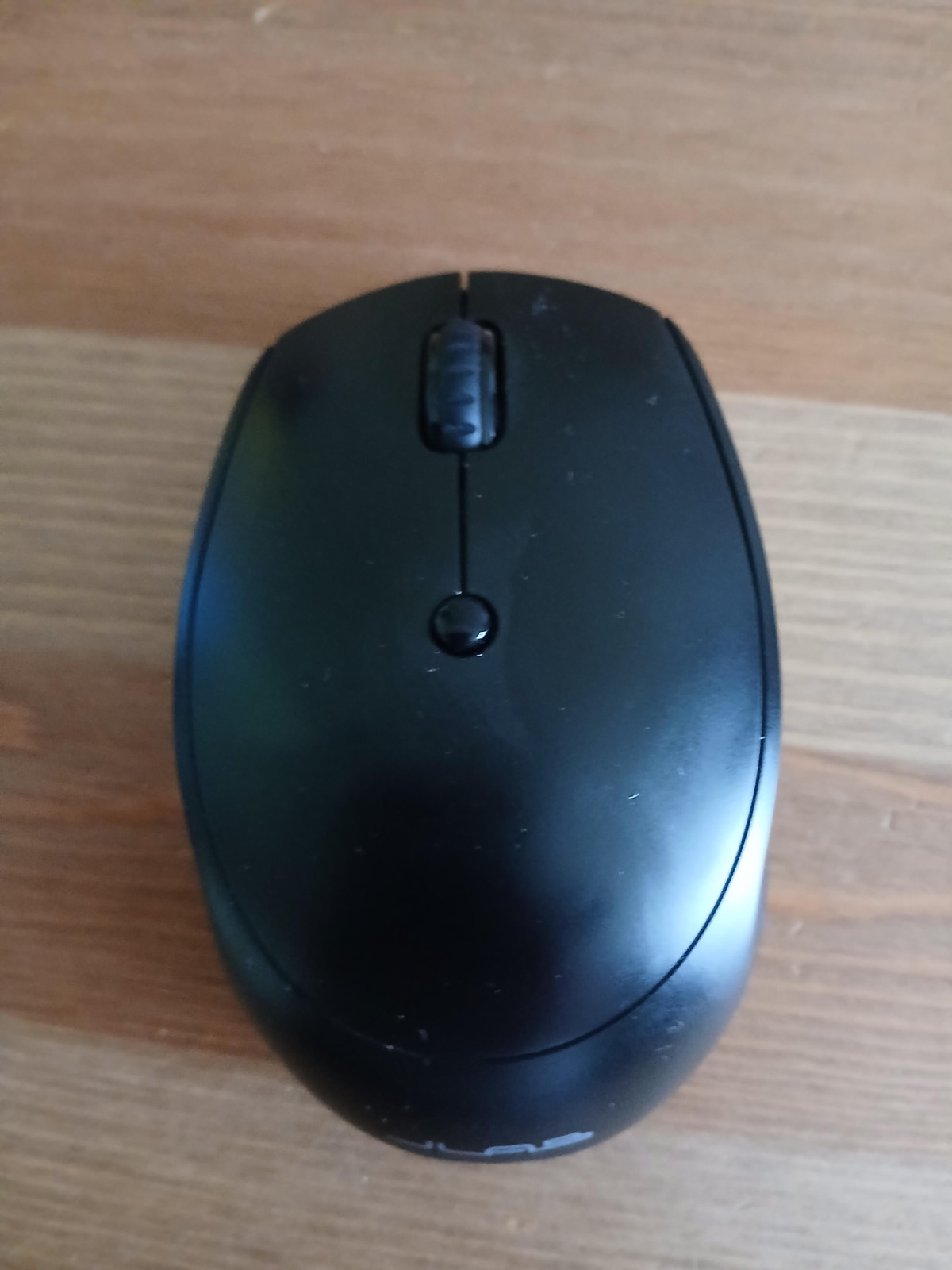
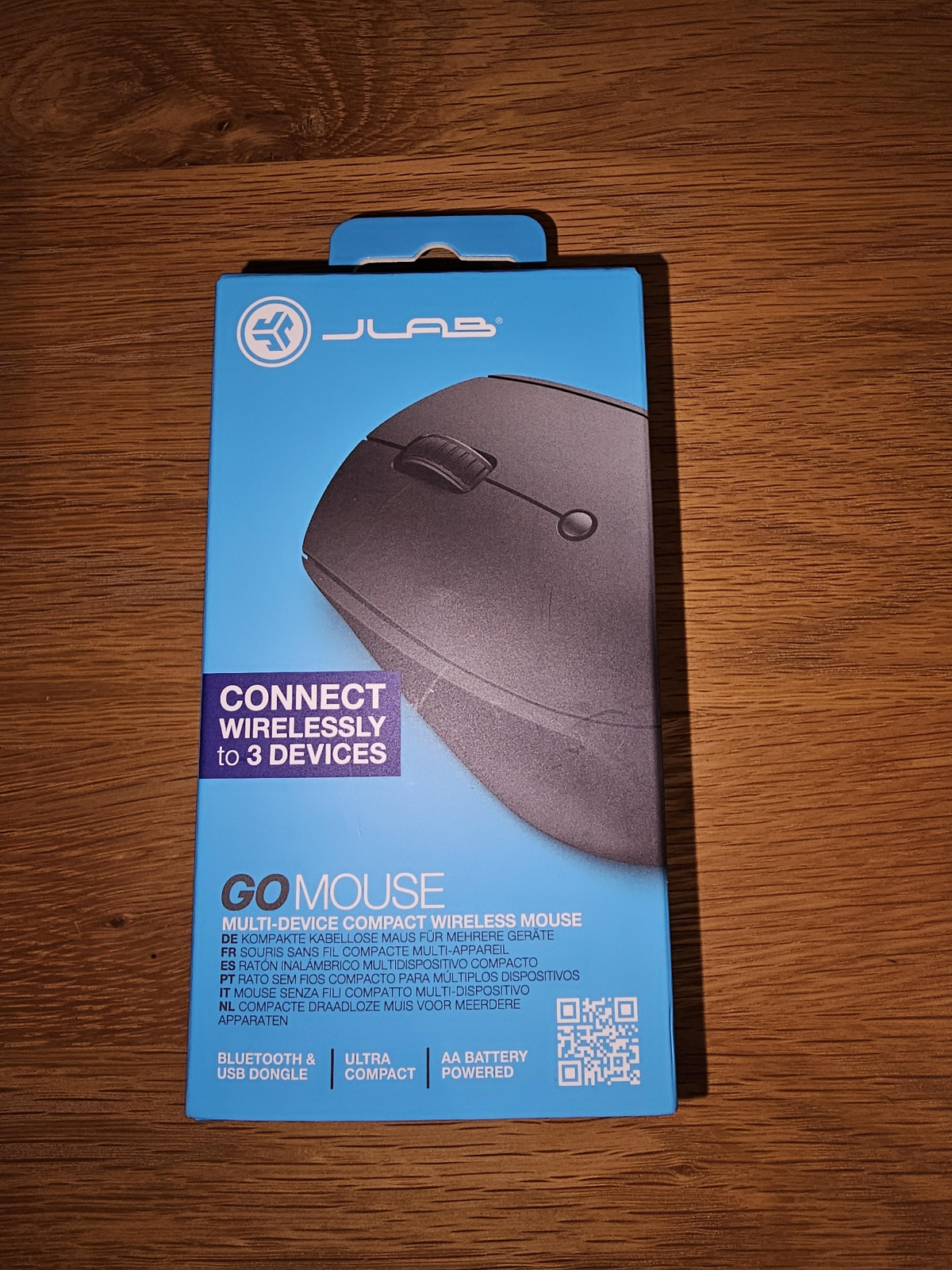
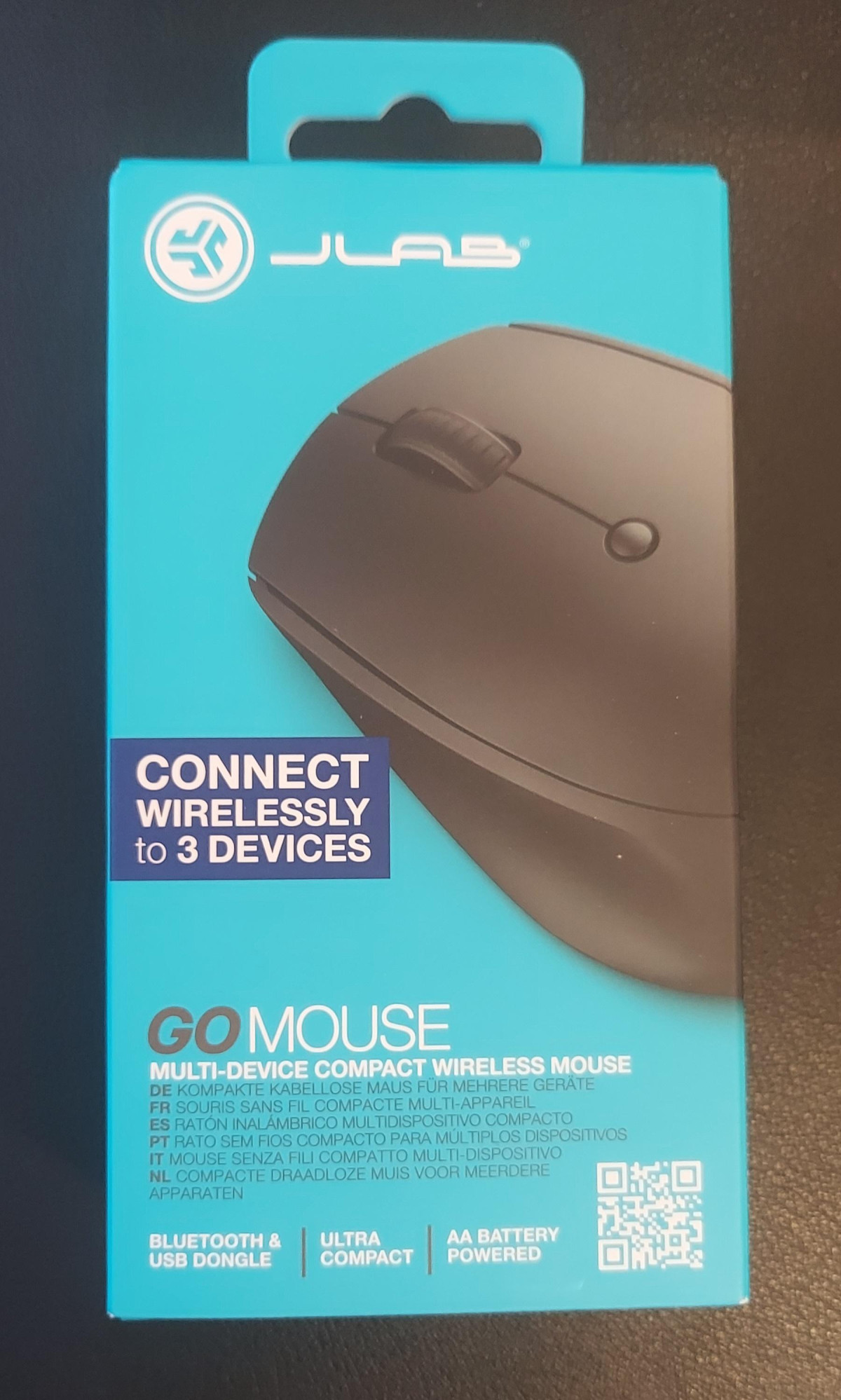

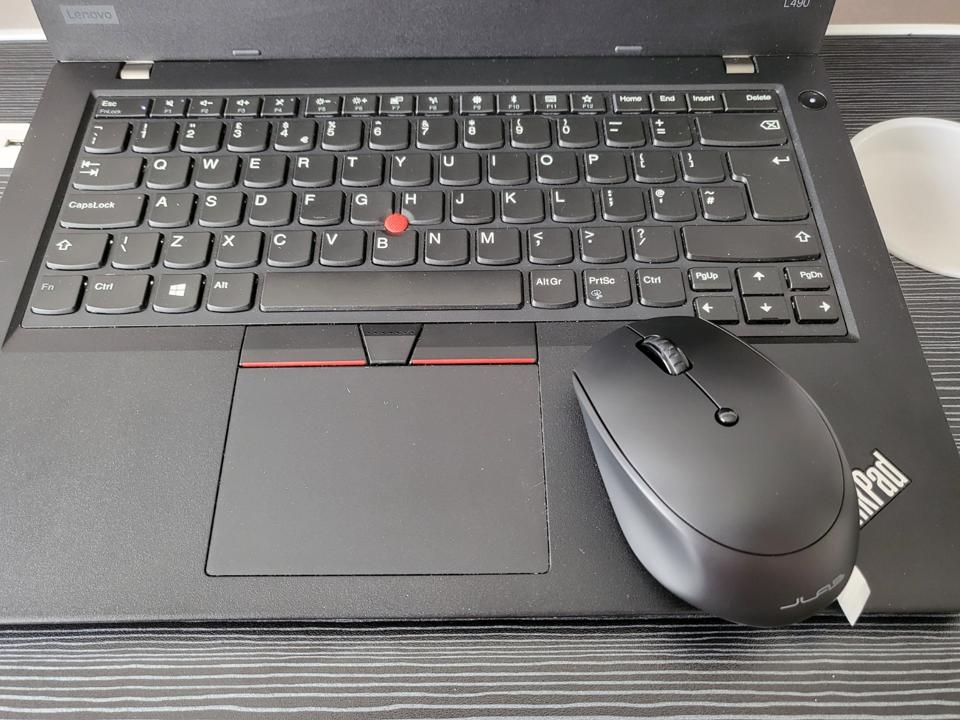
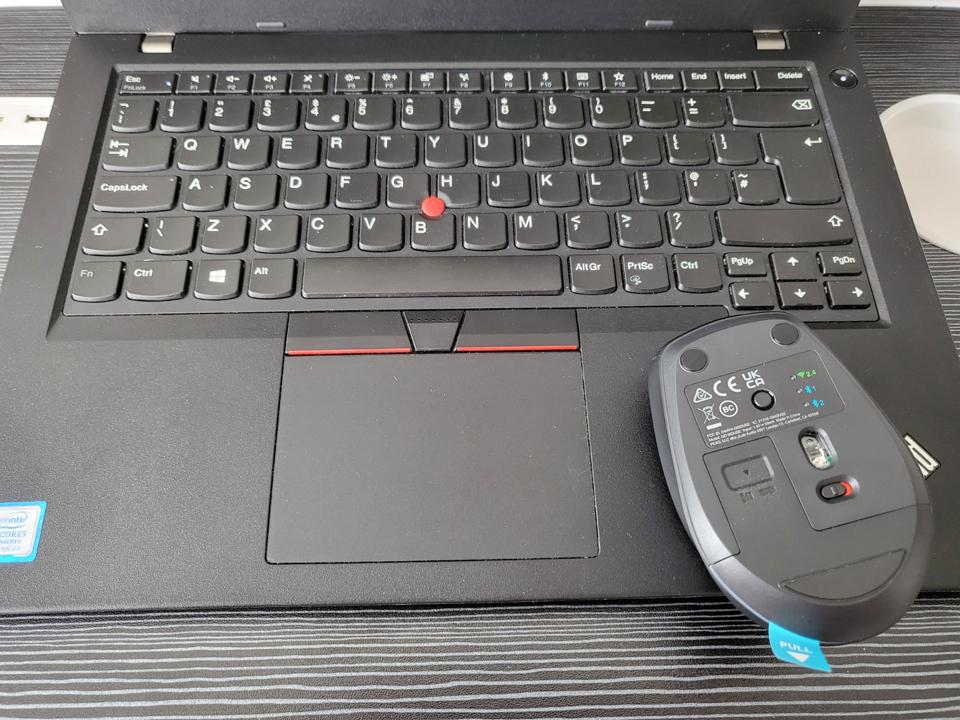
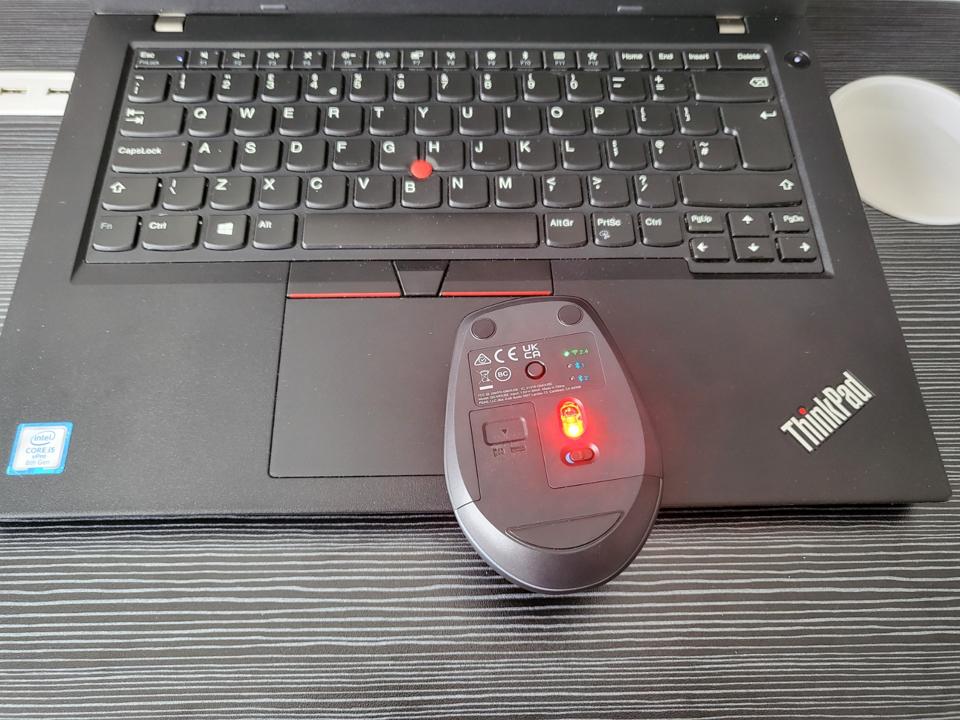
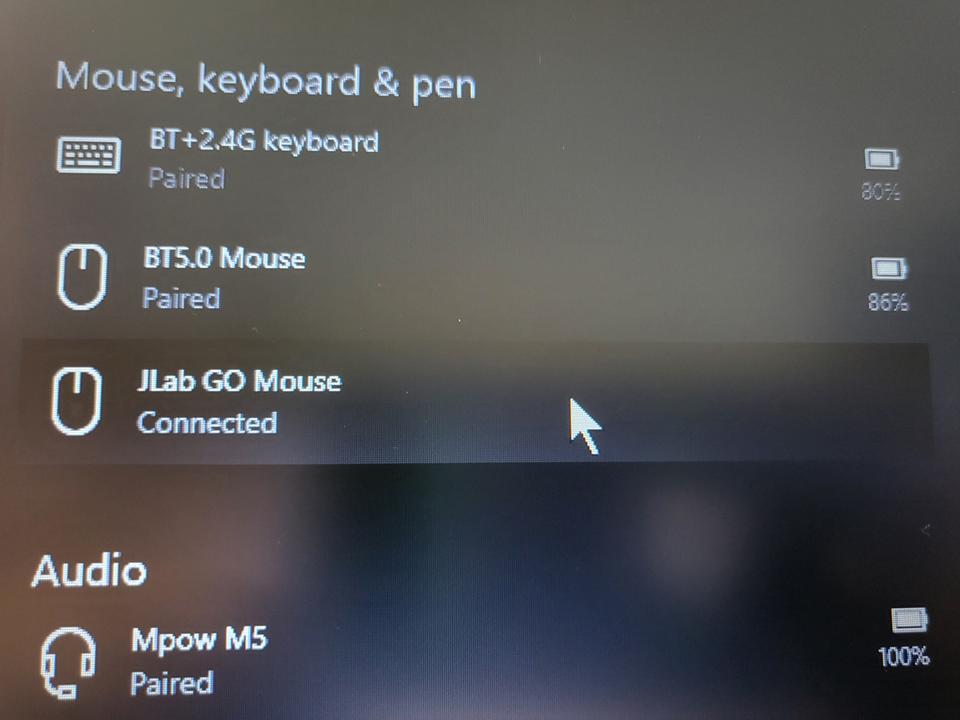

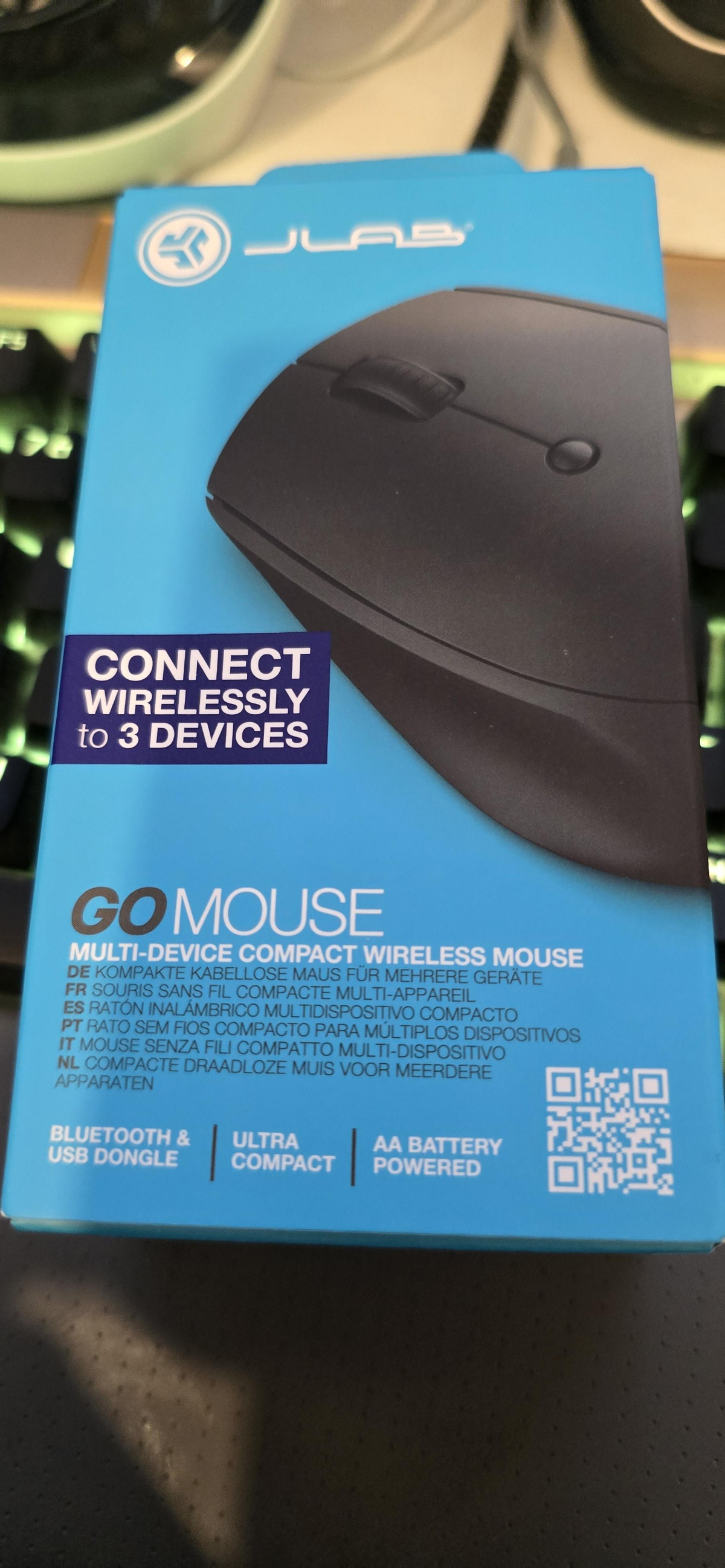
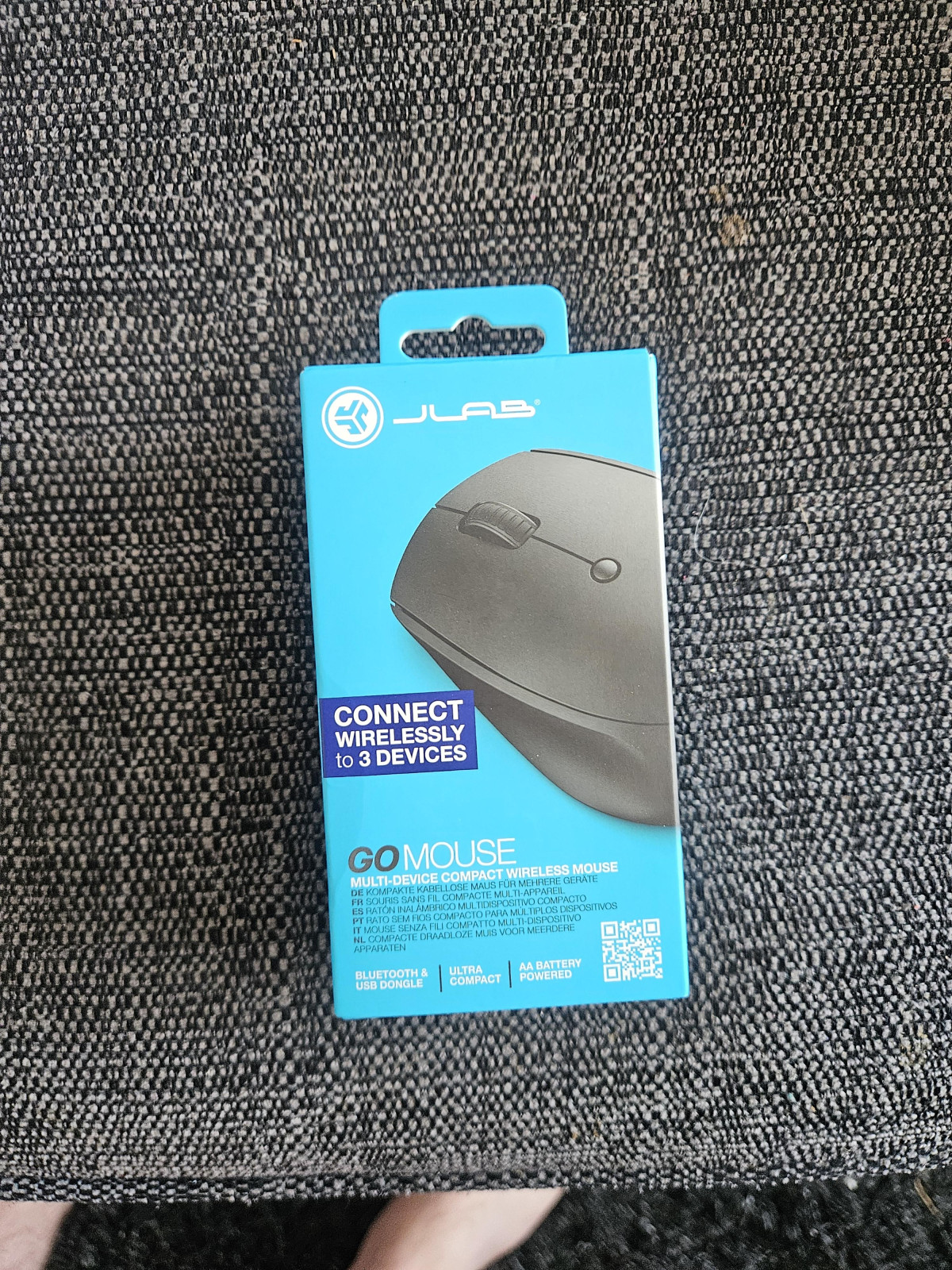
A Compact Mouse for People Who Work From More Than One Place
If your laptop travels between a home office, a kitchen table, and the occasional coffee shop, the mouse you use needs to keep up with that lifestyle — not add friction to it. The JLab GO Wireless Bluetooth Mouse in Black is built specifically for that kind of person: someone who bounces between a desktop, a laptop, and maybe a tablet, and doesn't want to fuss with cables, drivers, or a bulky peripheral that eats up bag space. It's a small, AA-battery-powered mouse that leans entirely on simplicity — one sensor, four buttons, three ways to connect — rather than trying to compete with gaming mice on flash or features. That focus is exactly what makes it worth a closer look, and also exactly where its limits show up.
Design and Build Quality: Small, Light, and Genuinely Pocketable
The Size and Weight, in Real Terms
3.9 in
Length
2.52 in
Depth
1.54 in
Width
58 g
Weight
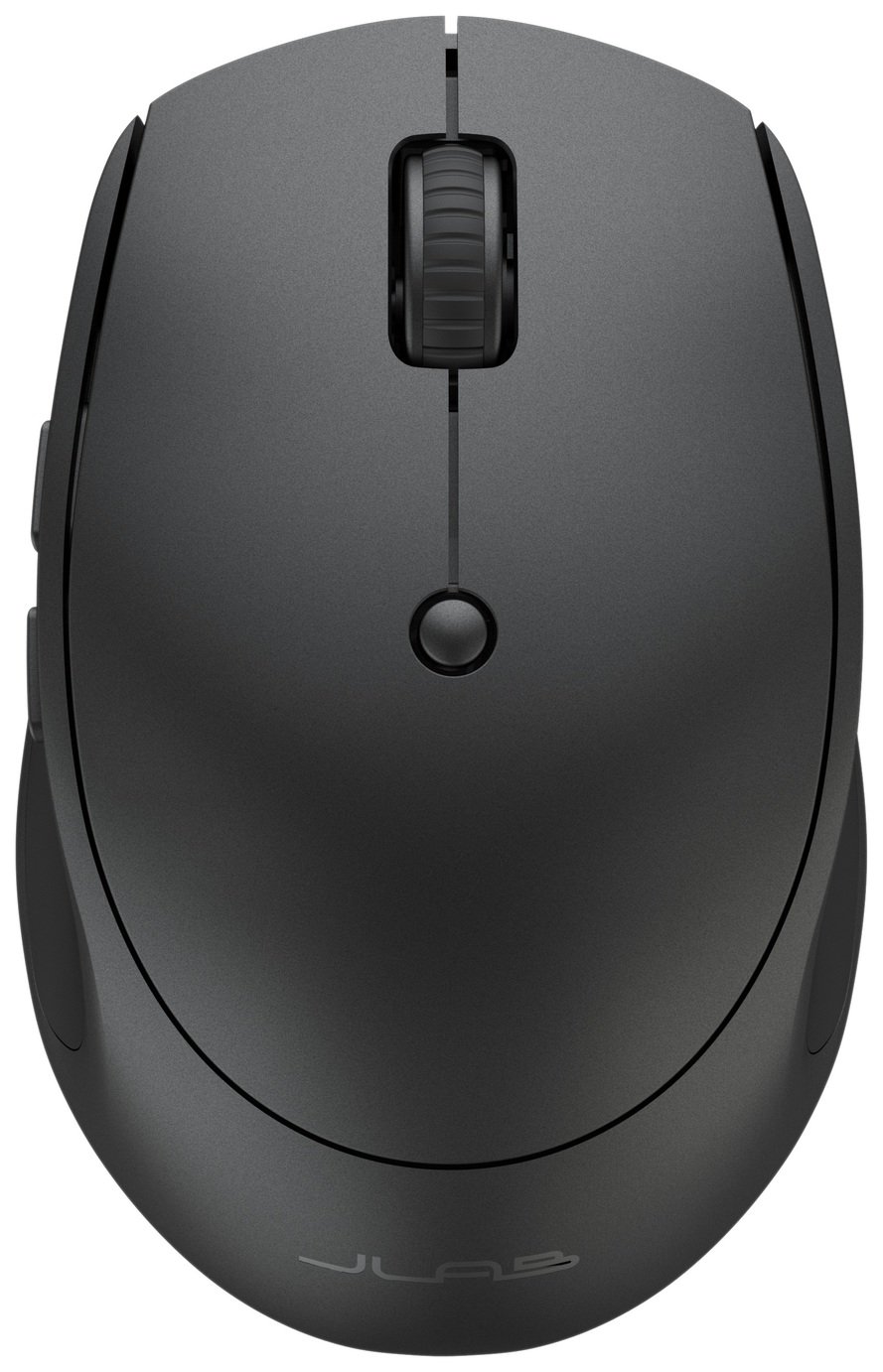
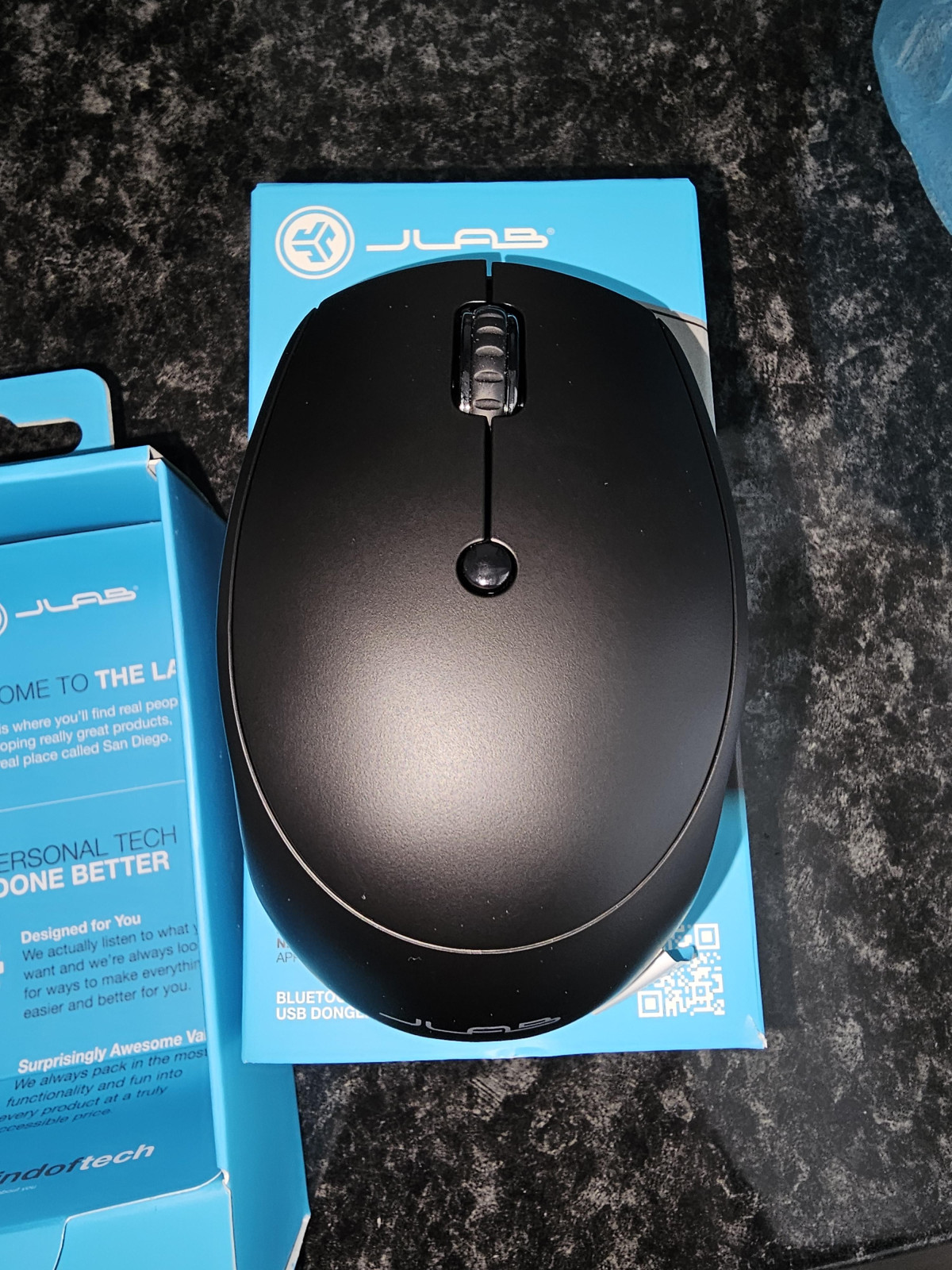
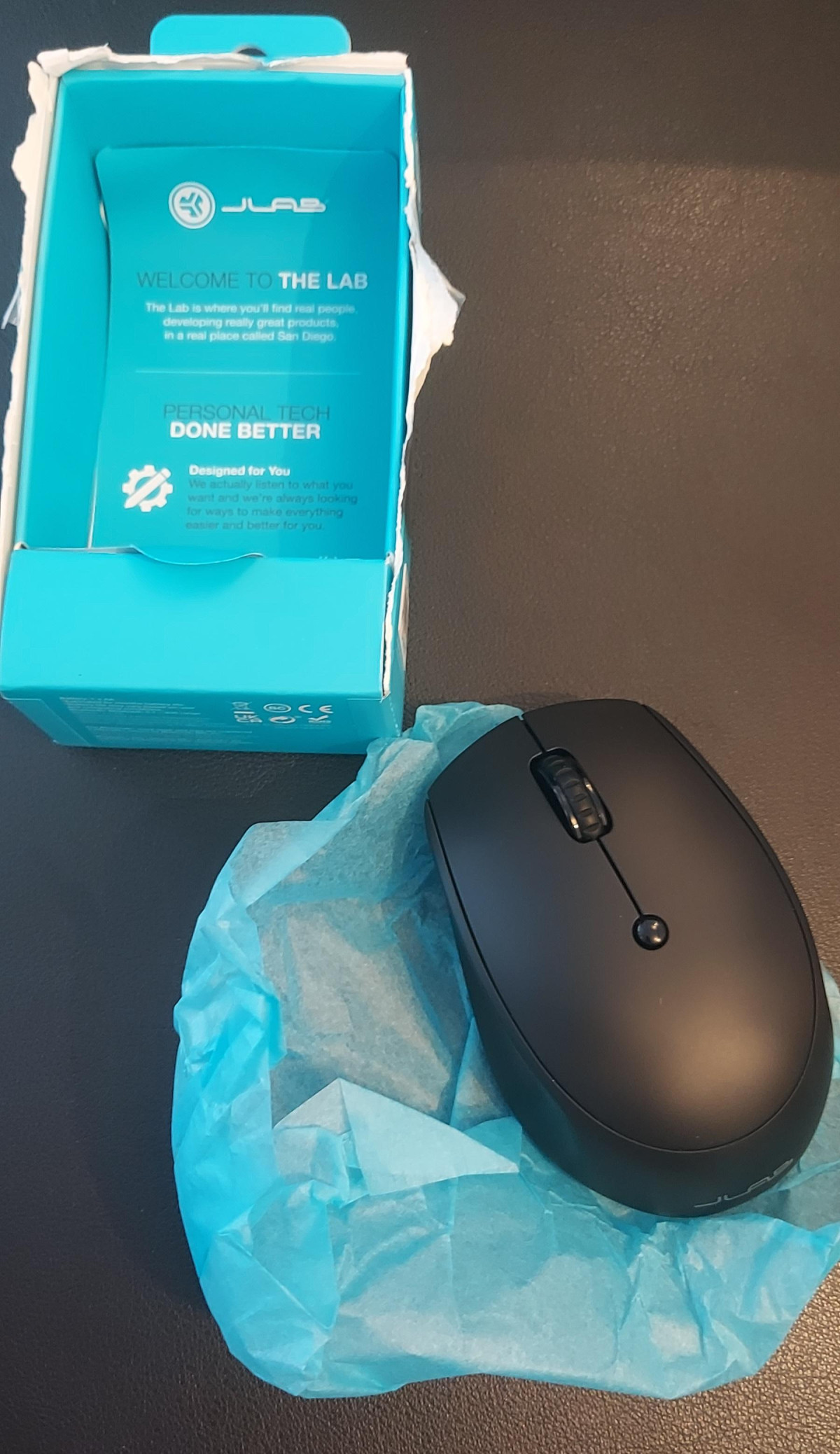
The GO Mouse measures roughly 3.9 inches long, 2.52 inches deep, and 1.54 inches wide, and weighs in at about 58 grams — lighter than a golf ball and thinner than most smartphones. In practical terms, that means it disappears into a laptop sleeve or the front pocket of a backpack without you noticing it's there. If you've ever left a full-size desktop mouse behind because it felt like dead weight in your bag, this is the category of product designed to solve that exact problem.
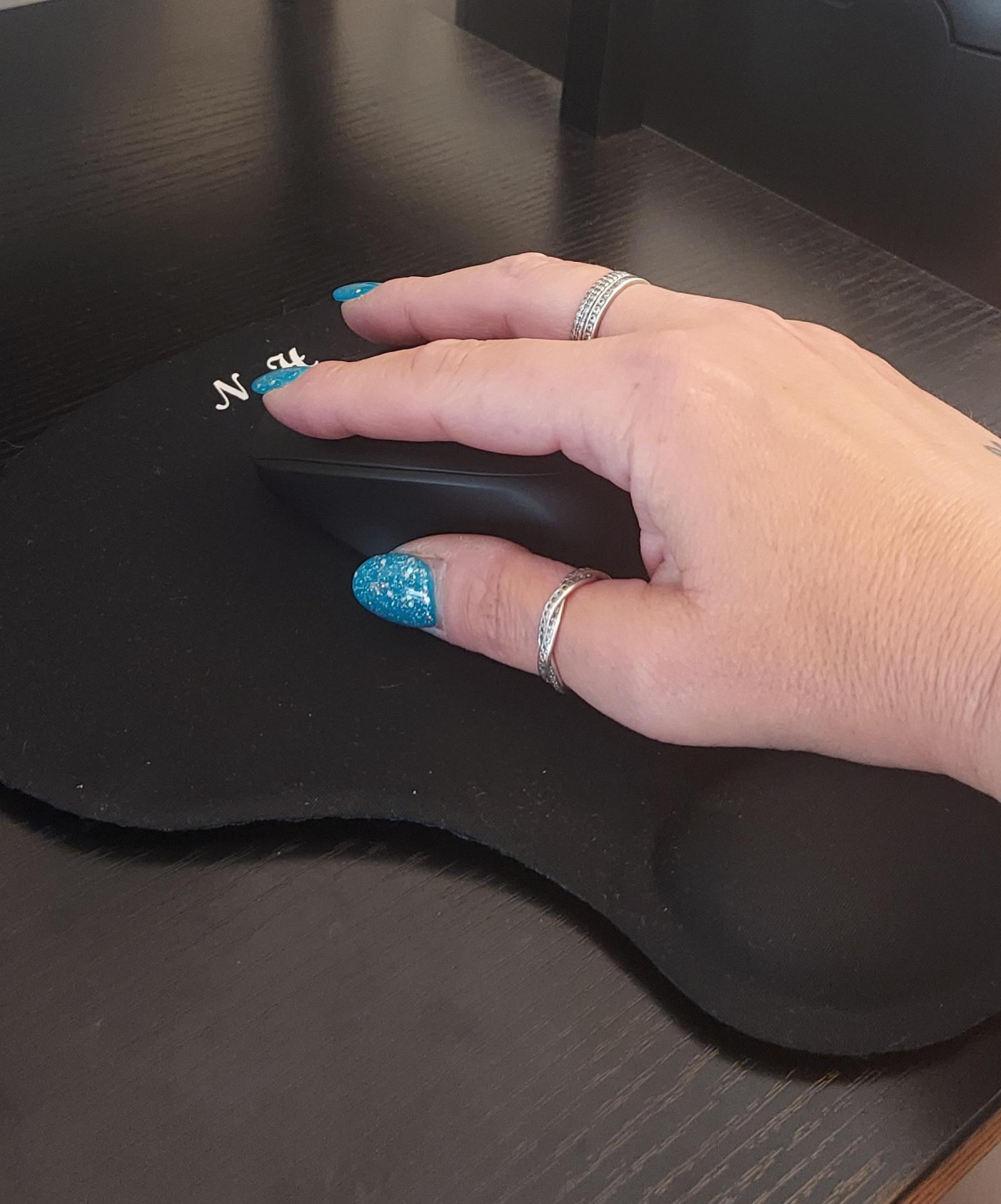
The trade-off is one that several real owners have already flagged: this is a small mouse, full stop. Buyers with larger hands may find their palm hanging off the back edge, while people with smaller or average-sized hands tend to report it fitting comfortably for extended sessions. It's worth going into a purchase with realistic expectations about scale — this isn't a full-hand palm-grip mouse, it's a light fingertip-and-claw-grip travel companion.
Shape and Grip
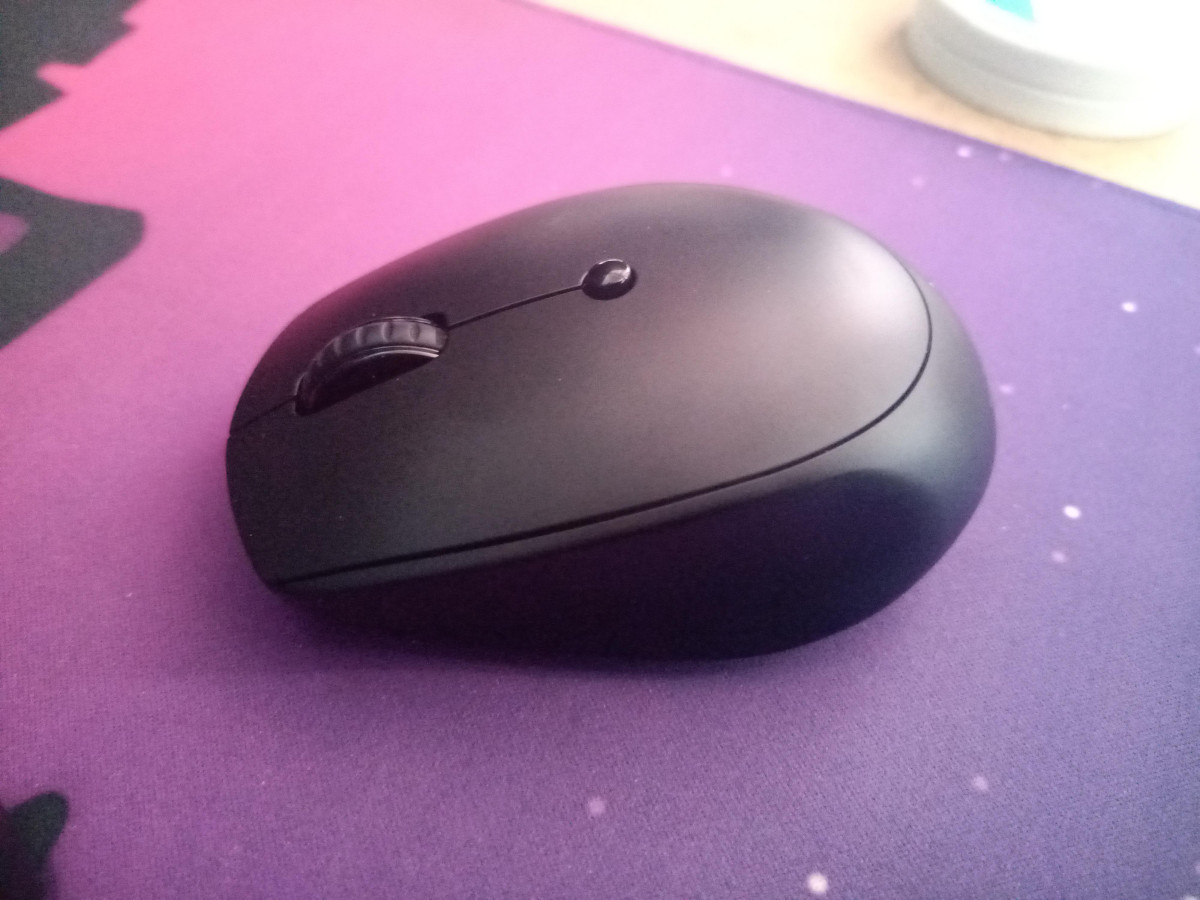
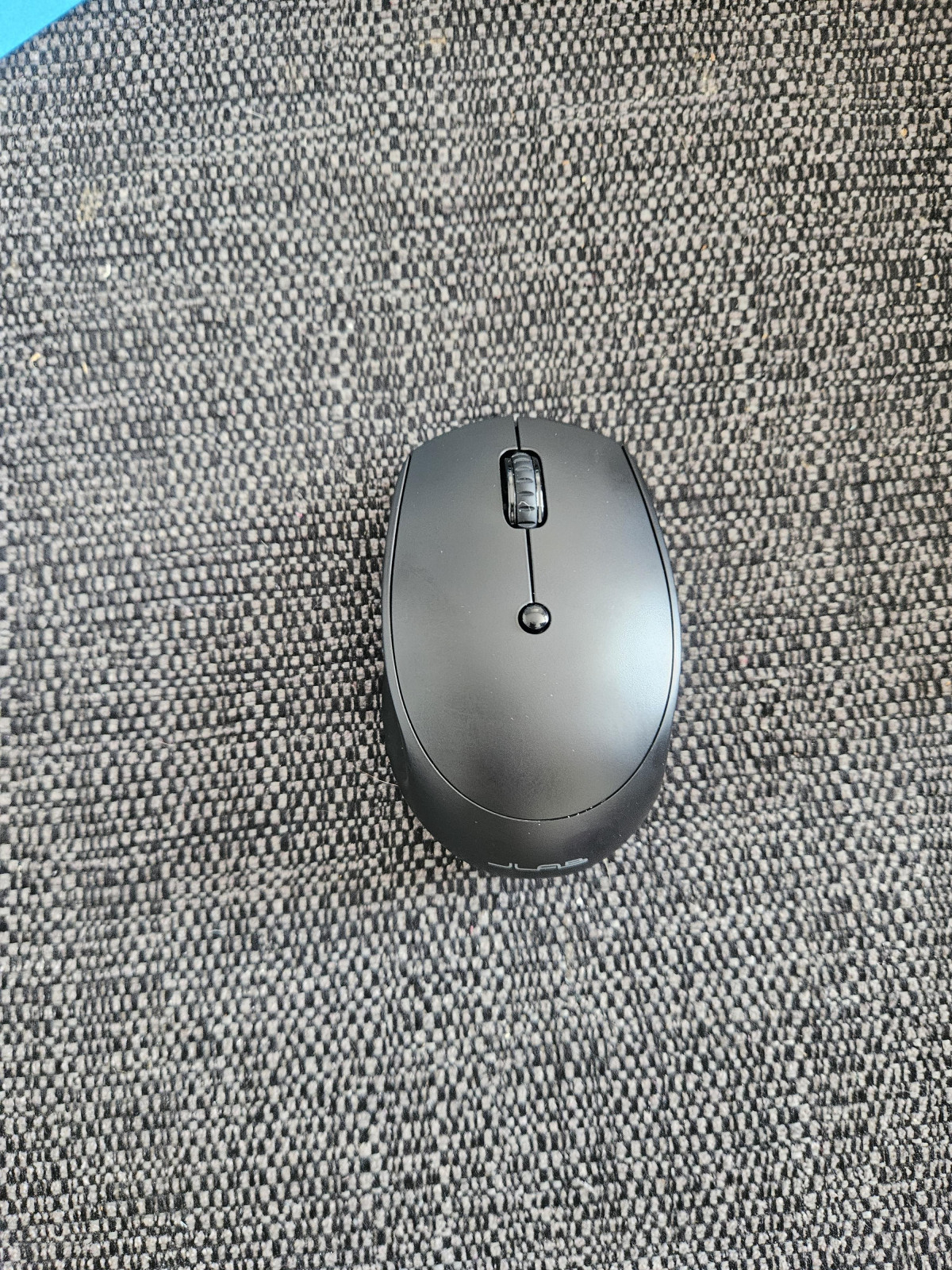
The body uses a symmetrical, ambidextrous shape rather than a hand-specific ergonomic curve, so left-handed and right-handed users get identical functionality — a small but genuinely useful detail that a lot of "ergonomic" mice quietly ignore. There's no dedicated thumb rest or finger sculpting, which keeps the shape simple and travel-friendly, but also means it won't offer the same wrist support as a chunkier ergonomic mouse designed to sit at a desk all day.
Performance: How the Sensor and Buttons Actually Feel
Tracking and Sensitivity
The GO Mouse runs on an optical sensor with three switchable sensitivity presets — 800, 1200, and 1600 DPI — toggled with a button positioned behind the scroll wheel. In plain terms: DPI (dots per inch) determines how far your cursor travels relative to how far you physically move the mouse. The lowest setting (800) suits detailed work like photo editing or spreadsheet navigation, where you want fine, deliberate cursor movement. The highest setting (1600) is better for quickly jumping across a large monitor or a multi-display setup, where you don't want to lift and reposition the mouse constantly. For a budget travel mouse, having three presets instead of one fixed sensitivity is a genuine convenience — you're not locked into a single feel that might work at your desk but frustrate you on a smaller laptop screen.
This is not a high-refresh gaming sensor, and JLab isn't positioning it as one. It's tuned for productivity: browsing, document editing, spreadsheet work, and general navigation. If your idea of "performance" involves competitive shooters or fast-flick esports precision, this isn't that mouse — and it was never trying to be.
Silent Clicks: Does the Marketing Claim Hold Up
JLab builds its entire GO Mouse pitch around quiet button presses, and this is one area where independent testing and real owners tend to agree the claim is accurate rather than inflated. One independent review of the sibling GO Charge model, which shares the same button design philosophy, described the click sound as noticeably muted compared to typical mice. For anyone working in a shared space — an open-plan office, a co-working desk, a coffee shop, or simply a house where someone else is on a call in the next room — that's a meaningfully different day-to-day experience than a mouse with loud, clacky switches.
Connectivity: Three Devices, One Mouse
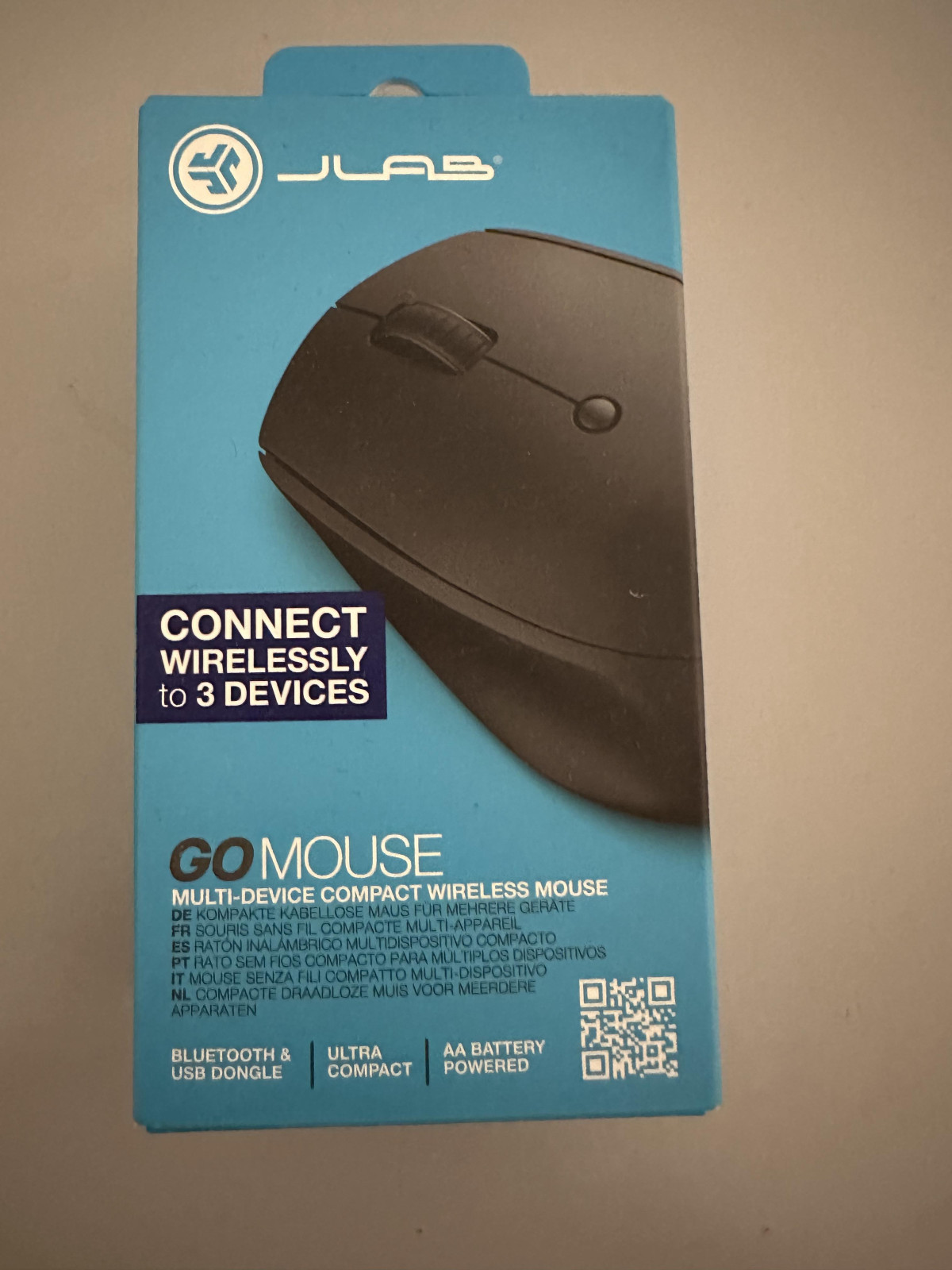
Bluetooth 5
Connection 1
Bluetooth 5
Connection 2
USB-A Dongle (2.4GHz)
Connection 3
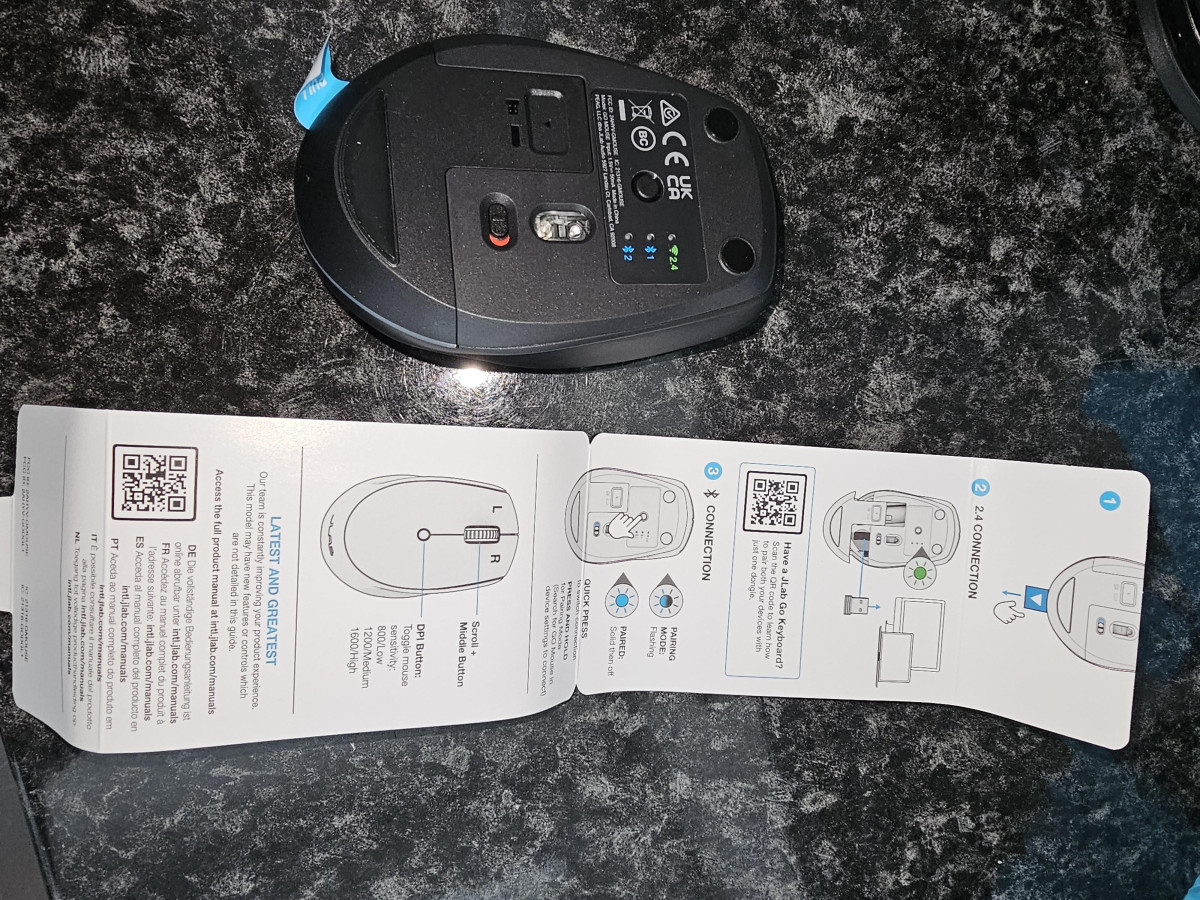
This is arguably the mouse's strongest selling point. You get two separate Bluetooth 5 connections plus a third connection through the included USB-A wireless dongle, which operates on 2.4 GHz. In practice, that means you can pair the mouse with your laptop over Bluetooth, keep a second Bluetooth pairing saved for your tablet, and still have the dongle ready to plug into a desktop PC that might not have Bluetooth at all — all three connections stored simultaneously, with a single button press to cycle between whichever device you're currently using.
That flexibility solves a genuinely annoying problem: the constant re-pairing dance most budget wireless mice force you through when you switch machines. Owners have specifically praised this in day-to-day use — reviewers report connecting the mouse to a MacBook Pro, a Chromebook, and various tablets without needing extra software or drivers, and questions submitted directly to JLab and Argos confirm compatibility with iPad Pro and Android-based tablets like Lenovo devices as well. If your workflow genuinely spans multiple device types, this is the feature that justifies buying a JLab GO over a single-connection mouse that costs the same or less.
The one caveat: a handful of owners have reported occasional Bluetooth connection drops, which is a common complaint across budget Bluetooth peripherals generally, not unique to this model. If rock-solid, zero-dropout connectivity is non-negotiable for you, the bundled 2.4 GHz USB dongle is the more reliable fallback of the two connection types, since dongle-based RF connections are generally less prone to interference than Bluetooth in crowded wireless environments.
Battery Life: What "Six Months" Actually Means
The mouse runs on a single included AA battery and is rated for approximately six months of use, with a small onboard indicator light that lets you know when it's getting low. Translated into daily habits: if you use the mouse for a typical eight-hour workday, five days a week, you're looking at swapping in a fresh AA roughly twice a year. That's a low-maintenance cadence compared to devices that need weekly or monthly charging, and it means you're never stuck mid-task waiting for a charge — you just drop in a spare AA and keep going.
The trade-off against a rechargeable mouse is environmental and long-term cost: over several years of ownership, you'll be buying and disposing of AA batteries rather than plugging into a cable you already own. Some reviewers have also reported getting noticeably less than six months in real-world use, which tracks with how JLab frames the estimate — it explicitly varies based on how heavily and how continuously the mouse is used.
Real-World Usage Scenarios: Who This Mouse Is Actually For
Strong Match If You
- Regularly switch between a laptop, a desktop, and a tablet, and want one mouse that follows you across all three without re-pairing every time
- Work in shared spaces — cafés, co-working desks, open offices, or a house with a napping baby or a video-calling housemate — where click noise genuinely matters
- Travel frequently and want a mouse light and small enough to disappear into a laptop bag
- Have small to average-sized hands and don't need a large ergonomic body to stay comfortable through a workday
- Want simple, no-driver-required setup rather than software-heavy configuration
Weaker Fit If You
- Have large hands and want a mouse body that fills your palm for all-day desk use
- Play fast-paced competitive games where a dedicated gaming sensor and higher polling rates matter
- Want a mouse with extensive programmable macro buttons for productivity shortcuts or creative software
- Would rather never think about batteries again and prefer a rechargeable device
- Need guaranteed rock-solid wireless connectivity in an environment with heavy Bluetooth interference
How It Compares: JLab GO vs. the Alternatives
| Spec | JLab GO (this model) | JLab GO Charge (sibling) | Typical entry-level AA wireless mouse | Dedicated ergonomic/vertical mouse |
|---|---|---|---|---|
| Power source | 1x AA battery, included | Built-in rechargeable battery, USB-C charging | Usually 1-2 AA/AAA batteries | Varies; often rechargeable |
| Weight | ~58g | ~76g | Similar or heavier | Noticeably heavier, larger body |
| DPI options | 800 / 1200 / 1600 | 800 / 1200 / 1600 | Often fixed, single DPI | Often fixed or two-step |
| Connections | 2x Bluetooth 5 + 1x 2.4GHz dongle | Bluetooth 5 + 2.4GHz dongle | Usually one connection type only | Varies by model |
| Click noise | Designed to be quiet | Designed to be quiet | Standard click volume | Standard click volume |
| Body shape | Compact, symmetrical | Slightly larger, symmetrical | Compact, often symmetrical | Sculpted, hand-specific, larger |
| Best for | Ultra-portable, multi-device switching | Same portability, no battery swapping | Budget backup mouse | All-day desk comfort, wrist support |
The clearest internal comparison is against its own rechargeable sibling, the GO Charge. Both share the same core sensor range and connectivity approach, but the GO Charge trades a bit of extra weight for the convenience of USB-C charging instead of battery swaps — worth the small size increase if you'd rather never buy AAs again. Against generic budget wireless mice, the GO's three-device multi-connect and adjustable DPI genuinely stand out; a lot of similarly priced mice offer only one connection type and a single fixed sensitivity. Against dedicated ergonomic or vertical mice, though, the GO isn't really playing the same game — those products prioritize wrist and hand comfort for marathon desk sessions, at the cost of the portability that's the entire point of the GO.
Strengths and Weaknesses: An Honest Assessment
Strengths
The strongest case for this mouse is built on three things working together well: it's genuinely light and small enough to travel without a second thought, the multi-device Bluetooth-plus-dongle setup removes a real point of daily friction for anyone using more than one computer, and the click noise reduction is a feature that actually matters once you've experienced working next to someone with a loud, clicky mouse. Add in adjustable DPI, a battery life measured in months rather than days, and a two-year manufacturer's warranty, and this becomes an easy mouse to recommend for its specific niche.
Weaknesses
The honest weaknesses are equally clear. The small body genuinely won't suit larger hands, and a portion of owners have found the shape uncomfortable for anything beyond short sessions — this isn't a universal fit the way JLab's marketing might imply. A handful of users have reported occasional Bluetooth reconnection issues, and while the dongle offers a more stable fallback, that's a workaround rather than a fix. And while the "up to six months" battery estimate is broadly consistent with what most reviewers report, it's explicitly usage-dependent, so treat it as a ballpark rather than a guarantee. None of these are unusual complaints for a mouse in this price bracket, but they're worth knowing before you commit.
Final Verdict
The JLab GO Wireless Bluetooth Mouse earns its keep by doing one job extremely well: giving people who move between multiple devices a small, quiet, low-maintenance mouse that doesn't demand attention. If that's your actual use case — laptop-to-tablet-to-desktop switching, frequent travel, shared workspaces where noise matters — this is a genuinely smart, low-cost pickup that will likely outperform its price point in daily convenience. If you have larger hands, need serious gaming precision, or want extensive customizable buttons, look toward a larger ergonomic or gaming-focused mouse instead; this one was never built to compete on that ground. For its intended audience, though, it delivers exactly what it promises without unnecessary extras getting in the way.
What People Say
33 commentsJLAB GO Wireless Bluetooth Mouse
The JLaB GO Wireless Bluetooth Mouse is an excellent choice for office/school work and general use, especially if you need a mobile mouse for your laptop. I'm thoroughly impressed with its performance and design.
Key Features:
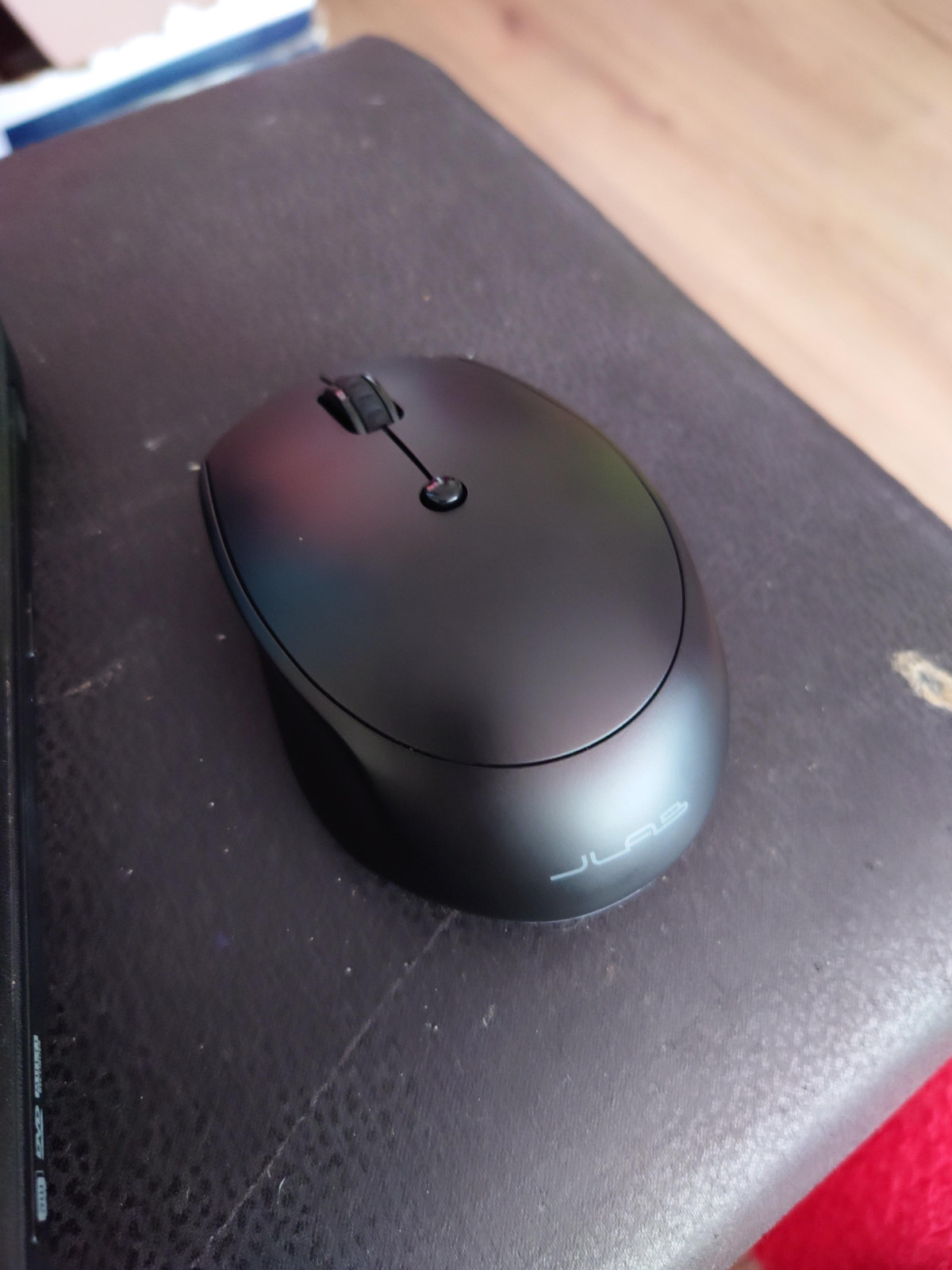
Compact Design: The mouse is sleek and portable, perfect for slipping into small pockets in your laptop bag. Its size is ideal for on-the-go use, though people with larger hands might find it a bit small for daily use.
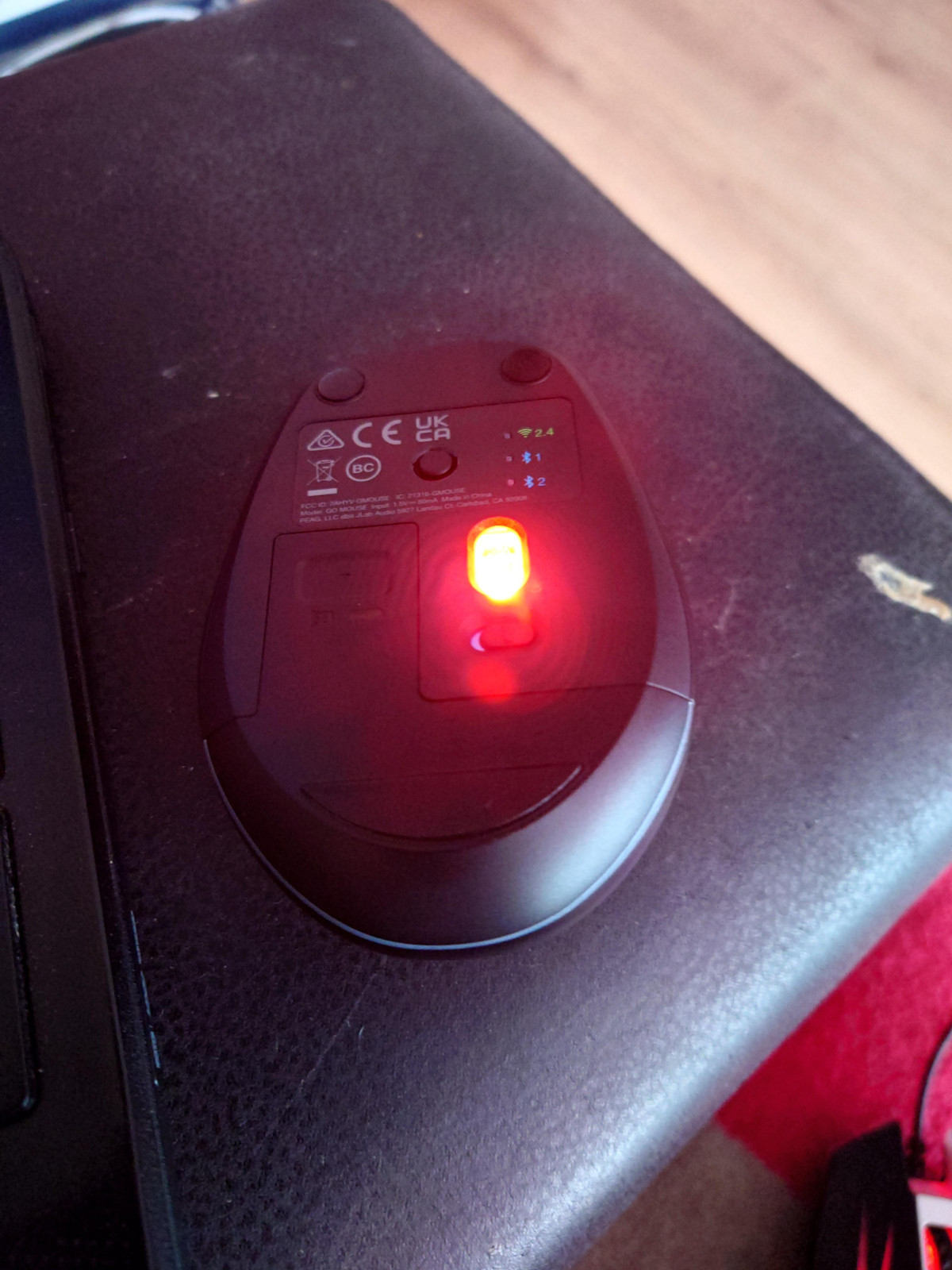
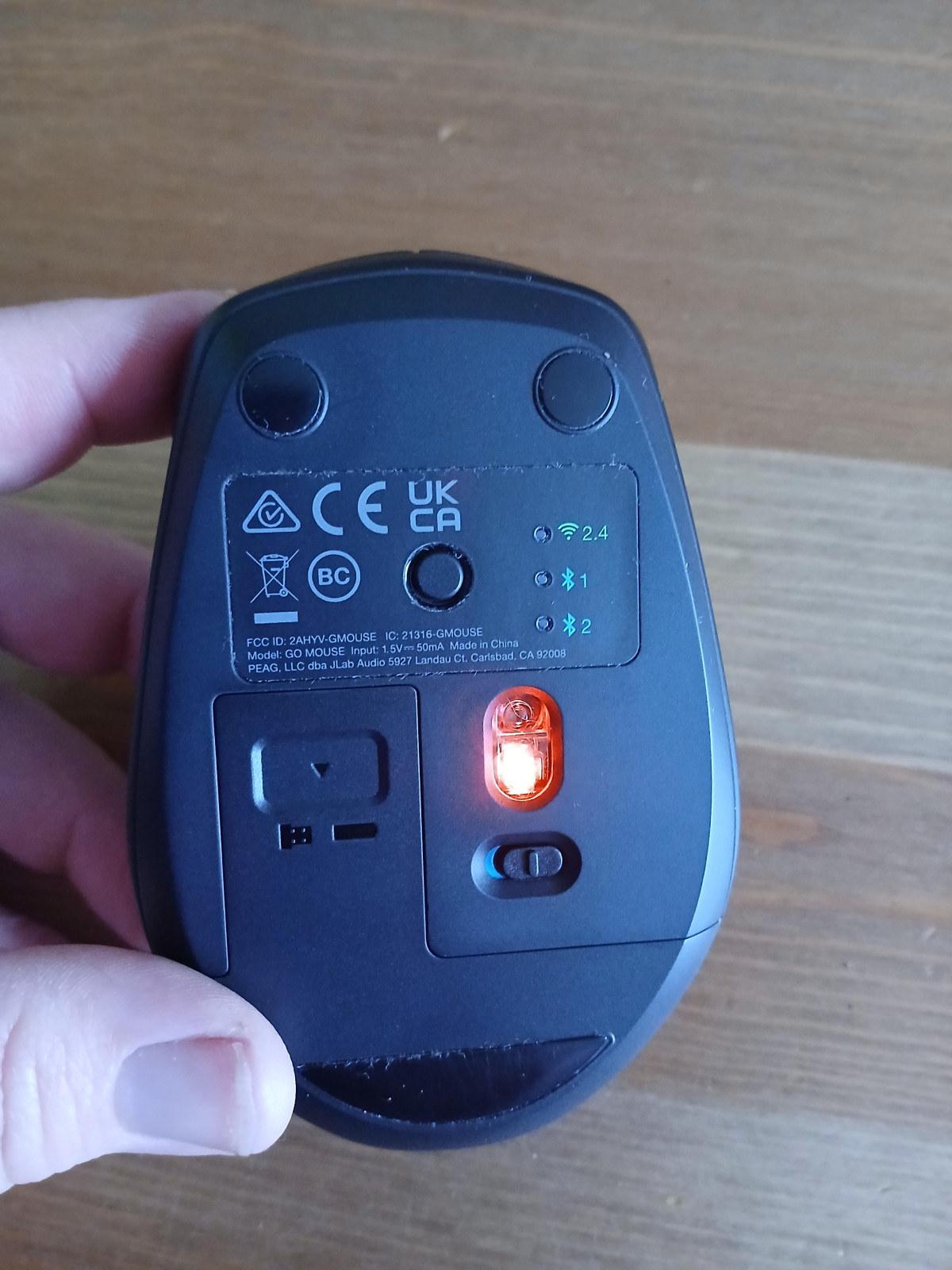
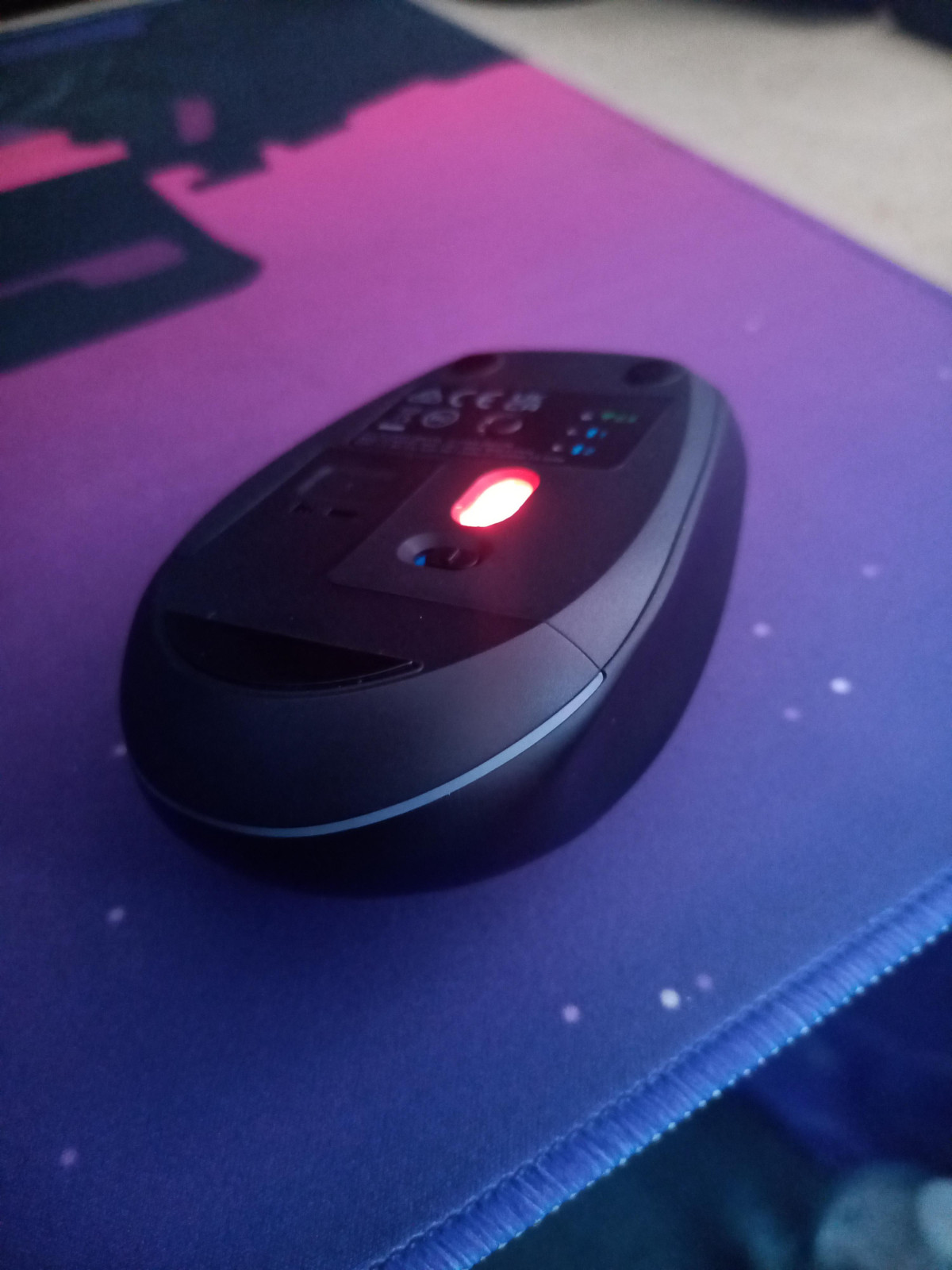
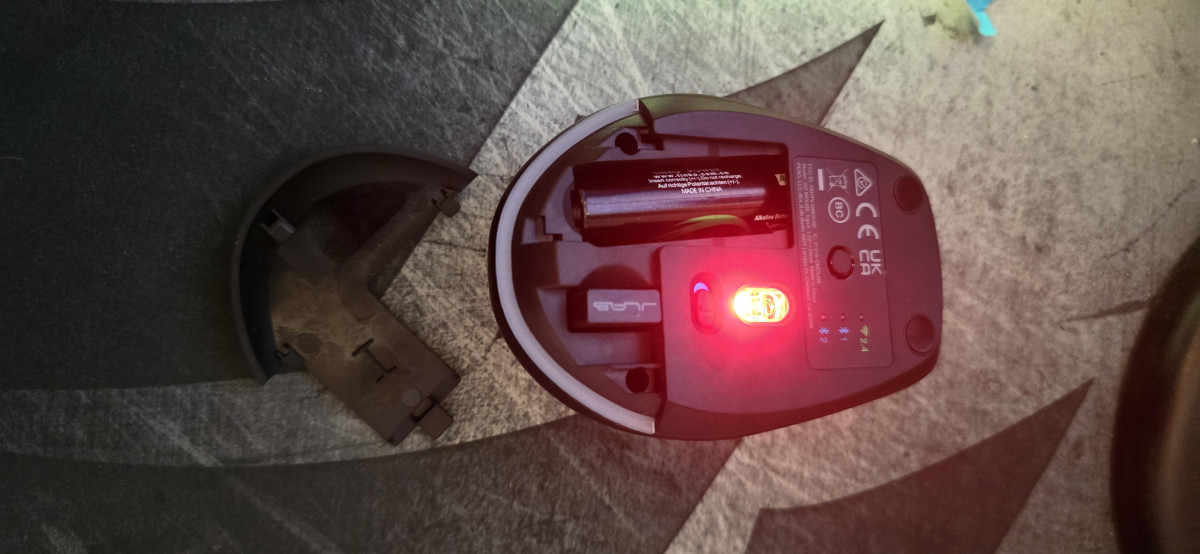
Three Connectivity Options: The JLaB GO mouse offers 2.4G wireless, and two Bluetooth connectivity options. This versatility allows you to switch between up to three devices seamlessly by pressing a button underneath the mouse, which lights up to indicate the selected connection method.
Ease of Setup: The setup process is straightforward and can be completed in less than a minute from unboxing. The instructions are clear, making it easy to connect to your devices.
Responsiveness: The mouse is highly responsive, ensuring smooth and precise tracking, which is crucial for both office tasks and general use.
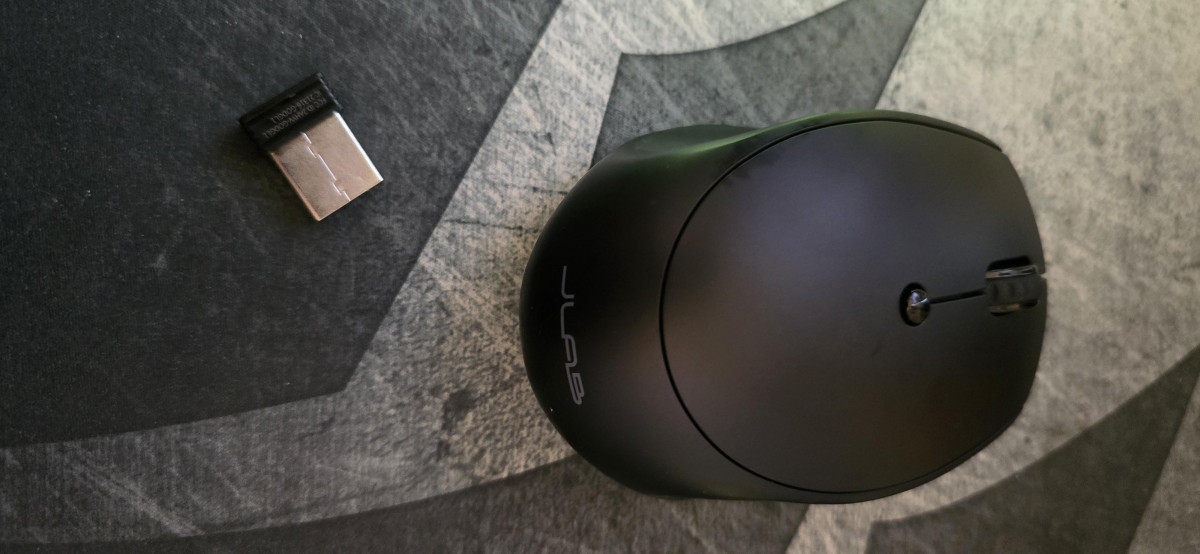
Convenient Storage for USB Dongle: The USB dongle for 2.4G wireless connectivity is conveniently stored in the battery compartment, making it easy to keep track of and ensuring it doesn't get lost.
Battery Requirements: The mouse takes one AA battery, which provides ample power and is easy to replace when needed.
Pros:
Multiple Device Connectivity: The ability to connect to three different devices is a standout feature. Switching between devices is quick and efficient, enhancing productivity.
User-Friendly Setup: The quick and easy setup process is a significant advantage, especially for users who need to get started with minimal hassle.
Portability: Its compact size makes it an excellent travel companion, fitting easily into small compartments in your laptop bag.
USB Dongle Storage: The inclusion of a storage space for the USB dongle in the battery compartment is a thoughtful design choice, ensuring the dongle is always within reach.
Cons:
Replaceable Battery: Unlike rechargeable mice, the JLaB GO uses a replaceable battery. While this can be inconvenient, it also means you can quickly replace a flat battery without needing to wait for a recharge.
Optical Mouse with Bright LEDs: The optical sensor uses bright red LEDs, which can be harsh on the eyes. It's advisable to cover the LED with your finger when switching the mouse on or changing connectivity options to avoid discomfort.
Overall, I rate the JLaB GO Wireless Bluetooth mouse 5 out of 5 stars. It perfectly meets my needs with its functionality and compact design. Despite minor drawbacks like the replaceable battery and bright LEDs, its performance and convenience make it an excellent choice for anyone needing a reliable and portable mouse. Highly recommended for those who need a versatile and mobile solution for their computing needs.
Wireless Mouse
Works fine. Quite compact. I wish it had finger indentations. Very quiet click.
It works well as a wireless mouse for me. Connected quickly. This isn't quite as comfortable as others i have used. Doesn't have the nice indentations on the top button areas where my fingers rest. That finger area is all the same level. (There are indentations on the side for the thumb.) But it's not at all bad. The surface is matte plastic. So it looks a little fancier. But feels plasticky and not quite as nice as the ones with a bit of rubber on them. The click is a nice soft noise, not actually a harsh click, which is nice. More like the sound of a laptop keyboard press. And the mouse has three different selections that you can scroll through with a mode button on the bottom, for the USB remote or Bluetooth 1 or 2, so you can use it on multiple devices more easily. On the whole, a very average mouse. Not bad, not great.
Good little surprise for budget mouse
Good basic mouse to use with laptop. It feels more expensive as it’s a good quality and moves smoothly. The click is quiet which I like, as my previous mouse was quite loud. It connected easily first time and each time since it’s automatically connected. I like that the dongle piece stores easily inside the mouse so I don’t have to leave it plugged into the laptop to store, and I won’t lose it if I take it out. I wanted to use it for a few weeks before reviewing to see how to battery lasted and the AA battery it came with is still going, so I haven’t had to change it yet which is great news. The only downside I can see is that it’s quite small, it’s perfect for me as I have small hands but perhaps for someone with larger hands would not find it comfortable for long.
Excellent wireless mouse
The JLab Bluetooth mouse is a pleasure. Straight out of the box everything is right there in front of you. Easy to understand instructions and actions with the Bluetooth dongle neatly hidden in the mouse itself. The mouse is a pleasure to use and very quiet which is also a bonus. You can set it up via Wi-Fi on 2.4ghz or two Bluetooth connections, again this is a simple process using the quick setup instructions. It doesn't stop there as the mouse can connect to up to four different devices. It is ergonomically designed and feels good in the hand whilst using A handy little feature is the button on the top which allows you with one click, to change the cursor speed on the screen. An option for all tastes. All in all, an excellent desktop addition.
Perfect - exactly what I needed!
This mouse has been spot on for my needs. I work daily using a laptop and don't get on with the touch pad, I much prefer using a normal mouse. It is just the right size for my hand to fit comfortably, and use throughout the day. It paired with my laptop very quickly and easily, the usb to plug into the laptop is inside the mouse, by the battery, which I thought was super smart - safe storage when not in use! The mouse has a smooth feel to it which I really like, it's easy to use. The quiet click noises are also sooo much better than a normal mouse, much less annoying!
Little pocket rocket
Seems small when you first open it, but fits nicely in the palm of your hand. The dongle can be found neatly tucked away in its own little slot next to the battery compartment. Paired quickly and easily to my laptop. Very receptive to my office needs and basic gaming (football manager).
I’m right handed so not sure if a left handed person can use it, sorry didn’t think to test it out.
Only negative is that if you leave it switched on the battery runs down, would be nice if it had an auto shut off when inactive feature.
Overrated
Reviews were mostly good for this mouse, so I went for it. I connected it to my laptop via Bluetooth and it worked as it should. Next day I started again and it was working OK, but then it started to play up a it. After a while it stopped working altogether. I unpaired it from my laptop to try reconnecting it. It wouldn't recon̈nect, so now I'm using it with the dongle which came with it. As a mouse it works OK, but if I wanted a mouse without bluetooth I would have bought one.
Feels more expensive than it is
I bought this mouse to replace an 8 year old bluetooth mouse that stopped working. The technology really has moved on, set up took mere seconds and it was up and running. The mouse is a good size, comfortable in the hand, smooth and the click is barely audible. It's a really impressive mouse for the price.
I bought the mouse on the strength of a JLab bluetooth keyboard I already own, which is similarly impressive. I'm really happy with both and would recommend.
Great wireless mouse
This mouse is perfect for carrying around in my laptop bag. It came with a battery and all I needed to do was put the supplied USB dongle into my laptop and switch the mouse on. The mouse worked instantly - no setup required. The mouse buttons are nice and large and have a enough of a click to give feedback but not too loud. The wheel is very smooth as well and scrolling around is a breeze. I would recommend this mouse for use at home or on the road.
Perfect mouse without the cable in the way
This is a smart, stylish looking mouse that you can connect to your devices with a usb attachment. It is simple and easy to change between devices when you are using one than one at a time. It is comfortable to use and fits perfect around the hand with great ease. It is lightweight and does not make much noise when clicking. This is great as some mouses can become irritating. Overall I am very happy with this mouse and I would definitely recommend.
Great for work and travel
I have been using this mouse for the past two days and I am impressed. It is really comfortable. You simply cannot beat it for the price. It took me less Than two minutes to set up the mouse and I was ready set to go!This is a two button mouse with a scroll wheel which could be considered a third button. Comes with its own single 'AA' battery already installed, which is also convenient.
The mouse is easy to use and works well!

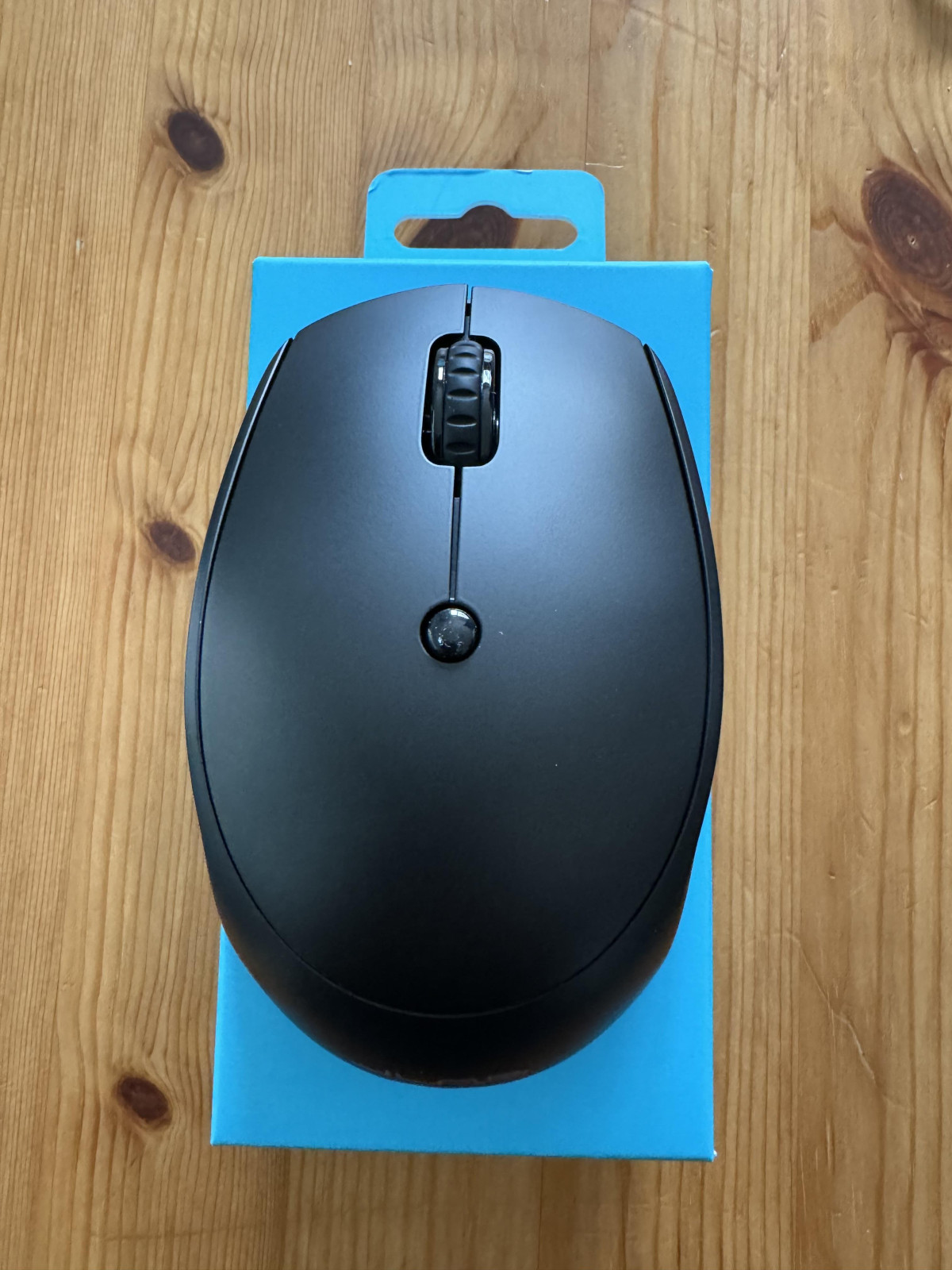
Excellent mouse for day to day computing
Good basic mouse which does all you want it to. You are able to change the sensitivity which is good for gaming. The mouse moves smoothly and the buttons click softly and don’t need a lot of pressure.
The only negative is the mouse is on the smaller side. For most this wouldn’t be an issue but for gaming it can make more difficult.
Fantastic and so easy to use on multiple devices
Great wireless mouse, easy to use and swap between computers. Quiet clicking sound when using, fits nicely in the palm of the hand and moves smoothly. Added bonus of not needing batteries. Only downside is the instructions, the writing is tiny, but i found these were not needed as set up was so easy and straight forward.
Unbelievable price for a Bluetooth mouse!
My old mouse was physically worn out after about 10 years. So I was looking for a new one and preferably Bluetooth so I don't have to waste a USB port on my laptop anymore! I saw this and was extremely surprised at the price for a Bluetooth mouse! It works brilliantly and it doesn't feel cheap either. Very happy!
Works well
I use on my PC and on my laptop. PC is main one but when I use on laptop as 2nd machine it does tend to stop for a few seconds. Not a major problem for me as I do use PC daily and laptop about once a month. I try to remember tp switch it off at night as this one is not a rechargeable one.
Nice quality, well worth the price.
I bought a cheap mouse from eBay and it was horrid, accidentally dropped it and it broke in multiple bits so bought this one from Argos, it wasn’t that much more expensive but the difference in quality is miles apart. Wish if indeed this one in the first place!
Great little mouse, absolutely value for money
First time using a mouse. I have terrible nerve damage in my hands and i bought the mouse to link with my mobile phone because the cursor is so much easier for me to use rather than trying to hold a phone and tap tap tap on the screen. So incredibly easy to use
Wireless Bluetooth mouse
Wasn't to sure when I 1st opened the box but it's so lightweight a perfect size and easy to use. I use this on my laptop and it's so much easier than having to plug in a mouse due to were the USB port is. But have no issues with this one. Highly recommend.
Wireless Bluetooth mouse
Wireless Mouse - easy to connect and the wireless power stays for long time as i can say for 4+ months.It can be connected to Laptops,Tablets and Desktops.It has got multi device connectivity.It has a sleek design - ultra compact and light weight/.
Jlab Bluetooth review
The Bluetooth keeps dropping out and needs reseting,not stable at all,not good for using at all.Bought two and both are doing the same thing and are not fit for for intended use plus battery not lasting very long.Will not buy this type again.