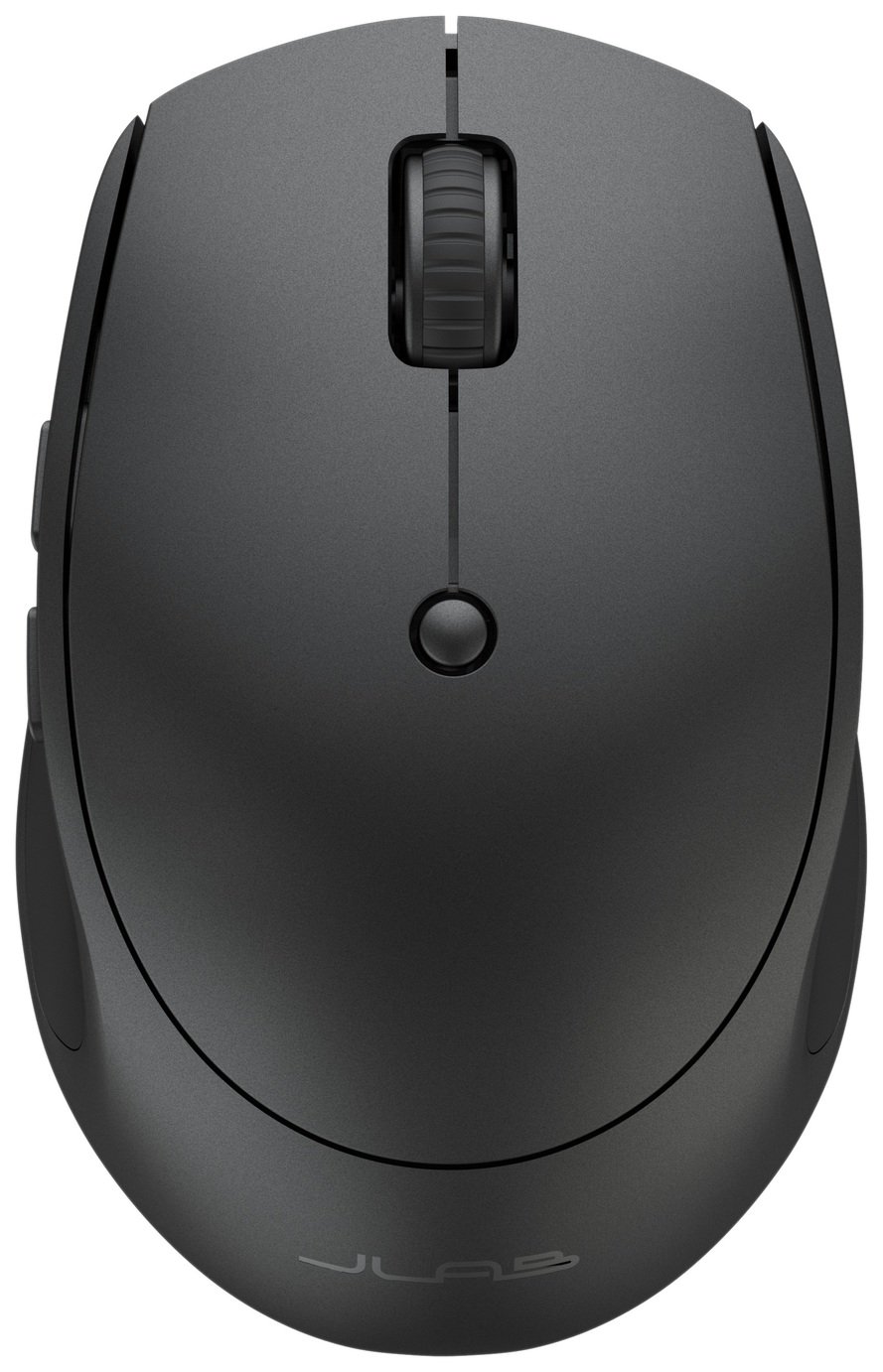
JLab GO Charge
Jlab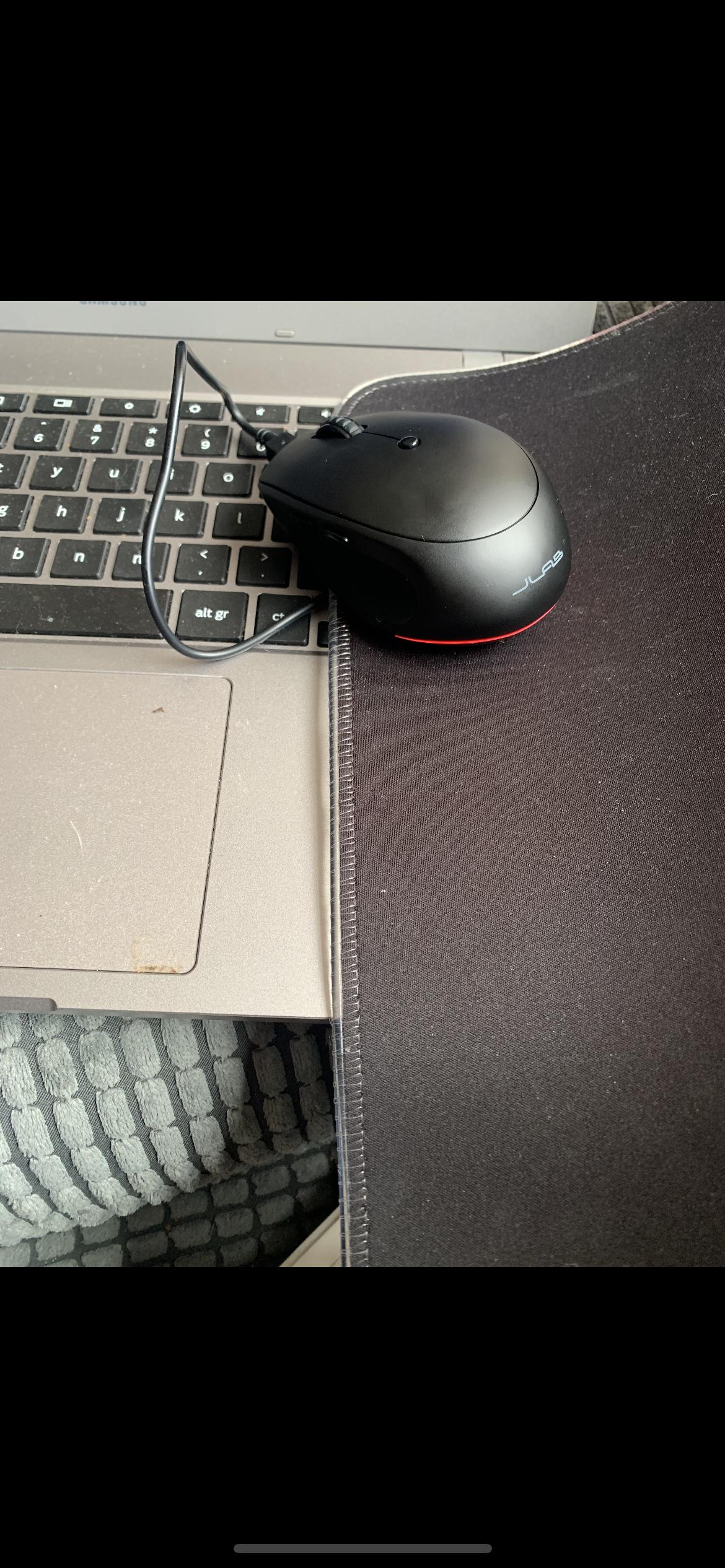
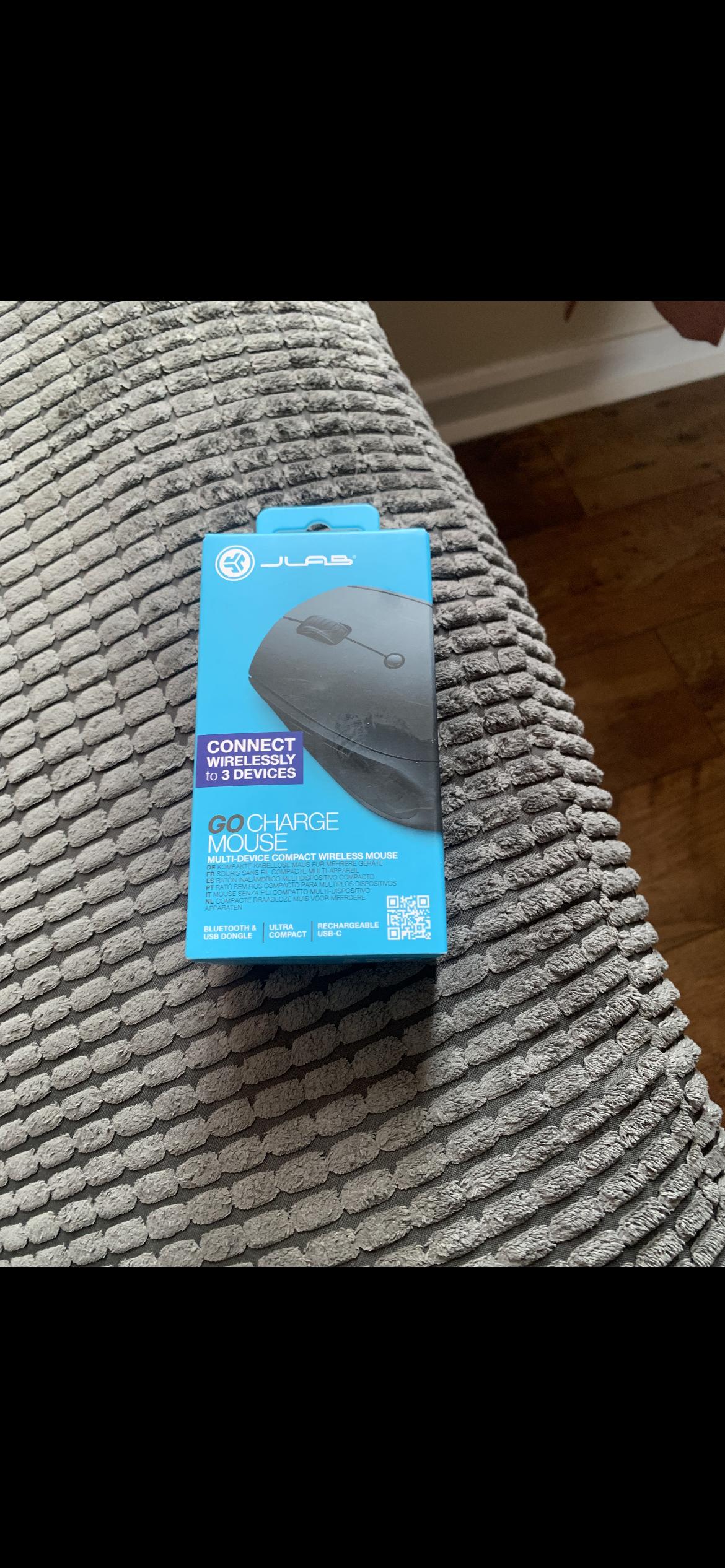
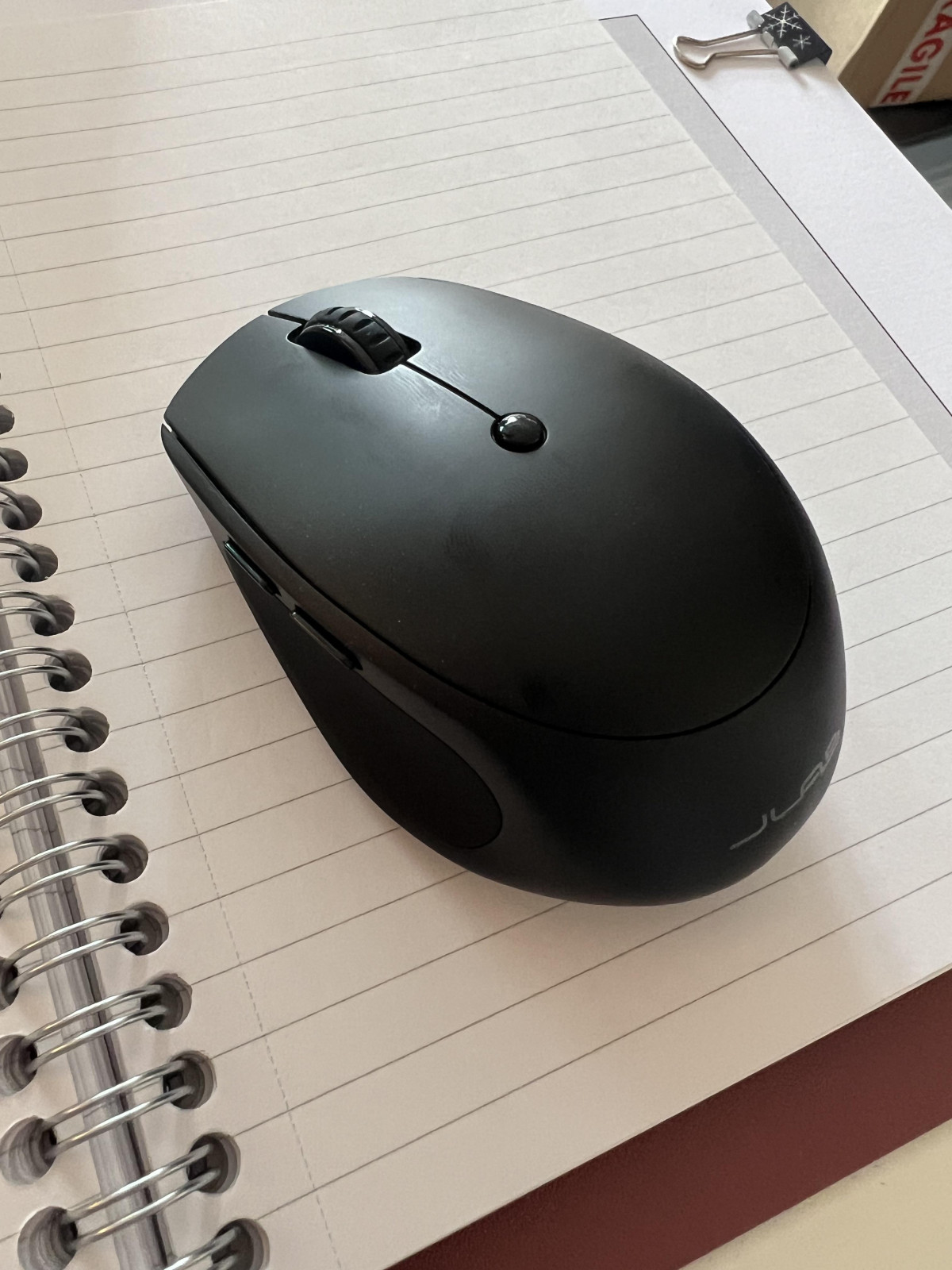
Design, Build Quality & In-Hand Feel
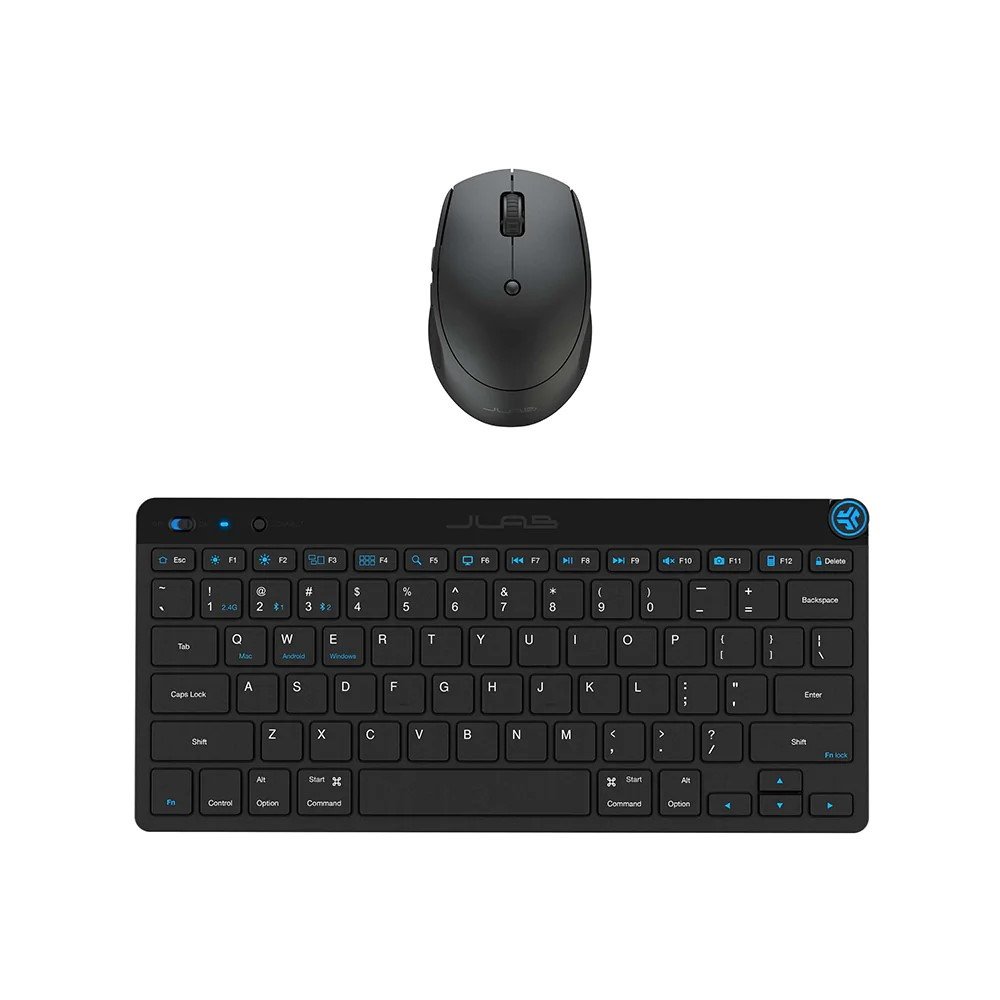
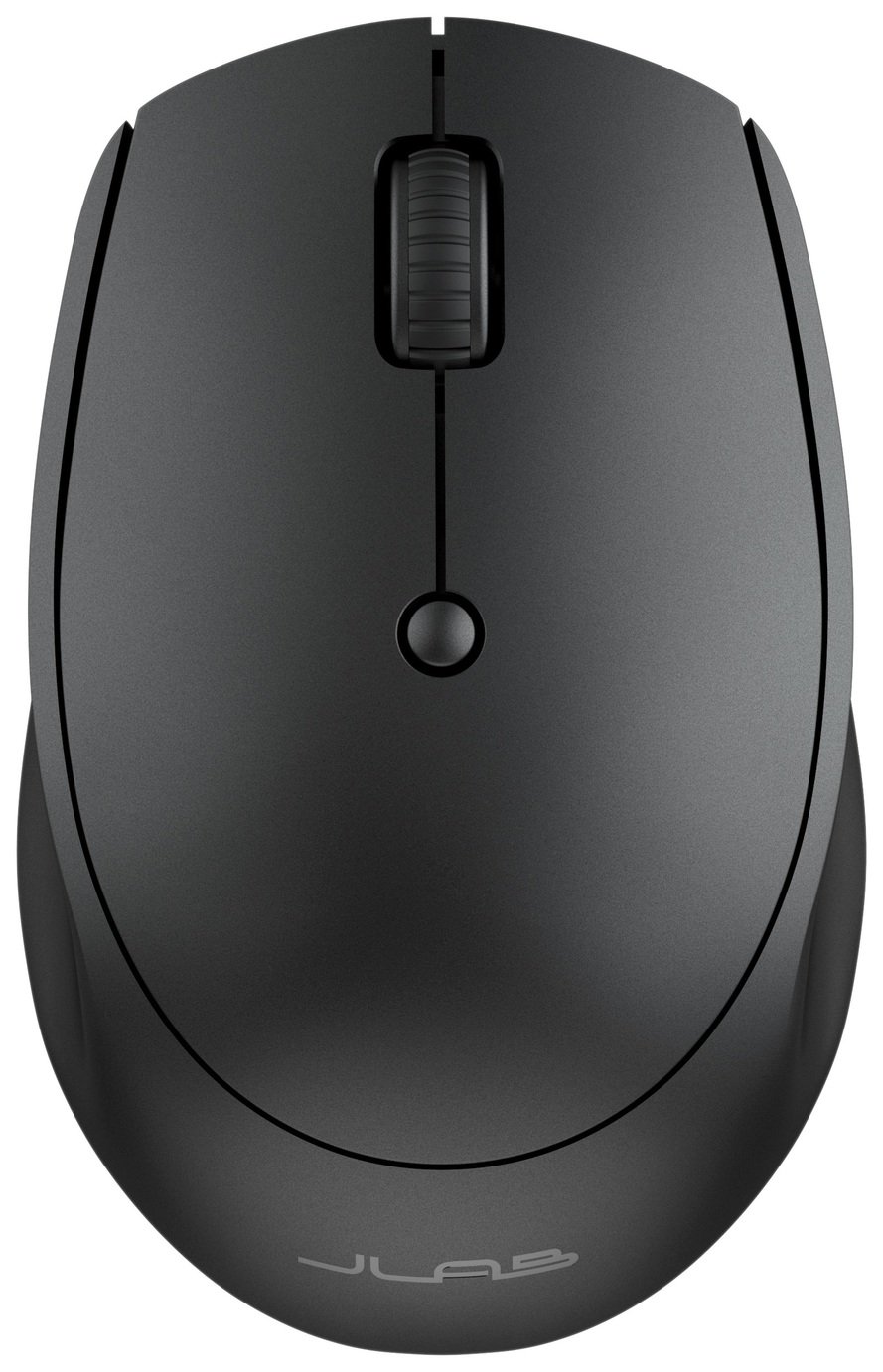
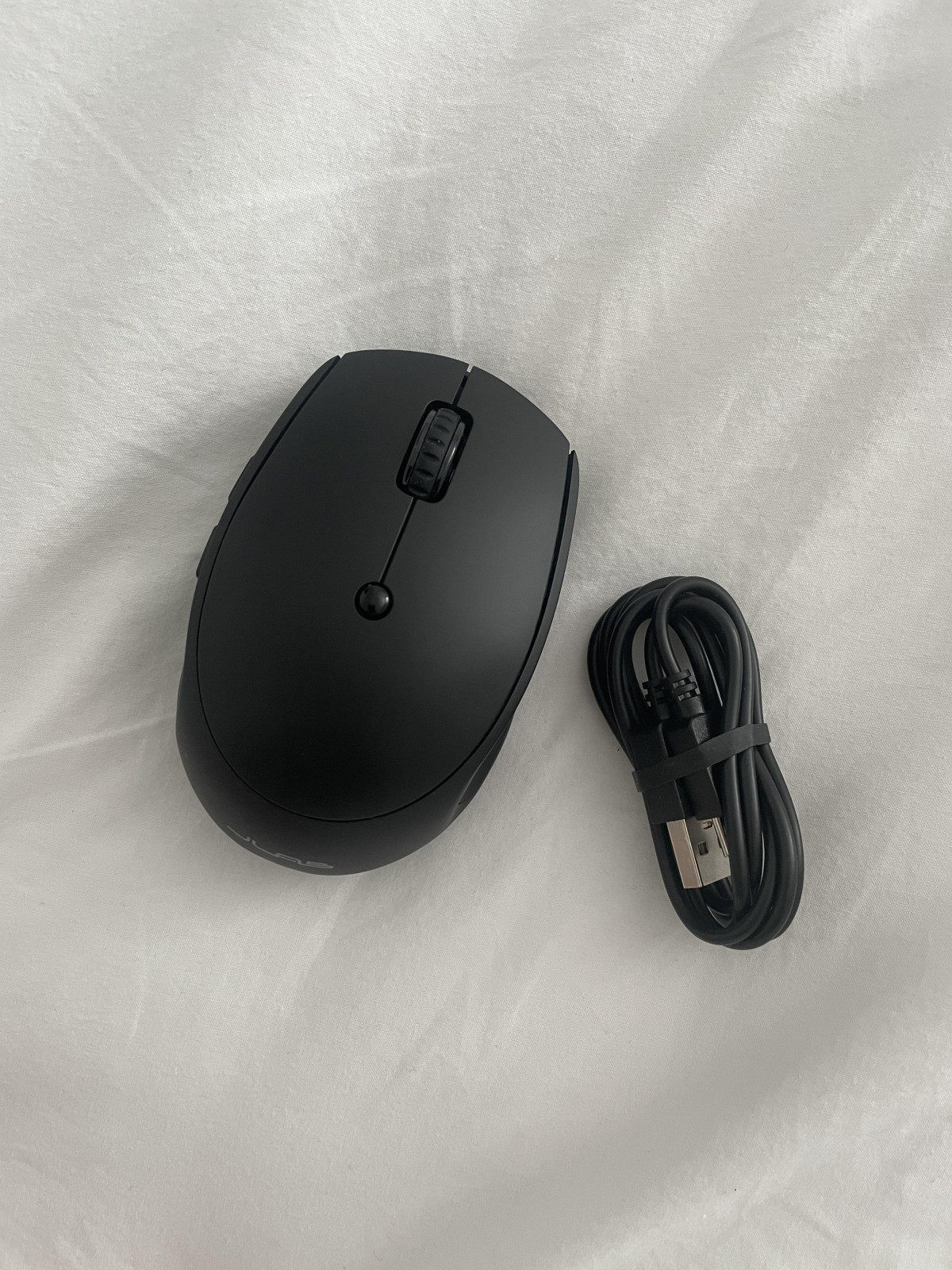
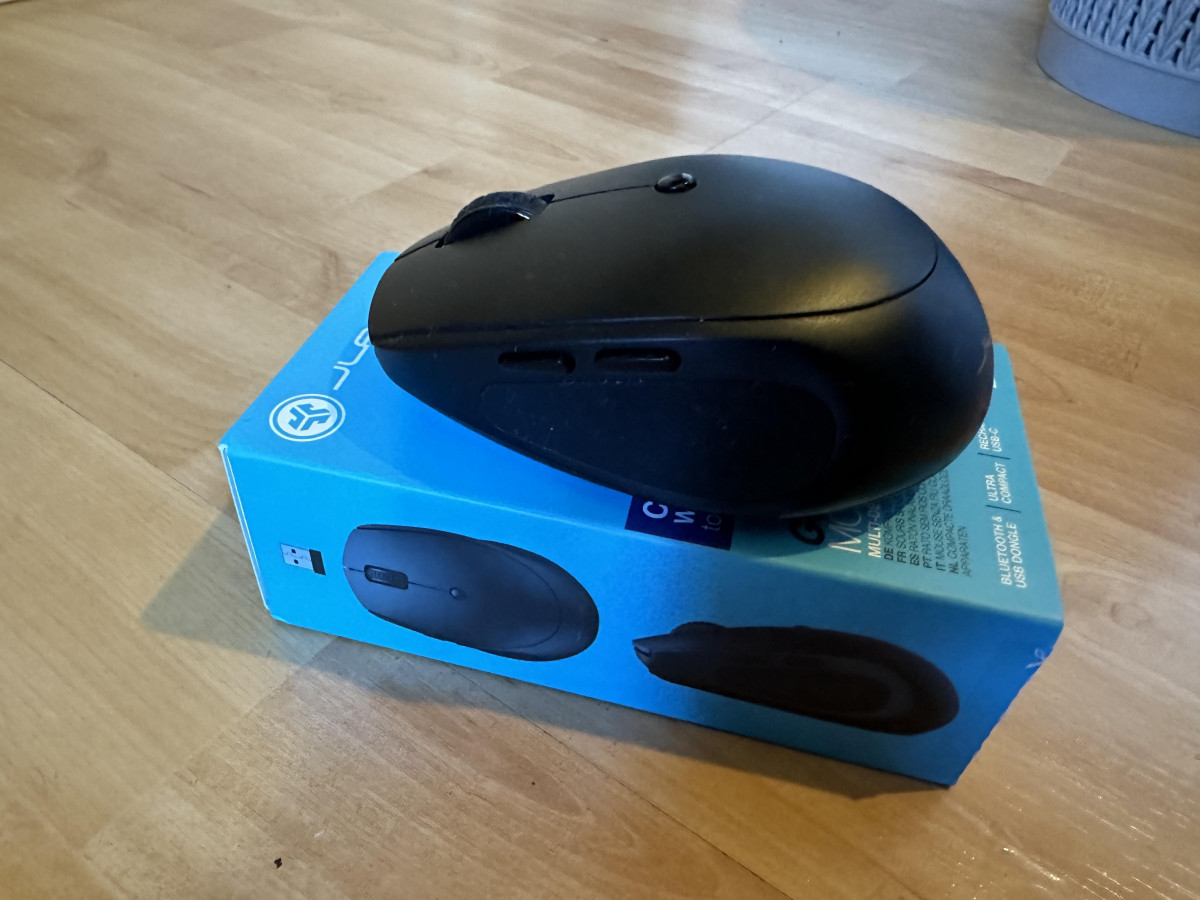
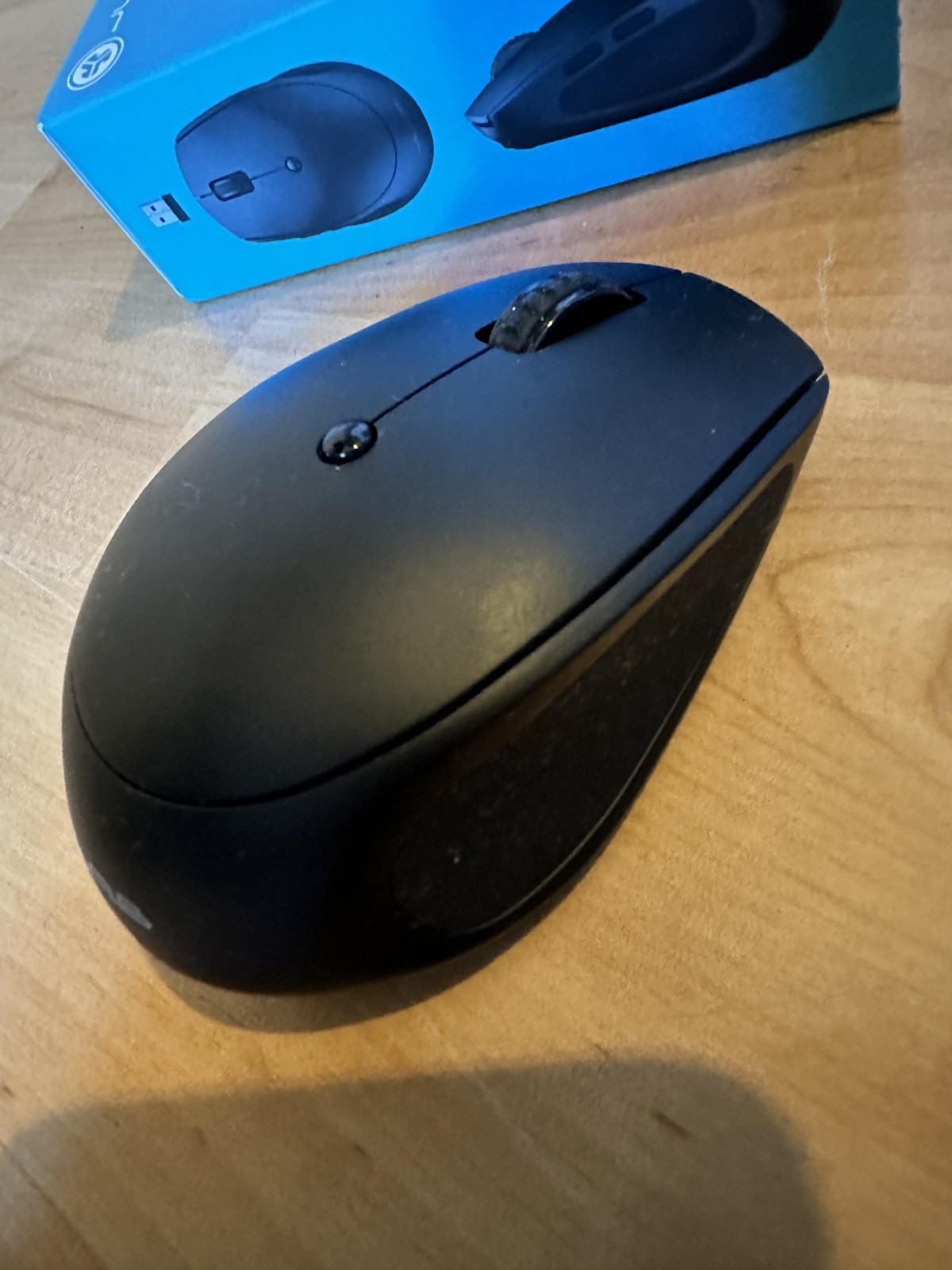
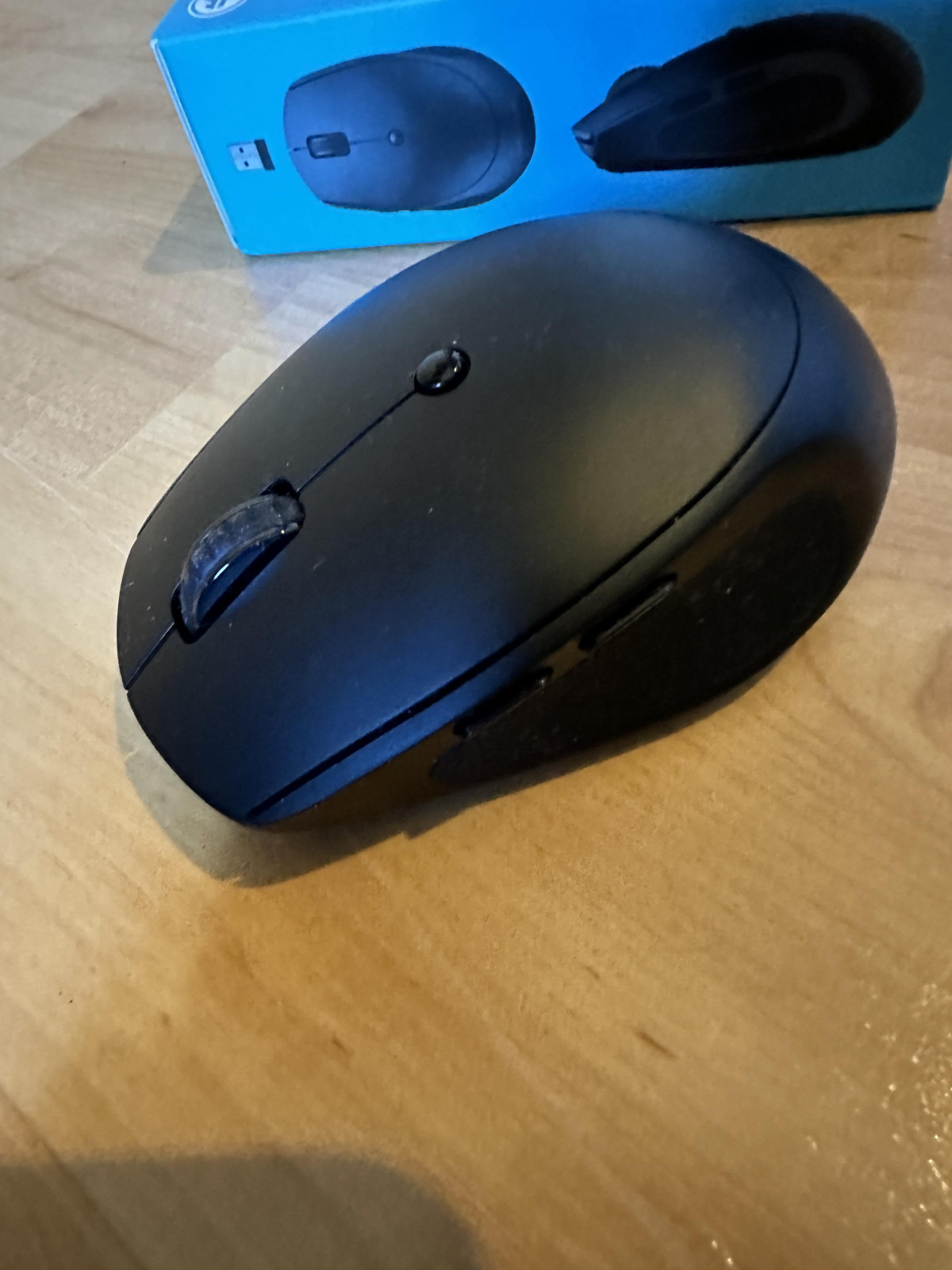
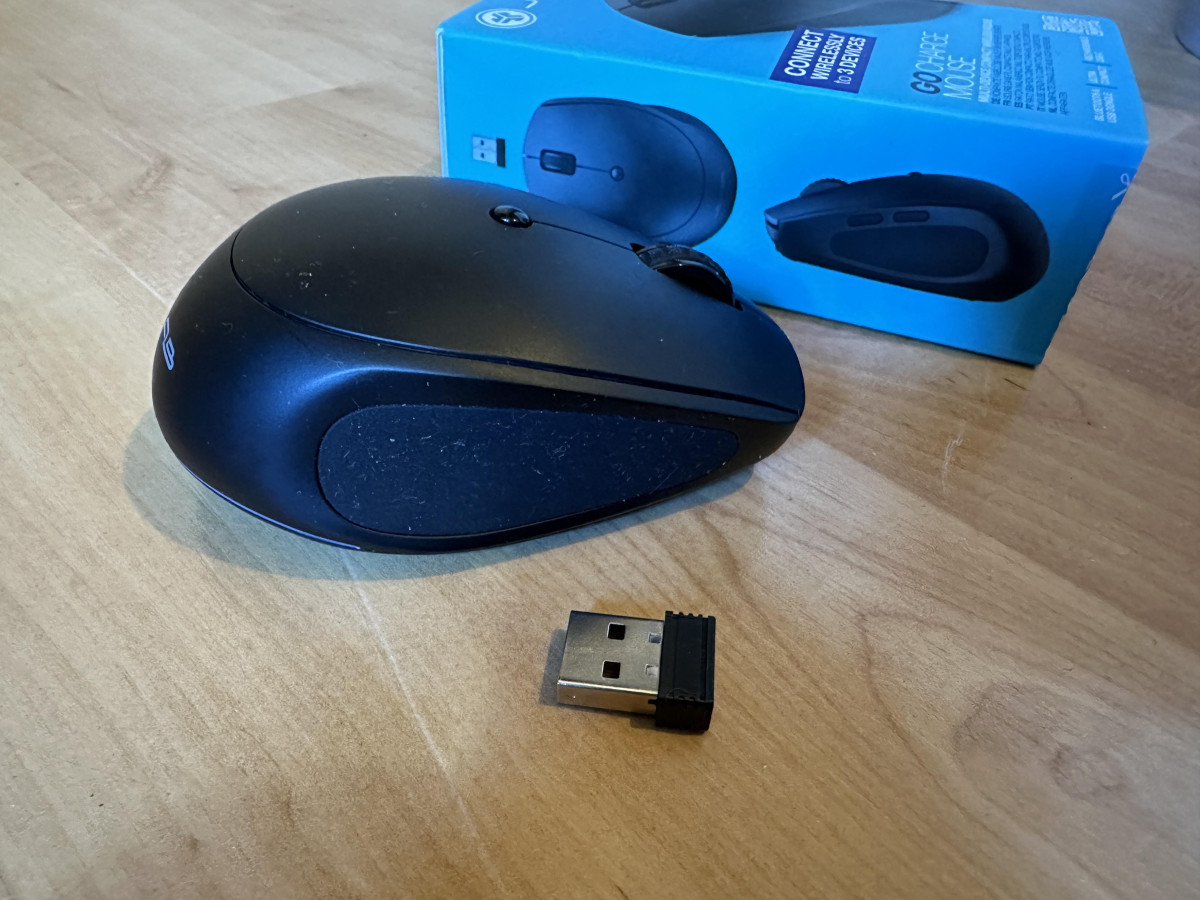
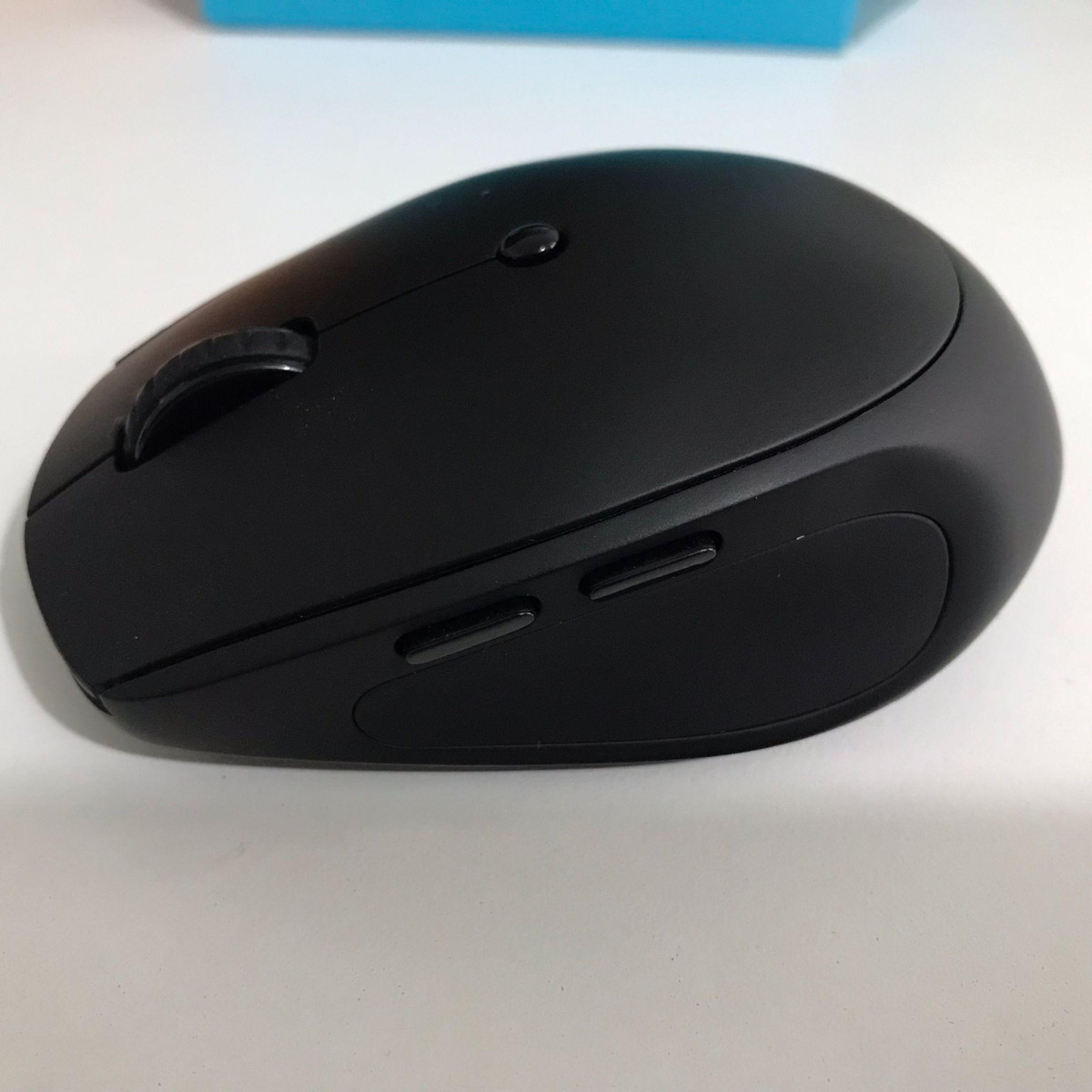
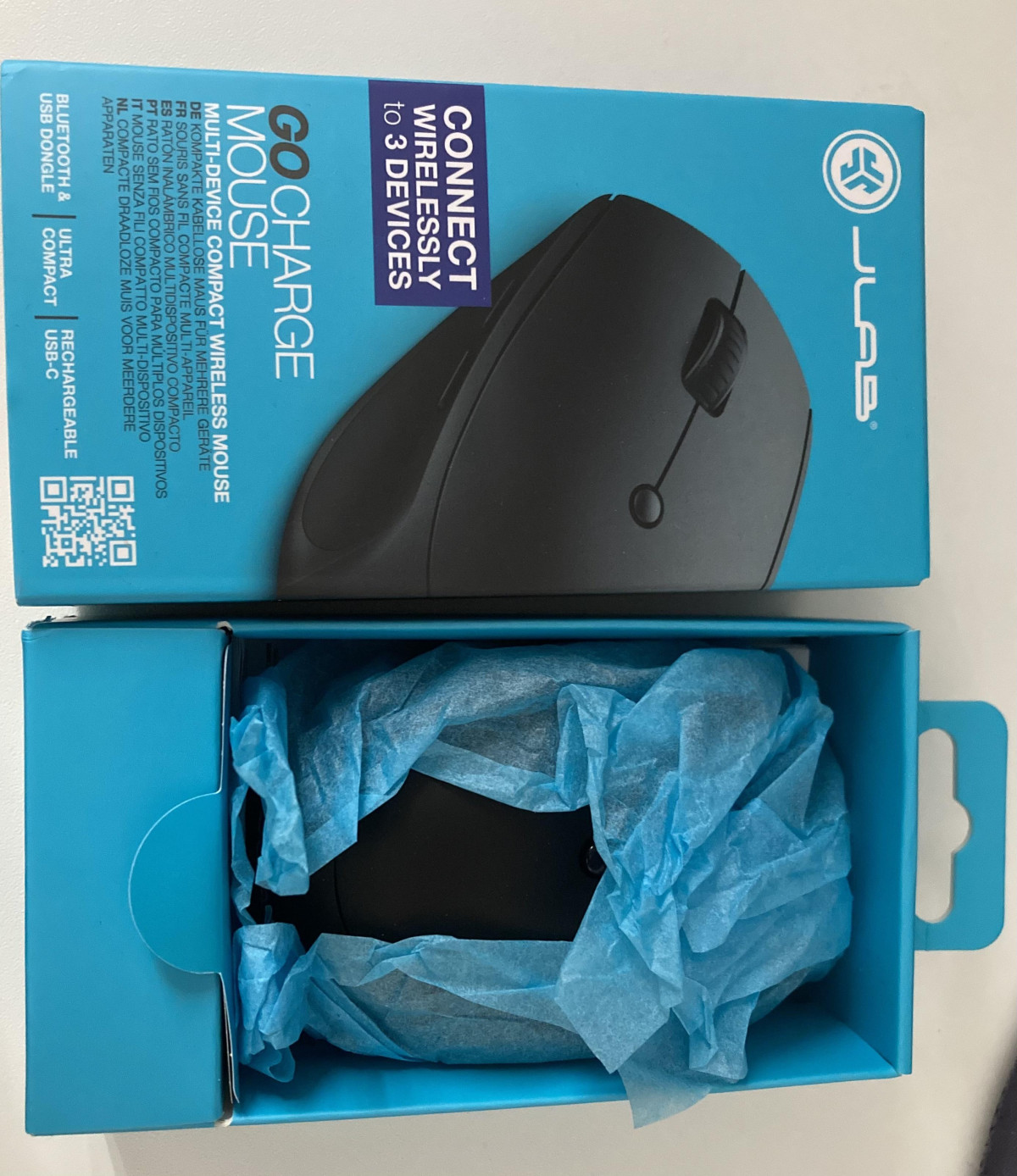
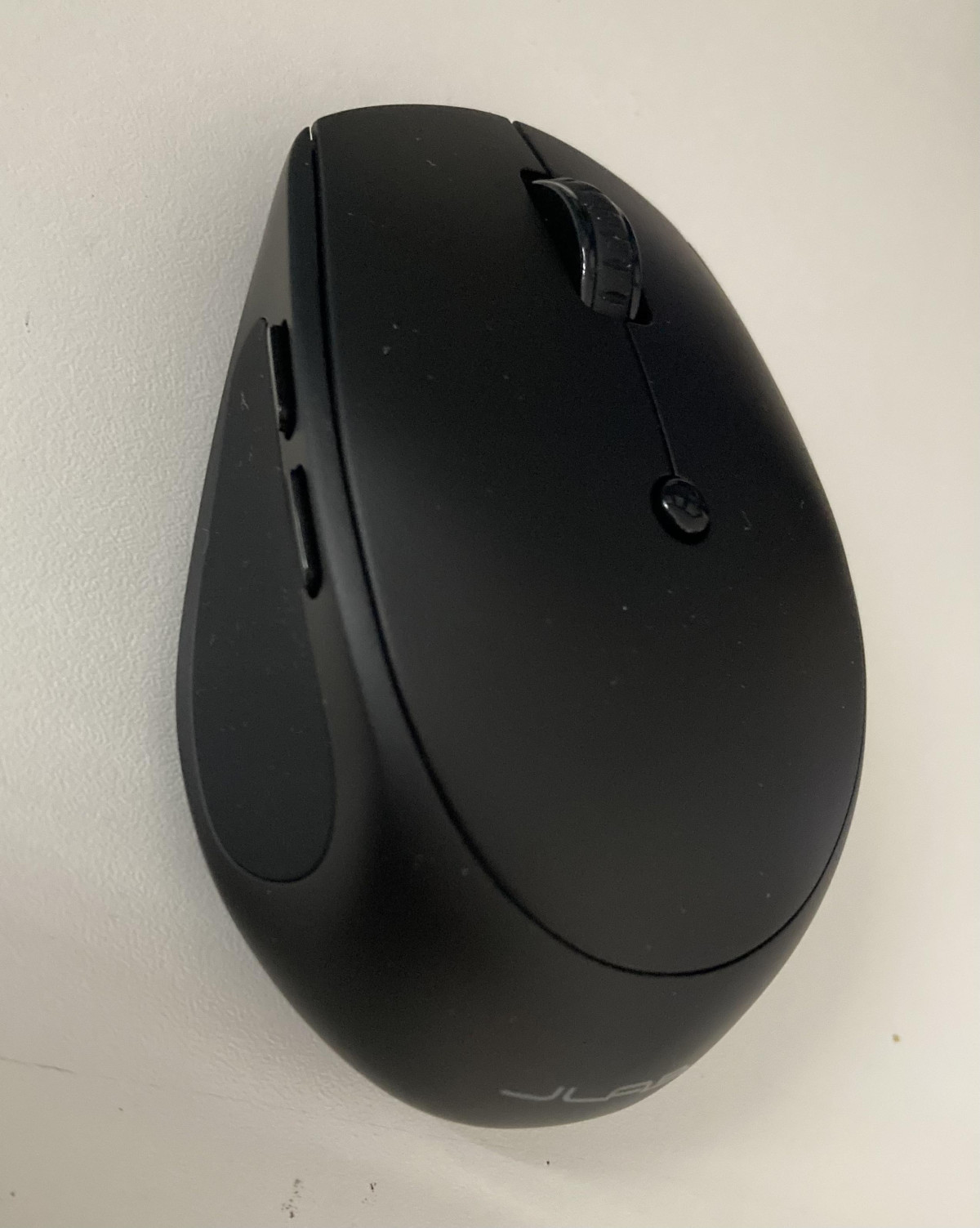
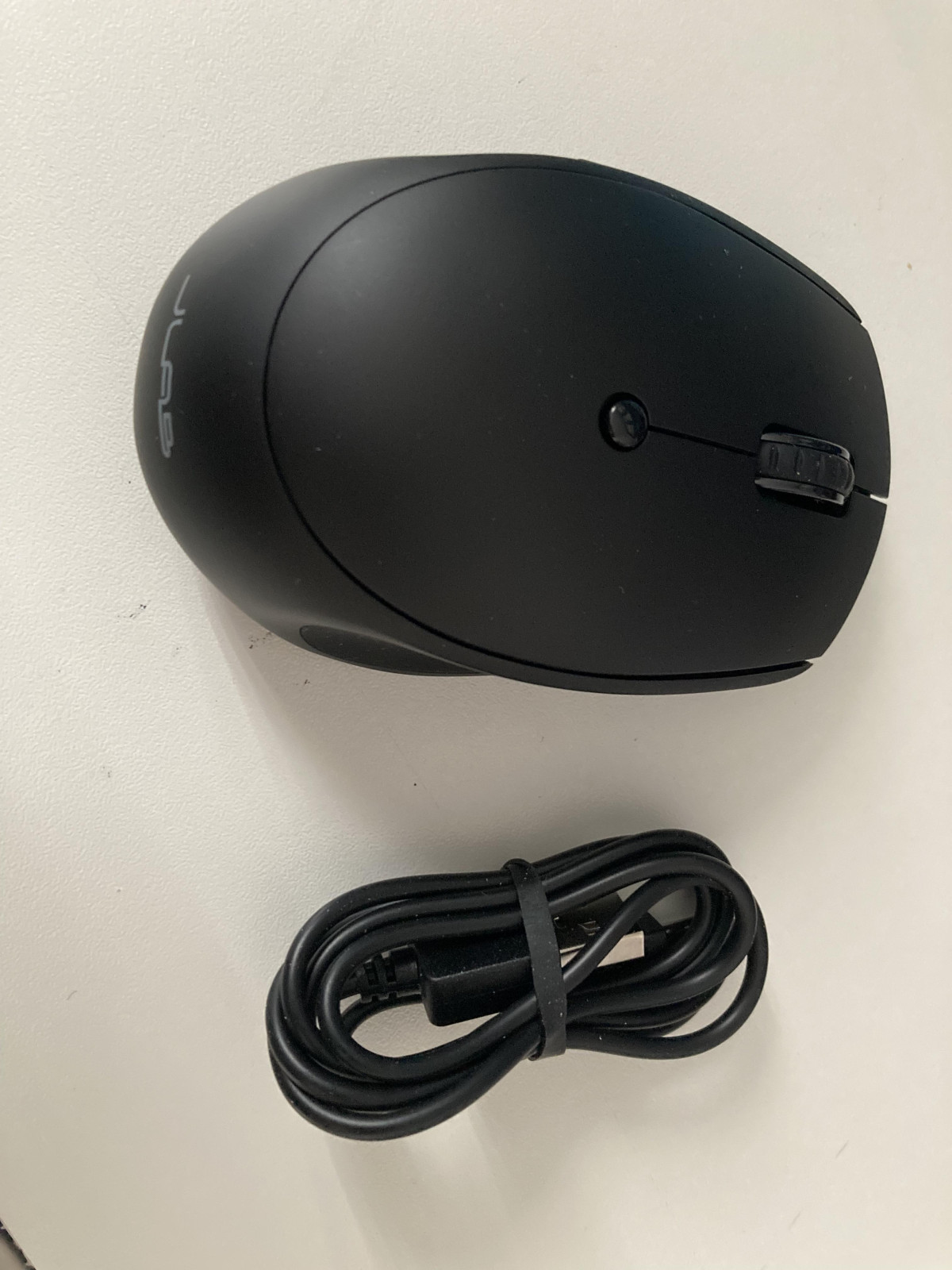
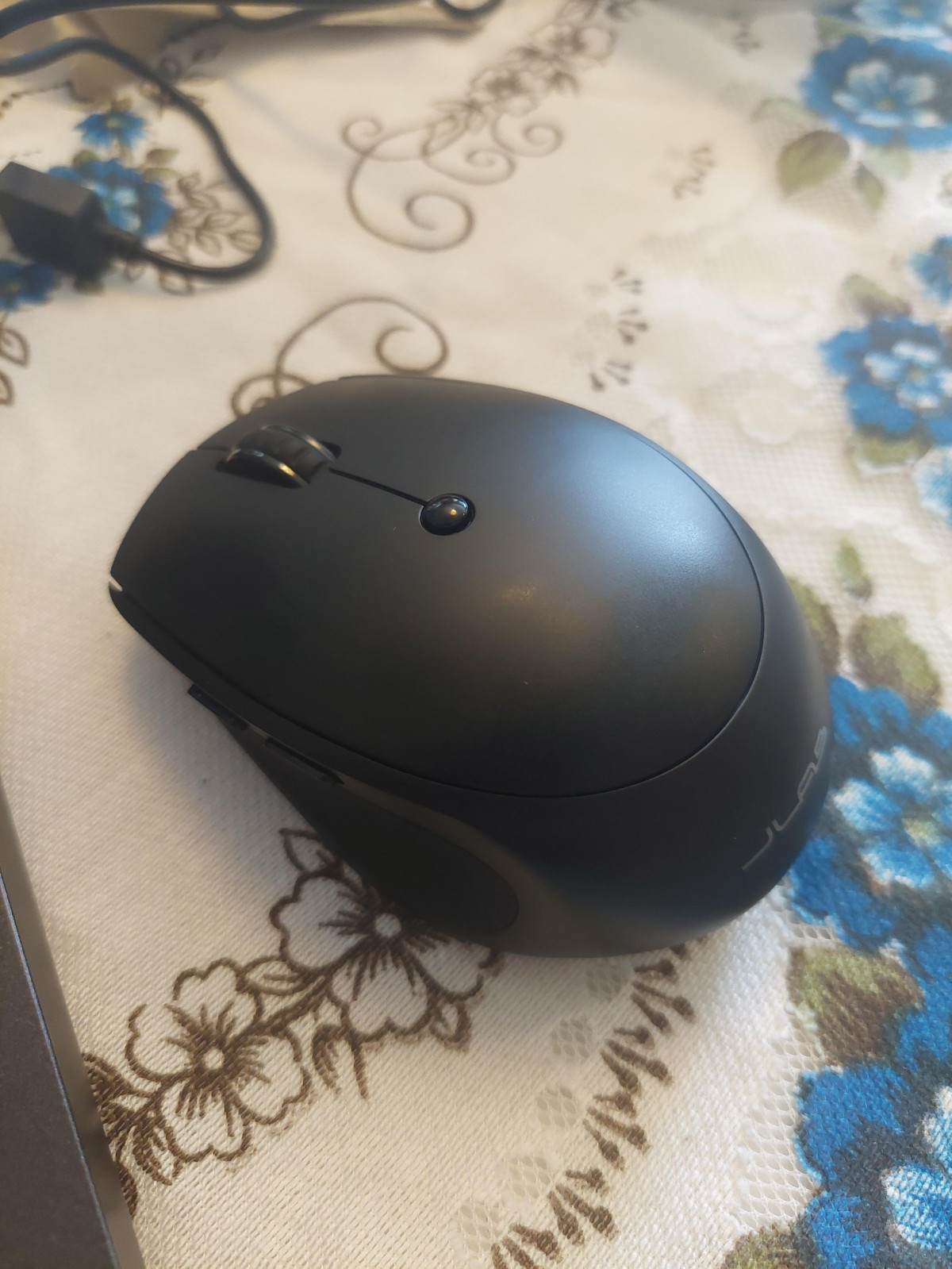
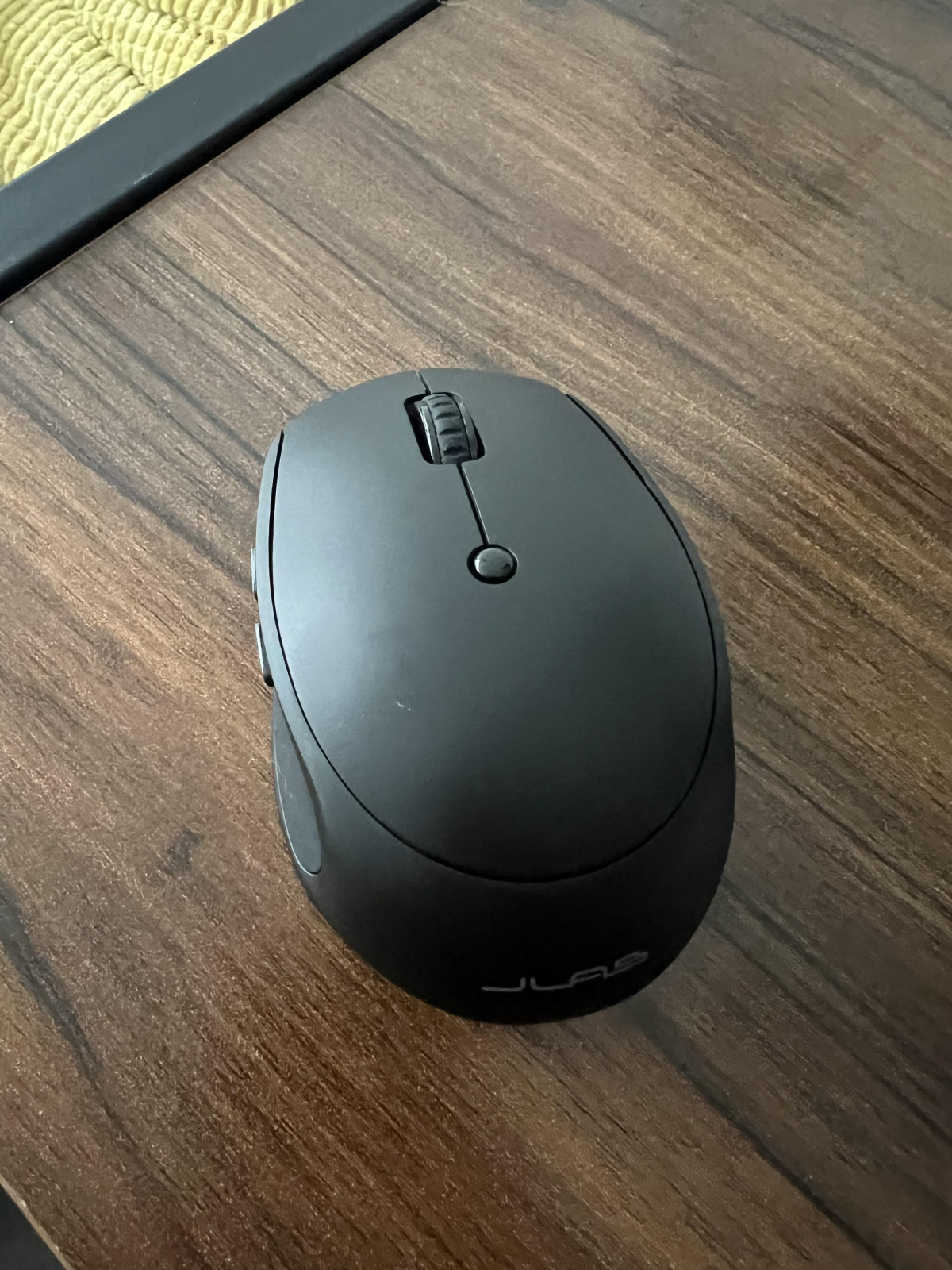
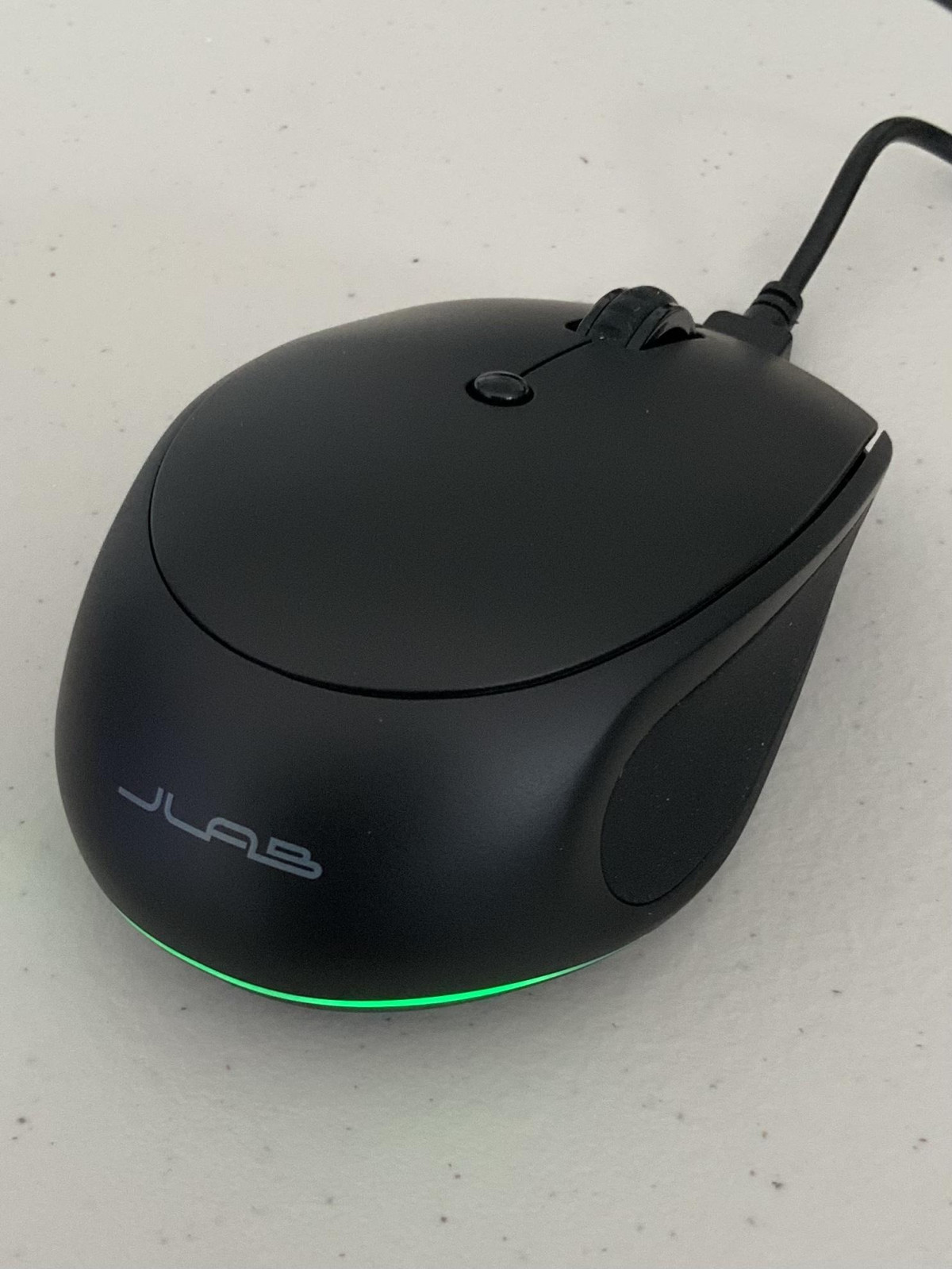
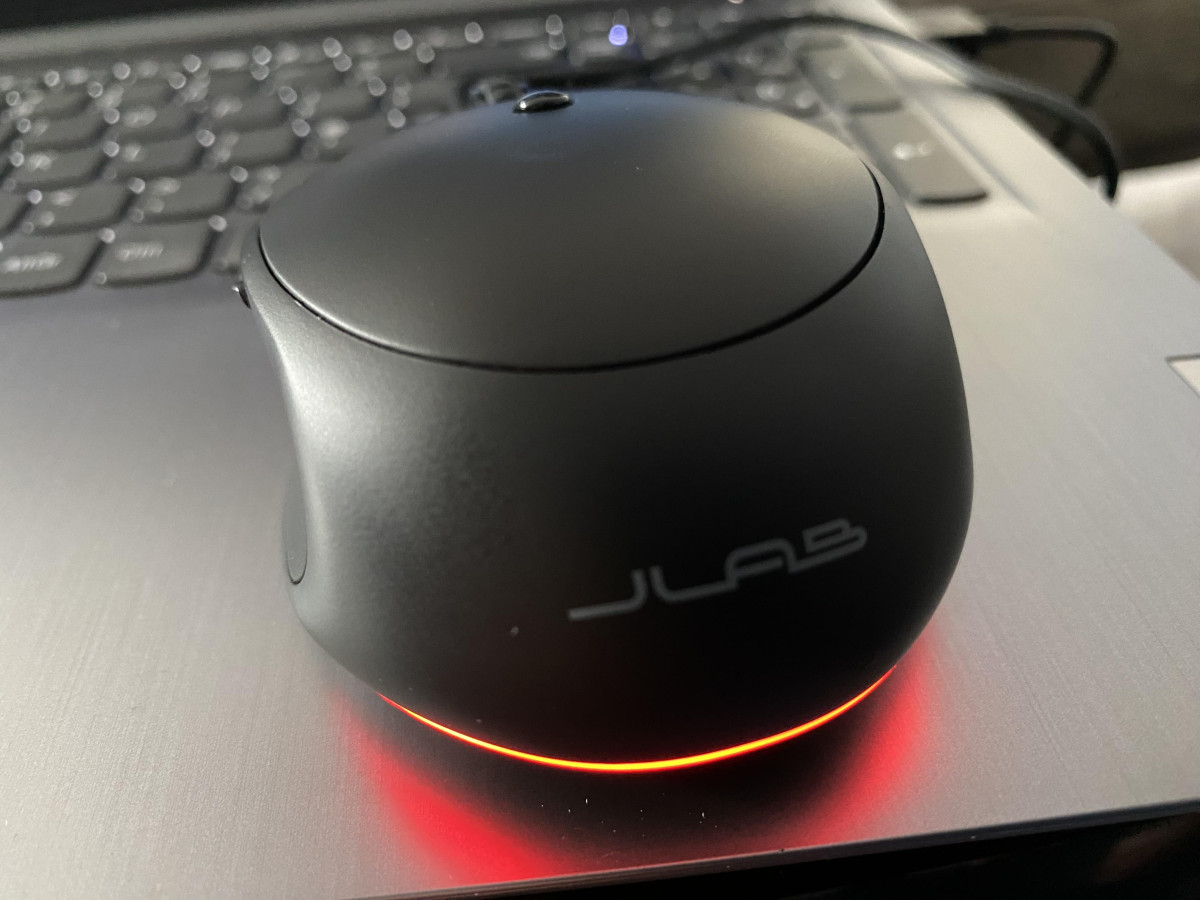
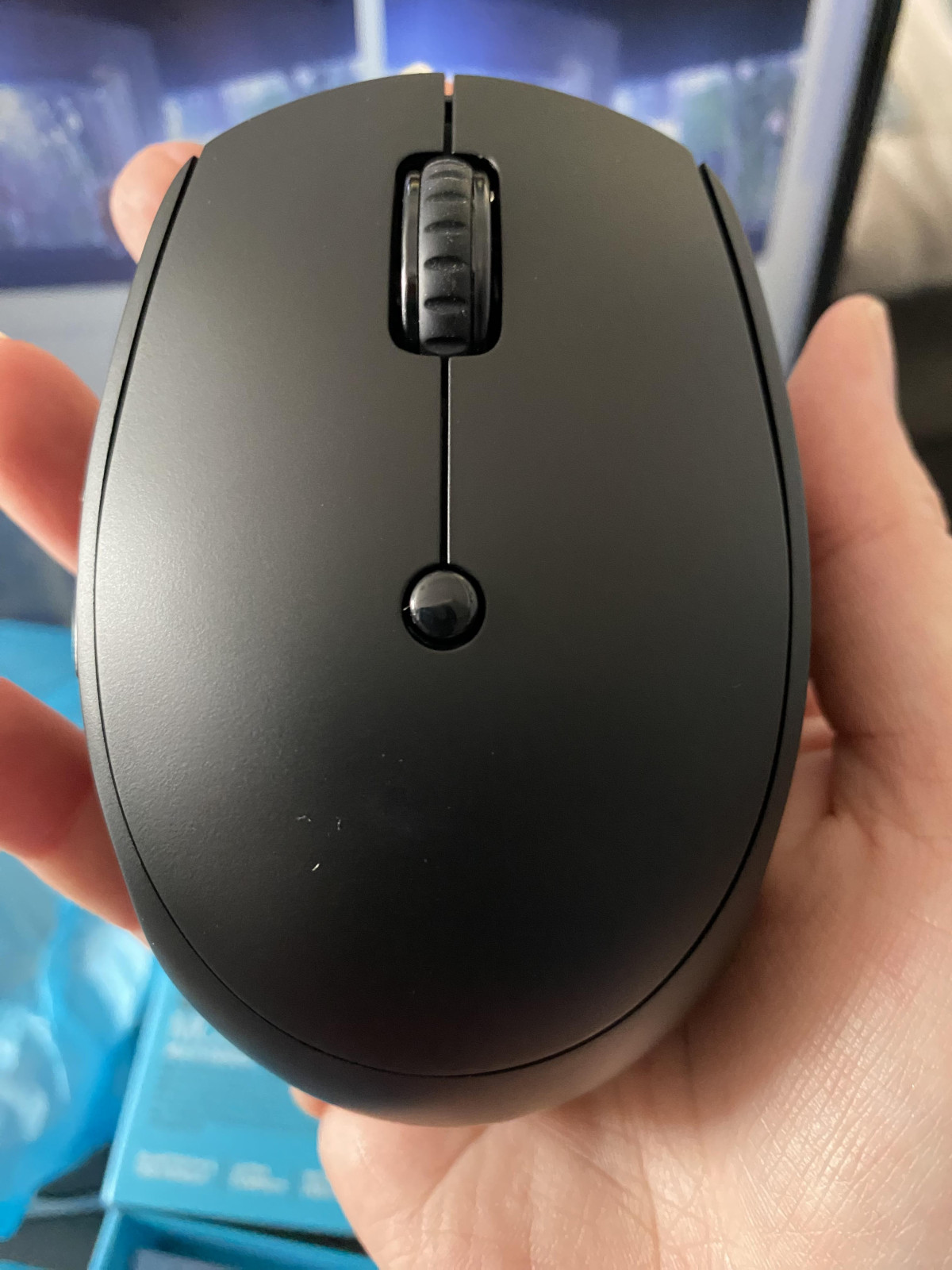
Pick up the JLab GO Charge and the first thing you notice is how little there is to notice — and that's the point. This is a mouse built to disappear into your bag, not dominate your desk. The shell is finished in matte black with soft rubberized panels along the sides, giving your thumb and ring finger something to grip onto rather than sliding around on slick plastic. At roughly 75 grams, it sits closer to a travel accessory than a desktop peripheral, and the compact, low-profile shape means it tucks into a laptop sleeve or the front pocket of a backpack without adding noticeable bulk.
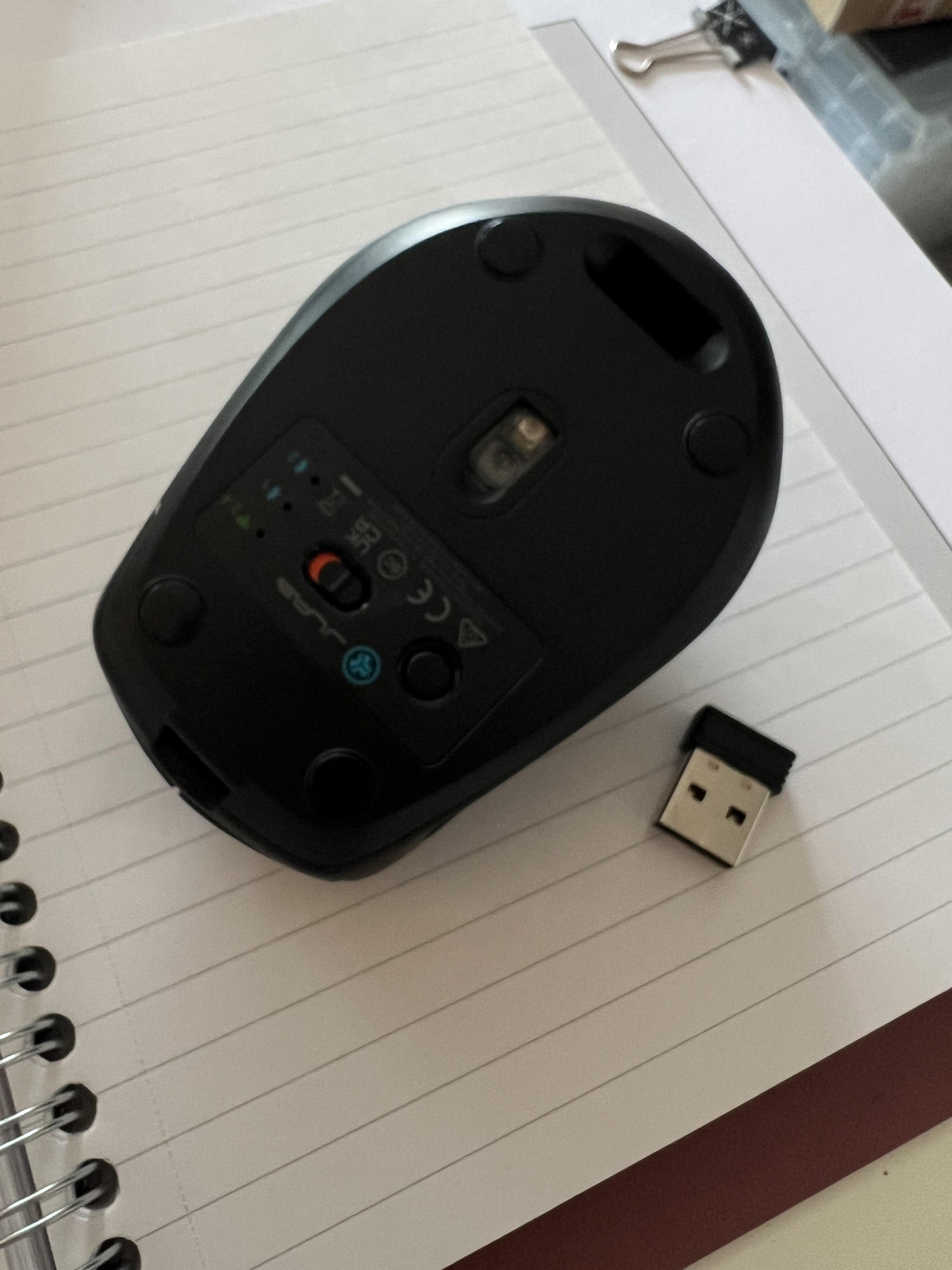
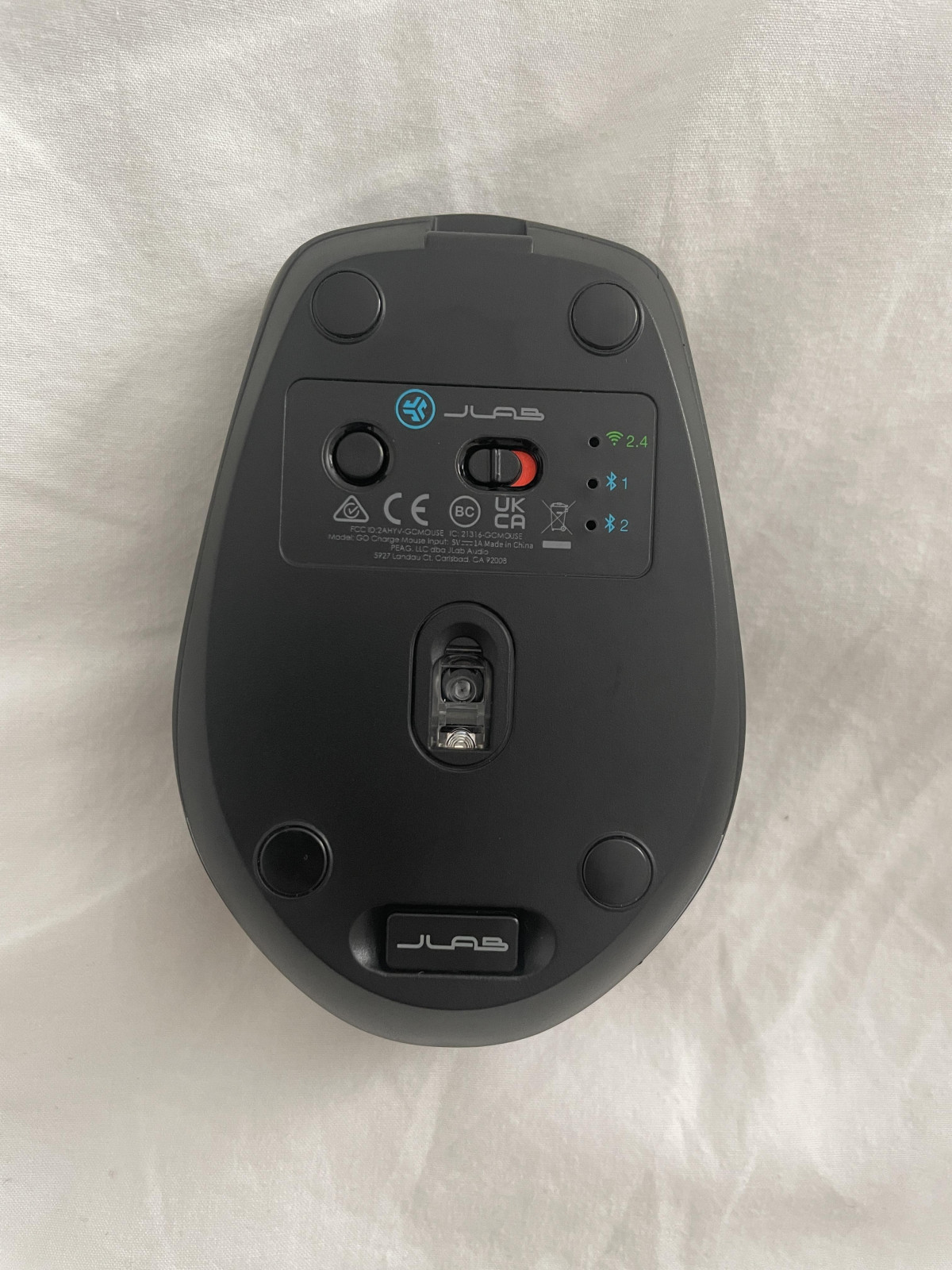
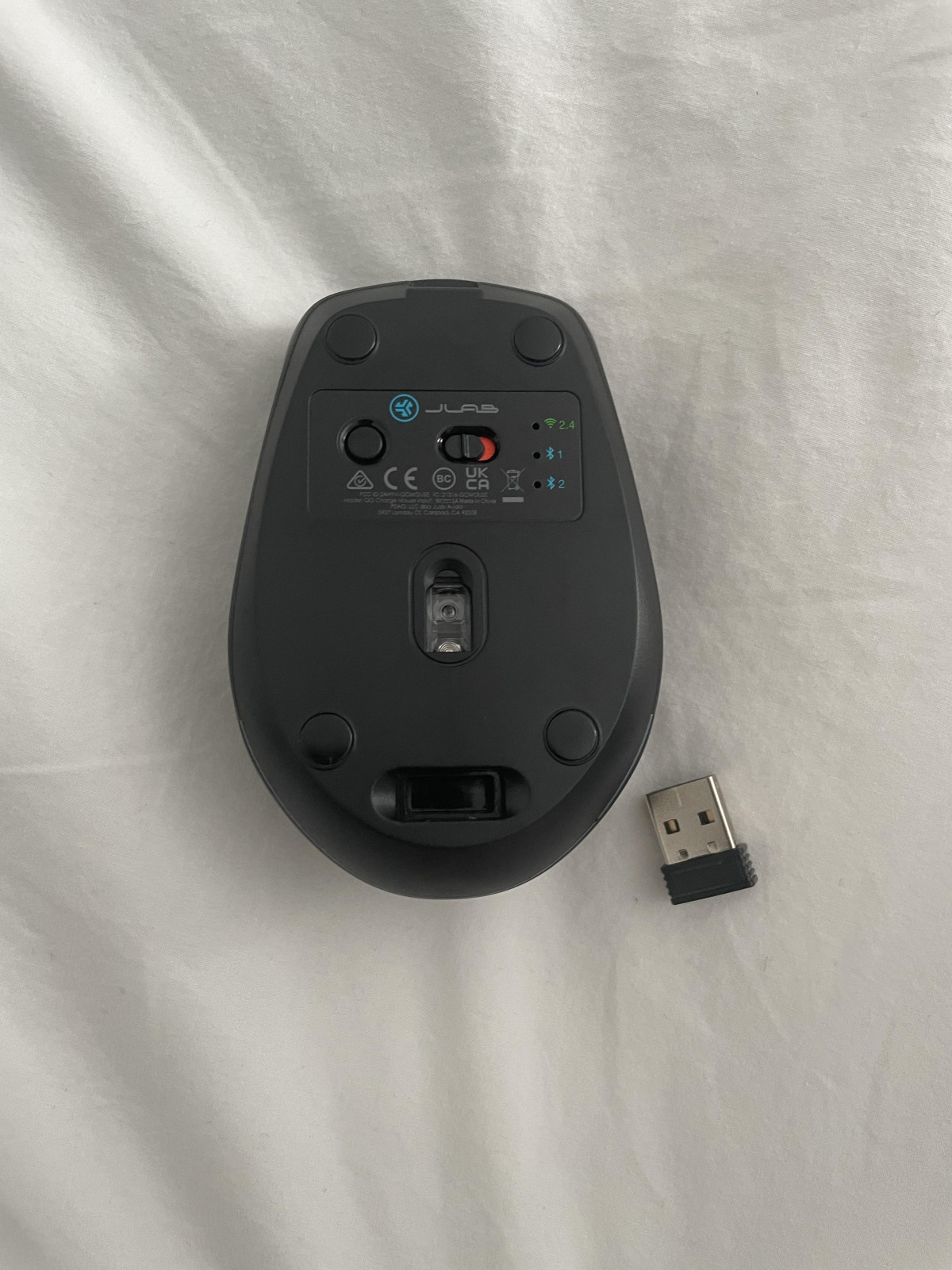
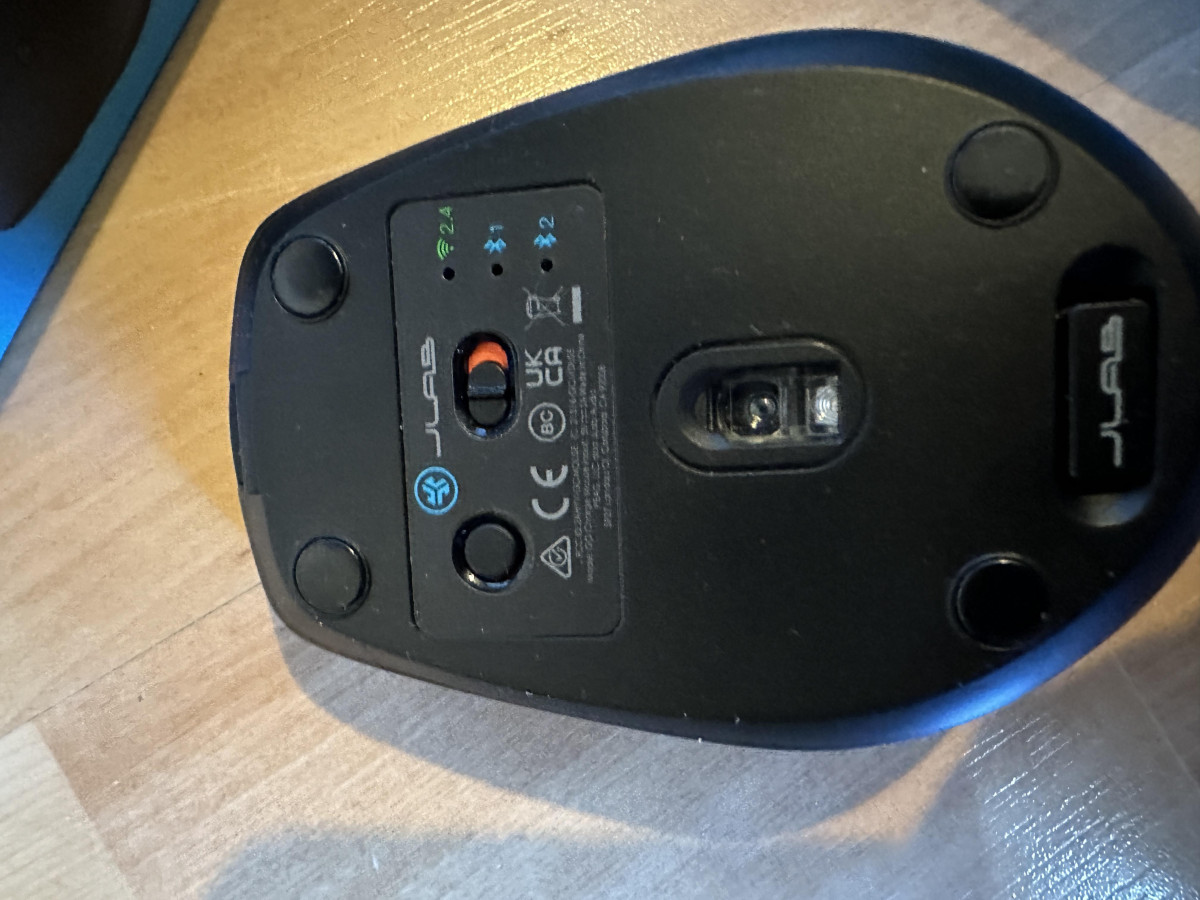
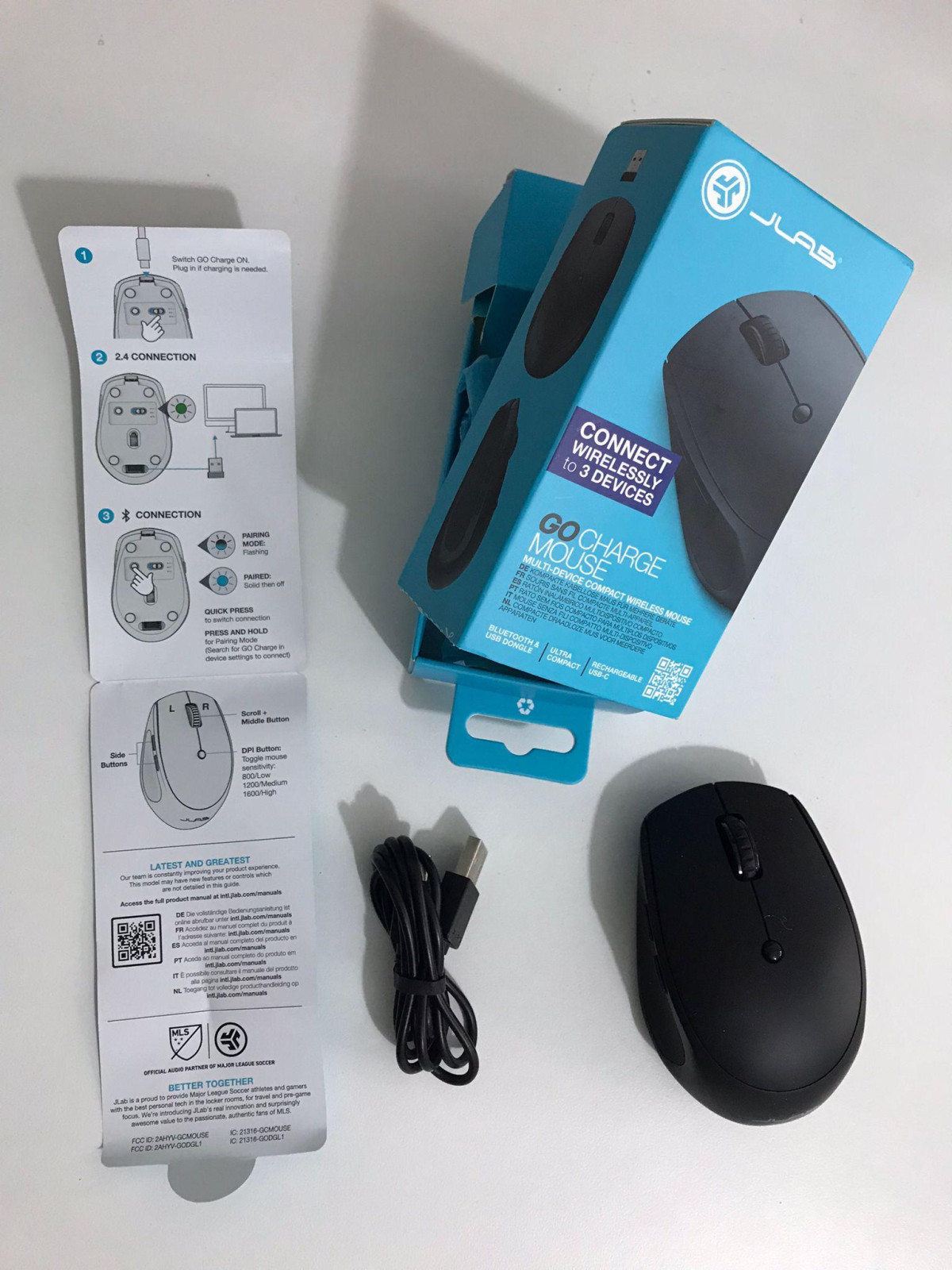
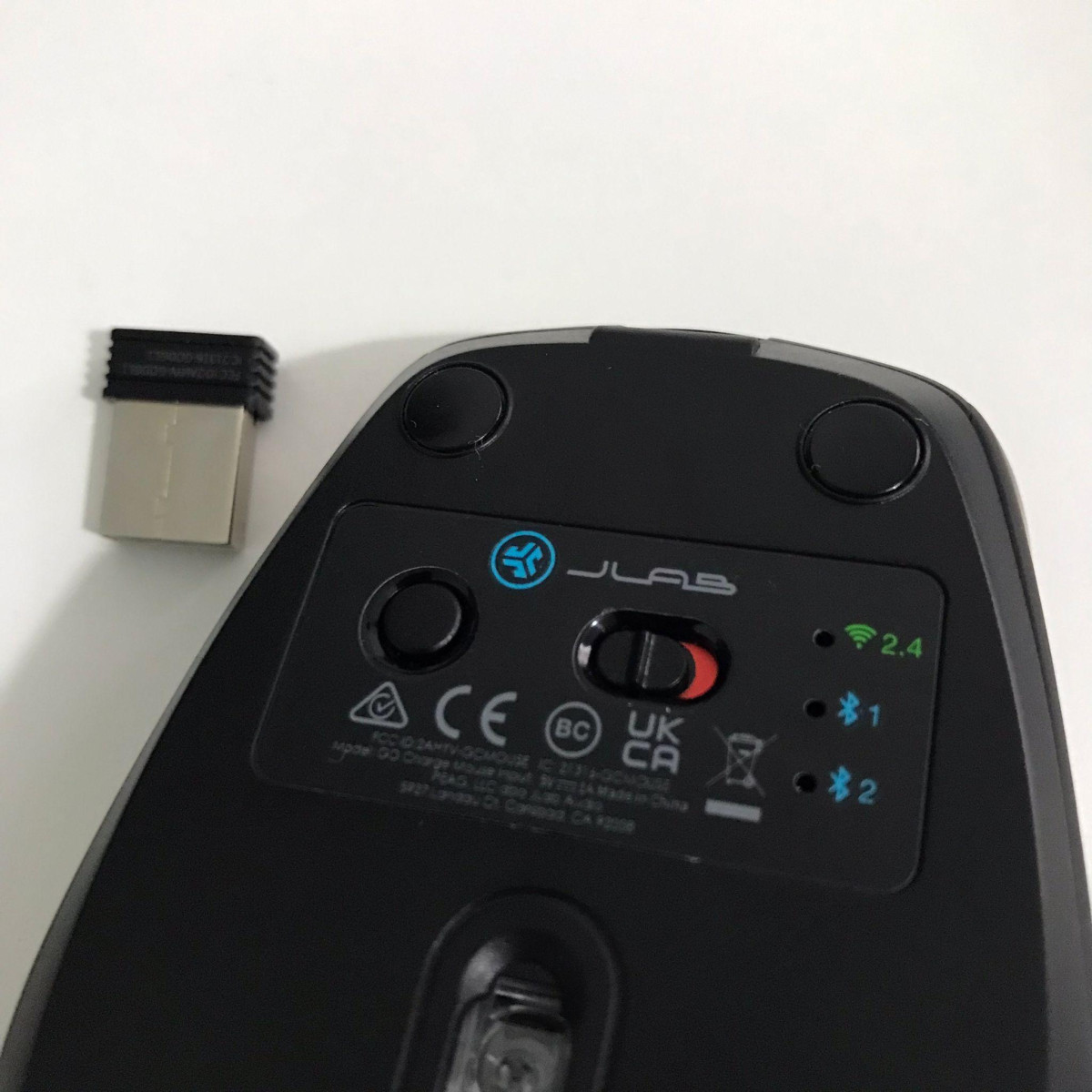
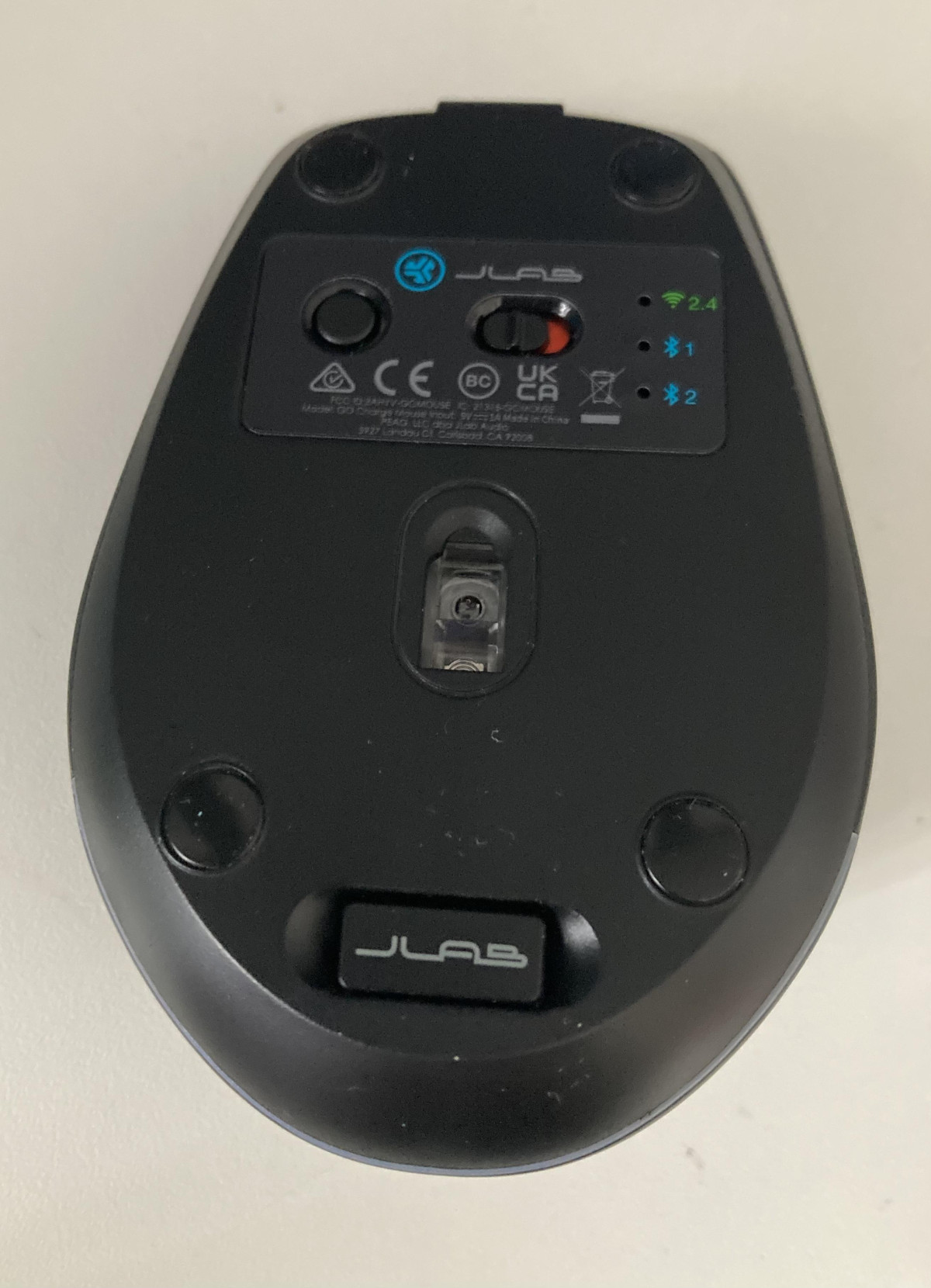
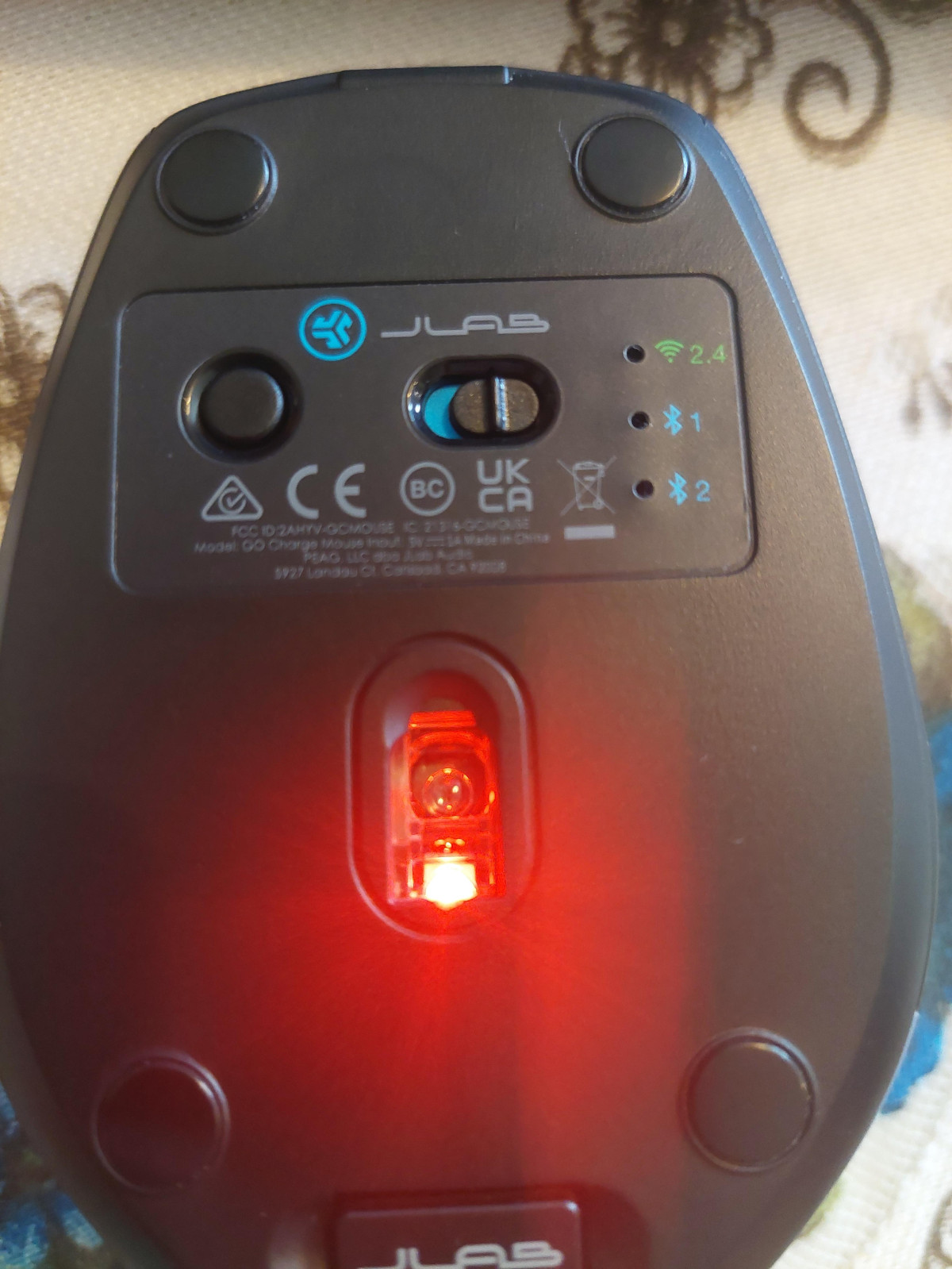
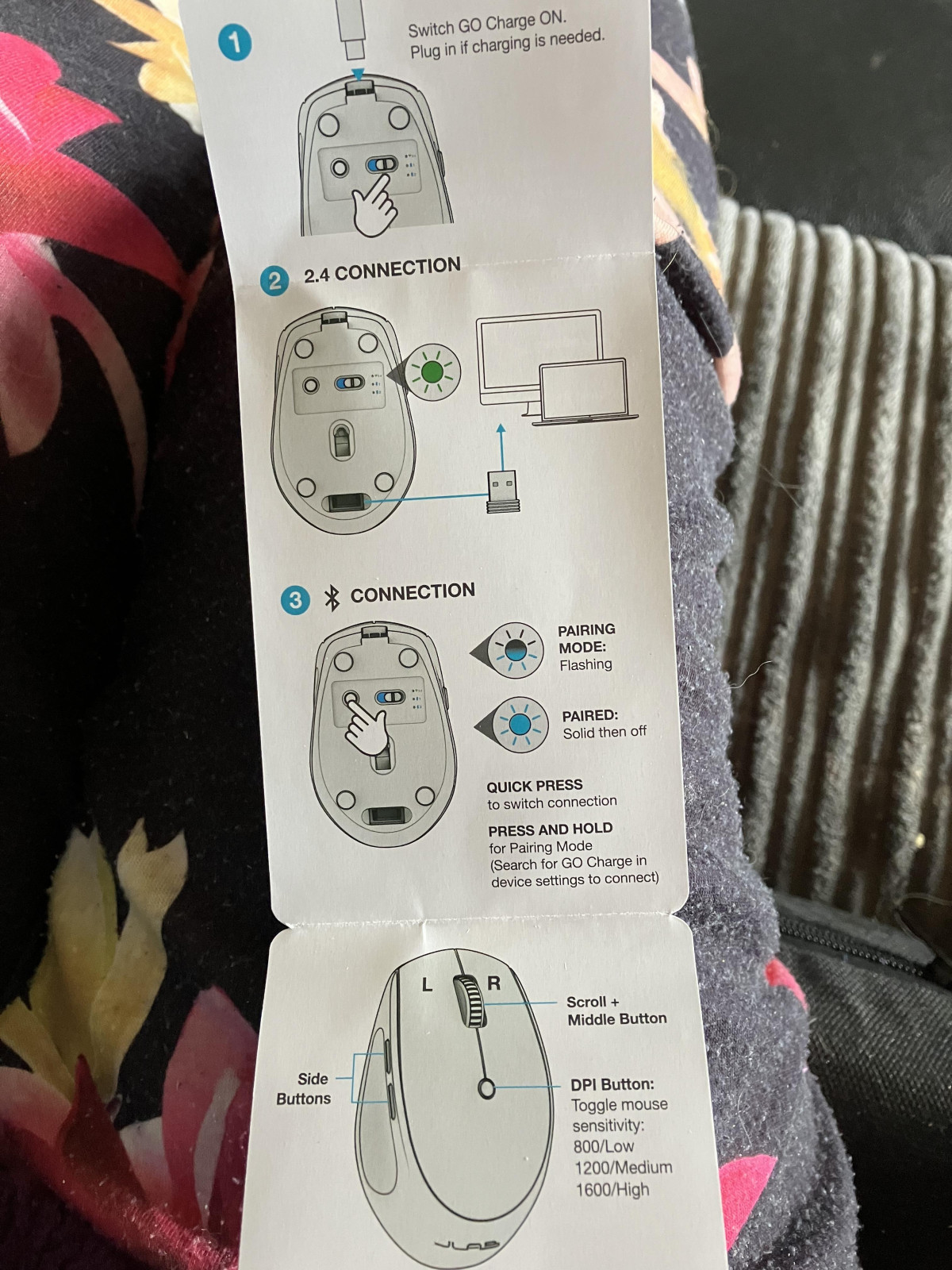
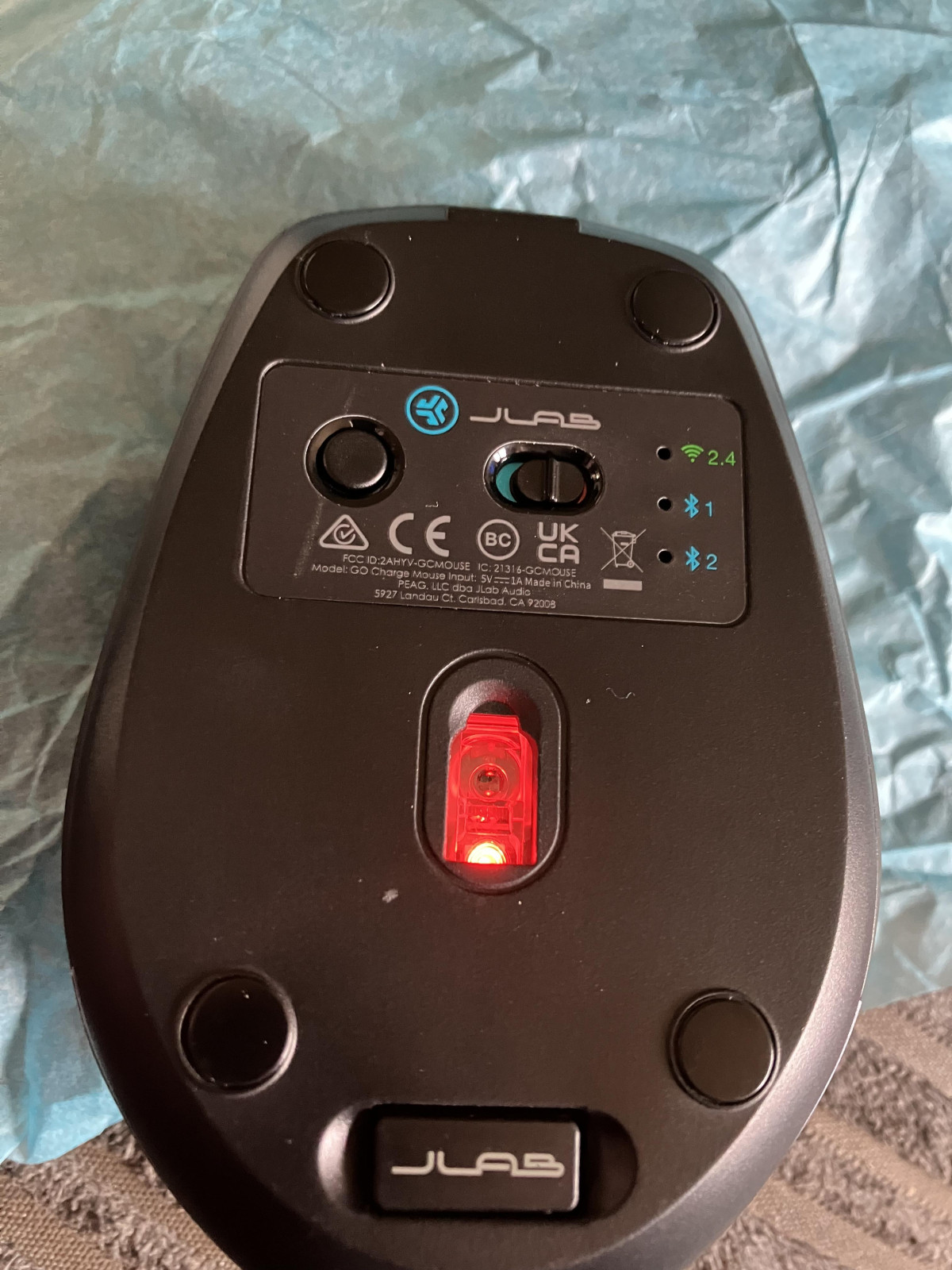
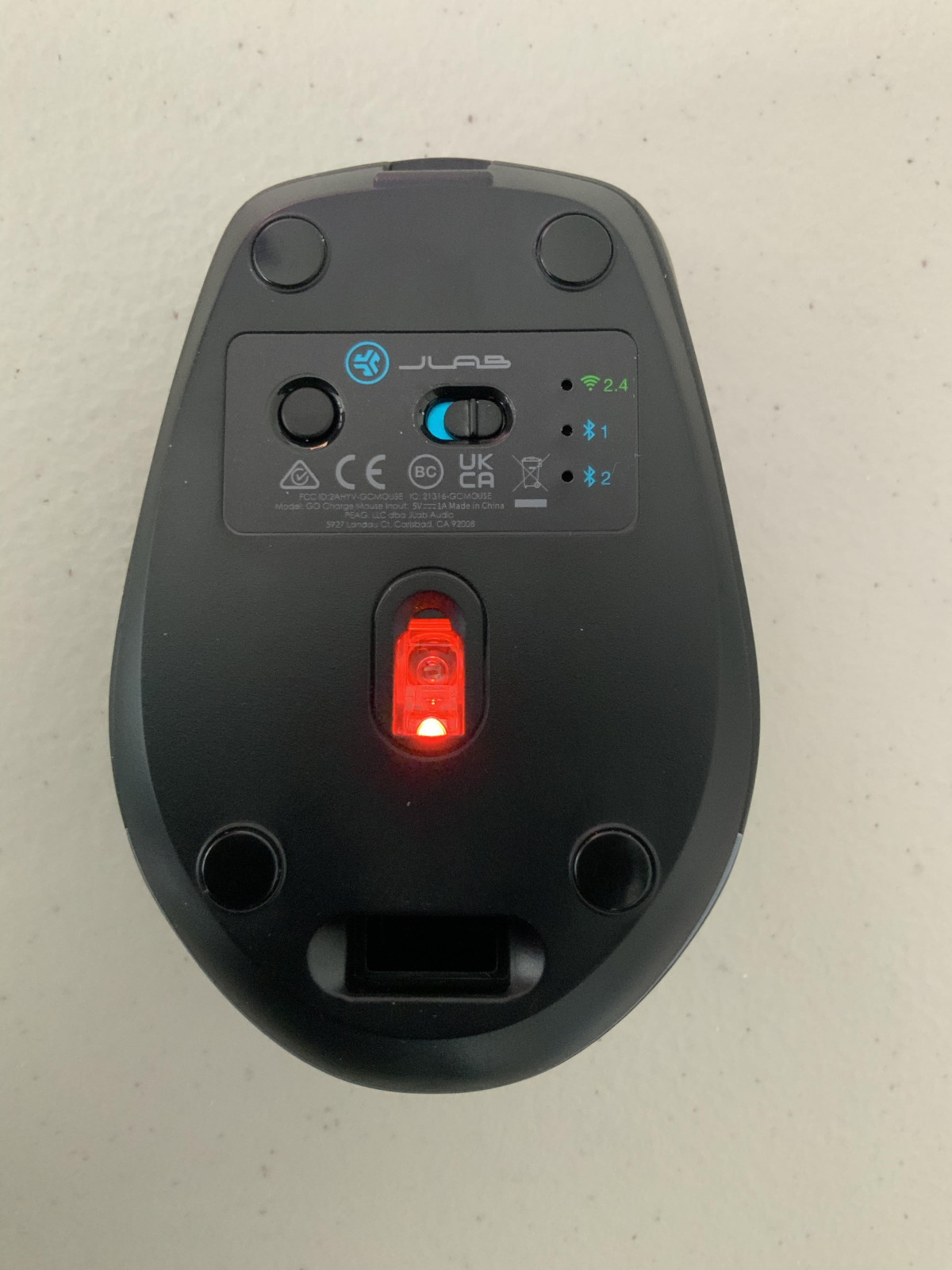
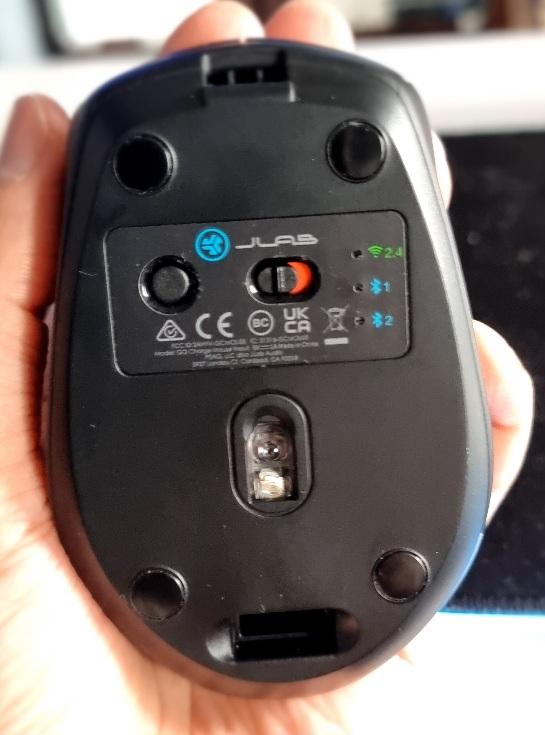
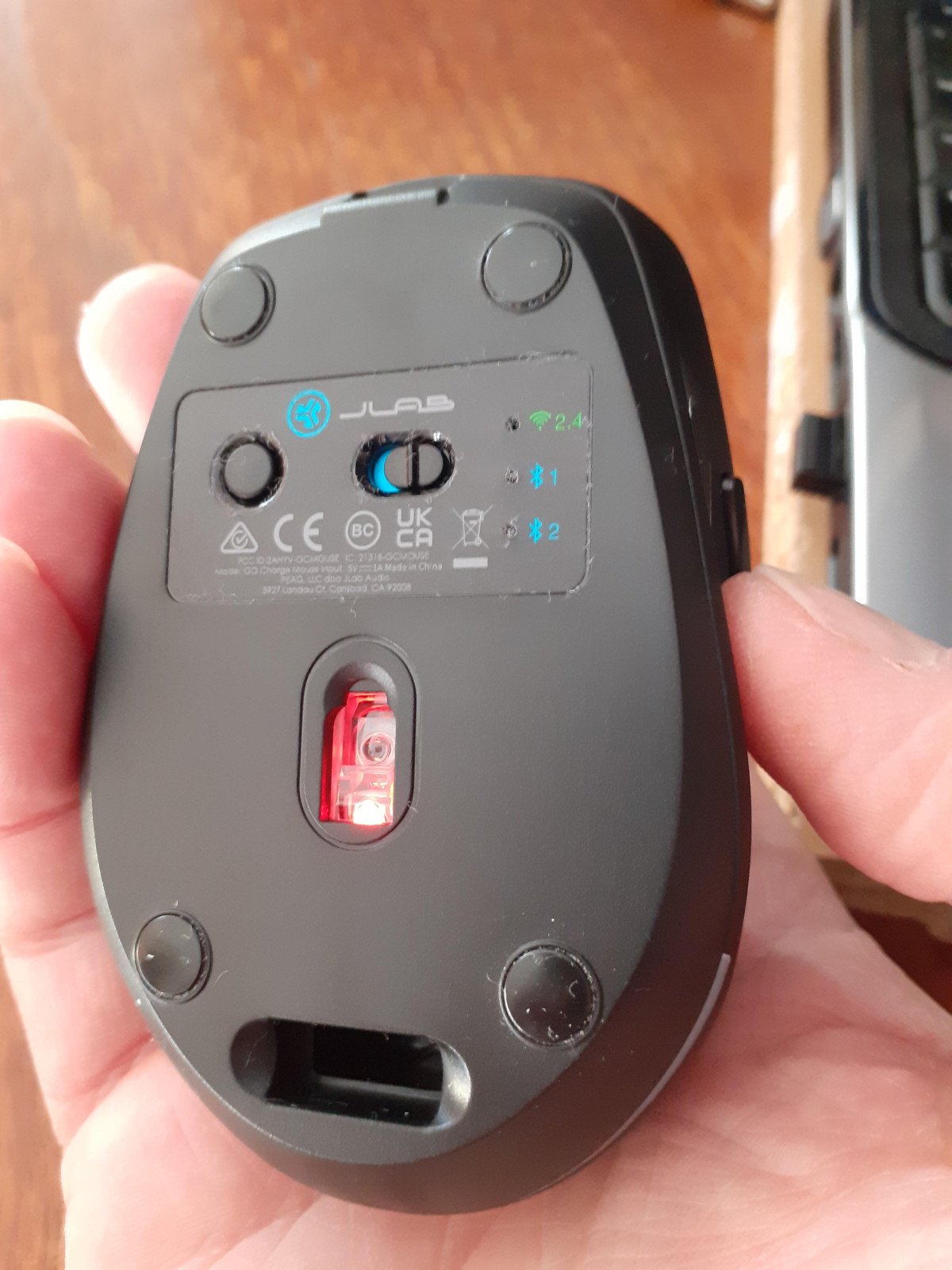
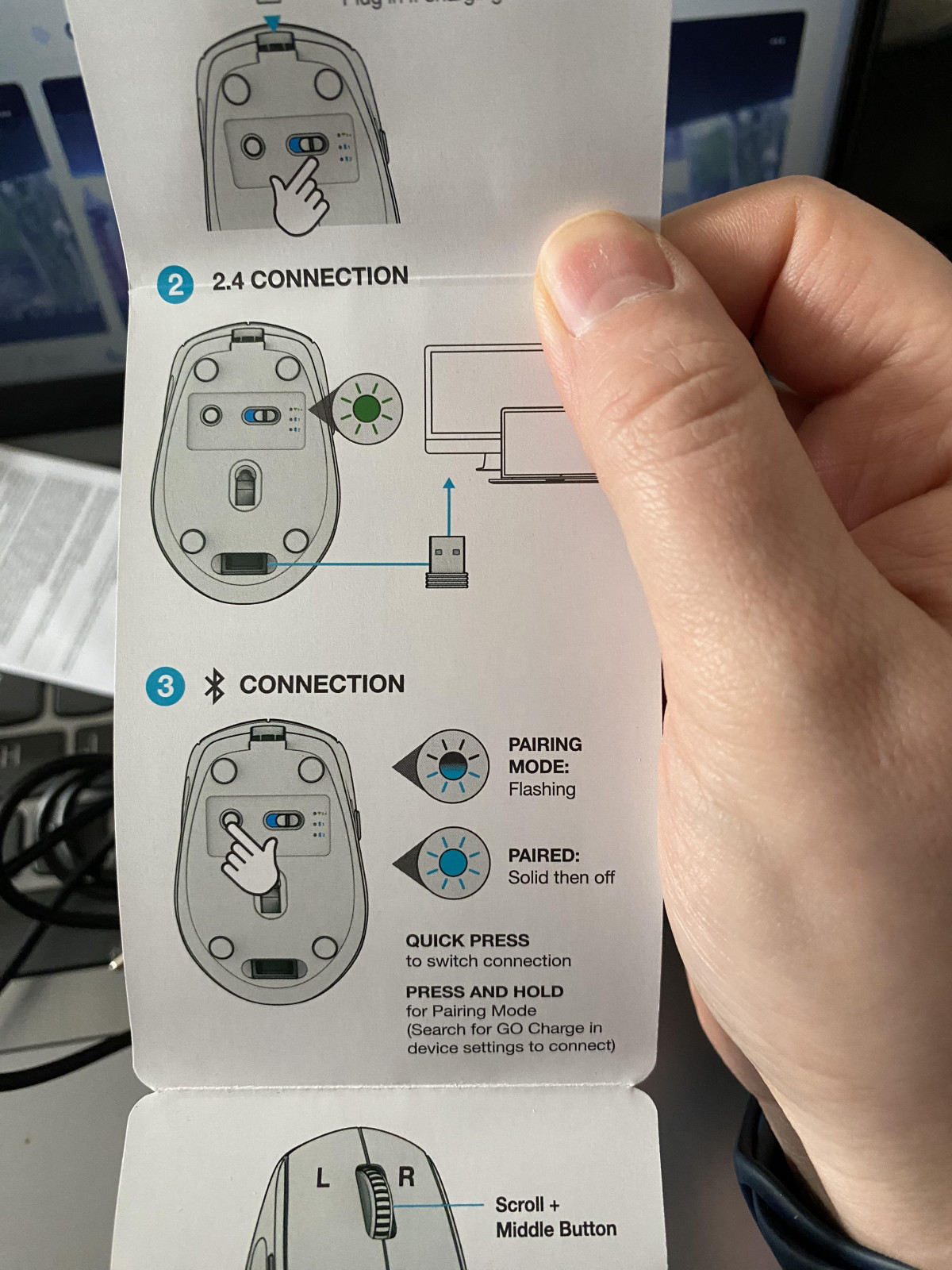
JLab designed the body to work equally well in a left or right hand, so there's no learning curve if you occasionally hand the mouse to a colleague or switch grip styles throughout the day. Flip it over and you'll find the practical touches that separate a travel mouse from an afterthought: a small storage bay built into the underside that swallows the USB nano dongle when it's not in use, so you're never digging through a laptop bag for a receiver the size of a fingernail, plus a physical on/off switch and a connection-toggle button.
The standout physical feature, though, is the click mechanism. Every button — left, right, and the scroll wheel — has been engineered to operate near-silently. In a shared coworking desk, a quiet library corner, or a video call where your camera and mic are both live, that matters more than people expect. There's no telltale clack that makes everyone in earshot aware you're actively working the mouse; clicking here sounds more like a soft tap than a switch snapping shut.
Core Performance and Everyday Tracking
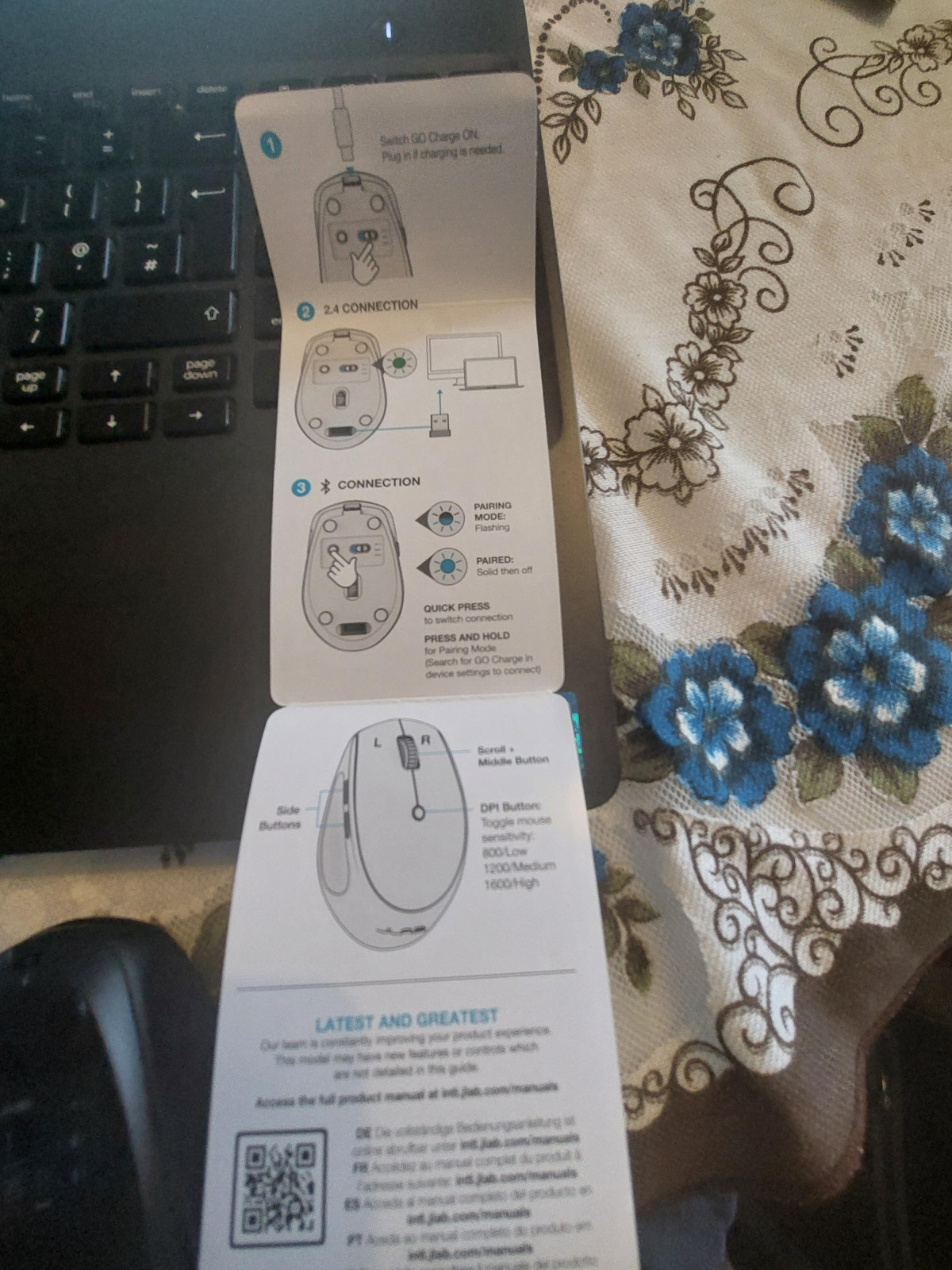
Underneath the shell sits a precision optical sensor with three switchable sensitivity presets, letting you shift between a slower, more deliberate cursor for detailed work like photo retouching or spreadsheet cell selection, and a faster setting for zipping across a wide monitor or two-screen setup. A dedicated button on top cycles through the presets on the fly, so you're not digging through a settings menu mid-task.
It's worth being clear-eyed about what category this sensor belongs to. The tracking speed and refresh characteristics here are tuned for productivity — browsing, document editing, design software, everyday navigation — rather than competitive gaming. If you're chasing frame-perfect flick shots in a fast-paced shooter, a dedicated gaming mouse with a higher-end sensor and faster wireless polling will out-track this one. But for the writing, research, spreadsheet work, and general computing that make up most people's day, the GO Charge tracks smoothly and predictably, with no perceptible lag or jitter during normal cursor movement.
Wireless performance is solid within its intended range: JLab rates it for roughly 10 metres of unobstructed operation, which comfortably covers a standing desk setup, a couch-to-TV arrangement, or presenting from the front of a small meeting room without walking your laptop over to fix a stuck cursor.
Key Features That Actually Matter
Three-Way Device Switching
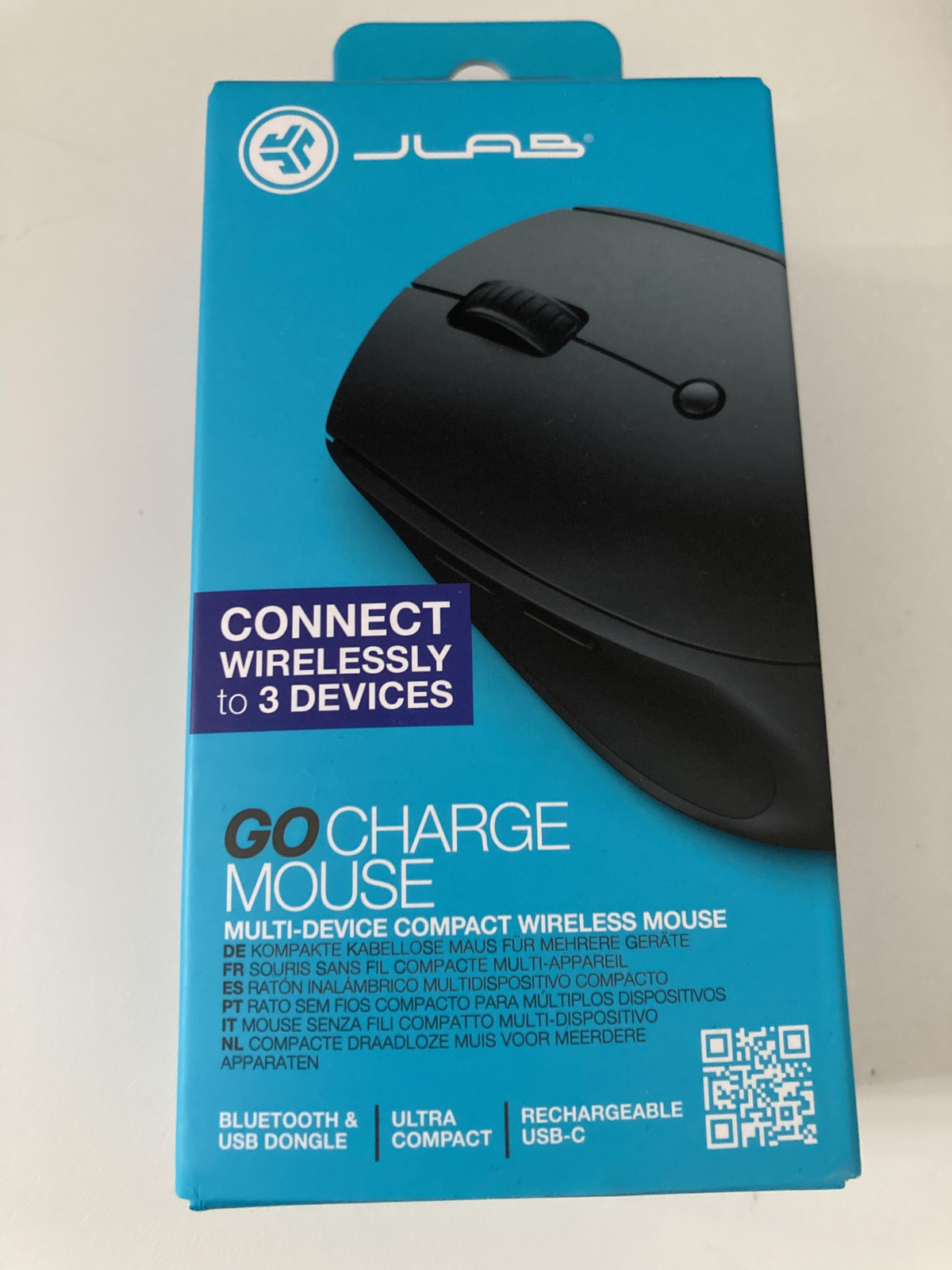
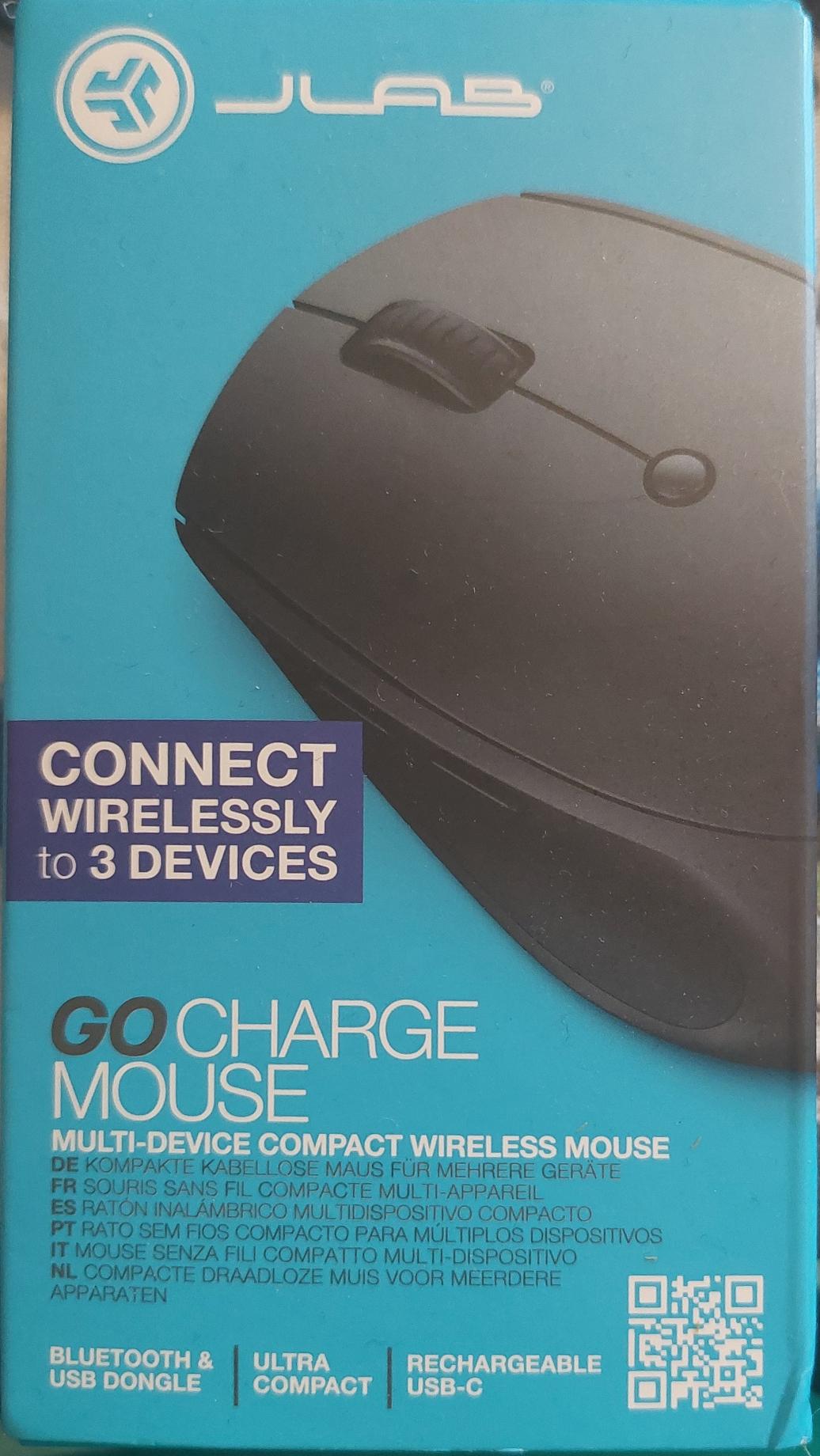
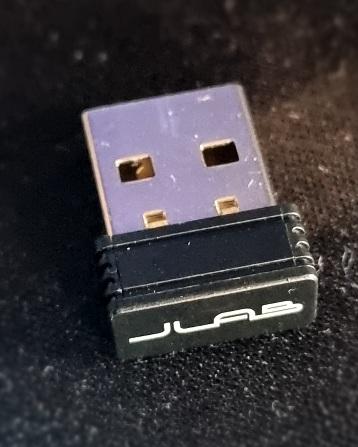
This is arguably the mouse's headline feature, and it earns the attention. The GO Charge can hold pairings for up to three separate devices simultaneously — two over Bluetooth and one through the included USB nano dongle — and a toggle switch on the underside jumps between them instantly. In practice, that means you can leave the mouse permanently paired to your work laptop, your personal laptop, and a tablet, and switch context with a single flick instead of re-pairing from scratch every time you change machines. For anyone who splits their day between a home setup and a portable one, or who regularly moves between a laptop and a tablet for note-taking versus deep work, this removes a genuinely annoying piece of daily friction.
Broad Compatibility
The mouse works across Windows, macOS, Linux, and mobile or tablet operating systems, which is a wider net than many budget wireless mice cast. You're not locked into a single ecosystem, so it travels well between a work-issued Windows machine and a personal Mac or Chromebook without compatibility guesswork.
Silent Clicks, Everywhere
Worth repeating here because it touches nearly every use case: the muted click mechanism means this mouse behaves the same whether you're in a silent-hours office, a coffee shop, or sitting next to a sleeping partner or a nervous pet. It's a small engineering choice that changes where you're comfortable using the mouse.
Dongle Storage
The nano USB receiver tucks into a slot on the mouse's underside. It sounds minor until you've lost a wireless dongle in a laptop bag and had to fall back on Bluetooth pairing under time pressure — having a dedicated home for it is a genuinely useful bit of travel-focused design.
Battery Life and Charging — What to Know Before You Buy
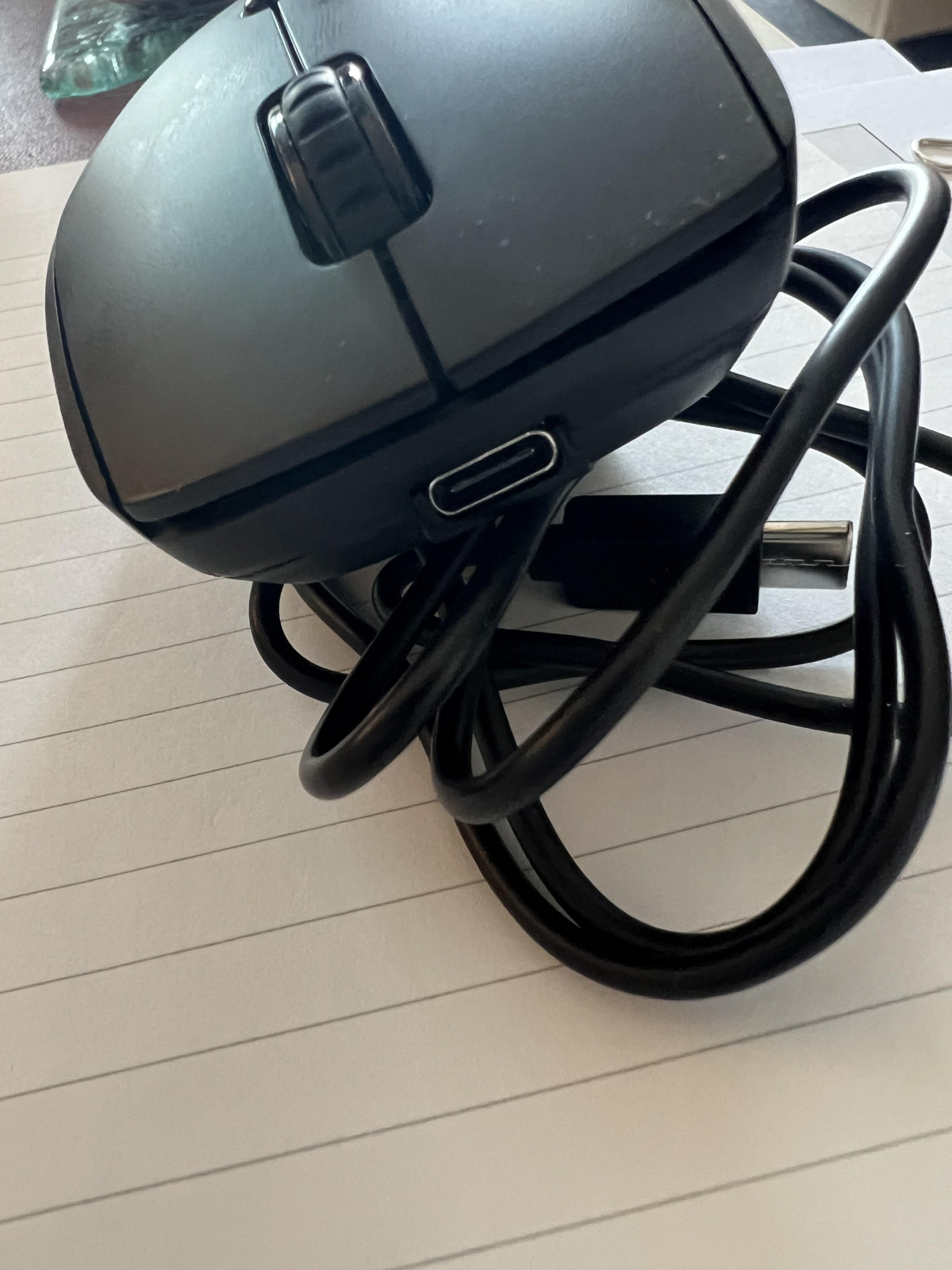
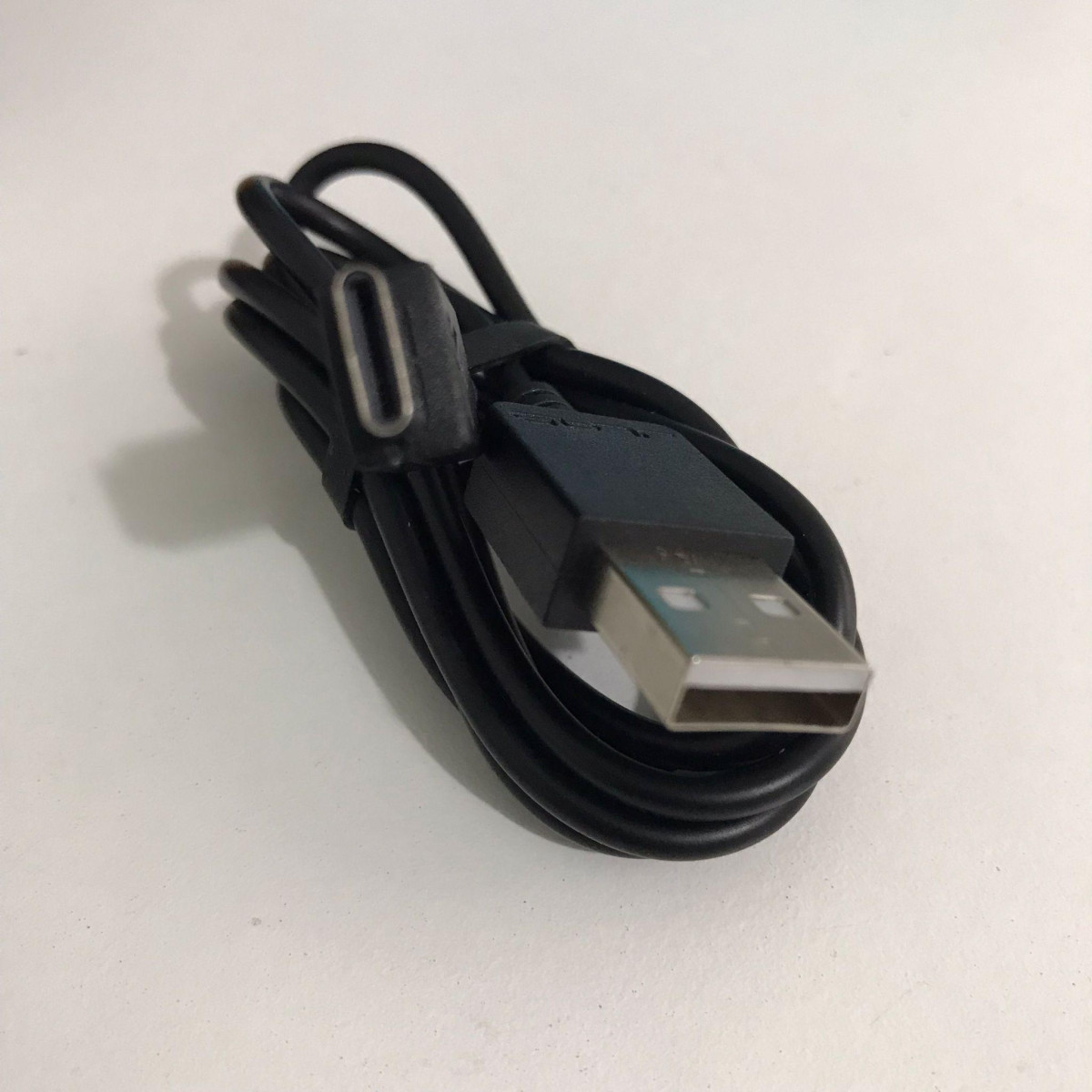
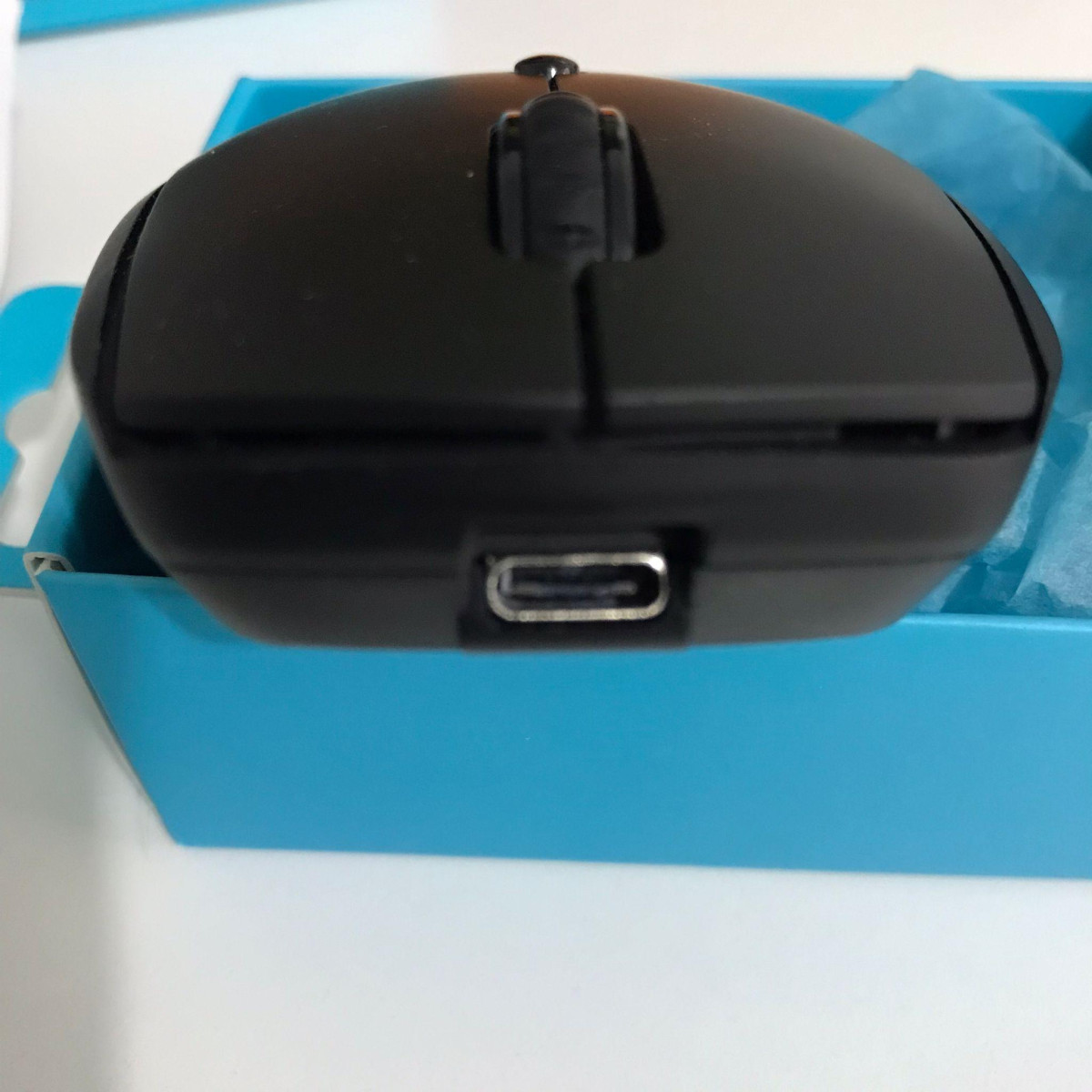
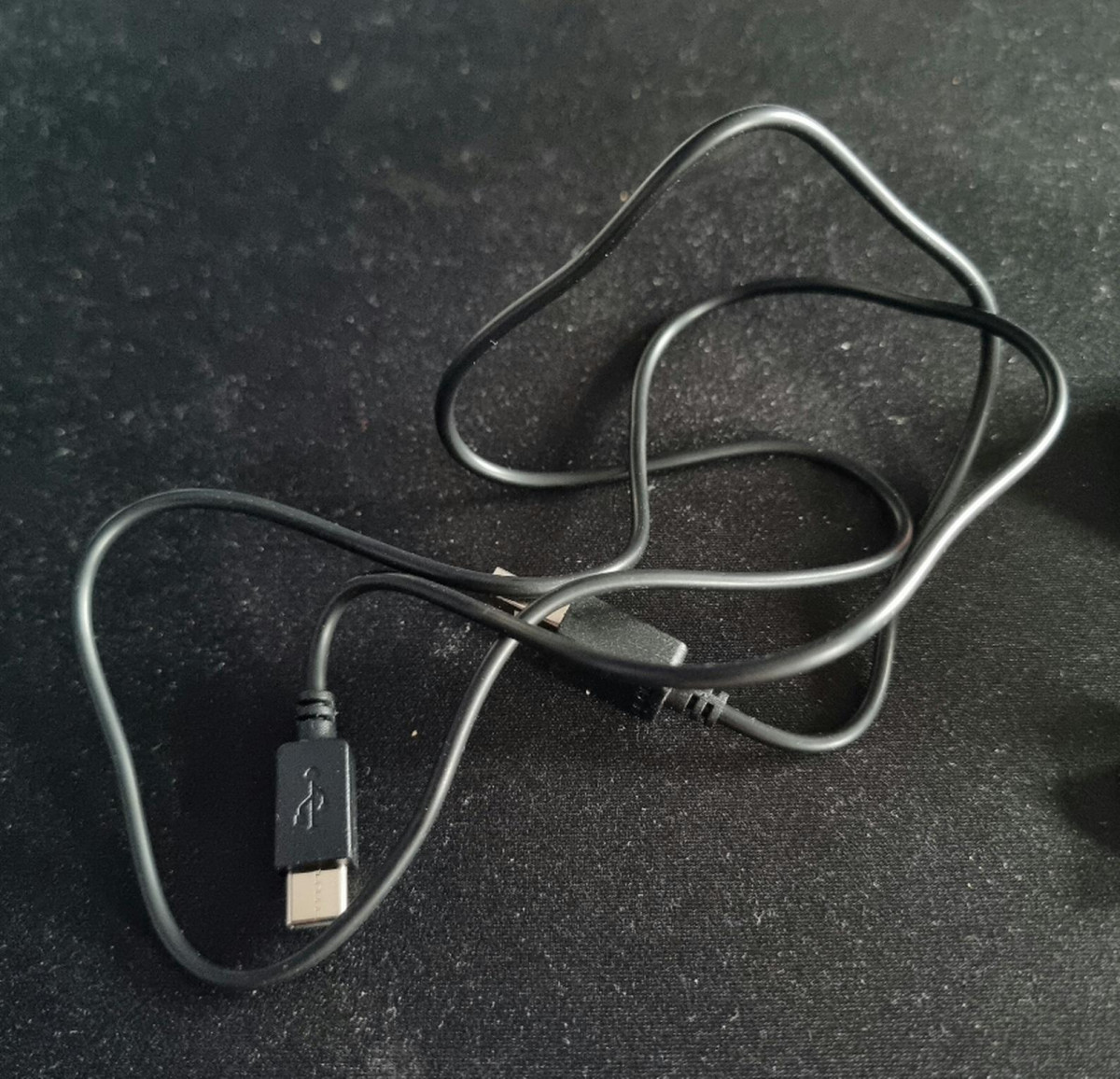
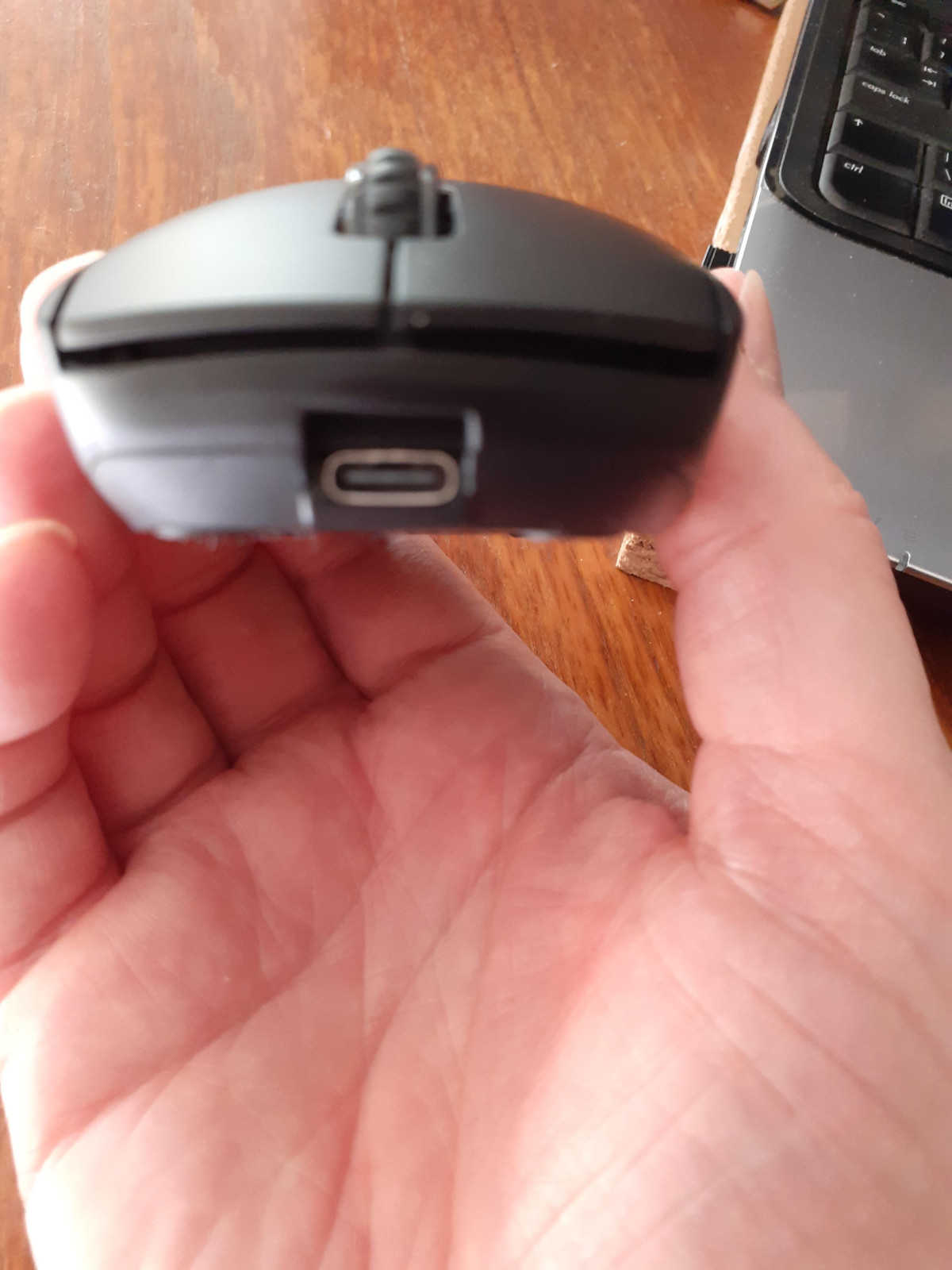
The GO Charge trades disposable batteries for a built-in rechargeable cell, topped up over USB-C. JLab estimates roughly four months of use per charge, which in day-to-day terms means you're plugging this in a handful of times a year rather than restocking AAs every few weeks — a genuine convenience upgrade over older wireless mice, and one that several owners specifically call out as a favorite feature.
There is one detail worth flagging clearly before you buy: no charging adapter is included in the box, and the mouse does not support PD (Power Delivery) fast charging. It needs a standard USB power source delivering between 2.5 and 5 watts — think an older phone charger, a laptop's USB-A port, or a basic USB wall plug, not a modern high-wattage USB-C charger built for fast-charging phones or laptops. If you don't already have a compatible USB-A charging brick or a spare USB port on your computer, budget for a low-cost one separately, since plugging into an unsupported fast-charge adapter simply won't speed things up and, depending on the adapter's minimum output, may not charge the mouse at all.
Who This Mouse Is Actually For
The GO Charge is built around a specific kind of user, and it's worth being honest about who benefits most.
Good Fit
It's an excellent fit for remote workers and digital nomads who move between a home office, a coffee shop, and a coworking space and want one mouse that follows them everywhere without a mess of cables or spare batteries. It also suits anyone regularly switching between multiple computers or an OS-mixed household — the three-device memory does real work here. Students and light multitaskers who want a comfortable, quiet, no-fuss mouse for note-taking, browsing, and assignments will also find it comfortably capable, and its plug-and-play compatibility across major operating systems makes it a safe pick as a shared or family mouse.
Not Ideal For
It is not the right choice for competitive or fast-paced PC gamers, who will feel the difference in tracking speed and polling rate compared to purpose-built gaming mice. It's also not ideal for anyone who specifically wants a larger, more sculpted ergonomic mouse for hand or wrist support during long sessions — the compact, travel-oriented shape prioritizes portability over palm support, so users managing wrist strain may find a bigger ergonomic design more comfortable over an eight-hour day.
How It Stacks Up Against the Alternatives
| JLab GO Charge | Typical Budget Bluetooth Mouse | Typical Ergonomic/Office Mouse | Typical Wireless Gaming Mouse | |
|---|---|---|---|---|
| Power | Internal rechargeable battery, USB-C | Usually AA/AAA disposable batteries | Mix of rechargeable and disposable | Rechargeable, often fast-charge capable |
| Device Switching | Up to 3 devices, instant toggle | Often single-device pairing | Usually single-device | Usually single-device, PC-focused |
| Connectivity | Bluetooth 5.0 + 2.4GHz dongle | Bluetooth or dongle, rarely both | Bluetooth or dongle | Dongle-first for low latency |
| Noise Level | Silent clicks | Standard audible clicks | Varies, often standard clicks | Standard to loud, tactile clicks |
| Portability | Very high — travel-focused | High | Low — larger ergonomic shells | Moderate — often bulkier |
| Best Suited For | Multi-device remote work, travel | Casual single-device use | Long stationary desk sessions | Competitive or fast-paced gaming |
The pattern that emerges is consistent: the GO Charge wins decisively on portability, multi-device flexibility, and quiet operation, while it concedes ground on raw tracking performance to gaming mice and on hand support to dedicated ergonomic designs. It occupies a specific niche extremely well rather than trying to be all things to all users.
The Honest Trade-Offs
The strengths here are consistent and easy to point to: the multi-device switching genuinely simplifies a daily annoyance rather than being a marketing checkbox, the silent clicks make this usable in settings where a normal mouse would feel disruptive, and trading disposable batteries for USB-C charging is a meaningful quality-of-life improvement that owners consistently mention as a highlight. Broad operating-system support and a compact, travel-friendly shape round out a mouse that clearly knows its intended job and does it well.
The weaknesses are just as worth naming plainly. A small number of owners have reported occasional scrolling inconsistency or clicks that don't register on the first press — not a universal complaint, but one that surfaces often enough to mention. The lack of an included charging adapter is a genuine inconvenience if you don't already own a compatible one, and the restriction against PD fast charging means you can't simply grab whichever fast charger is nearest and expect it to work at full speed. And while the sensor is perfectly capable for everyday computing, buyers coming from — or shopping specifically for — gaming-grade tracking performance should look elsewhere.
Final Verdict
The JLab GO Charge earns its keep as a genuinely useful travel and multi-device companion rather than a mouse trying to compete on raw specs. If your day involves switching between a work laptop, a personal computer, and maybe a tablet, or if you regularly work somewhere that rewards a quiet click and a small footprint — cafes, shared offices, libraries, red-eye flights — this mouse solves real, specific frustrations that pricier and flashier mice often ignore. Buyers should walk in knowing they'll need their own compatible USB charging adapter, and that this isn't the mouse for competitive gaming or all-day ergonomic wrist support. Within its actual lane — portable, quiet, multi-device productivity — it's a well-executed, easy recommendation.
What People Say
60 commentsNice looking mouse but has some issues
I bought this to use with the provided wireless dongle on my PC and via Bluetooth on my laptop.
The device connected without hassle on both devices.
I like the ability to change the DPI of the sensor with the button on the top.
After a few days of use I noticed that not all clicks are registered. This was experienced on laptop and PC using dongle and Bluetooth. Also the mouse pointer occasionally jumps position on screen. These issues suggest the device is momentarily dropping the connection. This may seem a minor issue but as a heavy user I found it frustrating.
The Argos product page for this device says the buttons are programmable. They are not. The side buttons are for forward and backward so will take you through your page history on most browsers, for example. The software for programming buttons from JLab doesn't recognise this model. There is no mention of programmable buttons in the included instructions.
Finally the charger provided was a very tight fit and the plastic pushes against the mouse when forced in. This made me wonder if the cable provided with my mouse was a replacement.
I ended up returning the mouse for a refund. I think I'll go back to a weird device.
Packed with features
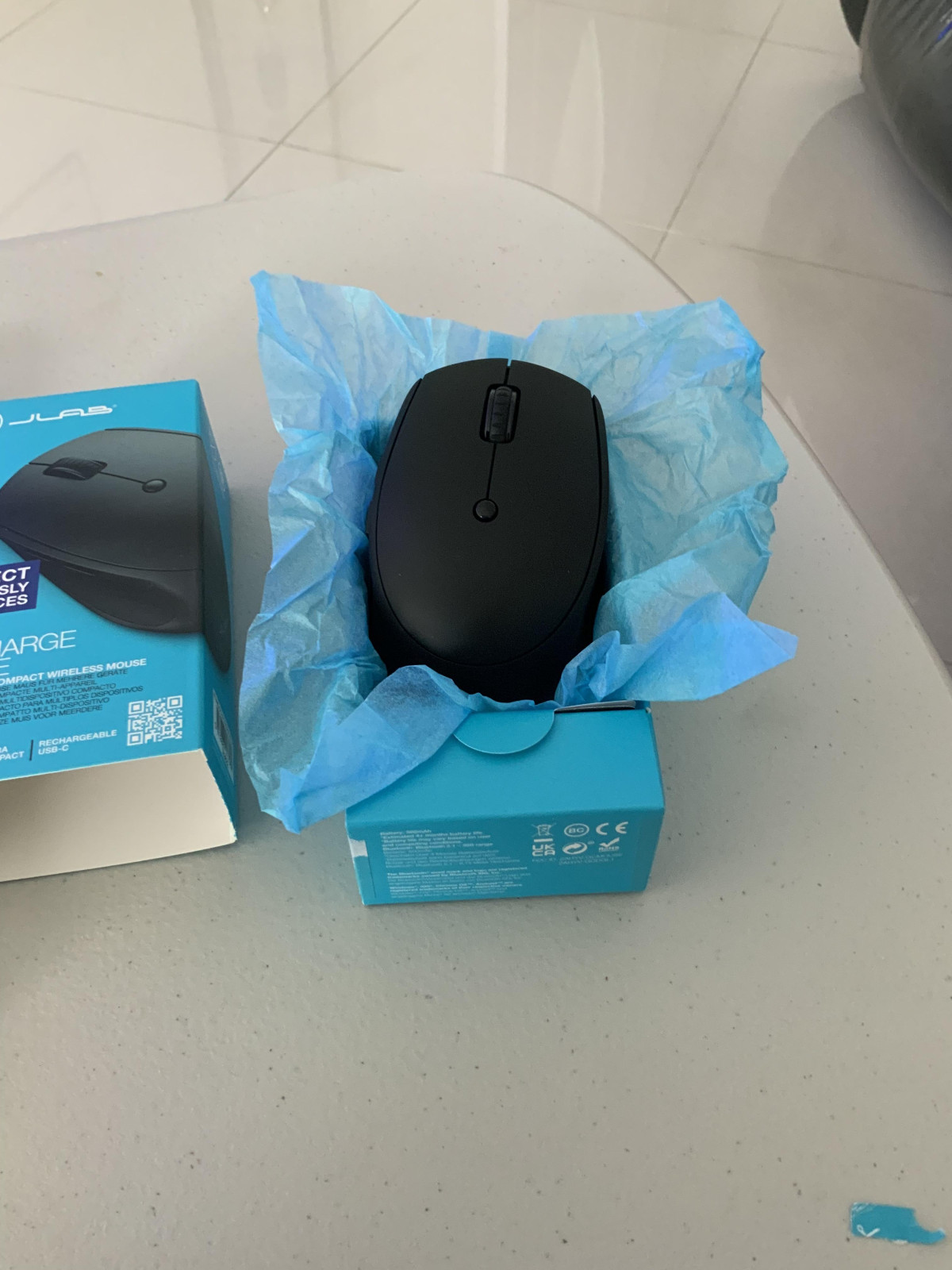
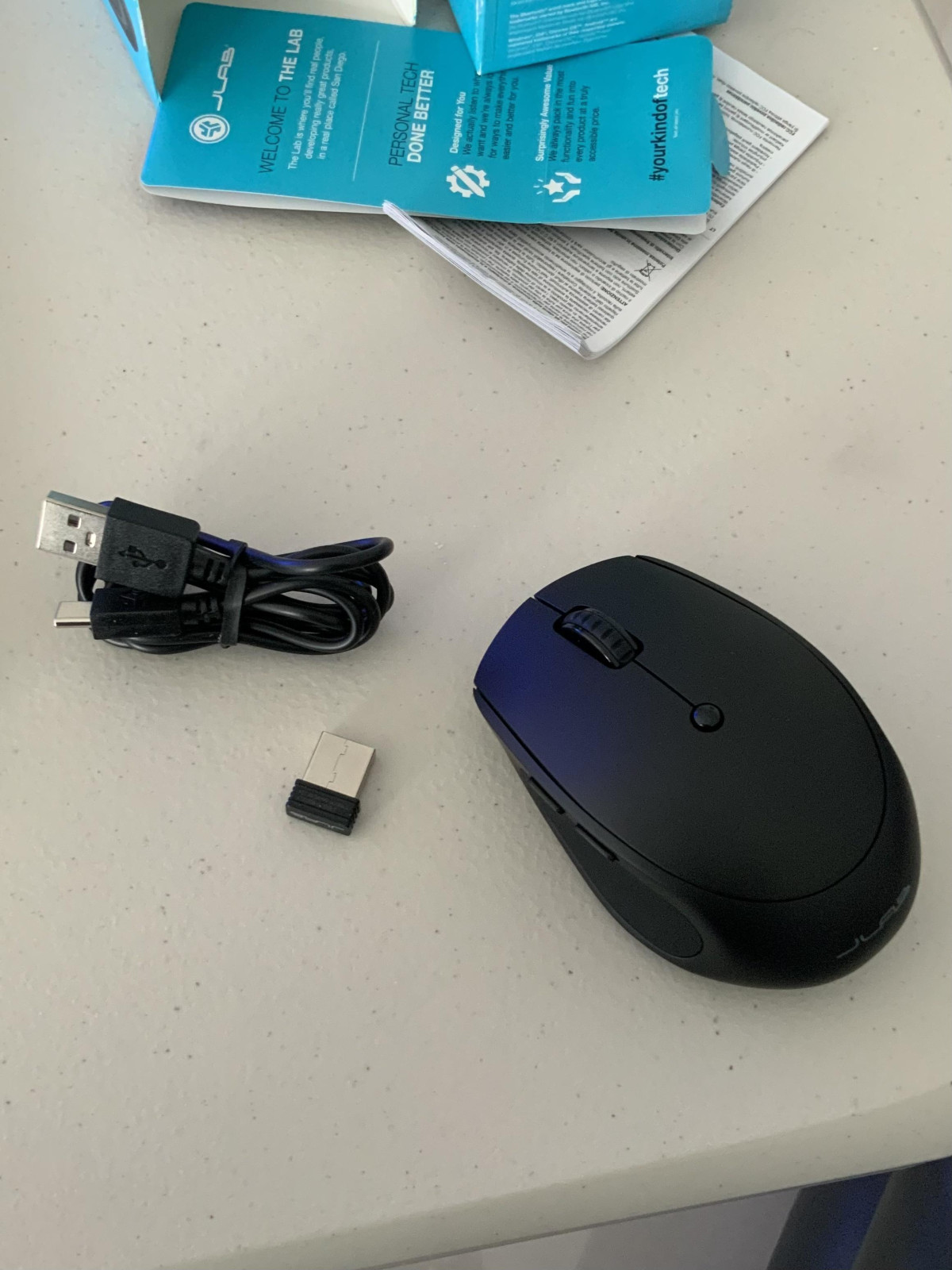
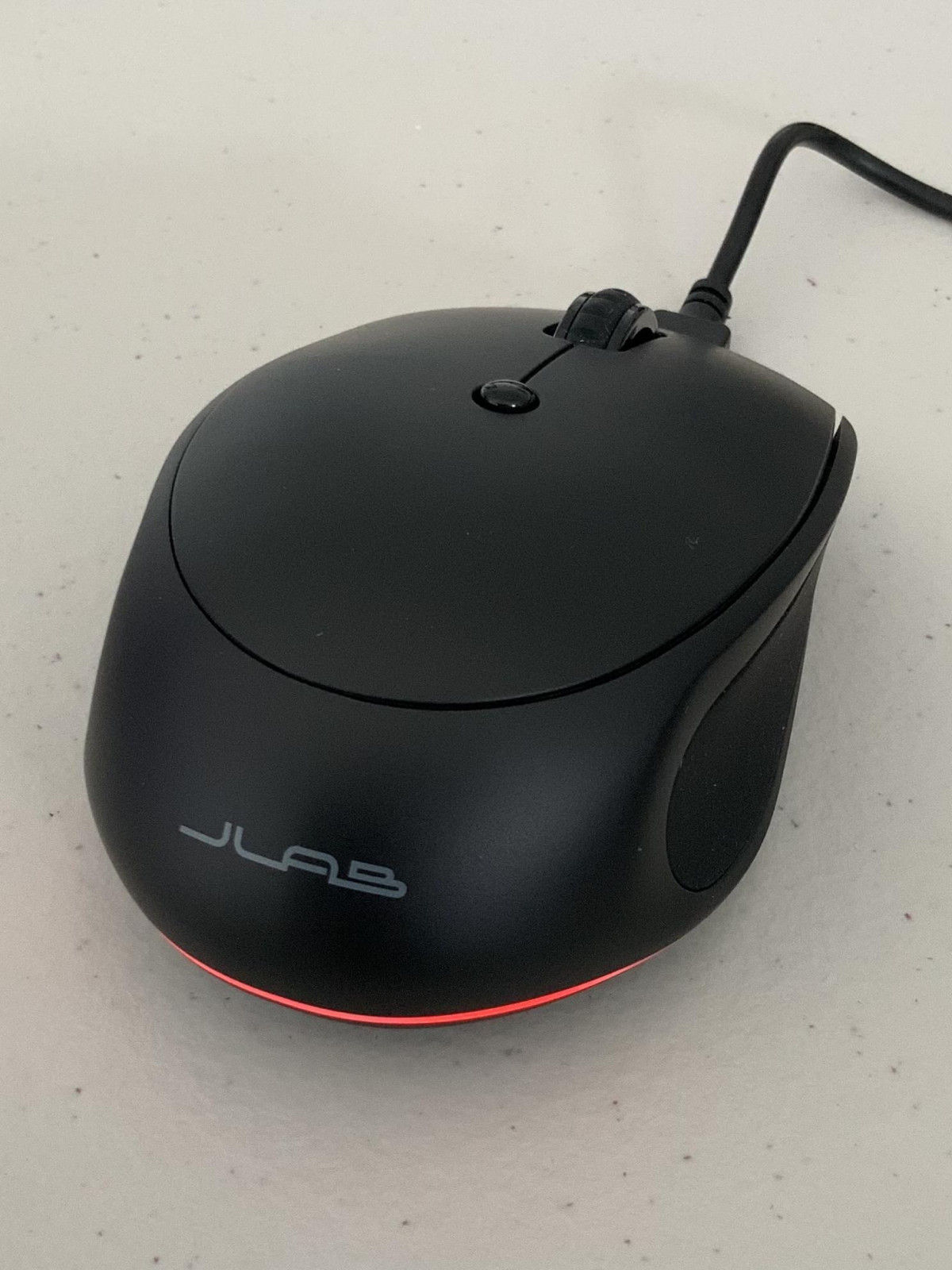
This GoCharge mouse by JLab is easy and comfortable to use it is just the right shape and weight, the rechargeable battery and features make it an idea travel mouse as well as everyday use. With the choice between Bluetooth and wireless using the Mini USB Dongle it really has total connectivity. You can even switch between multiple devices at the push of a button. Another handy feature is that the mini USB Dongle is stored in the bottom of the mouse so easy to find if it’s needed. It has a dpi switch on the top to toggle the sensitivity between 3 pointer speeds which comes in handy when using graphic design software. The included USB-C cable lets you recharge the mouse in no time. It also turns itself off to conserve battery power and wakes again once it is moved. The buttons are almost silent so there’s no annoying clicking, the scroll wheel has a smooth action with great grip. Overall I can’t fault the design of this GoCharge mouse it really has it all
Nice to hold, and does what you'd expect
Less flat than my previous mouse, but felt nice once I got used to it. It comes with a charger cable, although mine was already charged when I opened it. It's a piece of cake to get set up wirelessly - just plug the little USB widget in and out of whichever computer you want to use it with, and away you go (I didn't need to use the Bluetooth alternative). The USB widget can be slotted into the base of the mouse when not in use, so it doesn't go astray. The controls are simple and as expected (left and right buttons, a little centre button and a scroll wheel) plus it also has a couple of buttons to the left side which do "page forward" and "page back".
Simple, easy to use and practical
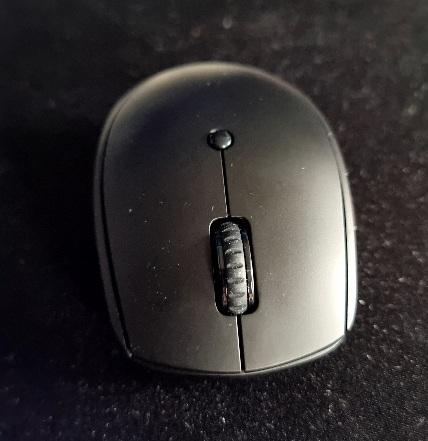
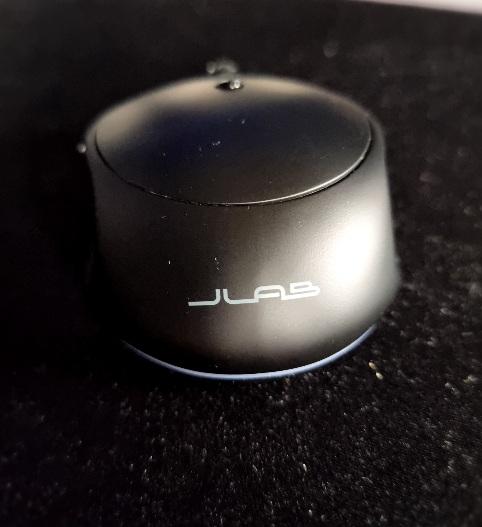
Great rechargeable mouse just plug in the Bluetooth adapter in your computer switch it on from the bottom and away you go no software to download, comes with USB charging cable and the Bluetooth adapter, the adapter fits underneath the mouse when not in use overall i would recommend this mouse for work and college and university it's not the fastest so gaming will not be great, I used it with my desktop and laptop works great switching from one to another is simple by putting the adapter in the computer, I found using the wireless mouse best using with laptop when your on train no extra wires hanging around simple and tidy and easy to pack away in bag
Wireless Mouse mostly good
I needed to replace an aging mouse and I chose this one. On the whole it is good, I like the recharging port, no batteries!
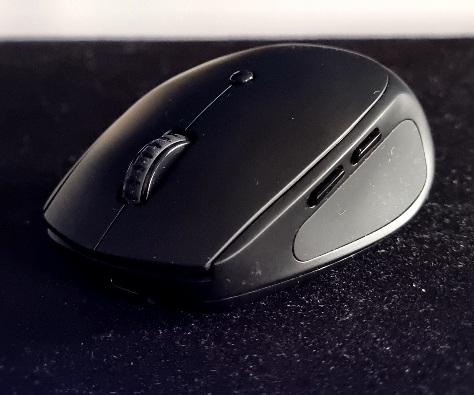
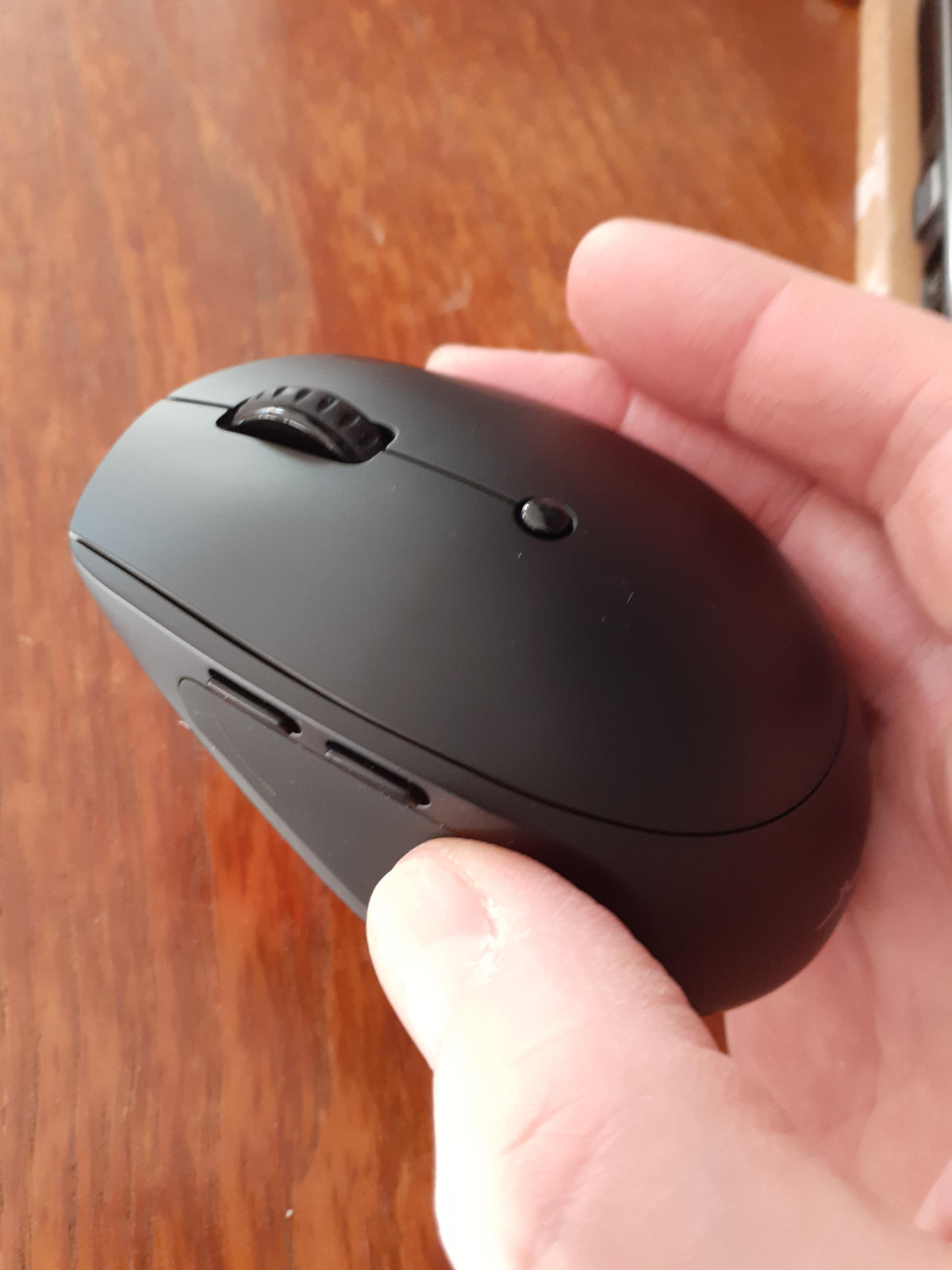
However there are two little buttons on the left hand side roughly where a right handed person would put their thumb which can be used to go back or forward in your browser. These are not good, they can be easily pushed by accident. What is worse, is that I use the mouse with my left hand and the buttons are much more easily pushed by accident.
There is no way to programme these buttons or I would have switched them off.
Excellent easy to use Mouse.
The great feature of this JLab mouse is its ability to be used wirelessly with multiple devices. I've found it really useful when working at home switching between 2 laptops and even my mobile phone. A simple press of the button on the bottom of the mouse allows you to seamlessly switch to a different paired device. The back of forward navigation buttons on the side are also really handy. The mouse did need charging out of the box but it comes with a usb C charging cable and can be used when plugged in.
Ergonomically high value mouse
Battery life is beyond perfect considering it comes with USB C and it only has to be charged once every 2 - 4 month, great ergonomics with simple accessibility features on the sides, simple minimal slick design nothing overkill, quiet mouse clicks which is a bonus, you can connect up to 2 devices simultaneously switching between them click the button underneath the mouth, at first moving the mouse on a flat surface felt extremely weary but you’ll get used to it. Overall would STRONGLY recommend.
Good product
For individuals who want a basic wireless mouse for daily work, the JLab GO Charge Wireless Bluetooth Mouse in Black is a reliable and reasonably priced option. It is a great choice for on-the-go use because to its small size and good battery life, but power users or those looking for more sophisticated capabilities could find it wanting. It's a dependable choice with a decent connection and effective charging for the cost and convenience.
Spot on for the price
bought this so my son could use my laptop for school homework and I can’t complain, the buttons are quiet, the texture is really comfortable, it comes with a usb dongle receiver it if your laptop or pc has built in Bluetooth then it will work without the dongle which is a good feature, has a usb-c socket at the back to recharge it and comes with a wire too but I’ve not had to charge it once yet and I’ve had it 2 weeks!
Early days, but seems very good
It's been a couple of weeks since I gave this to my wife, and she seems very pleased with it. More comfortable than her previous Microsoft mouse, responsive, and easy to charge. Easily paired with her laptop.
For the price, it seems a no-brainer. Cheaper than buying a reasonable quality mouse and putting in rechargeable batteries, and more convenient because you don't need to take the batteries out to recharge.
Amazing little mouse
It’s simple and sleek but works extremely well! It’s extremely comfortable to use and i’ve experienced no lag like other mouses.
I love the fact you have the choice of to keep it wireless or wired meaning it suits everyone!
I would 100% recommend this mouse for the ease of use, the affordability and the stylish design.
We like it that much I’ve since ordered a second for my daughters laptop too
Wrong dimensions stated
It is actually a nice product. But I have large hands and using too small a mouse causes cramps in the fingers. I spent a lot of time looking for a mouse of suitable dimensions.
This one fitted the bill and would have been fine if the correct dimensions were given.
Returned it the next day. For some reason they have measured the carton not the actual mouse, which is considerably smaller.
Great Wireless Mouse
Easily connects via Wi-fi or Bluetooth with nothing to install (Win10). Feels good to hold. Side buttons (which can be quite easy to touch accidentally) go back and forward browser pages. Charges on USB-C. Wakes up quickly when resting. Quiet clicks. Works as well as a wired mouse. Instantly change how far the pointer moves with the top button. I really like it – a great product.
Mouse works brilliantly
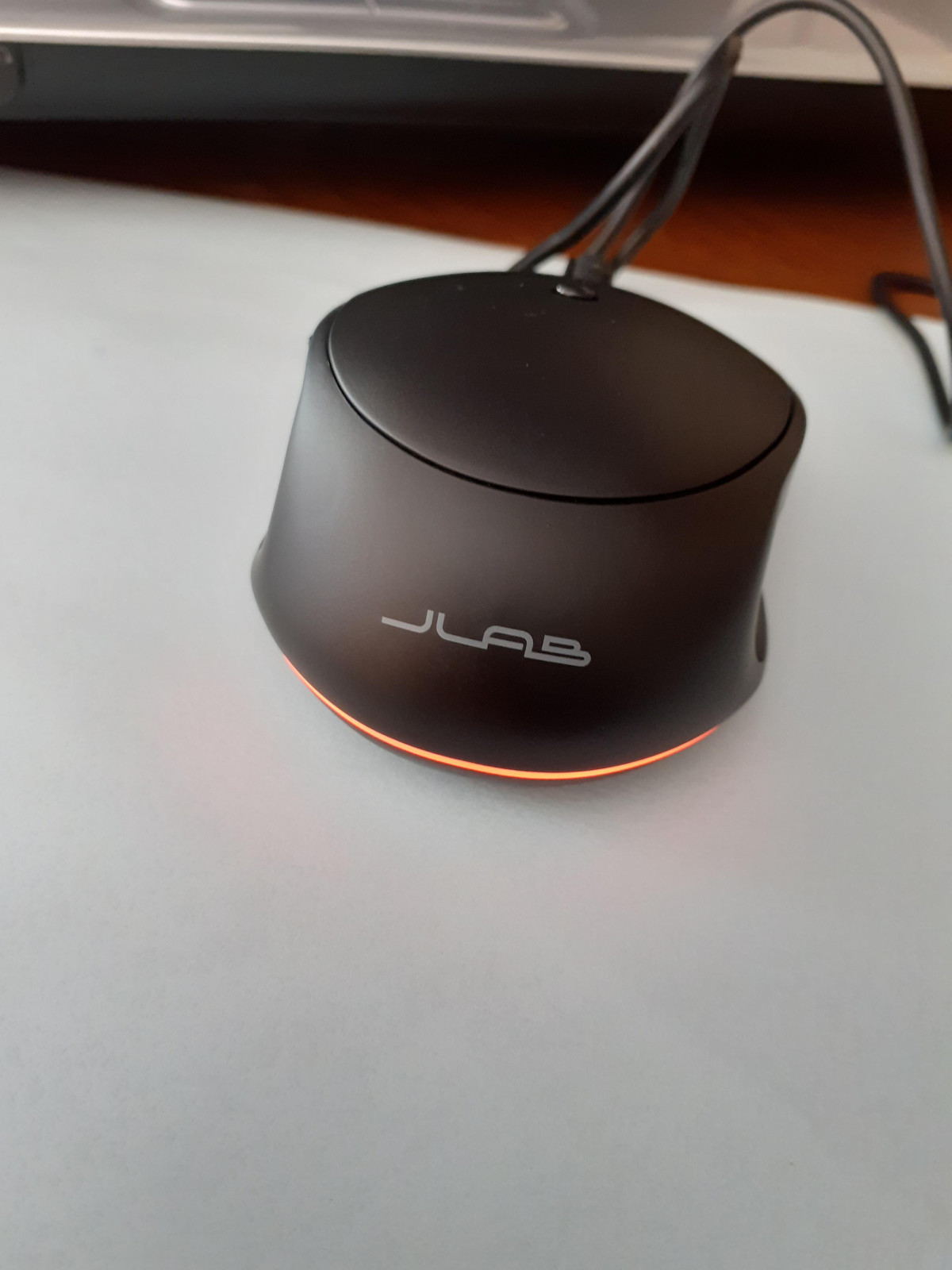
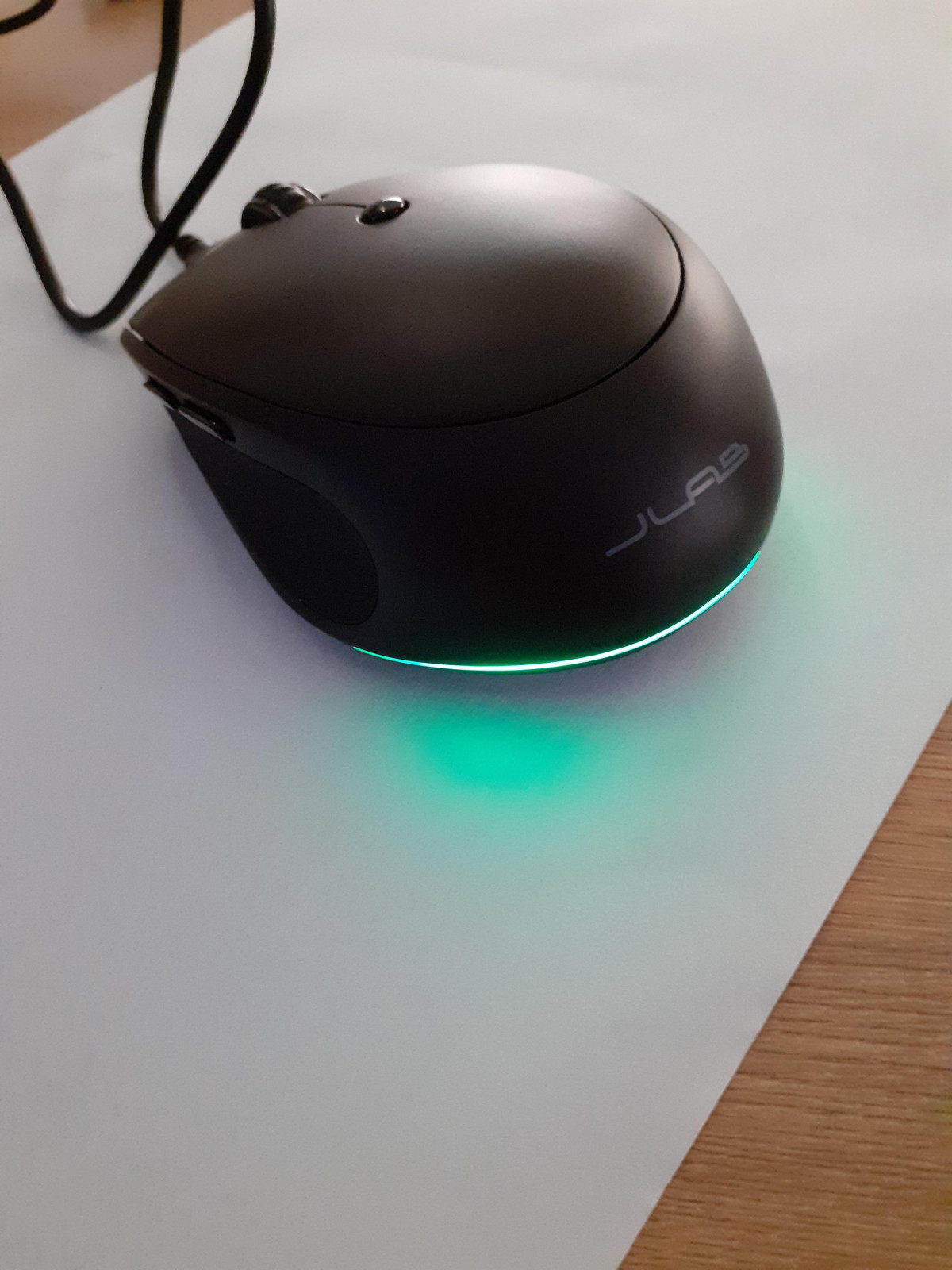
Took this out of the box, found the USB dongle in the base of the mouse, found a USB cable in the box. Plugged in the USB dongle into the computer, but the mouse didn't work, plugged in the mouse to charge it up, it definitely needed charging, after charging the mouse has worked perfectly. Excellent product. The mouse feels robust, with positive clicks, accurate scrolling & movement.
Nice once set up.
This was a bit clunky to set up as even following the instructions my laptop couldn’t find it, but smooth service afterwards. My favourite feature is it is rechargeable so you don’t have to worry about finding batteries all the time. The click is also very quite and soft which makes it nicer to use. The pointer moves at a good pace and smoothly so I would recommend this.
Perfect chargable silent mouse
The mouse is really comfy to use and perfectly fits with my hand size.
What I really like is that the mouse is very silent.
Moreover, I don´t need to buy batteries as I can simply charge it when needed. I´m using this mouse for over two weeks and no need for charging yet (the description says that the battery should last for 4 months), it works perfectly!
Perfect for on the go
An on-the-go mouse that lasts the charge. It looks smart, connects to both a Mac and Windows computer/laptop with ease and has an easy setup. The drop in star rating is that the USB port/stick isn’t easy to remove, a push spring setup would have made it easier to take out, but you need pinch with two fingers and fiddle it out.
Not your normal mouse
I thought I had got a normal mouse until it ran out of charge when I discovered that I did not have a battery to change but they had provided a lead to recharge the in-built battery - what a surprise and all I have to do is plug it in if I going to be on long term so that I do not run out of power during general use.
perfect
I bought this mouse recently and I've got to say it is quite amazing , it does come with the dongle but the beauty of this mouse is it works with Bluetooth which means you don't have to use the dongle you can just switch between laptop to that laptop to TV easily as long as they've all got Bluetooth!! Amazing
Great little mouse
I bought this mouse to go with my new ipad and i love it its very comfortable to hold the buttons and tracking are very responsive never laggs and the rechargeable feature makes it perfect no more looking for batteries also the battery life on full charge lasts a good few weeks even with heavy gaming