JLab GO
Jlab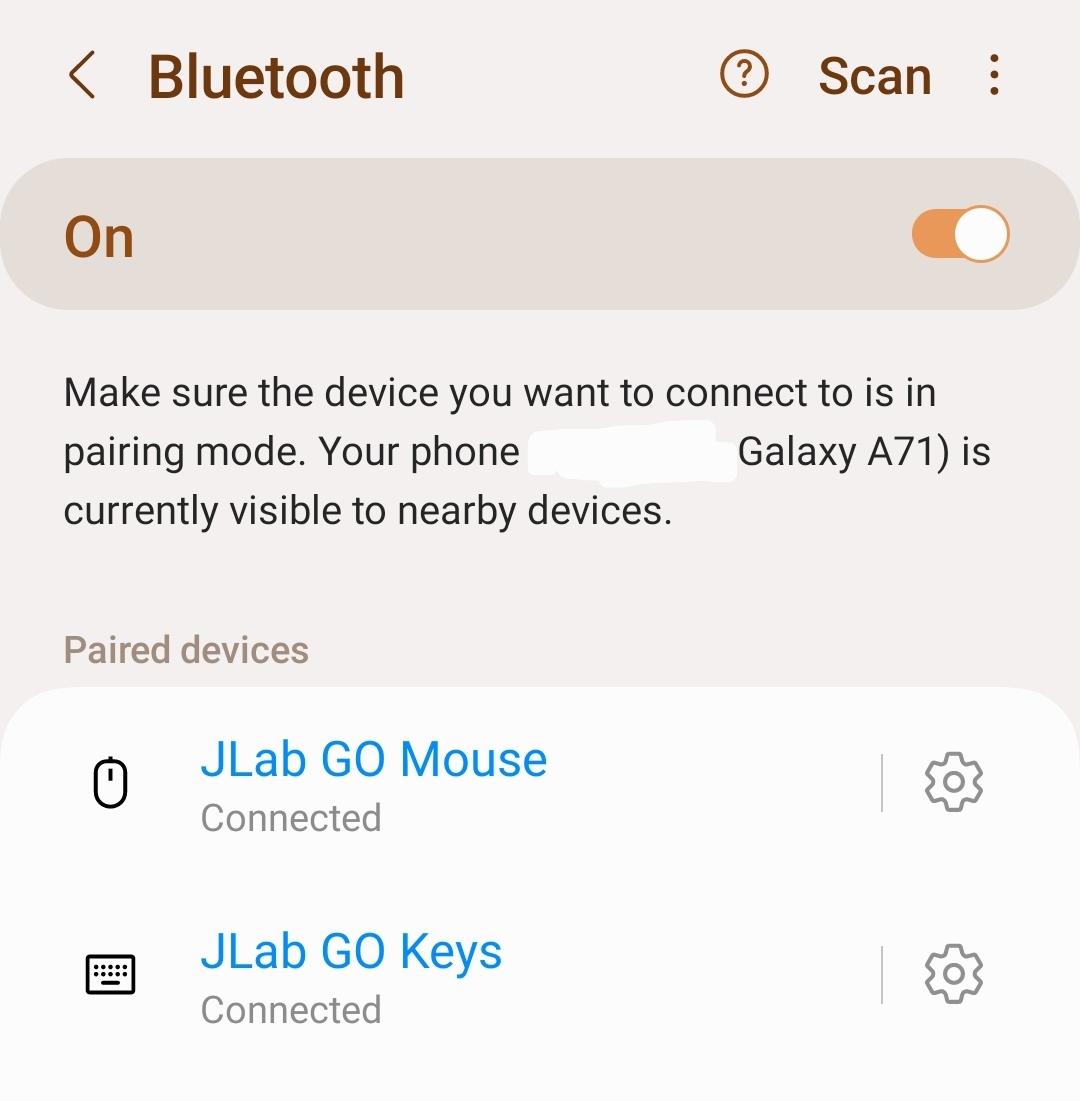
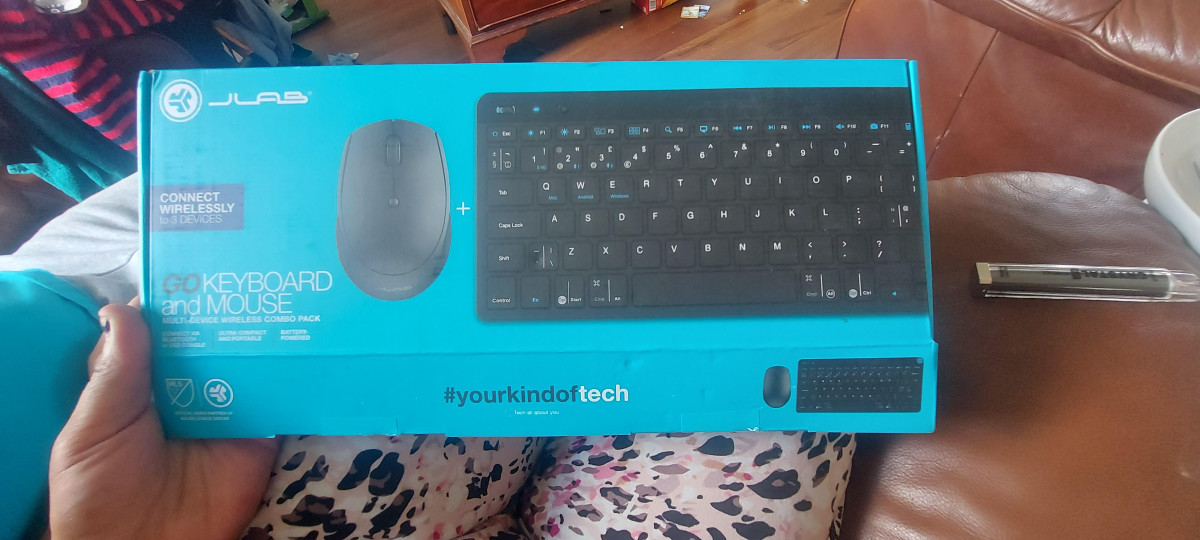
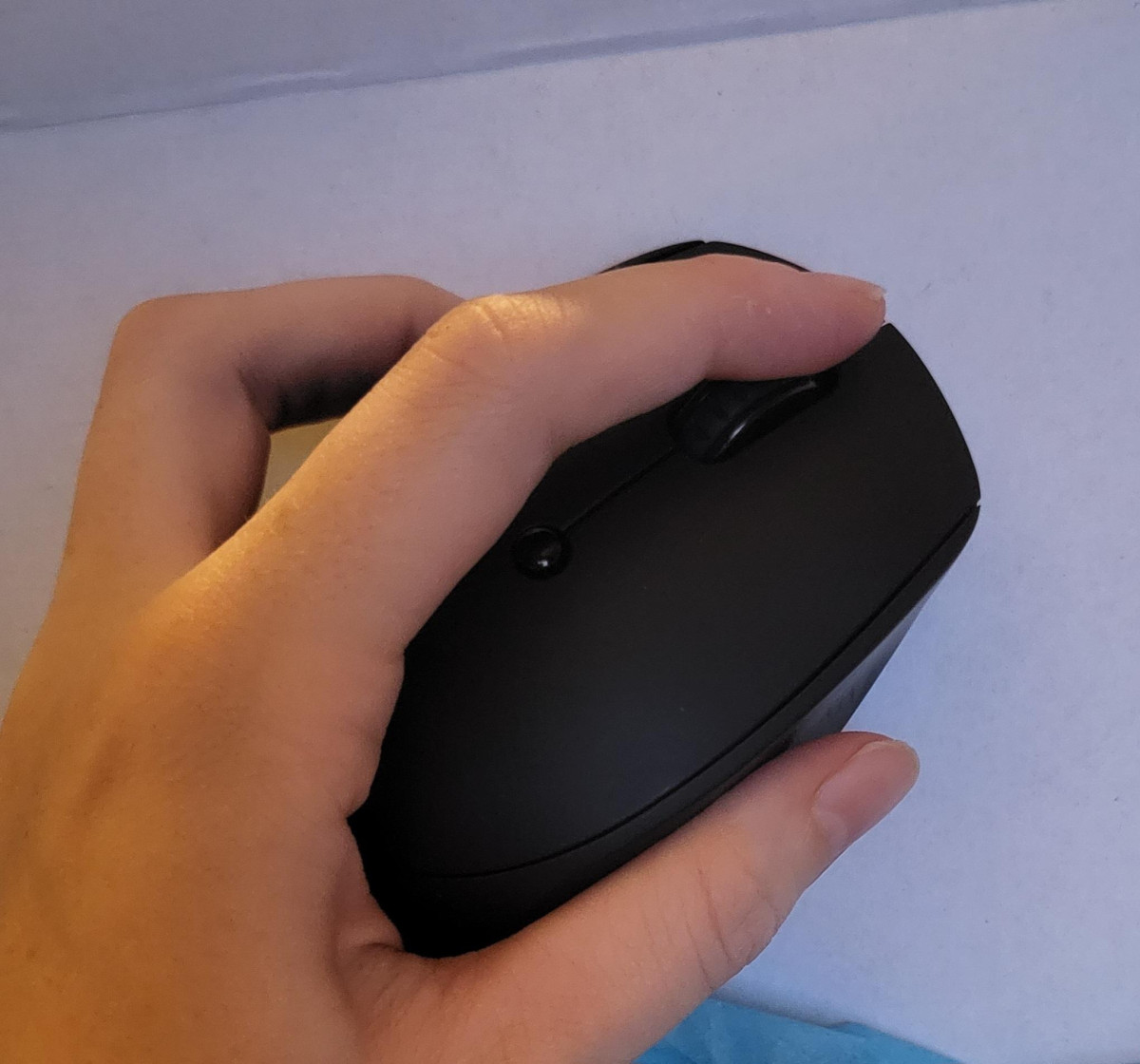
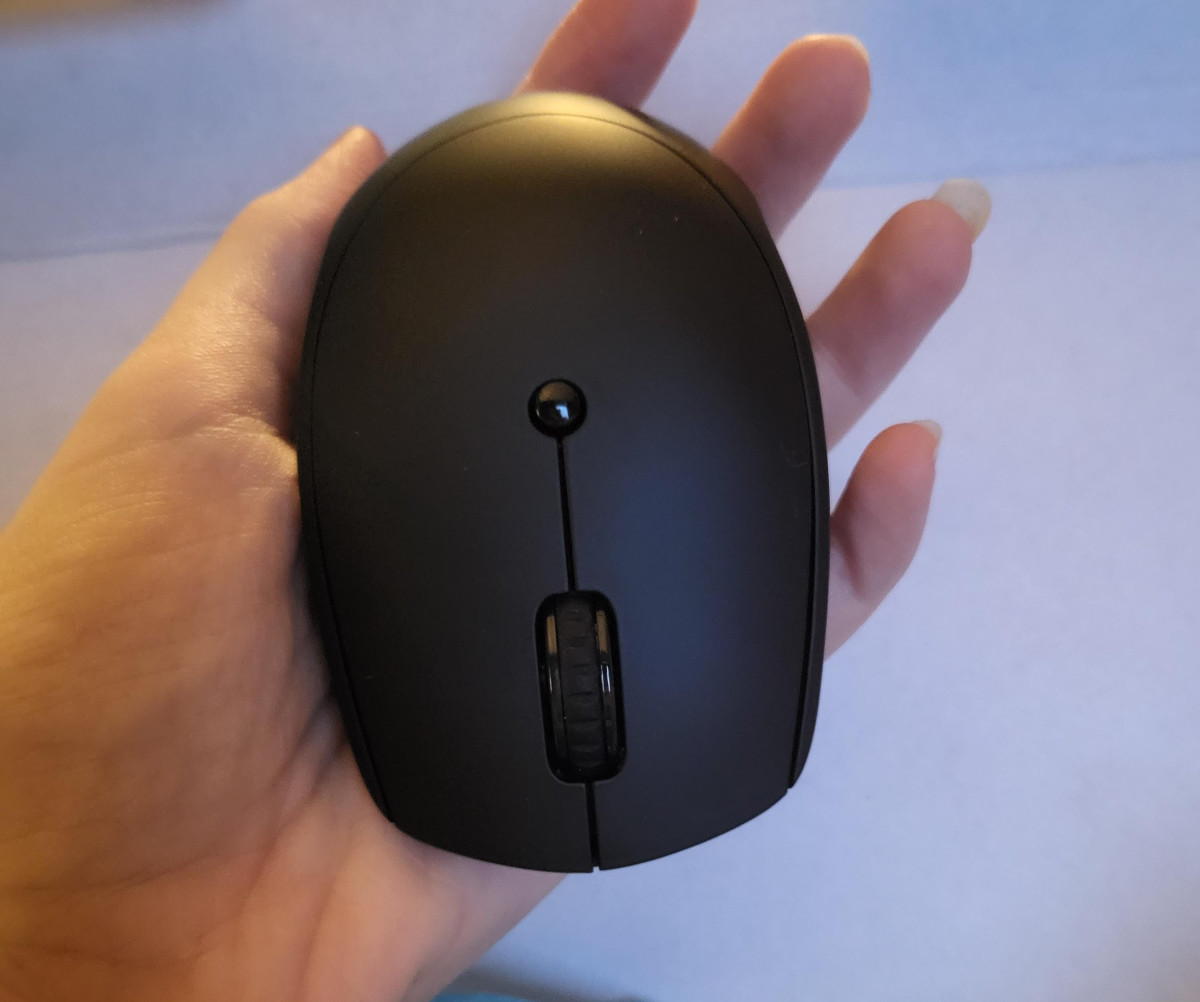
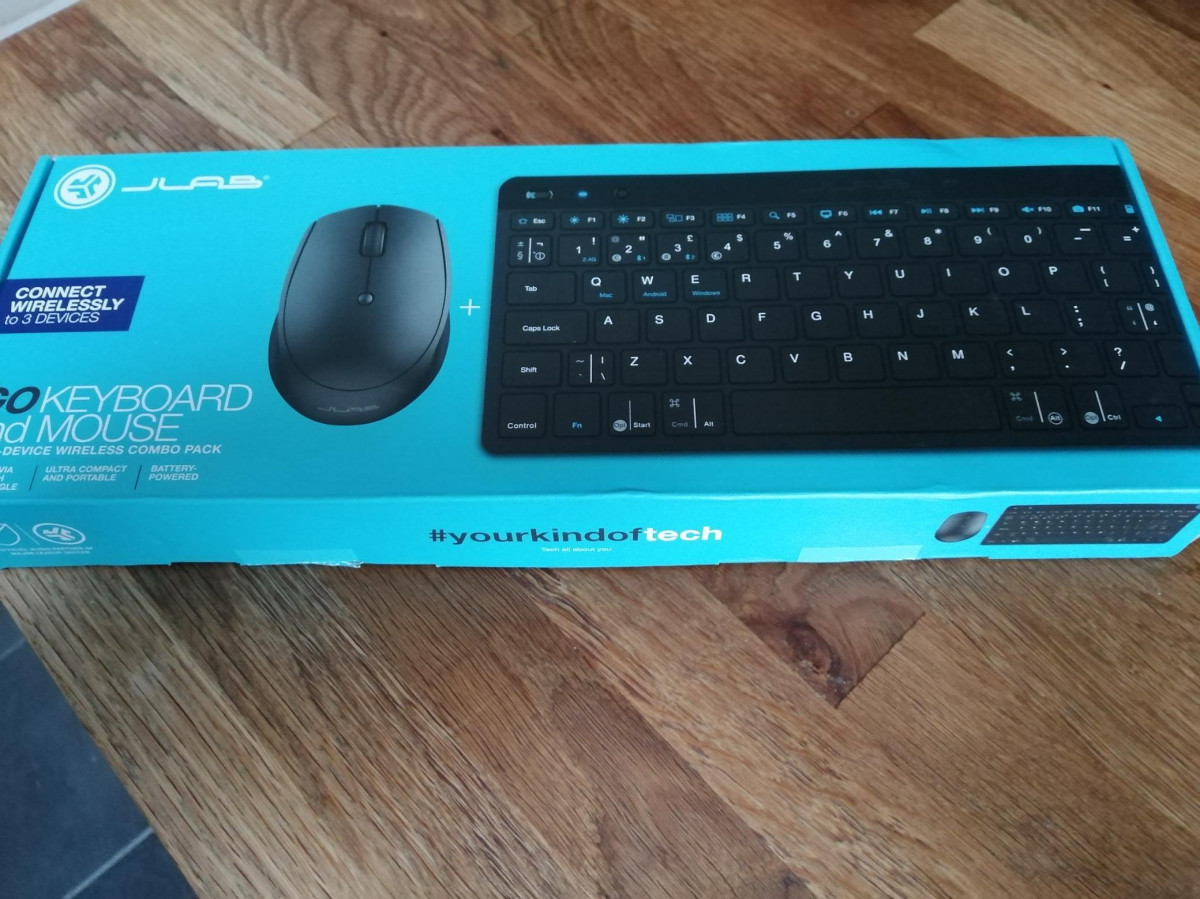
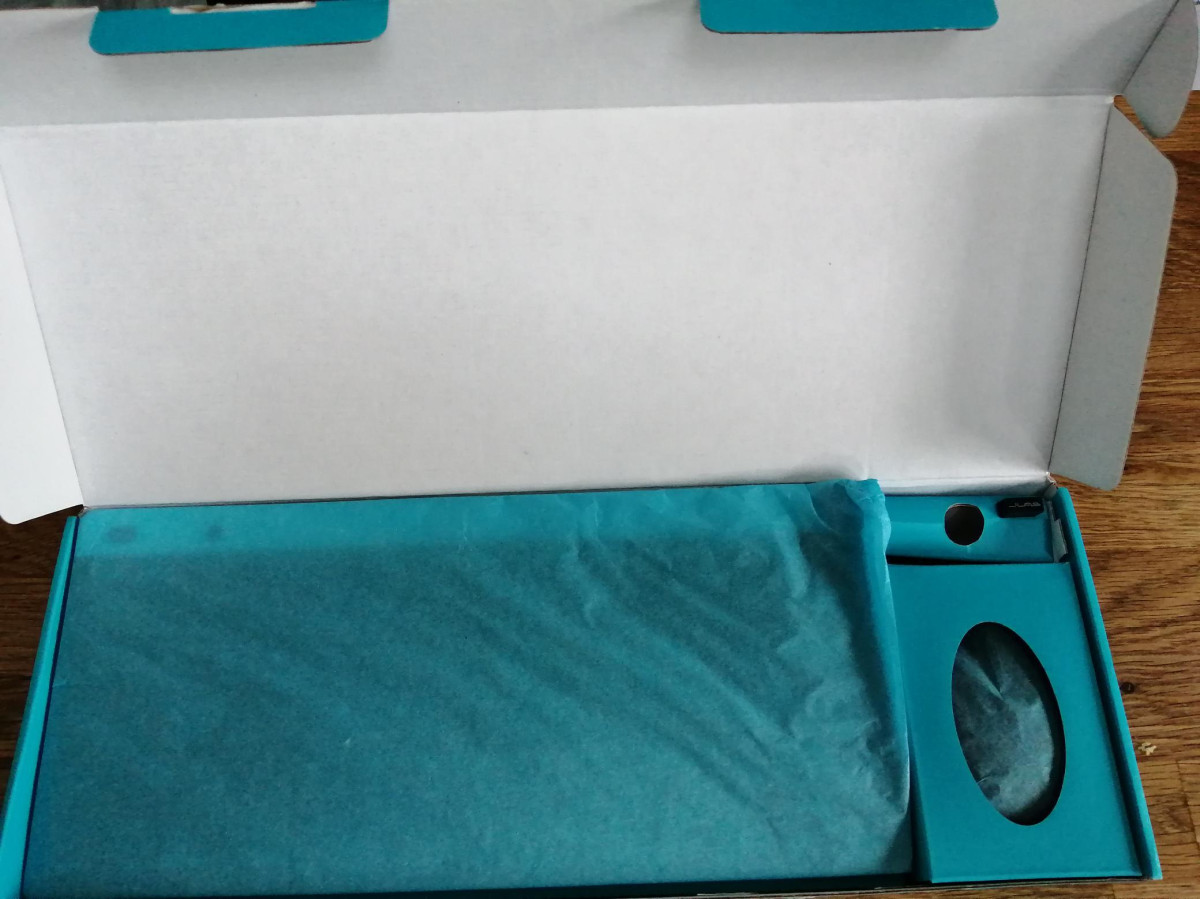
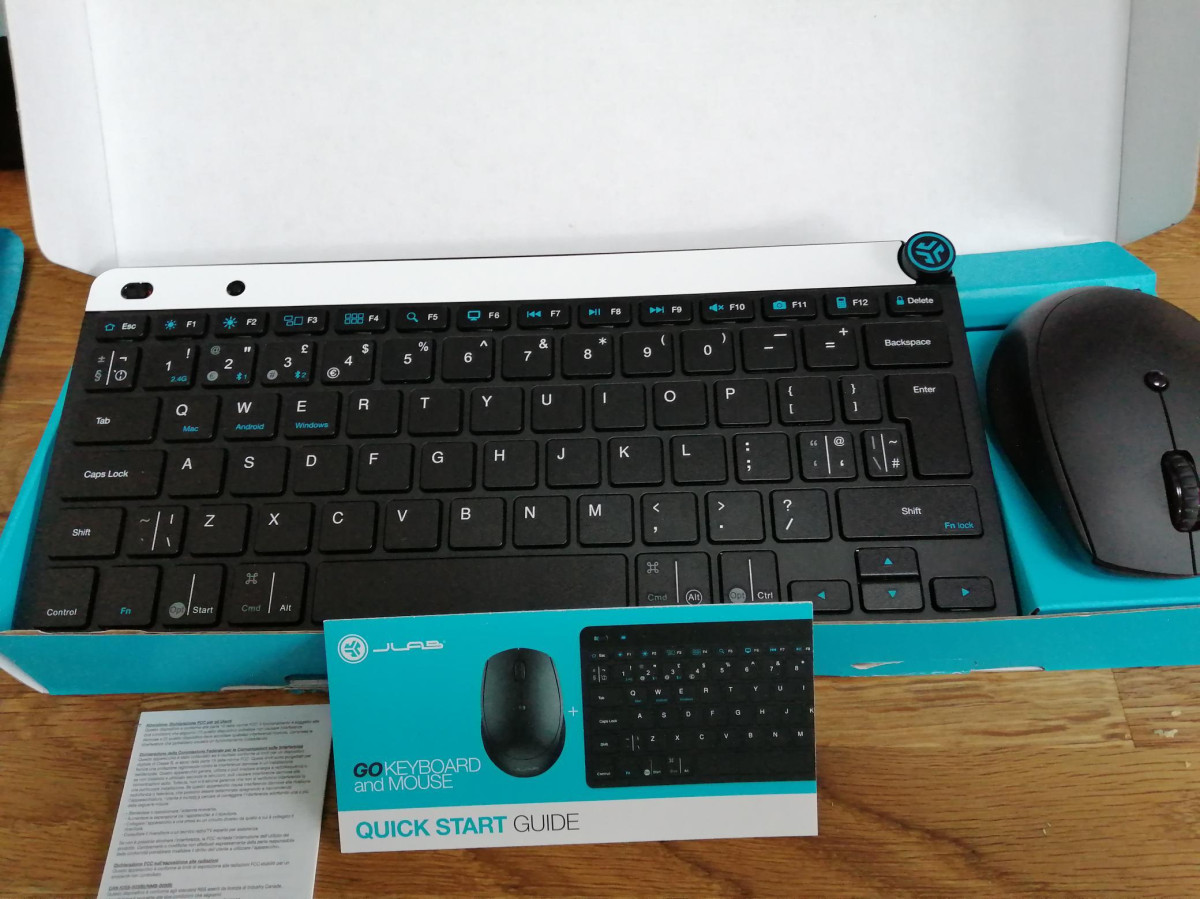
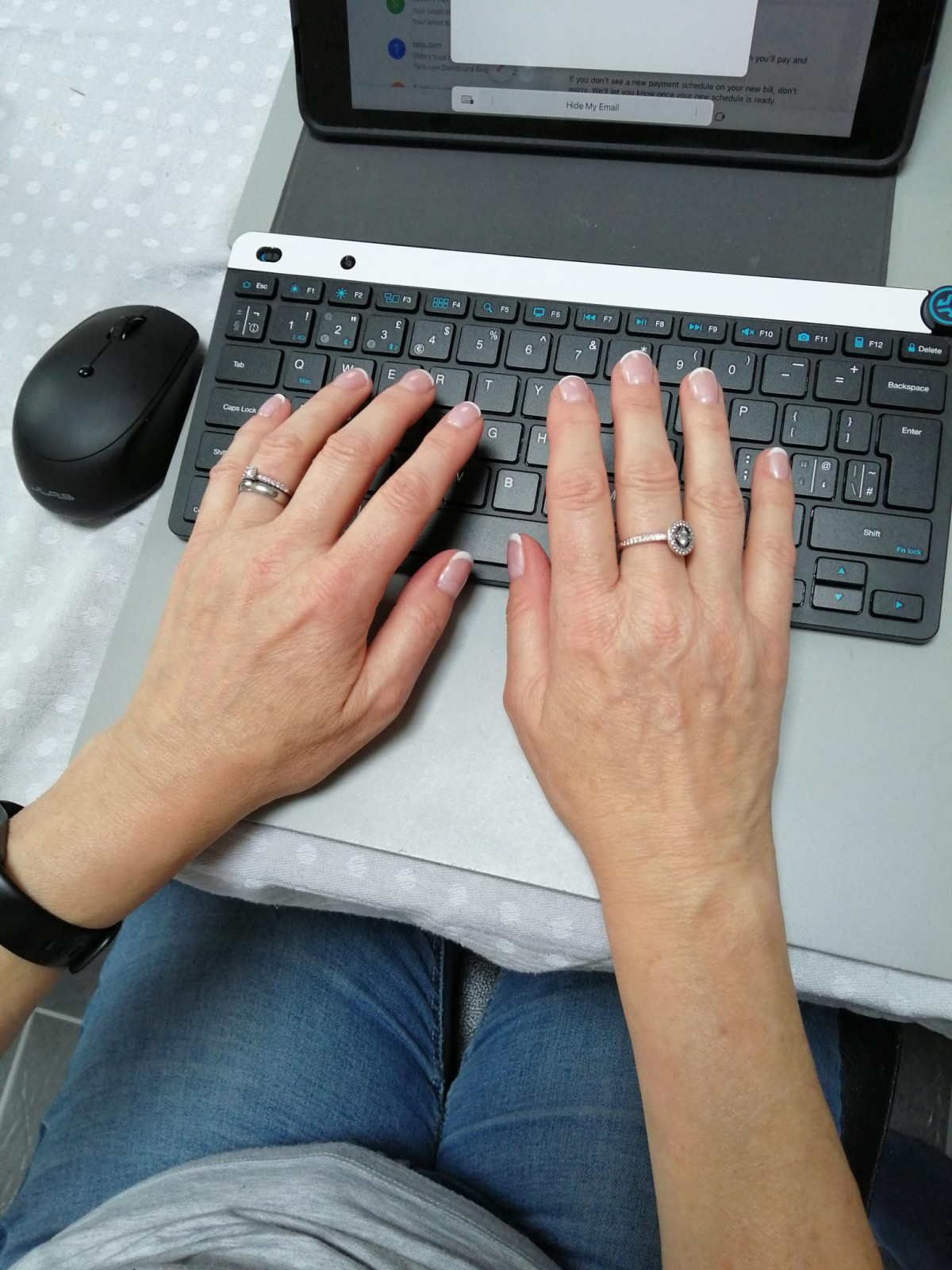
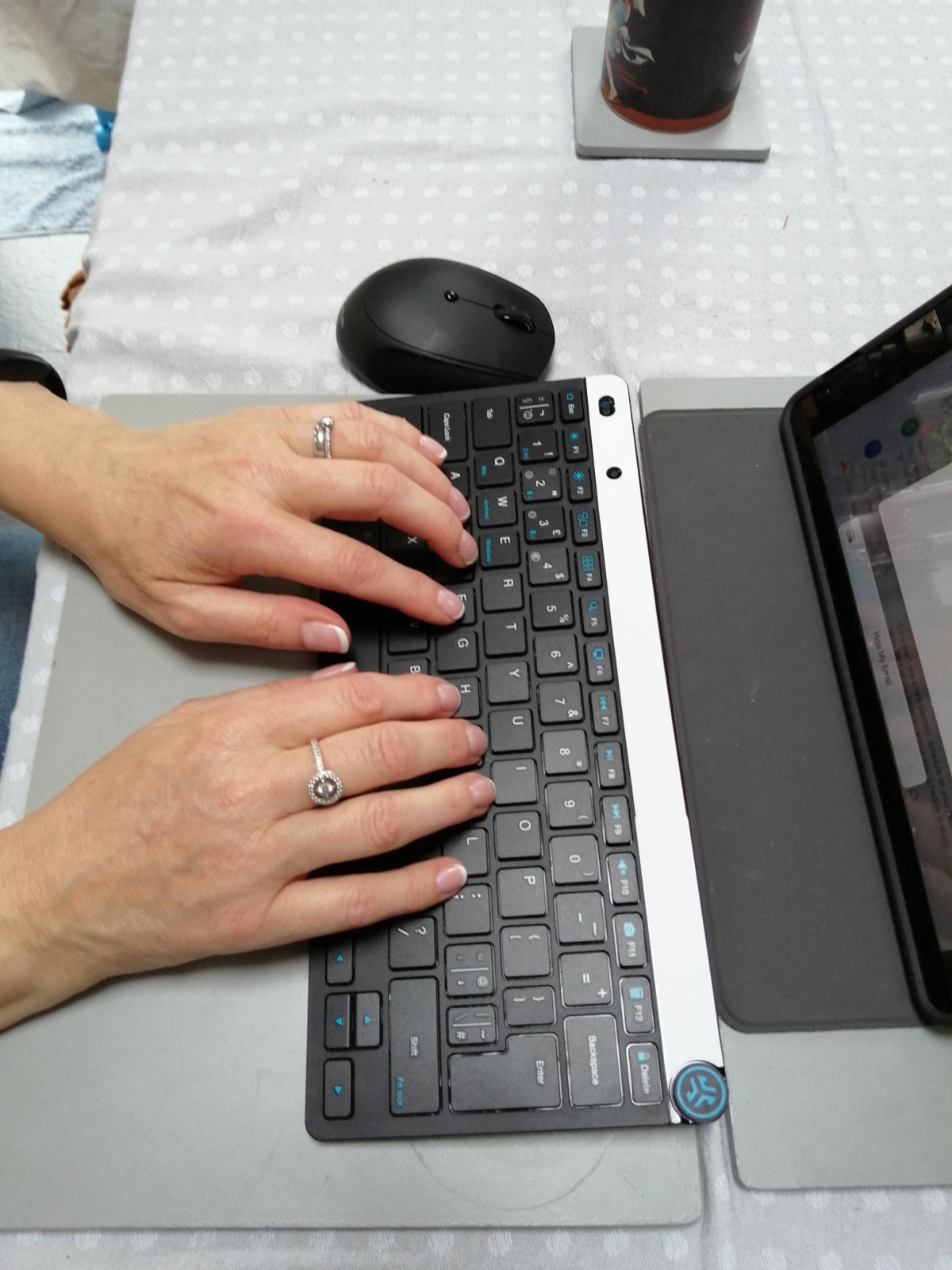
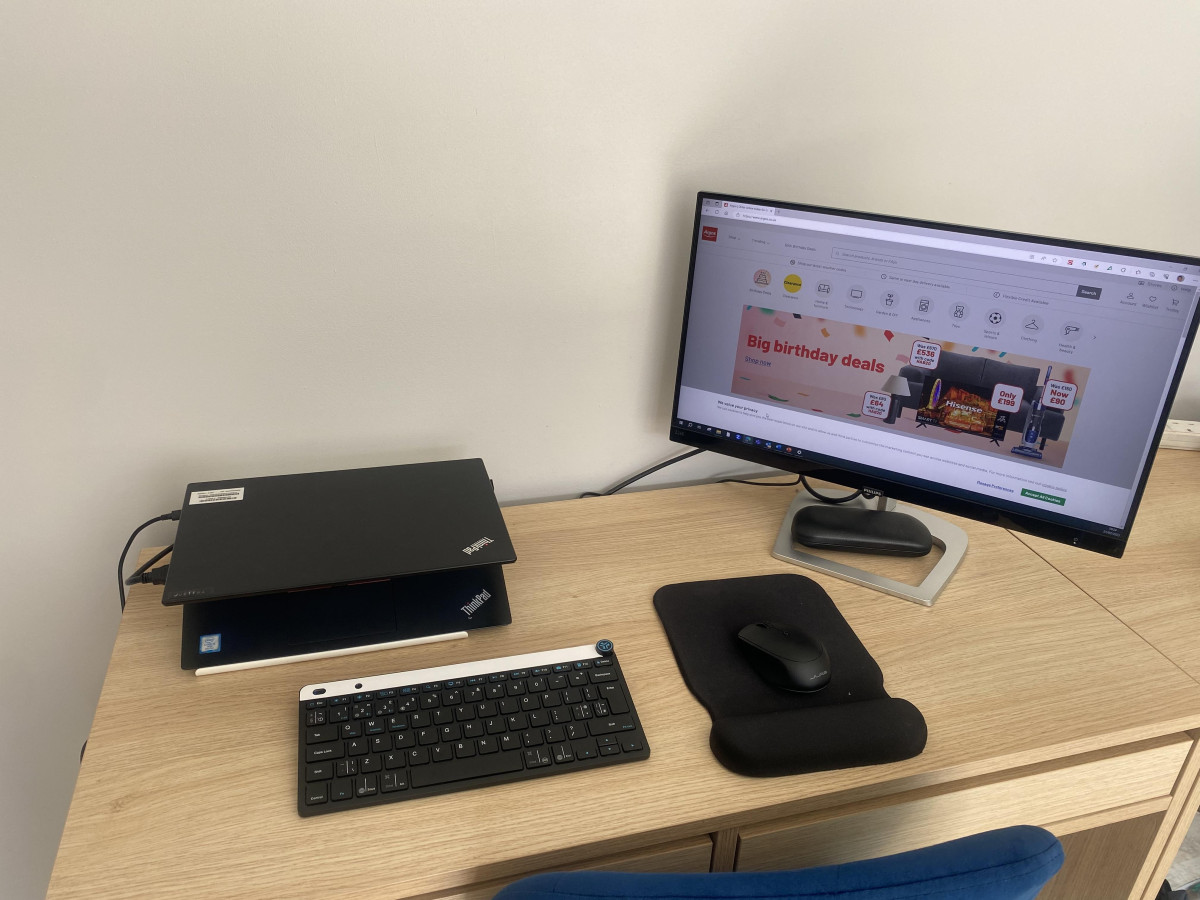
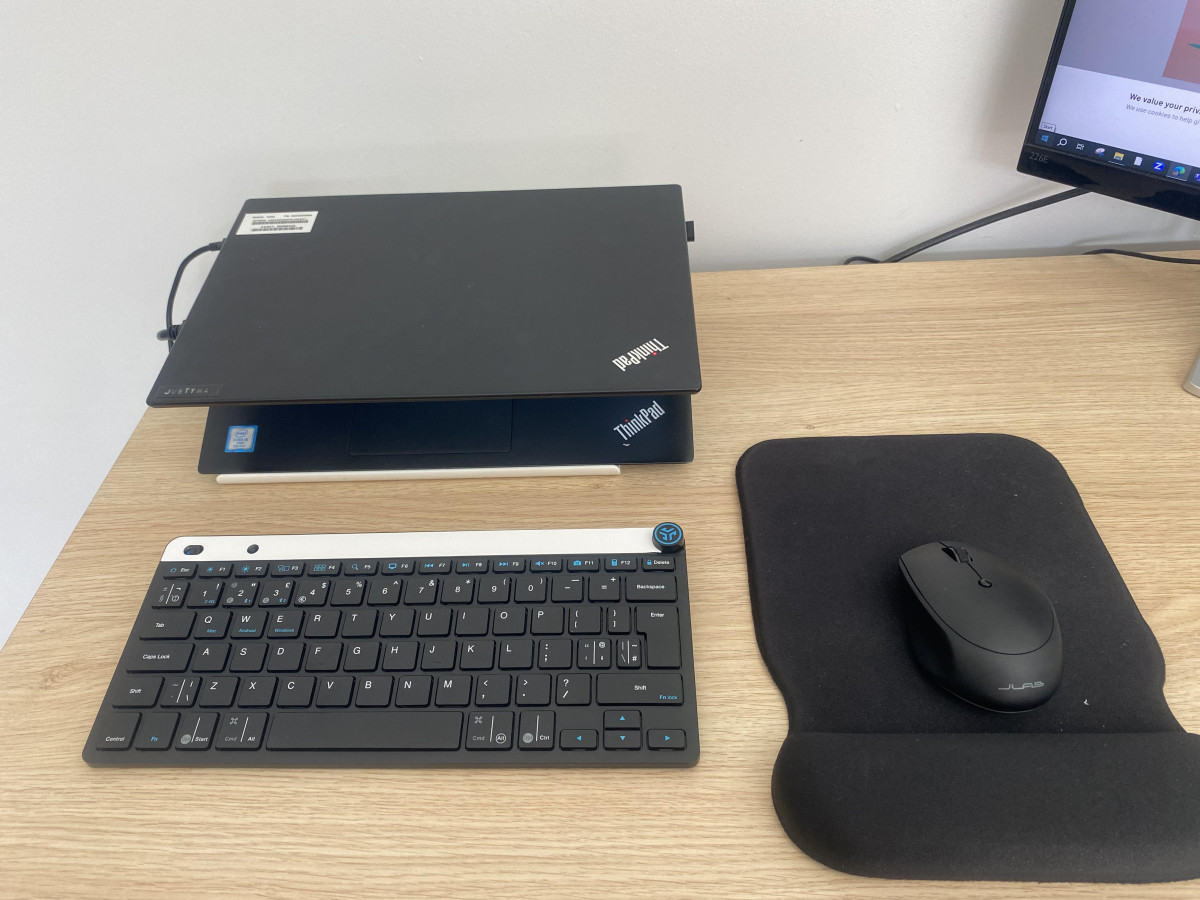
Design, Build Quality, and First Impressions
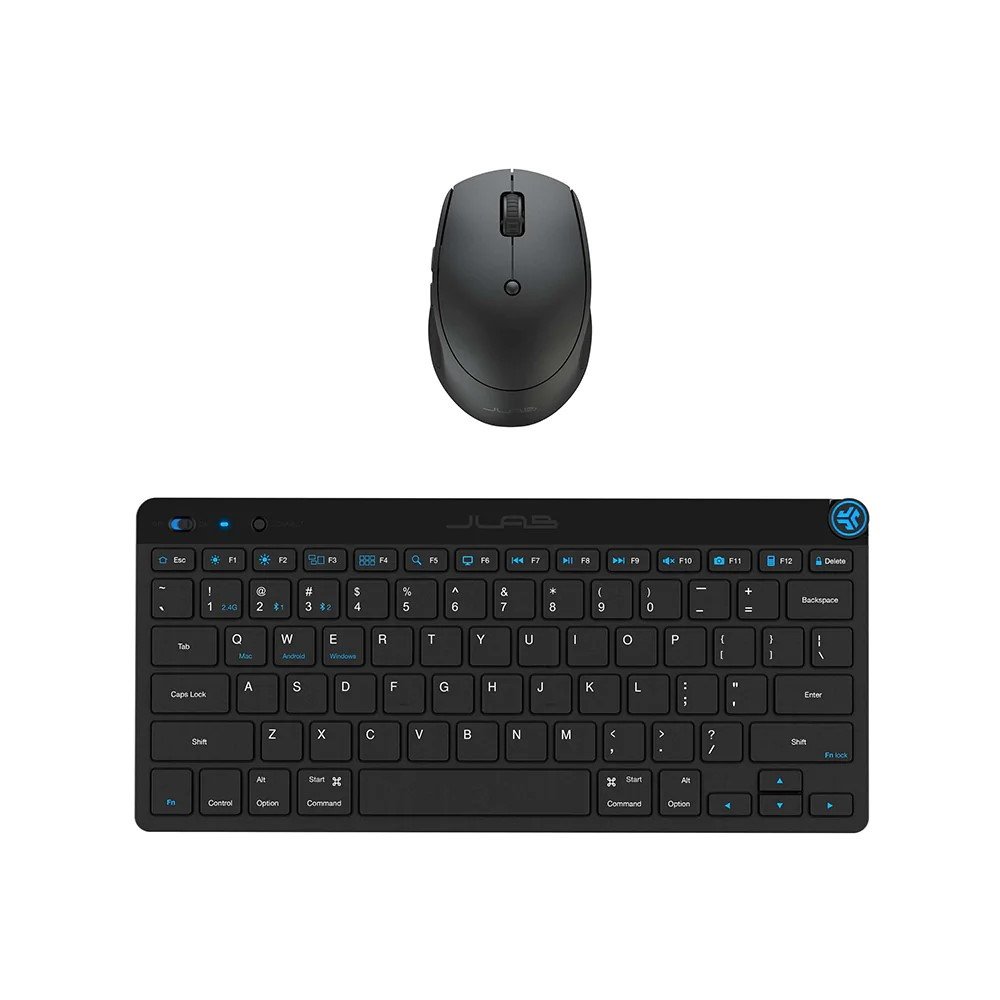
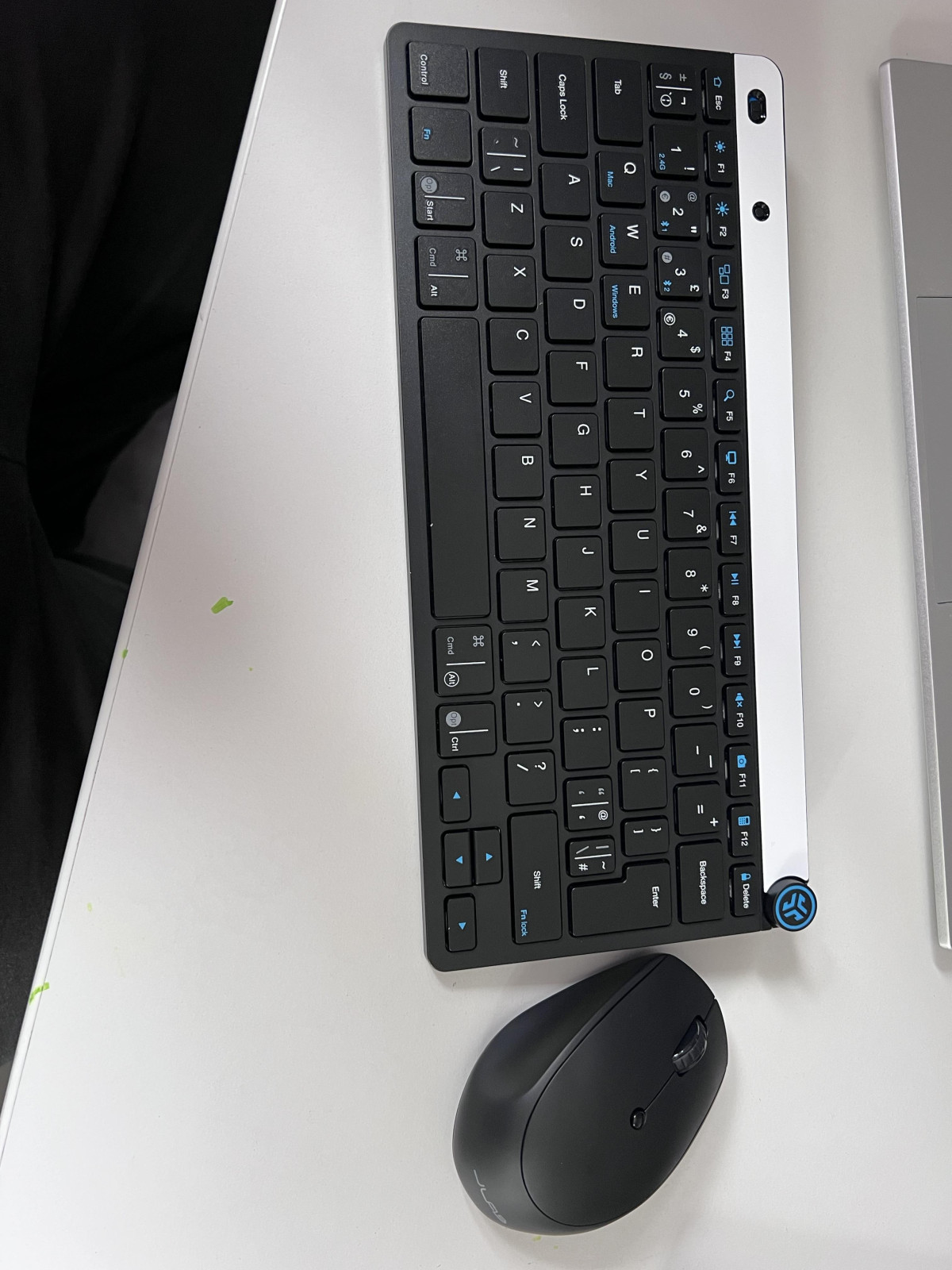
Pick up the JLab GO Wireless Mouse and Keyboard set and the first thing you notice is how little there is to notice — and that's entirely the point. This is a set engineered around the idea that a desk accessory shouldn't take up more room, weight, or attention than it has to. The keyboard measures roughly the length of a standard tablet and sits barely three-quarters of an inch thick at its tallest point, tapering down toward the front edge so your wrists rest at a naturally low angle rather than climbing over a chunky housing. The matte black finish is understated rather than flashy, with a soft-touch texture on the keys that feels more like a laptop keyboard than a typical desktop peripheral, and rubber feet on the underside keep it planted on a desk instead of sliding around every time you lean into a fast sentence.
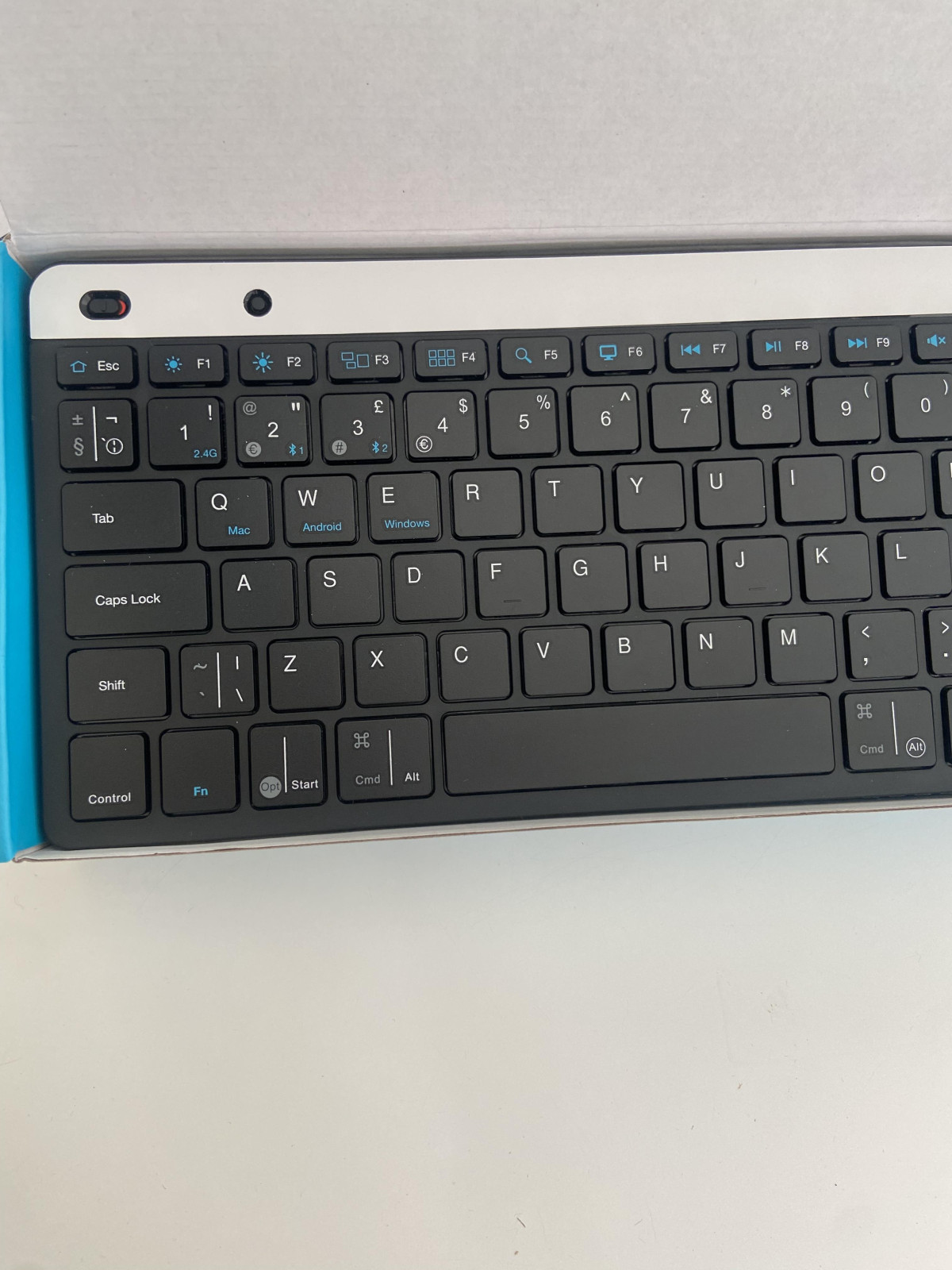
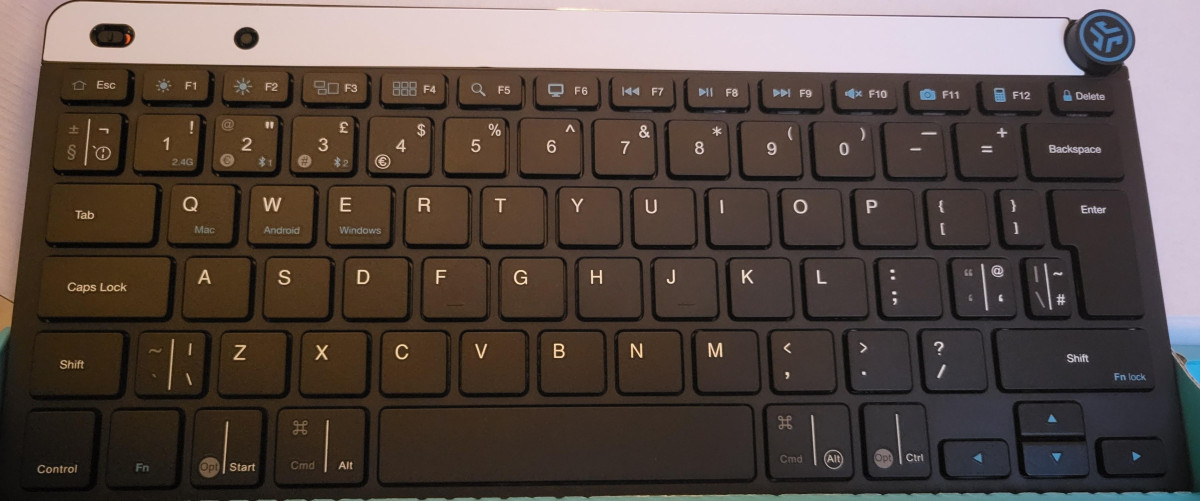
The keyboard ships in a UK English layout with the double-height Enter key UK typists expect, so there's no adjustment period if you're used to a standard British keyboard. It's rated as spill-resistant, which won't save it from a full mug of coffee but does add a reasonable margin of protection against the everyday hazard of a knocked-over water glass or a stray splash from your desk plant. There's no backlighting on the keys, which is a fair trade-off at this size and price point, but worth knowing upfront if you regularly type in low light.
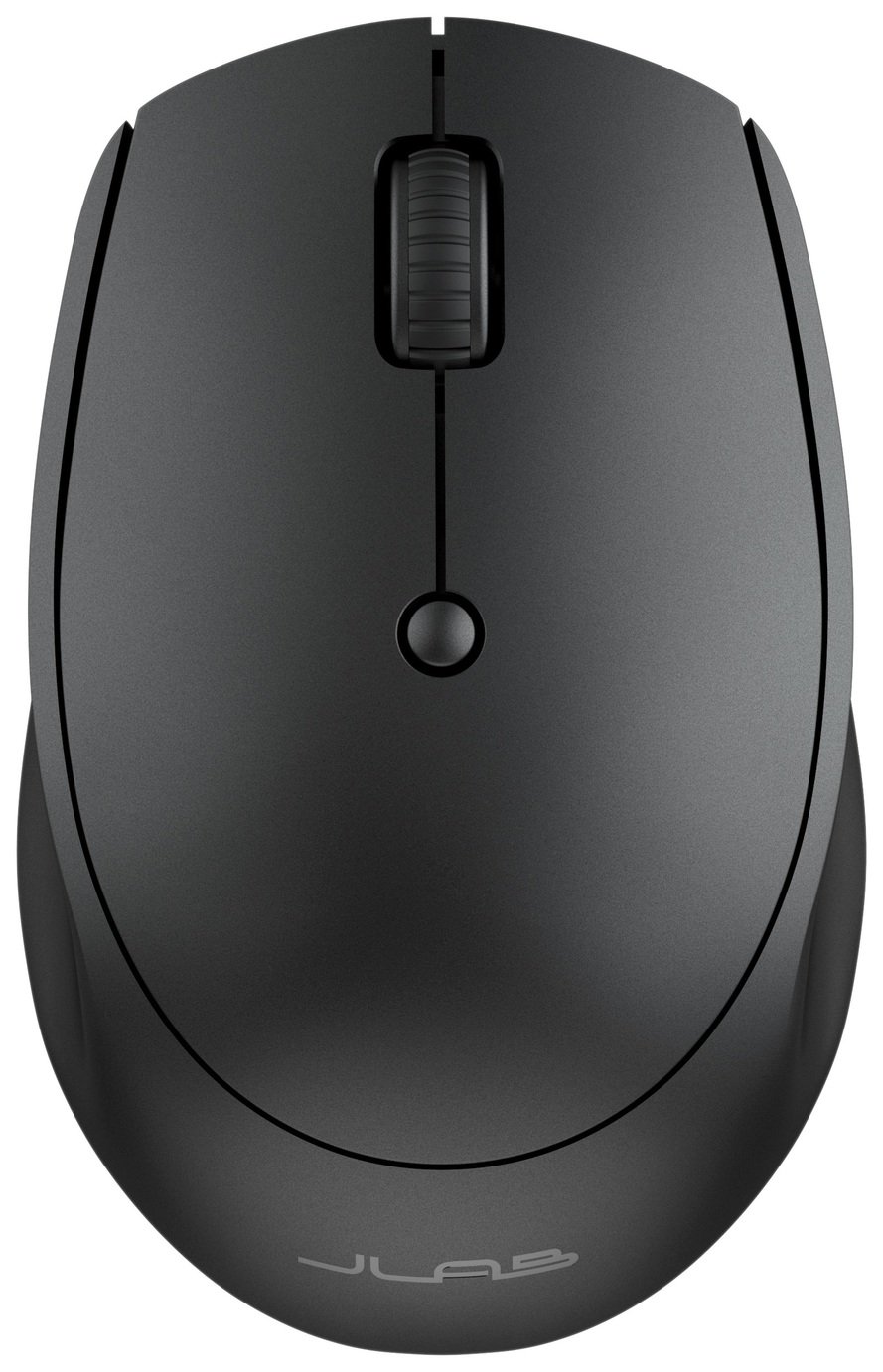
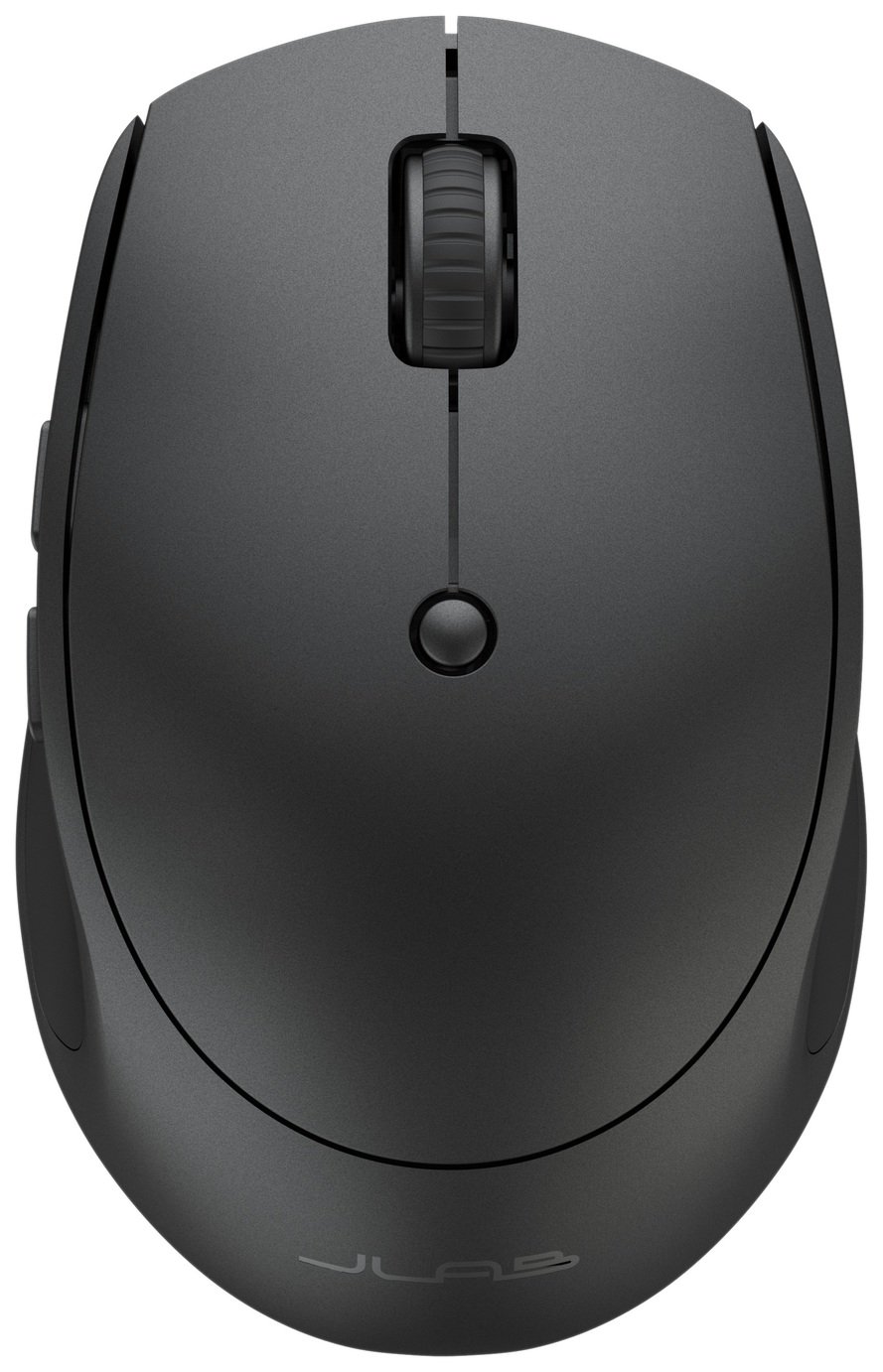
The mouse follows the same less-is-more philosophy. It's built small and rounded, sized more for a relaxed fingertip or claw grip than for someone who likes to rest their whole palm across a mouse. JLab clearly designed it to disappear into a bag alongside a laptop rather than anchor a permanent desk setup, and the ambidextrous shape means it works equally well whether you're left- or right-handed. Reviewers consistently describe it as pleasant and grippy in the hand for shorter sessions, though — and this is worth flagging honestly — a portion of owners with larger hands or those used to full-size gaming mice find it noticeably cramped over long workdays. If your current mouse is a large ergonomic model, this will feel like a big step down in size, even if it's a step up in portability.
Connectivity: How It Pairs With Everything You Own
The headline feature of this bundle isn't raw performance — it's flexibility. Both the keyboard and the mouse can remember and switch between three separate devices, which in practice means you could have your work laptop, your personal tablet, and your phone all paired simultaneously, flipping between them with a single button press instead of re-pairing every time you change what you're working on.
Here's how those three connections break down:
| Connection Slot | Technology Used | Typical Use Case |
|---|---|---|
| Device 1 | Bluetooth | Laptop or desktop with built-in Bluetooth |
| Device 2 | Bluetooth | A second computer, tablet, or phone |
| Device 3 | 2.4GHz USB receiver ("nano dongle") | Any device with a free USB-A port, including ones without Bluetooth |
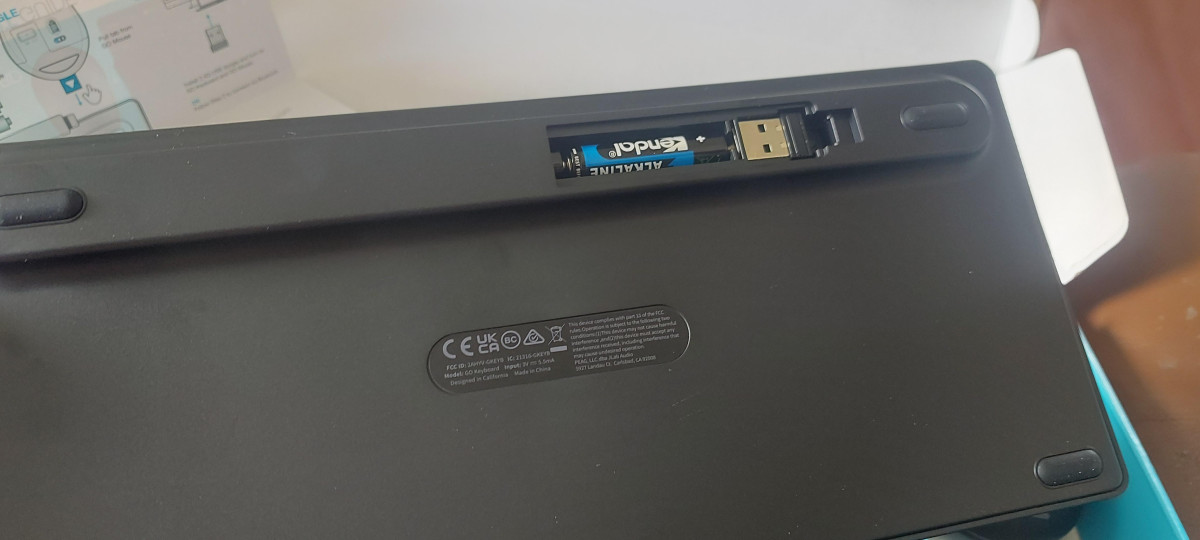
That third slot is worth understanding properly. The bundled wireless receiver is a USB-A dongle, not USB-C, so if your primary device is a laptop or tablet with USB-C ports only, you'll either lean on the two Bluetooth channels or keep a small USB-C adapter in your bag. The receiver tucks into a storage slot inside the keyboard's battery compartment when not in use, which is a small but genuinely useful touch for anyone who tends to lose small dongles in the bottom of a backpack.
Switching between saved devices is handled through a dedicated connect button and shortcut key combinations, with an LED indicator that changes color to show which of the three connections is currently active. Because the keyboard also needs to know which operating system it's talking to — Windows, macOS/iOS, Android, or Chrome OS all use slightly different key mappings for things like copy, paste, and screenshot — there are separate quick keys to tell it which OS profile to use for each paired device. It's a smart system once it's set up, though new owners should expect a short learning curve the first time they configure all three connections; several buyers describe the very first pairing as a little fiddly before everything clicks into place.
On the range side, both devices are rated for roughly 30 feet (about 10 meters) of usable distance, which is more than enough for typical desk, sofa, or presentation-room use, and covers scenarios like controlling a laptop connected to a TV from across a living room.
Typing and Clicking: The Everyday Experience
Where the keyboard spends its engineering budget is in keystroke feel rather than extra keys. It uses scissor-switch mechanisms — the same basic technology found in most laptop keyboards — tuned to a shallow 1.8mm of travel per keypress. That's a deliberately quiet, low-effort typing experience designed for open-plan offices, coffee shops, and shared coworking spaces where a loud mechanical keyboard would draw glares. The layout skips the number pad entirely to keep the footprint compact, landing at 78 keys total, and includes a row of shortcut keys for internet, email, media playback, and volume alongside the three device-switch keys.
A small but genuinely handy extra is the physical media knob in the corner of the keyboard — turn it to adjust volume, press it to play or pause whatever you're listening to, without needing to tab out of whatever you're working on. Mute and unmute are also handled directly through the keyboard's function row, so podcast listeners and video callers don't need third-party software for basic playback control.
The mouse pairs a laser-based tracking sensor with a scroll wheel and a total of six buttons, including the usual left-click, right-click, and scroll-click, plus a dedicated button for cycling sensitivity on the fly. Independent testing of this mouse's tracking settings has found it adjustable across roughly 800, 1200, and 1600 DPI — enough range to slow down for detailed work like photo editing or spreadsheet navigation, and speed back up for scrolling through long documents or browsing. The click buttons themselves are tuned for quiet operation, so you can click away in a quiet meeting room without the sharp clack of a standard mouse switch.
Battery Life and Power
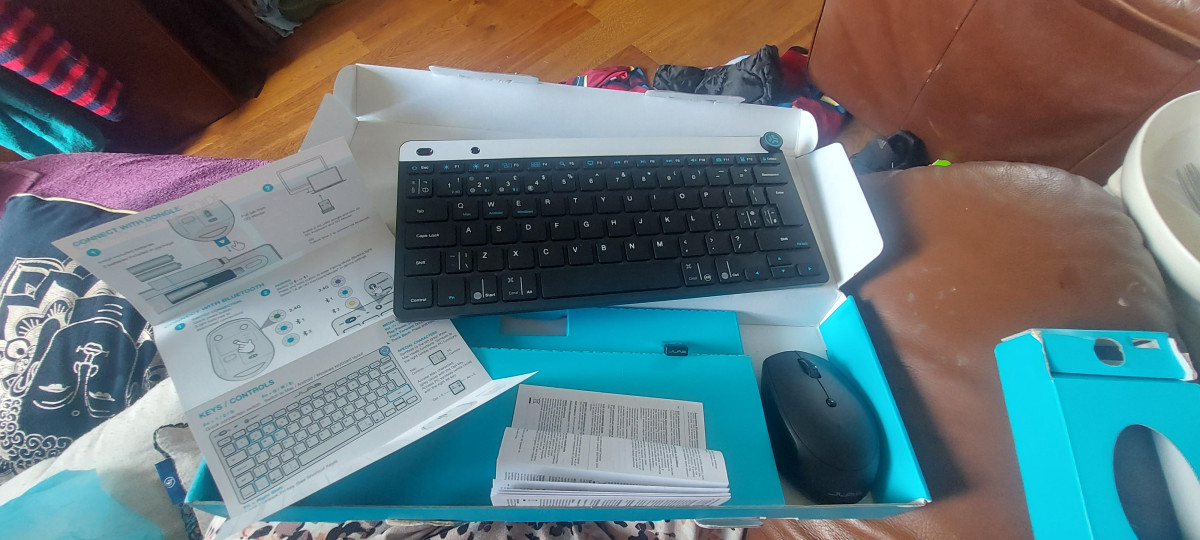
Neither device in this bundle recharges — both run on standard replaceable batteries, which the box includes so you can use the set the moment you unbox it. That's a deliberate choice with real trade-offs. On one hand, you'll never be caught with a dead mouse mid-meeting because you forgot to charge it overnight; when the battery indicator light on the mouse starts warning you, a spare AA from literally any drawer, corner shop, or vending machine gets you back in action in seconds. On the other hand, if you've grown used to USB-C rechargeable peripherals, going back to swapping disposable batteries — even occasionally — can feel like a step backward, and it does mean an ongoing (small) cost and a very minor environmental footprint from spent cells unless you use rechargeables yourself.
In terms of longevity, JLab estimates the keyboard's battery life at a little over four months of typical use, while the bundle's own listing puts the mouse closer to six months on a set of batteries — both figures will shift depending on how many hours a day you're actually typing and clicking versus leaving the devices idle but powered on. For a typical hybrid worker using both devices for a standard workday, that translates to roughly two battery changes a year for the keyboard and even fewer for the mouse — a genuinely low-maintenance rhythm once you get into it.
Who This Is Actually For (and Who Should Look Elsewhere)
JLab has clearly built this set around one specific kind of buyer, and it's worth being direct about who benefits most:
Best suited for
- Digital nomads and hybrid workers who move between a laptop, a tablet, and a phone throughout the week and want one set of peripherals that follows them everywhere
- Minimalist desk setups where visual clutter and cable management matter as much as function
- Frequent travelers who need something that survives a backpack without adding meaningful weight
- Anyone who works in shared or quiet spaces — coworking desks, libraries, coffee shops — where quiet keys and clicks genuinely matter
- Secondary or backup keyboard-and-mouse setups for a second monitor, a home theater PC, or a spare device
Less suited for
- Gamers or anyone needing fast, precise input for competitive titles — the keyboard has no anti-ghosting or N-key rollover claims, and the mouse's DPI ceiling and general design point toward productivity, not esports
- Users with larger hands who prefer a substantial, palm-filling mouse for all-day comfort
- Anyone wanting a number pad for heavy data entry
- Console gamers hoping for broad compatibility — this set is explicitly not compatible with the Nintendo Switch, and while it can connect to a PlayStation 5 over USB for basic navigation, it isn't designed as a gaming controller replacement
- People who specifically want backlit keys for low-light typing
Competitive Positioning
Within the broad market of compact wireless keyboard-and-mouse combos, this JLab set sits firmly in the budget-friendly, travel-first tier rather than the premium ergonomic or gaming tiers. Compared with bulkier, full-size wired or corded combos often bundled with budget desktop PCs, the GO set trades a number pad and some desk-anchored stability for genuine portability and multi-device switching — a fair trade if your priority is a laptop bag, not a permanent desk. Compared with pricier rechargeable multi-device combos from larger peripheral brands, this set gives up the convenience of USB-C charging and sometimes a slightly larger, more ergonomic mouse shape, but claws back real savings and the reassurance of never needing to plan a charging cycle around a big meeting. If your buying criteria are "smallest footprint, easiest multi-device switching, lowest price," this set competes well. If your criteria are "best possible typing feel for eight-hour days" or "gaming-grade mouse precision," it's worth looking at combos built specifically for those priorities instead.
Strengths and Weaknesses, Honestly
Strengths
The clearest strength here is exactly what JLab set out to build: a genuinely portable, easy-to-switch input set for people whose workday doesn't happen at one fixed desk. The three-device memory works as advertised once configured, the keys are pleasantly quiet for shared spaces, and the overall footprint — in both size and weight — makes this an easy addition to a bag you're already carrying. Customer feedback broadly agrees, with owners frequently praising the ease of connecting the set across a laptop and a tablet or phone, and the value proposition at this price point.
Honest Weaknesses
The honest weaknesses cluster around two areas. First, the mouse's small size is a genuine limiting factor for a meaningful slice of buyers — this isn't a universal flaw so much as a mismatch for anyone with larger hands or a strong preference for full-size mice, and it's the single most repeated piece of critical feedback from real owners. Second, while most users report reliable typing performance, a small number have described occasional missed keystrokes requiring firmer presses in the middle of the keyboard — not a universal experience, but enough of a pattern in feedback that it's worth testing your unit thoroughly during any return window rather than assuming it's fine. Beyond that, the initial multi-device pairing process, while logical once learned, isn't instant — expect to spend a few minutes with the manual the first time you set up all three connections rather than expecting true plug-and-play from the box.
The Verdict
For the specific job JLab designed it for — a lightweight, quiet, multi-device keyboard and mouse that lives in a bag and moves between a laptop, tablet, and phone without friction — this set delivers convincingly and at an accessible price. It's a smart pickup for digital nomads, hybrid workers, students bouncing between devices, and anyone setting up a clean, minimalist desk who doesn't need a number pad or backlighting. If you have larger hands, need gaming-grade precision, or are set on rechargeable batteries, it's worth trying the mouse in person first or considering a set built specifically around those priorities. But as an everyday, go-anywhere input combo that just works across the devices you already own, it earns its place on a desk — or, more fittingly, in a bag.
What People Say
39 commentsSmart looking compact keyboard, I recommend
Really smart looking keyboard, i like the blue feature on the black, it looks smart. The keyboard is not full size so is easy to transport between home working and going to office etc. Comes with batteries which is always a plus in my book. The keys are quiet, like typing on a laptop rather than the full size keyboard that really lets you know you have hit that key. Very easy to connect to laptop via a usb with step by step instructions, you cant go wrong. There is also an option to change the layout between Mac/ Android/ Windows which you can connect via bluetooth, this let you switch/change between devices. Mouse is compact but comfortable to use (i dont have the smallest hands either, L glove size in womens) highly recommend, I really like it.
Really nice JLab Go wireless Mouse and Keyboard.
The JLab GO wireless mouse and keyboard is a neat compact keyboard. It has good bluetooth connectivity and a 2.4 GHz wireless connectivity option.
It is well packaged , with no plastic wrapping, so fully recyclable, which is nice in this day and age.
We were able to connect it easily to 2 separate devices which was really useful. 1 to a surface pro and the other to a tablet.
It has a nice ergomoic shape and the keys are very similar to that of a normal laptop.
The mouse is easy to use and fits my hand nicely.
Overall it is a well priced and does not feel cheap or lacks any quality. As it has a smaller footprint it saves desk or table space.
We are really happy with this and would definitely recommend.
I'm surprised, I got more than I bargained for.
I have one desire about this and it's that It should be rechargeable. The rest is praise, this keybord and mouse is extremely impressive. it actually connects to three devices. I've connected it to two laptops and an ipad, I am on meetings sometimes 5 or 7 days a week and I require much transitioning from keyboards to mouse- 's, I almost bought another mouse!, until I realized that this one mouse connects to all 3 devices and it's switchable. 4.9 ✨ stars. I would make it five stars if it was both rechargeable - and battery. I'm very happy with this item. It take a lot to make me happy.
Great build quality and versatile too
I bought this to use with a google pixel tablet, it works perfectly and opens up functions and features that are easier to use with a mouse. There are connection profiles that allow you to switch between devices at the push of a button. The keyboard is tactile while typing and the jog wheel in the corner controls the volume by default.
The only downside to the keyboard is that the height is not adjustable, but this is not a deal breaker.
I'd recommend this item and I'd buy it again if I lost it.
Useless (Well nearly)
I bought this because it states you can control up to 3 devices all by the press of a button.
The up to part is true, it mean only ONE device. If you try to use the other two devices which connect via Bluetooth, you can only connect ONE, EITHER the mouse OR the Keyboard NOT BOTH at the same time. So you and use the mouse/keyboard on your PC with the dongle, but then the keyboard on device two and the mouse on device three.
Great set for home working
I absolutely love this set! It’s so easy to connect and perfect for home working.
There is just one dongle for both keyboard and the mouse which is really convenient meaning I don’t need additional USB port.
The keyboard is small and light. The mouse doesn’t make annoying clicking sounds!
The set looks sleek (just wish they could come in some other colours).
Overall very pleased with this set and would highly recommend.
Compact and easy to connect
Absolutely love this wireless and mouse set! Its so compact and light weight, ideal to carry with you when working outside! It was very easy to set up, you connect the usb to the devices port and you are ready to use the keyboard and mouse. The connection is brilliant and the keys are responsive as needed.
This product is well made and feels very sturdy. It feels like it will be long lasting as it isn't flimsy.
Great keyboard and mouse easy to use
Amazing little keyboard ans mouse. Able to connect it to both my laptop and my phone and you can easily toggle between the 2. This enabled me to easily flick through the music on my phone whilst also working on my lasptop. The keyboard is smaller than an standard keyboard but this fine as it easy to store away and still has all the functionality required and more. Both keyboard and mouse are very lightweight.
Compact Keyboard and Mouse
Overall very happy with the product. Very easy to pair and set up with tablet. Keyboard is a good size considering it is wireless and can be used for working on the go. Mouse is easy to use and an ok size. Battery life is very good. Compact set which is light yet still durable. Downside: slight delay in key response when first connected. Would recommend
Love the keyboard!
In all honesty I found the mouse horrible so I did take this back but I swapped it for just the Jlabs keyboard on its own and a different mouse as I absolutely love the keyboard its a lovely size I love the keys and love the volume up and down button. I highly recommend this but the keyboard on its own I wouldn't recommend this pack with the mouse.
Jlab wireless
The perfect solution for everyday working from home. With the wireless option with both the keyboard and mouse. Not having a laptop currently i have been able to connect via bluetooth enabling to create marketing for my business at an easier pace. Easy connectivity and super easy to use with the clear and simple instructions to follow.
Great piece of kit for an iPad mini
I have moved away from using a laptop to using my iPad mini as a mobile computing setup. I had been looking for a simple to use keyboard and mouse and the JLab Go fitted the bill perfectly. It connects to three devices and I have the option of using a wireless dongle. Really great piece of kit that doesn't break the bank.
Used for a Lounge Setup and it is awful
I'm not sure if the distance between the dongle and the keyboard but its just unusable. Its only about 6 feet away but it just doesn't respond. I'd send it back if I hadn't thrown the box away. Avoid at all costs, ordered a same size replacement from 'a very well known online shopping site' which works a treat !!!
Awesome bit of kit
I paid £23 for this. I bought it to use with a Surface Pro and it's seamless. Never disconnects or lets me down. The volume wheel at the top is especially useful and now I find it annoying my £120 gaming mechanical keyboard does not have one. I 100% recommend it for the money.
Impressed, best Bluetooth keyboard I've had
Had two Amazon Bluetooth mobile keyboards, this way better, key action pretty good for small keyboard, mouse good. Also has usb dongle if needed and option to connect via Bluetooth or through dongle.
Will definitely buy again when I inevitably lose it
Not the best set
Would do for casual use. Laggy connection at times, especially when returning to desk after a short break. Keys are spongy and lacking feedback. Mouse is similar. I've already replaced as I write code and can't cope and this daily. Kept as back up.
Great little keyboard and mouse!
Really decent little keyboard and mouse. Takes a while to get used to the smaller keyboard but links easily with the PC and remembers the link each time. Took a while for my Mac to find but fine now. Great for dropping in to a bag with laptop.
Unsatisfied
I purchased the keyboard two weeks ago and it’s stopped working completely, ever before it stopped working it was sluggish which resulted in missed letters whilst typing, I tried charging the batteries but this didn’t rectify the issue.
Simple and straightforward to use. Smaller than ma
I bought this for my wife as her old wireless mouse was no longer working. Started up and worked straight away with no fuss. Key board is smaller than most, and does not have a number pad, but it is very quiet and works perfectly.
it's ok
it's Ok. I love the quick access to music and the big volume button to rotate. However when connecting and disconnecting and then connecting USB to laptop again, it occasionally doesn't get recognise and doesn't connect