Trust GXT212 Mico
GXTrust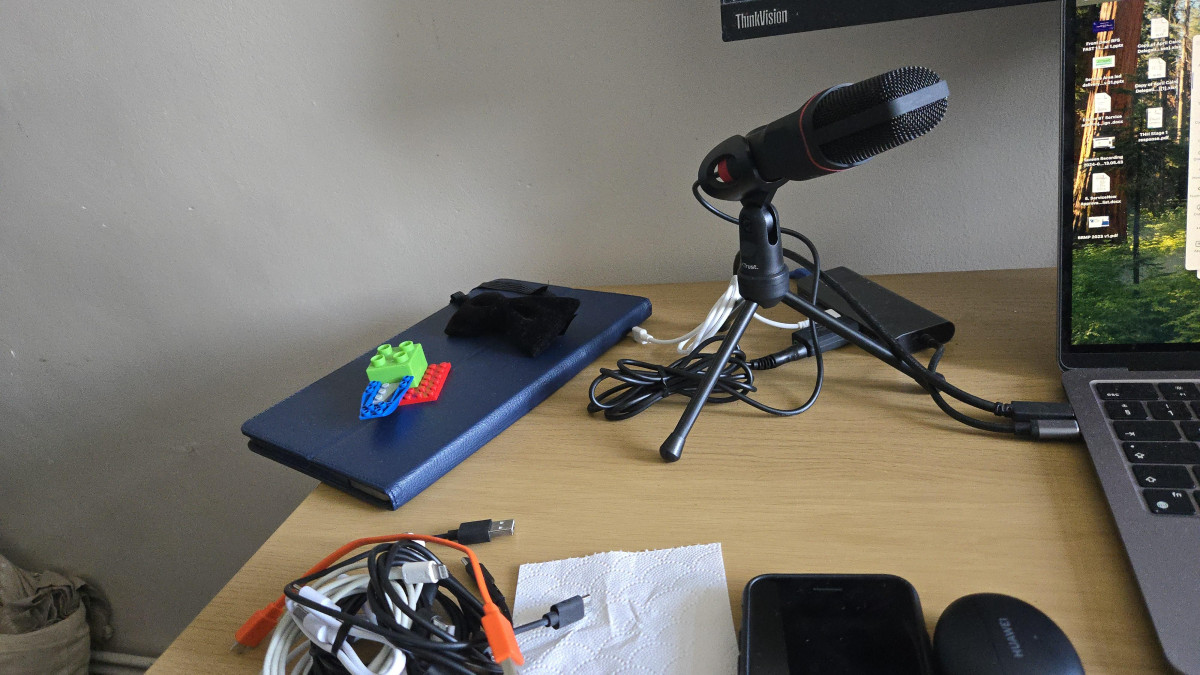
Setting the Scene: A Sub-£20 Microphone Trying to Do a Lot of Jobs
The GXTrust GXT212 Mico sits in a strange but familiar spot in the audio market: cheap enough to be an impulse buy, yet marketed broadly enough to cover PC gaming, PlayStation chat, streaming, video calls, and casual voice recording all at once. That breadth is exactly why it's worth slowing down before buying it. A microphone that claims to do everything for under £20 either nails the basics brilliantly or spreads itself thin trying to please every use case. After digging through how this microphone actually connects, performs, and holds up in daily use, the honest picture is a bit of both — and knowing which side of that line applies to you will save you a returned parcel and a wasted afternoon.
Design, Build, and the Physical Experience
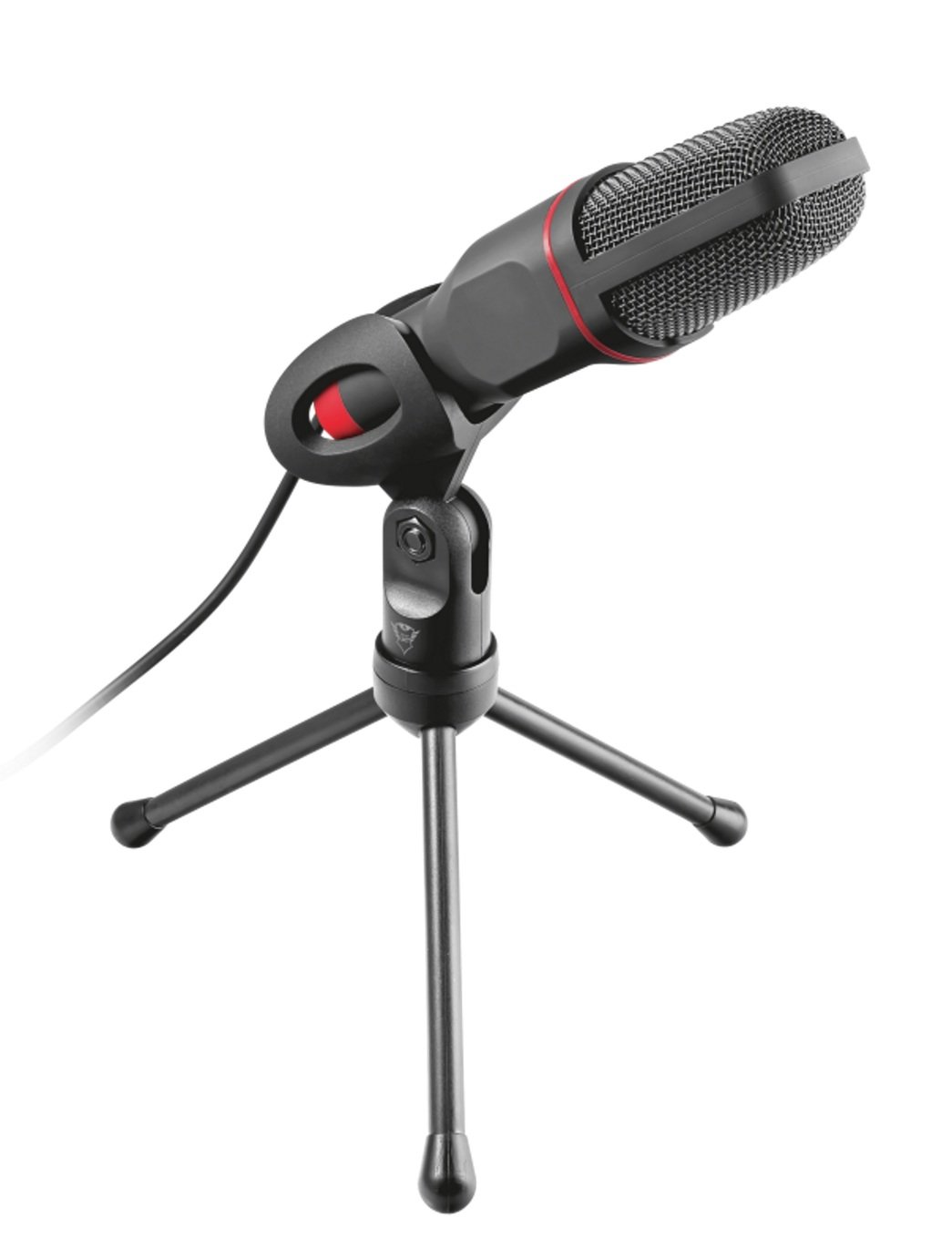
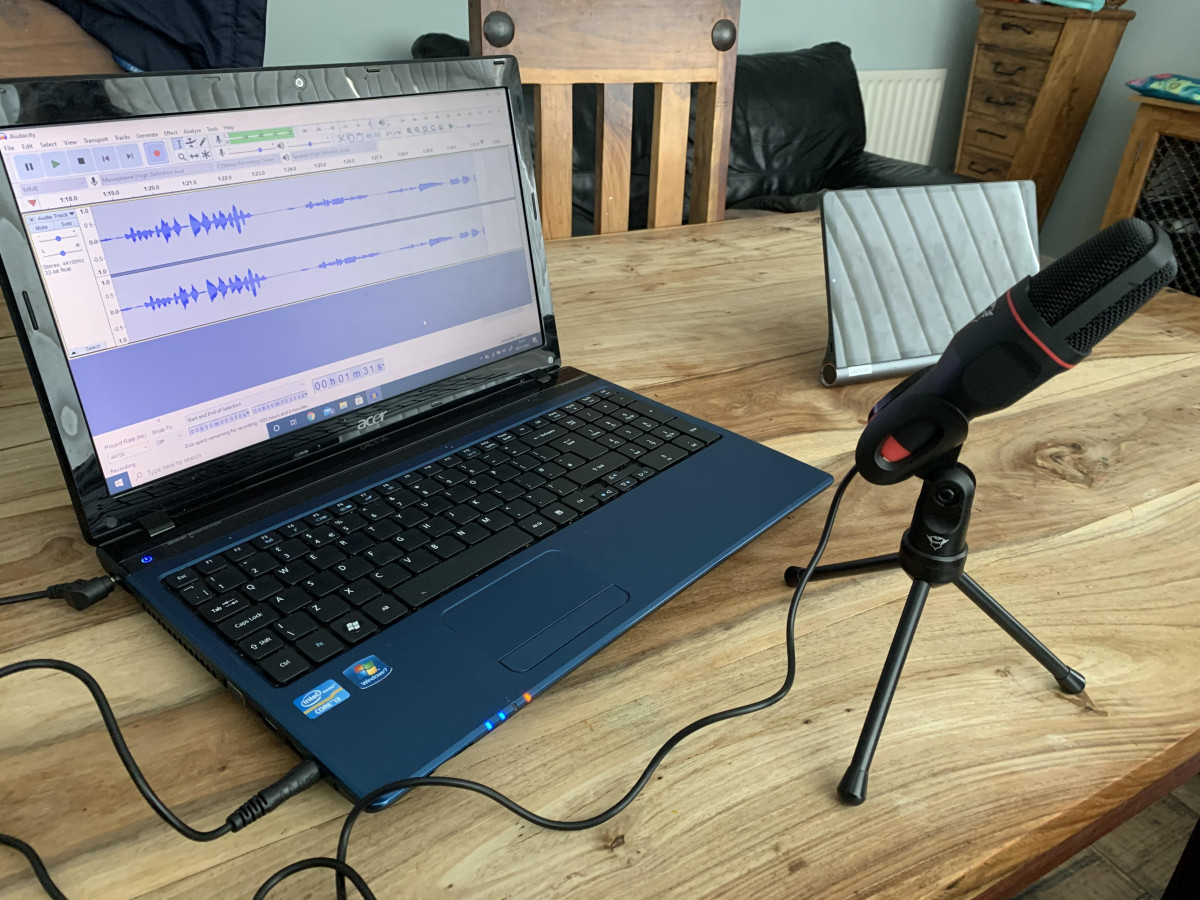
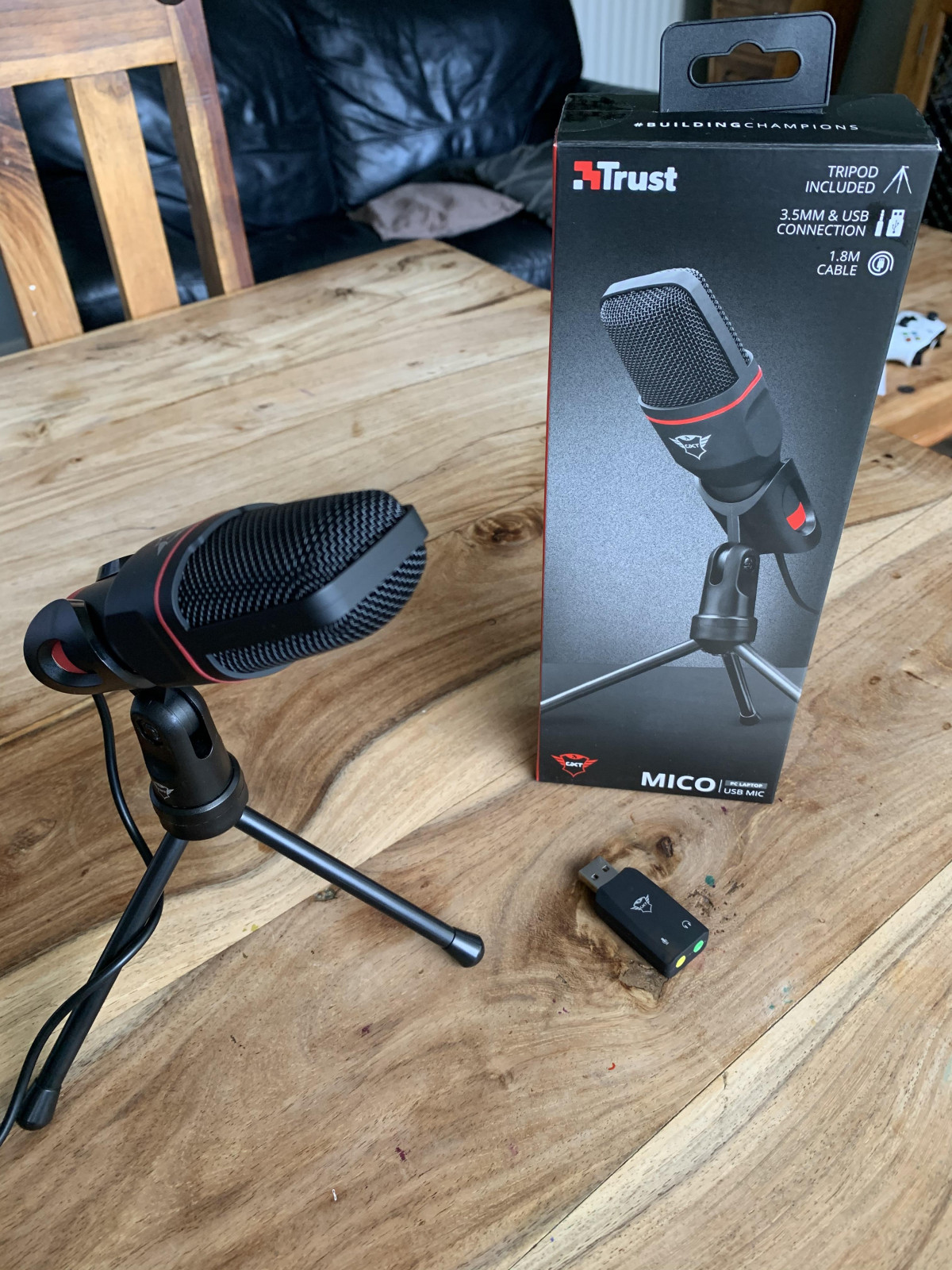
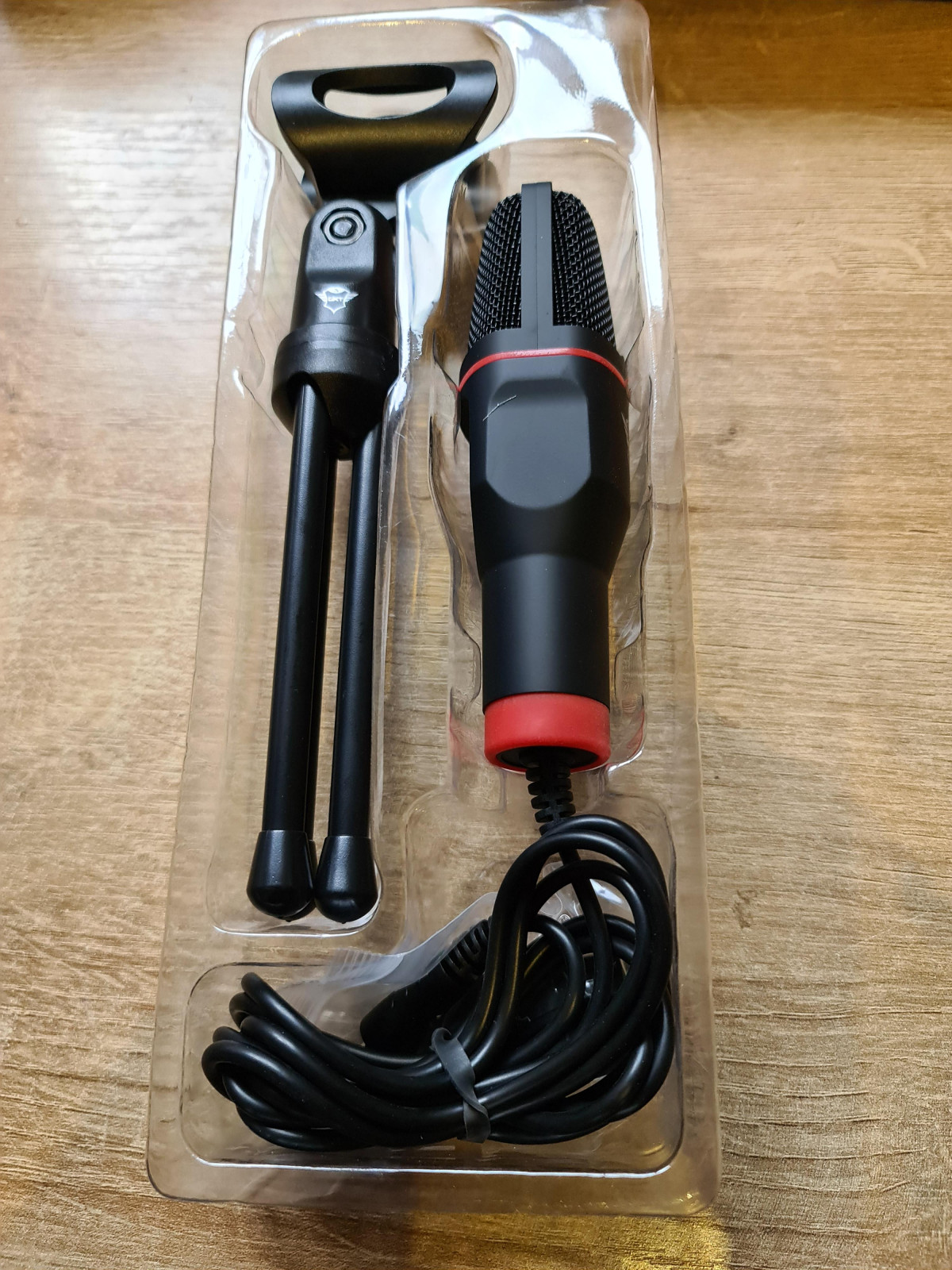
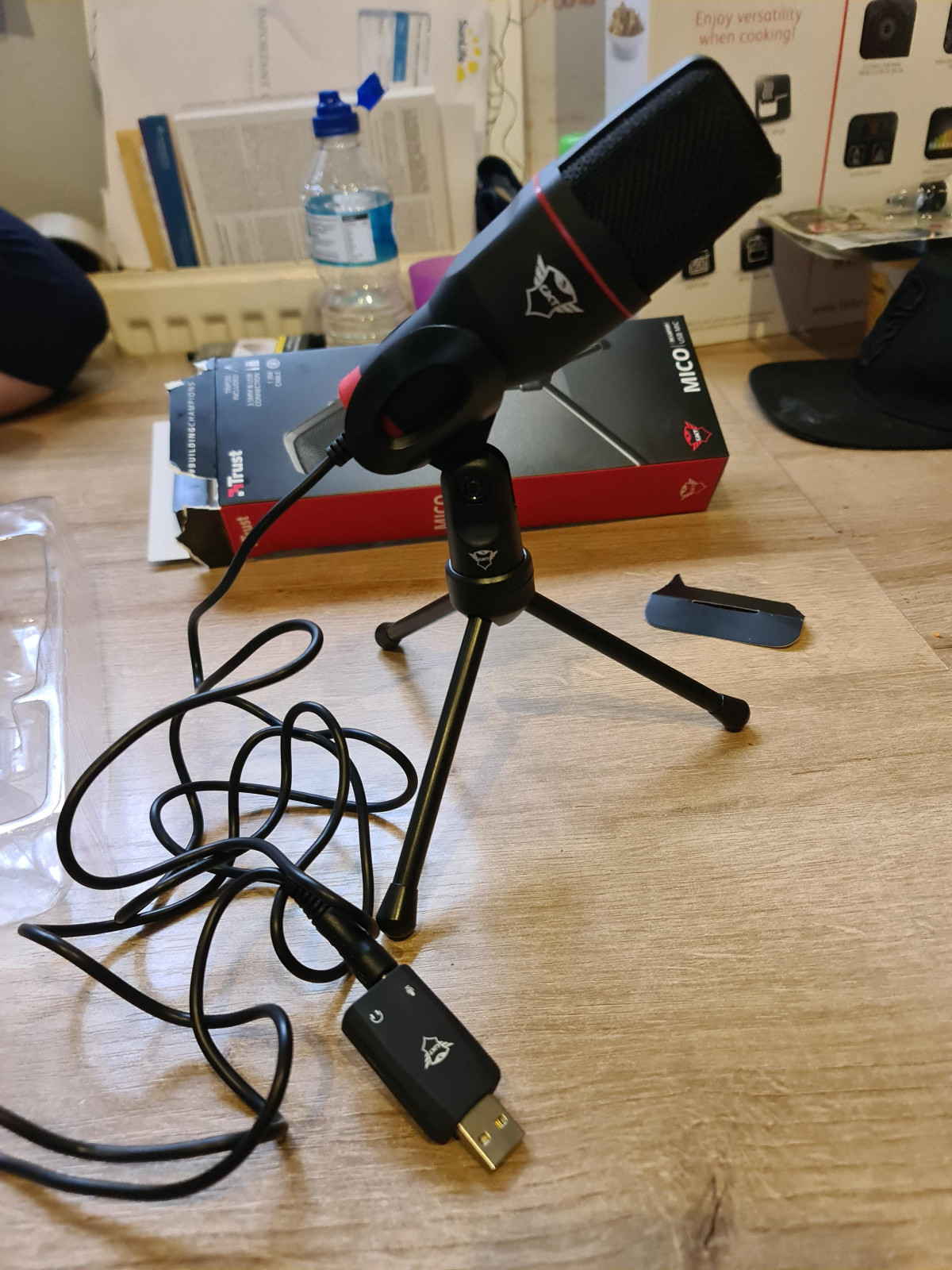
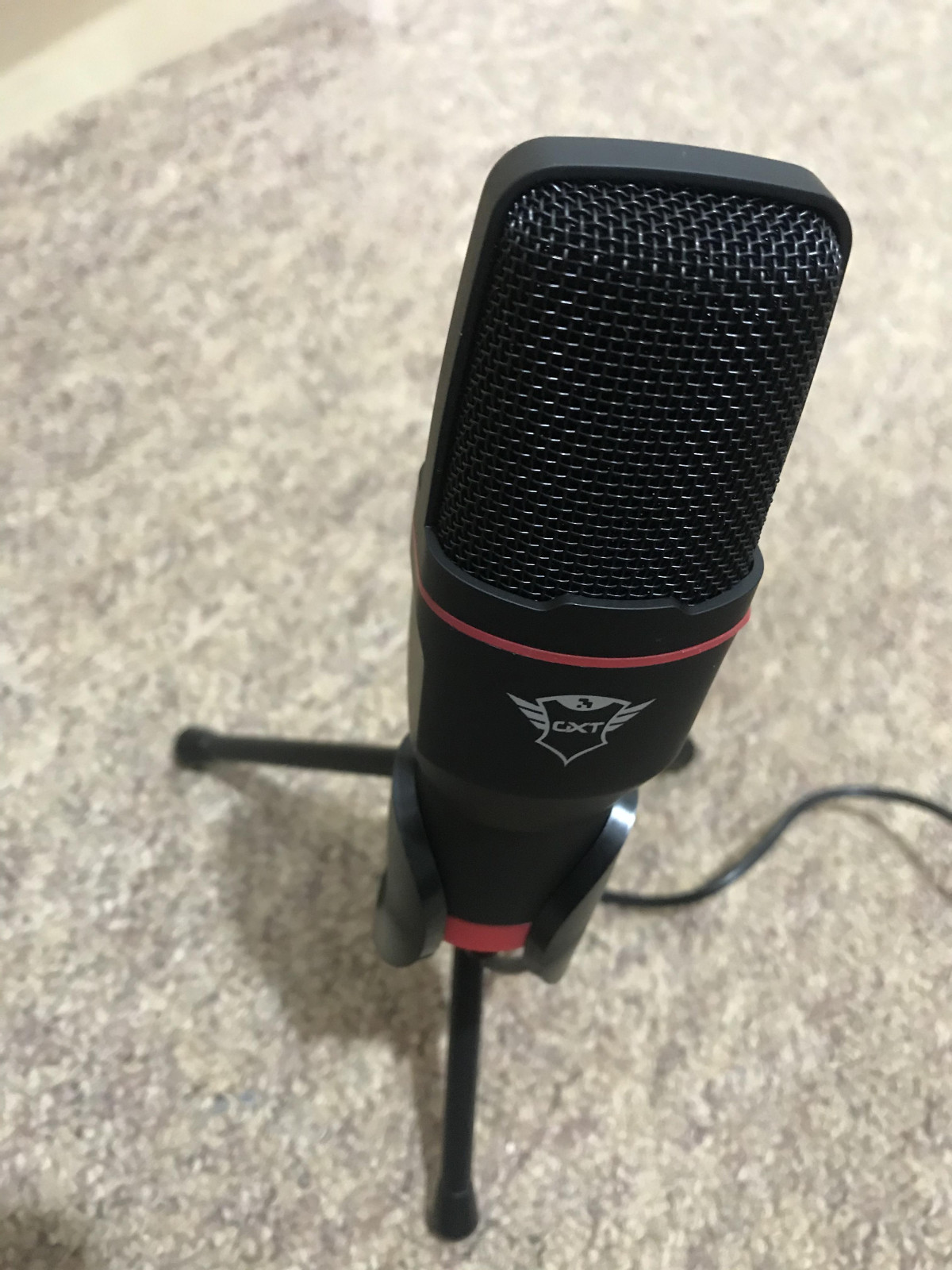
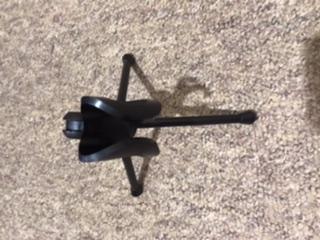
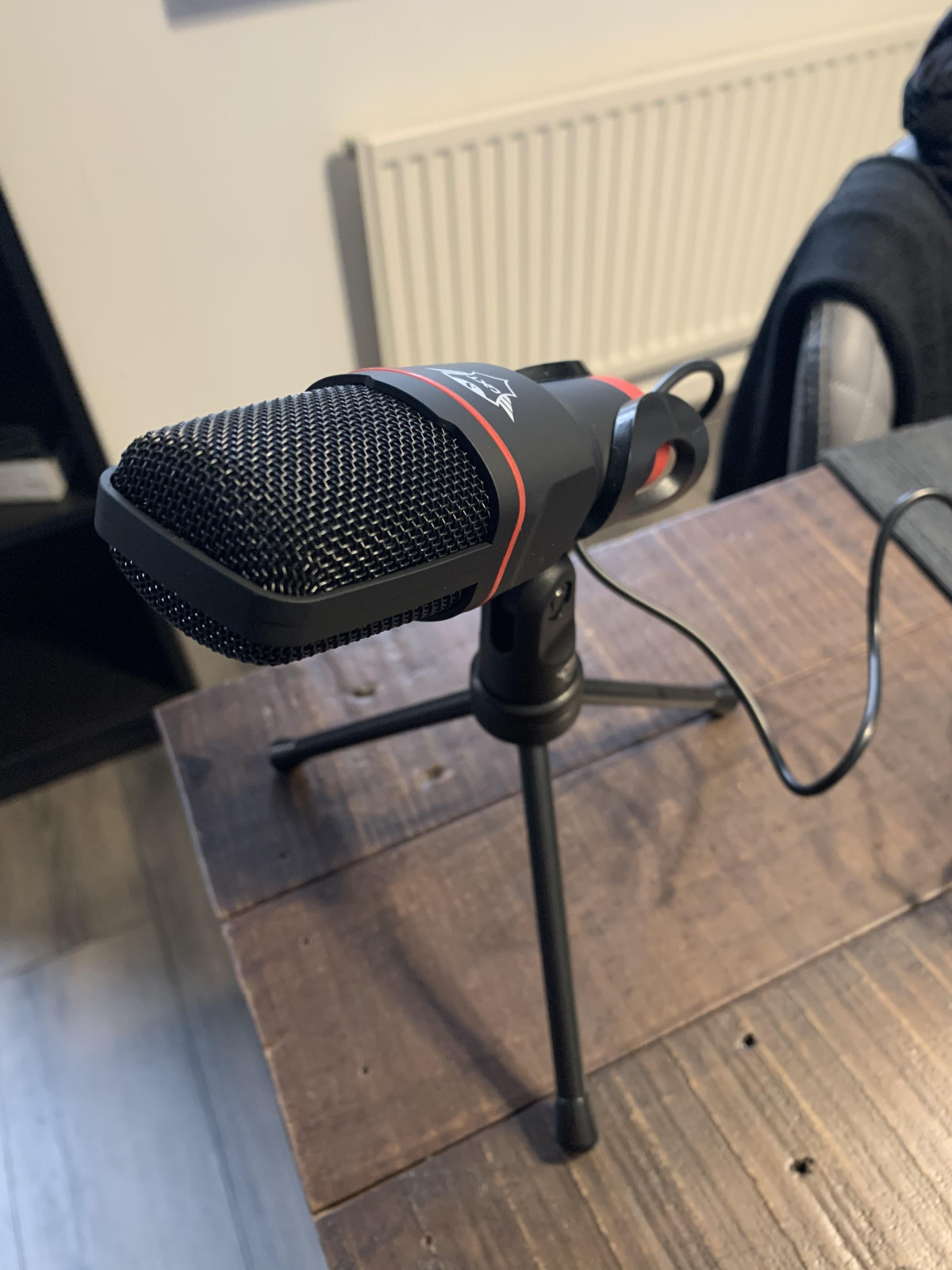
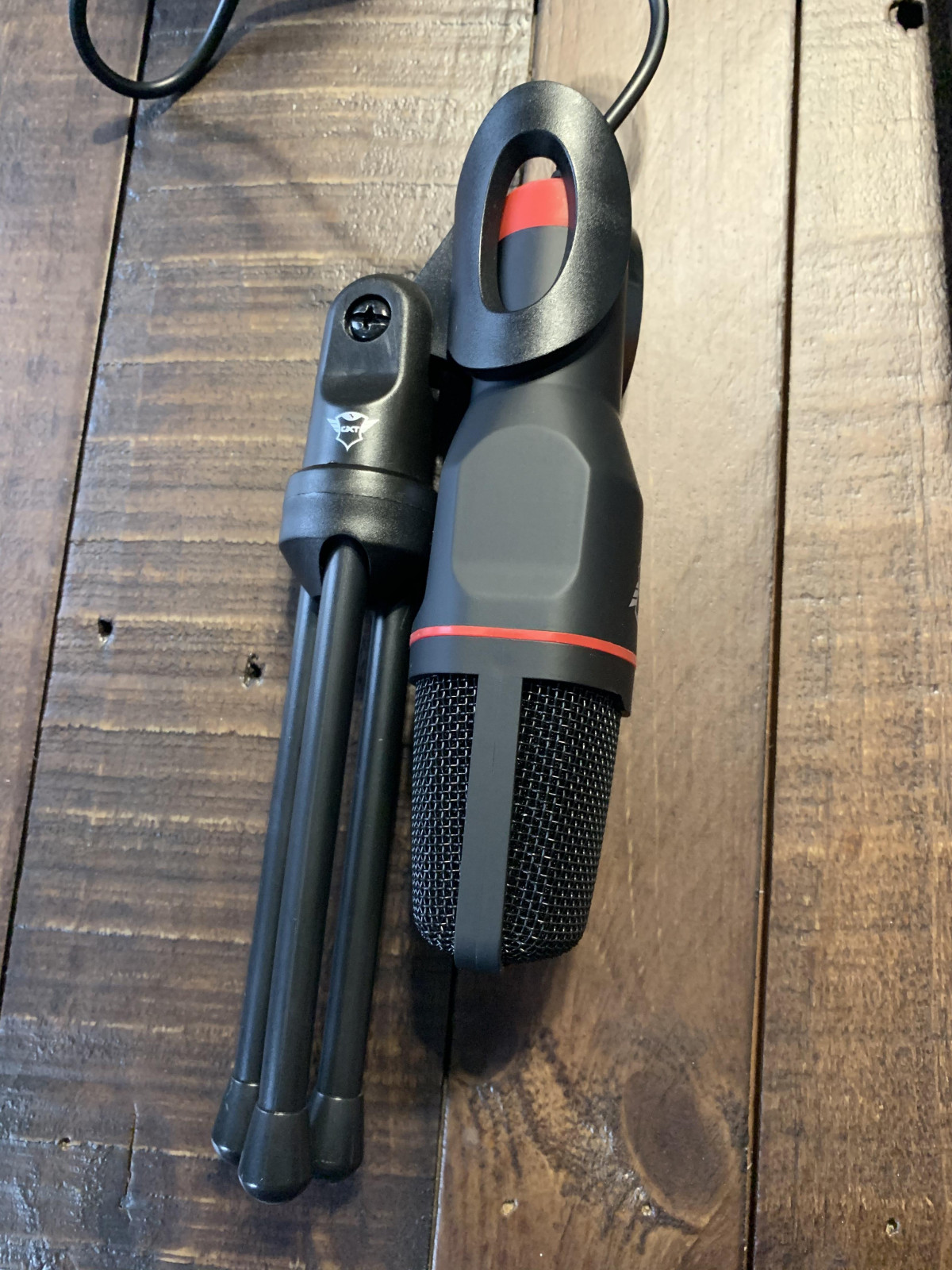
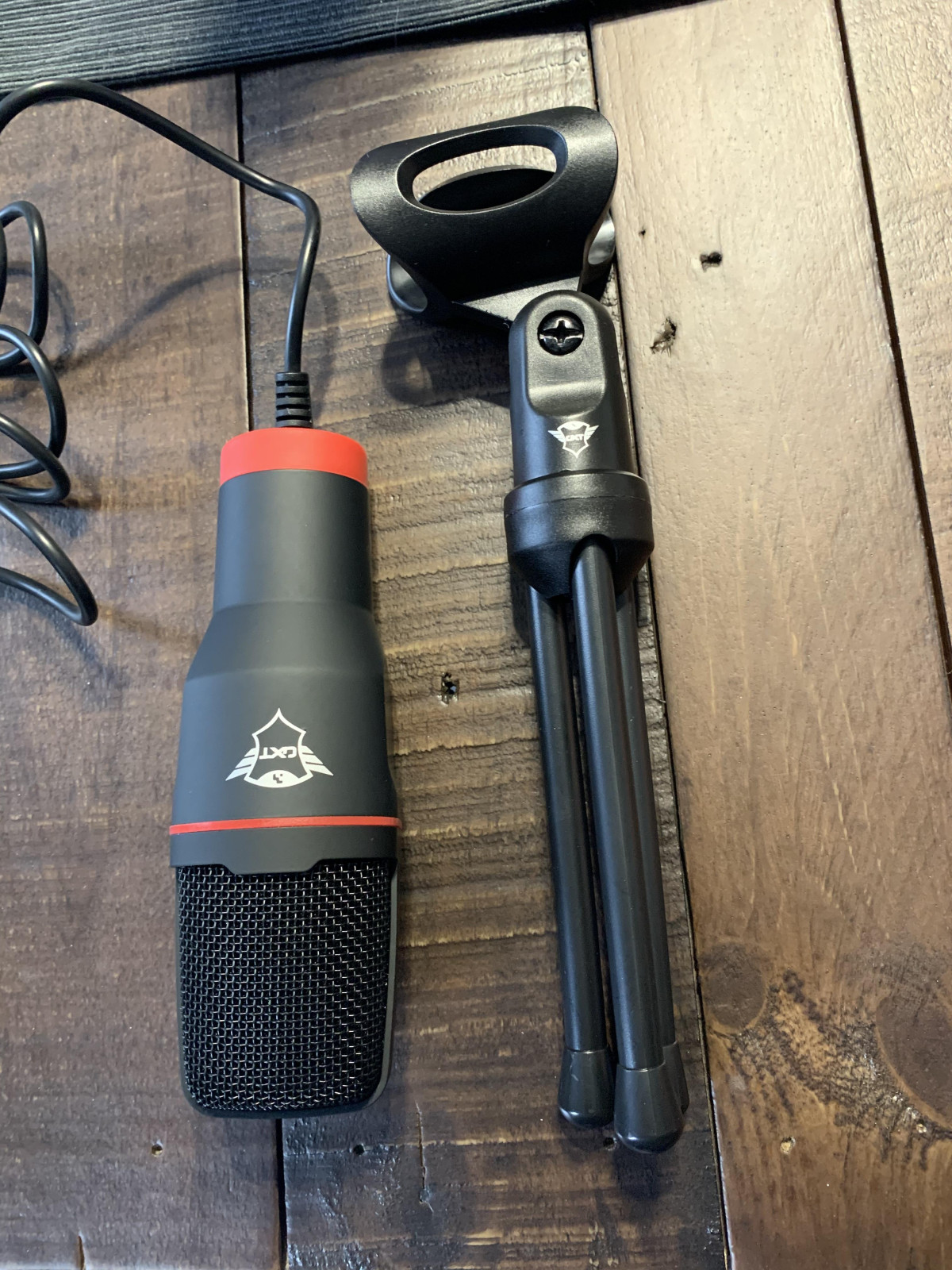
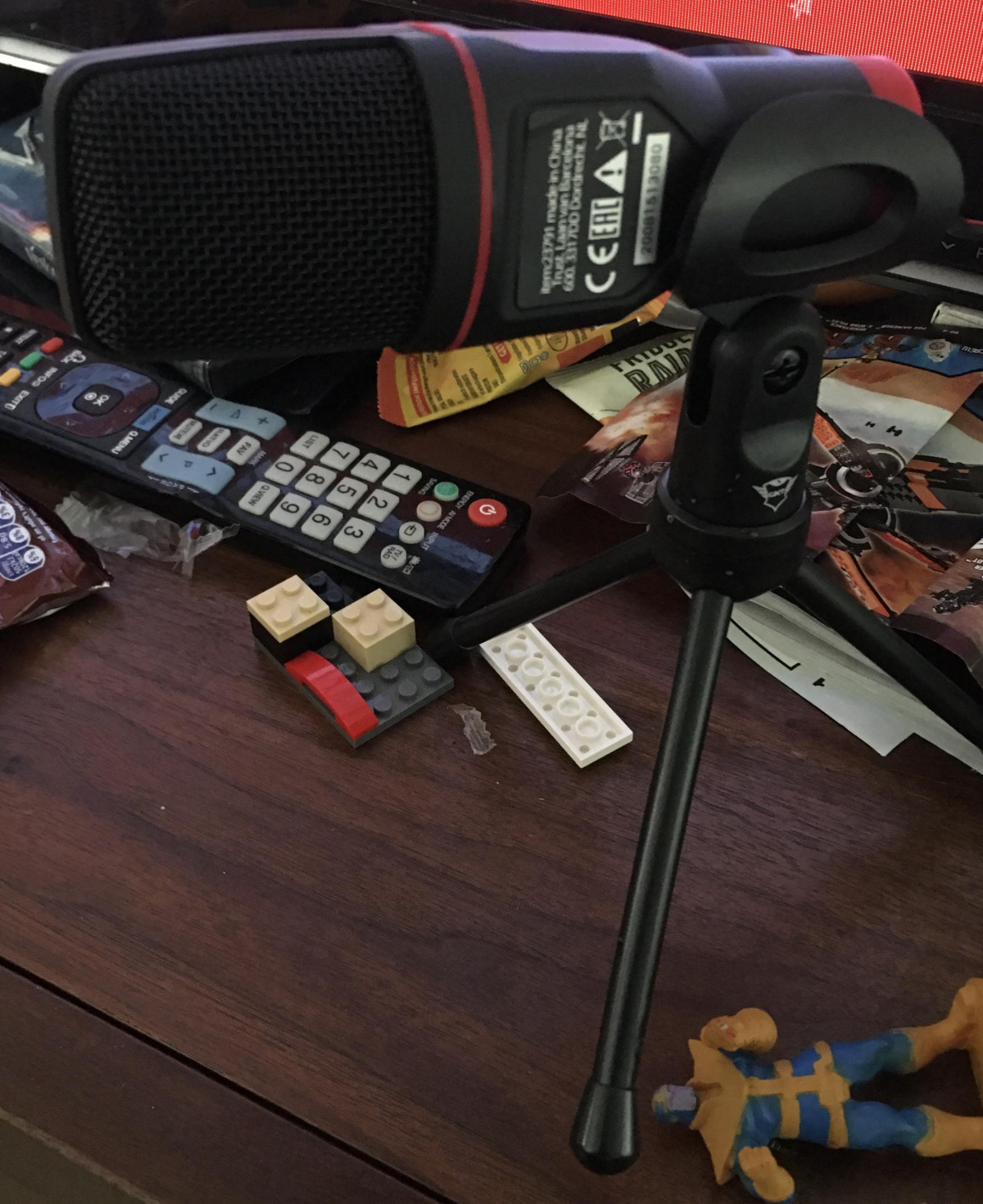
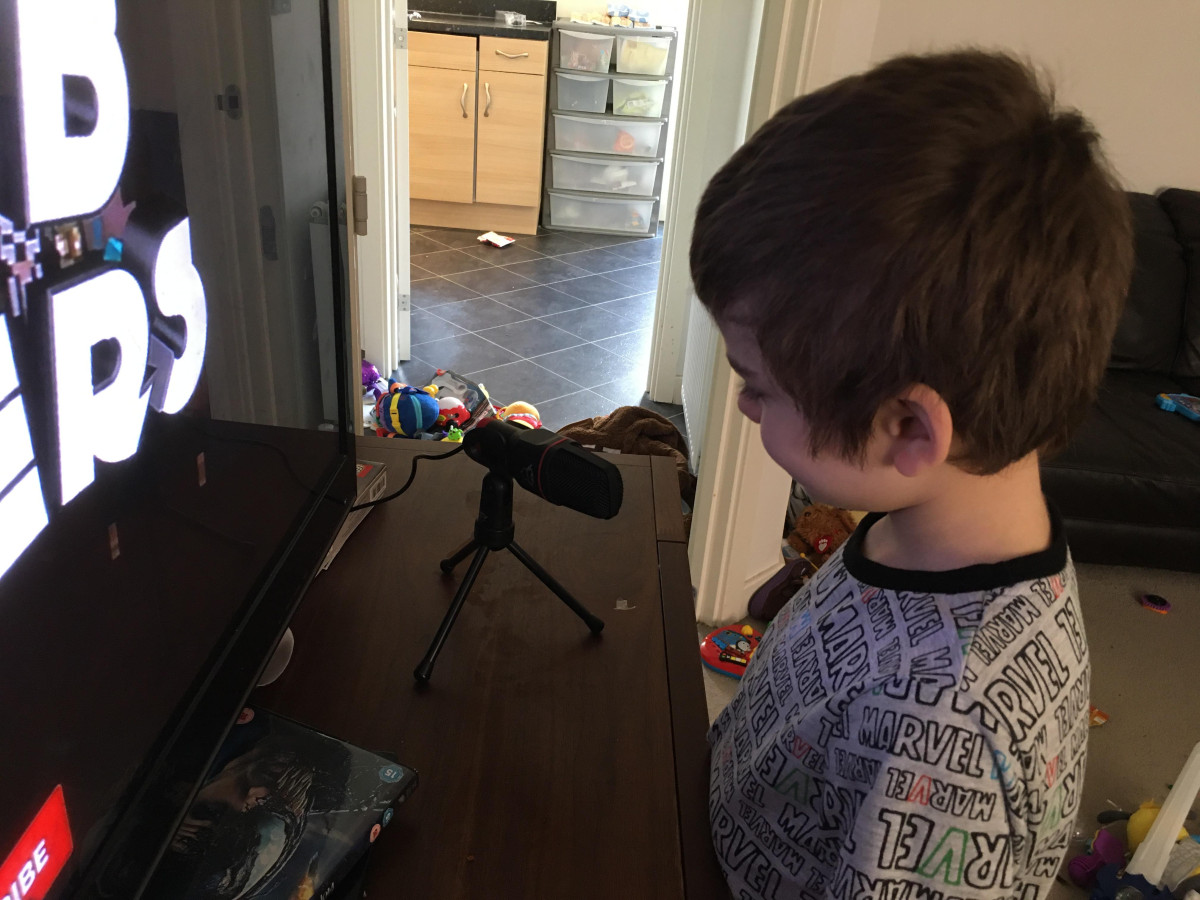
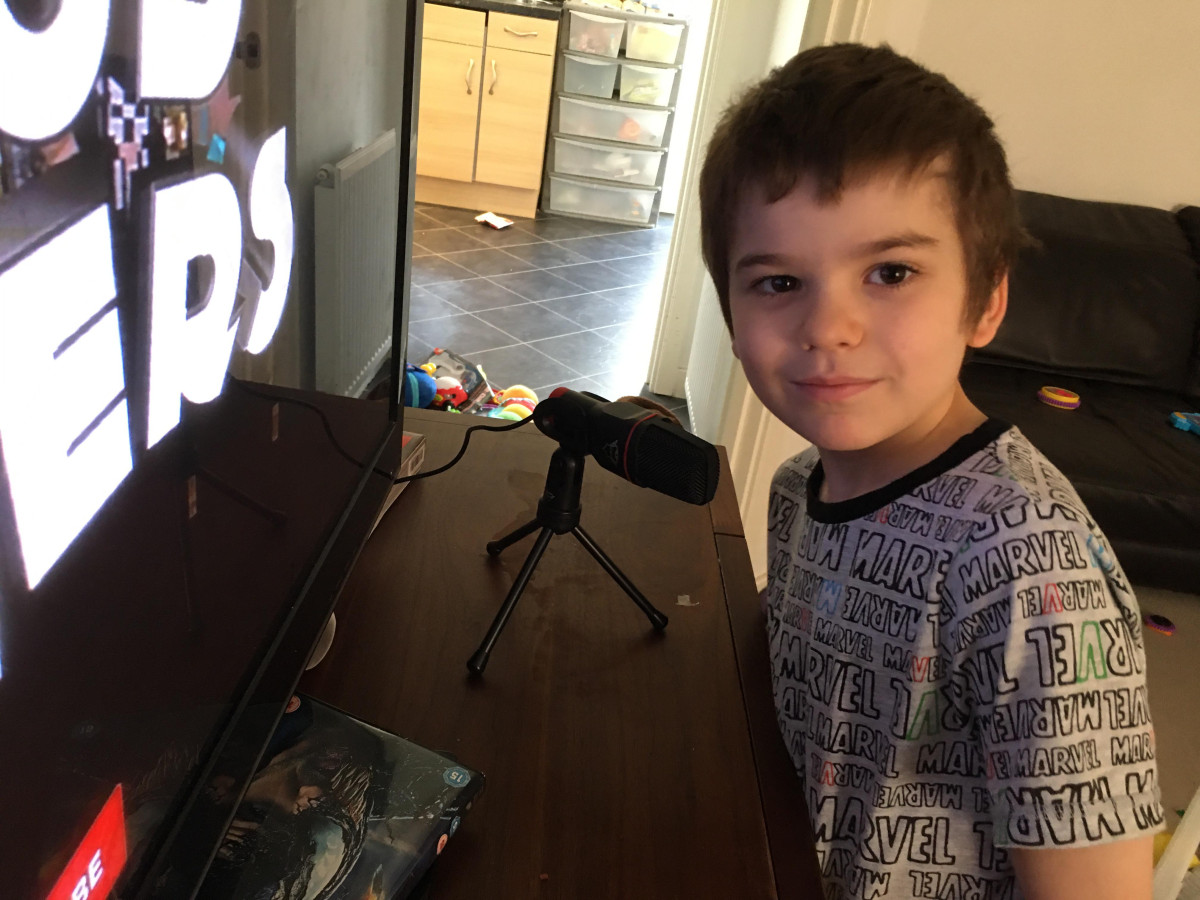
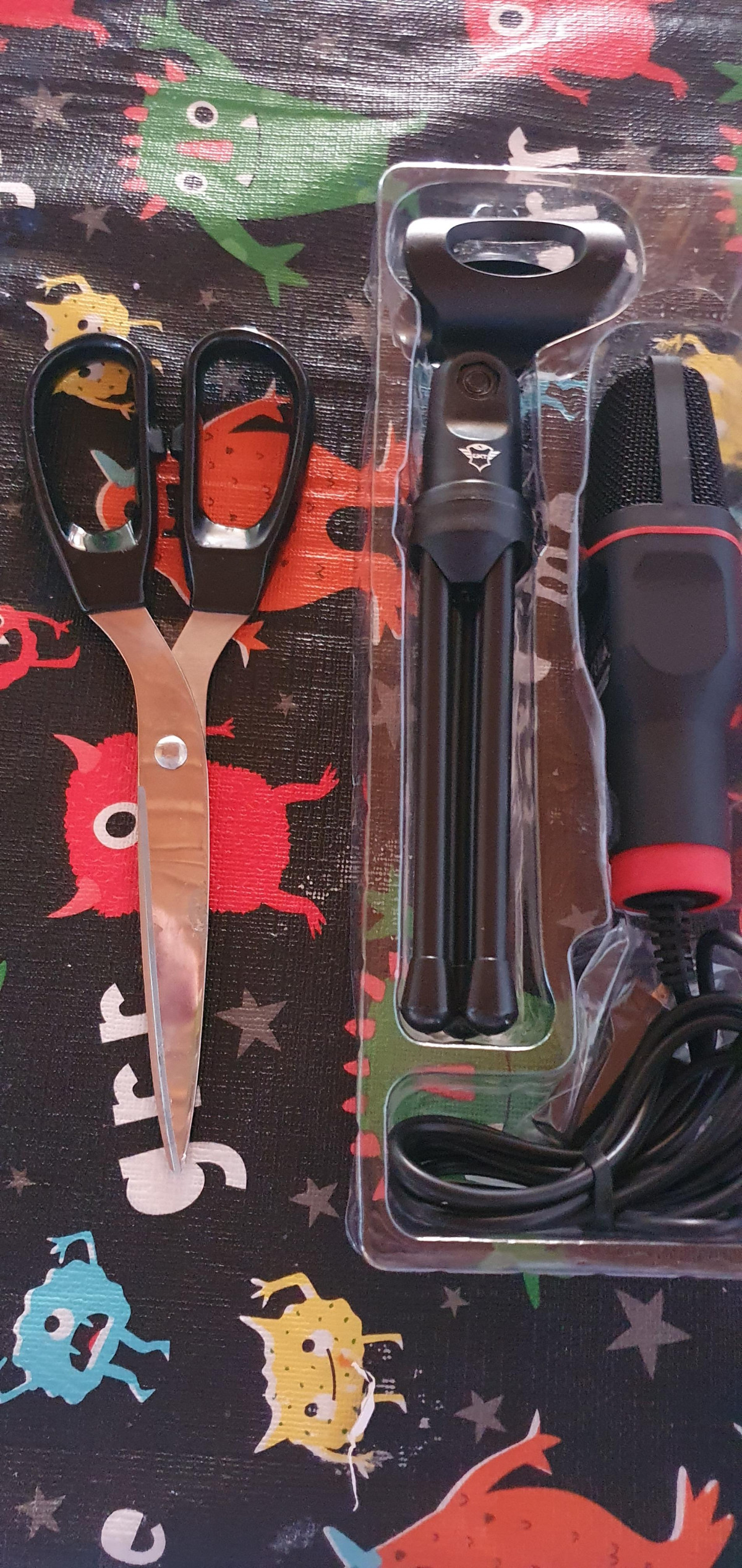
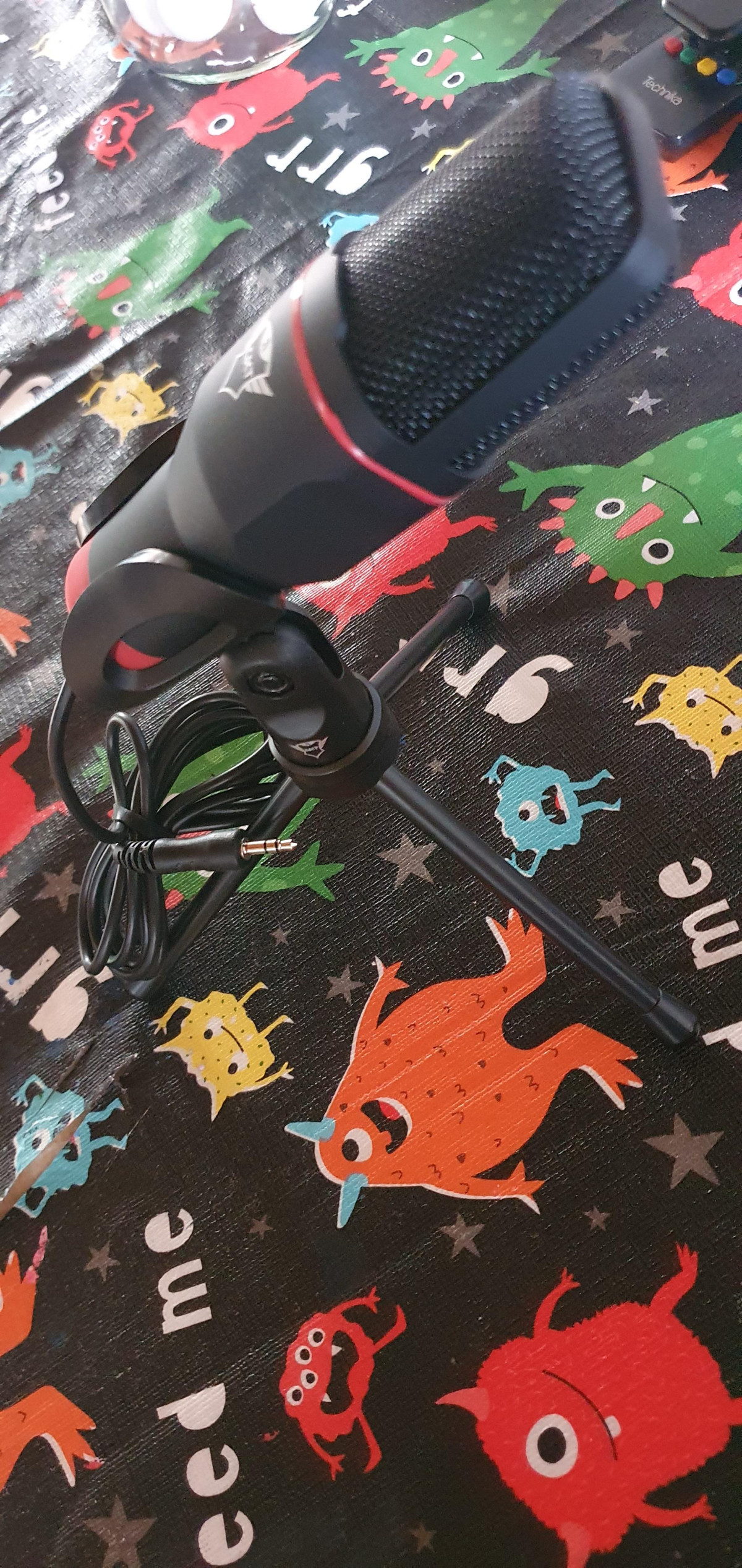
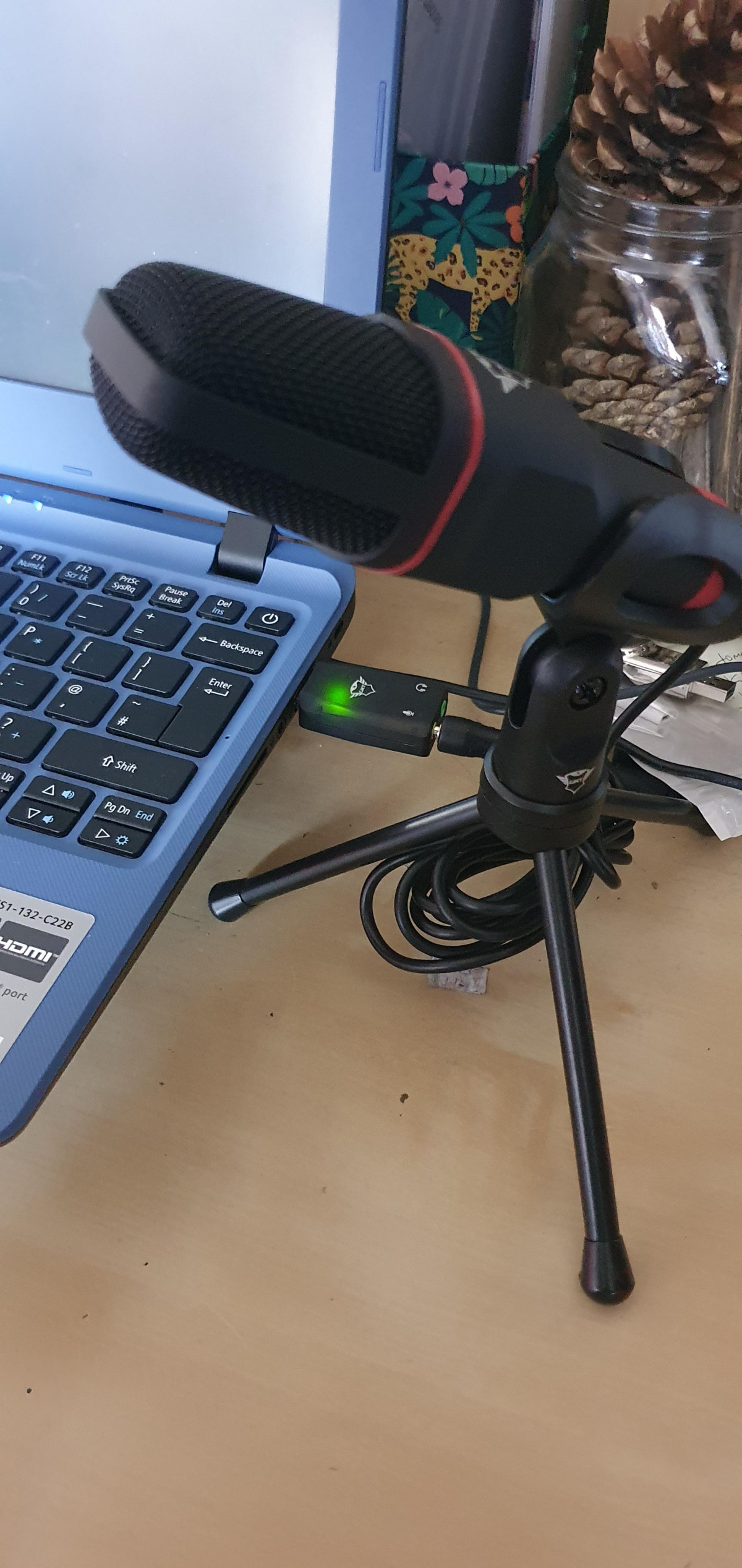
The Mico's defining physical feature is its tripod stand — a small, adjustable-angle mount that lets you tilt the microphone body up or down to point it toward your mouth rather than the ceiling or your desk. For anyone who has fought with a microphone that only sits at one fixed angle, this is a genuinely useful inclusion at this price point, and it means you don't need a separate stand or boom arm just to get the thing pointed in the right direction.
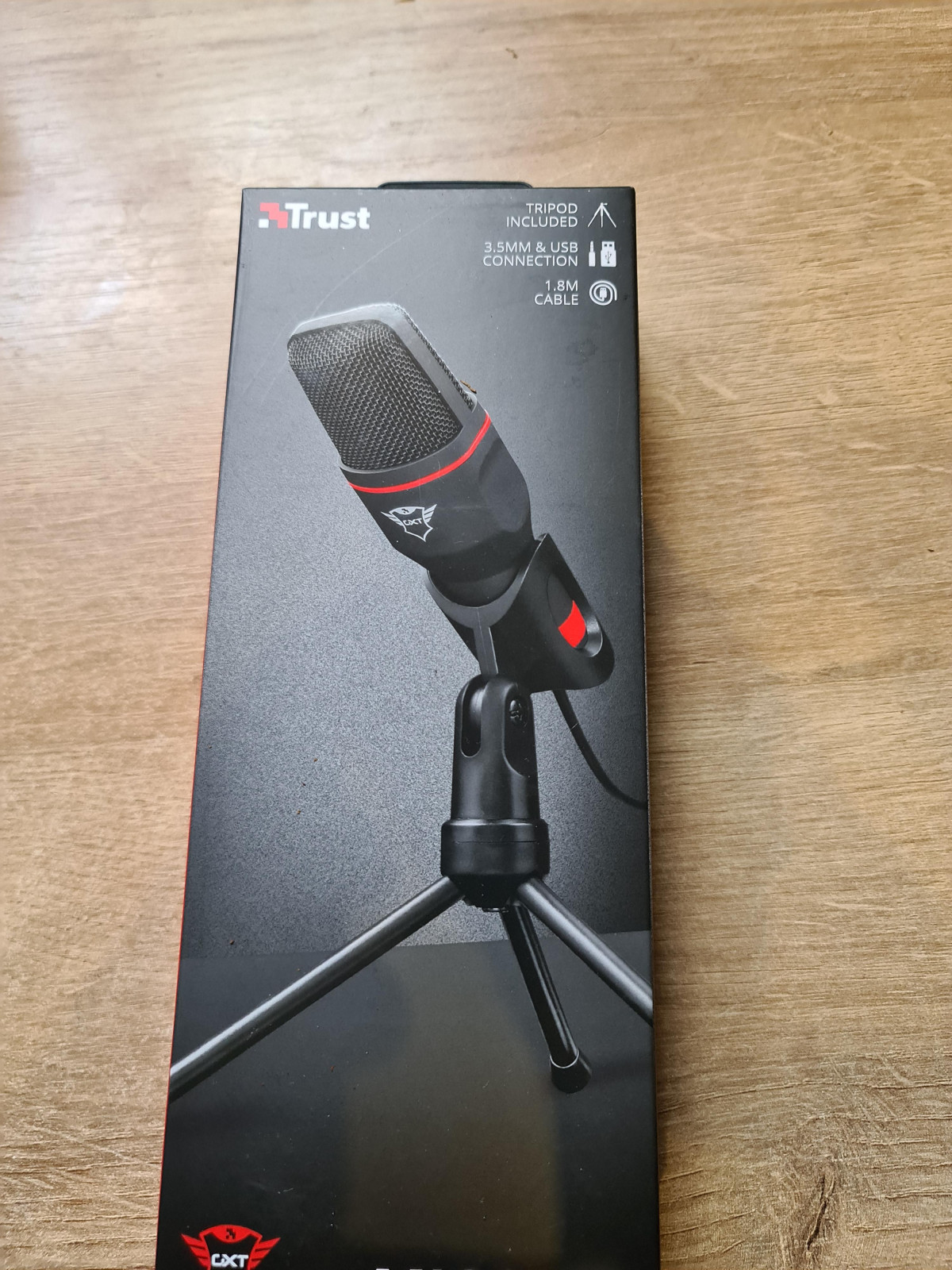
The included cable runs 1.8 metres, which is enough slack to route from a desk-mounted PC tower to a monitor-top or desk-surface position without stretching, and long enough on a PS5 setup to reach a console sitting in a media unit a short distance from where you're seated. It won't reach across a room, so anyone planning to mount this somewhere unusual — behind a monitor, on a shelf above a desk — should measure their setup first.
Owner feedback describes the build as functional rather than premium: several users note the tripod and housing are made from lightweight plastic, which keeps the price down but means it won't survive being knocked off a desk repeatedly or clamped into anything under tension. One reviewer specifically praised how it looked sitting on a desk, calling it stylish despite the low cost — so it clears the bar of "doesn't look like a £5 toy," even if it doesn't feel like a studio accessory in your hands.
At a Glance
- Adjustable tripod angle
- 1.8m cable length
- Lightweight plastic build
How It Actually Connects: The USB and 3.5mm Setup Explained
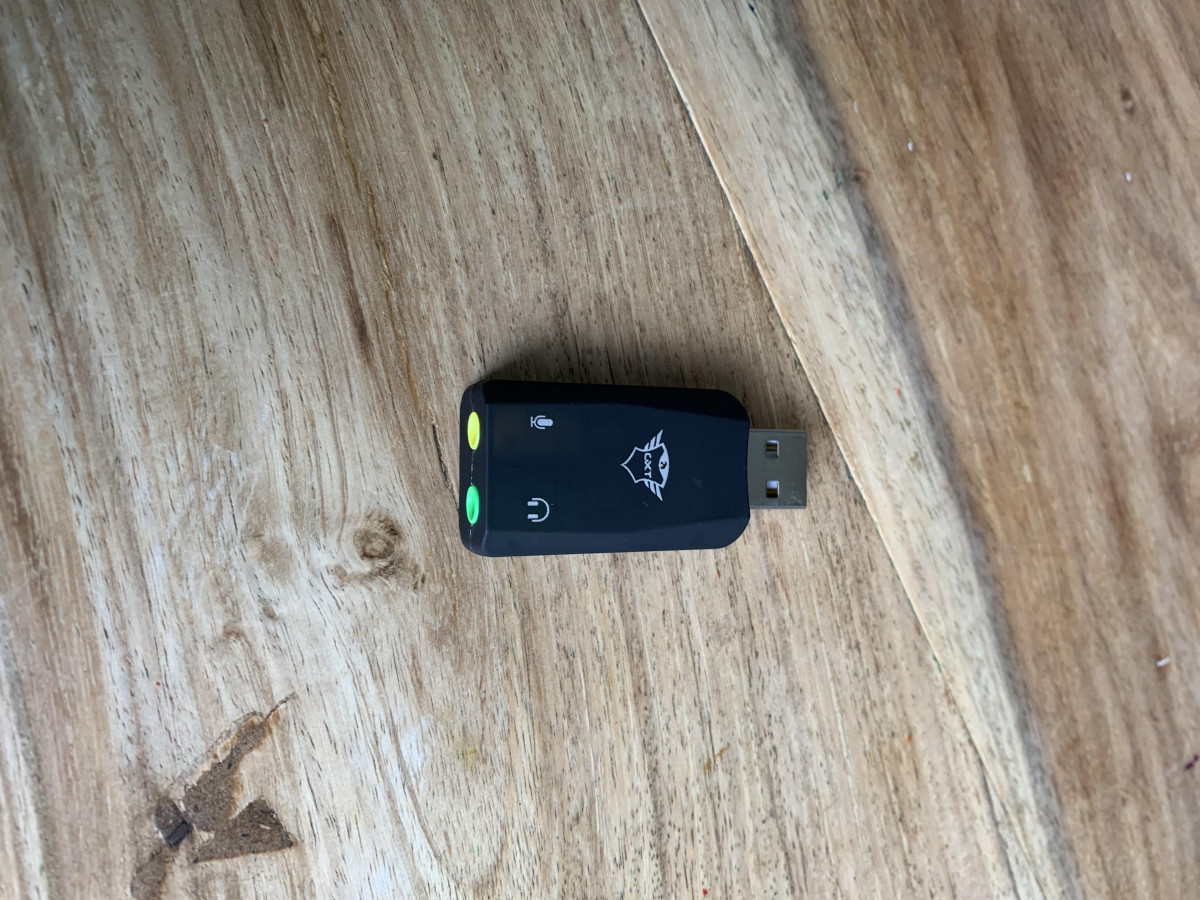
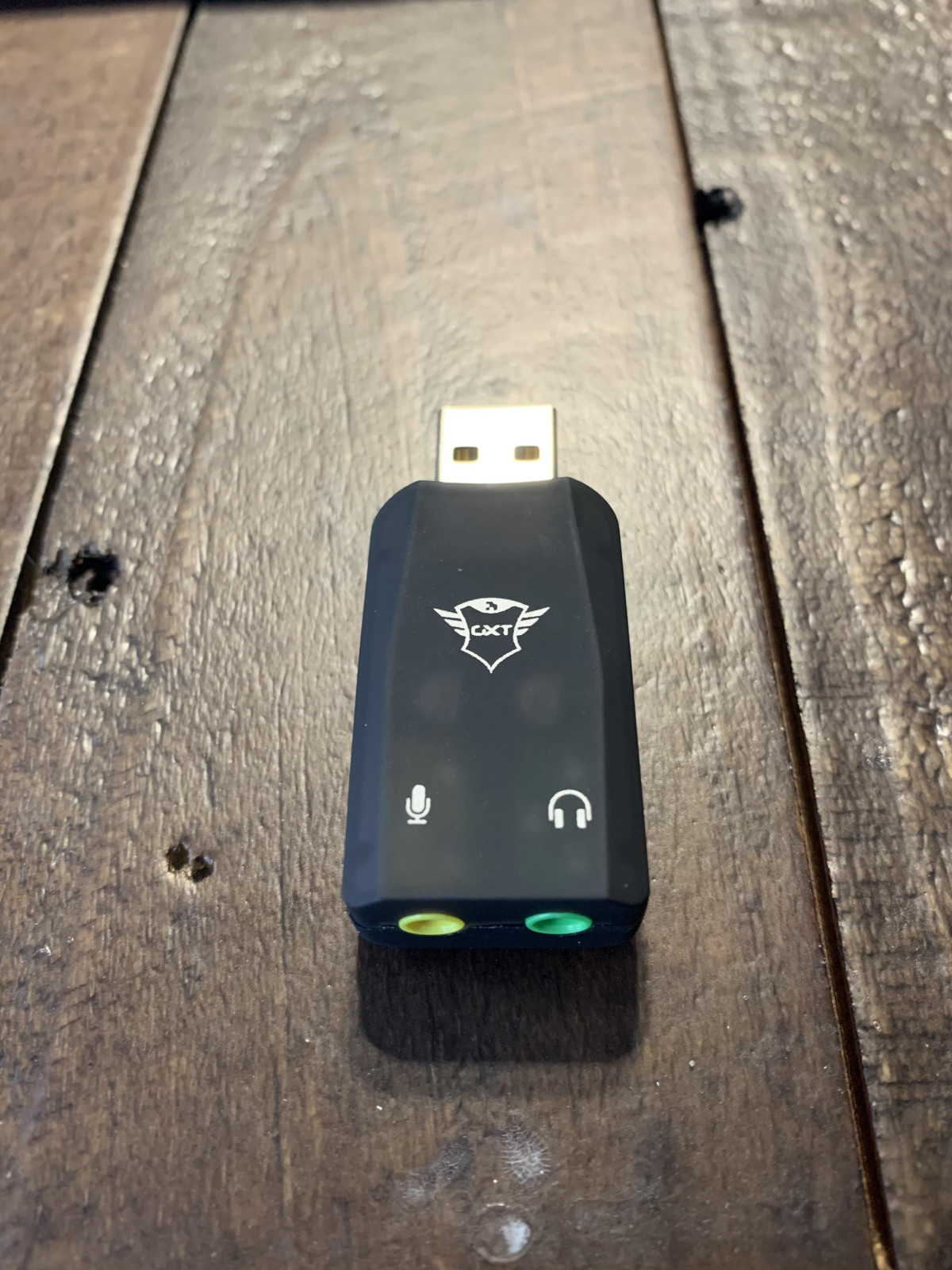
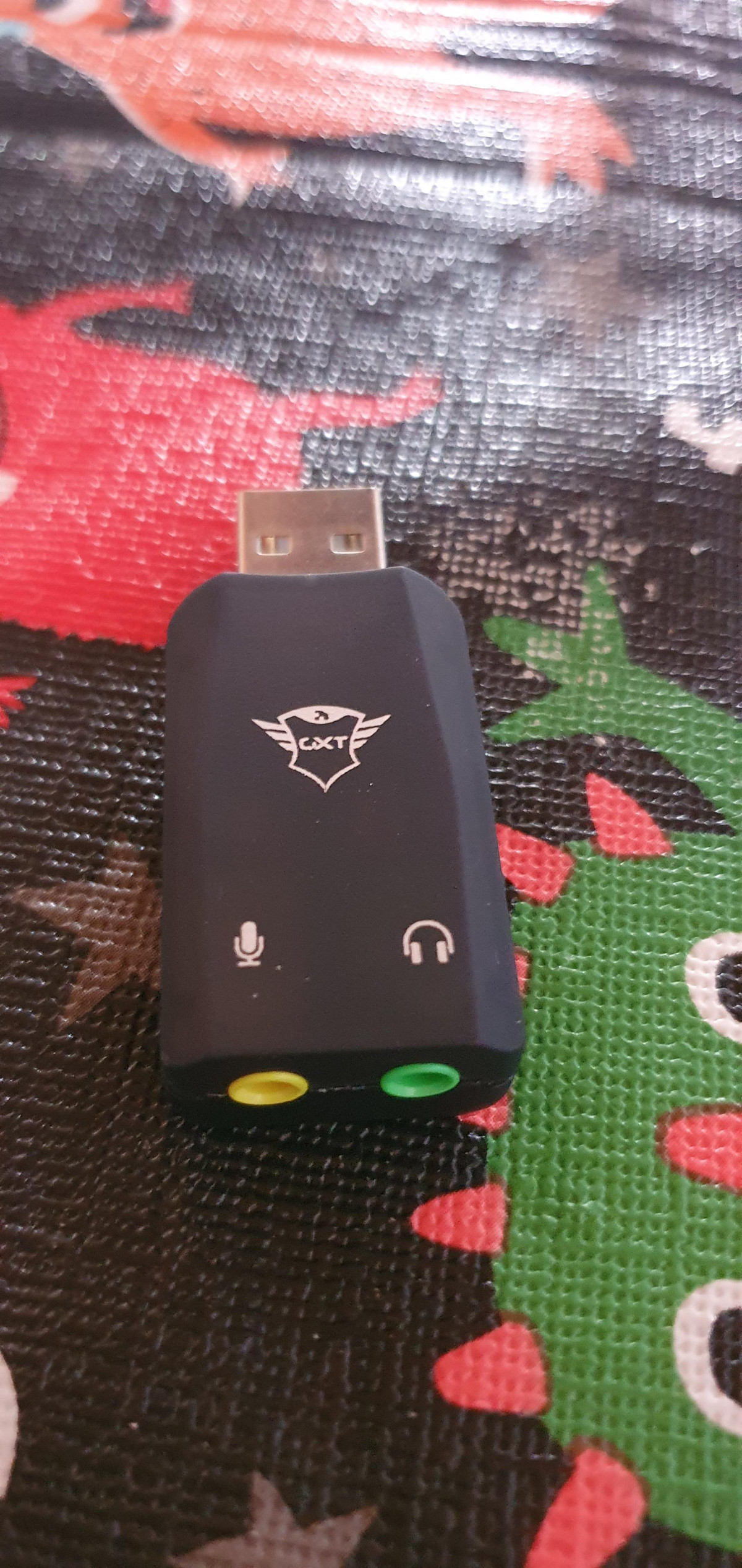
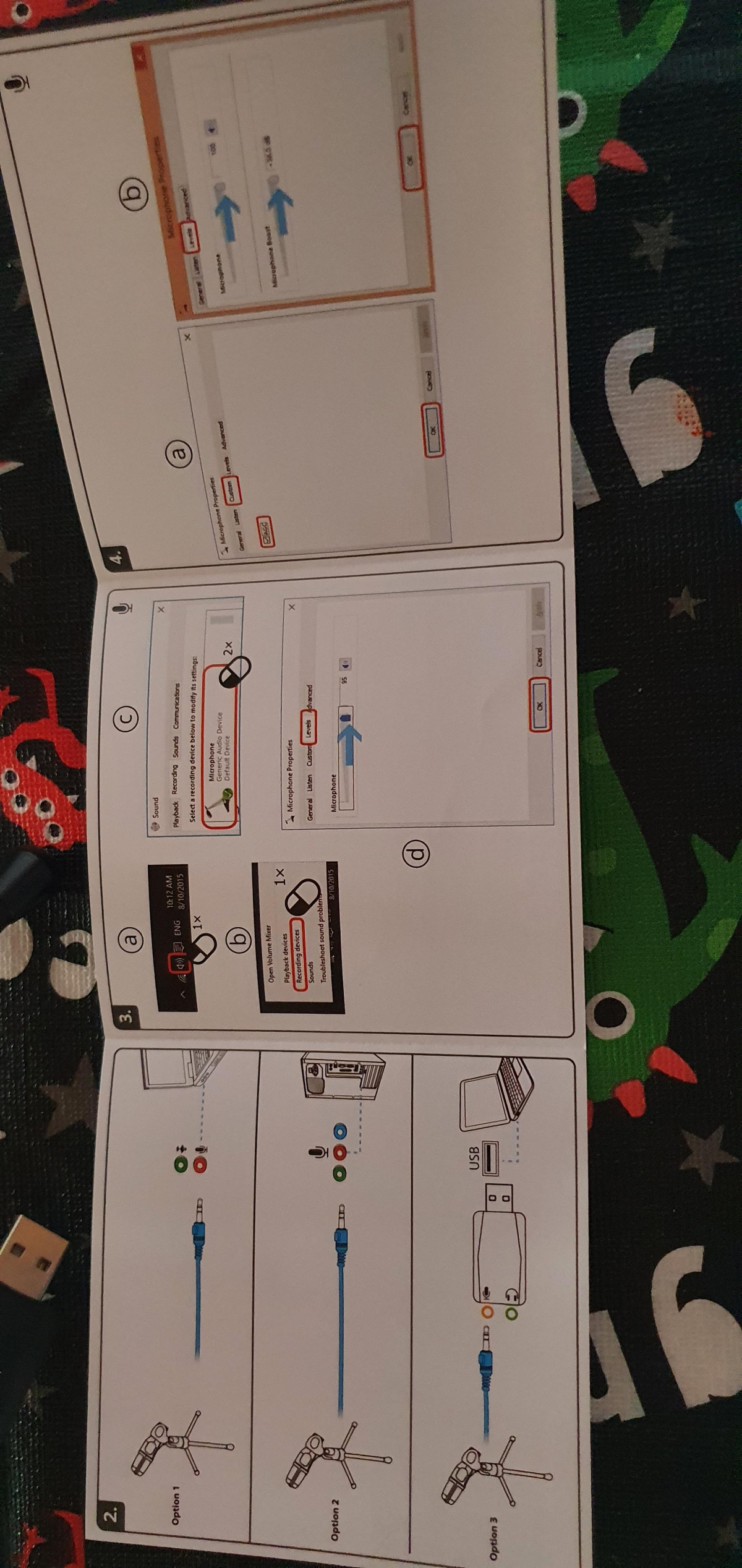
This is the detail most buyers skip past, and it's the one that matters most for understanding what you're actually getting. The Mico is built around a 3.5mm analogue jack, with a separate USB adapter included in the box that converts that analogue signal into a USB connection your computer or console can read. In plain terms: this isn't a microphone with a USB chip built into its body. It's a 3.5mm microphone with a USB dongle bundled in, so you can plug it into whichever port your device actually has.
That distinction has two practical consequences worth knowing before you buy:
No installation required
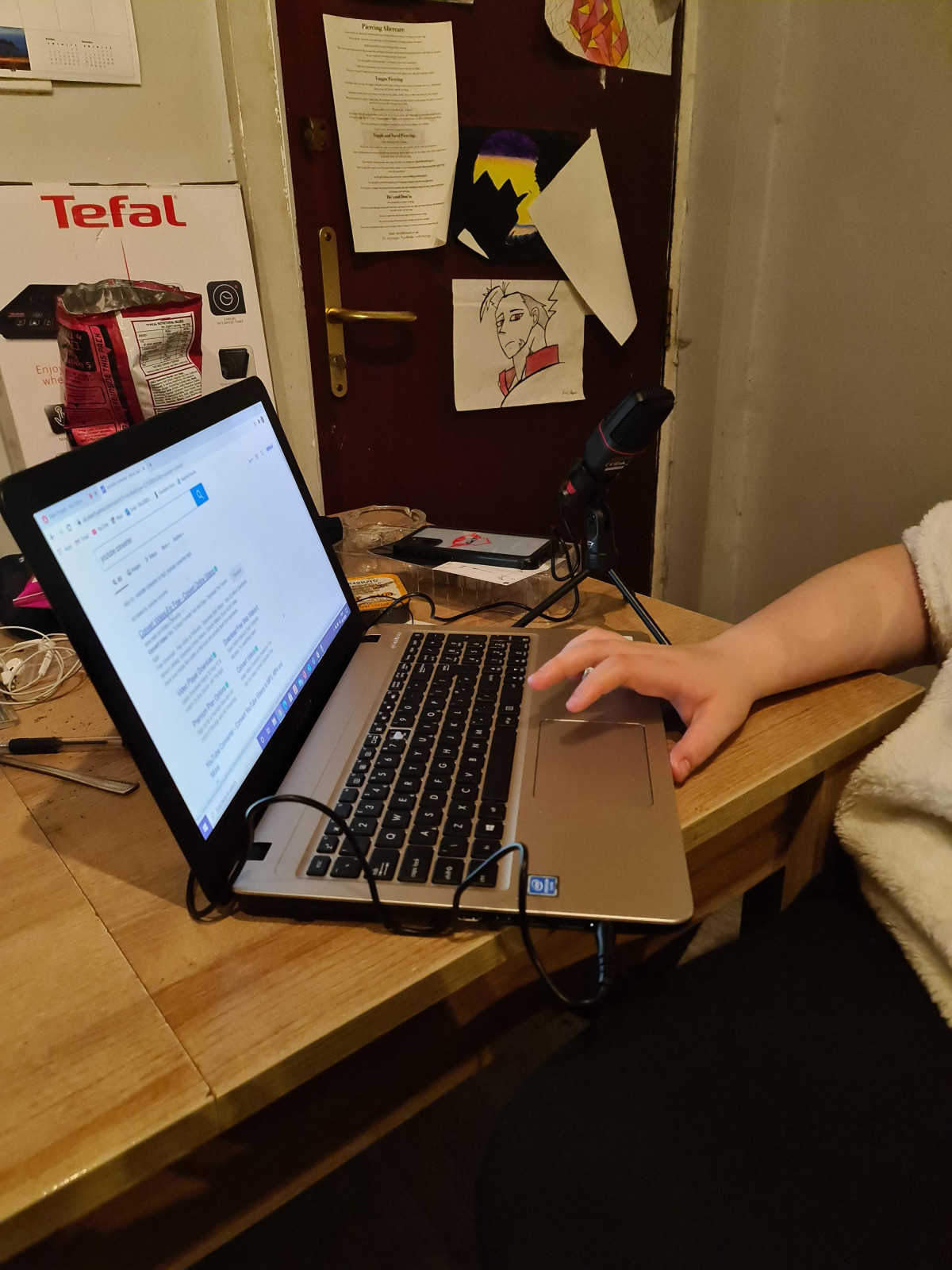
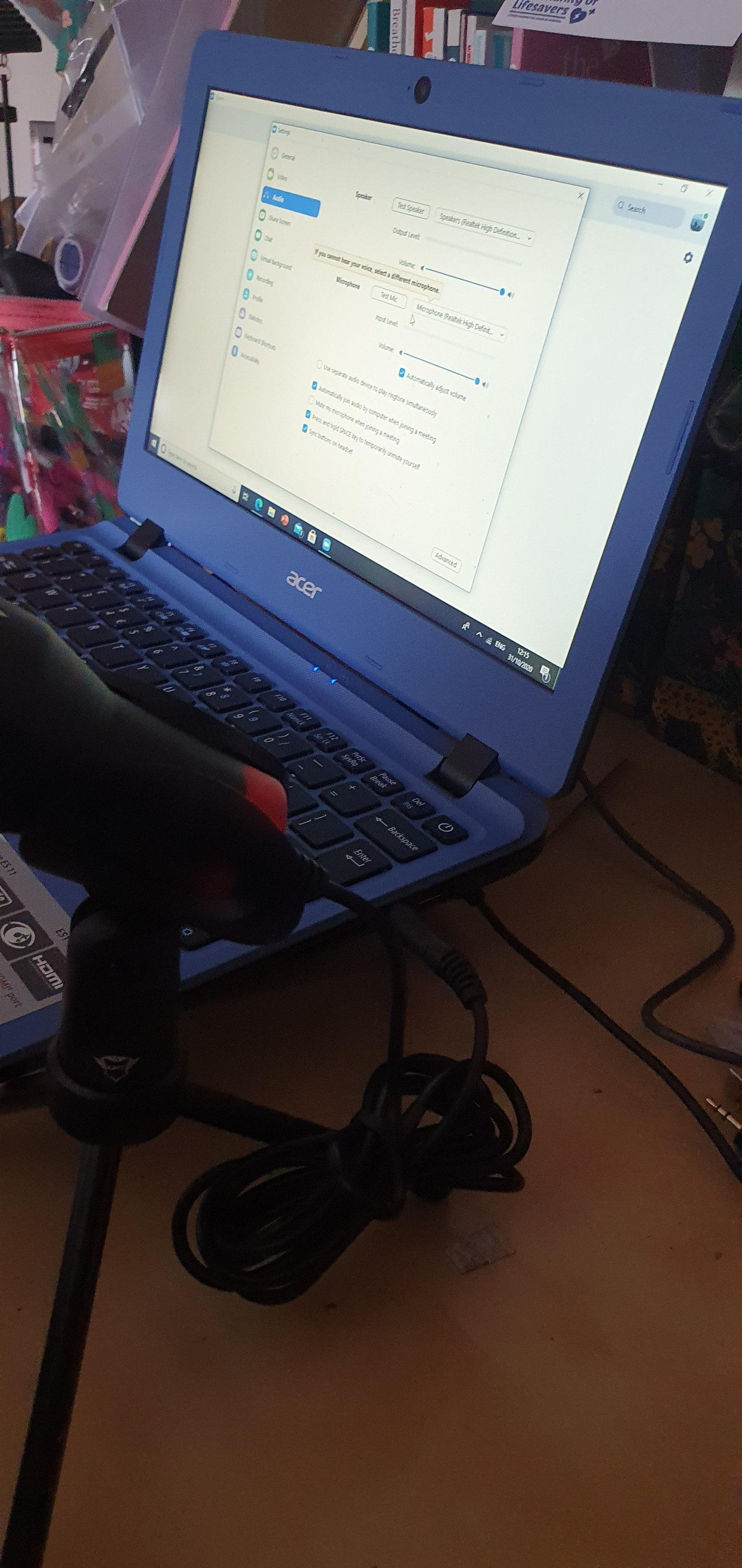
Because the USB adapter simply presents itself as a generic audio input device, most operating systems — Windows, macOS, and Chrome OS are all confirmed compatible — recognise it instantly without needing drivers. Several buyers reported their computer, including one described as ten years old, detected it the moment it was plugged in.
Software quirks can appear on some setups
Not every experience has been friction-free — at least one owner using an HP laptop found the bundled software struggled to recognise the device and described the USB arrangement as confusing. If your PC has strict driver management or third-party audio software already installed, it's worth testing the connection early rather than assuming plug-and-play will be flawless every time.
For console use, the USB adapter is what makes PlayStation compatibility possible at all, since the PS5 accepts USB audio input directly. There is no dedicated software to install on console — you plug in, select it as your input device, and it works for voice chat.
Audio Performance: What the Specifications Actually Mean for You
Two figures in the mic's spec sheet — its frequency response and pickup pattern — tell you almost everything about how it will sound in real use, and neither number is copied verbatim from a data sheet; here's what they translate to.
Frequency response of roughly 50Hz to 16kHz
Human speech carries most of its information between about 85Hz and 8kHz, so this range comfortably covers the full body and clarity of a spoken voice — this is a microphone built for talking, not for capturing the full sonic range of music. The upper limit falling short of the 20kHz that full-range studio microphones reach means you'll lose some of the airy top-end sparkle that acoustic instruments or high-fidelity music recording depend on. For chat, commentary, and voiceover, you won't notice the difference. For recording anything musical, you will.
An omnidirectional pickup pattern
Rather than focusing tightly on whatever's directly in front of it, this microphone picks up sound fairly evenly from all around it. That design choice explains a pattern that shows up repeatedly in owner feedback: several users describe the mic as "sensitive" to room noise, with one reviewer explicitly noting it picks up every sound in the background. This isn't a flaw so much as a trade-off — omnidirectional pickup is forgiving if you move around or aren't perfectly centred in front of the mic, but it also means a noisy room, a whirring PC fan, or a keyboard right next to it will end up in your recording just as clearly as your voice does.
Distance matters more than usual
Owner guidance confirms this mic performs best when your mouth is close to it — roughly within arm's reach of a desk setup. Push your distance out to around three feet or more, and clarity noticeably drops off. If your use case involves speaking from across a room — a boardroom-style setup, a group call with people scattered around a table — this microphone will start to struggle.
It's built for voice, not instruments
One detailed piece of owner feedback illustrates this well: a user attempted to record acoustic drums into a home recording program and found the result was distorted no matter how far back they positioned the mic or how much they adjusted their levels afterward. The same reviewer confirmed it handles spoken voice very well. That's a useful real-world boundary line — treat this as a voice microphone, full stop, and it will do its job. Ask it to double as an instrument mic and it won't.
Platform and Device Compatibility: Where It Works and Where It Doesn't
Because this microphone is marketed across PC, console, and mobile use cases, compatibility deserves its own clear breakdown rather than a single blanket claim.
| Platform / Use Case | Compatibility | What to Expect |
|---|---|---|
| Windows PC / laptop | Full support | Plug-and-play via USB adapter or 3.5mm jack; no drivers needed |
| Mac / MacBook | Full support | Confirmed to work for voice recording and voice-over use, including built-in recording apps |
| Chrome OS (Chromebooks) | Full support | Recognised as a standard USB audio input |
| PlayStation 5 | Basic support | Works for voice chat via USB; game-specific voice features (such as certain music or rhythm titles) are not officially guaranteed to work |
| PlayStation 4 | Basic support | Same USB voice-chat functionality as PS5 |
| Xbox One | Not supported | Cannot be used via USB for chat apps like Discord on this console |
| Nintendo Switch | Not supported | Manufacturer confirms no compatibility with Switch consoles |
| Third-party mic arms | Not confirmed | Known incompatible with at least one specific arm brand; untested with others, so treat boom-arm mounting as unsupported |
The headline "PS5 compatible" claim on the box is accurate for its core purpose — voice chat — but it's worth setting expectations correctly: this is a general-purpose USB voice input, not a console-certified gaming peripheral with guaranteed support across every PlayStation application. If your plan is specifically to use it for music or rhythm-game features on PS5, don't assume it will work; test it first or choose a mic explicitly built for that purpose.
Key Features at a Glance
Dual connection method — 3.5mm jack with a bundled USB adapter, giving you flexibility across devices with different port availability
Adjustable tripod stand — lets you angle the microphone toward your mouth rather than settling for a fixed position
1.8m cable length — enough reach for most desk and console setups without needing an extension
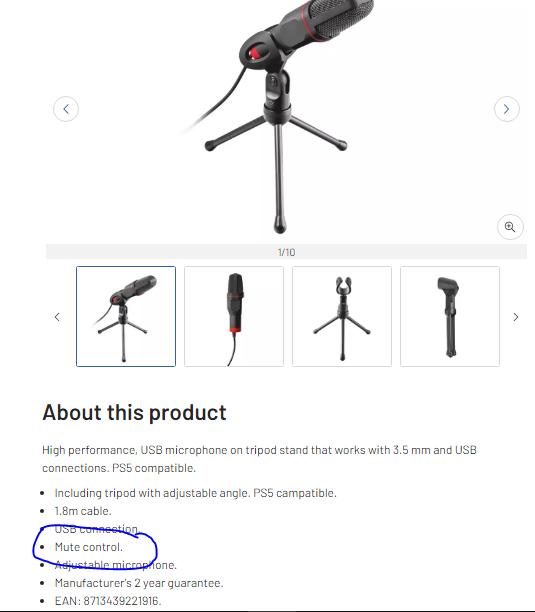
Mute control — included as a listed feature for quickly cutting your mic without unplugging it, useful mid-call or mid-stream
Manufacturer's two-year guarantee — meaningful reassurance at this price point, since it means a fault within that window is the manufacturer's problem to fix, not yours to absorb as a write-off
Who This Microphone Is Actually For
This is a genuinely good fit if you are:
- A casual PC or console gamer who just needs clear voice chat with squad mates, without wanting to spend more than the price of a couple of coffees
- Someone starting out in streaming or content creation who wants to test the waters before investing in a dedicated studio microphone
- A student or remote worker who needs clearer audio for recorded lectures or video calls than a laptop's built-in mic provides
- Someone doing casual voice-over or dictation work on a Mac or PC, sitting at a normal desk distance from the microphone
Who Should Look Elsewhere
This isn't the right choice if you are:
- A musician or home recordist planning to capture instruments — the sensitivity and frequency range are tuned for speech, not music
- An Xbox One or Nintendo Switch owner expecting console chat support — neither is supported
- Someone who needs to speak from a distance greater than a few feet, such as presenting to a room or recording a group discussion
- Anyone planning to mount a microphone on a boom arm for a cleaner desk setup — compatibility isn't confirmed
- A buyer who wants broadcast-grade audio fidelity for professional podcasting or voice-over work — the limited high-frequency range and omnidirectional noise pickup will show up against more polished production
How It Stacks Up Against the Alternatives
At this price bracket, the realistic alternatives aren't other standalone premium microphones — they're the audio options already built into the devices you own, or the next tier up in dedicated hardware.
Built-in Laptop Microphone
Compared to a laptop's built-in microphone, the Mico is a clear upgrade: dedicated positioning, a wider pickup area, and audio that isn't muffled by being buried inside a keyboard deck.
Gaming Headset Microphone
Compared to a gaming headset microphone, the trade-off flips — a headset mic sits closer to your mouth and rejects background noise better because of that proximity, so if background noise is a bigger concern than desk-mounted convenience, a headset may actually serve you better despite costing more.
Higher-Tier USB Condenser Mics
Compared to higher-tier standalone USB condenser microphones aimed at serious streamers and podcasters, the Mico gives up frequency range, build durability, and mounting flexibility (no boom arm support) in exchange for a dramatically lower price and total simplicity — no software, no configuration, no learning curve.
The honest positioning: this is a step up from what's built into your device, and a step down from anything marketed specifically at content creators who need production-grade audio. It occupies that space deliberately, and does it competently.
The Honest Verdict
The GXTrust GXT212 Mico does exactly what a budget voice microphone should do — it makes you sound clearer than your laptop's internal mic or your console's default audio setup, it sets up in seconds without any technical fuss, and it comes backed by a two-year guarantee that takes some of the risk out of buying at this price point. The tripod stand and dual connection options are thoughtful inclusions that punch above the price tag.
Where it falls short is precisely where you'd expect a mic this affordable to fall short: the plastic build won't survive rough handling, the omnidirectional pickup means background noise is part of the deal unless your room is quiet, and it has no interest in doing anything beyond spoken voice at close range.
If you want a straightforward, no-fuss microphone for gaming chat, casual streaming, video calls, or voice recording at your desk, this is a sensible and low-risk purchase. If your ambitions involve professional podcasting, instrument recording, Xbox or Switch chat, or speaking from any real distance, spend your money on something built for that job instead — this one was never designed to stretch that far.
What People Say
101 commentsNice cheap alternative
The Trust GXT 212 Mico USB Microphone is a solid choice for casual PS5 gamers, streamers, or those new to content creation. It’s best suited for those on a budget who need an easy-to-use, plug-and-play mic. While it doesn’t offer professional-level sound, it’s good enough for general gaming and chatting. If you’re looking for an affordable microphone with reasonable performance, it’s worth considering.
Pros:
• Affordable price
• Easy plug-and-play setup with PS5, PC, and other platforms
• Decent audio quality for casual use
• Compact, lightweight design
• Cardioid pattern reduces background noise to some extent
Cons:
• Build quality is basic; the tripod stand can feel flimsy.
• Audio quality may not be suitable for professional-level recording.
• Picks up some background noise, depending on the environment.
• Limited height adjustment and positioning options.
Not as expected
I bought this a month ago, hoping to be able to use it as a mircrophone during a powerpoint presentation. Unfortunately it would not connect to my PC. I tried downloading software to get it to work but it just didn't connect. I gave it to my son for his PS5 and he wasn't that impressed with it either, saying he gets just as good sound through his machine so it's been 'abandoned'. Prior to purchasing, I asked for some advice at the counter and staff thought it should work for my purpose but I appreciate they didn't really know for sure. When I asked if I could return it if it didn't work, they said only if it was in the same condition as new, including the packaging. Obviously I needed to open it and plug it in to see if it worked and so I wasn't able to return it. A waste of money.
Very bare minimum microphone
This is a very basic minimal microphone so don't expect any high quality audio. The microphone is super low and there is a lot of background noise. If you wish to have quality sound, then I'd invest a better one as you get what you pay for and this has been very disappointing. I was unlucky to throw away the packaging from trust before properly testing.
Luckily, I have knowledge in audio so can make some adjustment to levels, settings and tweak it a lot on my computer to get the best out of it.
Useful addition to my home office
This microphone is exactly what I needed to finish my home office set up! I tested it on video calls over number of types of software, as well as making audio recordings for my daughter’s GCSE Drama work. The sound is clear and crisp, the tripod supplied provided adequate support with no slippage. The set up was simple, my laptop has 3.5mm ports for both headphones and microphone, but a usb adapter was supplied for users with only one port. Great product, especially for occasional users like me!
The quality is very good and I am happy
The delivery was fast and I was happily surprised.
I plugged the mic on my windows laptop it worked. I was afraid that it might not work with my linux laptop that I use to make my video conferences for my work since I now work from home because of the covid19. But to my amazement as soon as I plugged it it work. I didn't need to install any app or to use the terminal to sudo apt get anything to make it work. I can be anywhere in my home office and speak during my video conferences the mic works
Much too quiet
I bought this based on the good reviews, but they must have bought a different microphone to me! It is ridiculously quiet and has no volume or gain buttons. Windows has a boost option but it depends on the software of the microphone and this doesn't have the software, so there is absolutely no way of making the sound louder. No-one could hear me in my Zoom meeting.
I sent it back and bought a Logitech Blue Yeti instead which is superb if much more expensive. You get what you pay for.
some technical initiative required
I bought this to help with online communication with more than one person participating at the home screen, and it works fine when an external speaker can be used at the same time. The problem is that plugging the microphone in (either the socket or the USB port) automatically switches the audio to that port, so any speaker sound is potentially lost. To overcome this an external speaker needs to be plugged into the USB port. Fortunately I had one of those already, and the setup works well.
Decent microphone
I bought this to record lectures with for my job after my students complained that my laptop's in-built microphone was too quiet. This appears to have done the trick, the playback is of noticeably improved quality. The microphone works without any need to install drivers. The only downside is that you can't use the built-in output at the same time as recording with the mic (to circumvent this, you can wear headphones while using it or attach external speakers).
Took me by surprise ... VERY GOOD
My daughter's mic stopped working on her relatively new laptop and did so in the middle of a Zoom call. Needed something quick and cheap. Works with standard analogue inputs and also with the supplied USB dongle. Very light but well made and setup a doddle. Worked incredibly well picking up the voice from a few feet away and sounded great. Worth getting if you wanted to add a bit of polish to recordings. My daughter planning to use this for art projects now.
Rubbish tripod and no mute function
The mic is advertised as having a mute function which was a selling point for us. There is no mute button on the mic itself though and the only way to mute this is via whichever app you're using it with.
The tripod is poor and one of the legs has already broken off it, less than a month in.
People we are communicating with can hear us just fine so the mic itself does work. I wouldn't purchase this particular model again though based on the above points.
Very easy to use and great quality
This microphone is extremely easy to use, just plug and play. The sound quality is very good for whatever you may be looking to buy for, whether that's voice recording or live streaming or YouTube videos. Its also very good for recording singing. The cable is a reasonable length and the option to use either the 3.5mm audio jack or the USB converter included also make it easy to use no matter what device you are recording onto.
Great product for the price
Works well and captures sound from a decent distance. Sound quality isn’t going to be studio standard and isn’t crystal clear but it’s good enough as a starter mic for Vlogging, podcasting or creating content for YouTube etc. Would also work well as a mic for video calls etc
Good value for money, sturdy construction (although quite lightweight), only marked down for sound quality. Overall performance is good.
Sensitive but not strong
Honestly for the price i was happy to find out it was extra sensitive and was very satisfied until i break it by accidentally letting it drop from like 30cm. So yeah i recommend this unless you are super clumsy like me it will break very easily. Its not totally out of usage its just really damaged and way less sensitive, have to speak right on it while before falling it would detect everything from distance
Super simple compact mic
Great sound in a small package. This mic is compact and portable, great space saver or on the move. Perfect for online conference calls or gaming. Has 3.5mm or USB connection. 3.5mm gave better sound on my laptop, which has awful sound on its own and needs a mic to pick up my voice for calls. This worked perfectly. Adjustable tripod allows best reach and great 1,80m cable reach. Easy plug in and go!
Sturdy, picks up voices well, reliable
We use this for conference calls where there are three of us on the sofa, and the mike has to pick up all our voices. It works well for this, and we're told the sound quality is good for those at the other end of the call. The cord is built in to the mike, with no fiddly connection, which is good. Comes with a USB jack which also has an outlet for headphones - (not USB). Good value for the price.
Big improvement
I have a cheap webcam, bought at the start of the pandemic for those inevitable Zoom calls. It works well as a camera, but like many, falls down on sound. This microphone is relatively cheap, but makes a huge difference in sound quality. It is plug and play, so I only needed to change a couple of choices in the settings. For what I use it for, now expanded to dubbing videos, it works very well.
Works as required.
There is not much else to say other than it works. The sound quality leaves a good bit to be desired but what do you expect for the price. The design features are nice and it comes with a selection of accessories. I connected mine to a microphone boom I purchased separately from a third-party seller and it sits just under my monitor. Overall a reasonably good purchase for the price.
Cheap standalone mic
The microphone quality is okay but it definitely looks more professional than it sounds.
It is easy to pack away and store as it folds up neatly.
The design is nice and I would recommend this mic to anyone who wants a cheap standalone mic for simple video calls or gaming comms but would not recommend this mic for people who want to create more professional content.
Does what it says
Using as a microphone on my desk computer, no idea if the sound reproduction is accurate but at least it hears me when I speak. Comes with a USM adapter that also enables a headset or loudspeakers to be connected - installation assumes you are doing this so I had to go into "settings" to ensure that software still uses the speakers on my monitor !
Trust GXT212 Mico USB PC PS5 Microphone
Everything works well I am hearing however you must put the microphone in a specific position for it to work with the headphones (eg. similar to charging your iPhone with a charger that does not always work). Once you know that the microphone set can break quite easily, it is simple to ease and everything works as expected.