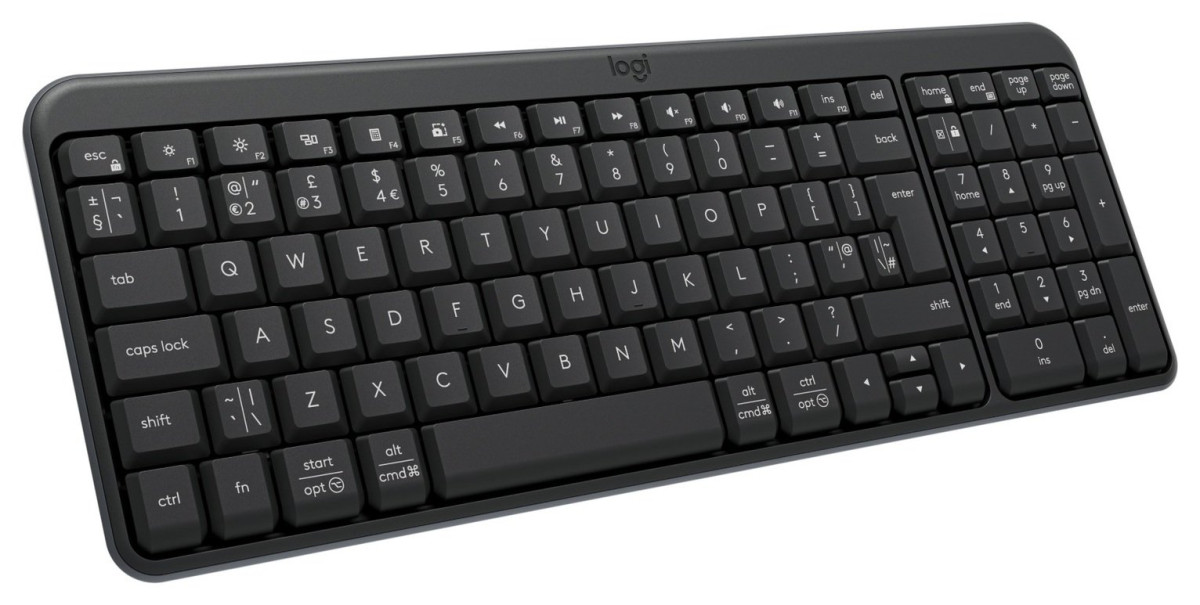
Logitech K250
Logitech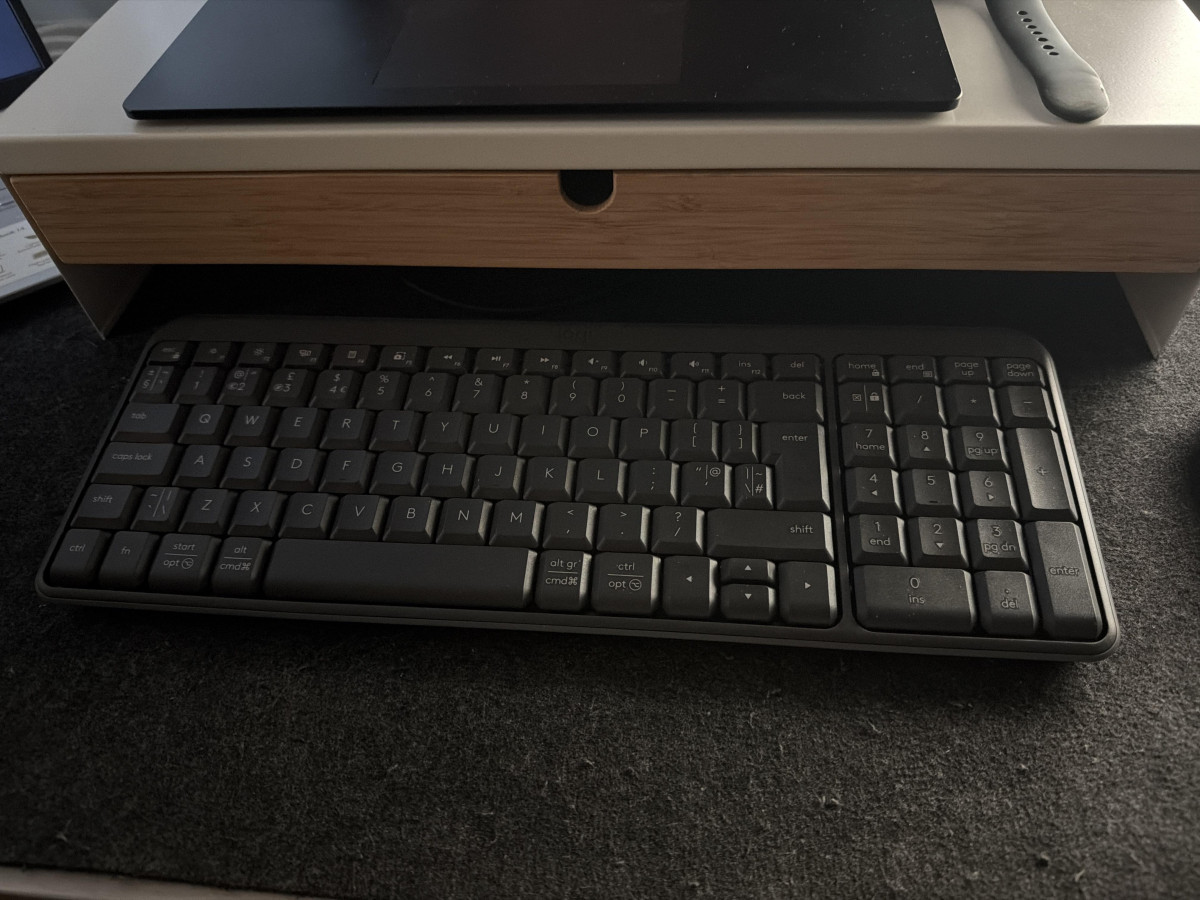
A keyboard shouldn't be something you think about. It should just be there, quietly doing its job while you focus on the email, the spreadsheet, or the assignment in front of you. That's the entire premise behind the Logitech K250 Bluetooth Wireless Keyboard — a no-fuss, no-frills typing companion built for people who want reliable daily performance without paying for gaming-grade features they'll never use. If you're shopping for a keyboard that connects fast, types comfortably, and doesn't demand a second thought once it's set up, this is worth a closer look.
Design, Build Quality & the In-Hand Experience
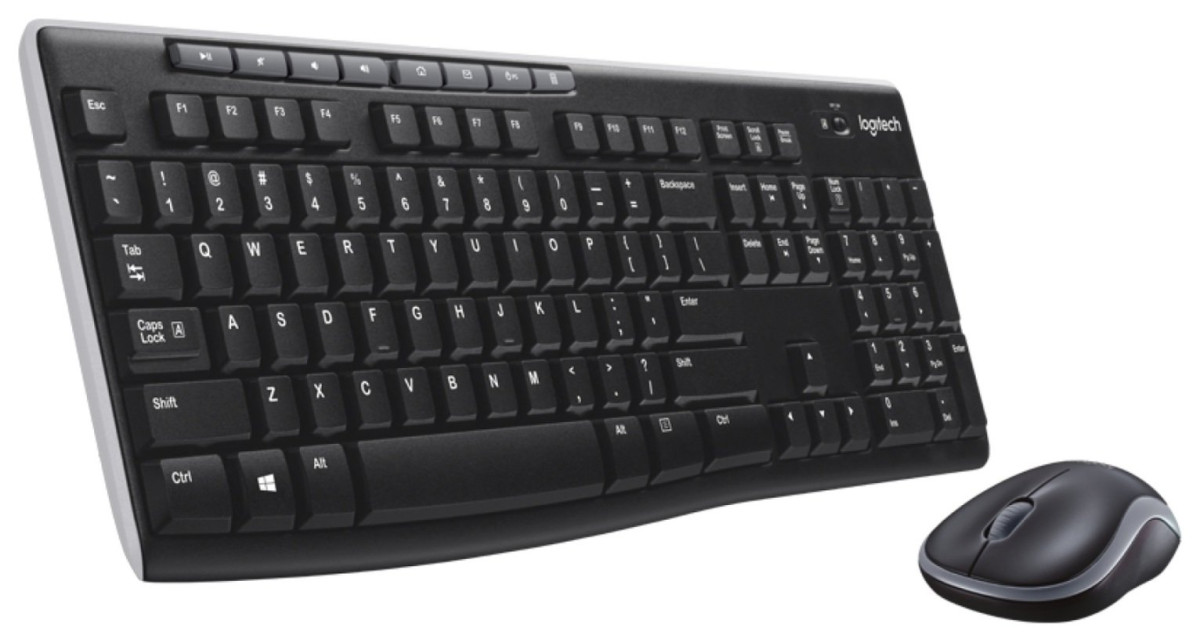
Pick up the K250 and the first thing you'll notice is how little it weighs — at roughly 380 grams, it's lighter than most paperback novels of a similar footprint. That's not a coincidence. Logitech has clearly designed this as something you might tuck into a bag or shuffle between a desk and a kitchen table, not a permanent fixture bolted to one workstation. Measuring close to 37 cm wide, 13.7 cm deep, and just over 2 cm thick, it occupies a similar amount of desk space as a slim hardcover book, which matters if your desk is more "shared surface" than "dedicated command centre."
The black finish is understated and office-appropriate rather than showy, and the plastic shell is partly made from recycled material — a small sustainability nod that doesn't come at the cost of feel or rigidity. The keys themselves use a deep-profile design, meaning each keystroke has a bit more travel than you'd find on ultra-thin membrane boards. In practice, this translates to a softer landing and a more deliberate, tactile feel rather than the mushy or overly shallow response some budget keyboards suffer from.
Two flip-out legs at the rear let you angle the keyboard up slightly for a more natural wrist position during long typing sessions — a feature that's easy to overlook on a spec sheet but genuinely appreciated after an hour at the keys. One honest caveat: there's no backlighting here. If you regularly type in dim rooms or after dark, that's worth factoring in, since the keys aren't illuminated and won't be visible in low light.
Perhaps the most reassuring physical trait is the spill-resistant design. Logitech has engineered this keyboard to survive a knocked-over drink — tested against a moderate splash equivalent to a small cup of coffee — which offers genuine peace of mind for anyone who works near a mug, glass, or water bottle (which is to say, almost everyone).
Setup & Connectivity: The Dongle-Free Advantage
This is where the K250 quietly earns its keep. It connects purely over Bluetooth Low Energy, with no USB receiver or dongle required. That matters more than it sounds — dongles get lost in bags, block adjacent USB ports on laptops with limited connectivity, and are a genuine headache if you ever need to move the keyboard to a second machine. Here, pairing is a matter of holding down the power button and selecting the keyboard from your device's Bluetooth menu.
Compatibility is broad enough to cover nearly every modern setup: Windows 10 and 11, recent macOS versions, ChromeOS, Linux, iPadOS, iOS, and Android devices are all supported. That means the same keyboard can realistically move between a work laptop, a personal Mac, a tablet used for reading in bed, and a phone propped up for quick messaging — provided you're comfortable re-pairing when you switch. It's worth noting this keyboard pairs with one device at a time rather than offering instant switching between several paired devices simultaneously, so if you're constantly hopping between a laptop and a tablet throughout the day, you'll be re-pairing more often than with keyboards designed specifically for multi-device switching.
Wireless range sits at a practical distance suitable for any desk setup, and Bluetooth's low-energy protocol means the connection sips power rather than draining it — which feeds directly into the battery story below.
One point worth flagging honestly: this keyboard is not designed to work with game consoles such as the Nintendo Switch, so if you were hoping to use it as a couch-friendly text input device for a console, it isn't the right tool for that job.
The Numpad Question: Full Functionality, Compact Footprint
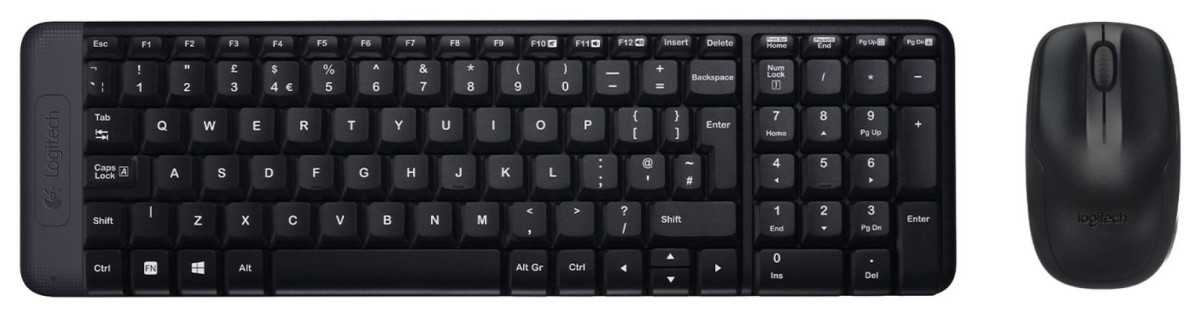
Compact wireless keyboards usually force a trade-off: shrink the layout and you lose the number pad, a genuine loss for anyone who regularly enters data, works in spreadsheets, or does any kind of accounting or numeric entry. The K250 manages to keep a full numeric keypad while still maintaining a space-saving footprint, achieved by tightening the spacing between key clusters rather than removing keys outright.
This is the single biggest differentiator between the K250 and ultra-compact rivals that ditch the numpad entirely for portability. If you live in Excel, handle invoices, or just prefer typing phone numbers on a dedicated pad rather than the top row, that's a meaningful convenience most compact keyboards simply don't offer.
The trade-off, and it's a real one based on consistent feedback from people who've used it daily, is that the keys sit closer together than on a full-size desktop keyboard. Most users adjust within a few days and come to appreciate the quiet, smooth keystrokes. A smaller number of typists — particularly those used to full-travel mechanical or full-size boards — find the tighter spacing takes longer to adjust to, and a few report accidentally catching the Caps Lock key due to its position on such a condensed layout. It's a legitimate consideration if you're a fast, heavy-volume typist rather than an occasional or moderate user.
Hotkeys & Everyday Productivity Touches
Beyond the standard alphanumeric layout, the K250 includes a row of function-based hotkeys — twelve in total — that map to shortcuts like media playback, volume control, and application launching. These aren't just fixed shortcuts; a number of them are programmable, meaning you can assign them to launch a specific program or folder you use constantly, cutting out a few clicks each time you need it.
There are also dedicated favourite keys that can be configured to jump straight to frequently used apps or files. None of this is groundbreaking technology, but for anyone who opens the same three or four programs dozens of times a day, shaving off those extra clicks adds up over a working week.
Battery Life & Power Endurance
The K250 runs on two included AAA batteries, and Logitech rates it for up to twelve months of daily use before you'll need to swap them. In real-world terms, that means most people will change batteries roughly once a year — a single, minor task rather than a recurring chore. Compare that to Bluetooth accessories that need weekly or monthly recharging, and the appeal becomes obvious: no charging cables, no forgetting to plug it in overnight, no keyboard dying mid-task because you didn't notice the battery indicator.
This longevity comes down to two factors working together: Bluetooth Low Energy sips very little power compared to older wireless protocols, and standard AAA batteries simply hold more charge than the small rechargeable cells packed into some slim wireless keyboards. The trade-off is that you can't just plug in a USB cable for a five-minute top-up before a big meeting — you're reliant on having spare AAAs on hand once the originals run low. For most households and offices, that's a minor inconvenience given how rarely it happens; keep a spare pair in a drawer and you'll likely forget this is even a consideration.
Who This Keyboard Is Really For
This keyboard makes sense if you
- Want a reliable, no-dongle wireless keyboard for everyday typing, browsing, emailing, or general office work
- Need a working number pad for spreadsheets, data entry, or accounting without sacrificing a compact size
- Value long battery life and minimal maintenance over frequent recharging
- Are setting up a budget-conscious home office, student desk, or secondary workstation
- Use a mix of devices across Windows, macOS, ChromeOS, Linux, iPadOS, or Android over time
This keyboard is not the right fit if you
- Type at high volume professionally and need full-size key spacing without any adjustment period
- Want to instantly switch between two or three paired devices with the press of a single button
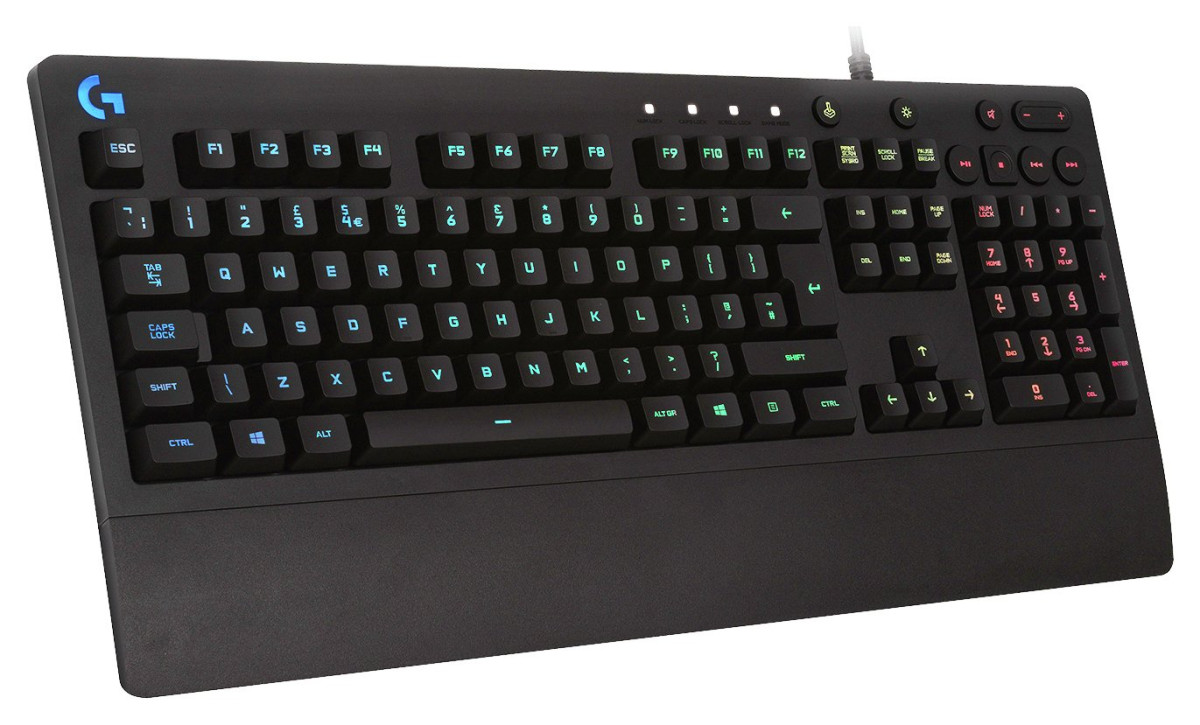
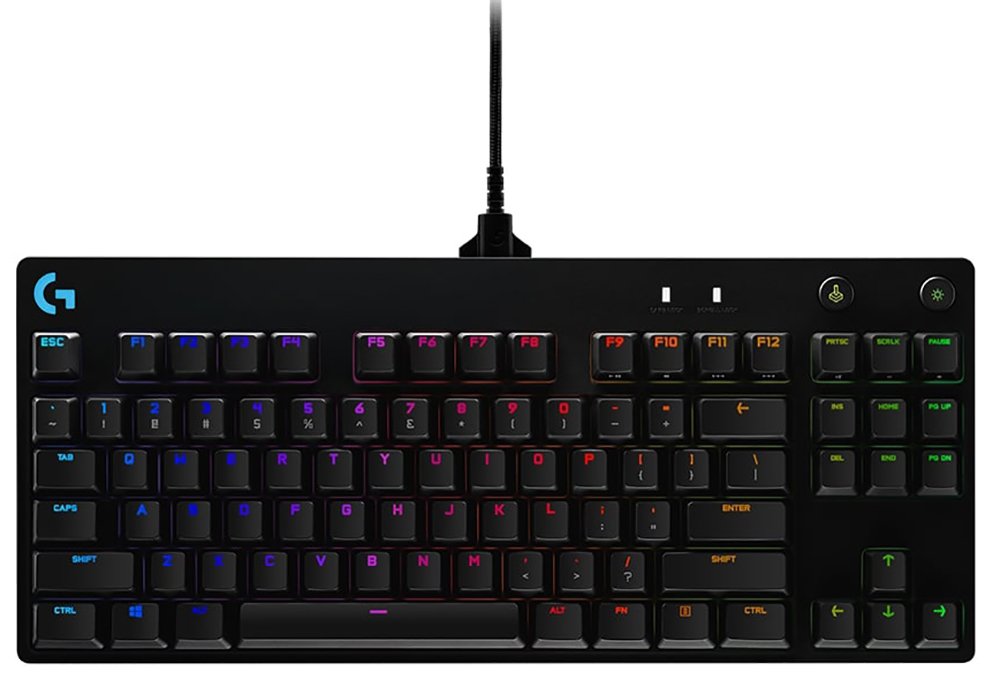
- Need backlit keys for typing in low light
- Are looking for a gaming-oriented keyboard with programmable macros beyond basic hotkeys
- Want to use it with a game console
How It Compares to the Alternatives
Positioned in the budget wireless keyboard category, the K250 sits alongside a handful of familiar Logitech siblings, each solving a slightly different problem.
| Feature | Logitech K250 | Compact multi-device rivals (e.g. K380-style) | USB-receiver combo keyboards (e.g. MK270-style) |
|---|---|---|---|
| Connection method | Bluetooth Low Energy, no dongle | Bluetooth, no dongle | USB wireless receiver (dongle required) |
| Number pad | Full numpad included | Typically omitted for portability | Full numpad included |
| Multi-device switching | Single device pairing at a time | Instant switching between multiple paired devices | Single device only |
| Backlighting | None | None | None |
| Battery life | Up to 12 months (2x AAA) | Similar long battery life (varies by model) | Similarly long-lasting on AA/AAA |
| Best suited for | Numpad users wanting a dongle-free, compact setup | Frequent switchers between phone, tablet, and laptop | Users who don't mind sacrificing a USB port for a receiver |
The takeaway: if a numpad matters to you and you're happy pairing with one device at a time, the K250 hits a sweet spot that smaller multi-device keyboards can't match without giving up the number keys. If you regularly bounce between three or more devices throughout the day, a multi-device switching keyboard will save you more hassle. And if you don't mind permanently sacrificing a USB port, older-style receiver-based combos remain a viable, similarly priced alternative — though you lose the flexibility of true dongle-free Bluetooth pairing.
Strengths and Weaknesses, Honestly
The K250's biggest strength is how unremarkable it is in daily use — in the best possible sense. Setup takes seconds, the connection holds reliably once paired, and the twelve-month battery runway means you genuinely forget it's battery-powered at all. Typing feels quieter and softer than many budget alternatives, and the inclusion of a full number pad in such a compact shell is a genuine engineering win that a lot of shoppers will only fully appreciate after using it for a few weeks.
That said, it isn't without friction. The tighter key spacing that makes the compact numpad possible does take an adjustment period, and a portion of users — particularly fast, high-volume typists — report the keys feeling cramped compared to a full-size board, along with the occasional accidental Caps Lock press. It also lacks backlighting, which matters if you type in dim environments, and it's a single-device pairing keyboard rather than one built for instant switching between multiple gadgets. None of these are dealbreakers for the audience this keyboard is aimed at, but they are the honest trade-offs behind its low price and compact form.
Final Verdict
For anyone shopping for a dependable, dongle-free wireless keyboard that keeps a genuine number pad without demanding a full-size footprint, the Logitech K250 is a smart, low-risk purchase. It's built for the person who wants their keyboard to disappear into the background of their workday — reliable connectivity, a comfortable typing feel, and battery life measured in months rather than days. Students, home office workers, and anyone setting up a secondary or budget-conscious workstation will get real, lasting value from it. If you're a heavy-volume professional typist who needs full-size spacing, or someone who switches constantly between multiple paired devices, it's worth weighing those specific needs against what this keyboard offers — but for the vast majority of everyday typing tasks, the K250 delivers exactly what it promises without unnecessary extras or inflated pricing.
What People Say
6 commentsBest value wireless keyboard
Very good value, and comfortable typing experience, soft and silent. No comment on battery life but it will probably last you a few years with the included batteries. Its abit flat compared to K120, but this doesnt force you to pay for a cheap and bad bundled mouse.
Okay but bluetooth dodgey
Seems good quality but I am constantly having trouble with keys not registering or some keys thinking they are being held down when they are not. I would just get a wired keyboard next time.
Would not stay connected
This keyboard disconnected from my laptop for no obvious reason and would not re-connect, in the end I gave up and bought one with a USB micro receiver which works fine.
Great keyboard
Brilliant keyboard. I bought it to use with my IPad . I use it all the time, it’s so easy to set up and batteries seem to be lasting well.
Connects to WiFi immediately
Bought this keypad after previous one would not connect to WiFi, this connected immediately and works fine.
Just wish keypad was backlit.
Flimsy
The keyboard is flimsy and I keep pressing wrong buttons. Can’t type fast and there is no backlit available.