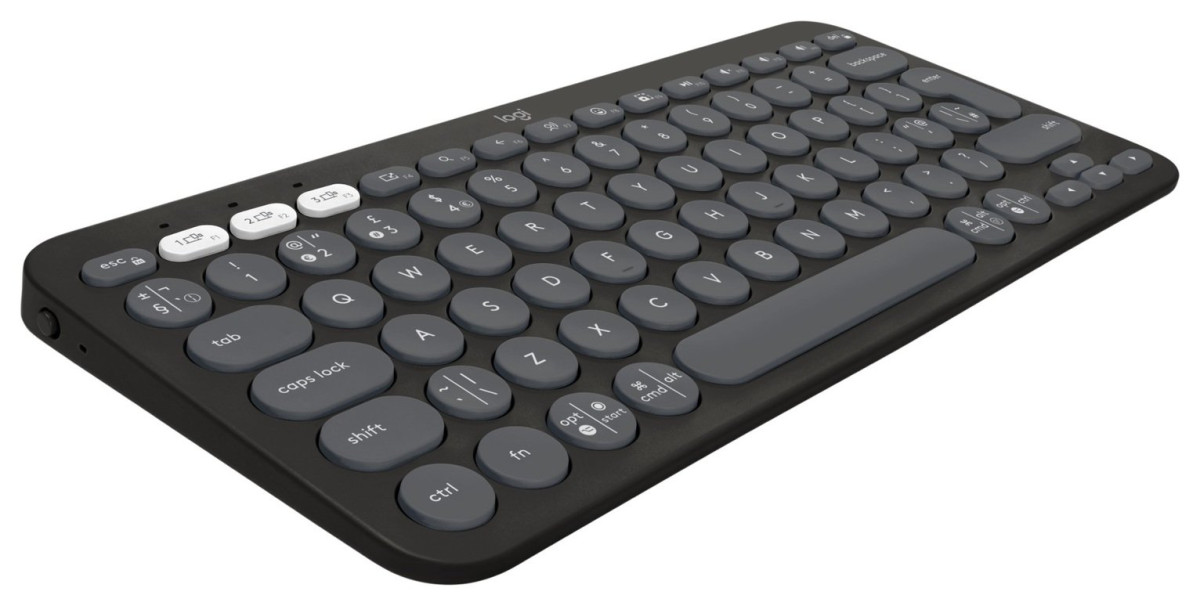
Logitech Pebble Keys 2 K380S
Logitech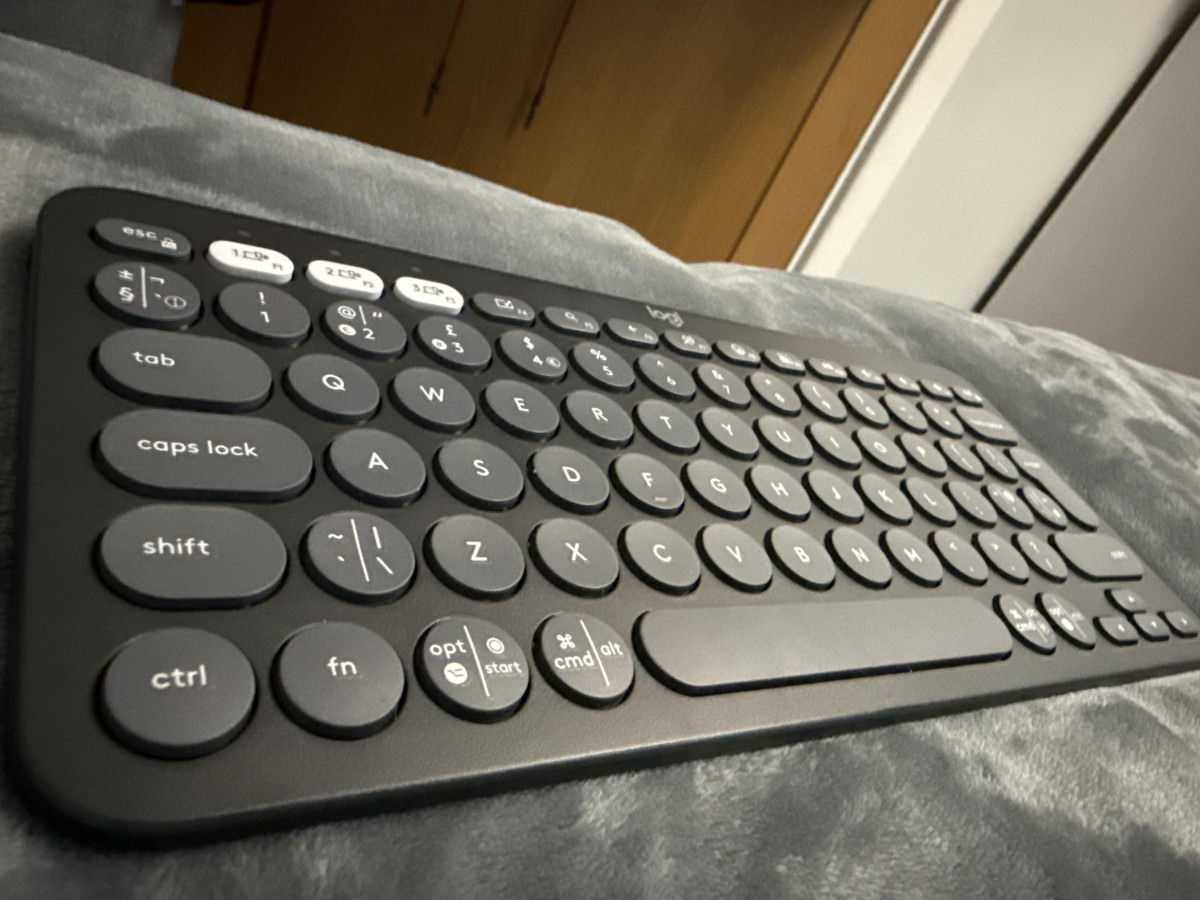
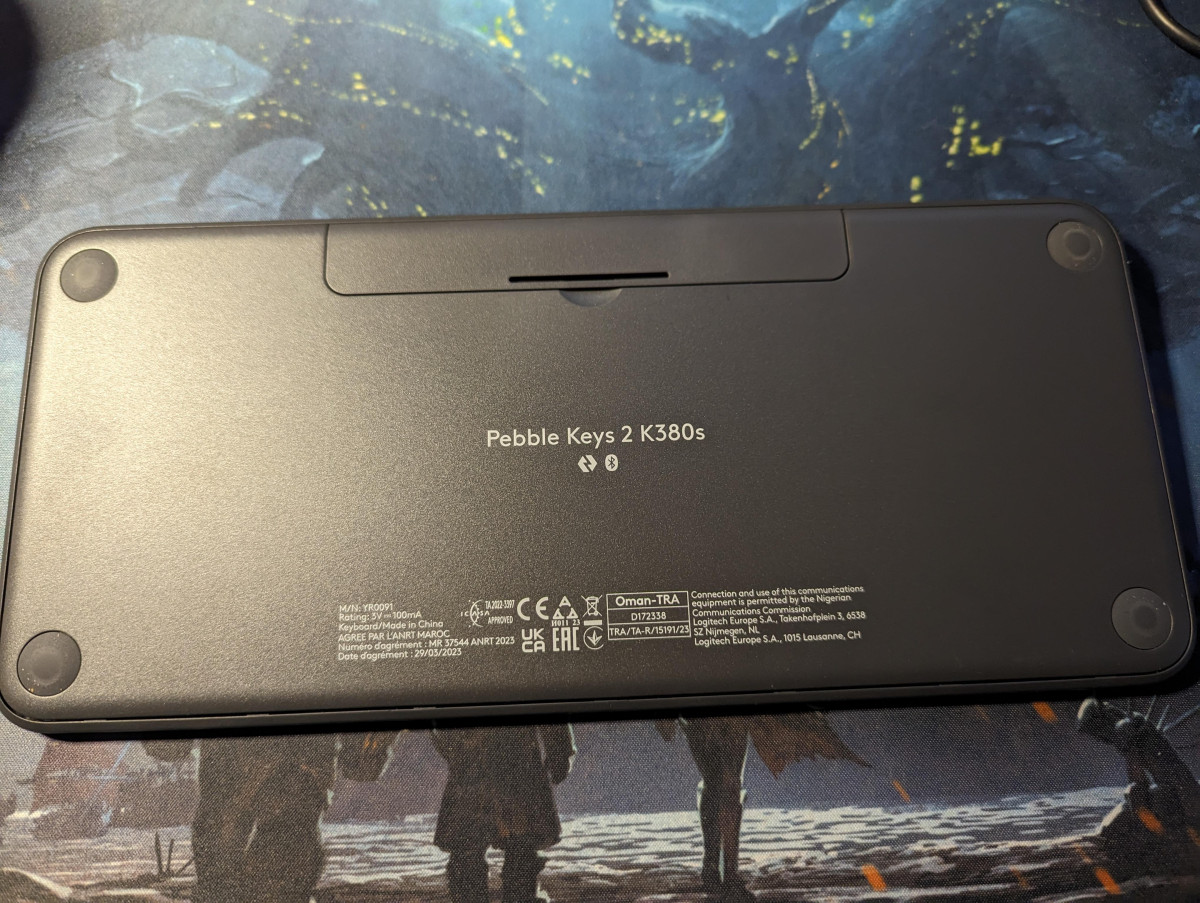
A Keyboard Built for People Who Live Across Three Screens at Once
Most of us aren't typing on one device anymore. A work laptop sits next to a personal tablet, and a phone is never more than an arm's length away. The Logitech Pebble Keys 2 K380S in Graphite was designed around that exact reality — a small, round-keyed Bluetooth keyboard that's less interested in looking like a traditional office peripheral and more interested in following you between devices without complaint. Before deciding whether this is the keyboard for your desk, bag, or living room, it helps to know exactly what you're getting for the money, where it genuinely excels, and where its compact ambitions start to show their limits.
Design, Build Quality, and Physical Feel
A Shape That's Impossible to Mistake for Anything Else
The first thing anyone notices about the Pebble Keys 2 K380S is that it doesn't look like a keyboard is "supposed" to look. Instead of square keycaps in tidy rows, Logitech has gone with scooped, circular keys and softened edges throughout the chassis. It's a deliberate style choice rather than a gimmick — the rounded keycaps are subtly concave, which helps guide fingertips into the center of each key even when you're not looking down. In the Graphite colorway reviewed here, the effect reads as understated and modern rather than novelty-desk-toy, and it's clearly meant to sit somewhere a laptop keyboard usually can't: next to a tablet stand, on a couch armrest, or tucked into a bag pocket.
Size and Weight: Built to Disappear Into a Bag
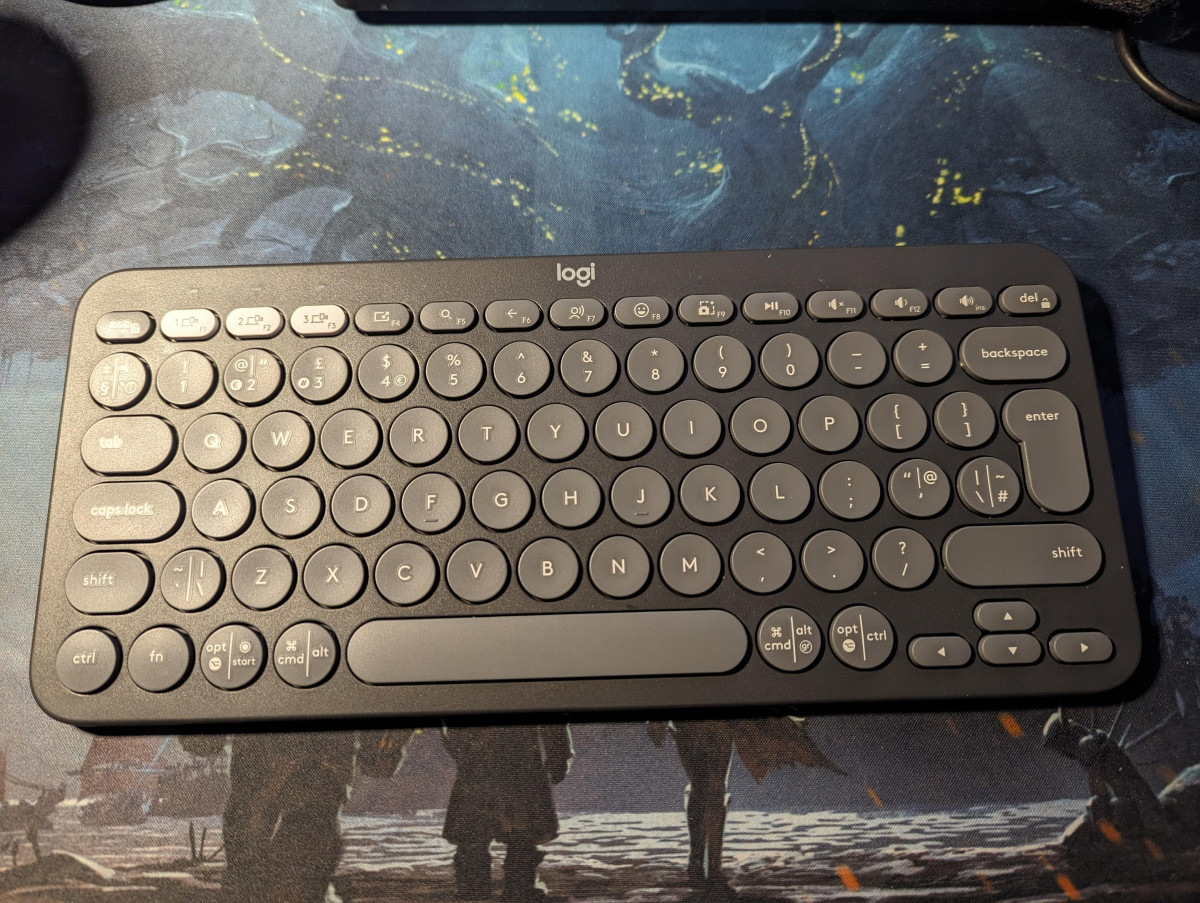
This is a genuinely compact board — independent testers and everyday reviewers alike consistently describe it as noticeably shorter than a standard keyboard, with several noting it measures under 30 centimeters end to end. At roughly 415 grams, it weighs about as much as a slim paperback novel, light enough that you forget it's in your bag until you need it. There's no number pad and no dedicated function row of the kind you'd find on a full-size desktop keyboard, which is precisely the trade-off that makes it this portable. If your workflow leans on numeric keypad entry — spreadsheet-heavy accounting work, for example — that's worth knowing upfront, because this isn't that keyboard.
Materials and Sustainability
Logitech builds the Pebble Keys 2 line with a significant proportion of recycled plastic in its housing — the manufacturer states more than half the plastic content is recycled material, and the packaging itself skips plastic wrap in favor of cardboard and paper. It doesn't change how the keyboard feels in daily use, but for buyers who factor sustainability into purchasing decisions, it's a meaningfully different manufacturing approach than a typical injection-molded office keyboard.
What's Conspicuously Absent
Two omissions stand out, and both are worth flagging before you buy rather than after. First, there's no backlighting of any kind, so typing in a dim room means typing blind. Second, there are no adjustable feet — the keyboard sits at a fixed, gentle incline (testers measure it at only a few degrees), so if you're used to propping a keyboard up for a steeper typing angle, you won't get that option here.
Typing Experience and Everyday Performance
How the Round Keys Actually Feel
Despite the unconventional shape, the Pebble Keys 2 K380S uses scissor-switch mechanisms rather than anything mechanical, tuned to feel quiet and low-travel — closer to a laptop keyboard than a desktop board with audible click. Independent lab testing found typists were slightly slower on it than on their usual keyboards (by around seven words per minute in one panel test), which lines up with what you'd expect from a compact, low-profile layout rather than a full-size board — but accuracy held steady, meaning the smaller key spacing doesn't seem to introduce more typos once your fingers adjust. Most owner reviews describe the same arc: a short adjustment period with the tighter key spacing, followed by typing that feels perfectly natural. A smaller number of reviewers, particularly those with larger hands, say the compact layout never quite stops feeling cramped for long writing sessions — a legitimate and recurring caveat rather than an isolated complaint.
One functional gap shows up here too: there's no dedicated caps lock indicator light, so multiple owners report only realizing caps lock is engaged after they've already typed a line of capital letters. It's a small thing, but it's the kind of detail that trips people up daily rather than once.
Multi-Device Switching in Practice
Where this keyboard earns its keep is jumping between machines. Three Easy-Switch keys let you pair up to three devices over Bluetooth simultaneously and hop between them with a single press — reviewers who tested this across a Windows laptop, a Mac, and an iPad at the same time report the switching is fast and doesn't misroute keystrokes, even while multitasking across demanding applications. For anyone whose day involves a work PC, a personal laptop, and a tablet or phone, that one-touch switching is arguably the single most useful thing about this keyboard, more than the shortcut keys or the design.
Key Features That Matter Day to Day
Ten Programmable Shortcut Keys
Along the top row, ten keys are dedicated to shortcuts rather than standard function keys — covering things like screenshot capture, dictation, and quick access to an emoji picker, alongside your chosen favorite programs. These are genuinely programmable: through Logitech's companion software, you can reassign what each one launches or triggers, rather than being stuck with factory-fixed shortcuts. For anyone who repeatedly opens the same two or three apps throughout the day, this cuts real friction out of the routine.
Logi Options+ and Its Platform Limits
Customizing those shortcut keys, and the two dedicated "favorite" keys, requires installing Logitech's Logi Options+ software — and that software only runs on Windows and macOS. On iPadOS, iOS, Android, ChromeOS, and Linux, the keyboard still works and the shortcut keys still function at their default settings, but you lose the ability to remap them. If your primary device is a tablet or phone, that's a meaningful limitation to know about before you buy, since the customization that's a headline feature on a computer becomes fixed functionality everywhere else.
Bluetooth vs. Logi Bolt: Two Ways to Connect
Out of the box, this keyboard connects purely over Bluetooth Low Energy — there is no USB receiver included in the box, a detail that catches some buyers off guard if they're expecting a plug-and-play dongle. It is compatible with Logitech's Logi Bolt USB receiver, which is sold separately and offers a more secure, low-latency wireless connection for environments where Bluetooth pairing isn't practical or permitted. For most home and personal setups, standard Bluetooth pairing is simple enough that the missing receiver won't be missed — but IT-managed environments or security-conscious buyers should factor in that extra purchase if a hardware receiver is a requirement.
One niche but important note for Mac users: because the keyboard connects only wirelessly, entering a password to unlock an encrypted startup drive before macOS fully loads may require falling back on the Mac's own built-in keyboard, or purchasing the optional receiver — a quirk of Bluetooth-only accessories generally, not something unique to this model, but easy to overlook.
Battery Life: The Best Reason to Stop Thinking About Charging
The Pebble Keys 2 K380S runs on two included AAA batteries rather than a rechargeable internal cell, and Logitech rates the battery life at up to three years under typical use — a genuine improvement over its direct predecessor, which was rated for roughly two years. There's no charging cable to keep track of and no anxiety about plugging in overnight; when the batteries eventually run down, they're standard AAAs you can pick up anywhere, not a proprietary part. Reviewers consistently single this out as a standout strength, describing the endurance as "exceptional" for the category. The trade-off is philosophical rather than practical: if you specifically prefer rechargeable electronics over disposable batteries, this design won't appeal, even though the real-world convenience of "install batteries and forget about it for years" is hard to argue with for most people.
Who Should Buy the Pebble Keys 2 K380S — and Who Shouldn't
This keyboard makes the most sense for
- Anyone regularly switching between a laptop, tablet, and phone throughout the day
- People who want a genuinely portable keyboard for cafés, co-working spaces, or travel
- Buyers who'd rather never think about charging a keyboard again
- Students and casual home users who don't need a numeric keypad or backlighting
- Anyone pairing it with a matching Logitech mouse for a coordinated, minimalist desk setup
It's a poorer fit for
- Gamers, who'll miss mechanical-style responsiveness, backlighting, and dedicated macro keys
- Data-entry-heavy or spreadsheet-heavy workers who rely on a physical number pad
- People with larger hands who need generous, full-size key spacing for long sessions
- Anyone who types primarily in low-light conditions and needs illuminated keys
- Buyers who specifically want a plug-and-play USB receiver included in the box
How It Compares to Other Logitech Keyboards
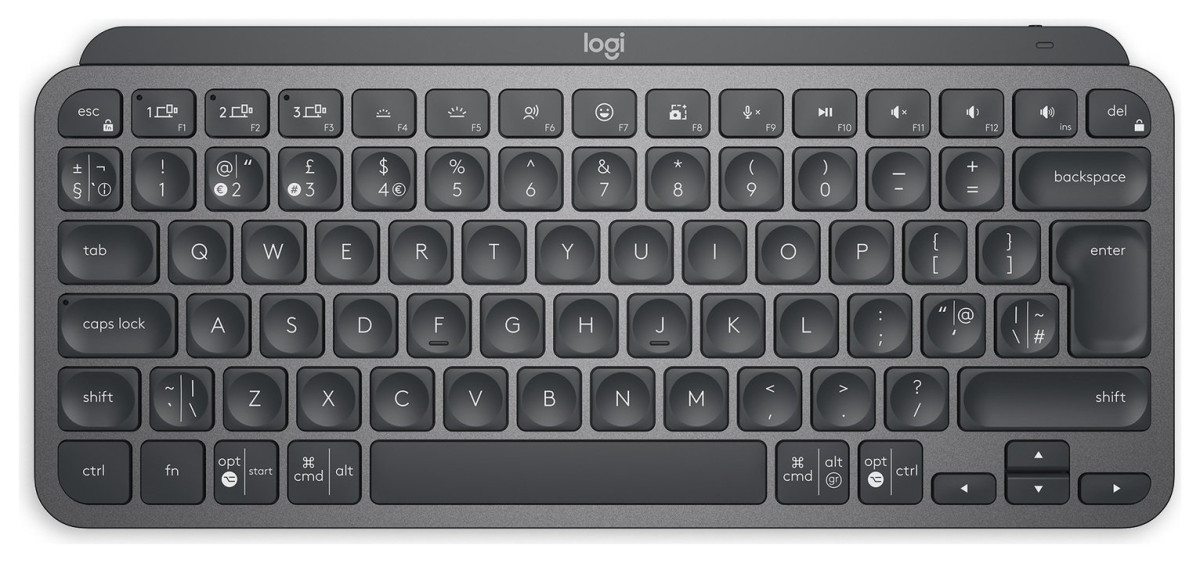
| Feature | Logitech K380 (predecessor) | Pebble Keys 2 K380S (this model) | Logitech MX Keys Mini |
|---|---|---|---|
| Rated battery life | Around 24 months | Up to 36 months | Rechargeable (USB-C) |
| Backlighting | No | No | Yes, illuminated keys |
| Logi Bolt receiver support | No | Yes (sold separately) | Yes |
| Shortcut keys | Fewer, more basic | 10, including emoji menu, dictation, screenshot | Customizable function row |
| Build material | Standard plastic | 50%+ recycled plastic | Aluminum/metal build |
| Positioning | Budget, now superseded | Budget, everyday multi-device use | Premium step-up |
The comparison makes the value proposition fairly clear. Against its own predecessor, the Pebble Keys 2 K380S adds a longer battery life estimate, Logi Bolt compatibility, and newer, more useful shortcut functions, all while keeping the same low price point. Against the pricier MX Keys Mini, it gives up backlighting and a premium metal build in exchange for a significantly lower price and batteries you never have to plug in — a trade a lot of casual and portable-first users will happily make, while anyone wanting a more premium desk centerpiece should look toward that step-up model instead.
Where It Falls Short
No keyboard at this price is without compromise, and the honest ones are worth naming plainly. The circular keycaps are the most polarizing design decision here — plenty of people adjust within a day and never think about it again, but a consistent minority never fully warm to the tighter, rounded key spacing, especially for long typing sessions. The missing caps lock indicator is a small but recurring annoyance that a one-cent LED could have solved. The lack of an included USB receiver means the "wireless out of the box" experience is Bluetooth-only unless you spend more on the optional Logi Bolt dongle. And while the overwhelming majority of owners report trouble-free daily use, a small number have described intermittent connection glitches or erratic character input — not a widespread pattern based on the available feedback, but present often enough that it's fair to mention rather than gloss over.
None of these are dealbreakers on their own, but together they explain why this is a very good budget-to-mid-range keyboard rather than a flawless one.
The Verdict
The Logitech Pebble Keys 2 K380S in Graphite does exactly what it sets out to do: it's a light, quiet, easy-to-carry keyboard that makes jumping between a laptop, tablet, and phone effortless, and it does so while barely asking you to think about battery life for years at a time. It's not built for gamers, spreadsheet warriors, or anyone who needs backlighting and a full-size layout — but for students, remote workers, and anyone juggling more than one screen in their daily routine, it's a genuinely easy recommendation at its price point.
If the circular keycaps sound like they'd bother you, or you specifically need an included USB receiver out of the box, look elsewhere in Logitech's lineup. For everyone else, this is a keyboard that earns its keep by simply getting out of the way and working.
What People Say
22 commentsSleek, Silent, and Surprisingly Solid.
I recently picked up the Logitech Pebble Keys 2 keyboard and it’s honestly been a joy to use. Right out of the box, the design is slick and minimal—perfect if you like that modern, uncluttered desk aesthetic. The slim profile and rounded keys give it a stylish, almost Apple-esque look, but at a much friendlier price point.
Typing is super comfortable. The low-profile scissor switches feel responsive and satisfying, but also incredibly quiet—ideal if you’re working in shared spaces or just hate noisy clacking. It’s Bluetooth and 2.4GHz wireless, so I can switch between devices effortlessly, and it’s been rock solid in terms of connection stability.
Battery life looks impressive so far (weeks in and still going strong), and I appreciate the eco-conscious packaging and build using recycled plastics. It’s also surprisingly lightweight, so great if you’re moving it around the house or packing it with a tablet for portable use.
Honestly, for the price, this little keyboard punches well above its weight. Clean, quiet, and capable—exactly what I needed.
Nice piece of kit
Recently bought a laptop stand and also bought this to support overall good posture. It works well in practice. I bought because it was compact and mirrors the size and key positions on the laptop. The keys are round (hence Pebble) but don't take any time getting used to. Was easy to sync with my laptop. It is quite light for portability, but doesn't slip / move around when typing. Not tried yet, but helpful to have 3 keys yo link with different devices and ability to quickly switch between. It does quote a long battery life before they need replacing, but also has an on/off switch that can be used when not using / transporting.
Fantastic for travel / Occasional use
I bought this as my laptop died and whilst awaiting a replacement needed to use a device with only on-screen keyboard, which I detest using. Great value, comfortable keys, quiet to use and you can easily switch from device to device with ease - up to 3 devices can be input at any one time. I found some of the keyboard pretty confusing when wanting to use non-standard - keys - probably the manual would help if I read that!! I would have liked to either see the keyboard more raised at the back OR with optional pop up legs to bring the back up as I don't like typing in the flat position.
Allows much greater productivity on a phone
We rely on our phones on so much more than before, and their capabilities have increased, too. However, even the fastest swipe type keyboard cannot match a full-size one for speed. This is where the Logitech Pebble comes in. It is quite compact, and fits in a hand luggage or suitcase. It is very comfortable to type e-mails, longer messages or product reviews. It is completely wireless. It means I do not need to pack my laptop when travelling long distances but needing to retain the ability to type longer passages.
All in all, an excellent product.
Great little wireless keynoard
Keys generally feel very nice to type on (though this is subjective). The arrow and function keys are noticeably worse than the other, probably due to size constraints on the mechanisms,but not unacceptable at all.
The pictures show a US layout, but the actual product I got has an ISO layout (short left shift with backwards slash _@)), narrow enter key) which is what I wanted, but others may be surprised or confused.
Multi Use
I was looking for a compact Bluetooth keyboard due to confined desk space and this fits fits the bill very nicely. The ability to connect via Bluetooth provides you with a Multi Use keyboard that works on my TV and Tablet. It also saves a USB slot when connected to your PC. I highly recommend it.
A great keyboard
Keyboard is comfortable to type on, with quiet keys. Setup and customisation with Logi desktop app straightforward. Note: either use Bluetooth or the Logi receiver sold separately, it does not come with a receiver. I already had a receiver which works with my other Logi products as well.
First class keyboard
I got this Logitech pebble keyboard a few weeks ago and it great connecting to my IMac easy as pie .
It’s small but perfect for me so no problems .
I would definitely recommend it to anyone looking for a small portable keyboard that you can talk anywhere .
Useful little keyboard.
A useful compact keyboard that’s easy to travel with, and comfortable to use.
The ability to switch between 3 different devices if something I use often - soon can use it with my work laptop, personal laptop, and iPad easily.
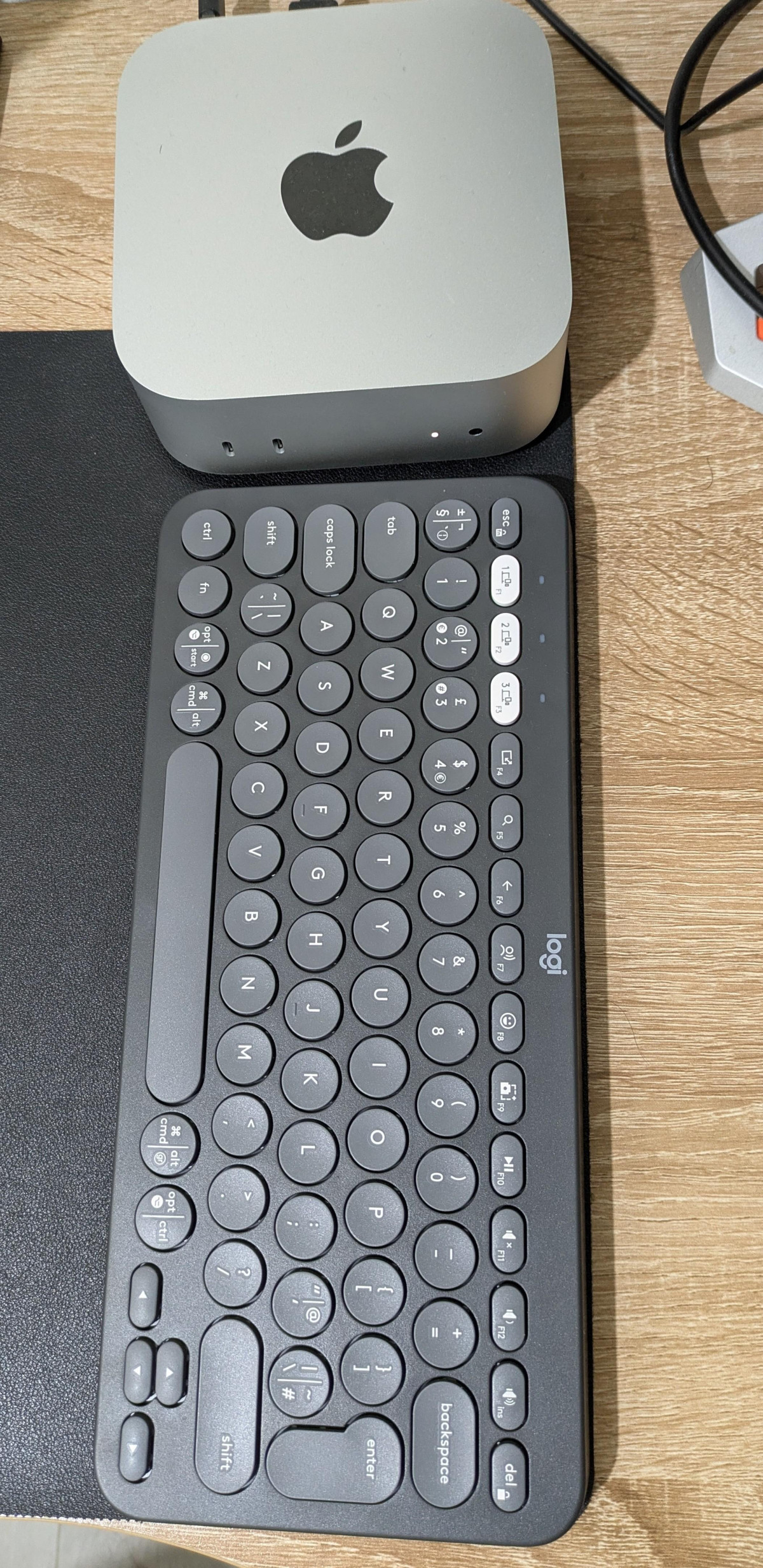
Pebble Keys 2 a perfect companion for Mac Mini M4
I bought Pebble Keys 2 for my Mac Mini M4. So far, I am impressed. I was worried about the smaller firm factor. But the key positioning and travel is fantastic. Keys are very responsive. I am having a blast
Small but well-made keyboard
This is a really nice little keyboard. It's easy to set up. It's very compact but feels well made. It makes a quiet tapping noise when typing and the flat keys mean that it comfortable and easy to type on.
Great little keyboard
I wanted an inexpensive, compact keyboard for an old iMac I use occasionally. The Logitech Pebble Keys 2 K380S Wireless Keyboard fits the bill perfectly. It's rugged and well-made and reasonably priced.
An excellent little keyboard
I’ve bought several external keyboards and I like this one the best. It work well, connects easily and has no problem. It’s a shame you can’t change the angle of the keyboard, however.
Great keyboard
I recently bought this keyboard to use for work. It's a good size, is sturdy and compact. I'd highly recommend it. It's also wireless, so connects easily via a Bluetooth connection.
Useful Shortcuts, Love the Aesthetics, Noiseless
Pleased with the product, it is as described. I love its aesthetics, it has useful shortcuts and it is almost noiseless! I can link up to 3 devices and it is portable. Thanks
Best compact keyboard
The keys look very spaced but are actually very comfortable to use, battery life is great lasts months.
Overall great from factor for use with minimal desktops
Good little keyboard
Bought so I could use it with my docked Steamdeck. Absolutely does the job and is small enough that I can tuck it away when not in use. Very happy with it.
Haven't actually used it yet
Only 3 stars as haven't used yet so don't know what it's like. However, dummy typing on it feels nice, and it's small and neat, so i expect it'll be good.
Excellent Keyboard
Excellent Keyboard for less money for an apple equivalent. Nice and bouncy keys and very quiet typing experience. Great purchase and highly recommended.
Amazng
Very convenient, really solid product, easy to travel with it. I am using it as my main keyboard even at the office. Other than this very stylish.